 RBG
RBG

Yain Vieyra
11 months ago
You should learn the tool thoroughly before rage reviewing. The documentation provides everything to learn how to use the tool beyond first impressions.


This item has an average rating of 3 from 17 ratings by the community.
Purchase this item to leave a review!
Yain Vieyra
11 months ago
You should learn the tool thoroughly before rage reviewing. The documentation provides everything to learn how to use the tool beyond first impressions.
Yain Vieyra
about 2 years ago
Please, check the Documentation.
Yain Vieyra
almost 3 years ago
Hi Jevpro. If you had some trouble using it, you could have contacted me first. Most of the doubts are solved by checking the Documentation. Since this is an addon targeted at alignments with very specific configurations, it is most useful when used that way.
Yain Vieyra
over 4 years ago
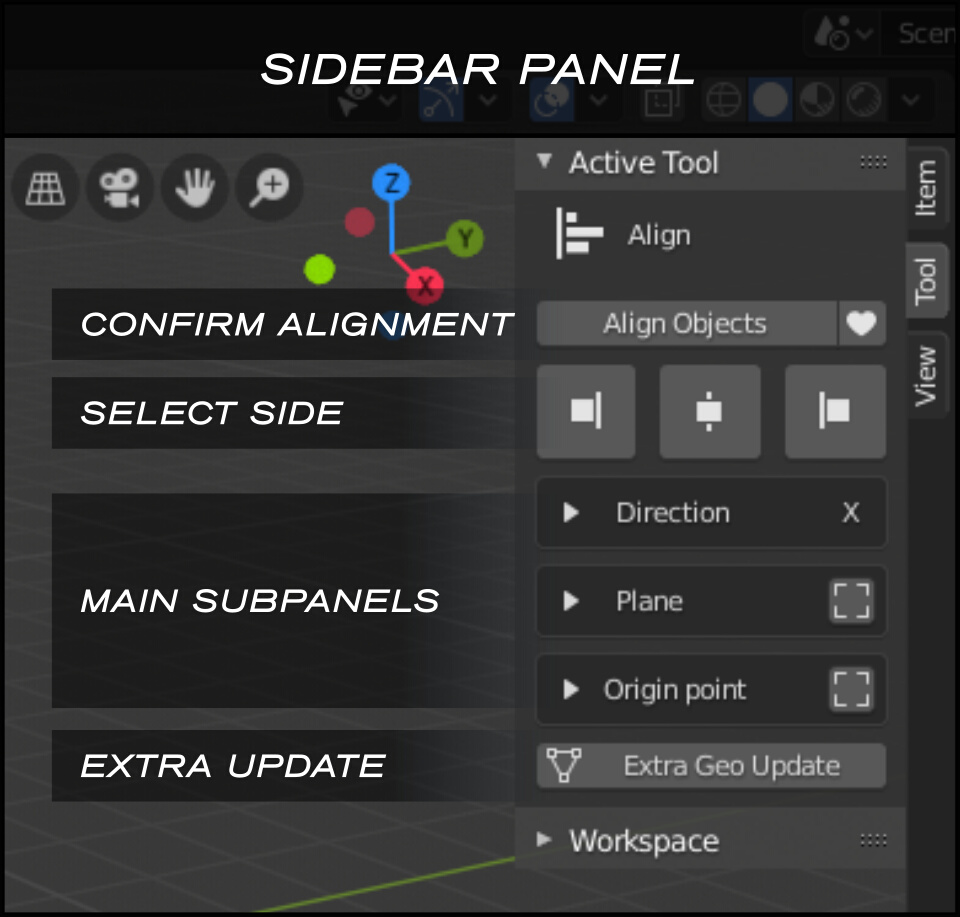
Pro Align Tools is not like other addons. It was designed with flexibility in mind, not necessarily speed (applied when possible however).
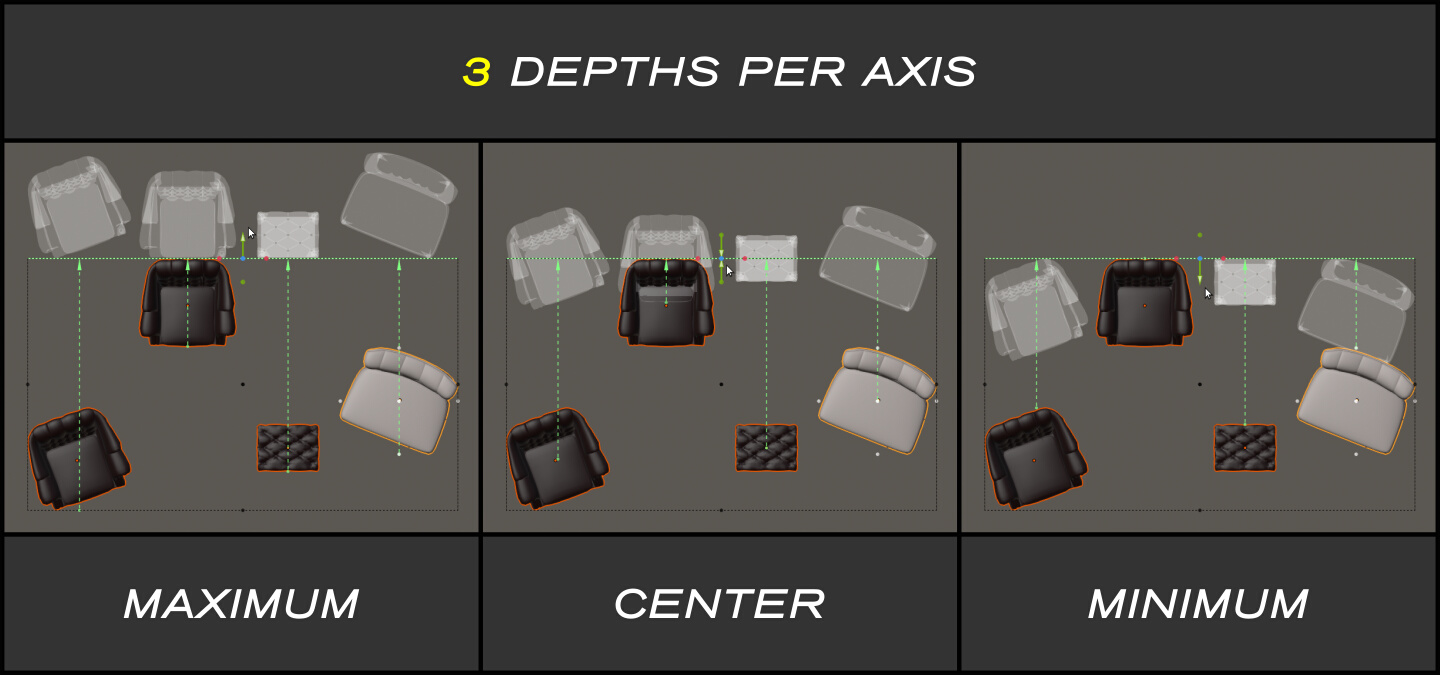
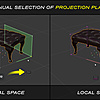
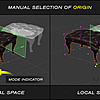
There's an extra step added: The Alignment Plane. You can control and preview this plane 'before' the alignment takes place. This of course has the side effect of slowing down the general process a little bit, but you gain a lot more in flexibility and alignment configurations. By previewing the alignment you can make all the adjustments needed before applying the operator, and then perform the operation just once, whereas in operator based addons with lots of panels, you have to click buttons and undo the whole operation if the result is not what you were looking for. There's a lot of trial and error with that last paradigm.
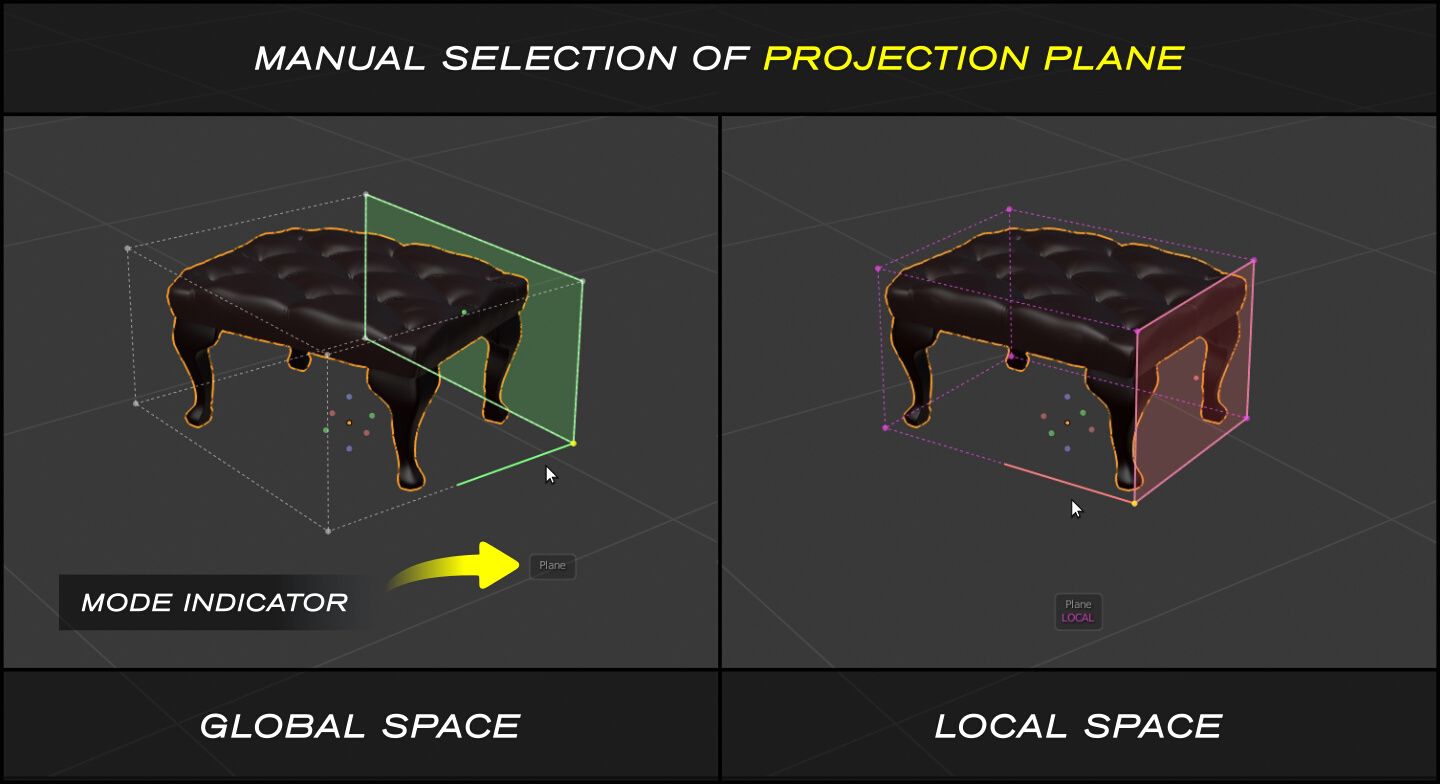
The addon also comes with three main selection modes which you shouldn't confuse together when learning:
- Auto-Align. The default mode, selects Plane, Origin, and Side of alignment in one click.
- Plane selection mode
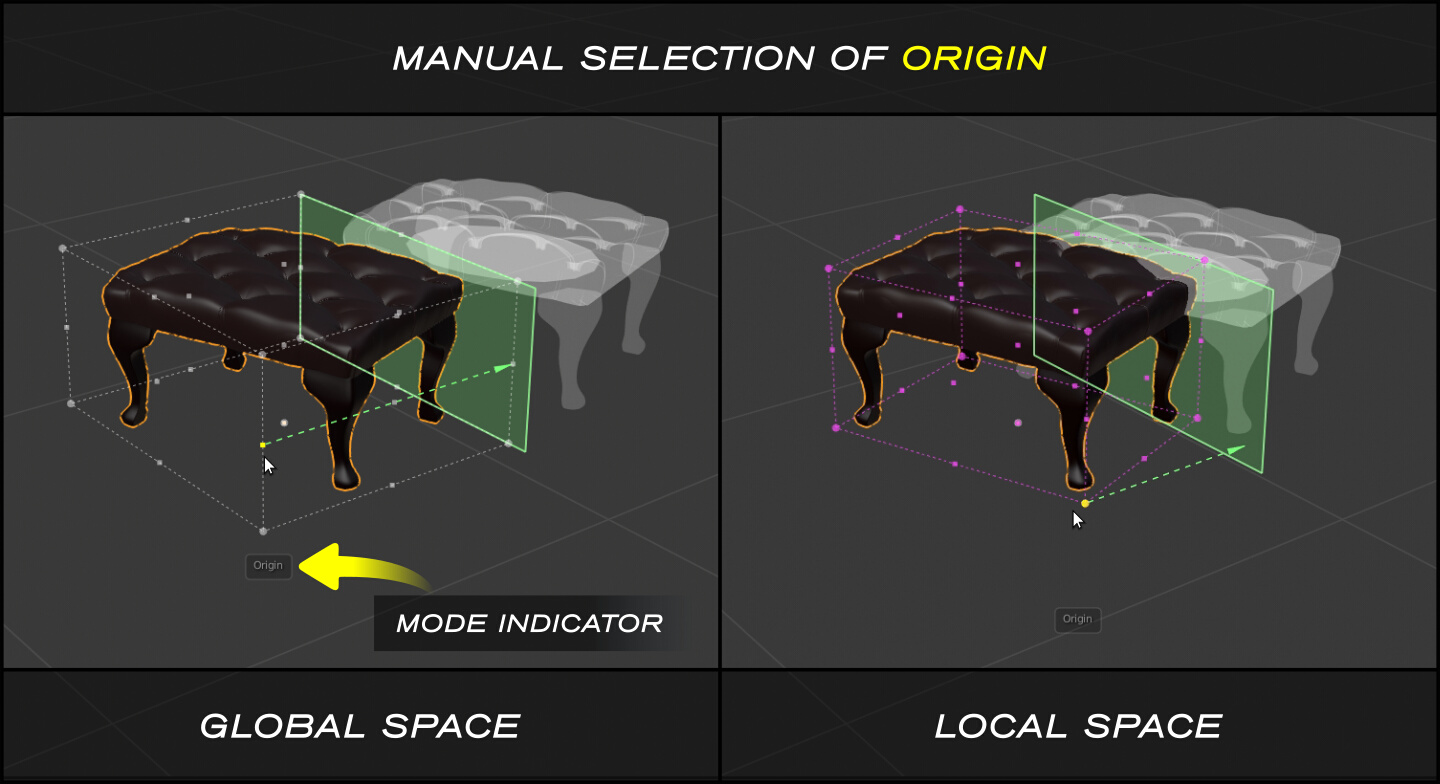
- Origin selection mode
To master these modes and the available shortcuts, check the included Documentation.
Yain Vieyra
over 4 years ago
Hi Xen,
In the recent version 2.1.4, HiDPI support have been added, scaling the UI elements according to your OS configuration and the Resolution Scale in Blender Preferences.
Just go to your downloads and you should find the new version available.
Cheers!
 Included
Includes 12 months of
Extend this product’s Support Period +12 months: 50% of product price
Have questions before purchasing?
Login to message
| Blender Extension Compatible | Yes |
| Sales | 2000+ |
| Rating | 17 ratings |
| Published | over 7 years ago |
| Blender Version | 2.7x - 5.2 |
| Extension Type | Add-on |
| License | GPL |
axis fit parallel interactive corner Geometry align perpendicular orientation center origin bound
 lynyoho
 J Velasquez
 Michael
 ImperfectLink
 kevin
kevin
 Brian J Reid