 ORM3DCreations


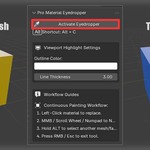
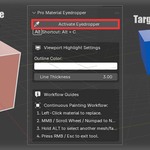
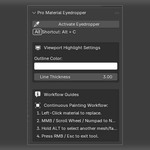
Sample and apply materials continuously with zero workflow friction.
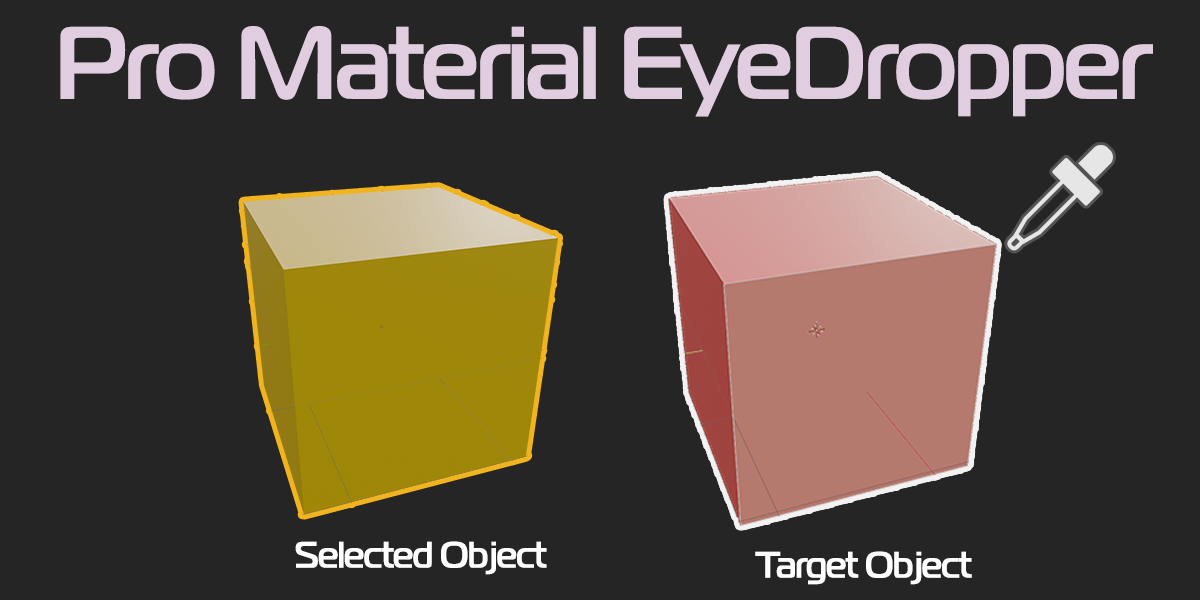
Stop wrestling with Blender’s default material assignment workflow. Pro Material Eyedropper turns material assignment into an instant, continuous eyedropper tool. Point, click, and re-materialize your scene in seconds without ever losing your viewport navigation.
Key Features:
Continuous Eyedropper Painting: Click any material in your 3D Viewport to immediately sample and apply it to selected objects or faces.
Full Viewport Navigation: Seamlessly orbit (
MMB), pan (Shift + MMB), zoom (Scroll), and switch views (Numpad/ Pie Menus) while the eyedropper tool stays active.Instant Selection Mode: Hold
Altat any time to select new target objects or faces on the fly without exiting the tool.Clean Material Overwrite: Object Mode assignments directly replace the active material slot instead of cluttering your mesh with duplicate slots.
Non-Intrusive 3D Highlights: High-precision, customizable GPU viewport outlines highlight faces under your cursor with zero floating 2D text distraction.
Dual-Mode Support: Works natively in both Object Mode and Edit Mode.
What’s Included:
.pyadd-on file ready for Blender 4.0+Quick-start hotkey bindings (
Alt + C) & dedicated N-Panel tab.