Pro Metals
 shader EDITOR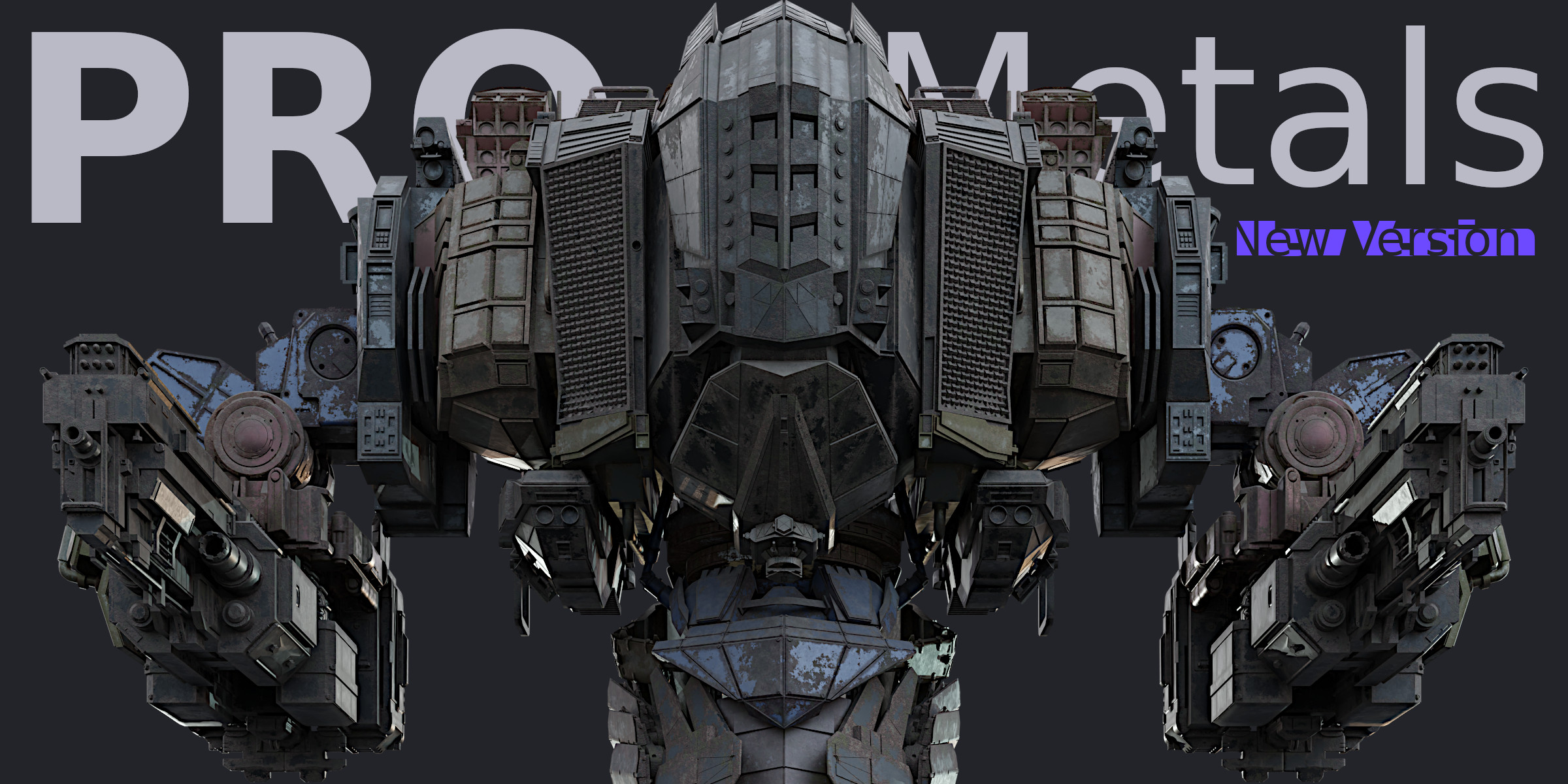
Why 'Dust' is sideways instead of Up to Down direction?
Make sure you apply rotation after you rotate your 3d object.

CORRECT DUST ROTATION

WRONG DUST ROTATION

CORRECT DUST ROTATION
- To apply rotation just select your 3d object then press 'CTRL+A' and select 'Rotation'.
- Now, 'Dust' will show in the correct rotation.

Discover more products like this
procedural shadereditor Shader aging PRO professional worn metal editor Material