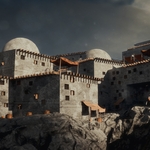
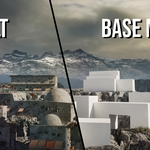
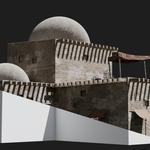
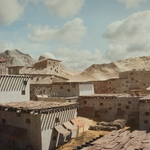
Procedural Ancient Village Generator
 Andreas Dürr



FAQ
How do I export the generated village to Unreal Engine?
I recommend exporting all scattered objects as instances in a .gltf file.
Video Tutorial
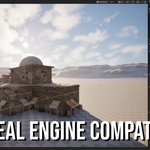
Here is a full video demonstration of the export process:
Step-by-step:
Select your generated building.
-
In the top menu go to:
Object → Apply → Make Instances Real
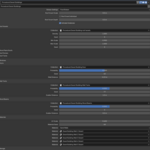
In the building Geometry Nodes modifier, disable the Instances option.
-
Go to:
Object → Convert → Mesh
Select everything you want to export.
-
Go to:
File → Export → glTF 2.0
-
In the export settings:
Enable Selected Objects
Choose your export location
Click Export glTF 2.0
-
In Unreal Engine:
Drag and drop the exported files into the Content Browser
After importing, drag the static meshes into your scene
Notes
Selecting a lower resolution texture size will make exporting faster.
-
For large scenes, exporting and importing may take a few minutes depending on scene complexity.
In some cases, exporting buildings separately can improve export and import performance, especially for very large villages.
-
$24
If you don't plan to make money with this product.
-
$32
If you plan to make money with this product.
Have questions about this product?
Login to message
| Sales | 10+ |
| Dev Fund Contributor | |
| Published | 5 months ago |
| Blender Version | 5.1 |
| Render Engine Used | Cycles, Eevee |
| License | Royalty Free |
Discover more products like this
3D assets for Unity and Unreal 3D Procedural Structures advanced-procedural 3d buildings