 ArtbyTymi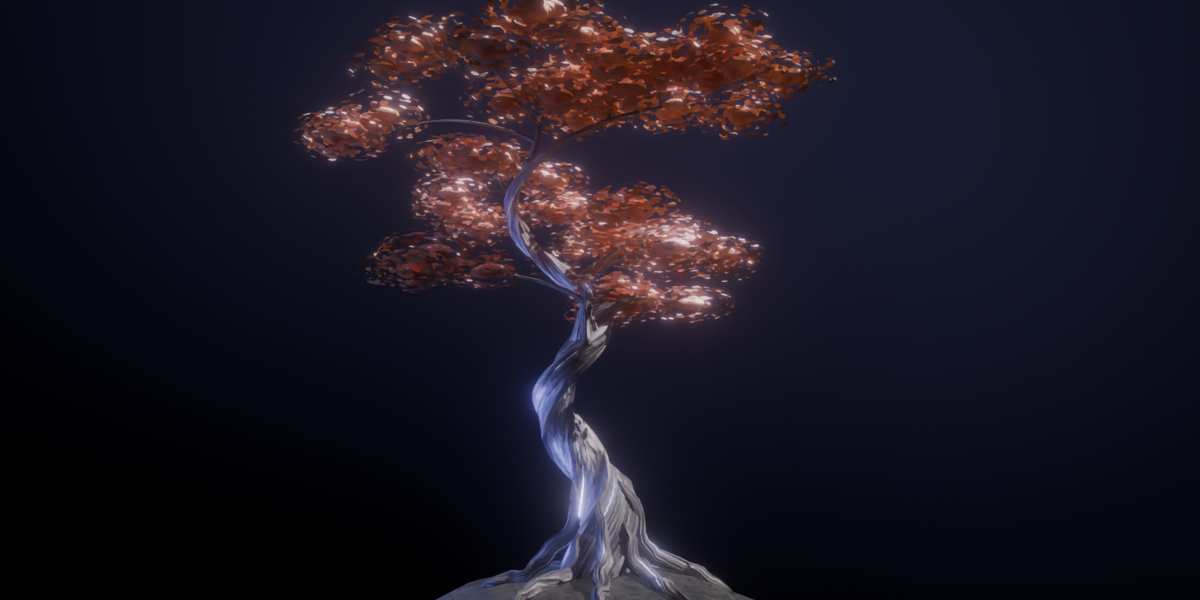
Procedural Anime Tree
Shape a stylized tree for your scene.
Create anime and fantasy trees without shaping every branch by hand. This Geometry Nodes setup gives you editable controls for the trunk, roots and foliage, so you can explore new silhouettes and color palettes within the same asset.
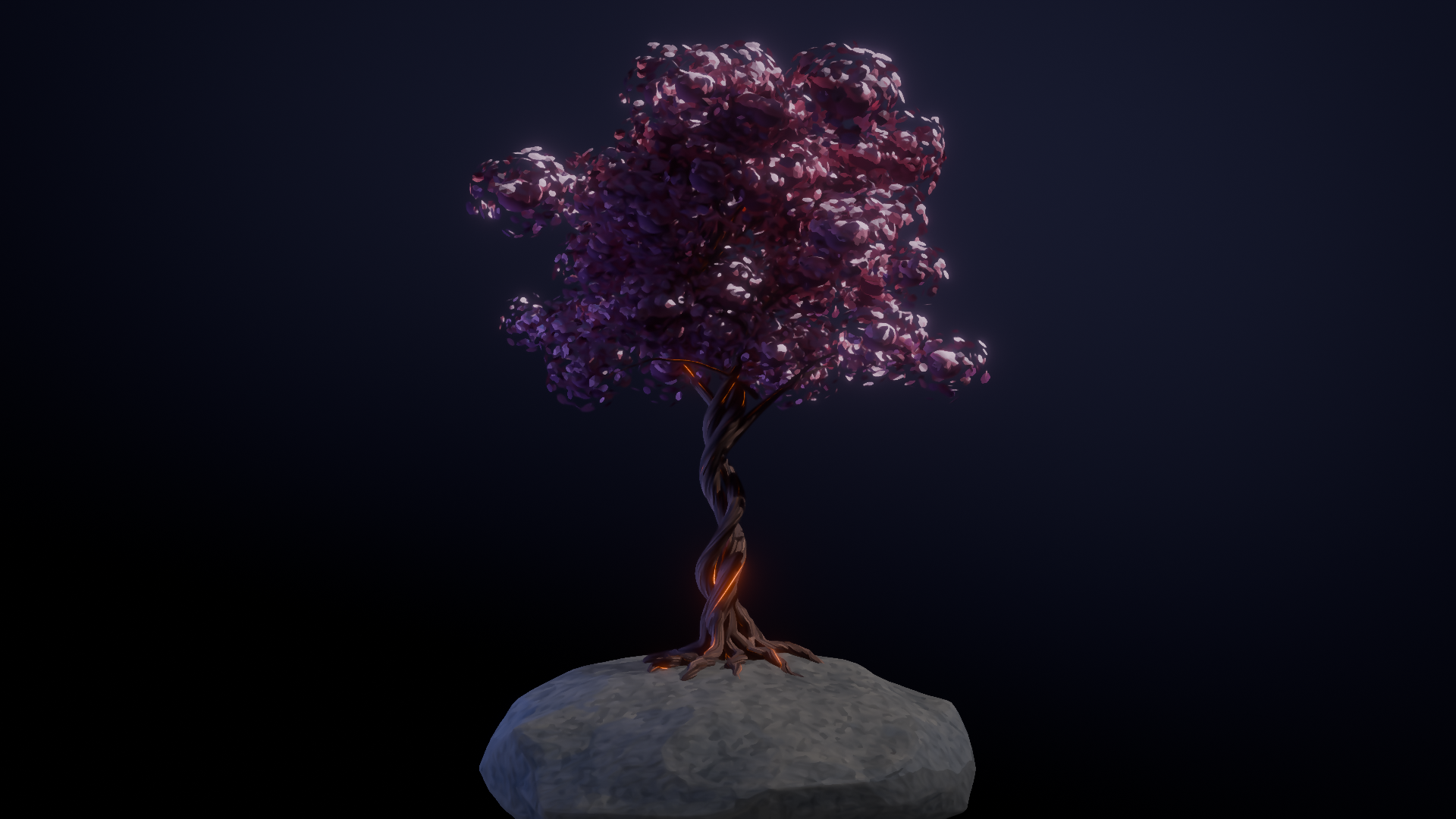
Shape the tree from seed to silhouette
Change the seed to explore branching and crown variations. Set the height and crown proportions, then refine trunk bend, lean, twist, taper and base flare. Adjust branches and twigs, plus root count and length, to shape how the tree meets the ground.
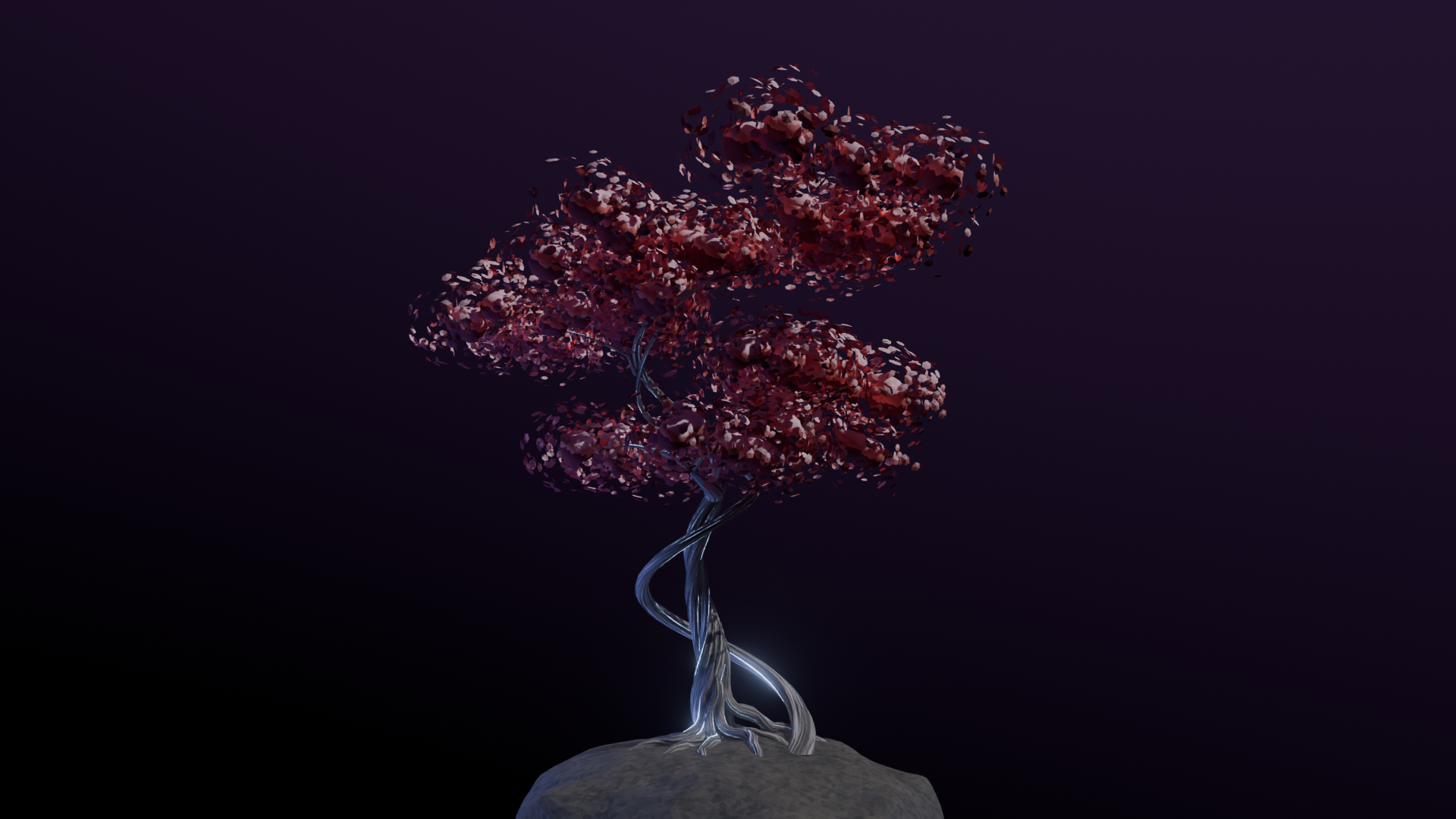
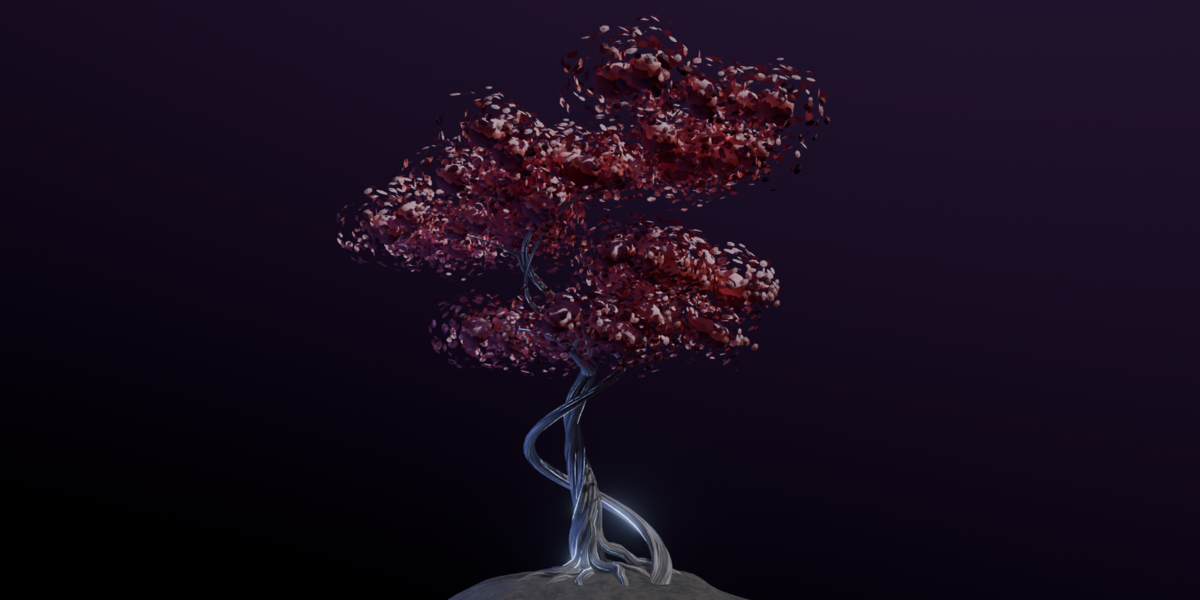
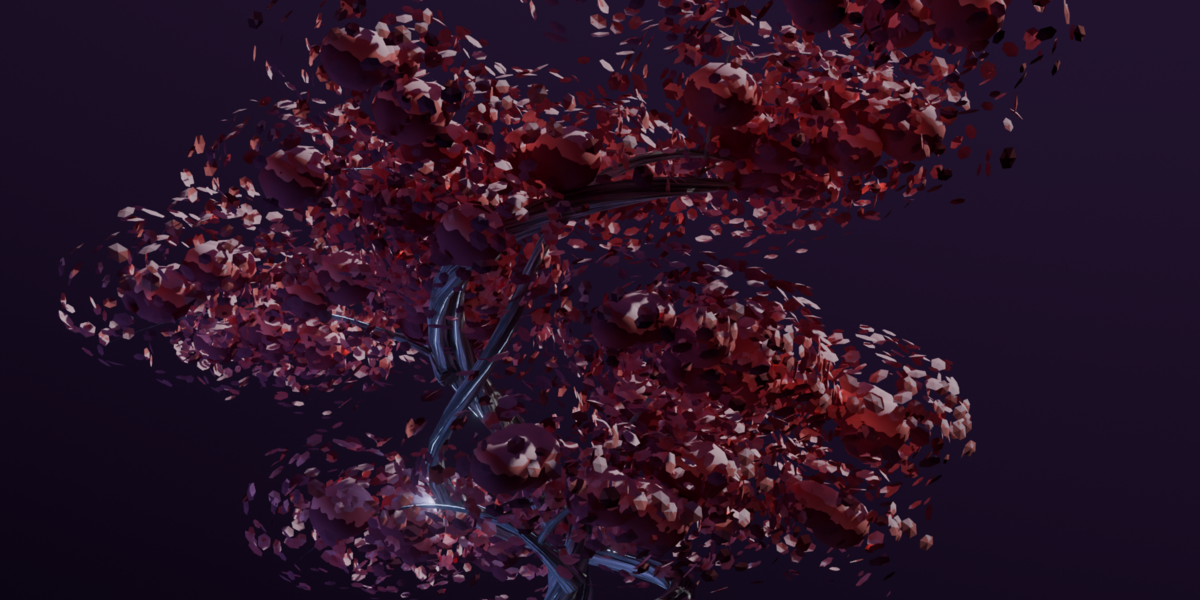
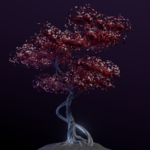
Red leaf canopy above intertwined trunks.
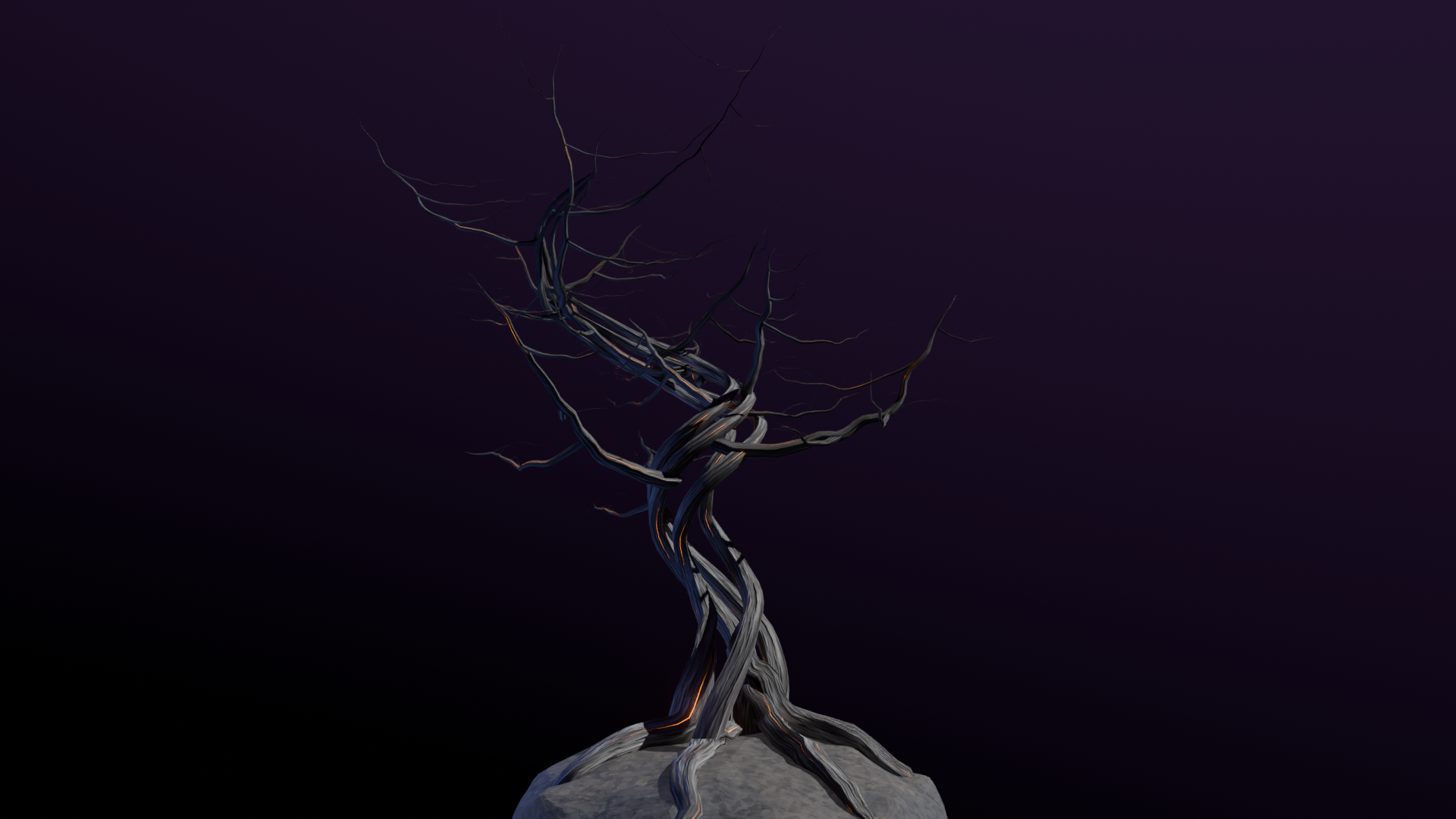
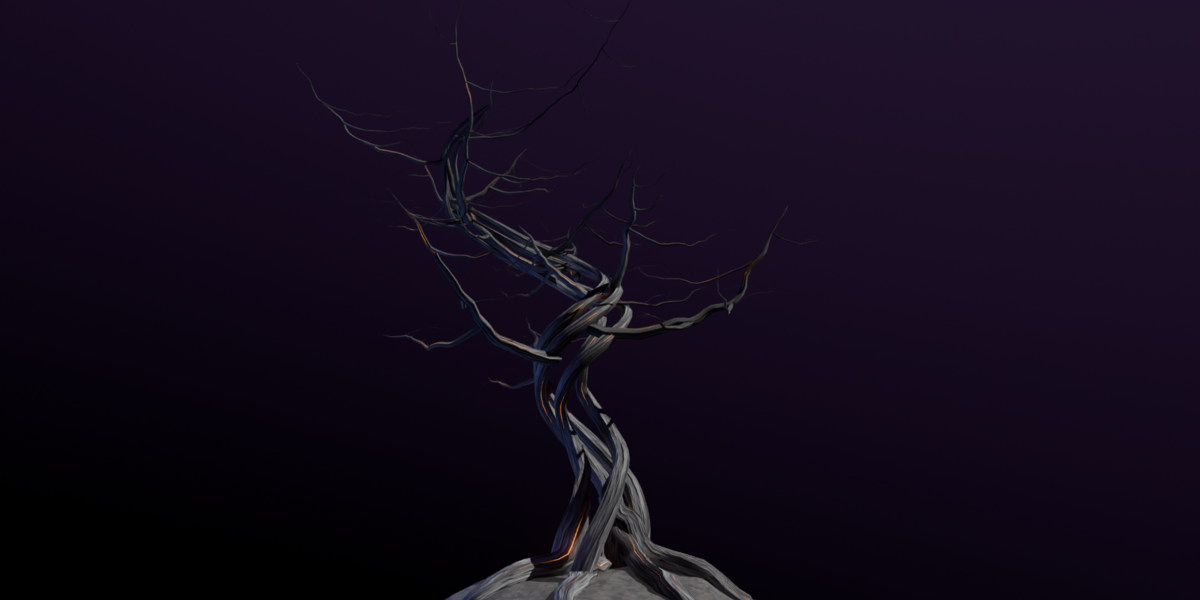
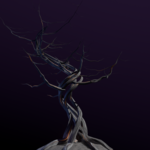
A crooked dead tree.
Build the canopy and choose a palette
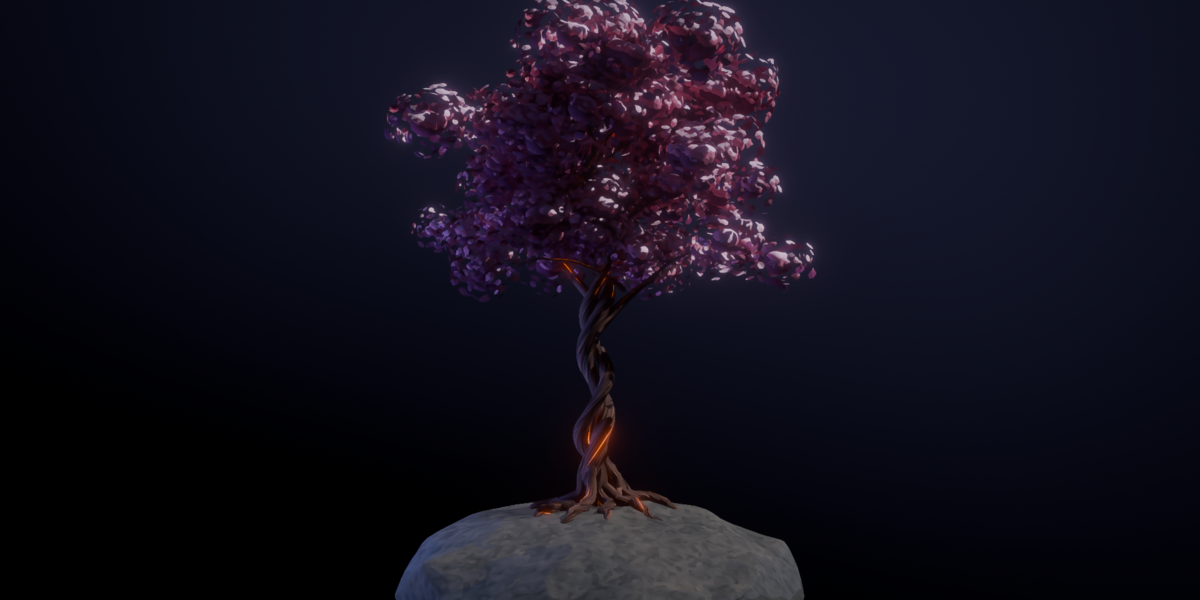
Tune foliage visibility, cluster size and density, and petal shape. Build a full flowering crown or reveal more of the branches with a lighter canopy. Assign bark and foliage materials, then adjust shadow, base and highlight colors to suit your scene.
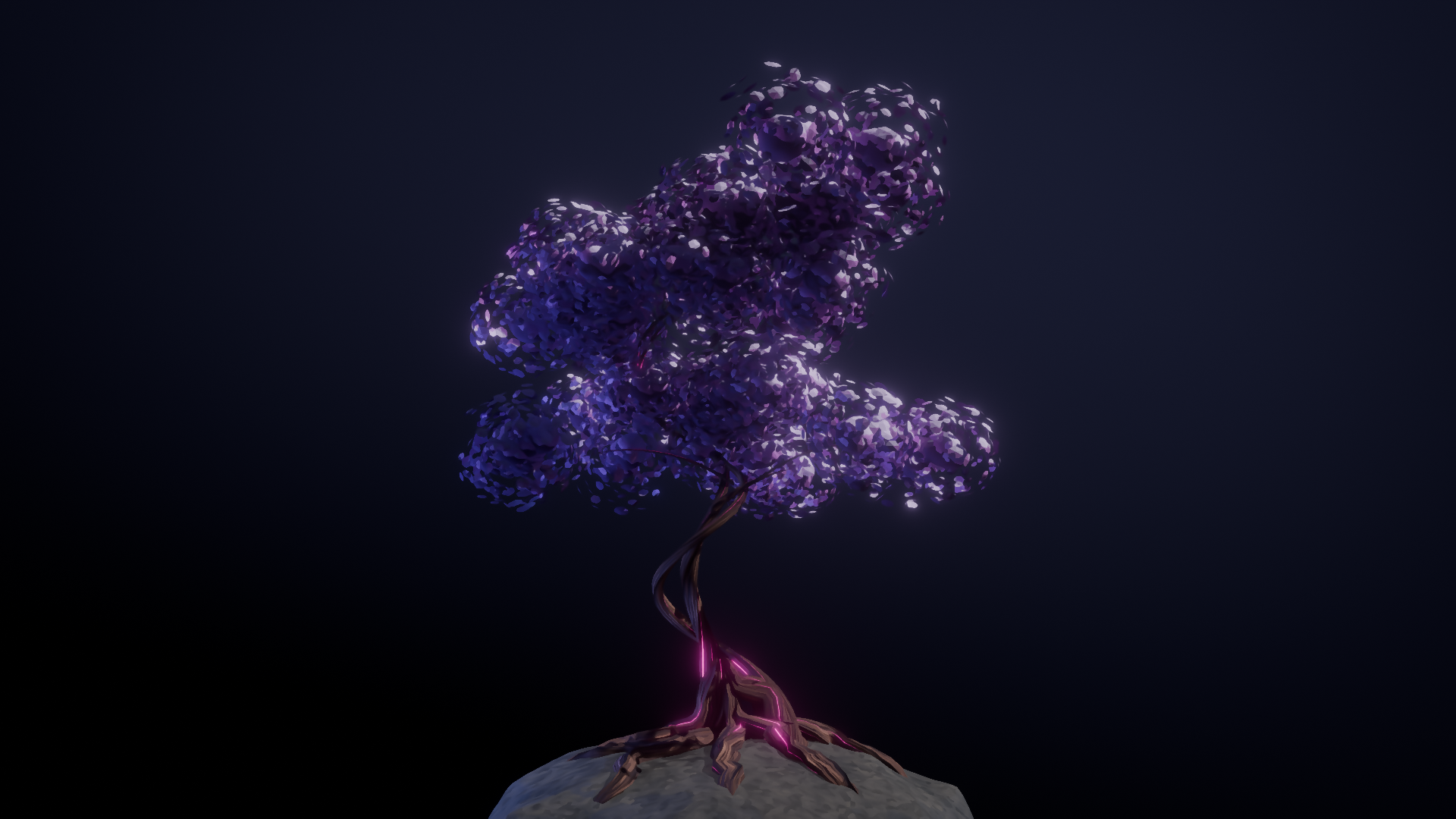
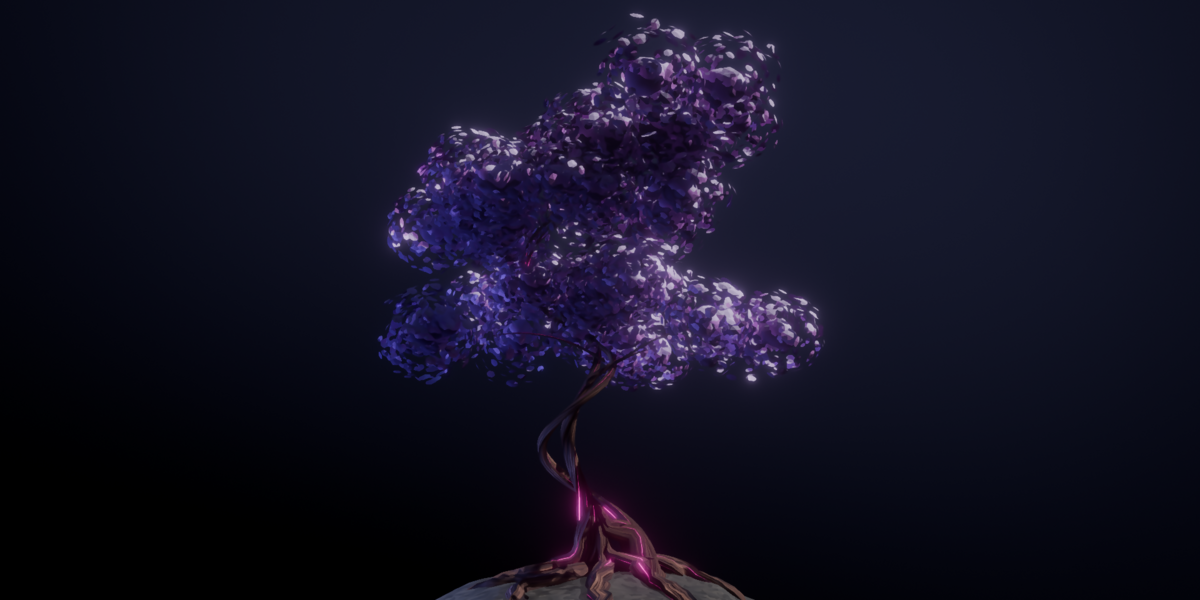
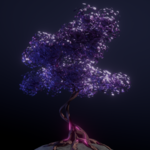
Violet foliage with magenta accents.
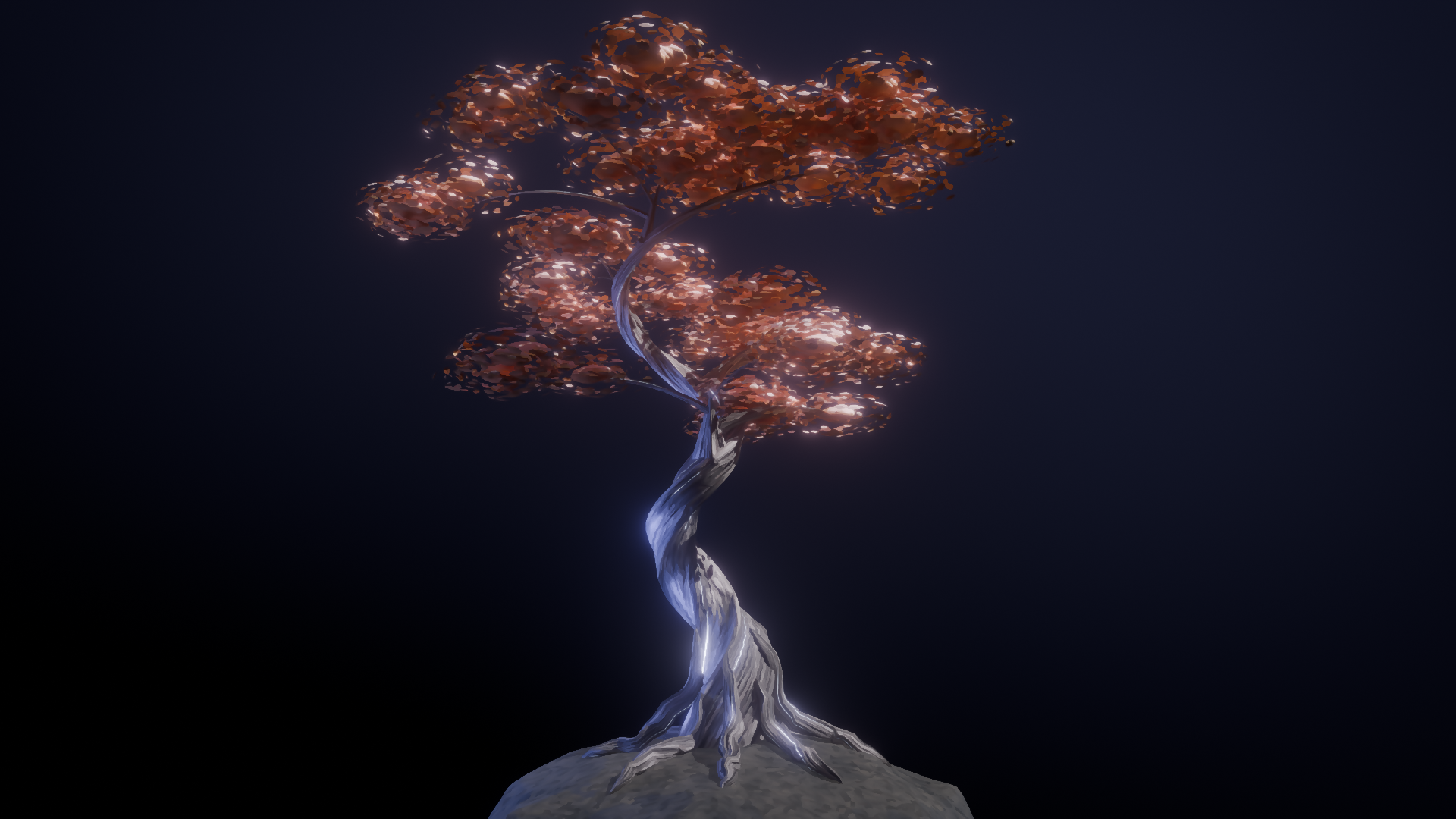
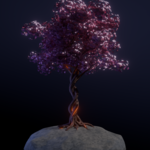
Warm copper and a pale trunk.
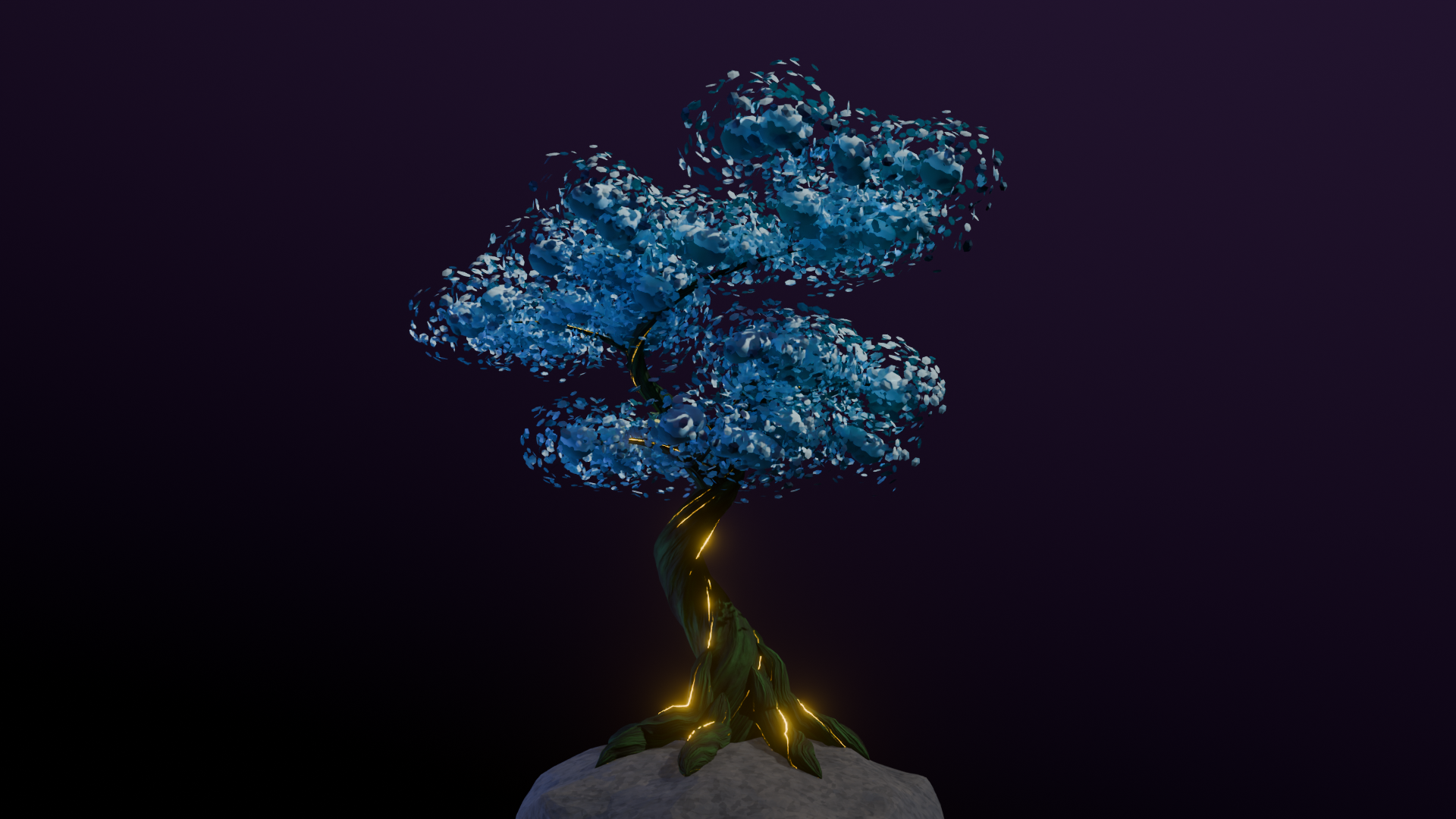
Blue foliage with green bark and gold accents.
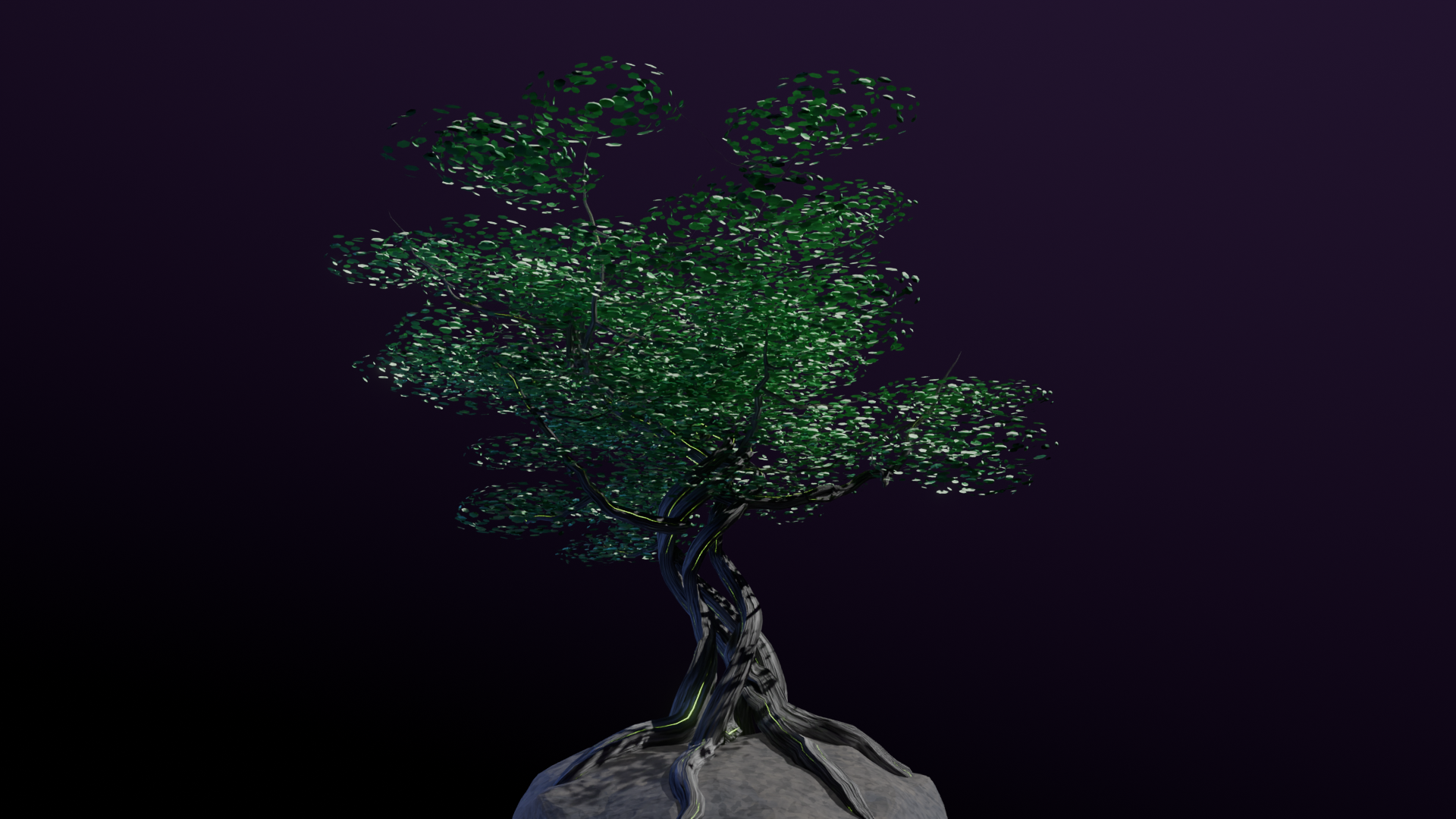
A green leafy variation.
See the surface details
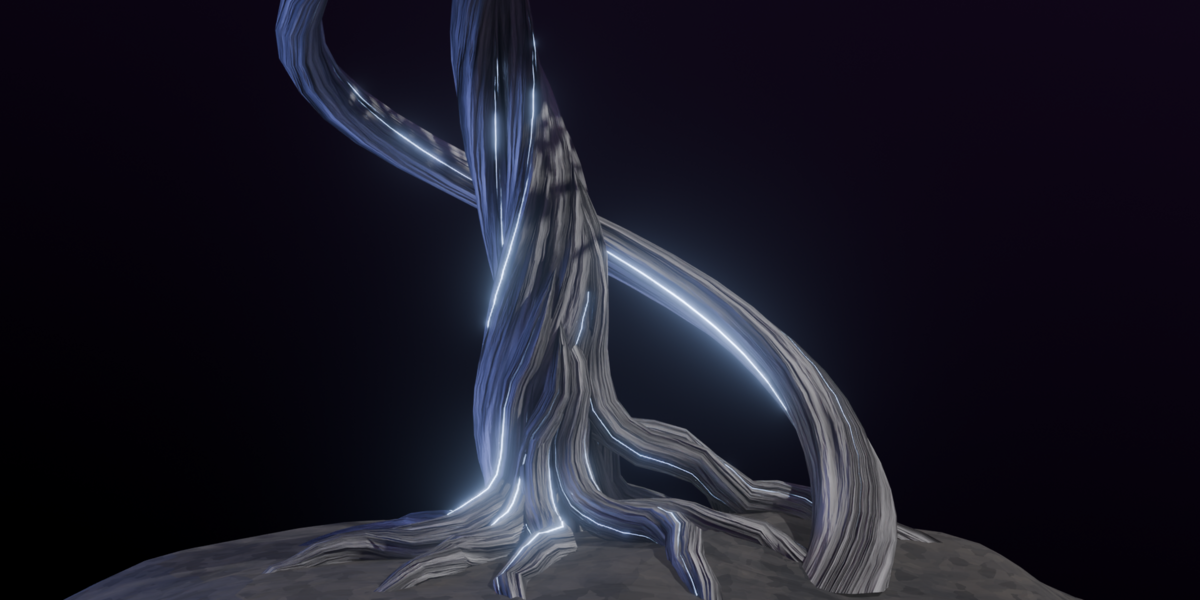
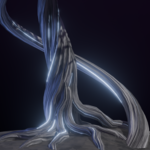
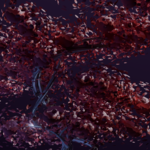
The close views show bark patterns following the twisted trunk and roots, alongside the layered foliage clusters. Use the shape and material controls to develop a focal tree for a stylized environment or an illustrated scene.
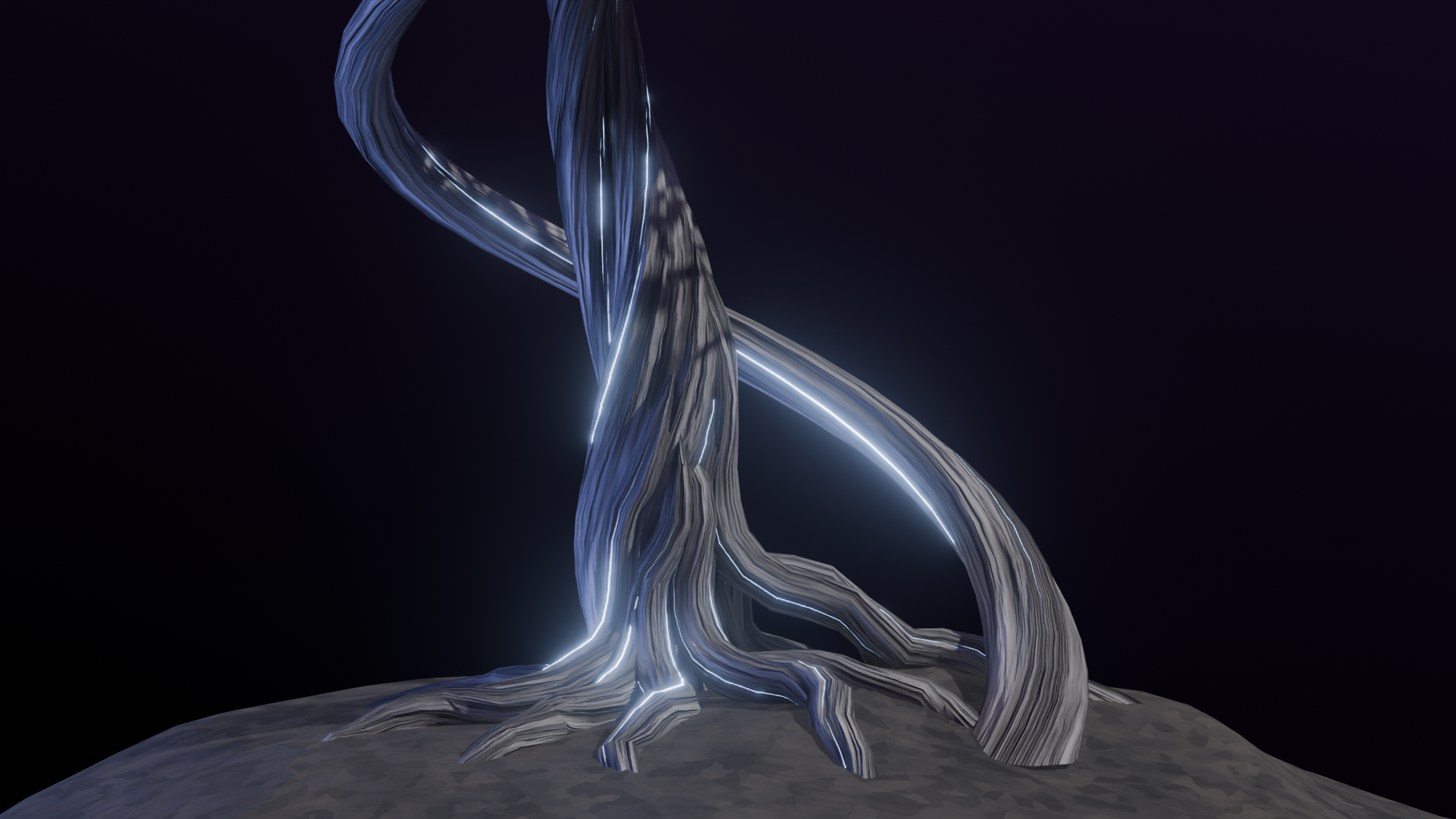
Close view of the twisted trunk and exposed roots.
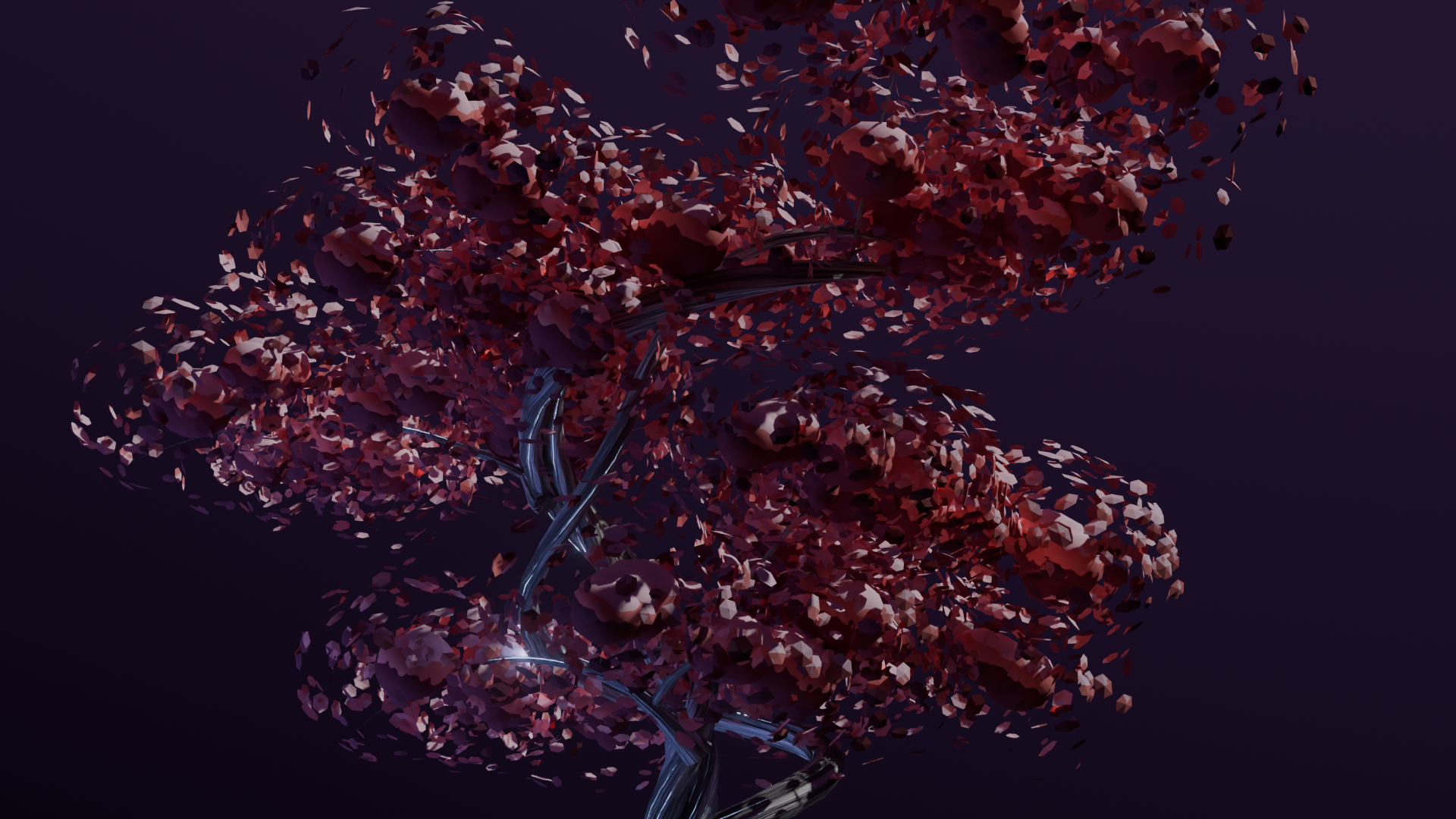
Close view of the foliage clusters and branches.
What is included
Procedural Anime Tree Geometry Nodes setup, bark and foliage materials, plus a rock object with an anime-style stone material.
Compatibility
Blender 5.0 - 5.2 LTS, tested with Eevee and Cycles.
I use an AI-assisted workflow however this asset does not contain AI-generated media.