 Mrs Eliza
Create 215+ Custom Procedural Arrows with 86 Materials and Animation Presets
Overview
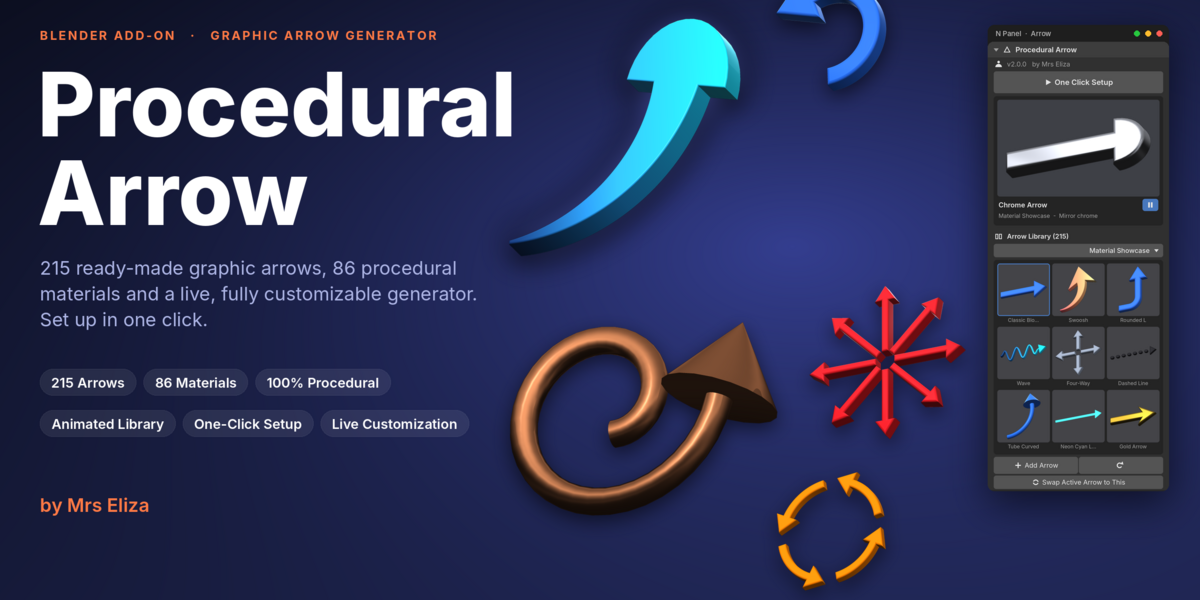
Procedural Arrow is a powerful Blender add-on designed to create professional 2D and 3D arrows for infographics, motion graphics, UI designs, presentations, signage, diagrams, and visual communication.
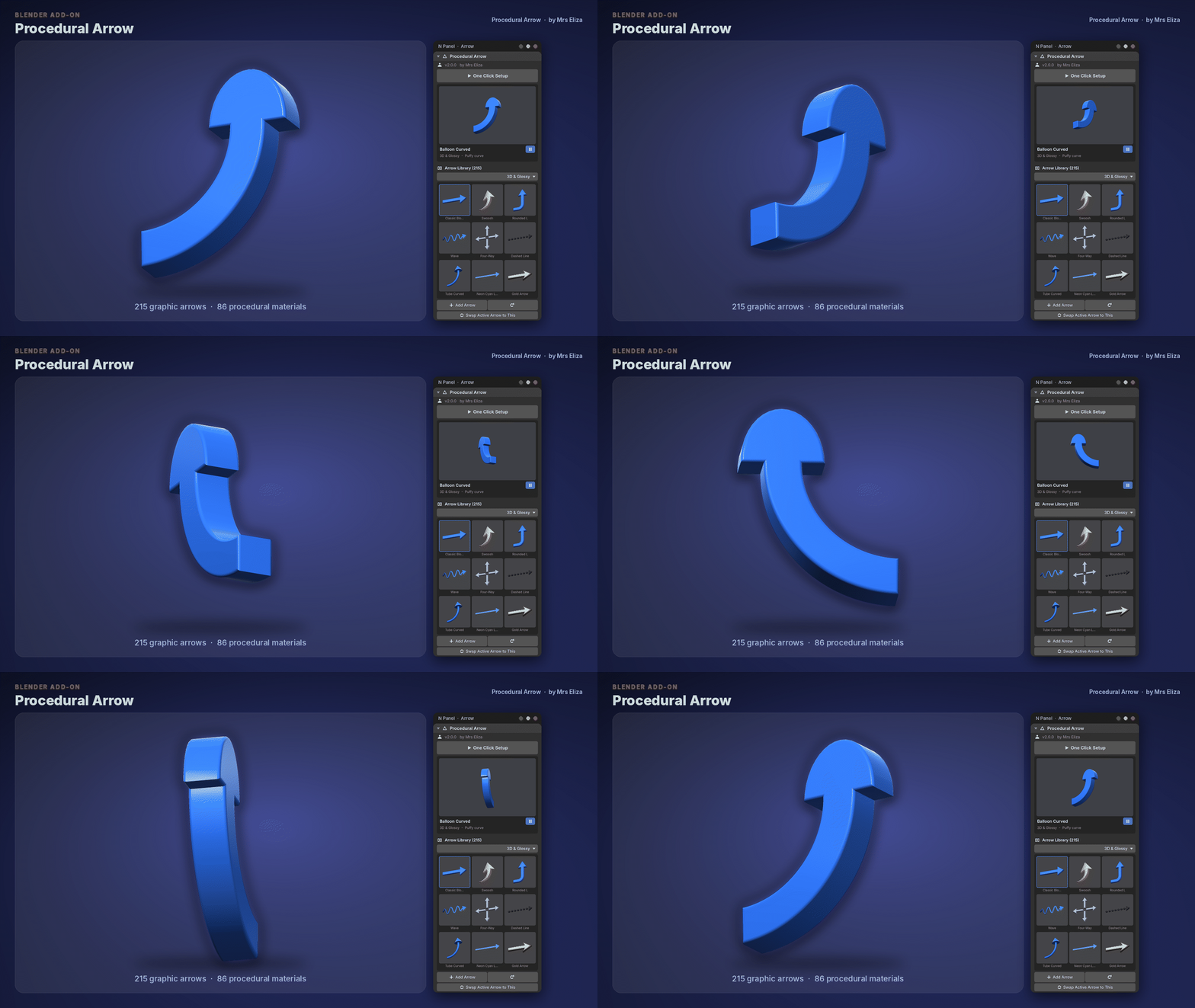
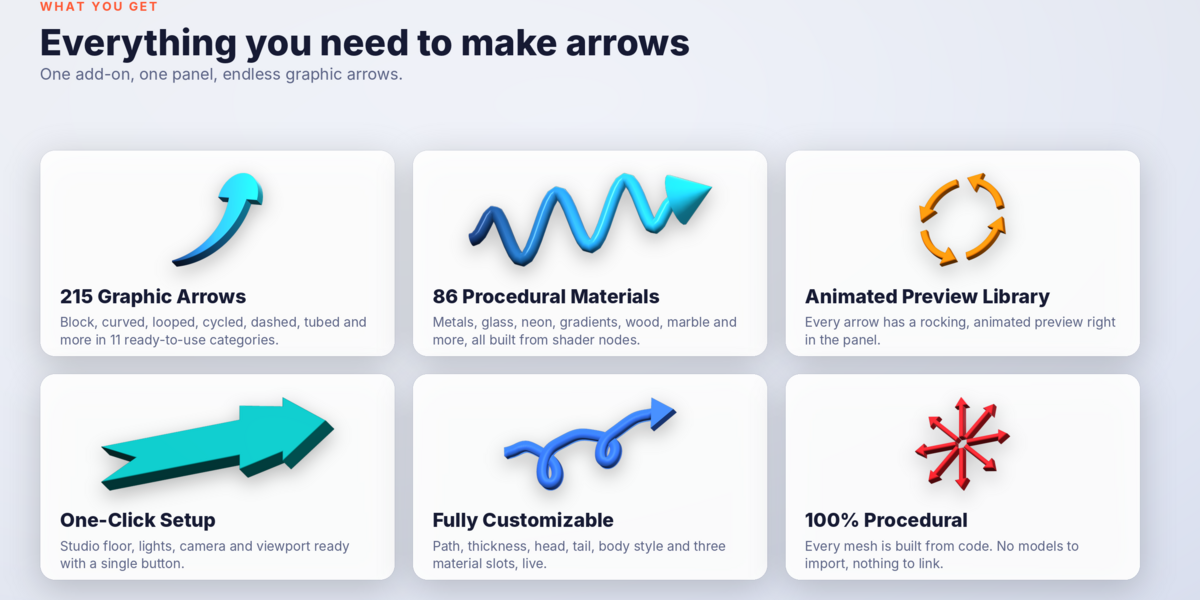
With 215 ready-made arrow presets across 11 categories, 86 procedural materials, customizable shapes, and built-in animation tools, you can create everything from simple directional arrows to complex 3D arrows, neon effects, infographic elements, and stylized motion graphics.
Everything is generated procedurally using Blender geometry and shader nodes. No external models, image textures, or additional downloads are required.
Key Features
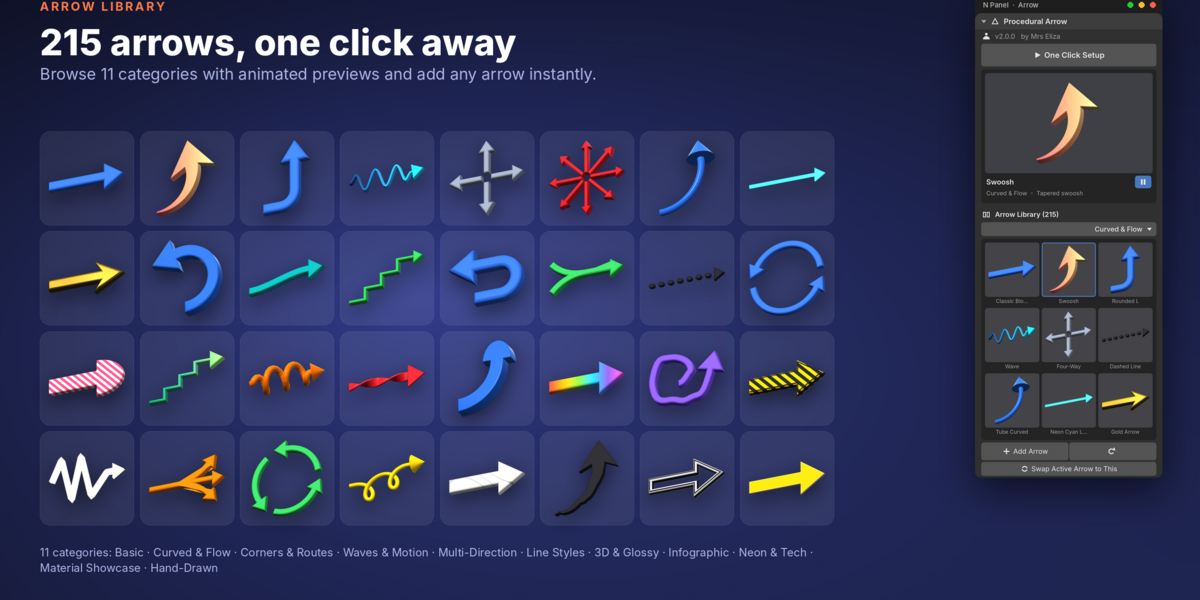
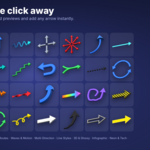
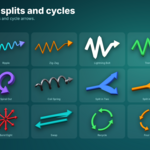
215 Ready-Made Arrow Presets: Explore a large collection of arrows across 11 categories.
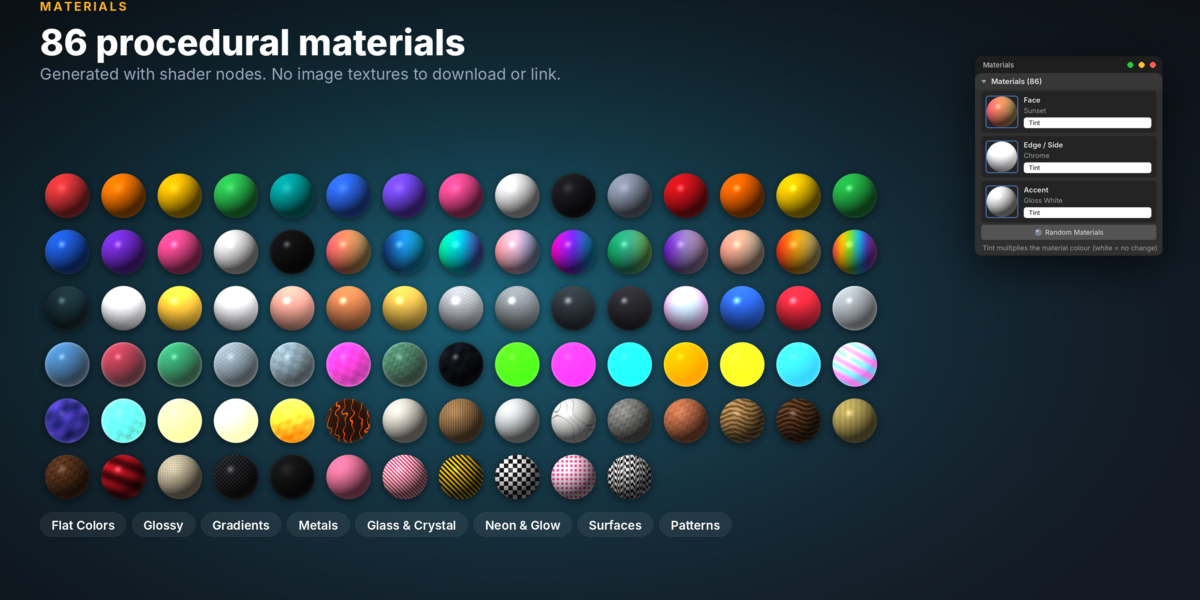
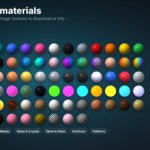
86 Procedural Materials: Choose from flat colors, glossy materials, gradients, metals, glass, neon, surfaces, and patterns.
-
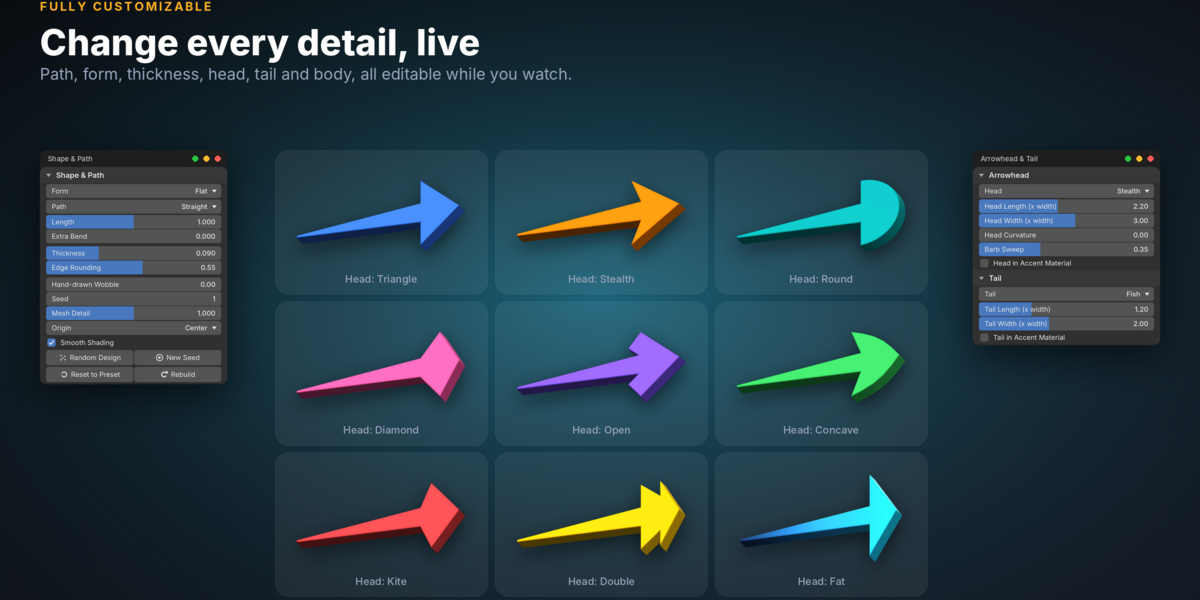
Fully Procedural Design: Customize arrow shapes, paths, bodies, arrowheads, tails, thickness, and materials.
-
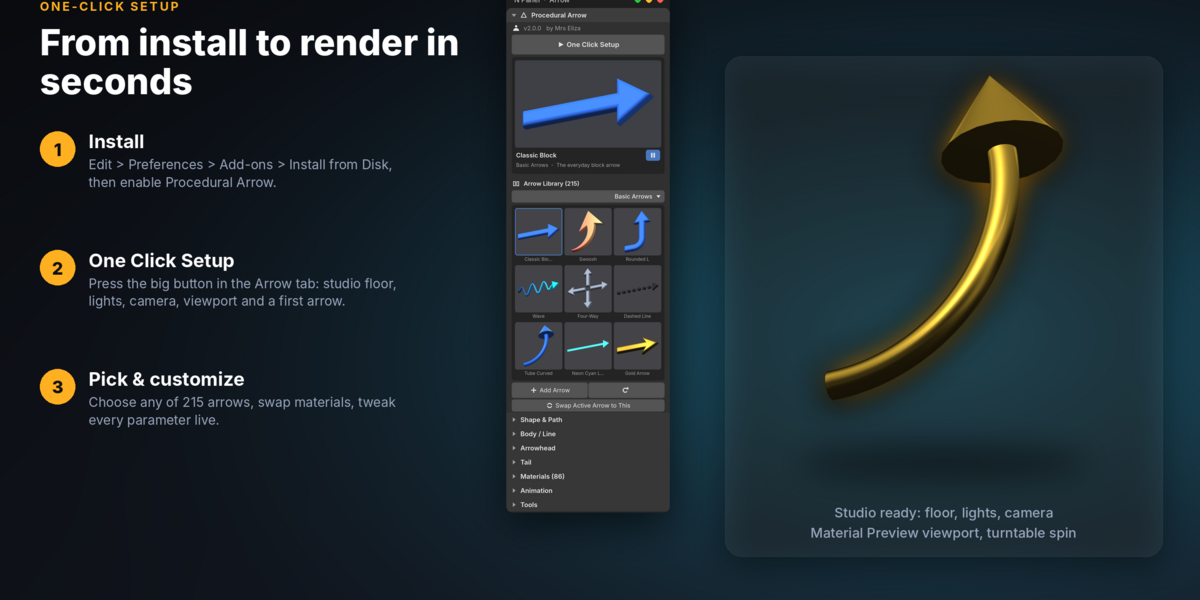
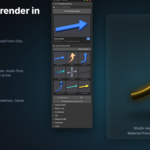
One-Click Scene Setup: Automatically create an arrow, materials, studio floor, three lights, camera, and looping animation.
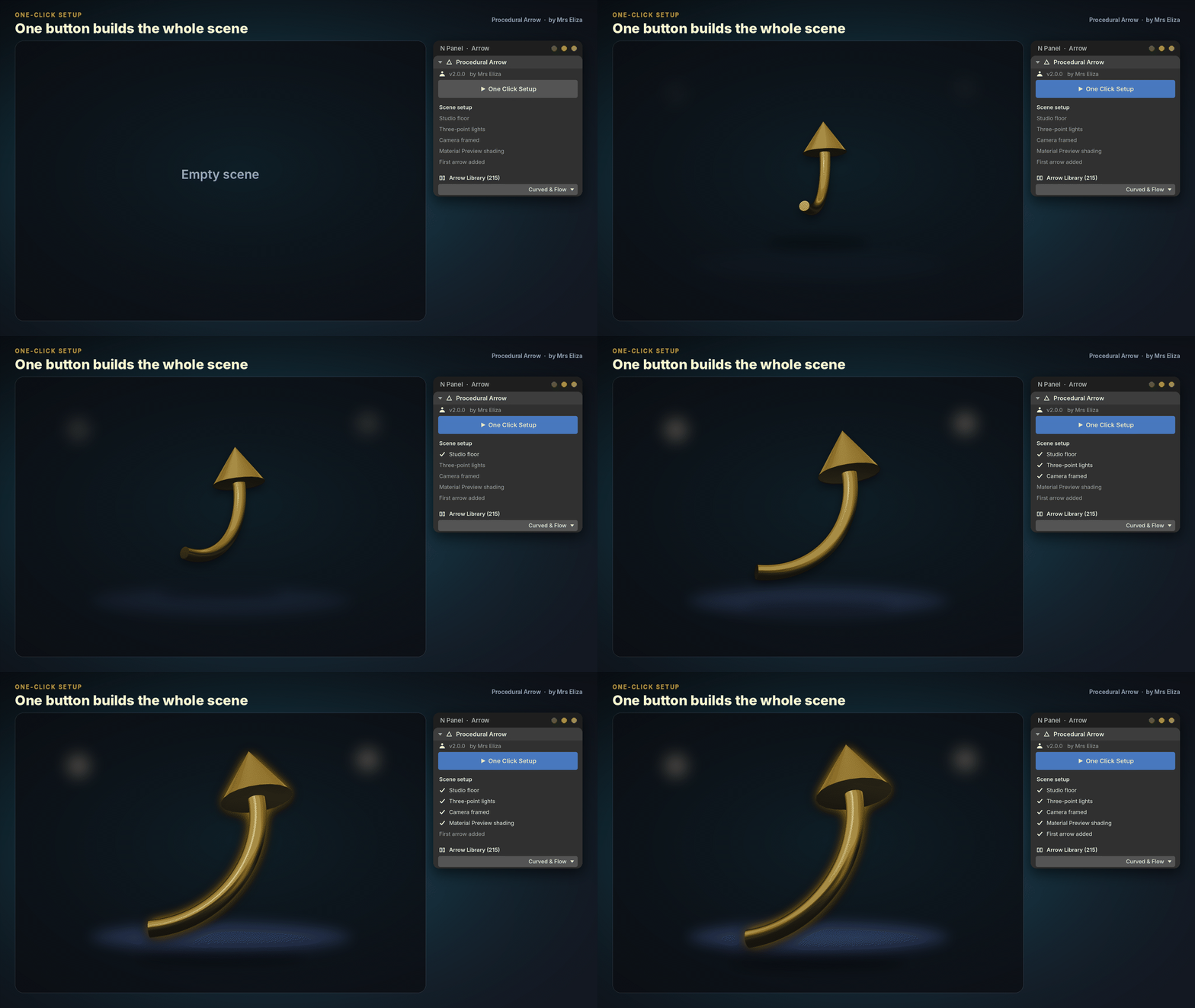
Live Editing: Modify your arrow directly through the add-on panels.
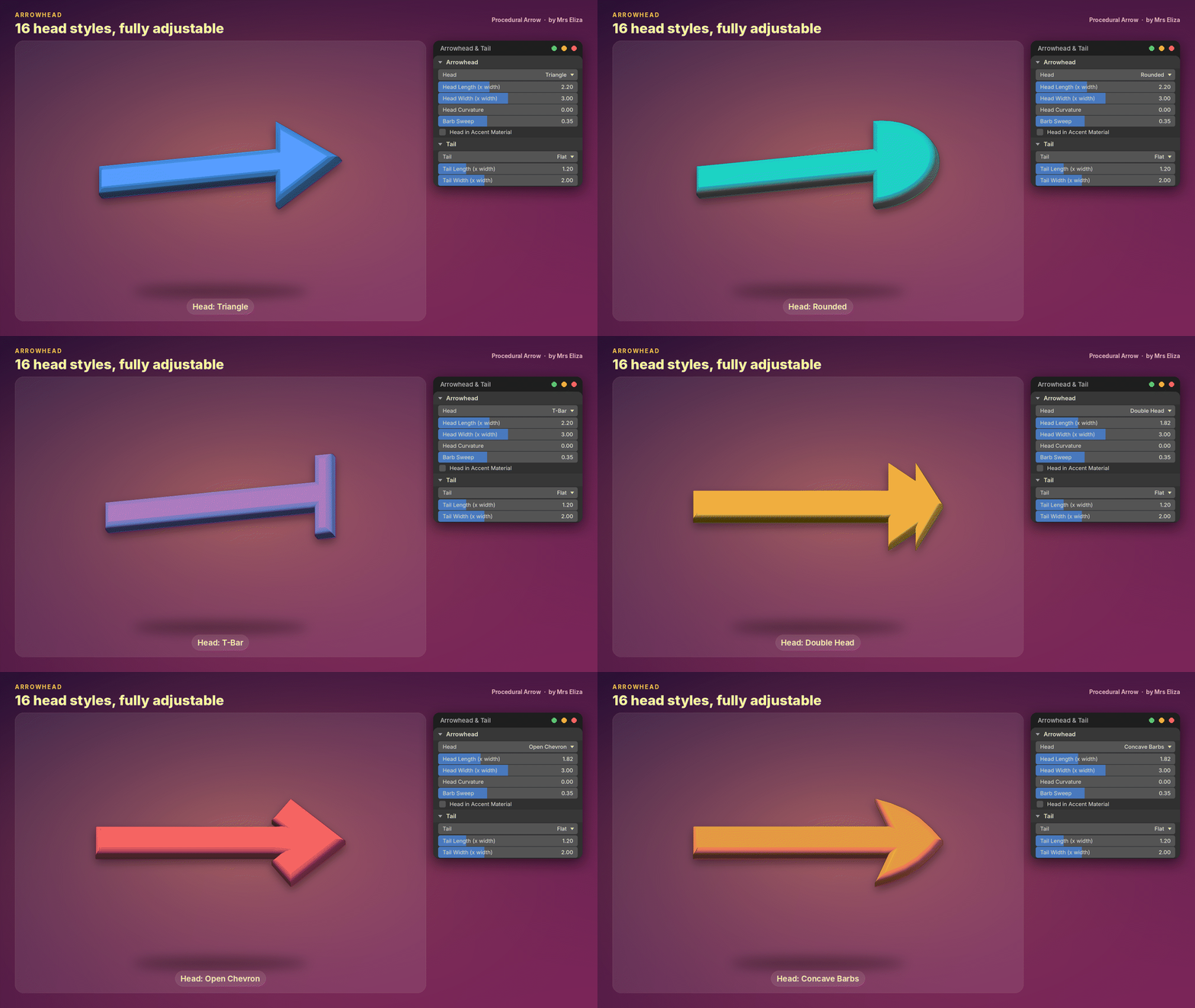
16 Arrowhead Styles: Create different arrowhead designs with adjustable dimensions and curvature.
12 Tail Styles: Customize the back of your arrows with different tail designs.
27 Path Styles: Generate straight, curved, wavy, spiral, and other creative arrow paths.
-
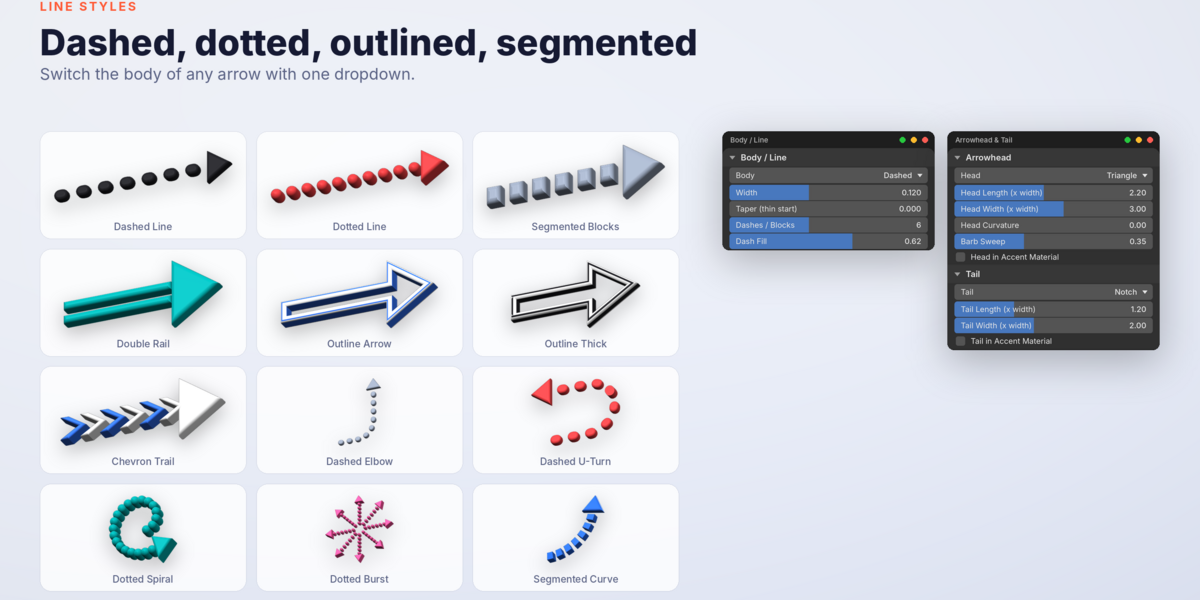
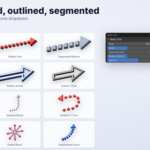
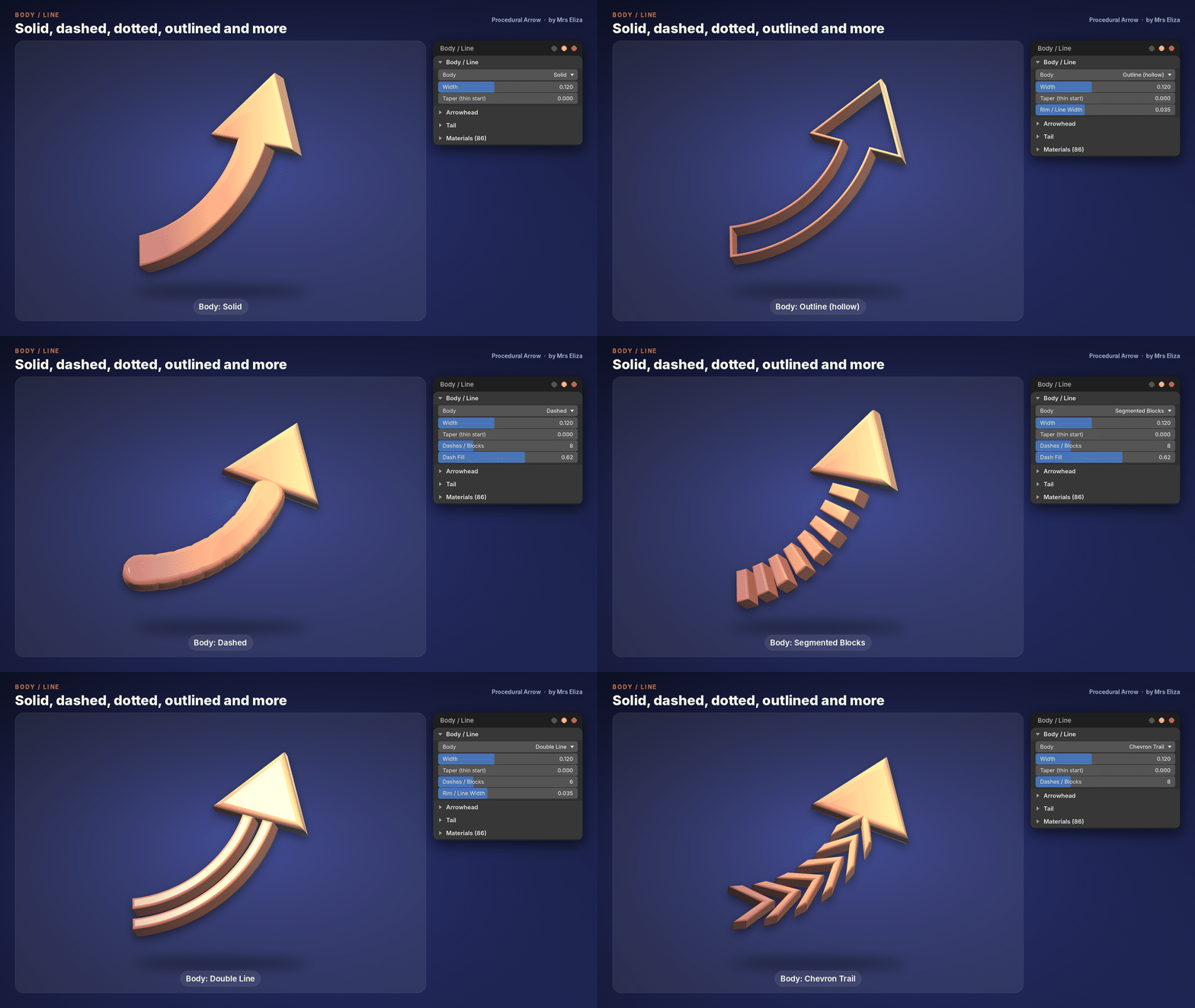
Multiple Body Styles: Create solid, outlined, dashed, dotted, segmented, double-line, and chevron-style arrows.
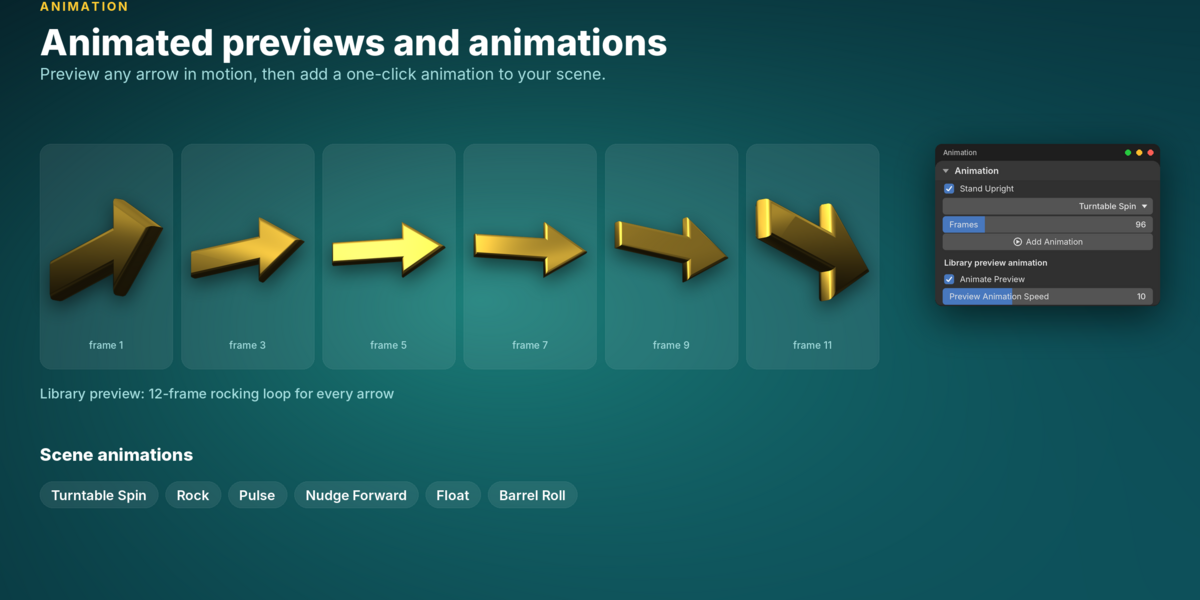
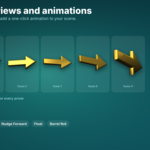
6 Animation Presets: Add looping spin, rock, pulse, nudge, float, and barrel roll animations.
Material Customization: Use three independent material slots for face, edge, and accent.
-
Random Design: Generate new arrow variations with random design and material controls.
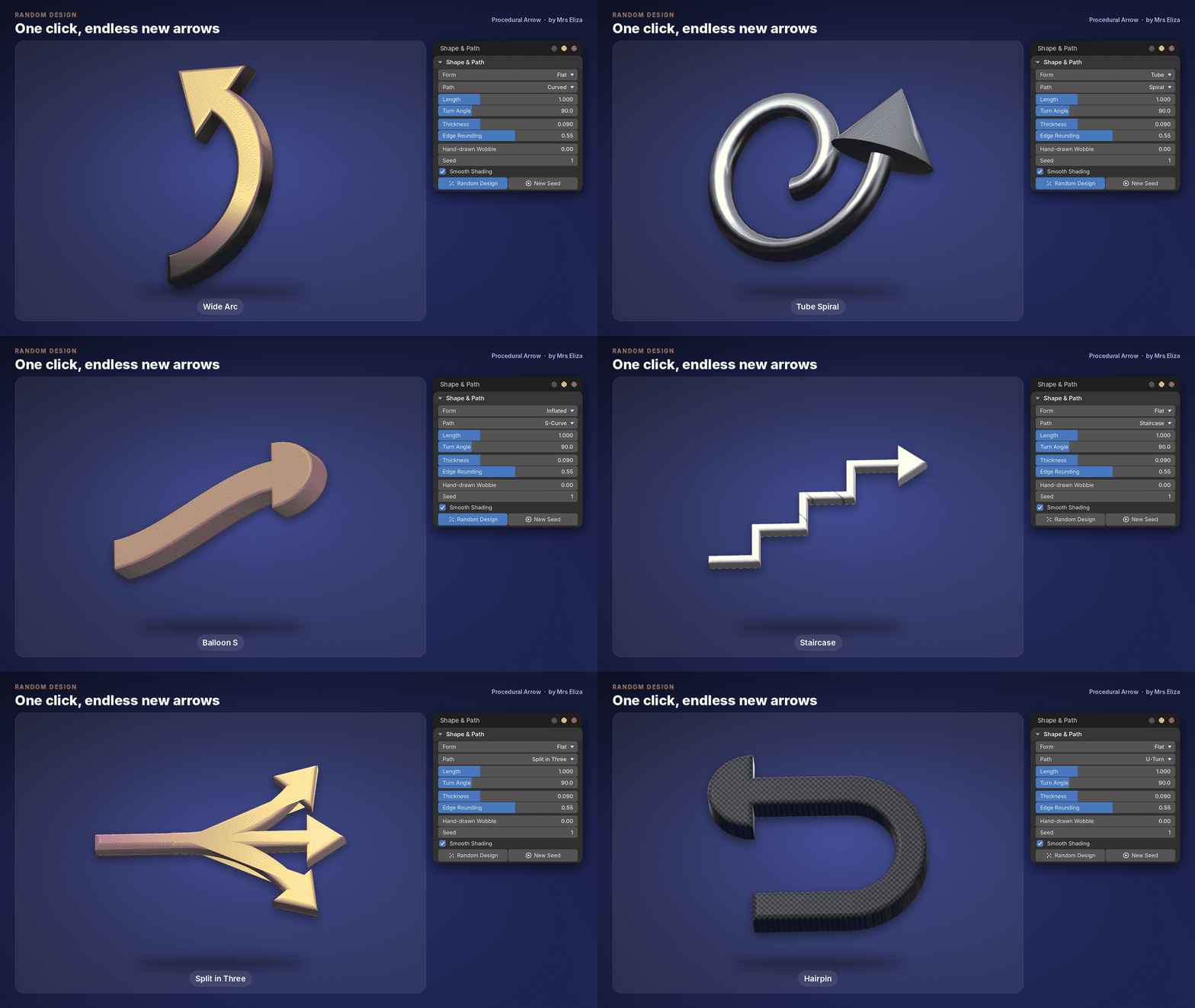
Finalize Option: Convert procedural arrows into regular Blender meshes.
Arrow Preset Library
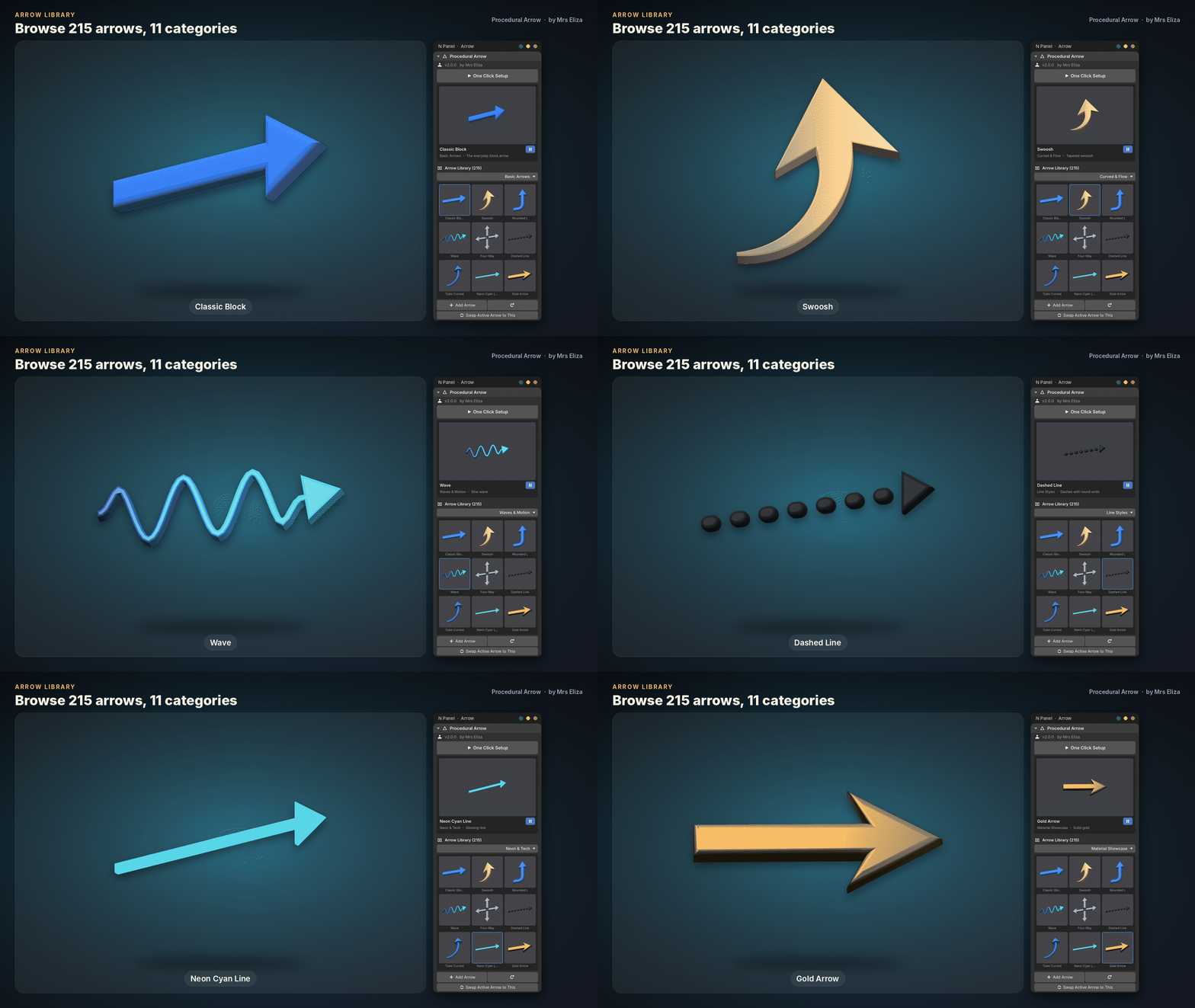
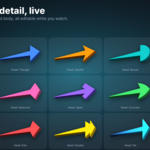
Explore 215 professionally designed arrow presets organized into 11 categories.
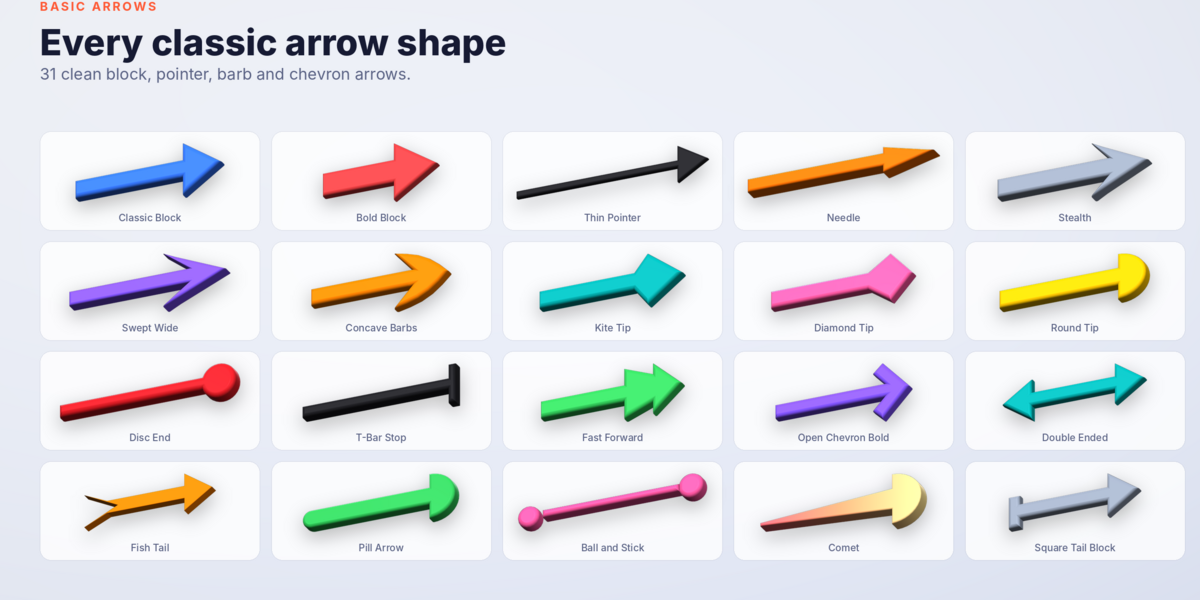
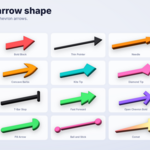
Basic Arrows (31 Presets)
Classic Block, Stealth, Needle, and other traditional directional arrow designs.
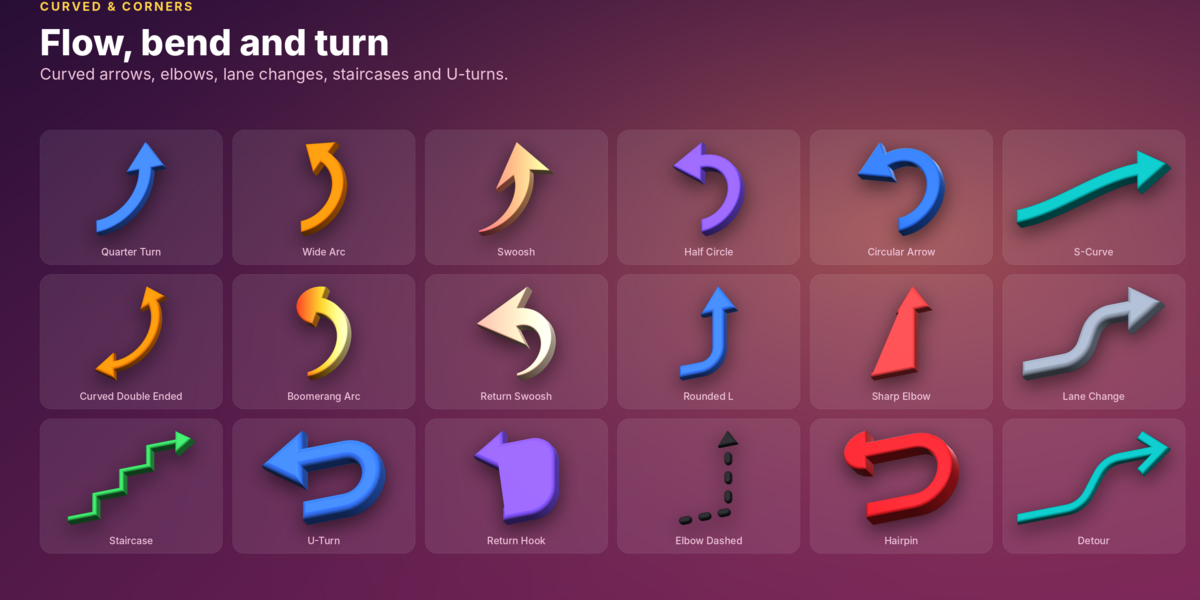
Curved & Flow (18 Presets)
Quarter Turn, Swoosh, Half Circle, and smooth flowing arrow designs.
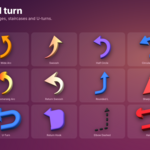
Corners & Routes (18 Presets)
Rounded L, Lane Change, Staircase, and directional route arrows.
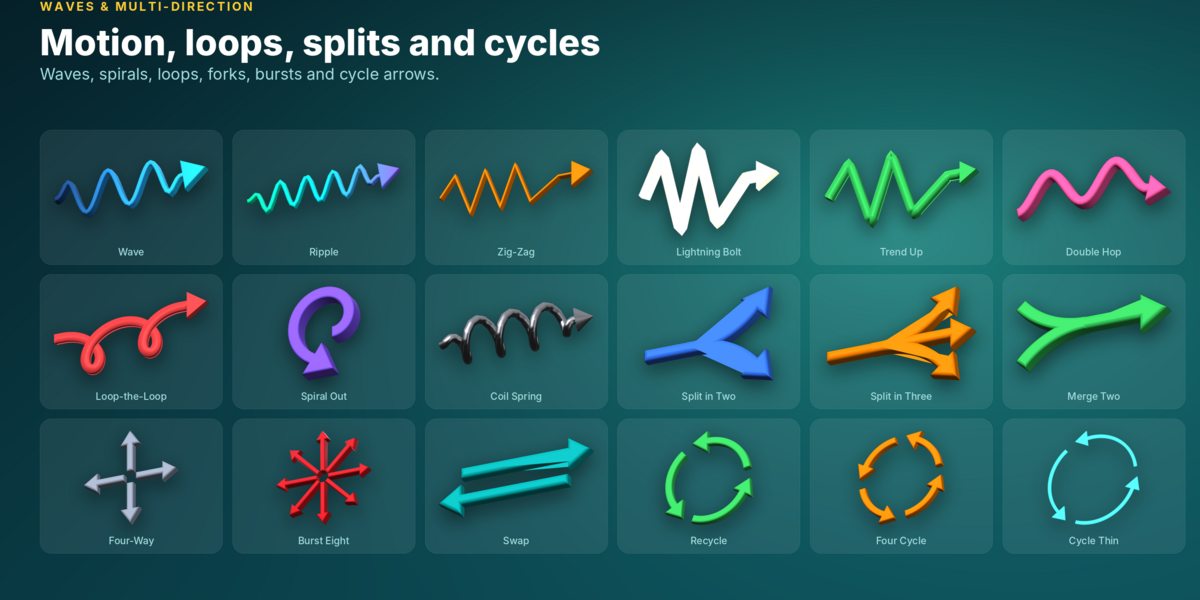
Waves & Motion (16 Presets)
Wave, Zig-Zag, Loop-the-Loop, and dynamic motion designs.
Multi-Direction (17 Presets)
Four-Way, Burst Eight, Recycle, and multi-directional arrows.
Line Styles (20 Presets)
Dashed Line, Dotted Spiral, Double Rail, and other decorative line arrows.
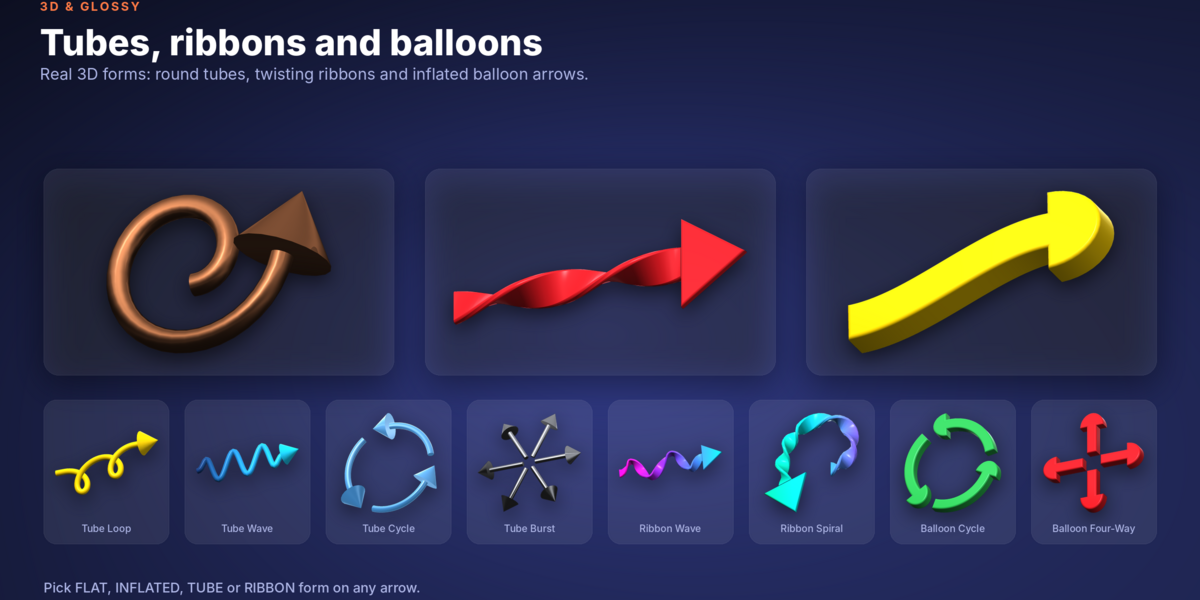
3D & Glossy (27 Presets)
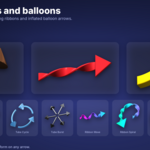
Tube Spiral, Ribbon Twist, Balloon S, and dimensional arrow designs.
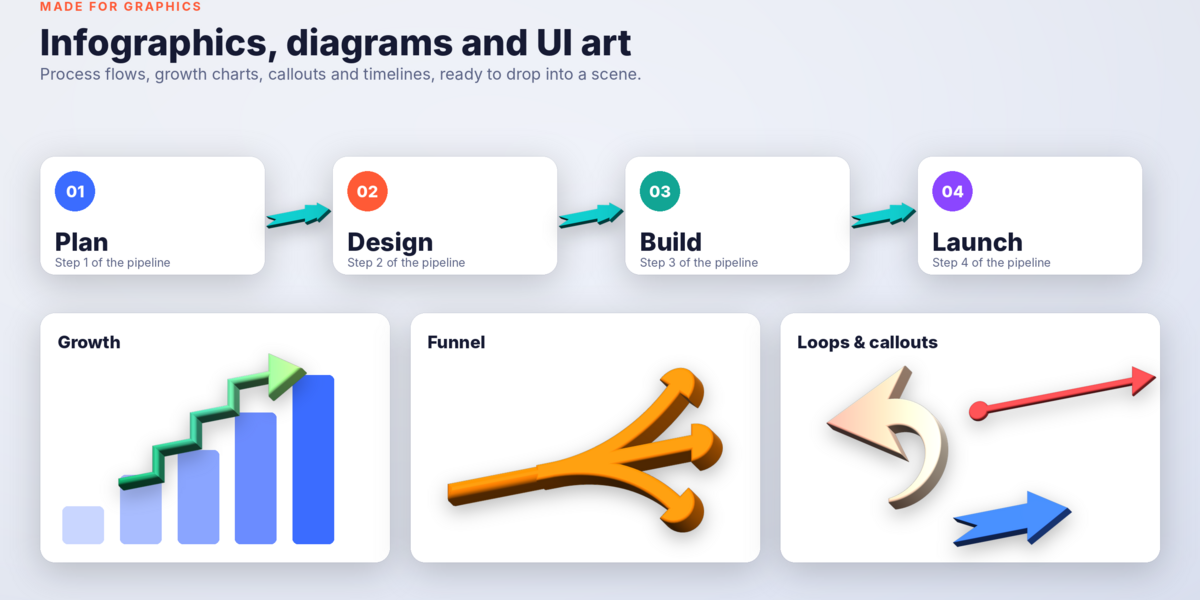
Infographic (17 Presets)
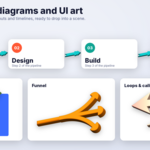
Growth Arrow, Funnel Split, Timeline Arrow, and presentation-ready designs.
Neon & Tech (12 Presets)
Neon Cyan Line, Hologram Arrow, HUD Chevron, and futuristic arrow designs.
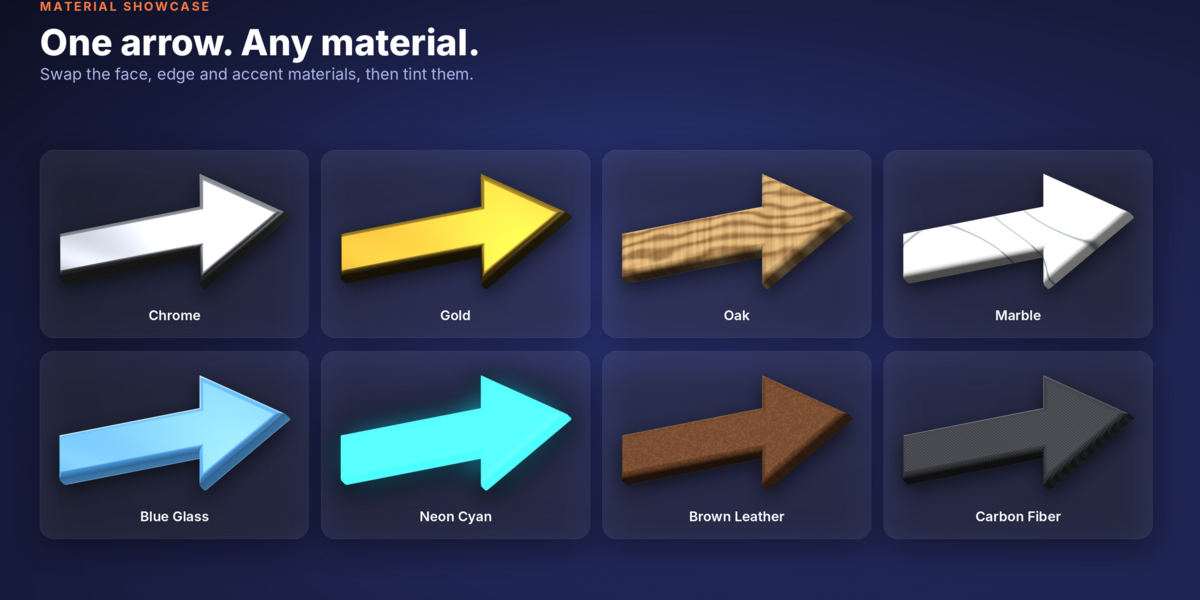
Material Showcase (29 Presets)
Chrome Arrow, Gold Arrow, Marble Arrow, and material demonstration designs.
Hand-Drawn (10 Presets)
Doodle Loop, Marker Curve, Brush Swoosh, and sketch-inspired arrows.
Every preset can be used as a starting point and customized to match your project.
Procedural Material Library
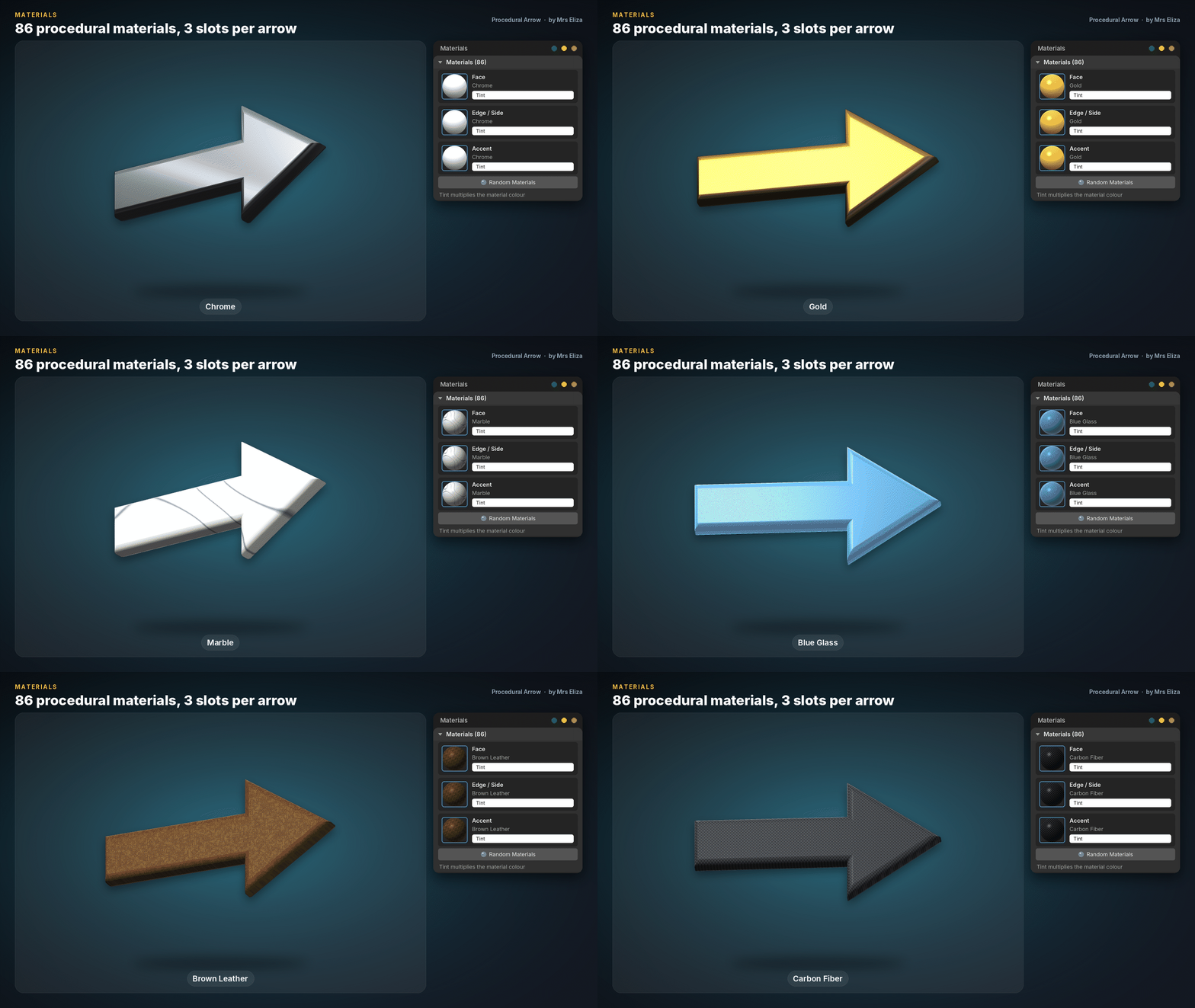
The add-on includes 86 procedural materials created entirely with Blender shader nodes.
Material categories include:
Flat Colors – 11 materials
Glossy – 9 materials
Gradients – 11 materials
Metals – 13 materials
Glass & Crystal – 9 materials
Neon & Glow – 13 materials
Surfaces – 15 materials
Patterns – 5 materials
Surface materials include marble, concrete, paper, cardboard, chalk, wood, leather, silk, and carbon fibre.
Pattern materials include hazard stripes, candy stripes, checker, polka dots, and zebra patterns.
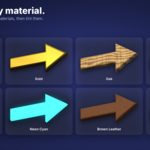
Each arrow features three independent material slots:
Face Material: Controls the main arrow surface.
Edge Material: Controls the arrow edges.
Accent Material: Adds contrasting details to the arrowhead or tail.
Each slot also includes an individual tint control. Use Random Materials to generate different combinations instantly.
Customization & Design Controls
Create unique arrow designs with extensive procedural controls.
Shape & Path
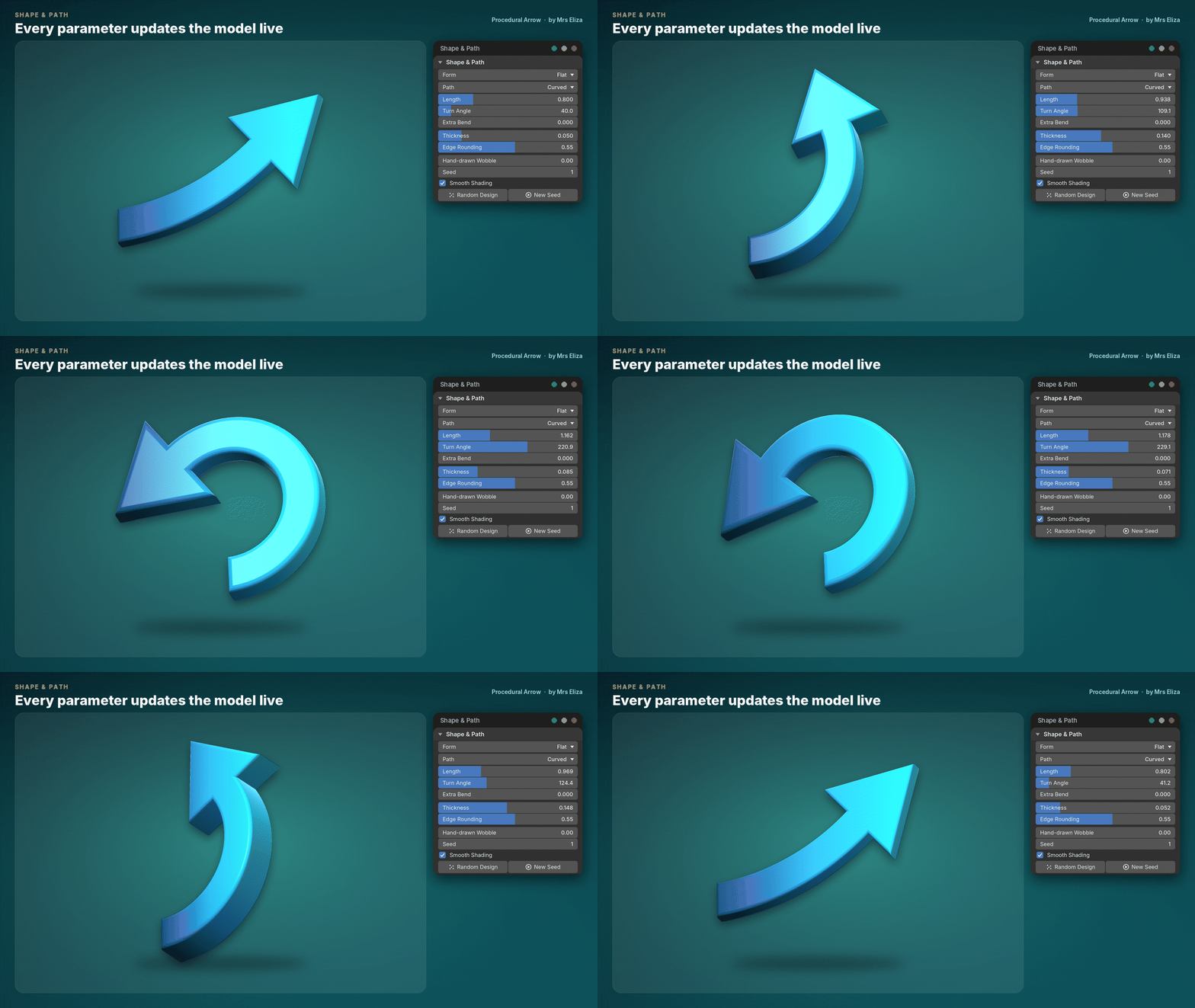
27 different path styles
-
Flat, inflated, tube, and ribbon forms
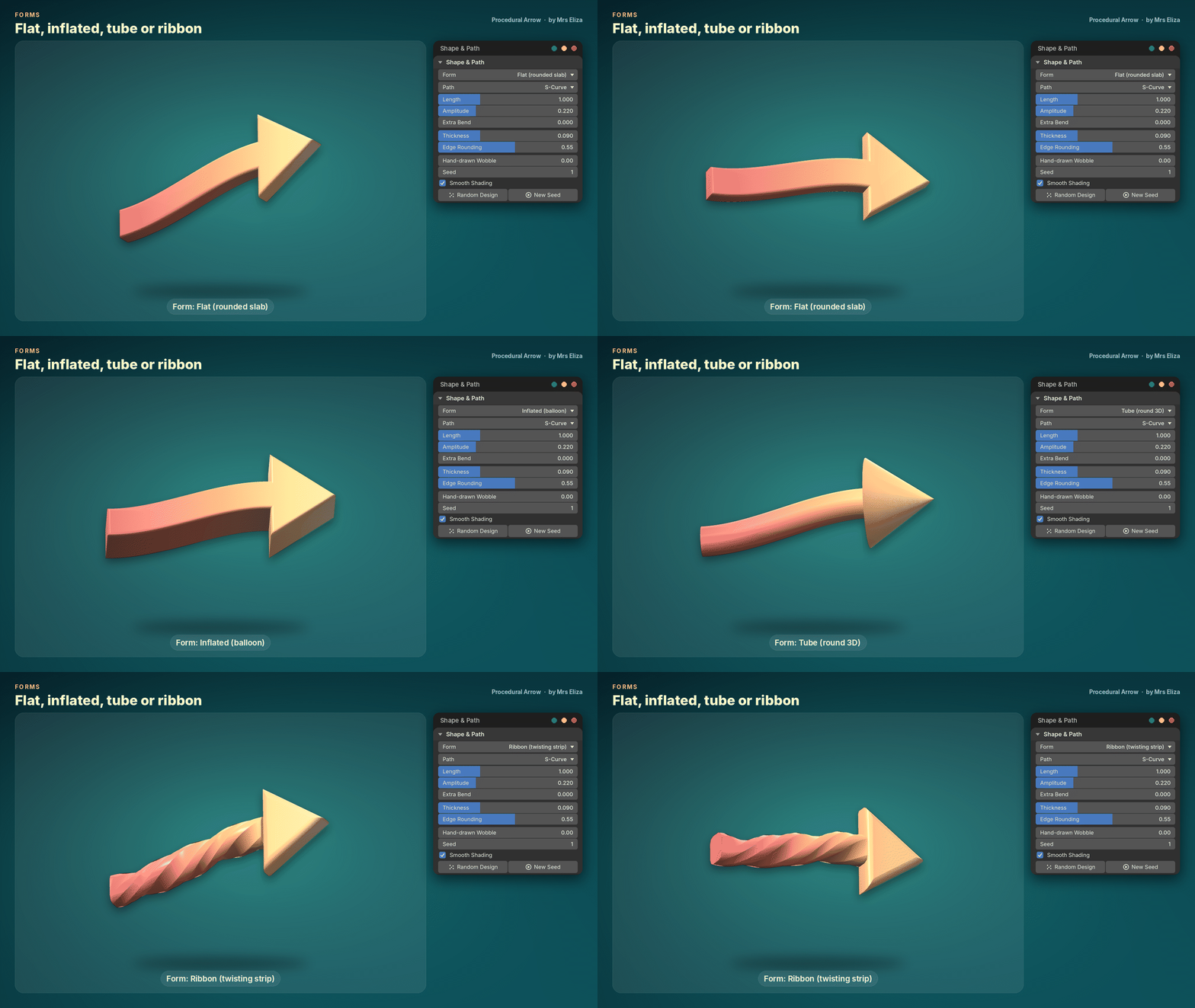
Adjustable length, angle, amplitude, and bends
Path count and mirror options
Thickness and edge rounding
Ribbon twist and hand-drawn wobble
Random seed and mesh detail
Origin and smooth shading controls
Body & Line
Solid and outline styles
Dashed and dotted designs
Segmented blocks
Double lines and chevron trails
Adjustable width, taper, rim width, and dash count
Arrowhead
16 different arrowhead styles
Adjustable length, width, and curvature
Custom barb sweep
Optional accent material
Tail
12 different tail styles
Adjustable length and width
Optional accent material
Animation System
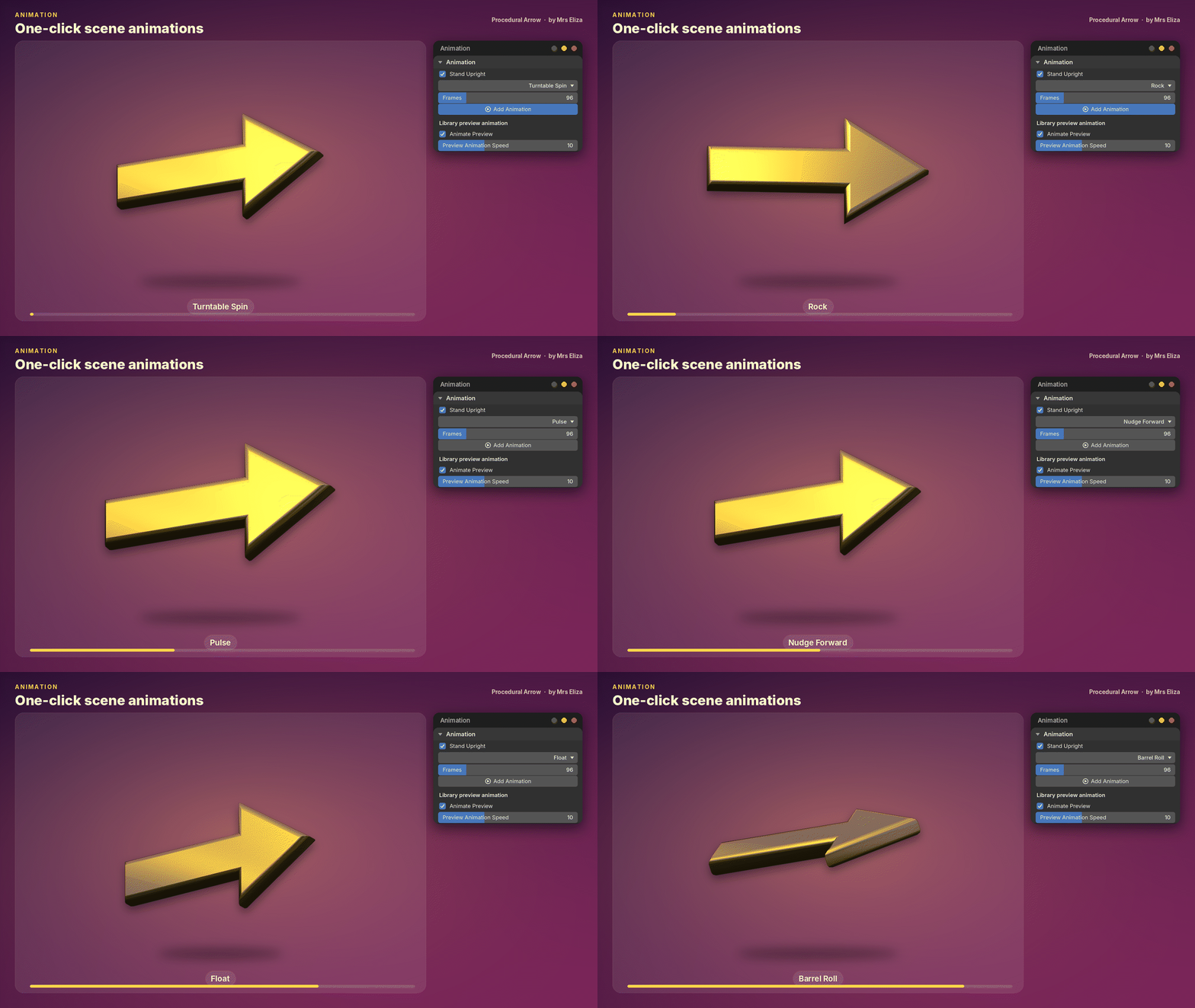
Bring your arrows to life with six built-in looping animation presets.
Turntable Spin: Rotates the arrow through a complete 360-degree turn.
Rock: Swings the arrow 35 degrees from side to side.
Pulse: Smoothly scales the arrow up and down.
Nudge Forward: Moves