 Chun Wang




Installation Guide
Download the
Procedural_Asian_building_v1_0.zipfile. (Do NOT unzip it).Open Blender and go to Edit > Preferences > Add-ons.
Click the Install... button in the top right corner.
Locate the downloaded ZIP file and select it.
Check the box next to the add-on name to enable it.
How to Use
Open a new or existing Blender scene.
Press the
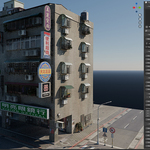
Nkey on your keyboard to open the right-side properties panel in the 3D Viewport.Locate the new tab labeled "TW Building".
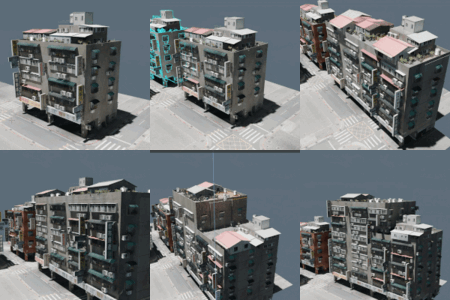
Click the "Append" button in the panel to instantly add the procedural building into your scene.
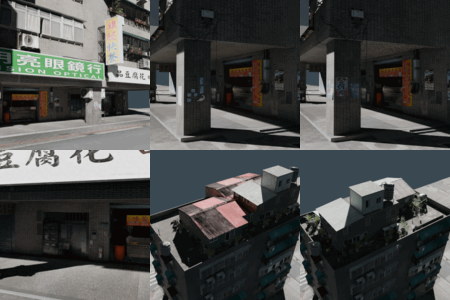
Use the custom sliders in the panel to easily change wall materials, toggle Night Mode, and randomize building props (AC units, signboards, water towers).
Discover more products like this
environment city generator cyberpunk street taiwanese tool neon geometry nodes architecture building asian procedural