 Mrs Eliza
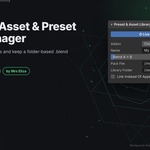
Procedural Asset & Preset Library Manager Addon for Blender
Save, Organize, Share & Reuse Procedural Presets and Blender Assets
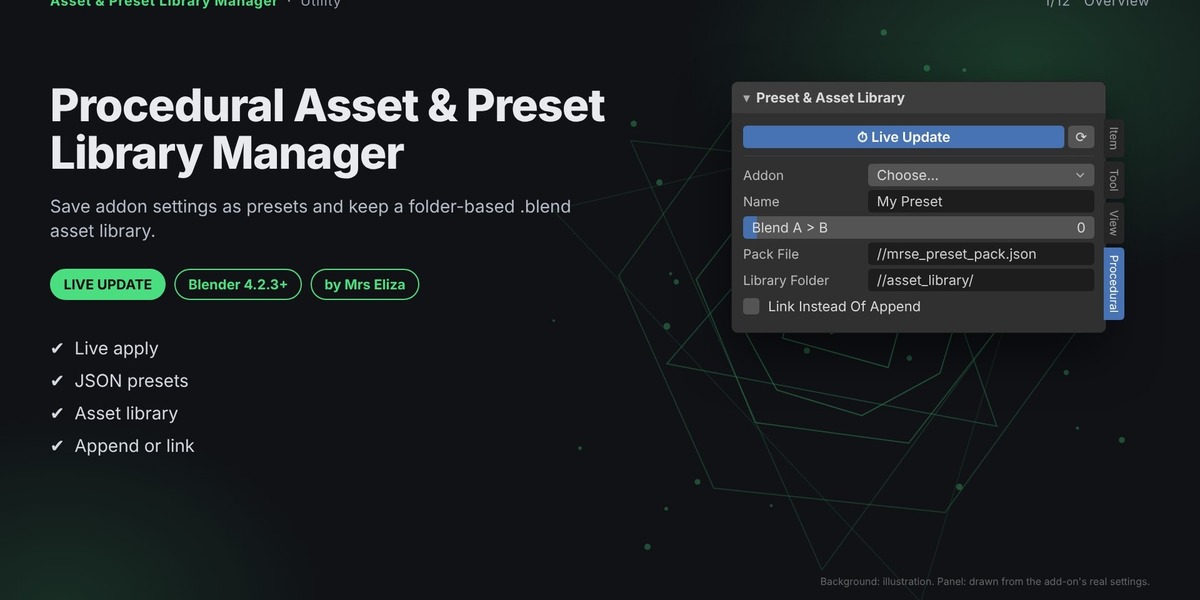
Take control of your procedural workflow with the Procedural Asset & Preset Library Manager for Blender. Save settings from your installed procedural add-ons as reusable presets, build your own asset library from .blend files, and quickly import objects, collections, materials, or animations whenever you need them.
Designed for reusable workflows and efficient asset management, this addon brings preset management and asset library tools together in one convenient panel.
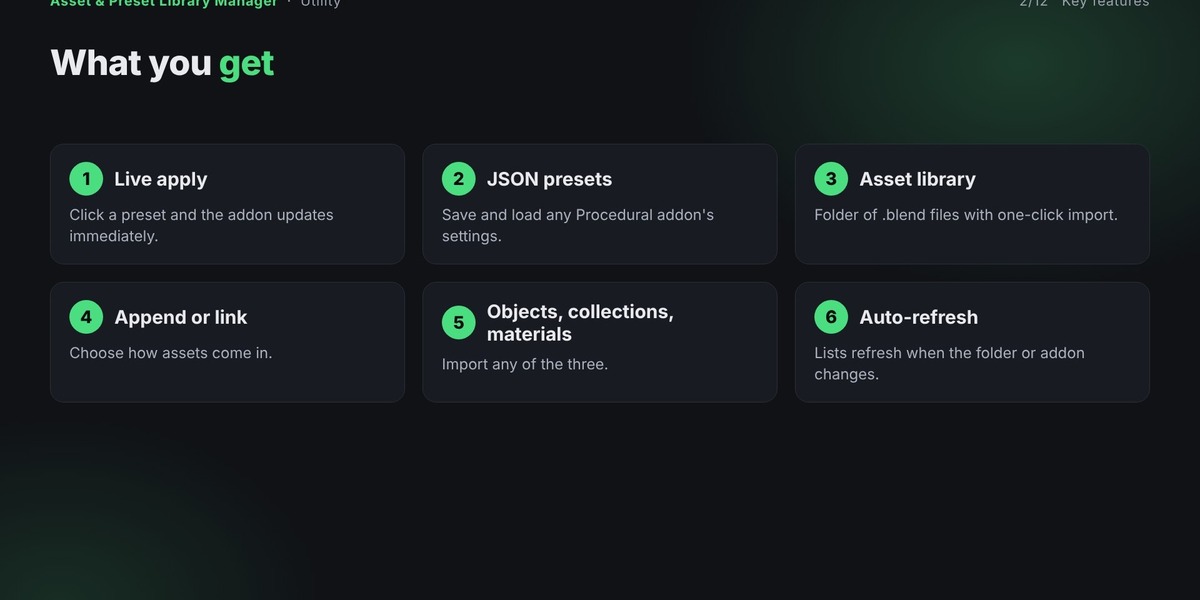
Key Features
1. Procedural Preset Manager
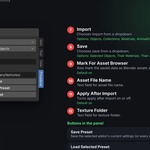
Save settings from supported installed procedural add-ons as JSON presets.
Apply saved presets with a single click.
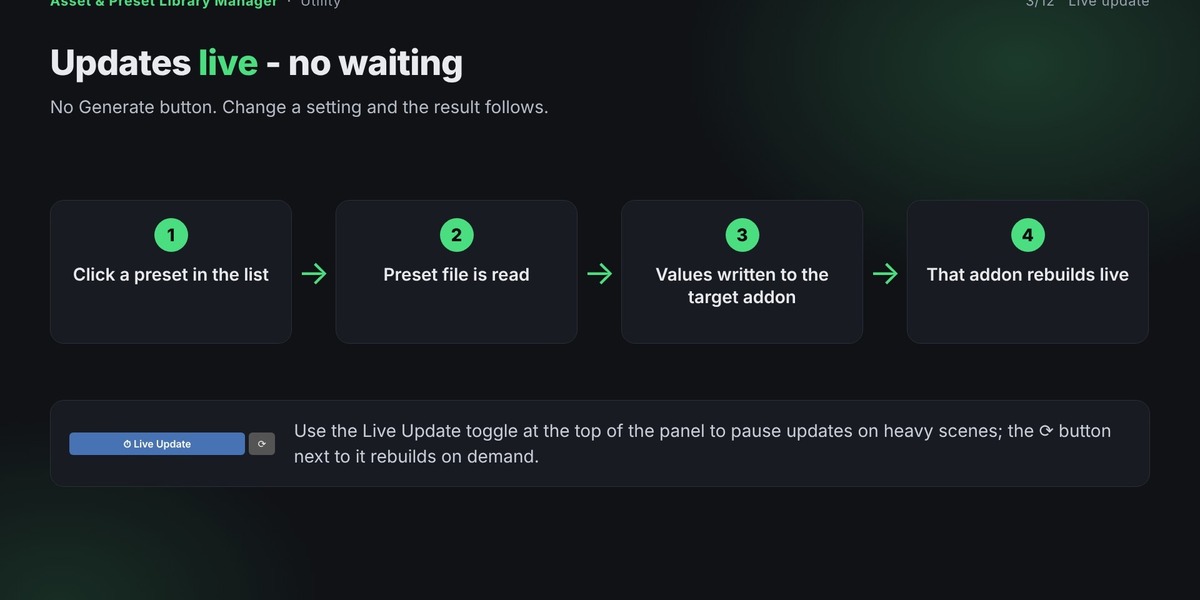
Automatically rebuild supported add-ons when presets are applied with Live Apply enabled.
Duplicate, rename, delete, and refresh presets.
Export and import preset packs to share your collections.
Manage presets for different add-ons using the add-on selection dropdown.
2. Blender Asset Library Manager
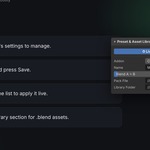
Create and manage your own folder-based asset library using .blend files.
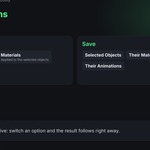
Save:
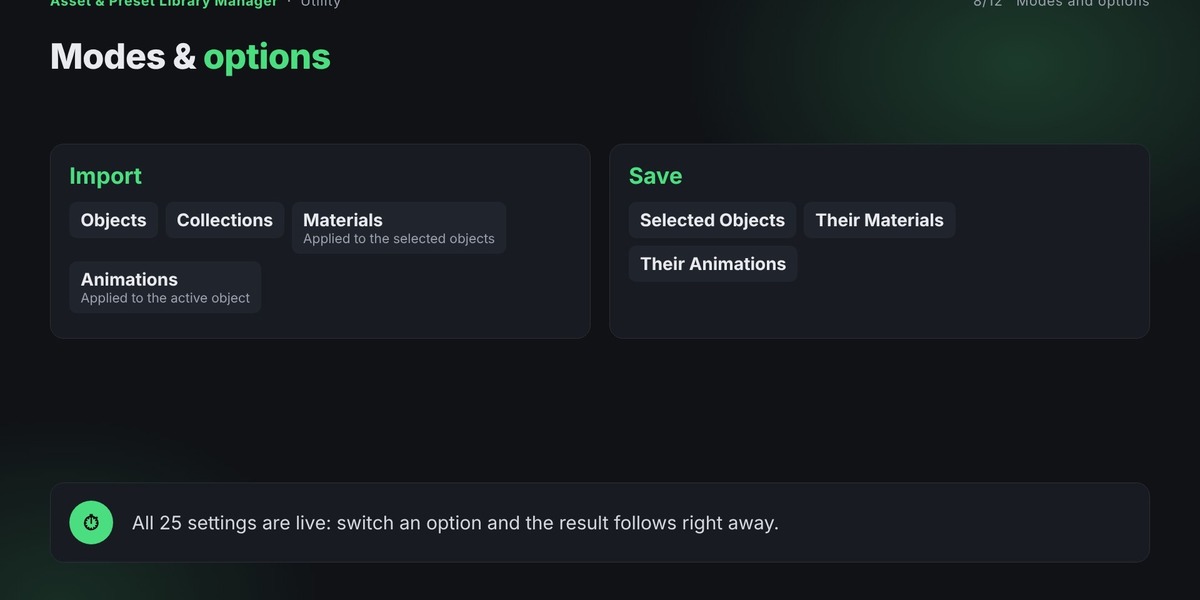
Selected Objects
Object Materials
Object Animations
Import:
Objects
Collections
Materials
Animations
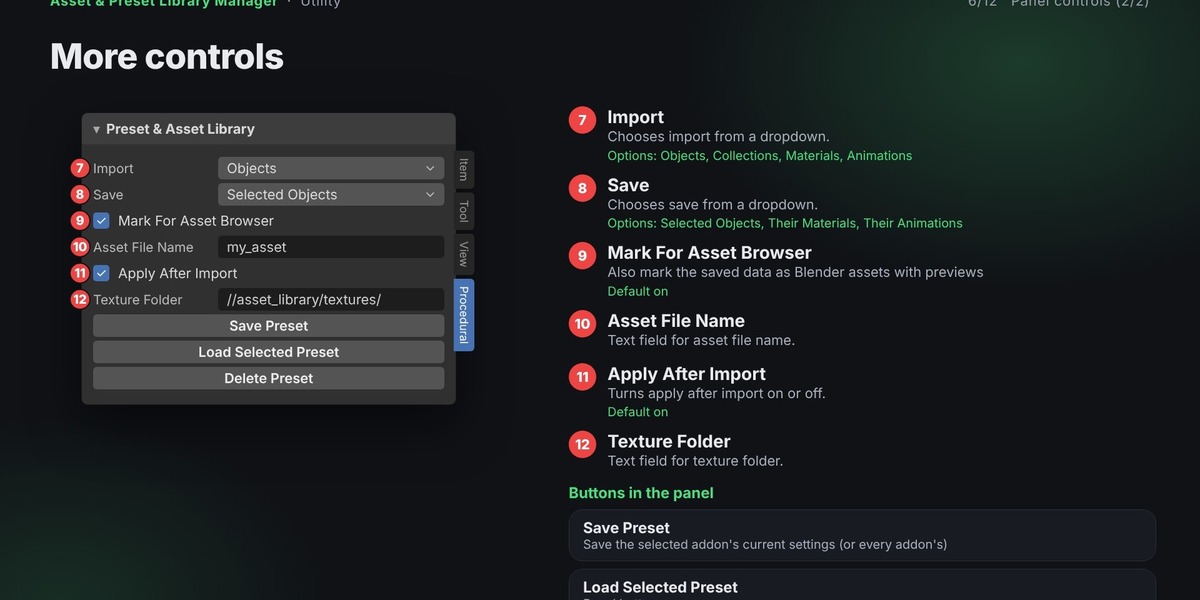
Choose between Append and Link when importing assets. You can also mark saved data for Blender's Asset Browser with previews.
3. Live Apply Workflow
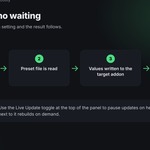
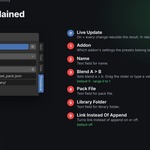
Enable Live Apply to instantly apply a selected preset to its target procedural add-on. The target add-on can then rebuild its result using the applied settings.
Preset and asset lists refresh automatically when relevant selections or library folders change.
4. Preset Pack Sharing
Build portable preset collections for backup or sharing.
Export saved presets into a single preset pack.
Import preset packs into your workflow.
Duplicate and rename existing presets.
Keep your own reusable settings between Blender sessions.
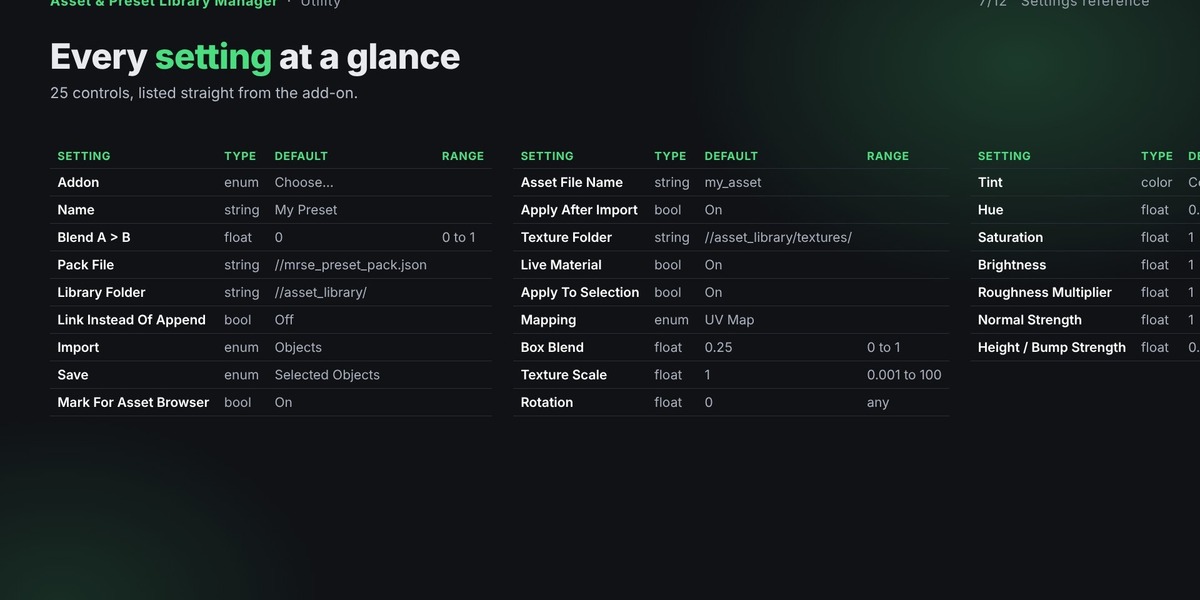
5. PBR Material & Texture Tools
The addon also includes tools for working with texture sets and materials.
Scan a texture folder.
Build a PBR material from a selected texture set.
Apply the generated material to selected objects.
Create a demo brick-wall texture set to test the workflow.
Choose between UV Map, Object, and Triplanar Box mapping.
Adjust texture scale, rotation, tint, hue, saturation, and brightness.
Control roughness, normal strength, and height/bump strength.
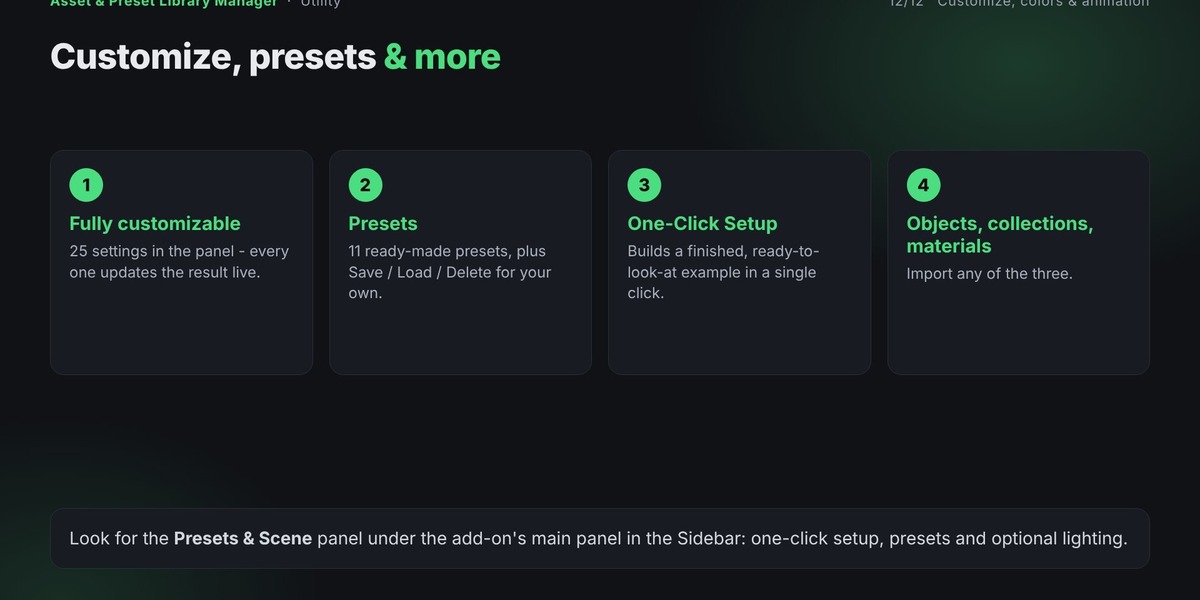
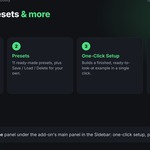
6. One-Click Setup & Built-in Presets
Get a ready-to-view example without manually configuring every setting.
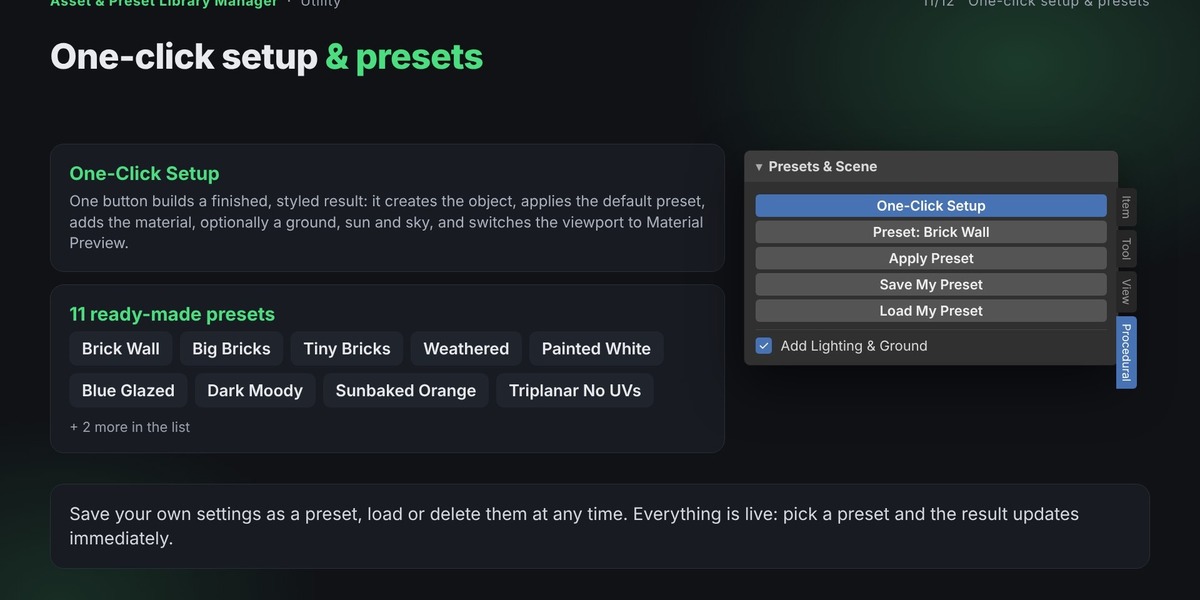
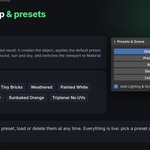
One-Click Setup can apply the default Brick Wall preset, create its material, optionally add a ground plane, sun light, and sky color, and switch the viewport to Material Preview.
Includes 11 built-in presets:
Brick Wall
Big Bricks
Tiny Bricks
Weathered
Painted White
Blue Glazed
Dark Moody
Sunbaked Orange
Triplanar No UVs
Rotated Diagonal
Smooth Plaster Look
You can also save, load, and delete your own presets.
Main Controls & Customization
Customize your workflow with controls for:
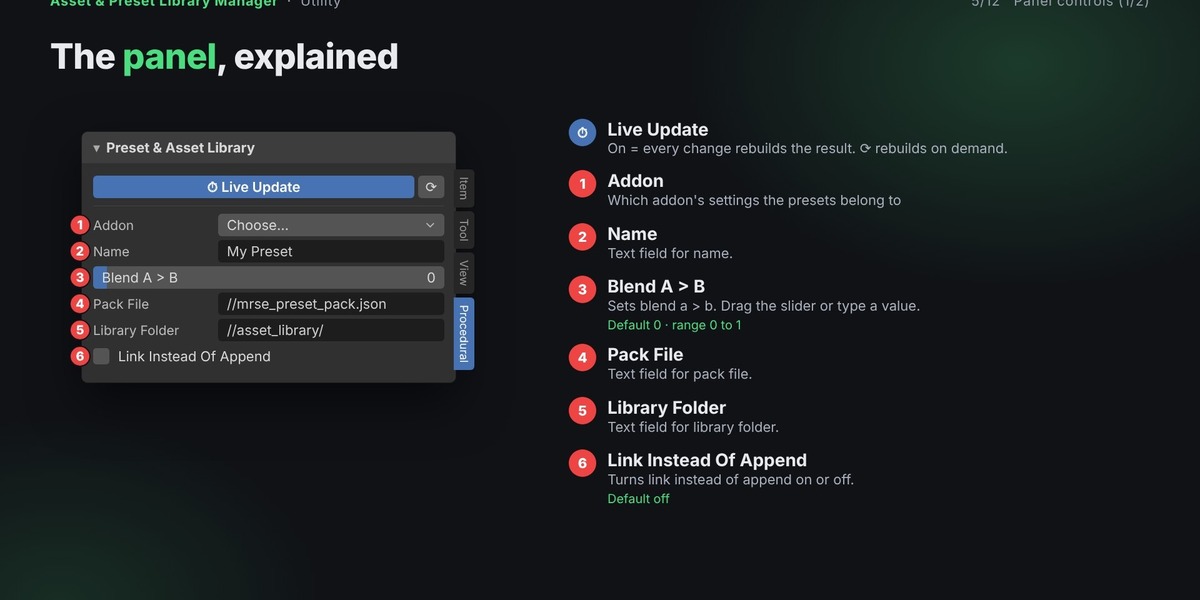
Add-on selection and preset naming
Live Apply
Preset and asset library folders
Append or Link import mode
Asset import and save types
Asset Browser marking
Apply After Import
Texture folder scanning
Material creation and application
UV, Object, and Triplanar mapping
Texture scale and rotation
Color, tint, hue, saturation, and brightness
Roughness, normal, and bump strength
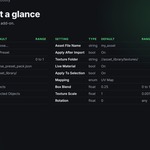
The documented main panel includes 25 customizable settings, with controls appearing according to the selected mode where applicable.
How It Works
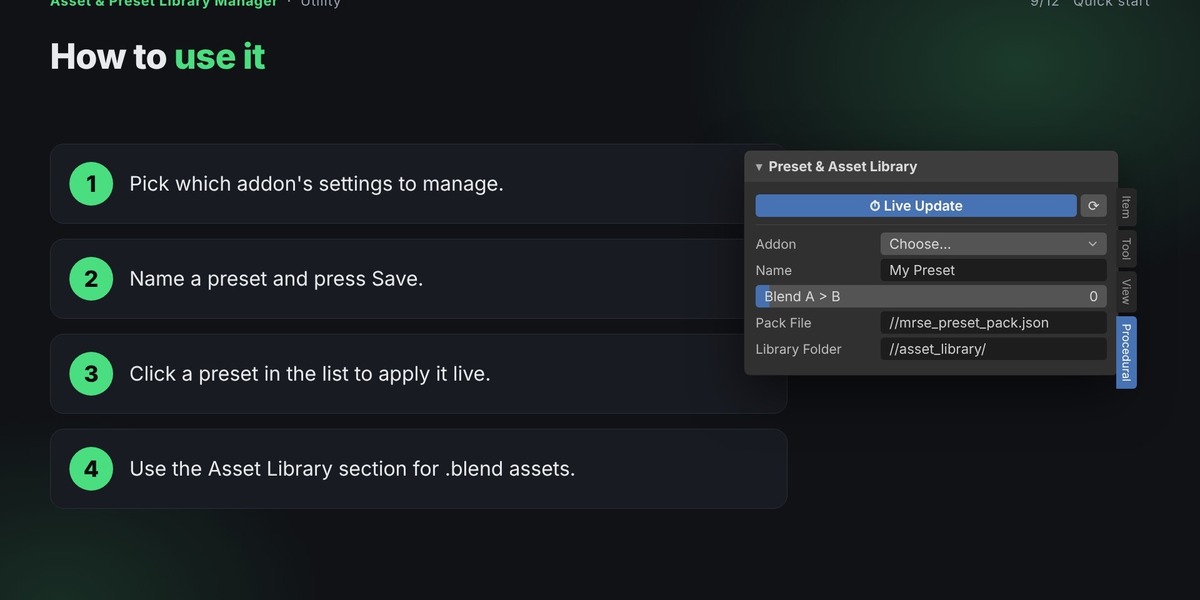
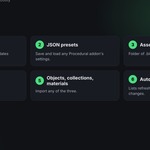
Save Procedural Presets: Select an installed procedural add-on, enter a preset name, and click Save Preset.
Apply Presets: Select a saved preset and apply it. With Live Apply enabled, the target add-on updates using those settings.
Build Your Asset Library: Choose a library folder, select objects, and save them as an asset. You can save objects, their materials, or their animations.
Import Assets: Choose the asset type and select an item from your library. Import it using Append or Link.
Share Your Presets: Export your saved presets as a preset pack and share it with other Blender users.
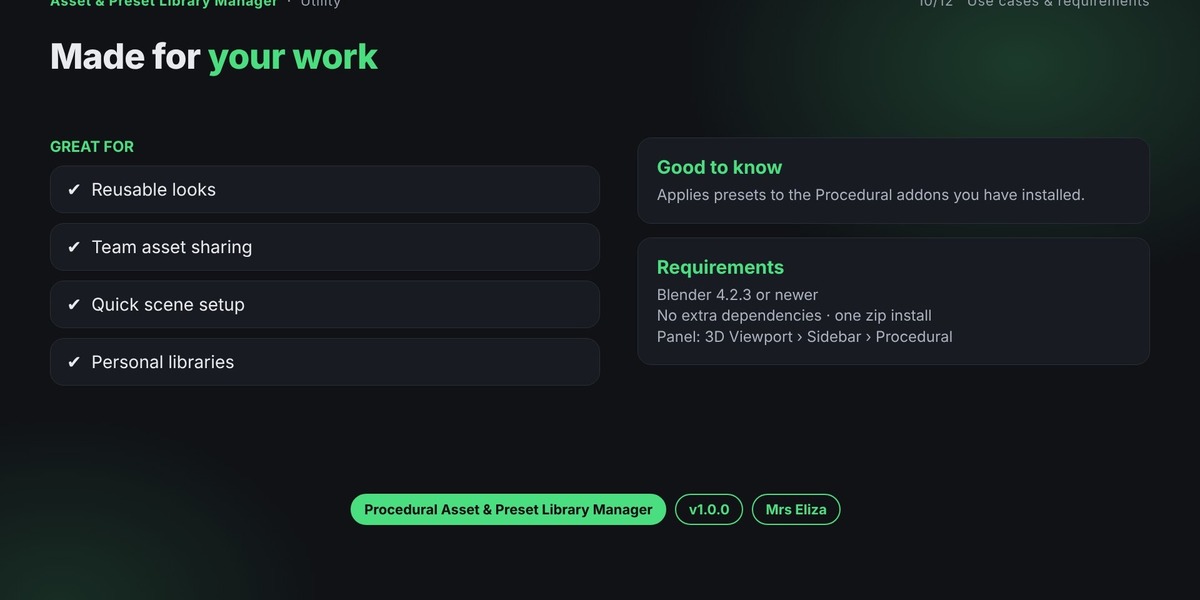
Perfect For
Procedural Blender workflows
Managing reusable add-on presets
Organizing personal asset collections
Sharing procedural settings with teams
Reusing objects, materials, and animations
Building and managing material libraries
Faster scene setup and asset organization
Technical Information
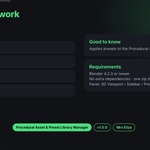
Software: Blender
Minimum Version: Blender 4.2.3 or newer
Addon Version: 1.0.0
Preset Format: JSON
Asset Library Format:
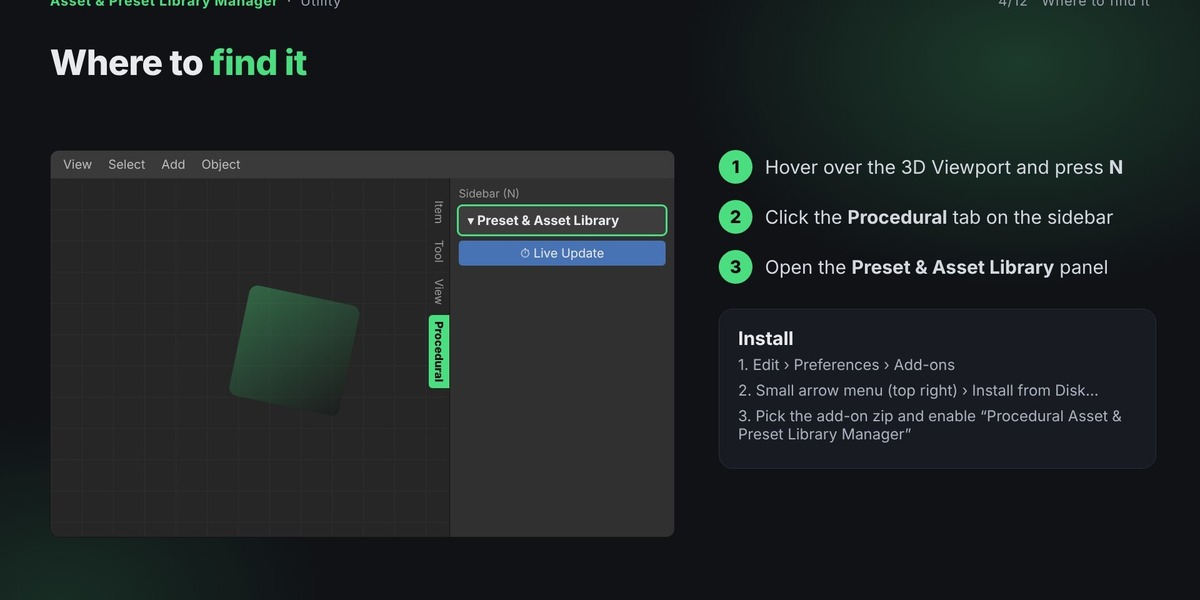
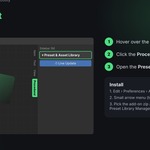
.blendInstallation: Install the downloaded ZIP through Blender Preferences. Do not unzip it first.
Organize your procedural workflow, build reusable libraries, and keep your favorite settings and assets ready for your next Blender project.