 Mrs Eliza
Frequently Asked Questions
Q: Does this addon work with every Blender procedural addon?
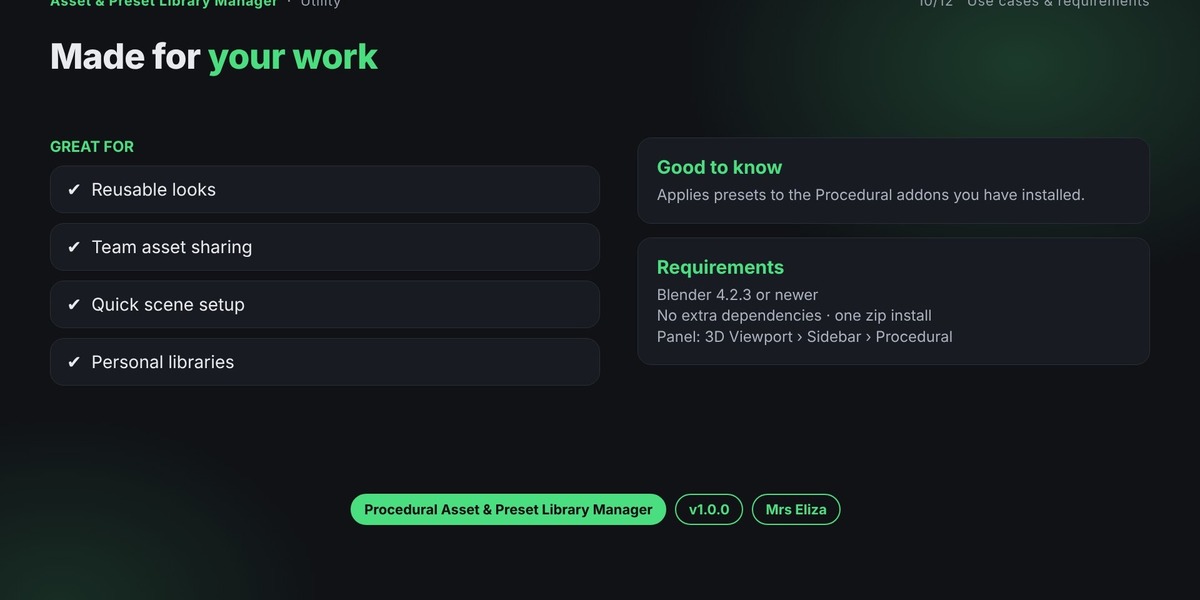
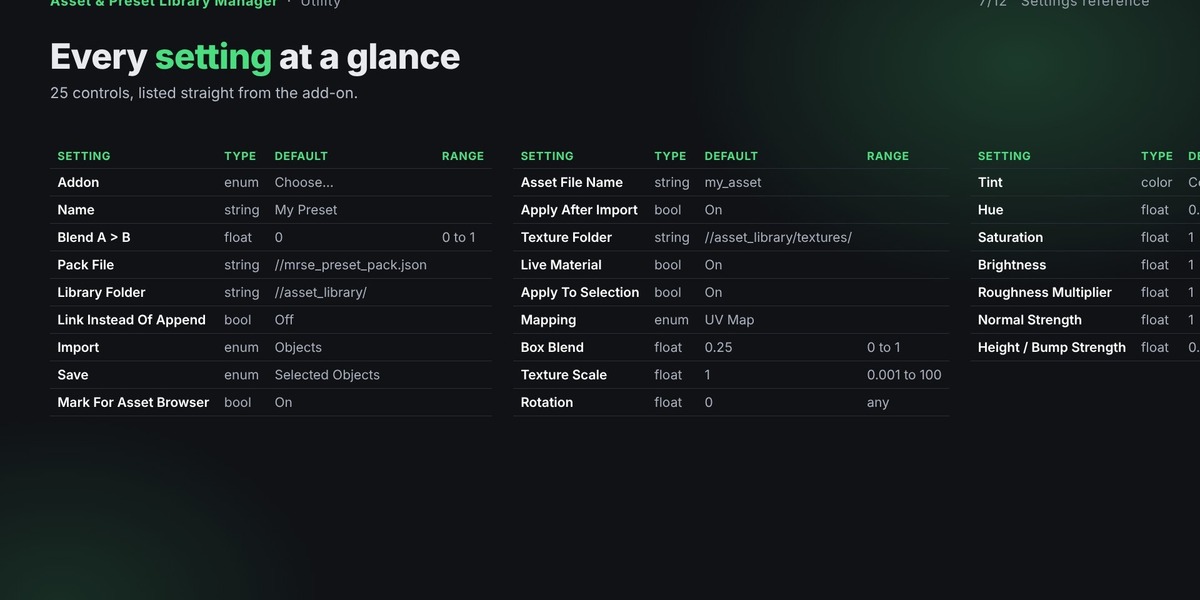
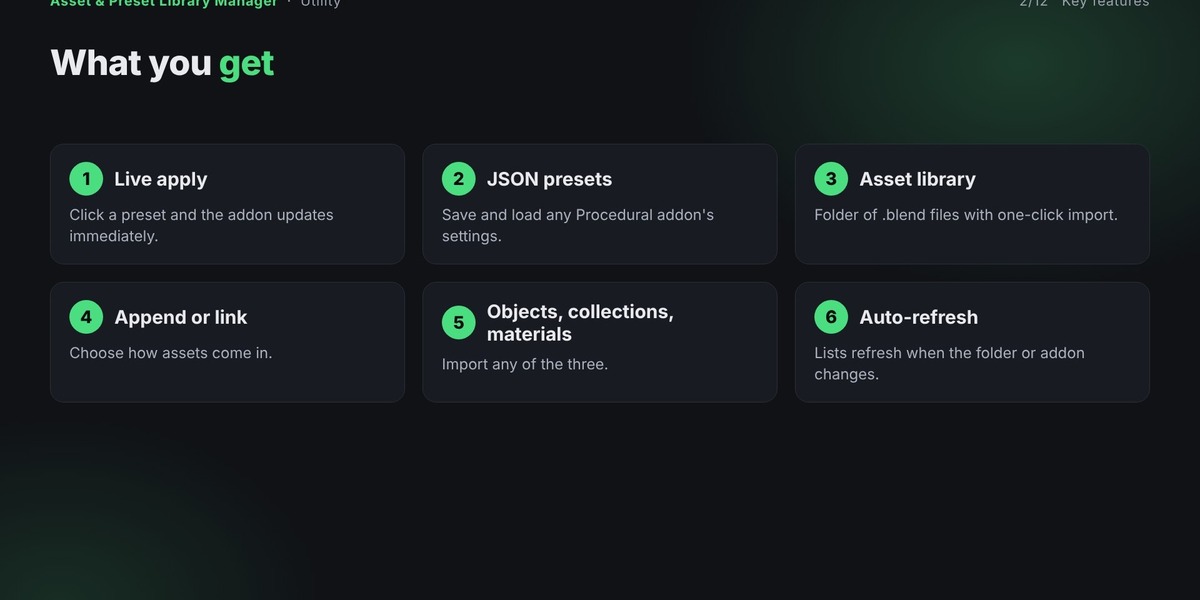
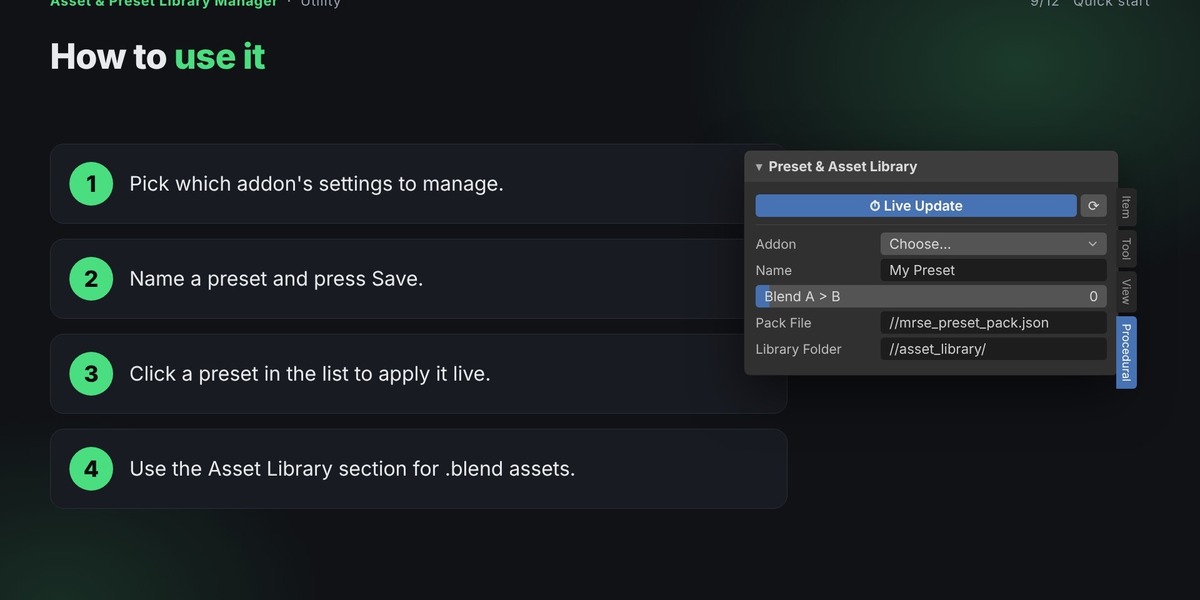
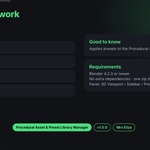
It applies presets to the procedural add-ons you have installed and enabled. The target add-on must support the settings being managed.
Q: Why is my preset list empty?
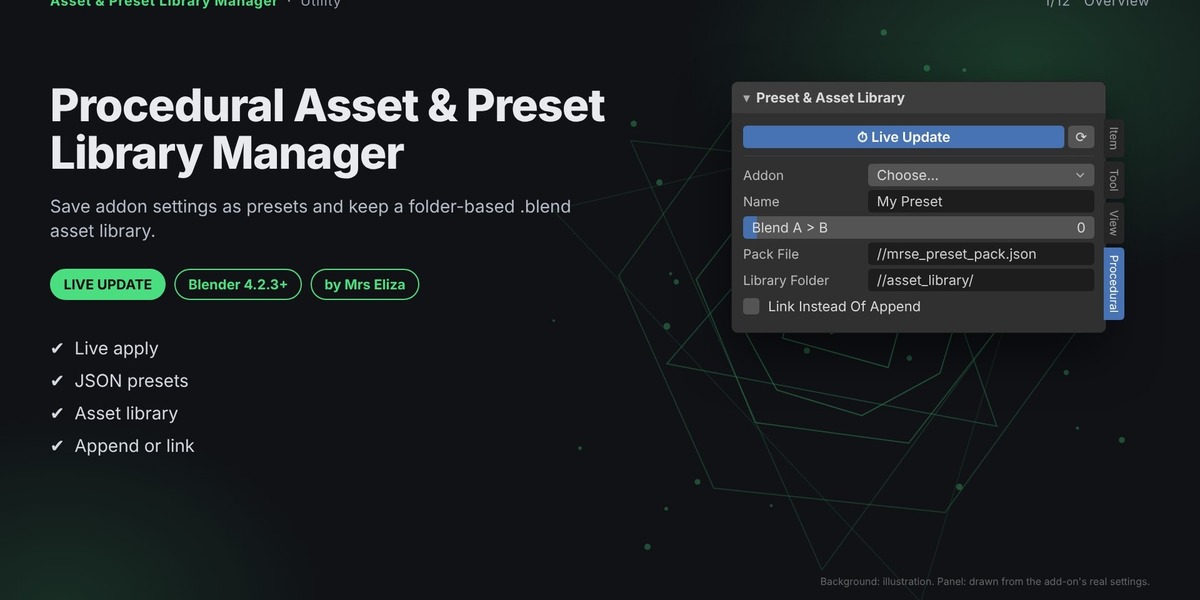
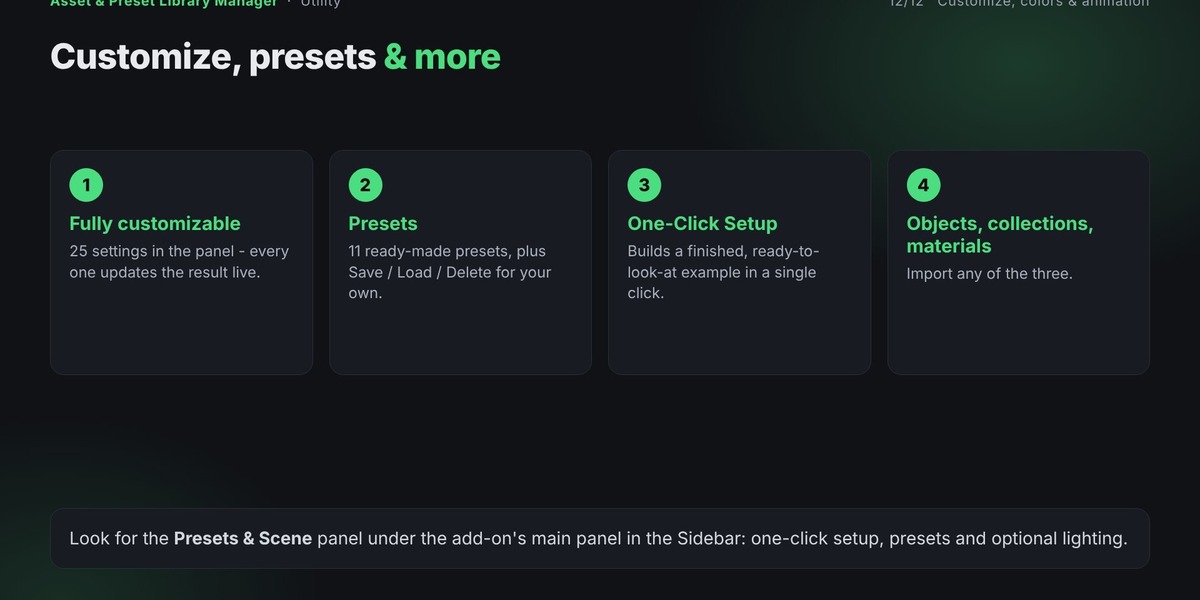
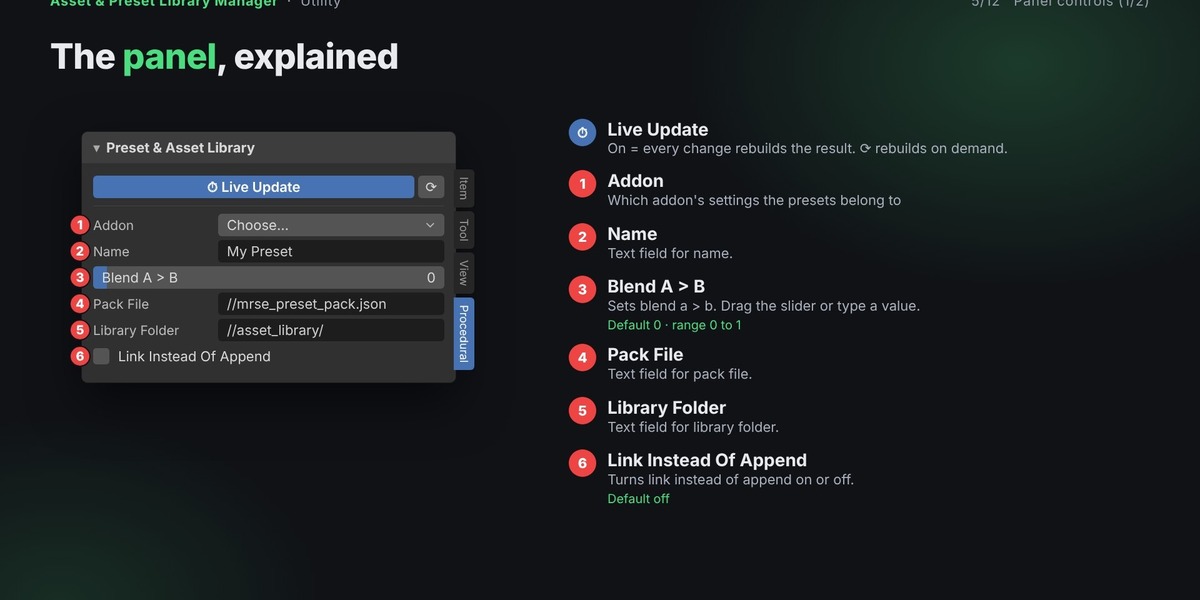
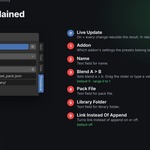
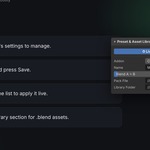
Presets are listed according to the selected add-on. Check the Addon dropdown and select the add-on whose presets you want to view.
Q: Why didn't my preset apply?
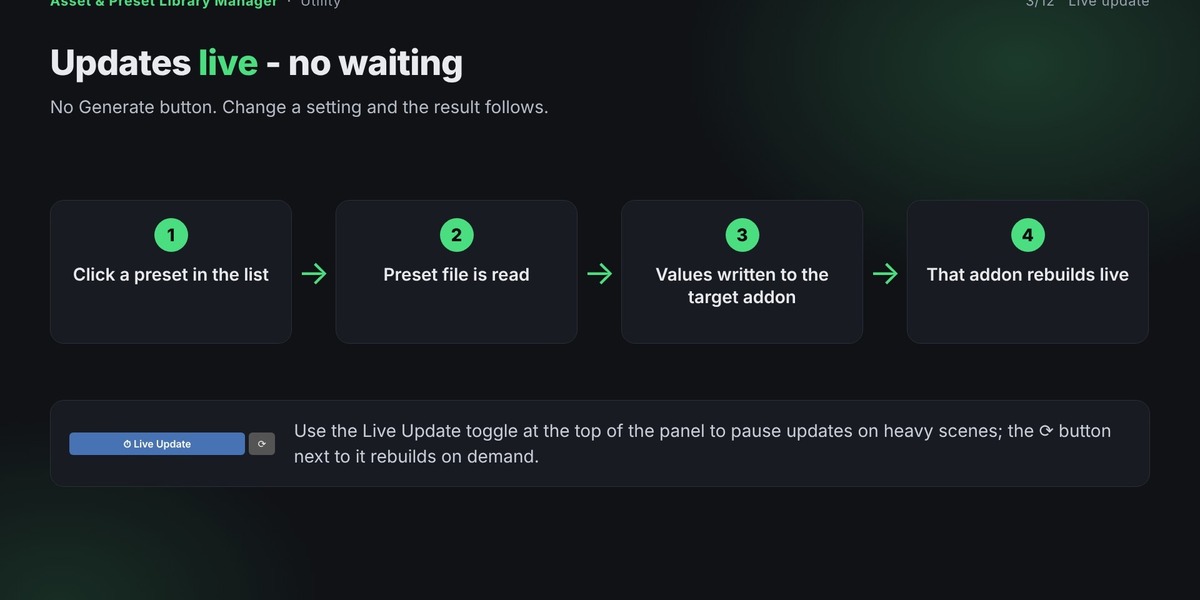
Make sure the target procedural add-on is installed and enabled in Blender.
Q: Can I share my presets with other users?
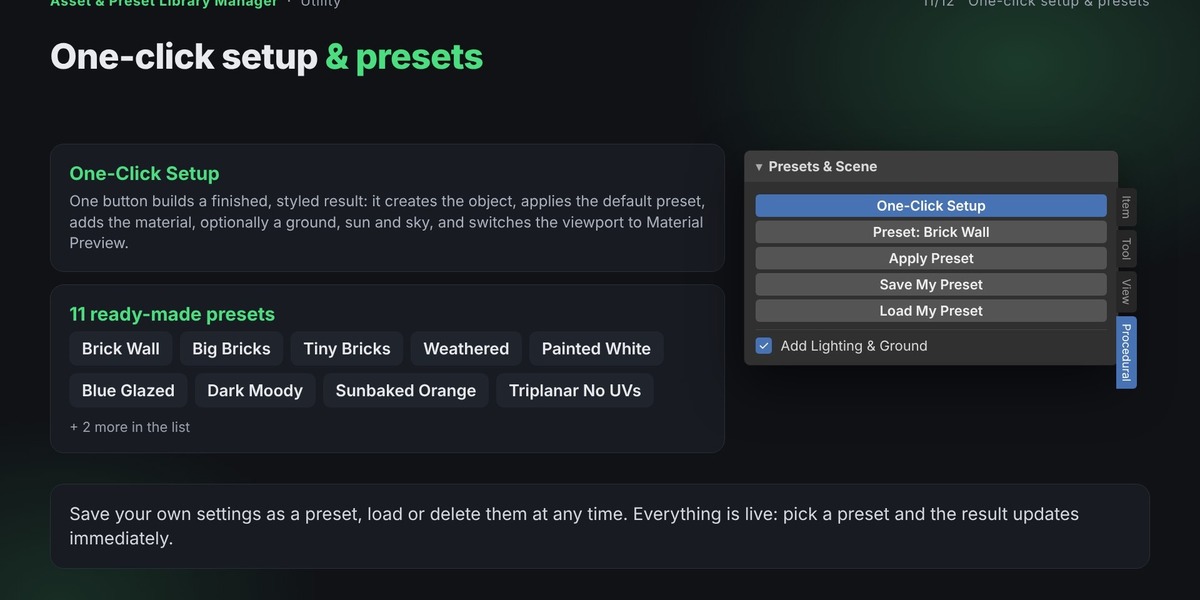
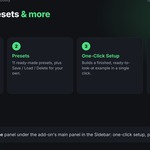
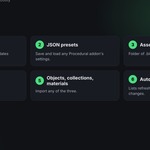
Yes. Presets are stored as JSON files, and you can export saved presets into a preset pack to share them.
Q: What is the difference between Append and Link?
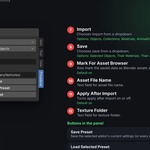
Append brings data into your project so you can modify it independently. Link references data from the source library, making it useful for shared libraries.
Q: Which asset types can I save and import?
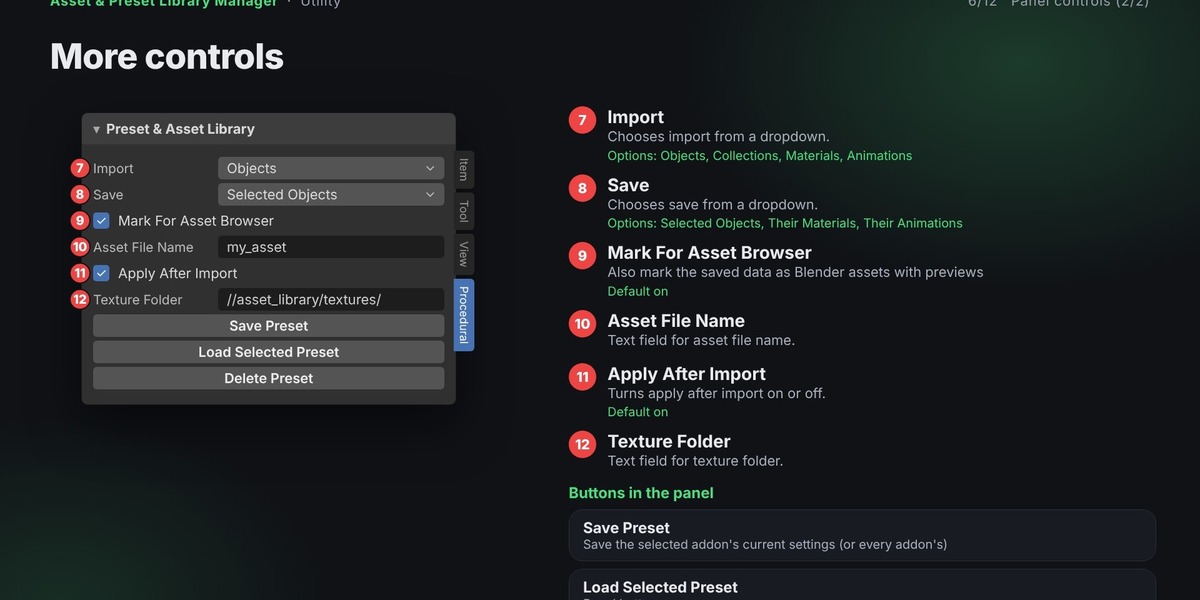
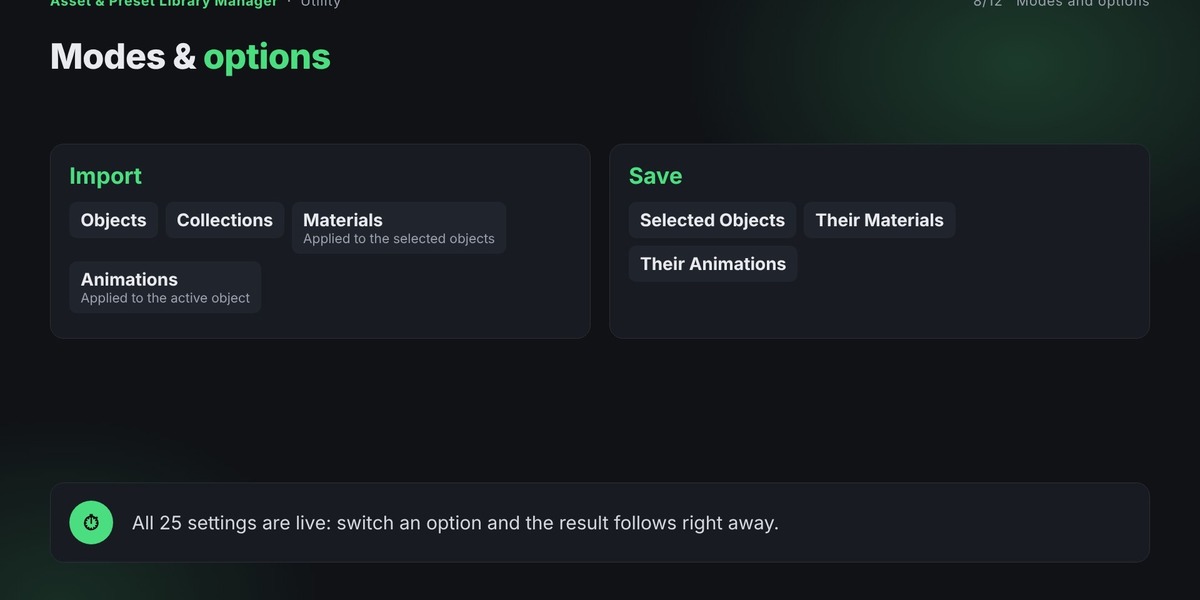
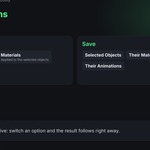
You can work with objects, collections, materials, and animations. Available options depend on whether you are saving or importing.
Q: Where are my personal presets stored?
Presets are stored in Blender's user configuration folder under mrse_presets, making them available across different .blend files.
Have questions about this product?
Login to message
| Published | over 2 years ago |
| Blender Version | 3.6 - 5.0 |
| Extension Type | Add-on |
| Render Engine Used | Blender-Internal, Cycles, Eevee |
| Misc Data | Low-High-Resolution |
| License | GPL |