 Mrs Eliza
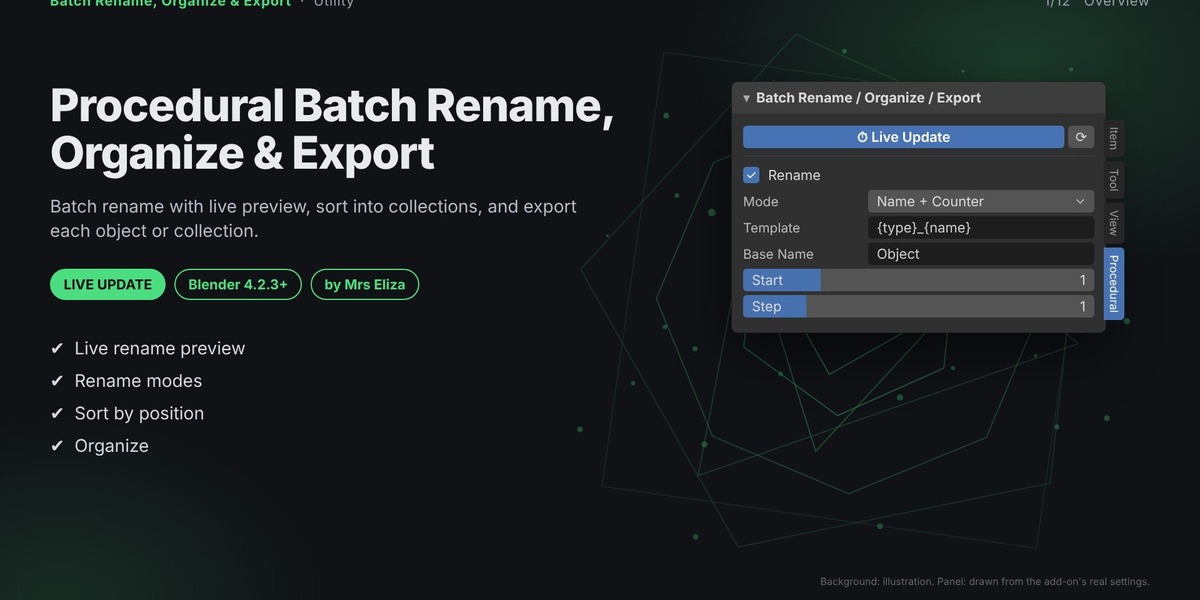

Procedural Batch Rename, Organize & Export Addon for Blender
Rename, organize, clean up, and export your Blender projects faster with an all-in-one procedural asset management toolkit!
The Procedural Batch Rename, Organize & Export addon is designed to simplify your Blender workflow by combining three essential productivity tools into one convenient interface.
Easily rename multiple objects using custom naming patterns, organize objects into collections automatically, and batch export individual objects, collections, or entire selections to popular 3D formats.
Whether you're preparing game assets, organizing large scenes, managing asset libraries, or exporting models for different platforms, this addon helps you save time and keep your projects clean, structured, and ready for production.
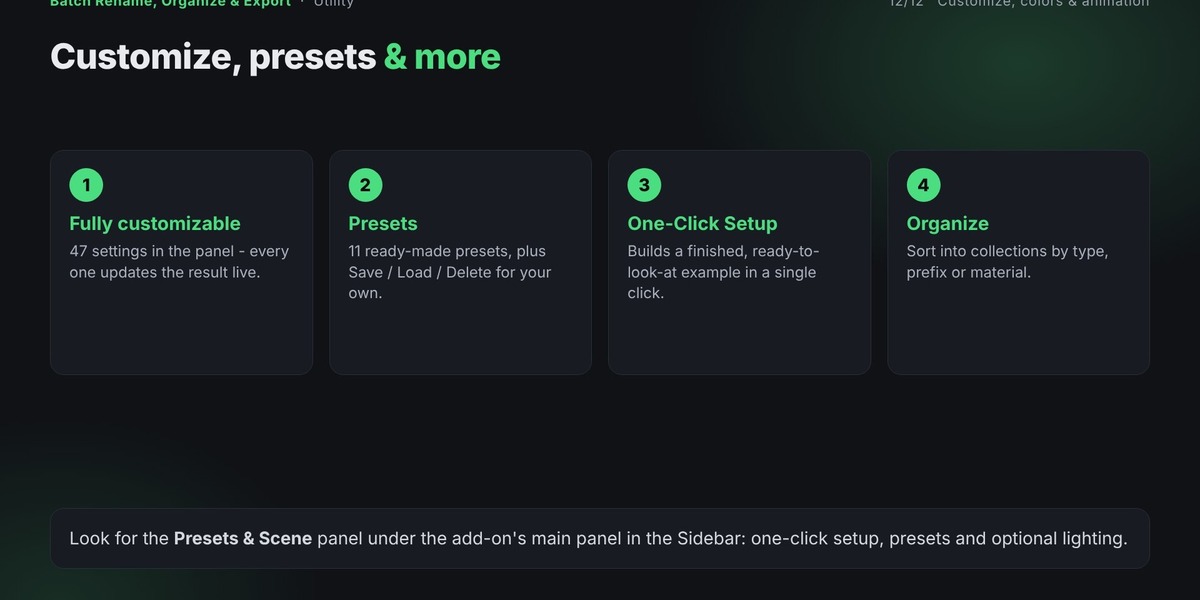
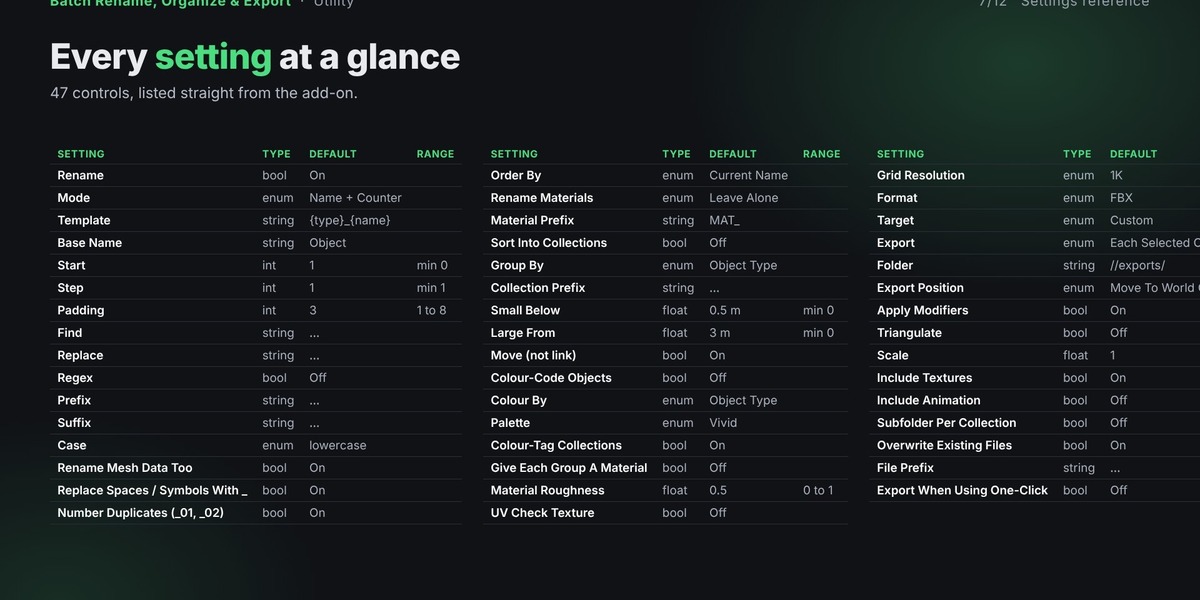
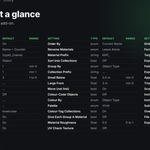
With 47 customizable settings, 11 built-in presets, live rename preview, automatic collection organization, and multiple export configurations, you get everything you need for efficient Blender asset management.
✨ Key Features
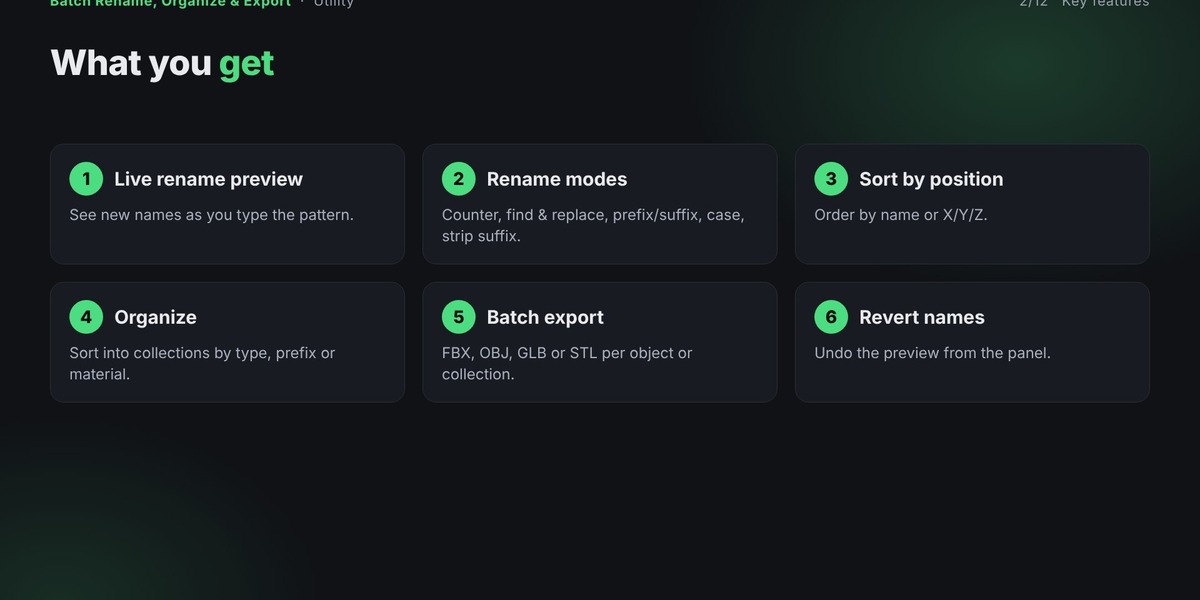
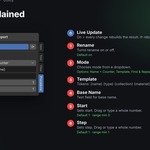
Batch Rename: Rename multiple objects simultaneously using customizable naming patterns.
Live Rename Preview: Preview new object names instantly before accepting changes.
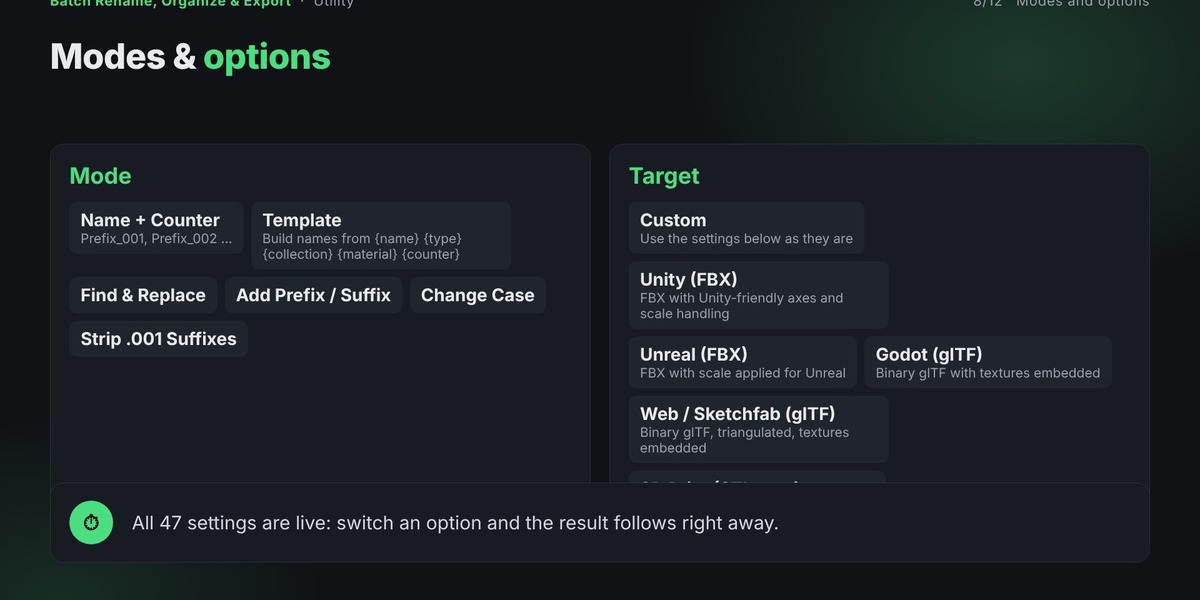
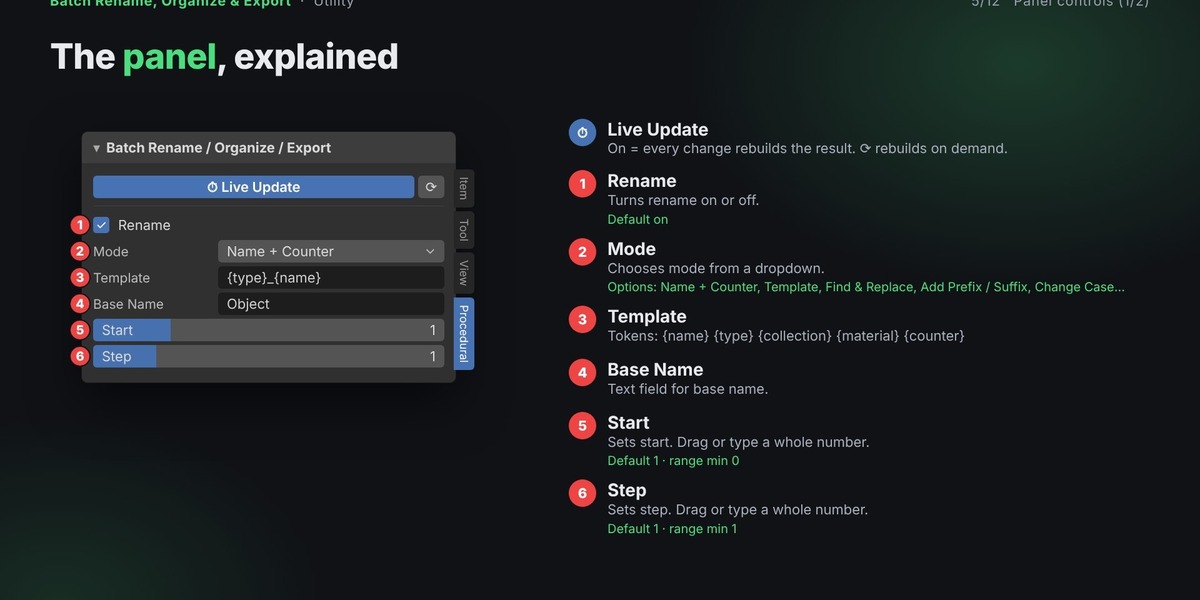
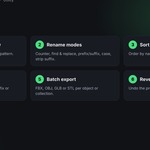
Multiple Rename Modes: Choose from six different renaming methods.
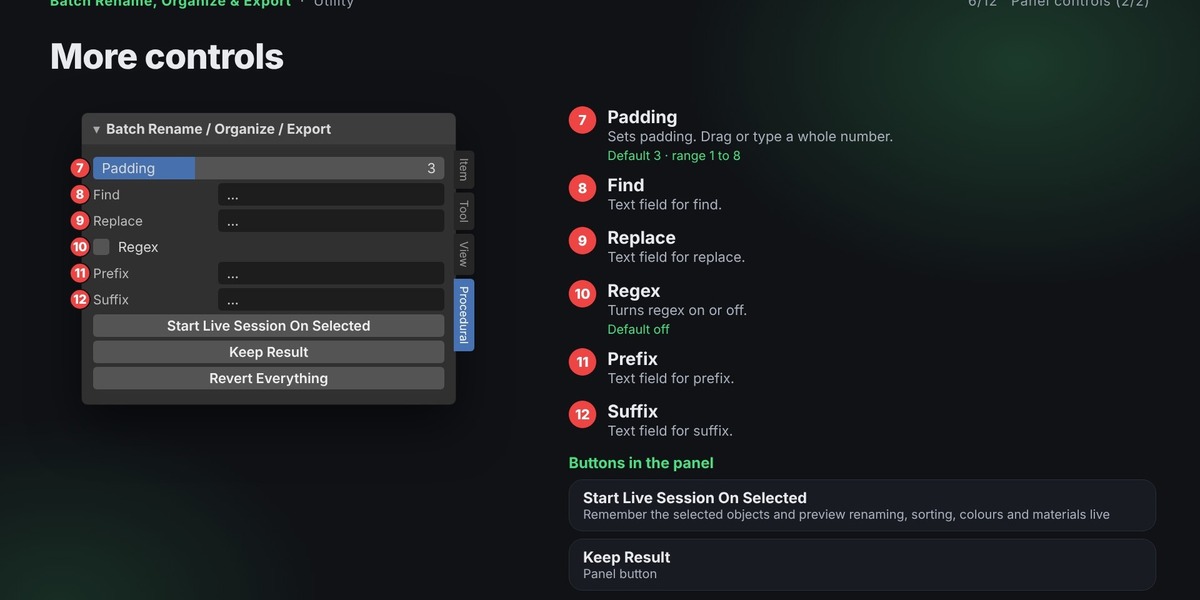
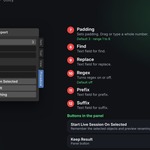
Find & Replace: Search and replace specific words or characters, with optional regular expression support.
Automatic Numbering: Add sequential numbers with customizable starting values, steps, and padding.
Batch Organization: Automatically sort objects into collections.
Multiple Grouping Methods: Organize by object type, name prefix, first material, or object size.
Collection Color Coding: Apply colors to collections and objects for easier scene management.
Batch Export: Export individual objects, collections, or the entire selection.
Multiple Export Formats: Support for FBX, OBJ, GLB, and STL.
Platform-Specific Export Targets: Presets for Unity, Unreal Engine, Godot, Sketchfab, and 3D printing.
Material Management: Rename, merge duplicate materials, and remove unused materials.
Texture Management: Pack or unpack textures for better project organization.
UV Inspection: Apply a colored UV grid texture to inspect stretching and texel density.
One-Click Setup: Generate a ready-to-preview example scene.
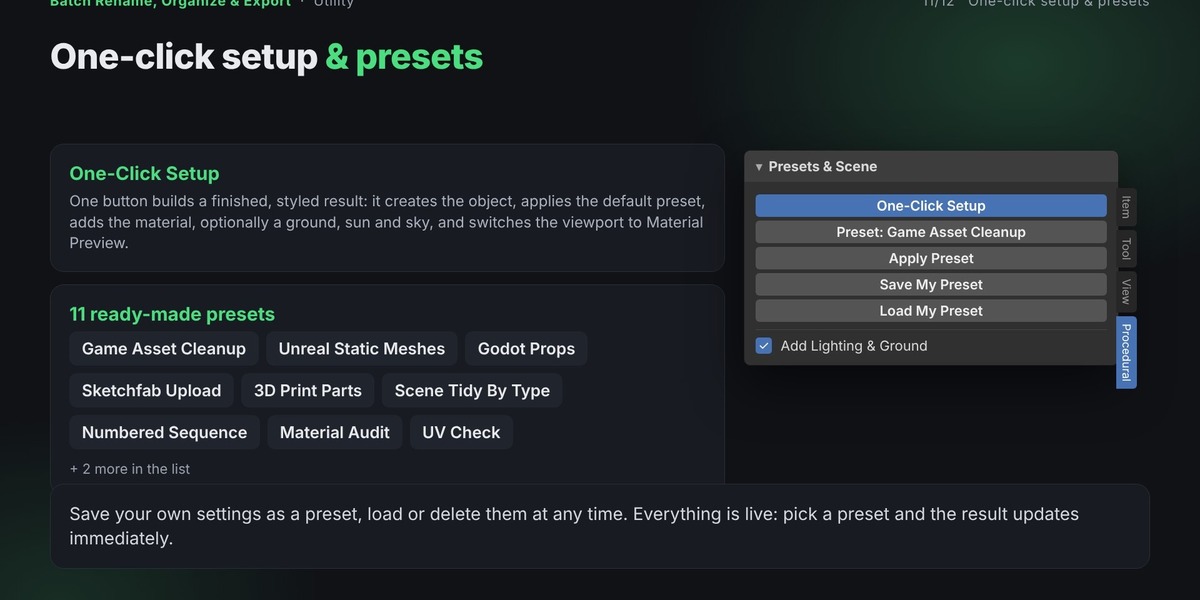
11 Built-in Presets: Quickly configure common asset naming, organization, and export workflows.
Custom Preset Library: Save, load, and manage your own configurations.
✏️ Advanced Batch Rename System
Rename hundreds of objects efficiently with six flexible renaming modes.
1. Name + Counter
Generate sequential object names automatically.
Example:
Object_001
Object_002
Object_003
Object_004
Customize the base name, starting number, numbering step, and padding.
2. Template
Build object names using customizable naming tokens.
Available tokens:
{name}– Original object name.{type}– Object type.{collection}– Collection name.{material}– Material name.{counter}– Sequential number.
3. Find & Replace
Search for specific words or characters in object names and replace them with your preferred text.
Includes optional Regular Expression (Regex) support for advanced naming operations.
4. Add Prefix / Suffix
Add custom text before or after existing object names.
Examples:
GEO_Tree
GEO_Rock
Tree_LOD
Rock_LOD
5. Change Case
Quickly change object naming formats:
lowercase
UPPERCASE
Title Case
6. Strip .001 Suffixes
Remove automatic Blender numeric suffixes from object names to keep your project clean and organized.
Additional Rename Controls
Rename Mesh Data Too
Replace Spaces / Symbols With Underscores
Number Duplicates
Order By Current Name
Order By X Position
Order By Y Position
Order By Z Position
Rename Materials
Add Material Prefix
Strip Material .001 Suffixes
Preview all rename changes before accepting them.
📁 Automatic Collection Organization
Keep your Blender Outliner clean and structured by automatically organizing objects into collections.
Choose from four grouping methods:
1. Object Type
Automatically group objects based on their Blender object types.
2. Name Prefix
Create collections based on the text before the first underscore in object names.
3. First Material
Organize objects according to their first assigned material.
4. Size (Small / Medium / Large)
Sort objects into collections based on their dimensions.
Advanced Organization Options
Custom Collection Prefix
Small Object Size Threshold
Large Object Size Threshold
Move Objects Instead of Linking
Color-Code Objects
Color By Object Type
Color By Group
Color By First Material
Gradient By Name Order
Vivid Color Palette
Pastel Color Palette
Earth Color Palette
Neon Color Palette
Monochrome Color Palette
Color-Tag Collections
Give Each Group a Separate Material
Custom Material Roughness
Automatically organize complex scenes into clean, easy-to-manage collections.
📤 Batch Export System
Export your models and assets efficiently with flexible batch export options.
Supported Export Formats
FBX: Ideal for game engines and 3D production pipelines.
OBJ: A widely supported format for exchanging 3D models.
GLB: Binary glTF format for web, real-time, and compatible 3D workflows.
STL: Suitable for 3D printing workflows.
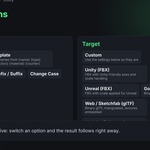
Export Targets
Choose from ready-made export configurations:
Custom: Use your own export settings.
Unity (FBX): Unity-friendly axes and scale handling.
Unreal (FBX): Export with scale applied for Unreal Engine.
Godot (GLB): Binary glTF with embedded textures.
Web / Sketchfab (GLB): Binary glTF with triangulated geometry and embedded textures.
3D Print (STL, mm): Export STL models scaled from meters to millimeters.
Three Export Modes
Each Selected Object: Export every selected object as an individual file.
Each Collection: Export collections separately.
Selection As One File: Combine the selected objects into one export file.
Advanced Export Controls
Custom Export Folder
Export Position
Keep Original Position
Move To World Origin
Center on X/Y and Place on Ground
Apply Modifiers
Triangulate
Custom Export Scale
Include Textures
Include Animation
Subfolder Per Collection
Overwrite Existing Files
Custom File Prefix
Export When Using One-Click Setup
Prepare and export multiple assets without manually exporting every object one by one.
🧹 Material & Project Cleanup Tools
Keep your Blender projects clean and reduce unnecessary duplicated data.
Merge Duplicate Materials / Images
Automatically replace duplicate datablocks such as:
Wood.001
Wood.002
Wood.003
With their shared original datablock.
Remove Unused Data
Clean up unused:
Materials
Images
Meshes
Texture Management
Pack Textures Into .blend
Unpack Textures To Folder
These tools help maintain organized projects and simplify asset preparation.
🔍 UV Inspection Tools
Check your models' UV layouts using a customizable colored UV grid texture.
Enable UV Check Texture.
Choose grid resolution.
Select 512, 1K, or 2K resolution.
Inspect UV stretching.
Examine texel density.
Useful for checking UV layouts before exporting assets to game engines or other applications.
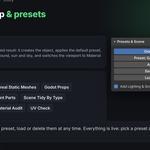
🎨 11 Built-in Workflow Presets
Get started quickly with 11 ready-made presets designed for different asset management workflows.
Game Asset Cleanup – Clean and organize assets for game development.
Unreal Static Meshes – Prepare naming and export settings for Unreal Engine.
Godot Props – Organize and export props for Godot projects.
Sketchfab Upload – Prepare assets for Sketchfab publishing.
3D Print Parts – Configure models for STL export and millimeter scaling.
Scene Tidy By Type – Automatically organize objects by type.
Numbered Sequence – Generate clean sequential object names.
Material Audit – Organize and inspect objects by material.
UV Check – Apply UV inspection settings.
Sort By Size – Group objects into small, medium, and large collections.
Lowercase Clean – Standardize object names using lowercase formatting.
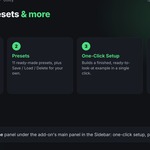
Choose a preset, apply it instantly, and customize the settings according to your workflow.
🚀 One-Click Setup
Get started without manually configuring an example scene.
The One-Click Setup feature creates a ready-to-preview example in a single step.
It can automatically:
Apply the selected preset.
Generate the example setup.
Create the required material.
Add a ground plane.
Add a sun light.
Set the sky color.
Switch the viewport to Material Preview.
You can also enable the option to export files when using One-Click Setup.
Quickly explore the addon and its workflow with just one click.
💾 Custom Preset Library
Create and manage your own configurations for future projects.
Save My Preset: Save your current settings with a custom name.
Load My Preset: Restore previously saved configurations.
Delete My Preset: Remove unwanted custom presets.
Your saved presets are stored in your Blender configuration folder and remain available across different .blend projects.
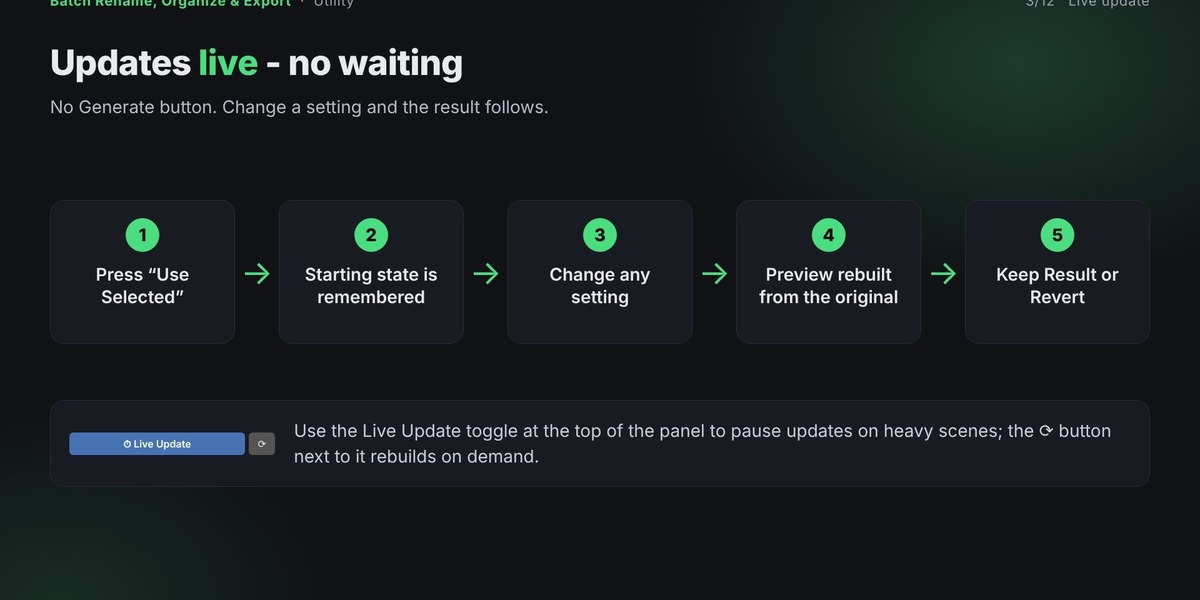
🔄 Live Preview, Keep & Revert
Experiment with rename and organization settings before accepting your changes.
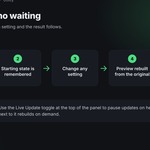
The addon remembers the original state of selected objects when you start a live session.
Start Live Session On Selected: Remember selected objects and begin previewing changes.
Live Update: Automatically preview rename and supported organization changes.
Keep Result: Accept the current result.
Revert Everything: Restore the original state.
Make changes confidently without permanently committing to an unwanted naming or organization setup.
🛠️ Easy Workflow
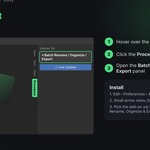
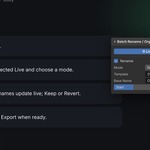
Batch Rename
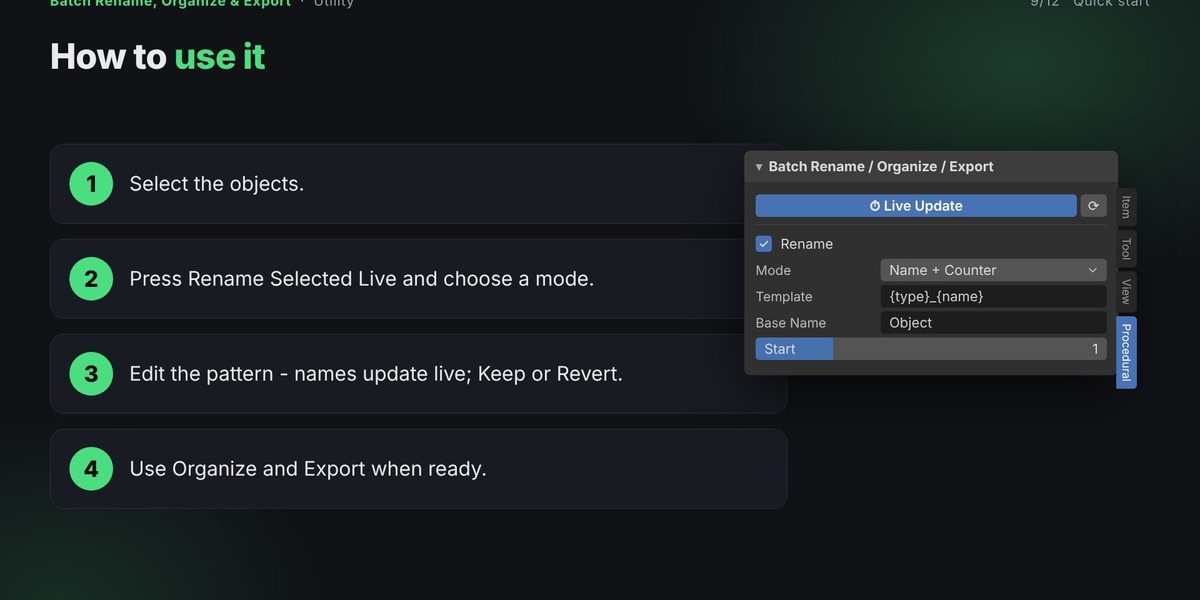
Select the objects you want to rename.
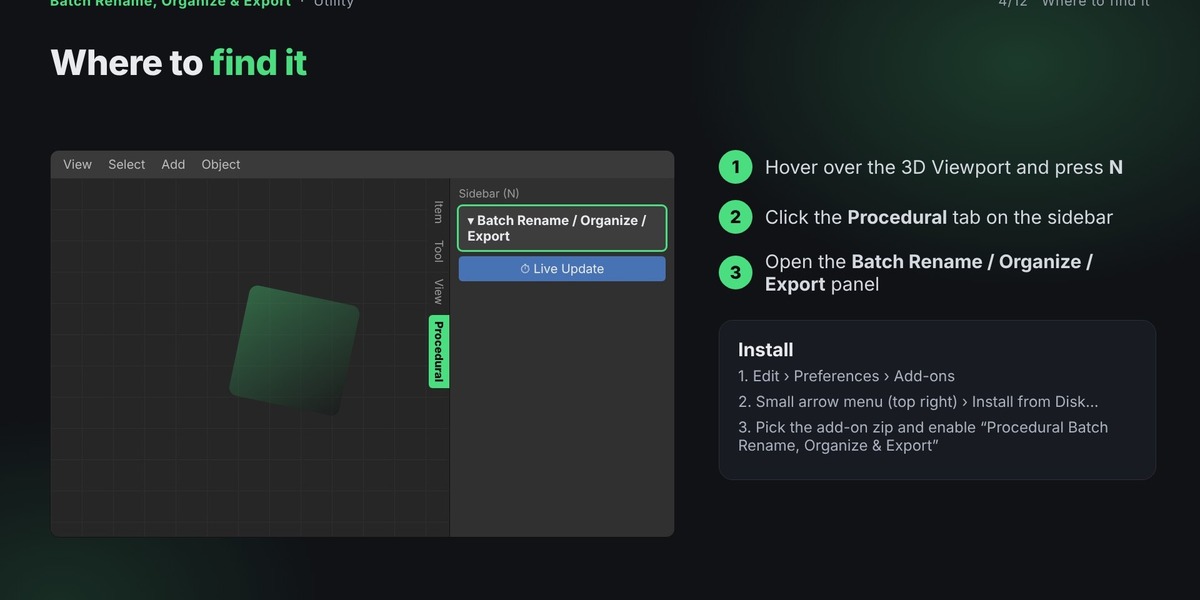
Open the 3D Viewport sidebar by pressing N.
Navigate to the Procedural tab.
Open Batch Rename / Organize / Export.
Click Rename Selected Live.
Choose your preferred rename mode.
Customize the naming pattern and settings.
Click Keep Names to accept or Revert Names to restore the original names.
Organize Objects
Select the objects you want to organize.
Choose your preferred grouping method.
Customize the collection settings.
Click Sort Into Collections.
Batch Export
Select your objects or prepare your collections.
Choose the export format.
Select the target platform.
Choose the export mode.
Set the destination folder and export options.
Click Batch Export.
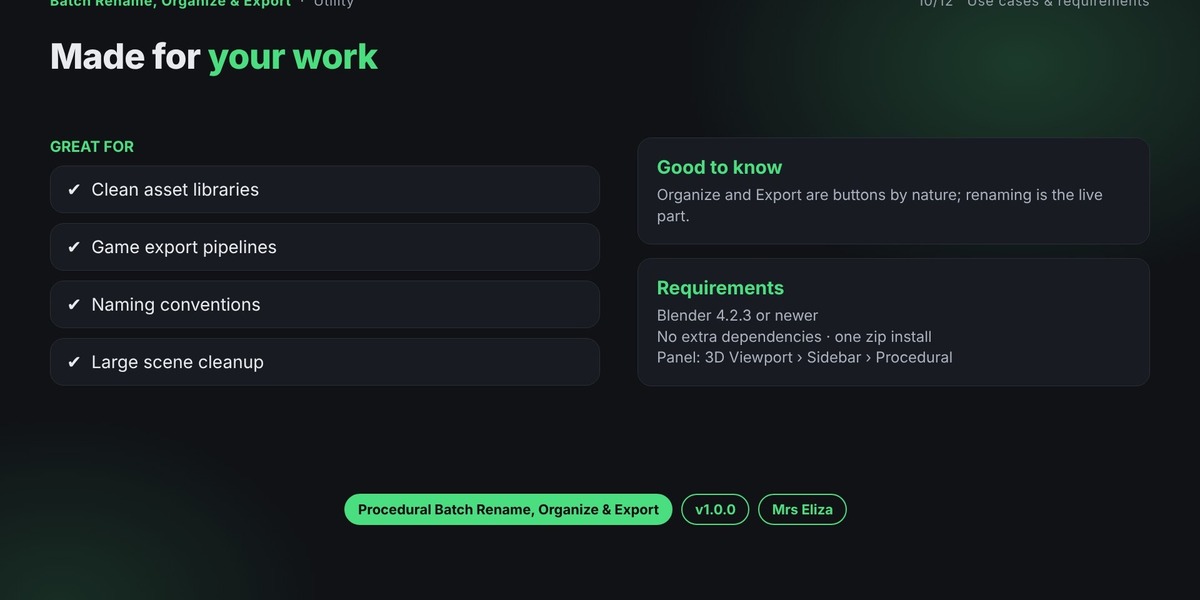
🎯 Perfect For
Blender scene organization
Game asset preparation
Unity asset workflows
Unreal Engine asset workflows
Godot game development
Sketchfab model publishing
Batch object renaming
Large scene management
3D model libraries
Asset naming conventions
Material and texture cleanup
Duplicate material management
UV inspection
3D printing preparation
FBX, OBJ, GLB, and STL exports
Professional 3D production pipelines
💡 Tips for Best Results
Use Order By to number objects according to their position along an axis.
Preview regular expressions on a few objects before applying them to a large selection.
Export individual game assets at the world origin when appropriate.
Use a custom file prefix to keep exported files grouped.
Choose the correct export target for your destination application.
Enable Include Textures when your export workflow requires textures to accompany the models.
Use collection subfolders to keep large batch exports organized.
📦 Technical Information
Product: Procedural Batch Rename, Organize & Export
Software: Blender
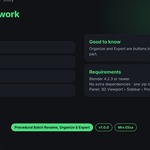
Minimum Blender Version: 4.2.3
Version: 1.0.0
Type: Productivity & Asset Management Addon
Customizable Settings: 47
Built-in Presets: 11
Rename Modes: 6
Organization Modes: 4
Export Formats: FBX, OBJ, GLB, STL
Export Targets: Custom, Unity, Unreal, Godot, Web / Sketchfab, 3D Print
Workflow: Live Rename Preview + Batch Organization + Batch Export
⭐ Simplify Your Blender Asset Workflow!
Spend less time managing names, collections, materials, and exports.
With the Procedural Batch Rename, Organize & Export Addon for Blender, you can clean up complex scenes, organize assets, standardize naming conventions, and prepare models for multiple platforms with a streamlined workflow.
Keep your Blender projects organized, your assets production-ready, and your workflow efficient!