 Teamah


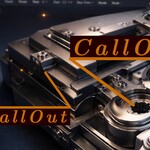
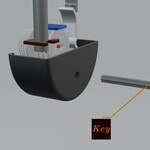
Creating clean, animated callouts in Blender shouldn’t feel like a workaround.
Procedural Callouts was built to solve a problem many artists face every day: adding clear, flexible annotations without breaking the workflow or keyframing dozens of parameters.
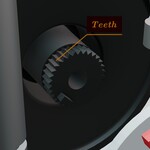
This system is entirely powered by Geometry Nodes, which means every element of the callout is procedural, non-destructive, and easy to control. Text, layout, arrow, and spacing are not baked or hard-coded — they respond instantly as you adjust a few intuitive parameters.
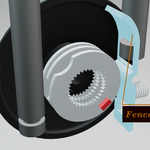
Imagine setting up a callout once, then freely changing the font, font size, character spacing, margins, and arrow thickness without rebuilding anything. Need the callout to flip orientation relative to the arrow? That’s a single parameter. Need it animated? You don’t touch multiple keyframes — one slider drives the entire animation.
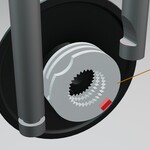
A single 0–1 animation control smoothly reveals or hides the callout, making it ideal for technical breakdowns, product visuals, engineering explanations, and motion graphics. If you want more control, the pointer (arrow) itself can be animated independently, allowing precise timing and emphasis.
This tool was developed out of real production needs: explaining mechanisms, highlighting features, and presenting technical ideas clearly — without clutter, manual adjustments, or repetitive setup. The result is a callout system that feels less like an add-on and more like a natural extension of Blender’s procedural workflow.
If you regularly create technical renders, educational animations, product showcases, or engineering visuals, Procedural Callouts is designed to save you time while giving you full visual control.
