Procedural Callout
 Teamah



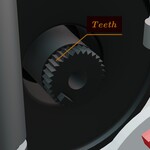
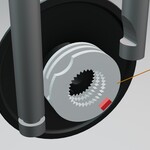
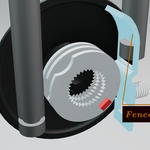
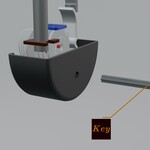
Procedural Callouts is designed to be simple to use, fully procedural, and easy to customize using Geometry Nodes. No add-ons or scripts are required — everything works natively inside Blender.
Getting Started
Open the provided
.blendfile or append the callout object along with the pointer empty into your scene.Select the callout object.
-
Use the Geometry Nodes modifier to adjust all parameters:
Text content
Font and font size
Character spacing
Margins and padding
Arrow thickness and length
Callout orientation relative to the arrow
Animation controls
All changes update instantly and remain fully non-destructive.
Animation
The callout animation is driven by a single slider (0 → 1), allowing you to reveal or hide the callout smoothly with minimal keyframing.
The pointer (arrow) can also be animated independently for precise timing and emphasis.
Supported Blender Versions
Compatible with Blender 4.5 and newer.
Video Guide (Recommended)
For a complete walkthrough, setup instructions, and troubleshooting, please refer to the following video tutorial:
👉 https://youtu.be/qY9Iu5vQjGo
This video covers:
Importing and appending the callout
Using the Geometry Nodes controls
Changing fonts and layout
Animating the callout and pointer
Common issues and how to fix them
Troubleshooting
If something does not behave as expected, the video tutorial above addresses most common questions.
If you still encounter an issue, feel free to reach out — I’m happy to help.
Have questions about this product?
Login to message
| Published | 10 months ago |
| Blender Version | 4.5 - 5.0 |
| Render Engine Used | Cycles, Eevee |
| License | Royalty Free |
