 Mrs Eliza


Installation
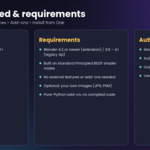
The package includes two ZIP files. Choose the correct package for your Blender version.
For Blender 4.2 and Newer
Download the extension ZIP file.
Open Blender and navigate to Edit > Preferences > Get Extensions.
Click the dropdown arrow at the top right.
Select Install from Disk.
Choose the extension ZIP file and confirm.
Enable Procedural Card Designs Generator.
For Blender 3.6 to 4.1
Download the legacy ZIP file.
Open Blender and navigate to Edit > Preferences > Add-ons.
Click Install.
Select the legacy ZIP file.
Enable Procedural Card Designs Generator.
Accessing the Add-on
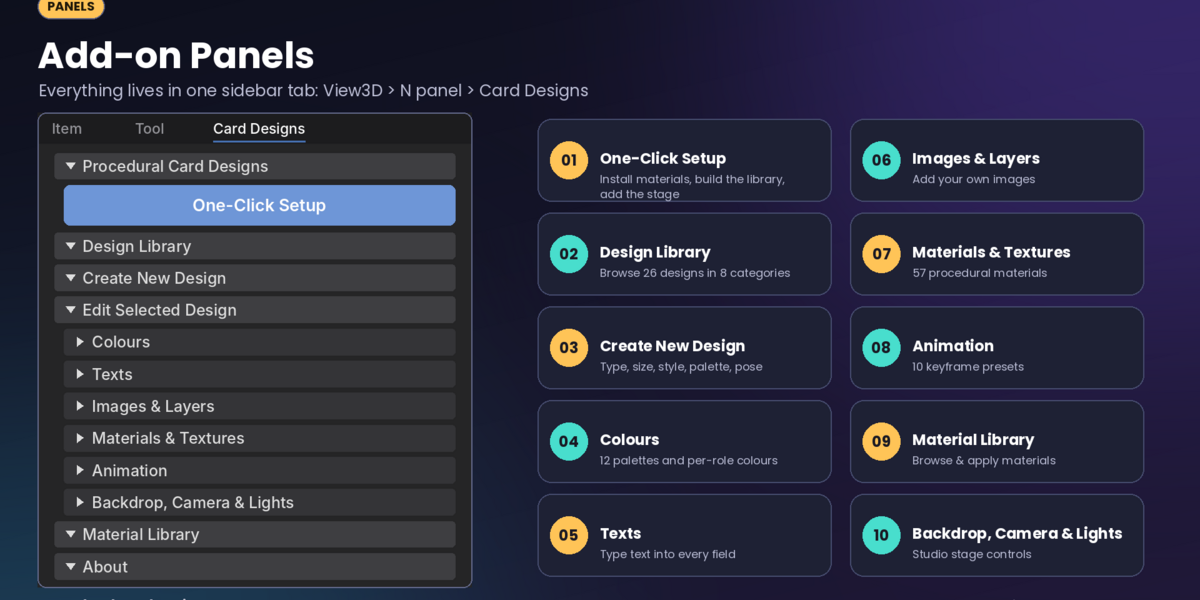
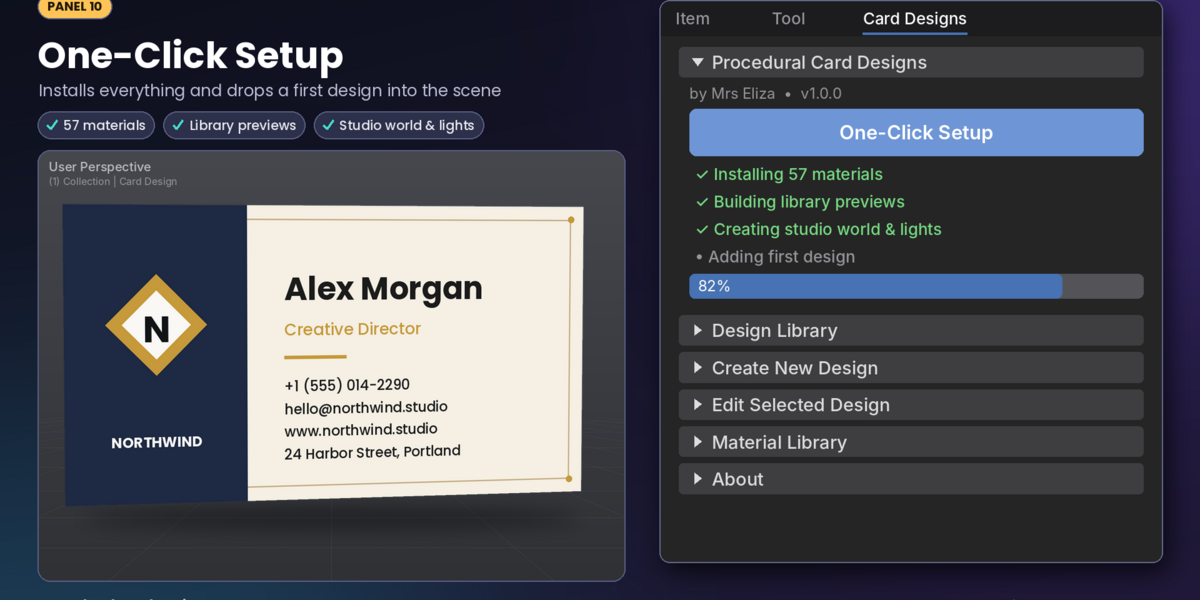
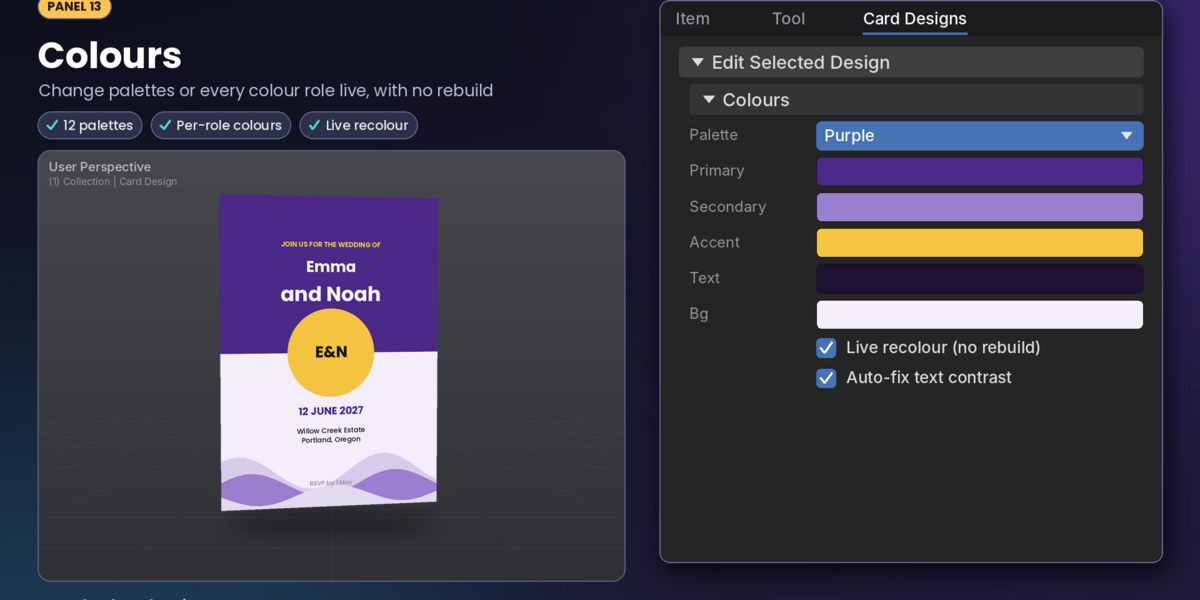
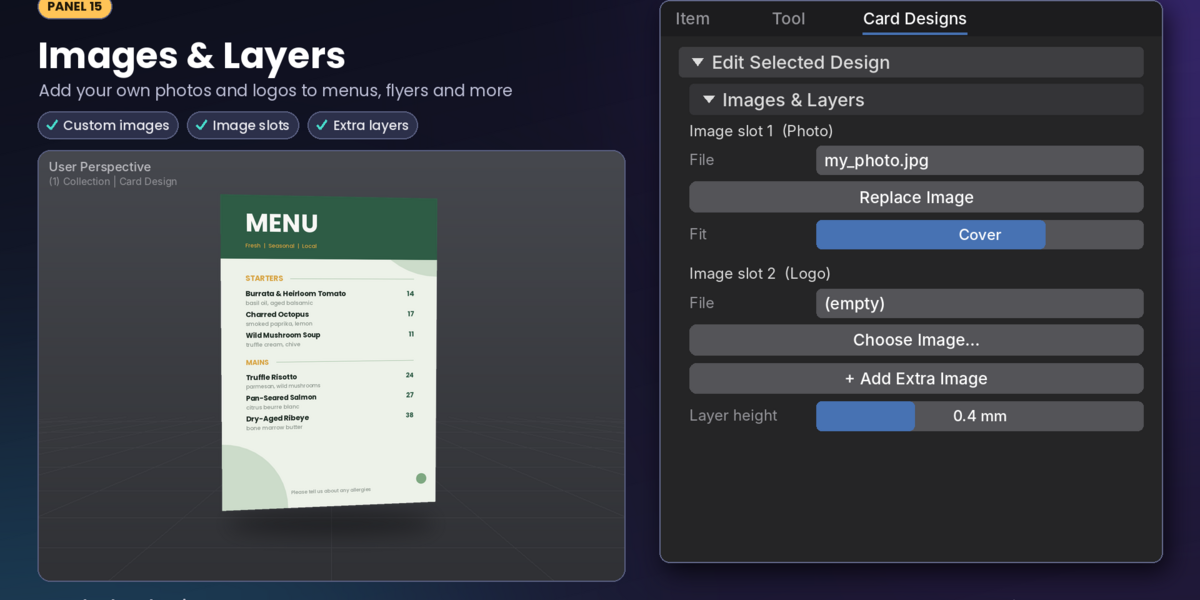
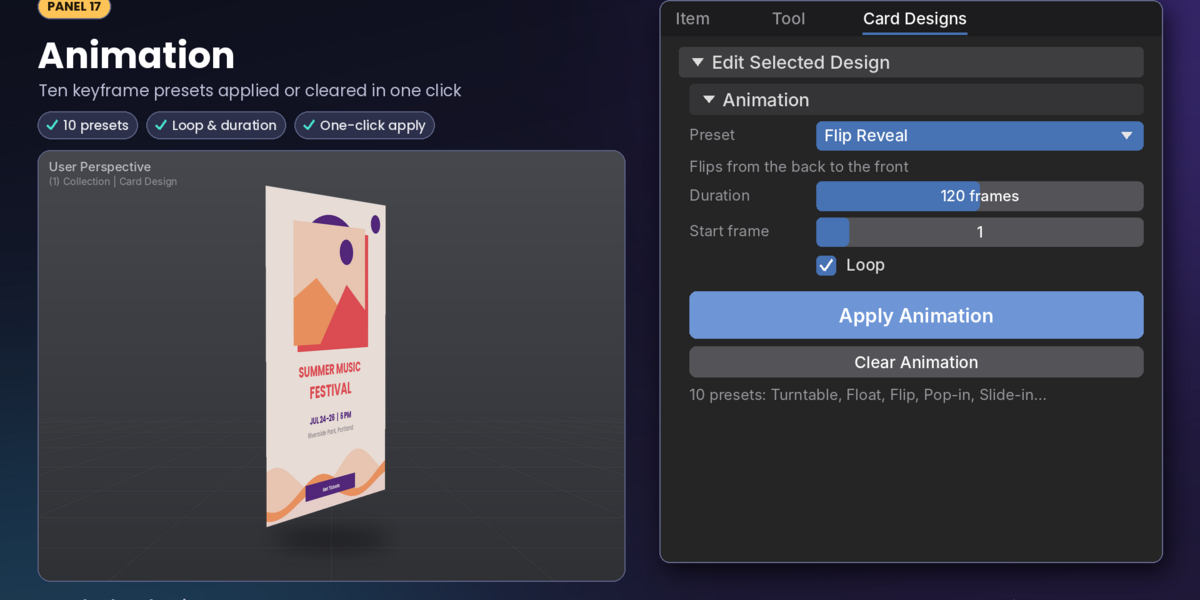
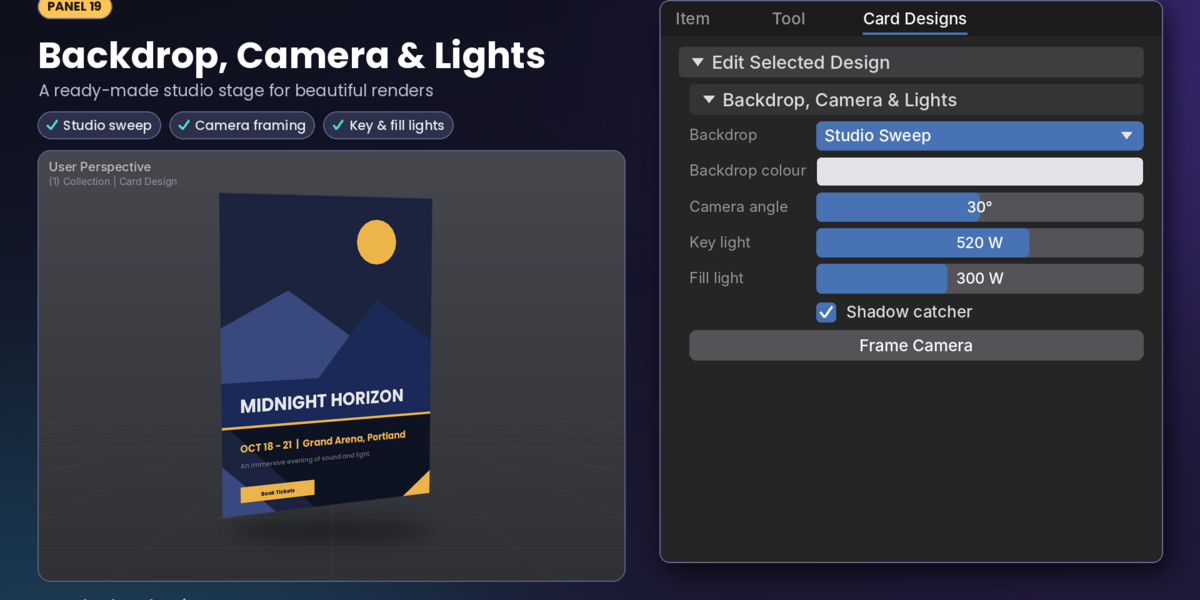
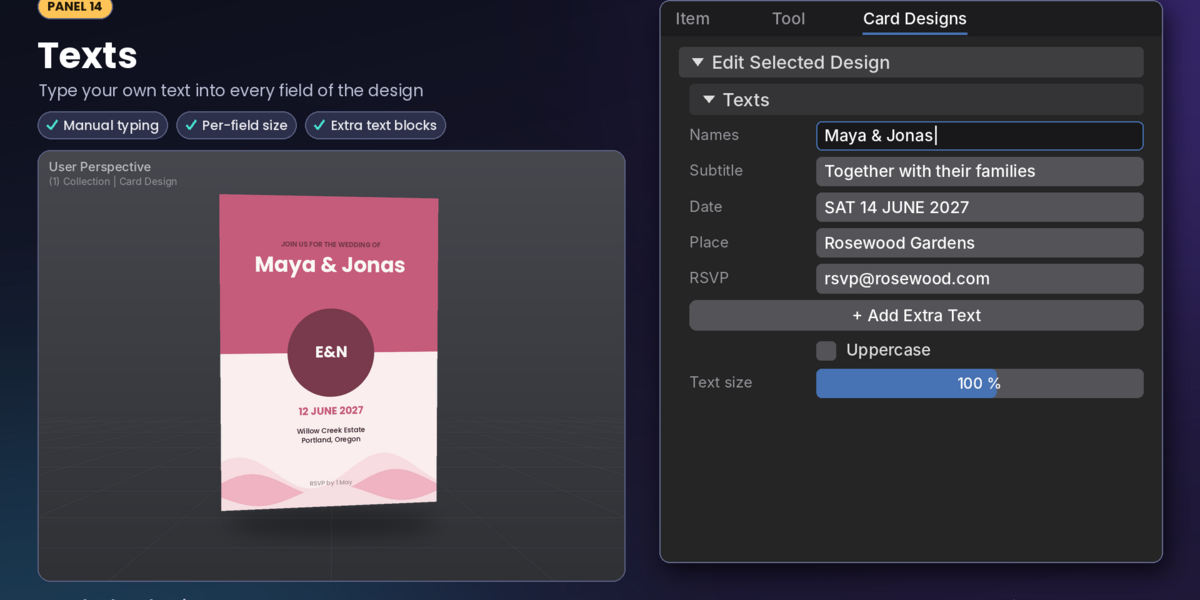
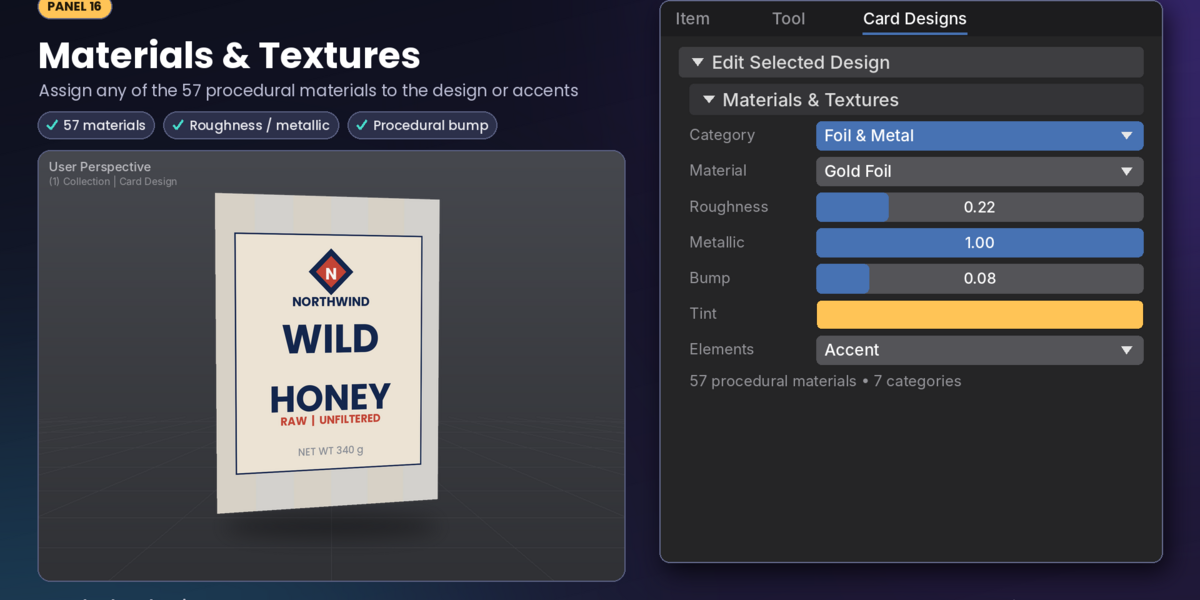
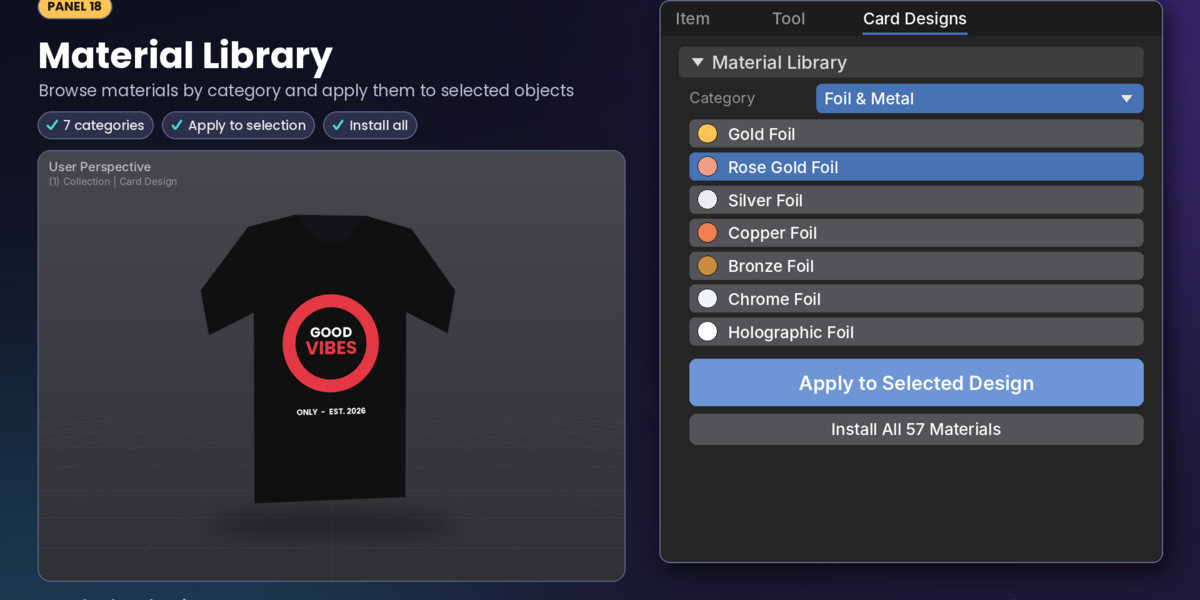
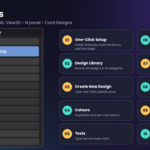
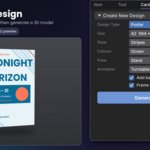
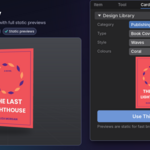
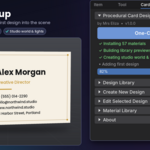
Open the 3D Viewport, press N, and select the Card Designs tab.
Have questions about this product?
Login to message
| Blender Extension Compatible | Yes |
| Published | about 2 hours ago |
| Blender Version | 3.6 - 5.3 |
| Extension Type | Add-on |
| Render Engine Used | Cycles, Eevee |
| License | GPL |
Discover more products like this
blender addon Print Design Card Generator business card 3d mockup Packaging Design Graphic design Poster Generator animation tools Branding Design material library procedural design