 Glob3D


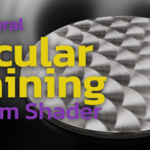
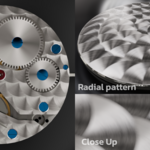
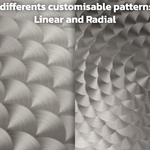
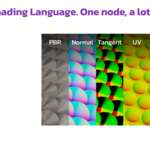
Procedural Circular Graining - Quick Start Guide
Installation & Setup
Install the .zip file like any standard Blender add-on (Edit > Preferences > Add-ons > Install).
Check the box to enable it.
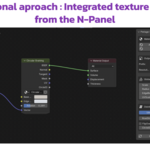
Open the Shader Editor and press 'N' to open the right-side N-panel. You will find the add-on tab there.
Two Workflows Available From the N-panel, you can append two different node groups to your material:
Method A: OSL Node Group (Cycles Only)
This node is 100% plug-and-play.
IMPORTANT: You must enable "Open Shading Language" in Blender's Render Properties (under Cycles) for the node to compile and work.
Method B: Texture Baking Node Group (Cycles & EEVEE)
This method generates physical texture maps, making it compatible with EEVEE and avoiding OSL limitations.
Adjust your graining parameters directly from the N-panel interface.
Click "Generate" to calculate your Perlage textures. The node will automatically update.
Note: If your 3D Viewport is currently set to "Rendered" mode, you need to quickly toggle out to "Solid" and then return to "Rendered" to force Blender to refresh the textures visually.
Have questions about this product?
Login to message
| Published | 3 months ago |
| Blender Version | 5.2 |
| Render Engine Used | Cycles, Eevee |
| License | GPL |
Discover more products like this
circular graining procedural 4k metal texture OSL luxury horology perlage watch