 Mrs Eliza

Installation
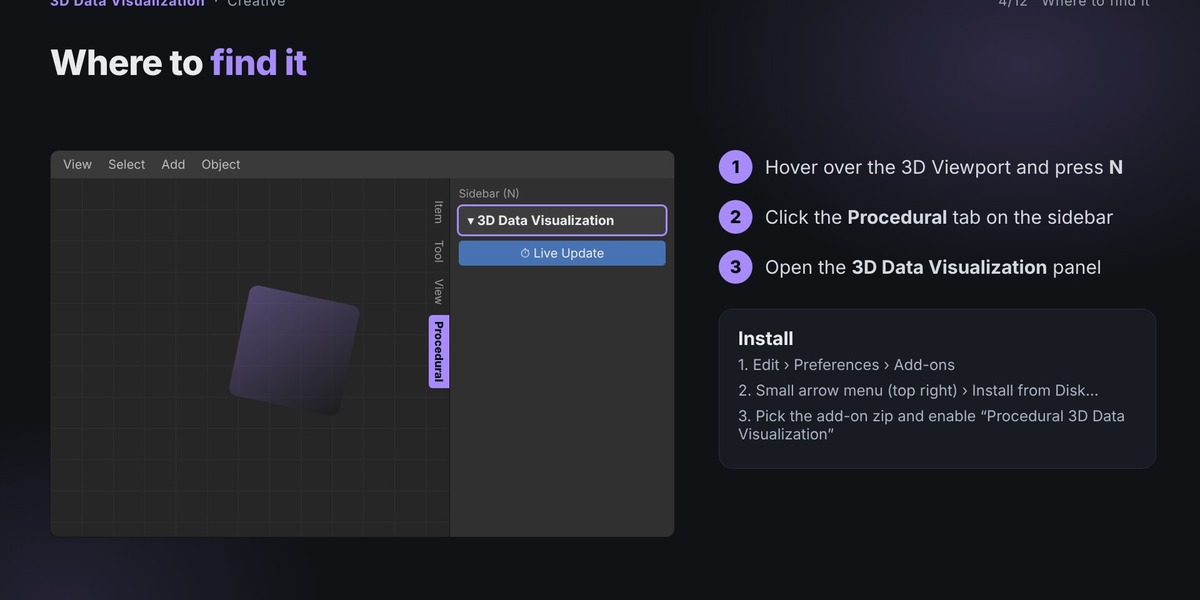
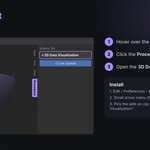
Download the add-on ZIP file.
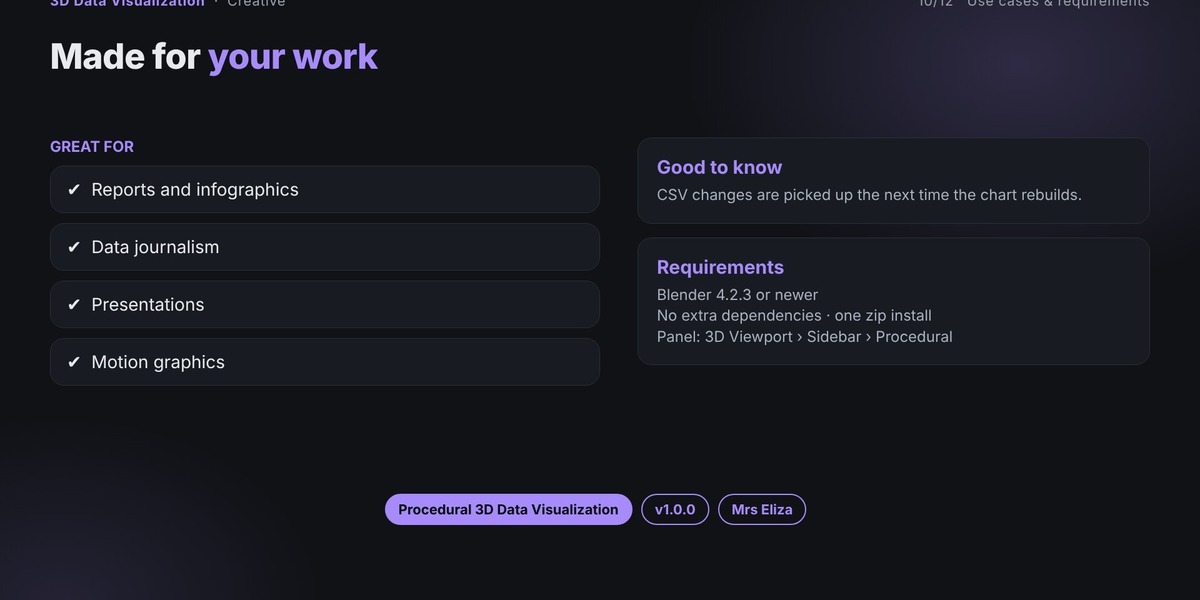
Open Blender 4.2.3 or newer.
Go to Edit → Preferences → Add-ons.
Open the small arrow menu at the top-right of the Add-ons list.
Choose Install from Disk and select the downloaded ZIP file.
Enable the add-on using the checkbox next to its name.
Have questions about this product?
Login to message
| Published | almost 3 years ago |
| Blender Version | 4.2 - 5.2 |
| Render Engine Used | Cycles, Eevee |
| Misc Data | Uvs-Unwrapped, Rigged, Animated, Low-High-Resolution, Normal-Mapped, Textured |
| License | GPL |