Johnny Mograph


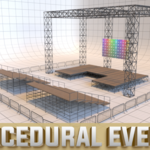
Procedural events is a collection of Geometry Node tools designed for building event environments in Blender fast, flexible, and fully procedural.
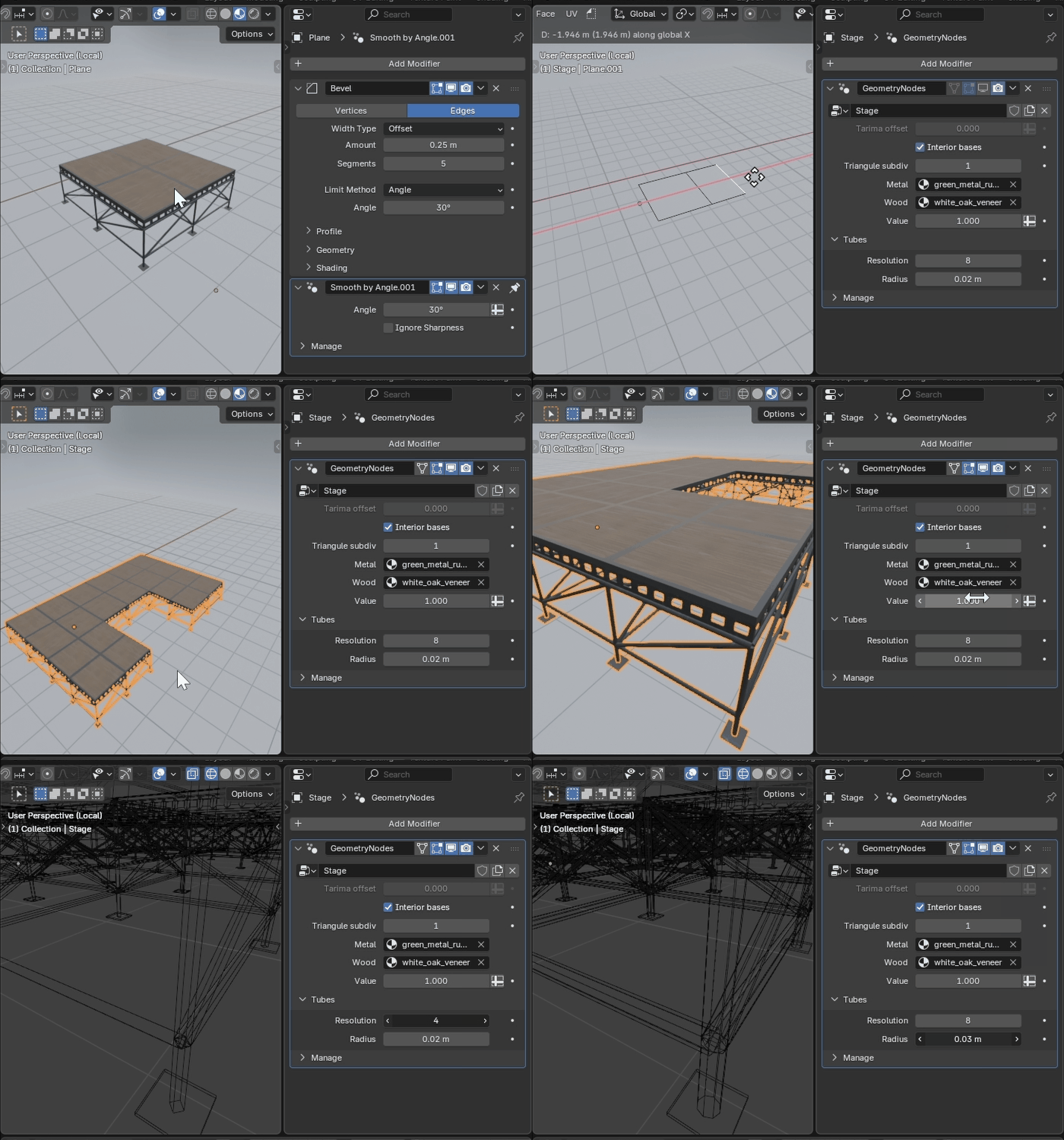
Stage tool
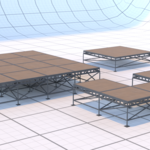
The Stage tool lets you create platforms of any shape from a simple base, control their height, and adjust the supporting structure to fit your needs. Assign custom materials for wood and metal to achieve a clean, procedural setup that adapts perfectly to any concert, expo, or live presentation.
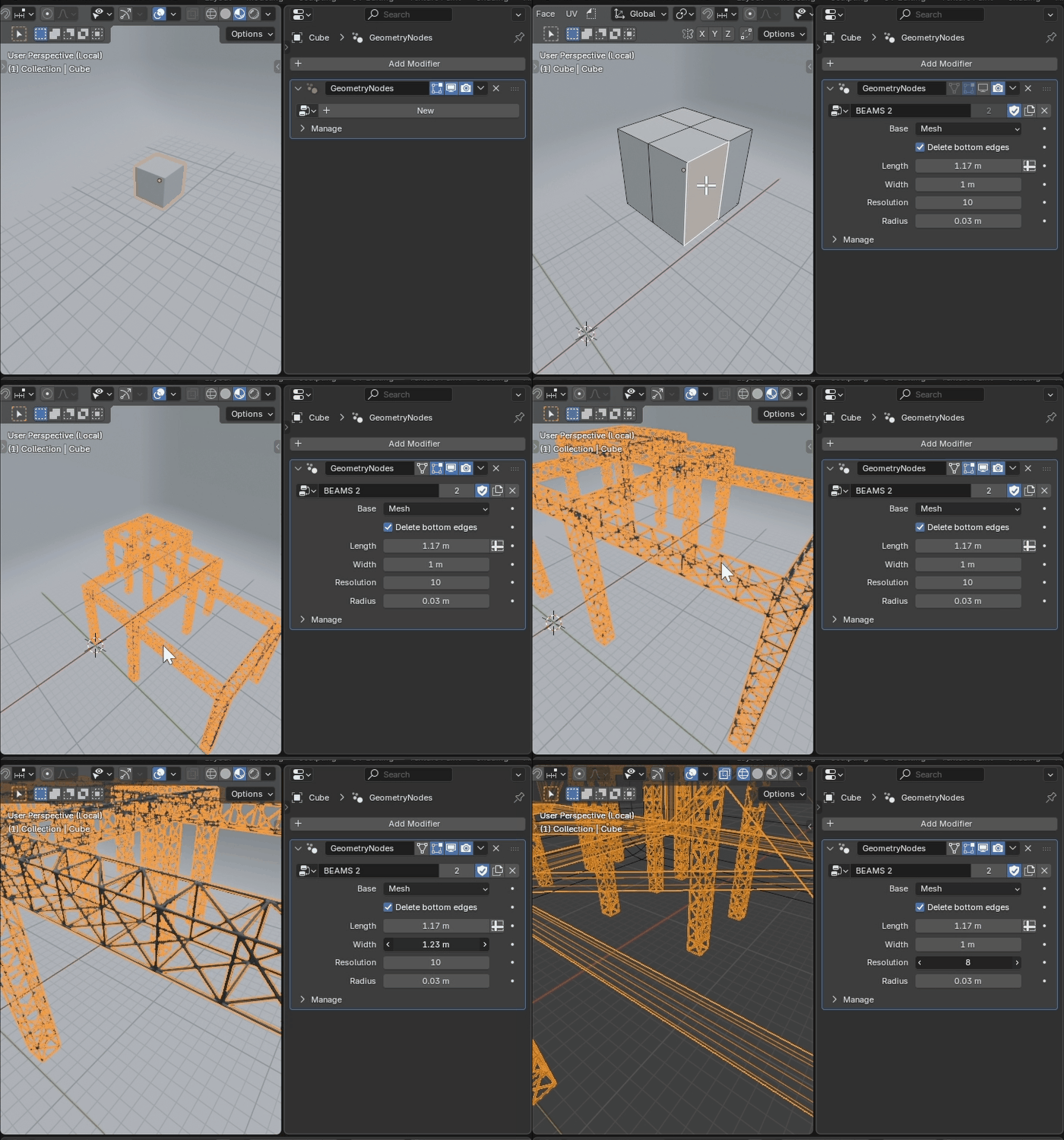
Truss structure Tool
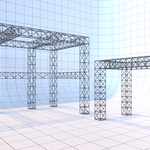
Brin g realism and scale to your stage setup. The Truss Structure tool builds modular truss systems from any base mesh. Easily control triangle spacing, frame width, tube thickness, and resolution for a perfectly balanced look. Fully procedural and highly customizable — ideal for lights, banners, and LED screen supports.
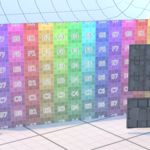
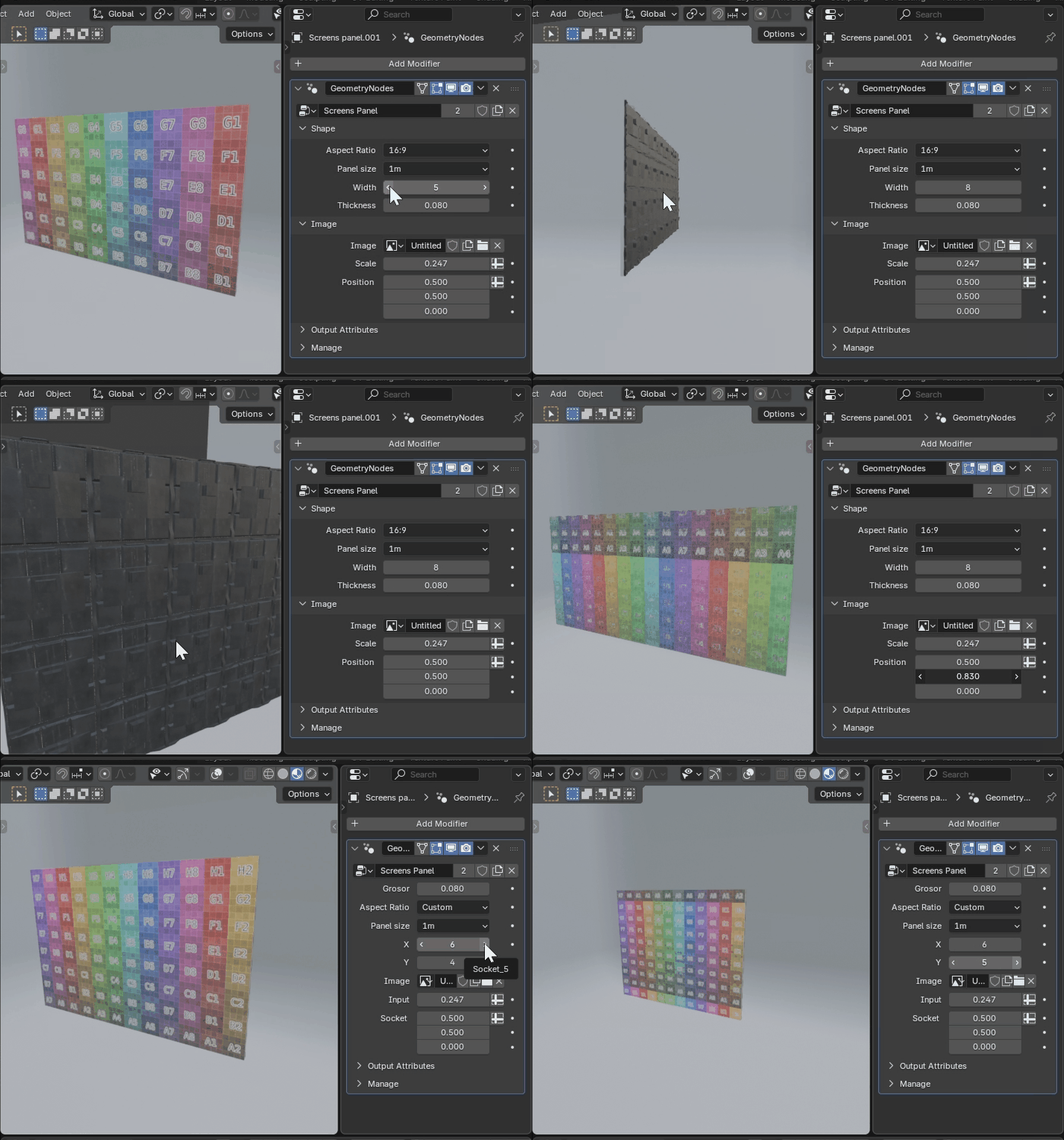
Screens Tool
Add life to your event with customizable LED panels. The Screens tool lets you generate modular screen walls using 50cm or 1m panels with 16:9 or custom aspect ratios. Adjust the projected image’s position and scale to fit perfectly across your setup. Ready for visuals, mapping, or live content. Don't forget to change the image in the Geometry Nodes Modifier and also in the shader
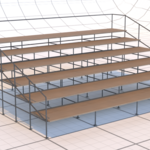
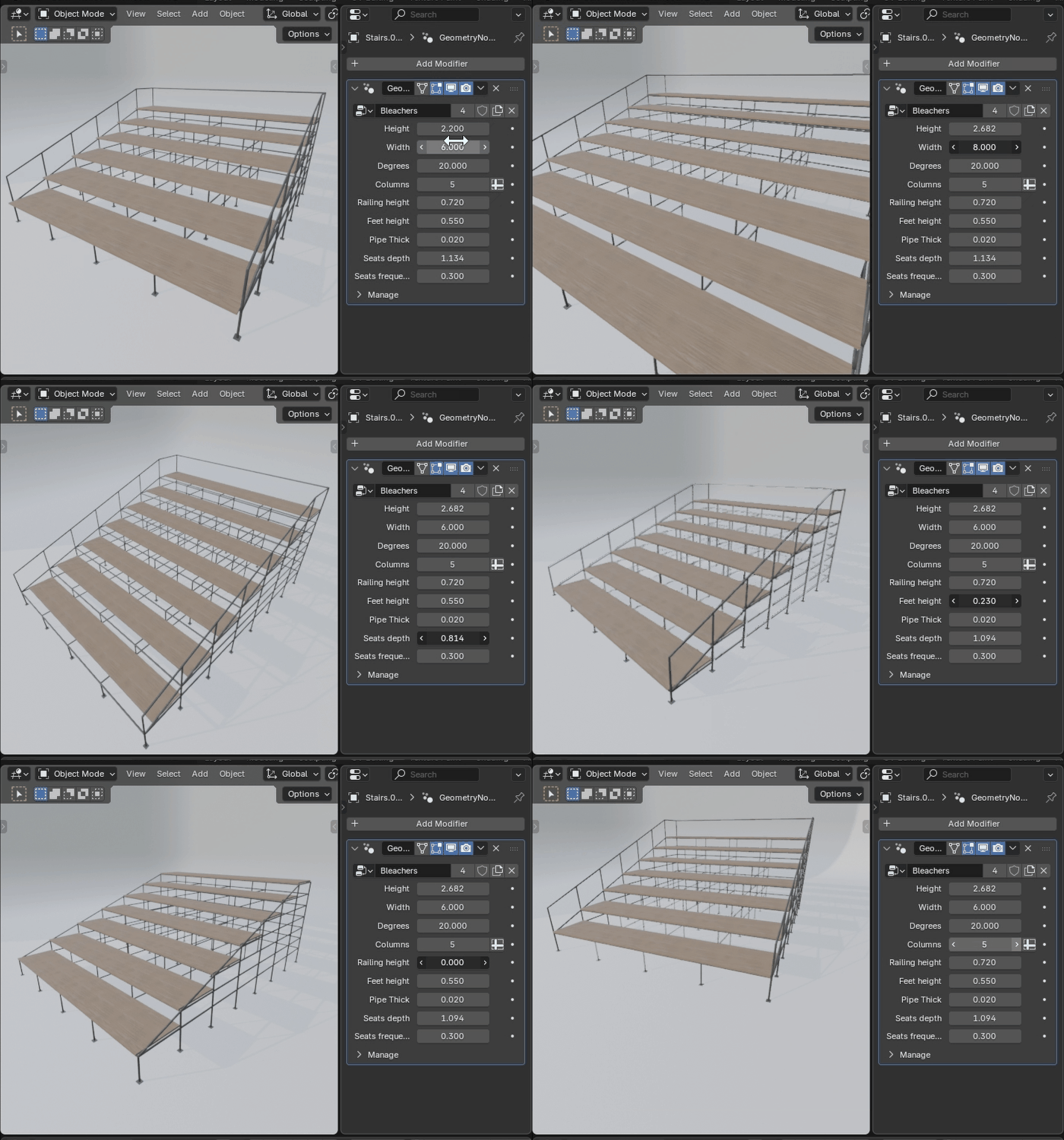
Bleachers Tool
Fill your event with a realistic audience layout. The Bleachers tool gives you full control over inclination, width, and height — with every element reacting dynamically to your adjustments. Fine-tune floor and railing height, tube thickness, and resolution to match any venue style. 100% procedural and fully customizable
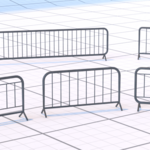
Crowd barriers Tool
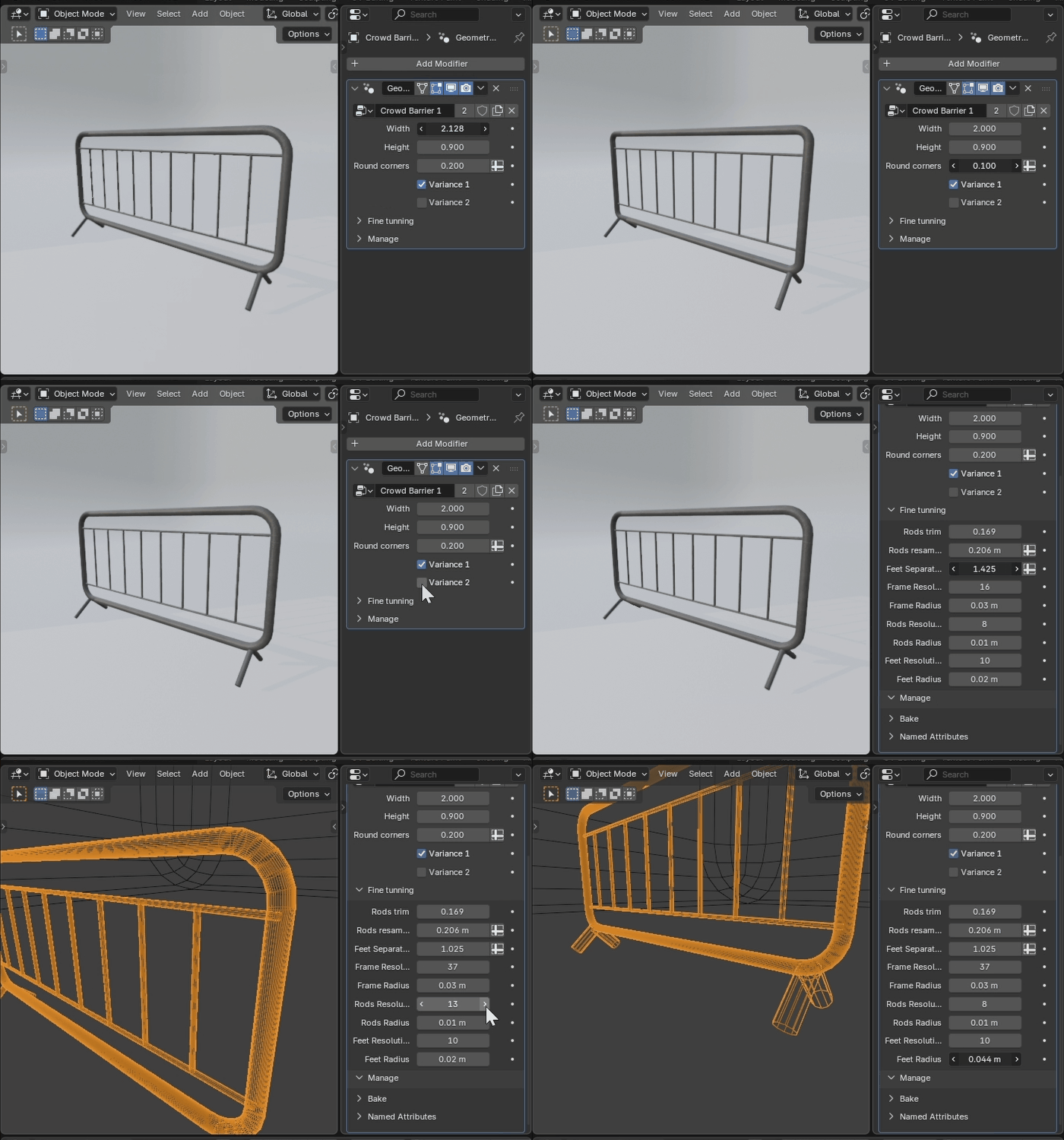
Define your event’s flow and safety with precision. The Crowd Barriers tool lets you create realistic, procedural barriers with adjustable height, width, and corner roundness. Choose between two design variations and fine-tune every detail to match your environment — more styles coming soon.
Curve Tool
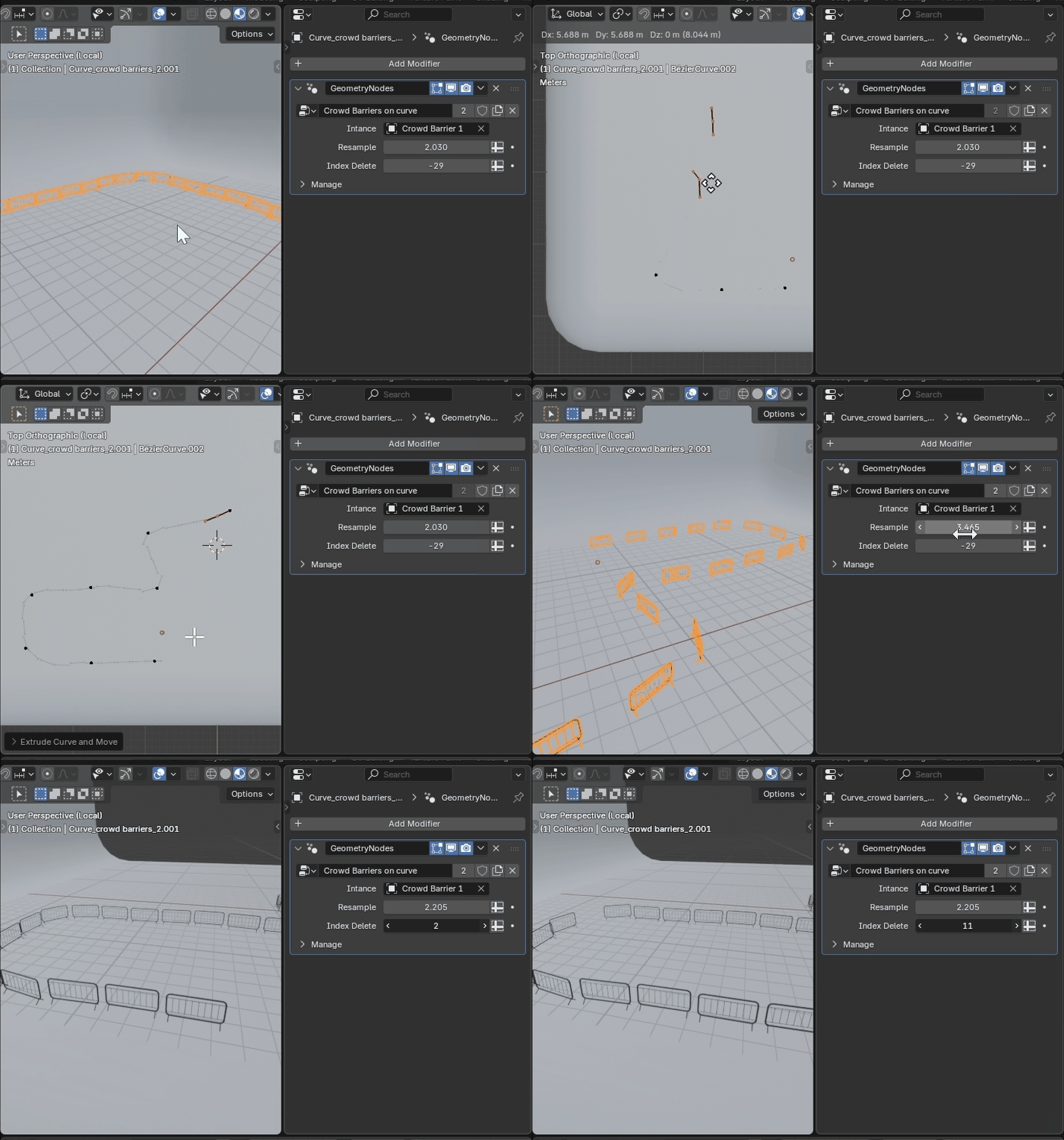
Control the path of your procedural assets with ease. The Curve Tool is a simple yet powerful utility for spawning objects along any curve — perfect for distributing barriers, cables, or other repeated elements with total accuracy.
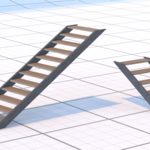
Stairs Tool
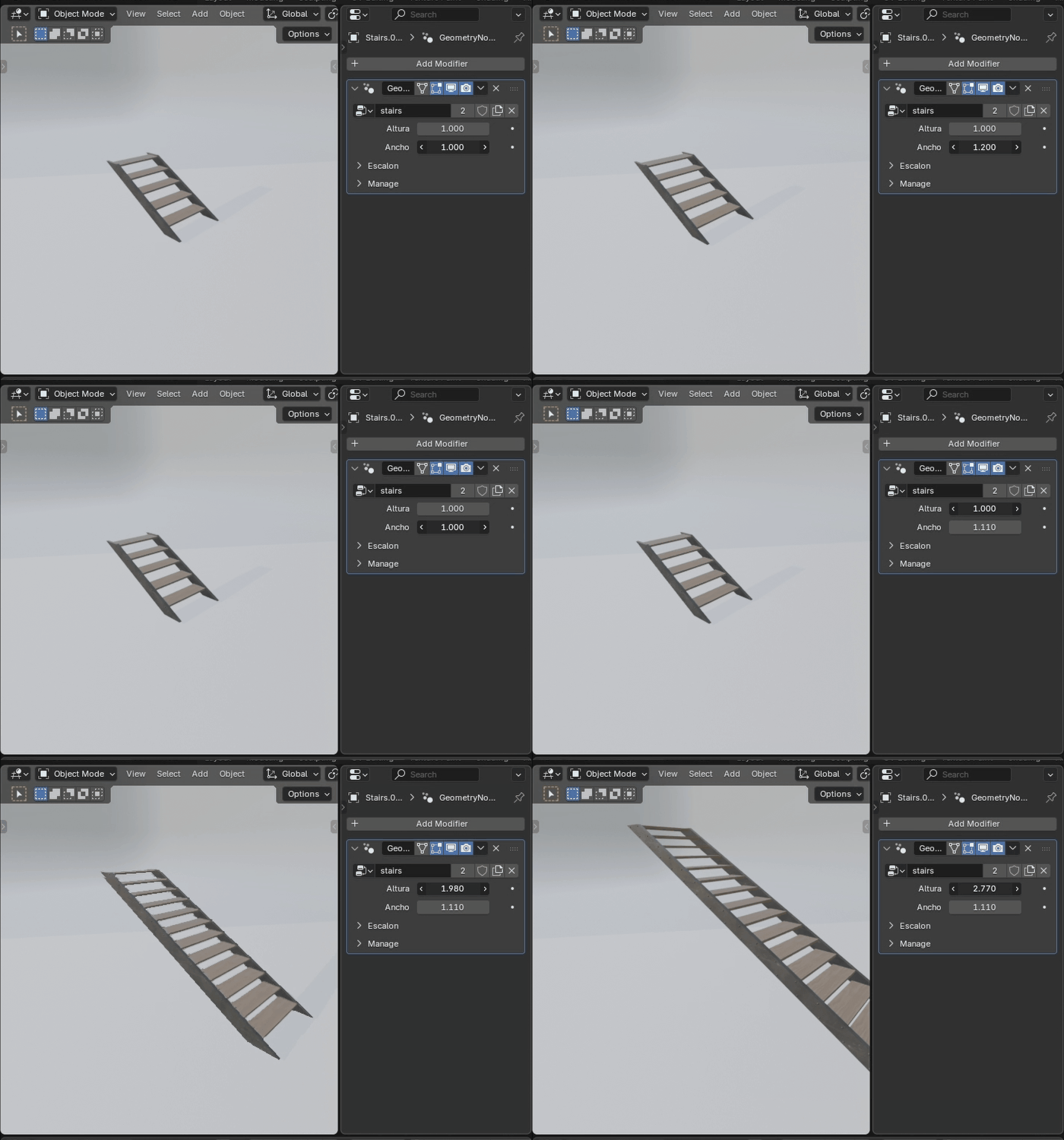
Connect every level of your event seamlessly. The Stairs tool is the perfect companion for your stage setup. Adjust height, width, and materials to create functional, realistic stairs that integrate naturally into your scene.
Use your own materials
When you want to use your own materials, don’t forget to connect an Attribute node to the Mapping node and use the attribute "UVCurve" so the textures work correctly.
Changelog
V1 (release, october 2025)
- Stage tool
- Truss tool
- Screen tool
- Bleachers tool
- Crowd barrier Tool
- Curve tool
- Stairs tool
If you’re into procedural design, you’ll love Super Text , a Geometry Nodes setup for creating dynamic text designs and animations in Blender. It’s the perfect tool to add stylish 3D text to your motion graphics or any video project.