 Johnny Mograph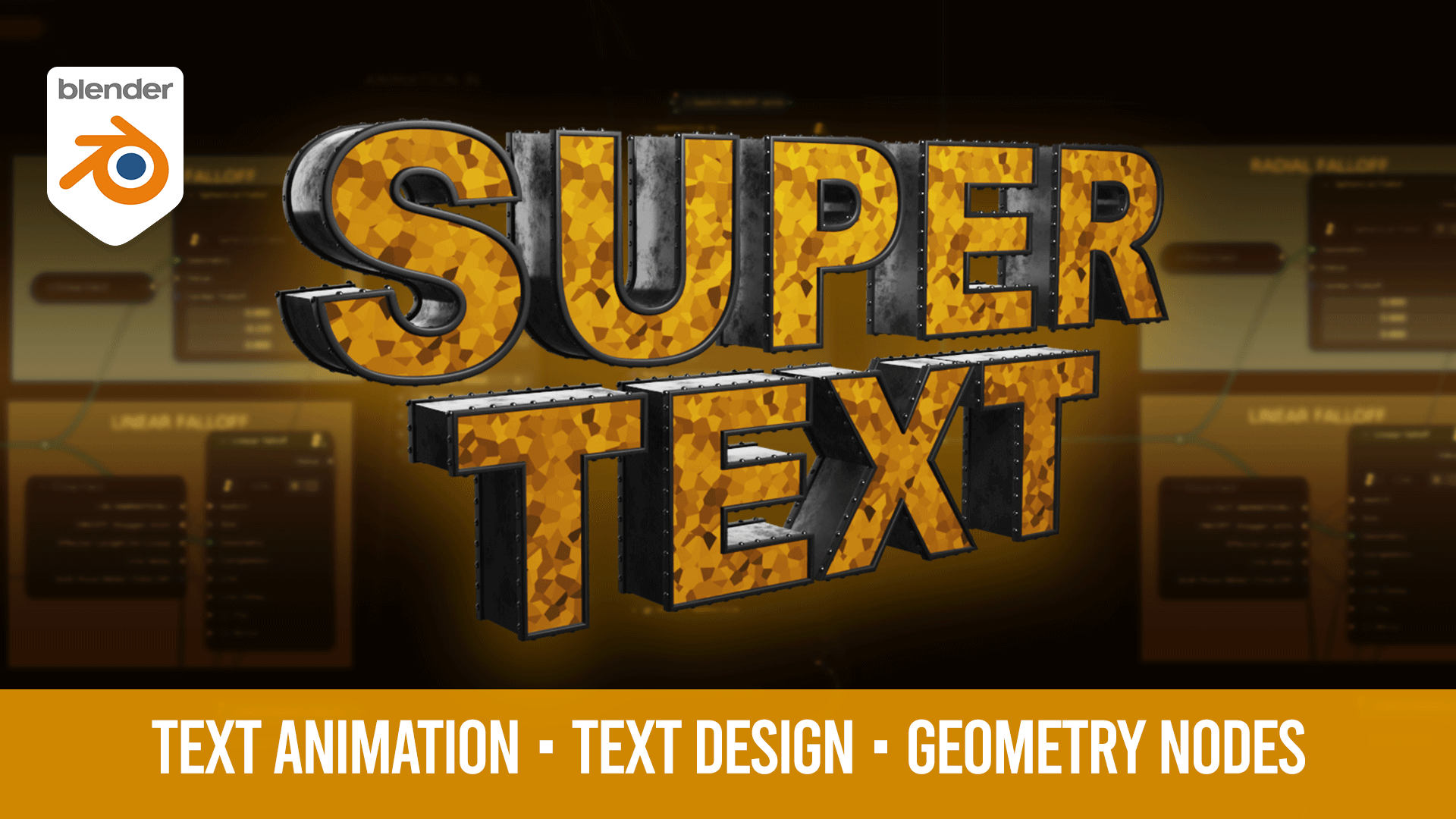
Super Text is a Geometry node setup for making text design and animation in Blender. The perfect complement to any video that needs 3D text, great for Motion Graphics
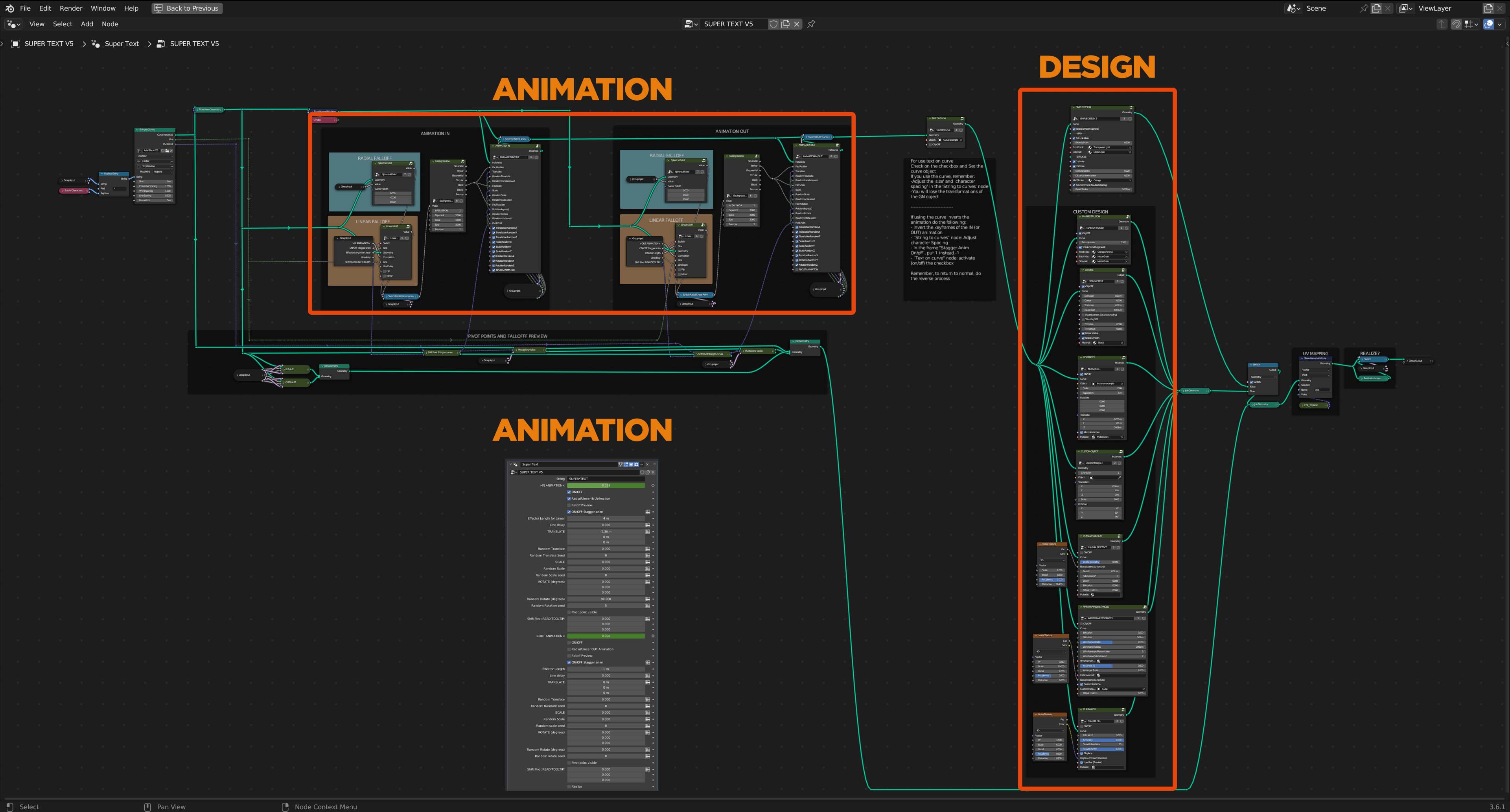
A quick map of where to change the Super Text settings
Design Features
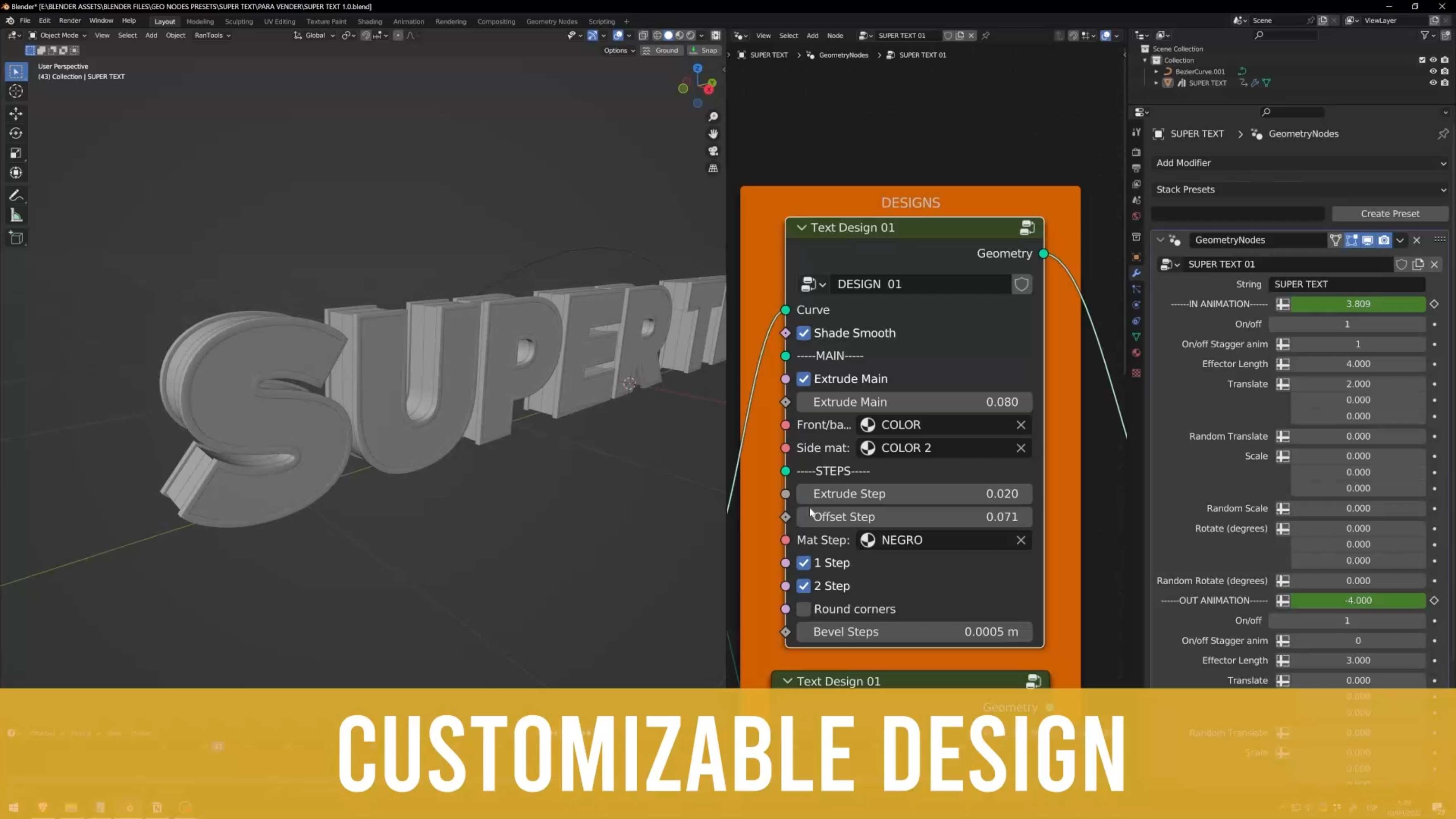
You can achieve a complete custom design with the 7 nodes (Main extrusion, Stroke, Instances, and Custom Object, Plasma Fill, Plasma Side, Wireframe/Instances) and you can also achieve a good-looking design with the Simple design node, you have options like:
- ON/OFF each piece of the text (main extrusion, steps, instances along curve, custom objects)
- Bevel and shade smooth options
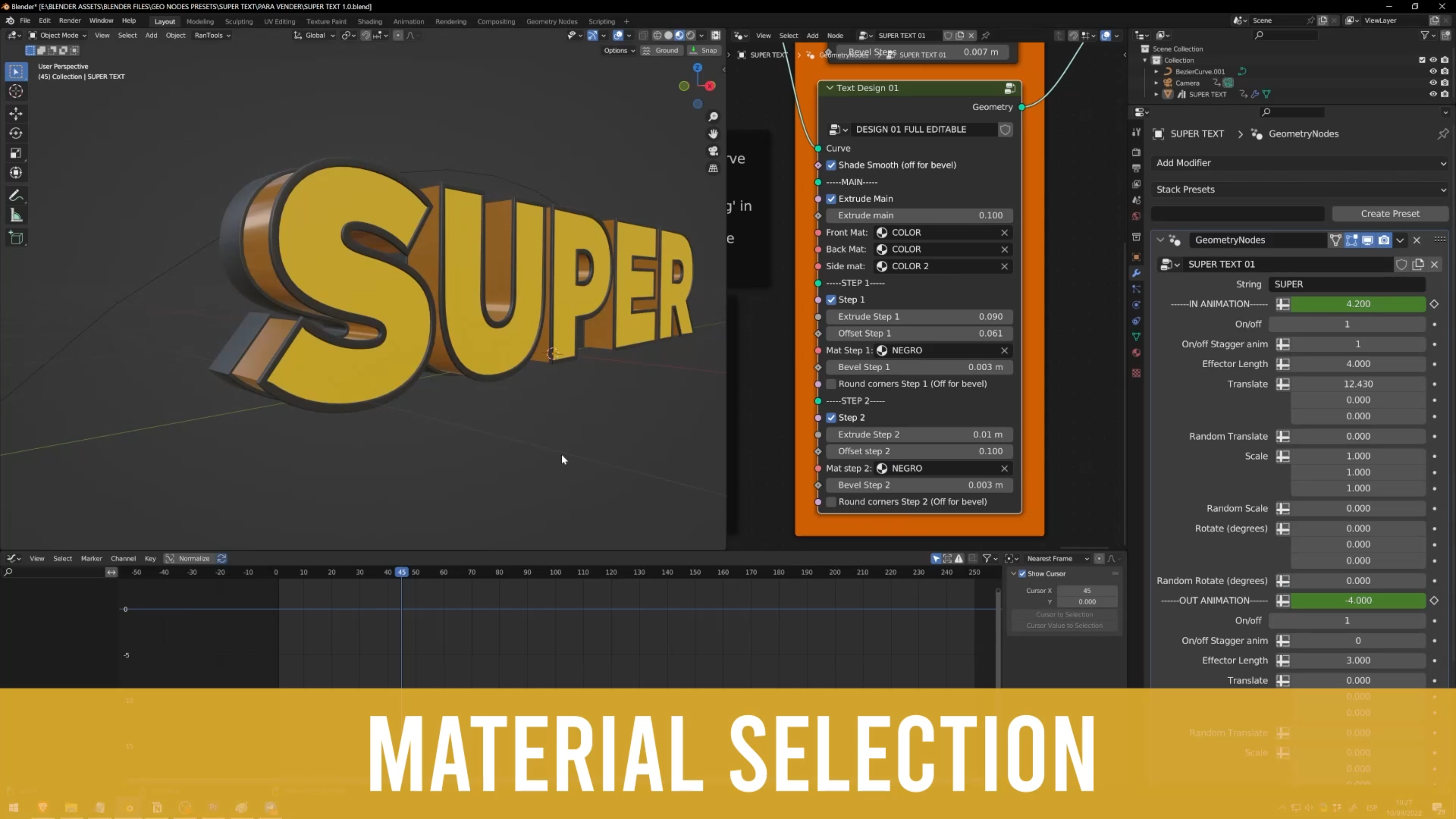
- Select materials for each part of the design (Procedural or image-based textures )
- Round corners
- Select materials for each part of the design
- Choose any font
- Minimum and maximum values set to avoid freeze blender (like accidentally set Subdivision at 999 for example)
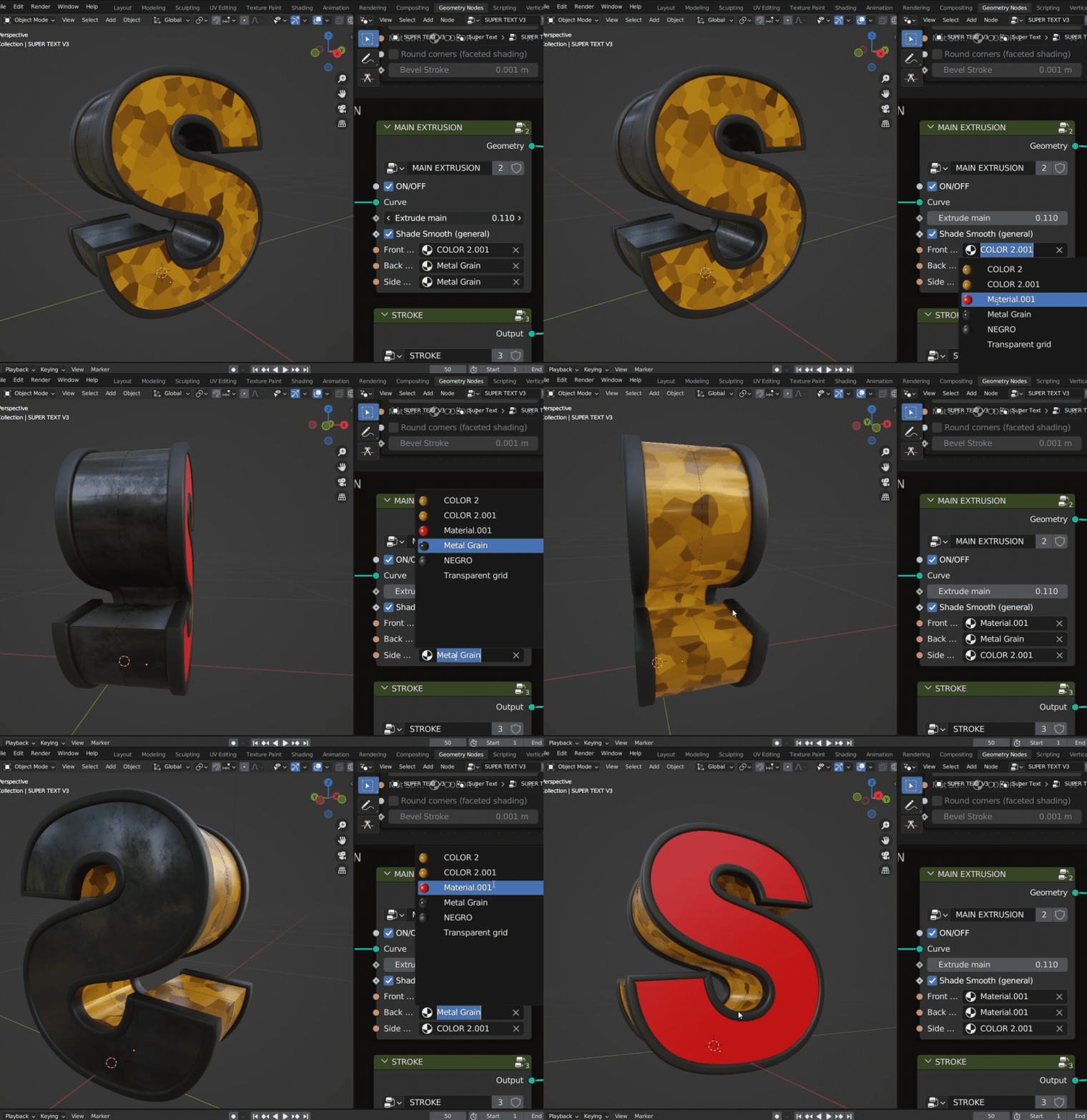
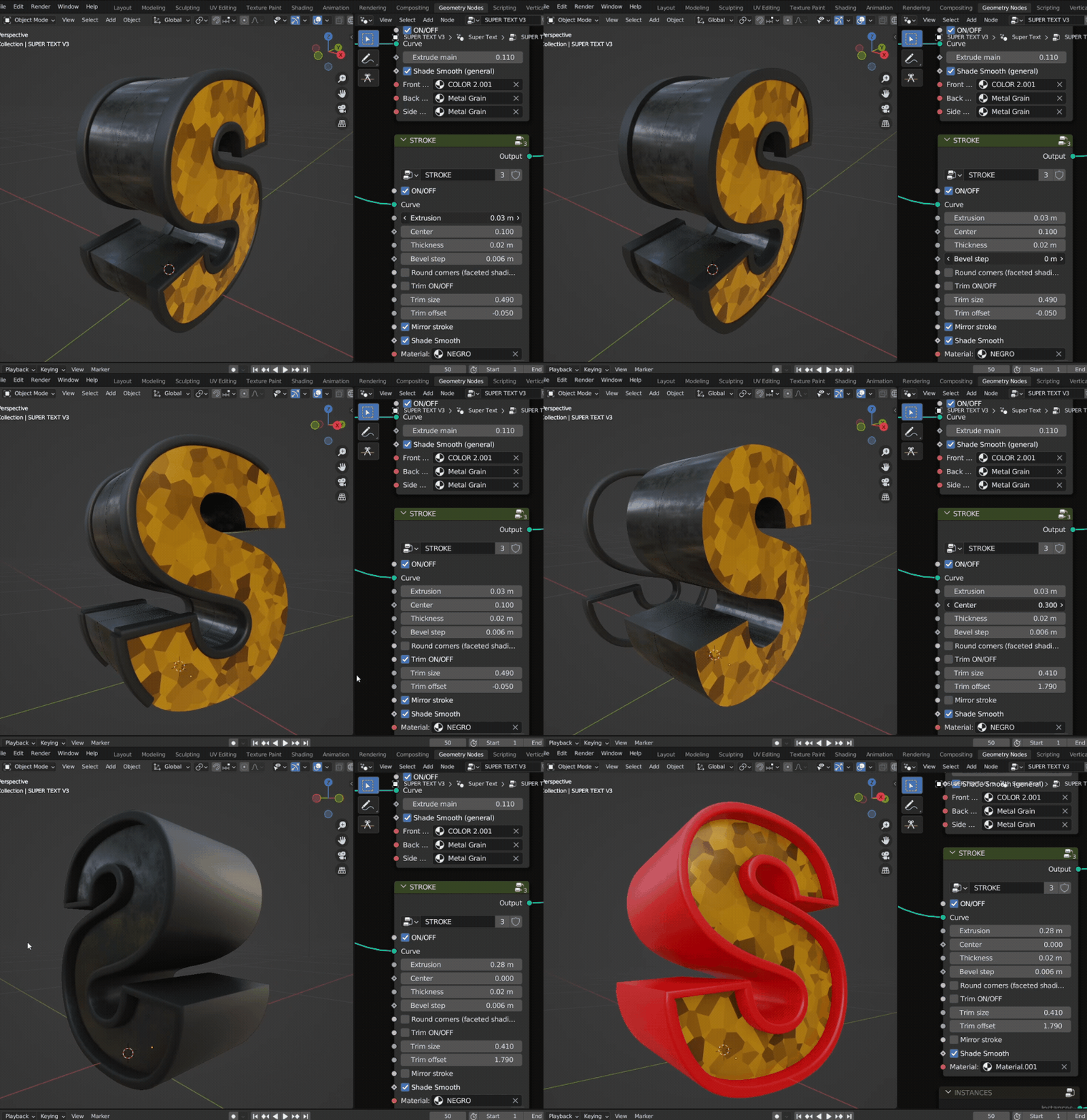
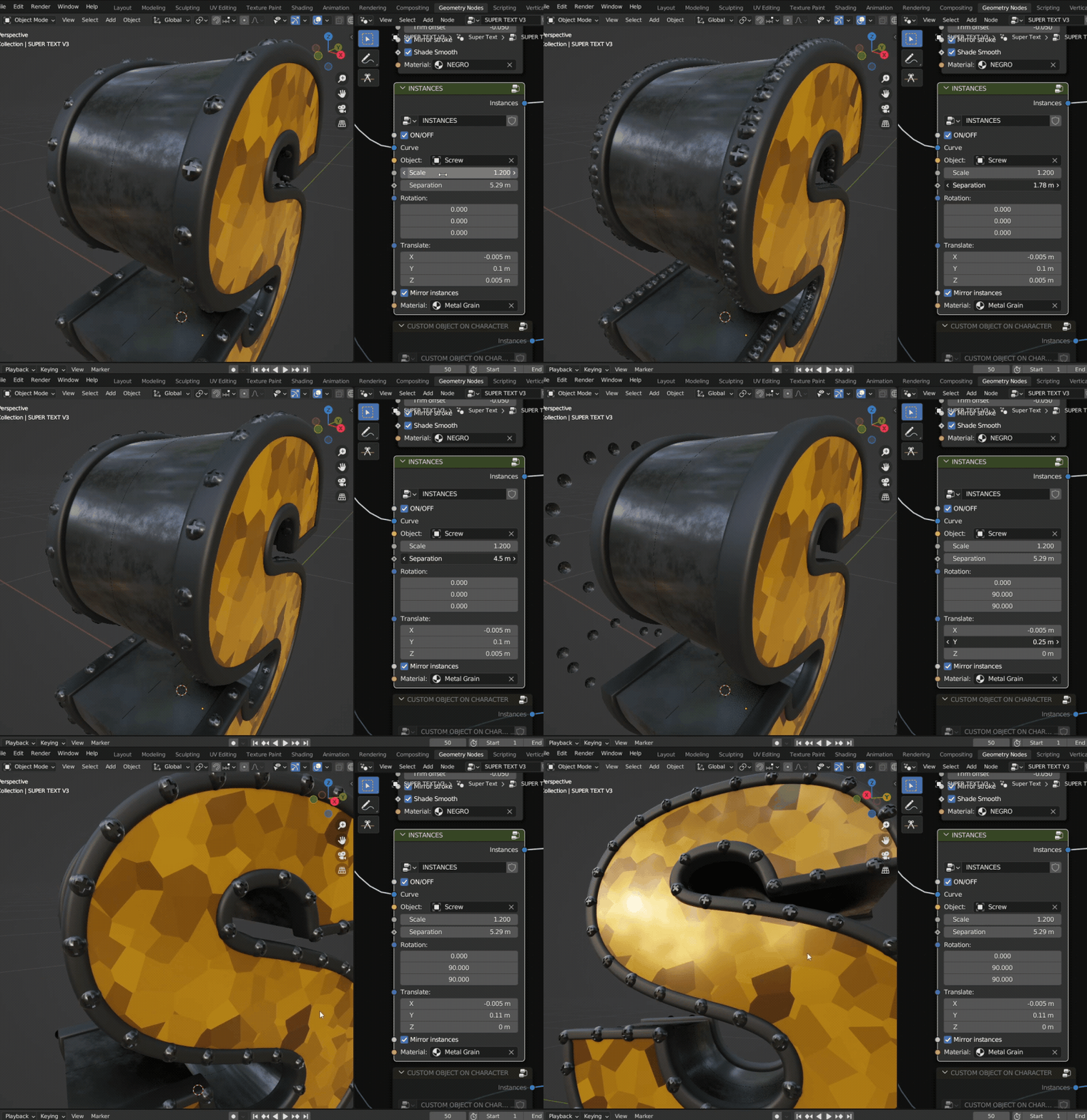
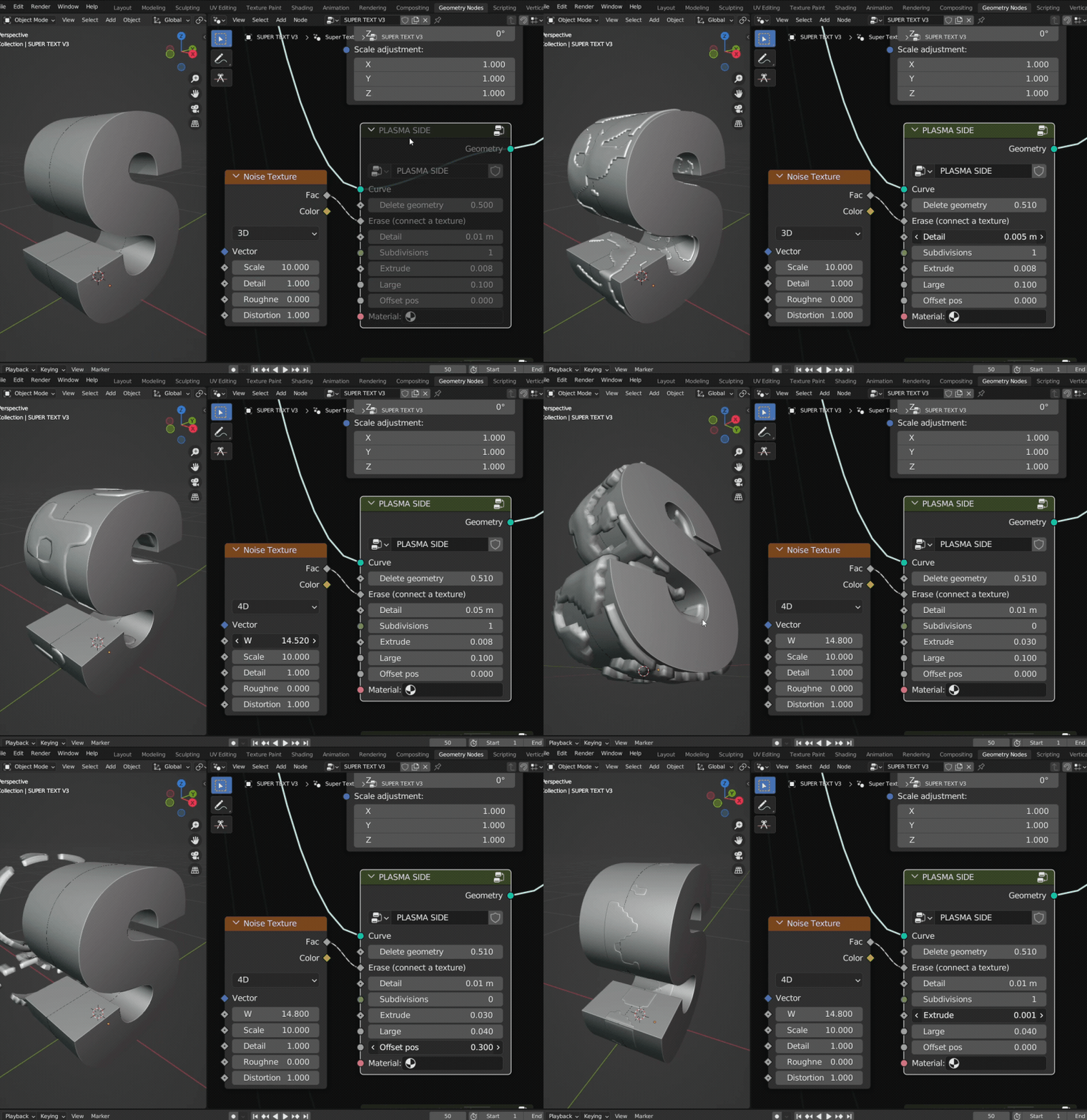
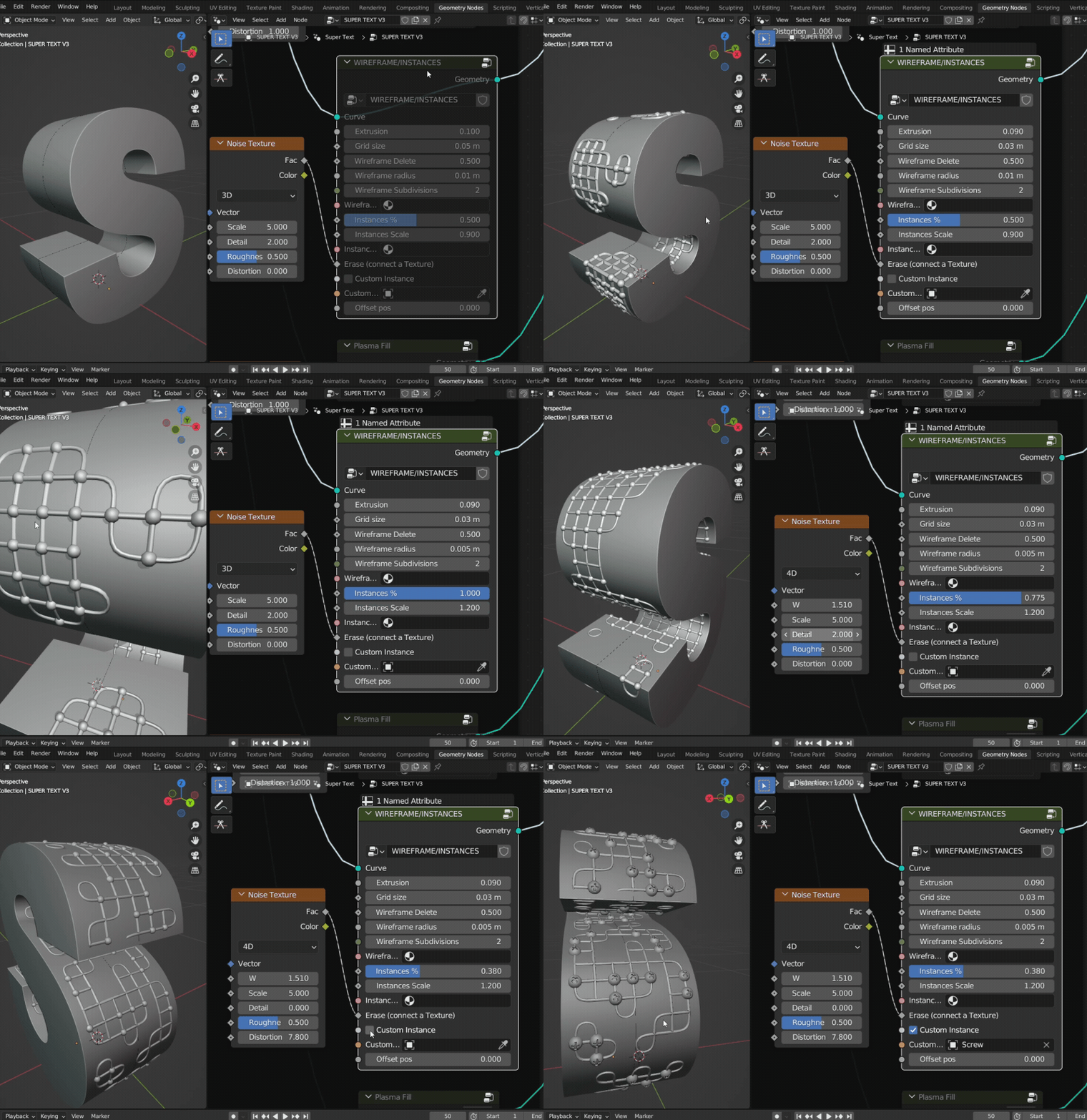
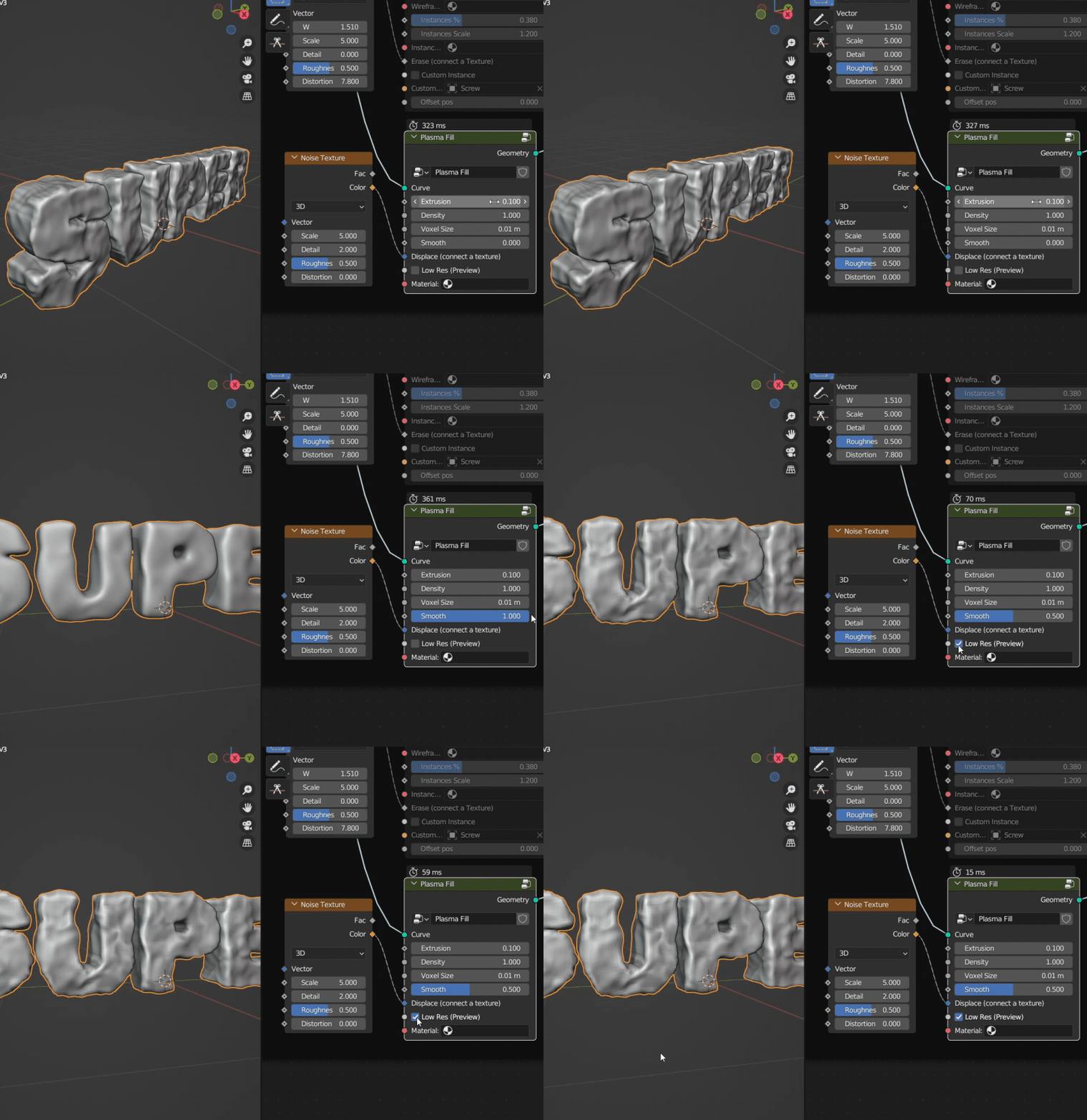
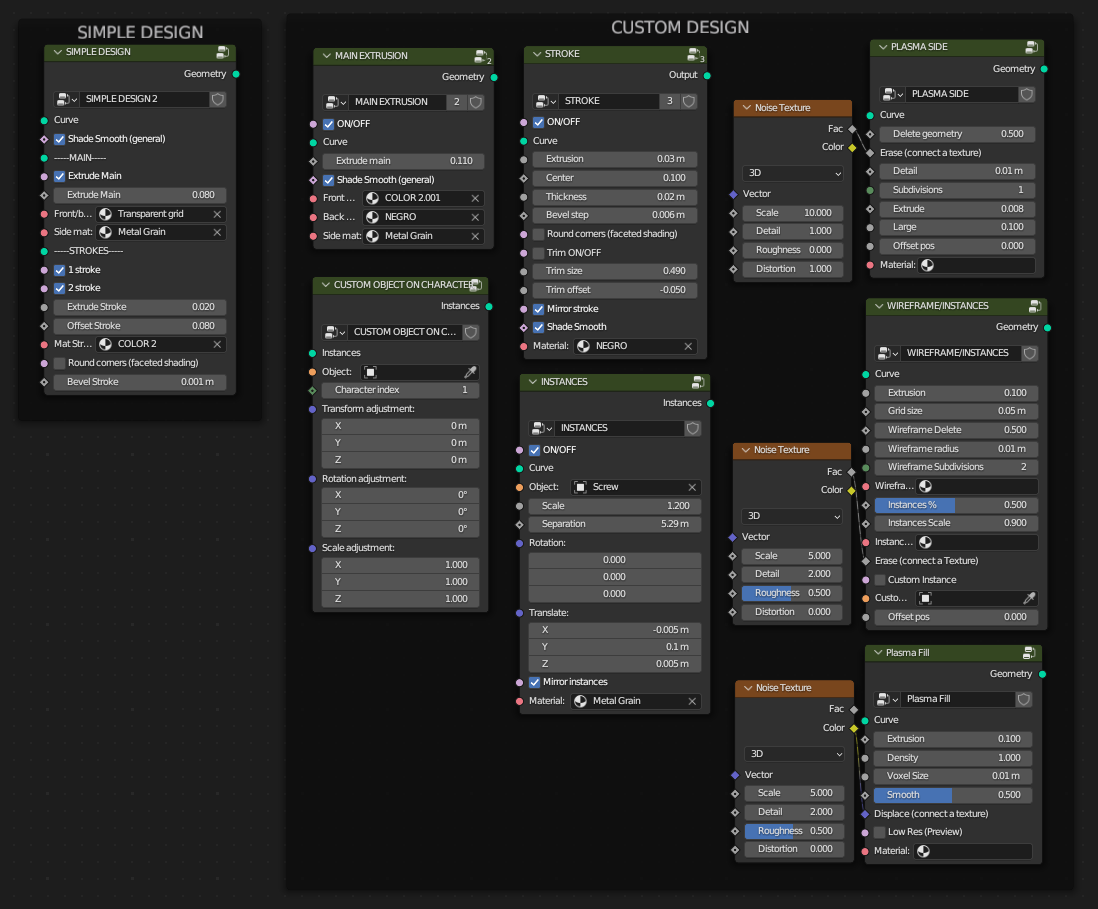
Design Tutorial
English caption
Animation Features
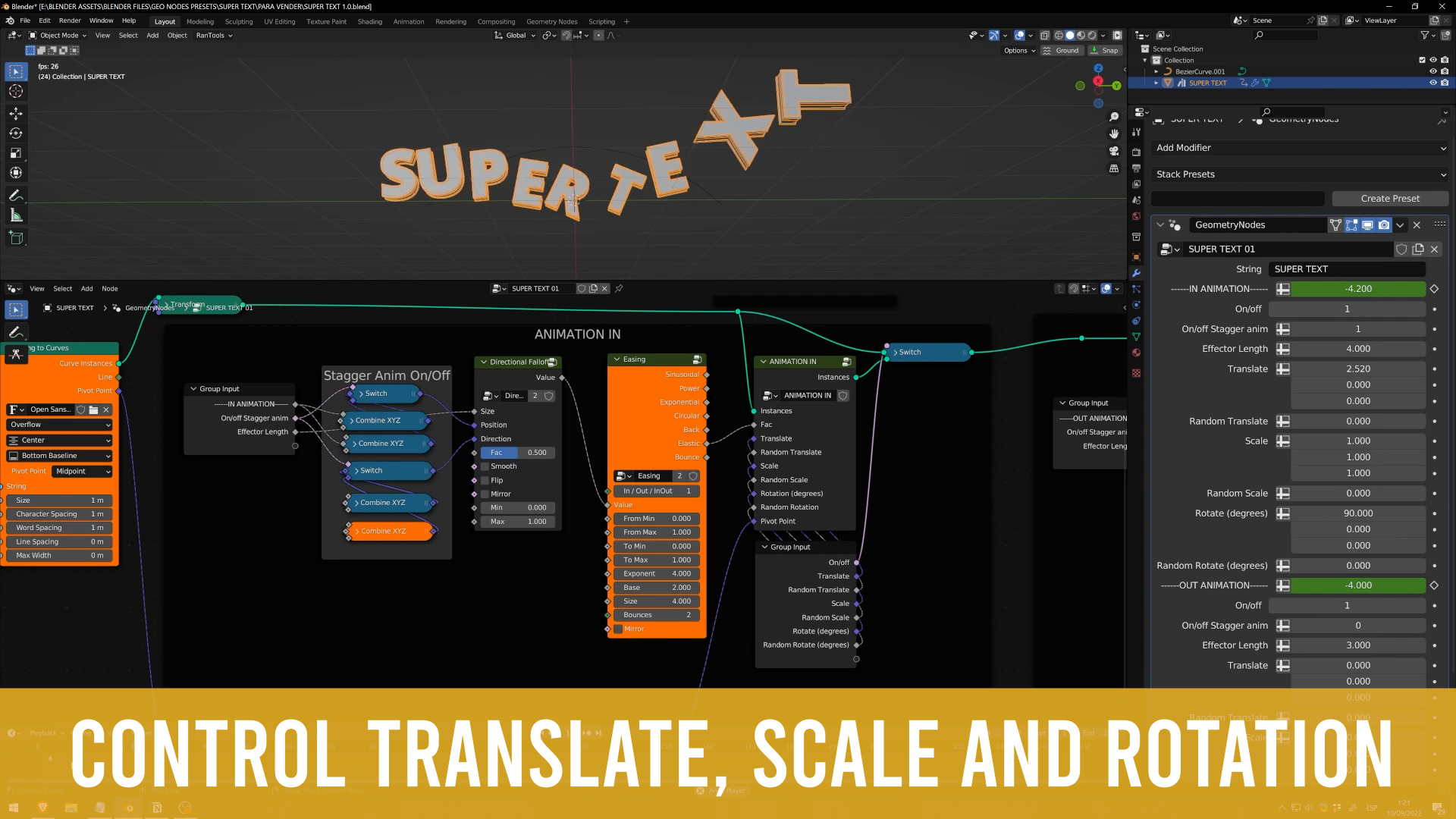
- Control translate, rotation, and scale
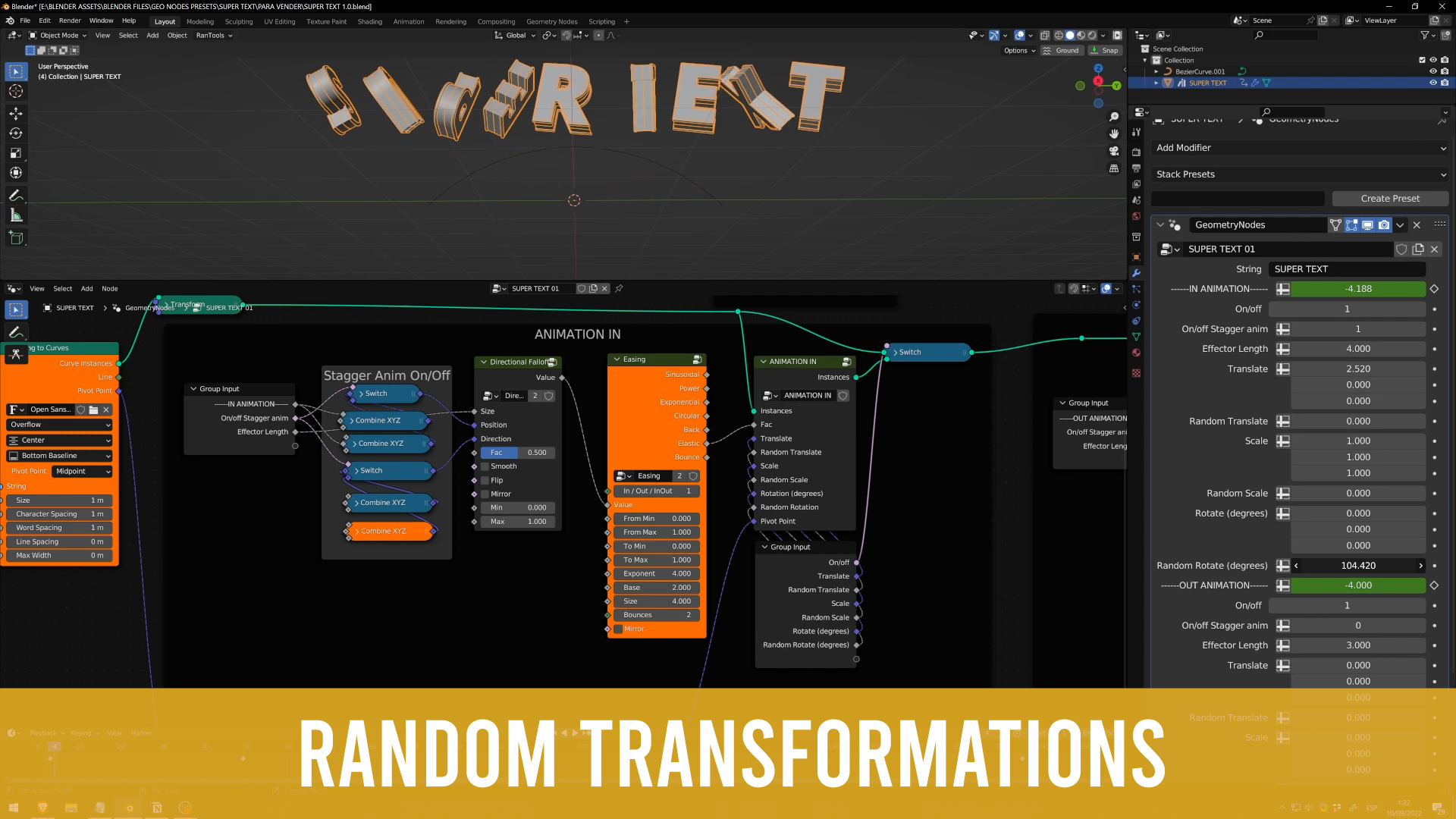
- Add random transformations
- On/off the IN/OUT animation
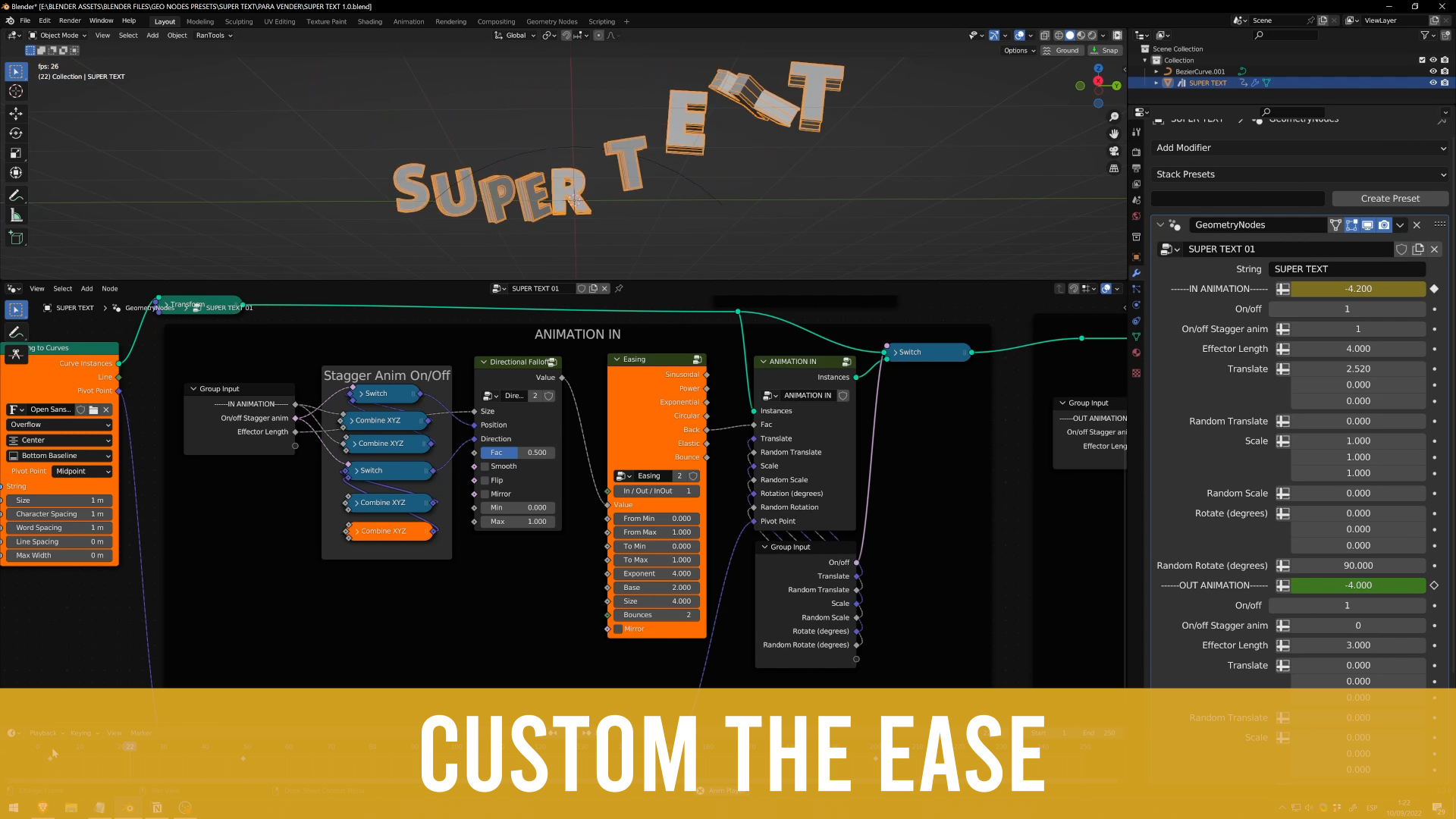
- Custom the easing animation
- Stagger/Radial animation (turn off if you want)
- Multiple lines animation
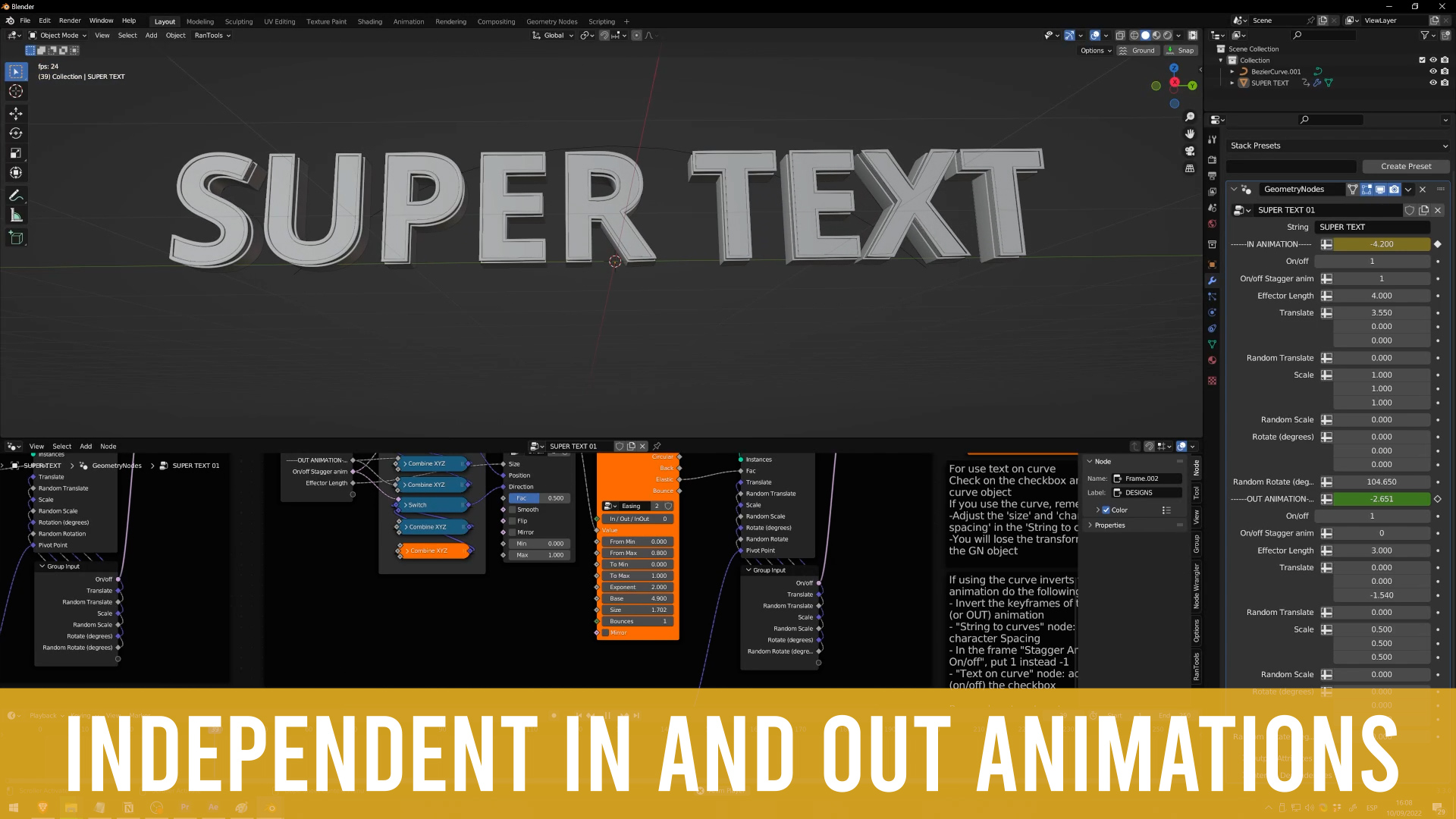
- The IN and OUT animation can be completely different
- Adjust easily the pivot point and preview it!
Animation Tutorial
English captions
SVG Workflow
Use the design node to apply the Super Text design to any curve you want (a logo for example), then convert to mesh, put into a Collection and use the Animation asset to animate that custom meshes
Super Text Lite
It's a free version of Super Text, so easy to use, check the tutorial!
Changelog
V1 (release, september 2022)
- Control translate, rotation, and scale
- Add random transformations
- On/off the IN/OUT animation
- Custom the easing animation
- Stagger/Radial animation (turn off if you want)
- Multiple lines animation
- The IN and OUT animation can be completely different
- Adjust easily the pivot point and preview it!
V2 (december 2022)
- Fix Errors
- Remove Text on curve option
- Completely remake of Design nodes, now we have a Simple Node design and multiple nodes for custom designs: Fill, Stroke, Instances, and Custom Object
- UVMapping in order to support PBR textures
- Add random to transformations (animation)
V3 (april 2023)
- 3 new node groups for Text Design: Plasma Fill, Plasma side, and Wireframe/Instances
- Normalized animation values: now the animation values always will be between 0 an 1, independently of the long of text or effector size
- Radial animation option (appear from the center) added
- Line delay option when is a multiple lines text
V4 (september 2023)
- Super Text now also works with SVG curves, with 2 new node setups
- Remake of some design nodes to improve performance and easier use
- Now change the pivot easily for rotation, scale, translation
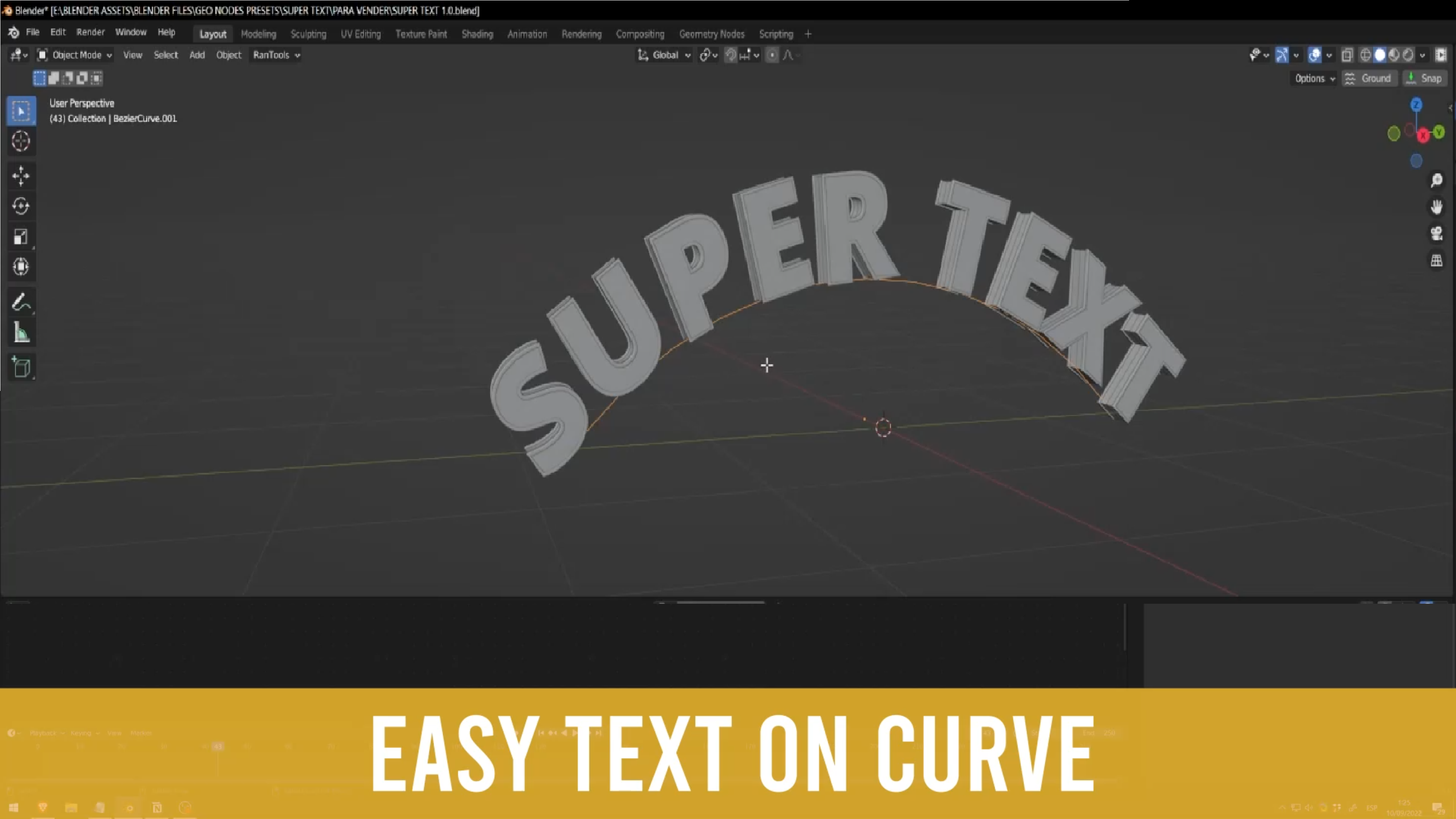
- The Text-on-curve feature came back from version 1
- Some parameters remapped between 0 and 1 or -1 and 1 for easier and more understandable use
- Now the parameters that most affects performance are marked with an * so that they are easily identifiable
V5 (january 2024)
- Node tree simplified
- Now set the line breaks writing an asterisk *
- Preview the pivot point for an easiest control (remember turn off for the render)
- Preview falloff
- Random transformation: constraint the axis
- Spheric Falloff: position control
- Fix on the Custom node object
- Tutorials updated to version 5
V6 (july 2025)
- UI reworked: most easy to read thank to subpanels
- Most of the animation features were transfer to modifier panel
If you’re into procedural design, you’ll love Procedural events , a collection of Geometry Nodes tools designed to build event environments in Blender, fast, flexible, and fully procedural. Create stages, trusses, screens, bleachers, and more in minutes with tools that give you full control over form, scale, and materials.

