 Mrs Eliza
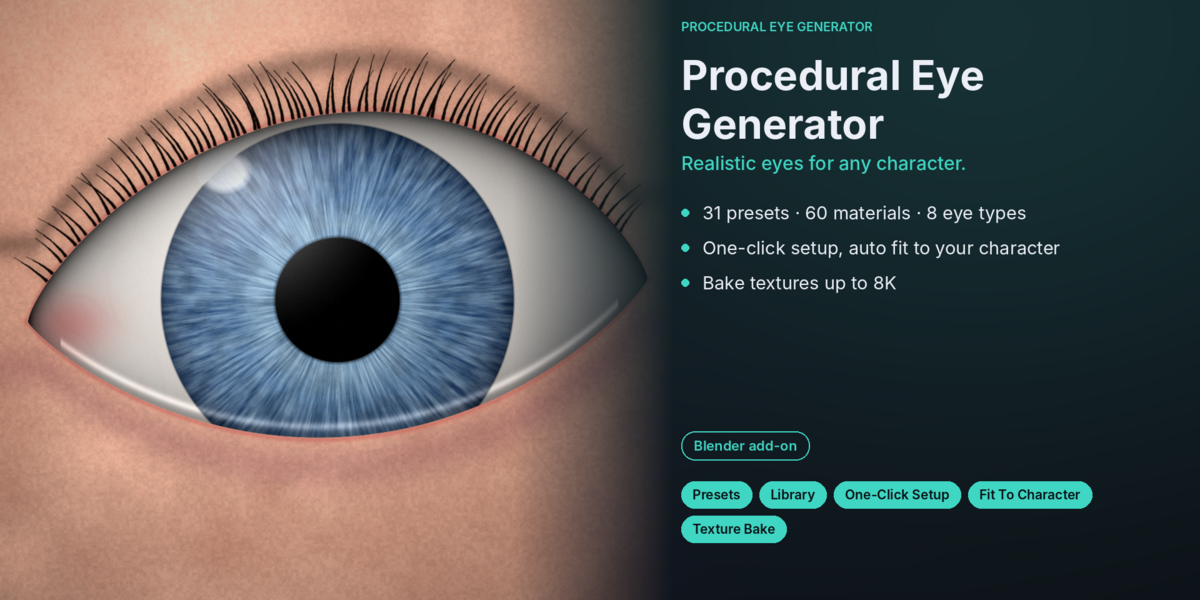
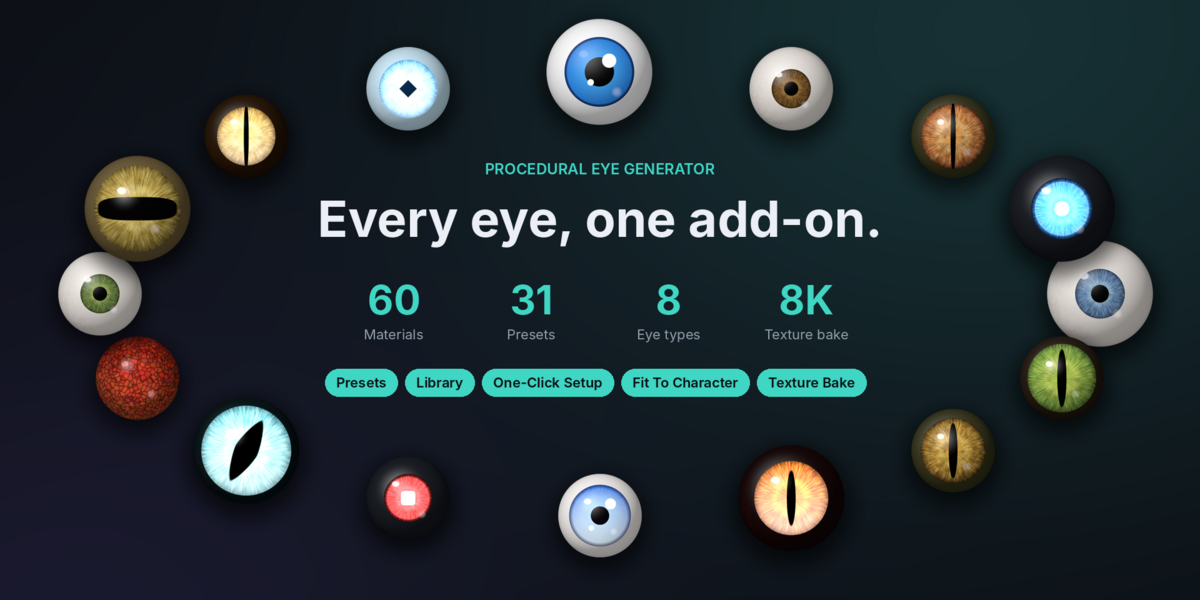
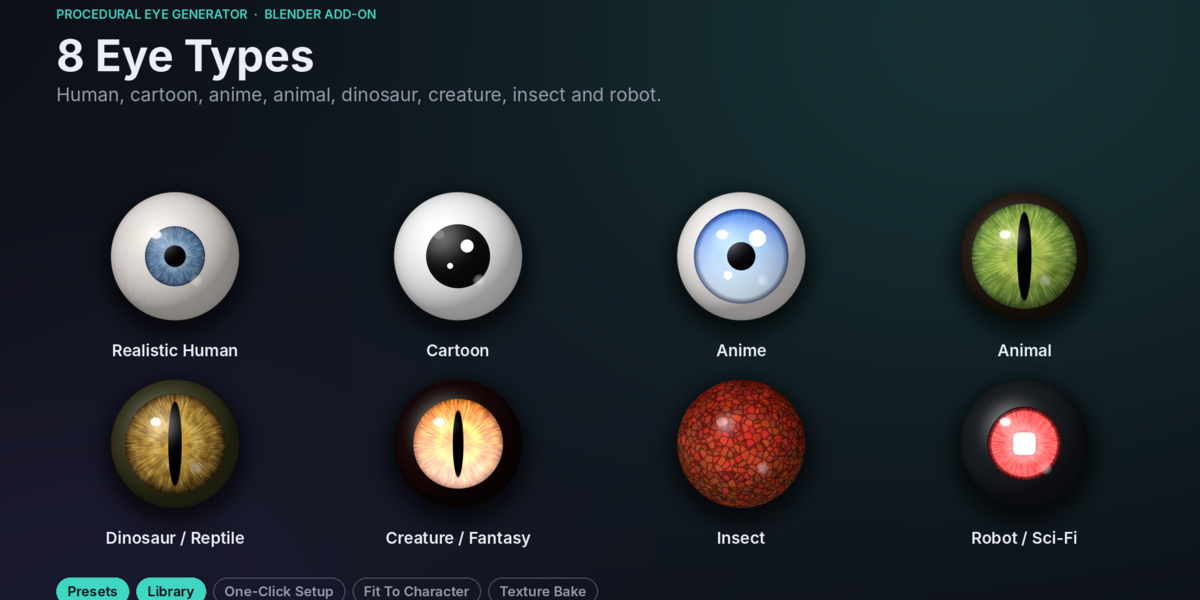
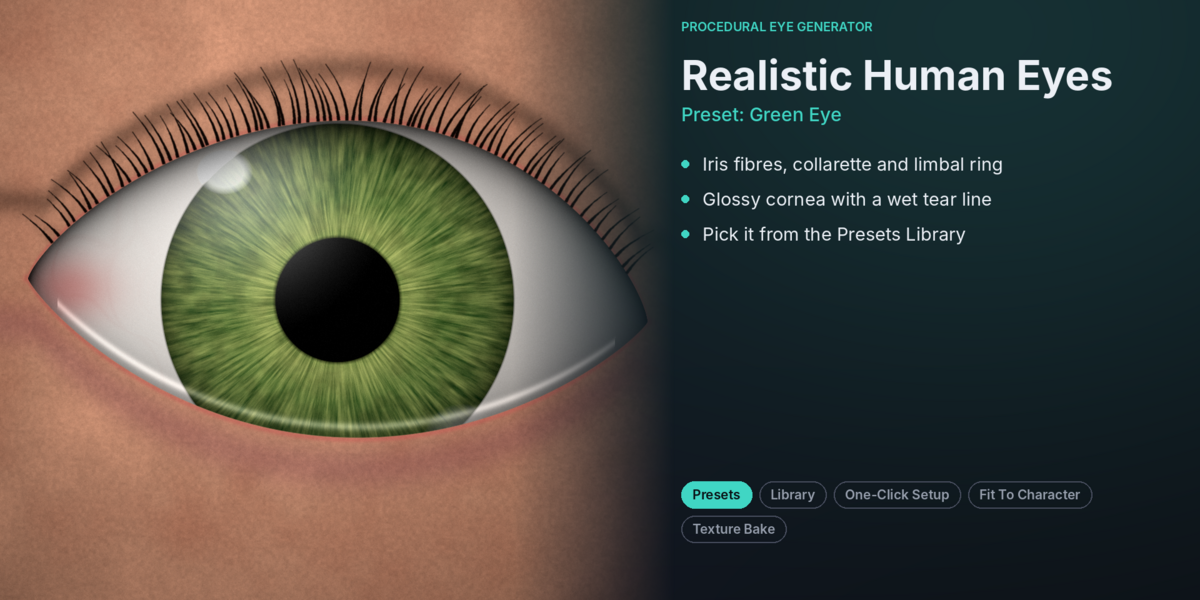
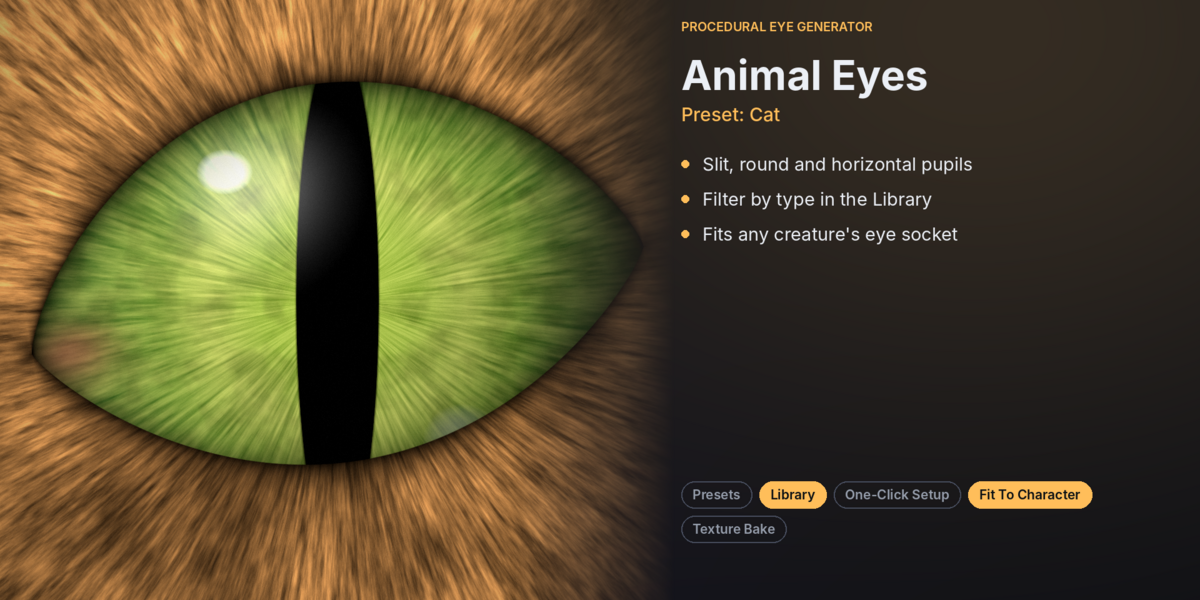
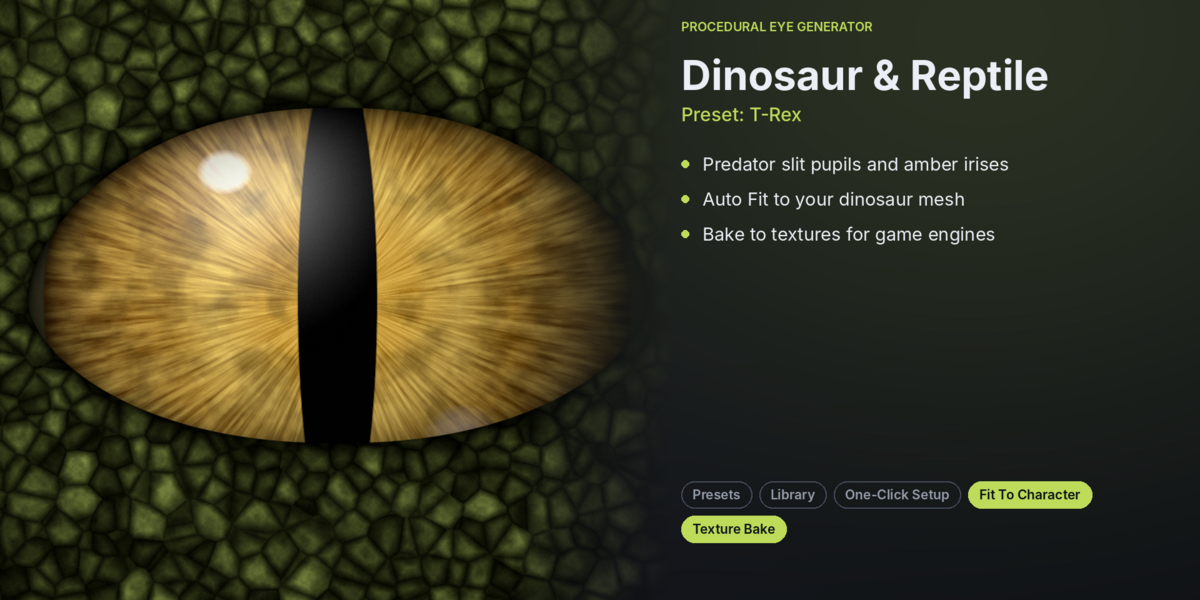
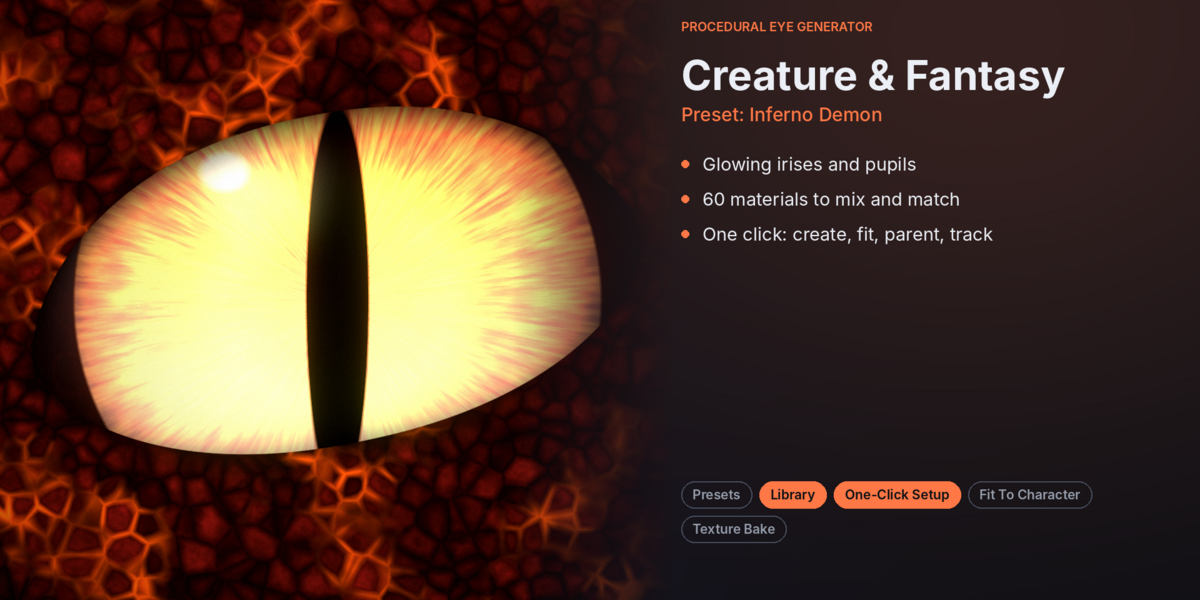
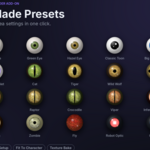

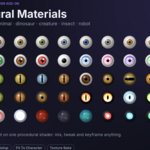
INSTALLATION GUIDE
Download
procedural_eye_generator.zip.Open Blender and navigate to Edit → Preferences → Add-ons.
Click Install or Install from Disk in Blender 4.2 and later.
Select the ZIP file without extracting it.
Enable Object: Procedural Eye Generator.
Open the 3D Viewport and press N.
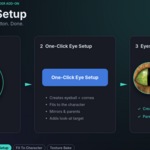
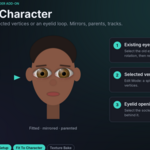
Select the Eye Gen tab.
You're ready to create your first procedural eyes!
Have questions about this product?
Login to message
| Published | about 5 hours ago |
| Blender Version | 4.2 - 5.2 |
| Extension Type | N/A |
| Render Engine Used | Cycles, Eevee |
| License | GPL |
Discover more products like this
blender addon cartoon eyes Realistic eyes Blender Eye Generator Animal Eyes procedural materials 3D Character Tools eye animation Eye Creator Character Eyes anime eyes Procedural Eyes