 Mrs Eliza
Does the add-on modify my original character mesh?
No. It creates separate eye objects. Original eye meshes can be kept, hidden, or deleted according to your selected settings.
Why is texture baking not working?
Texture baking requires Cycles. Make sure Cycles is available in your Blender installation and save your project before baking. Unsaved projects can pack the generated images into the .blend file.
Why does the cornea look too glossy?
Reduce Bulge, Reflection, or Dome Size. You can also disable the Cornea Dome.
Why are the eyes poking through the eyelids?
Reduce the Size Multiplier or adjust the Eyeball Radius. The eyeballs should sit slightly inside the eyelids.
Why are my eyes not following my character?
Enable Parent To Character. If you are using an armature, select the appropriate head bone for parenting.
Why are my eyes facing the wrong direction?
Eyes use the local -Y axis as their forward direction. Set Orientation to Character Forward (-Y), or use Match Source to copy the rotation of an existing eye object.
Why do my eyes appear flat or grey?
Switch the viewport to Material Preview or Rendered mode. Solid mode does not display the procedural materials.
Can I export the eyes to game engines?
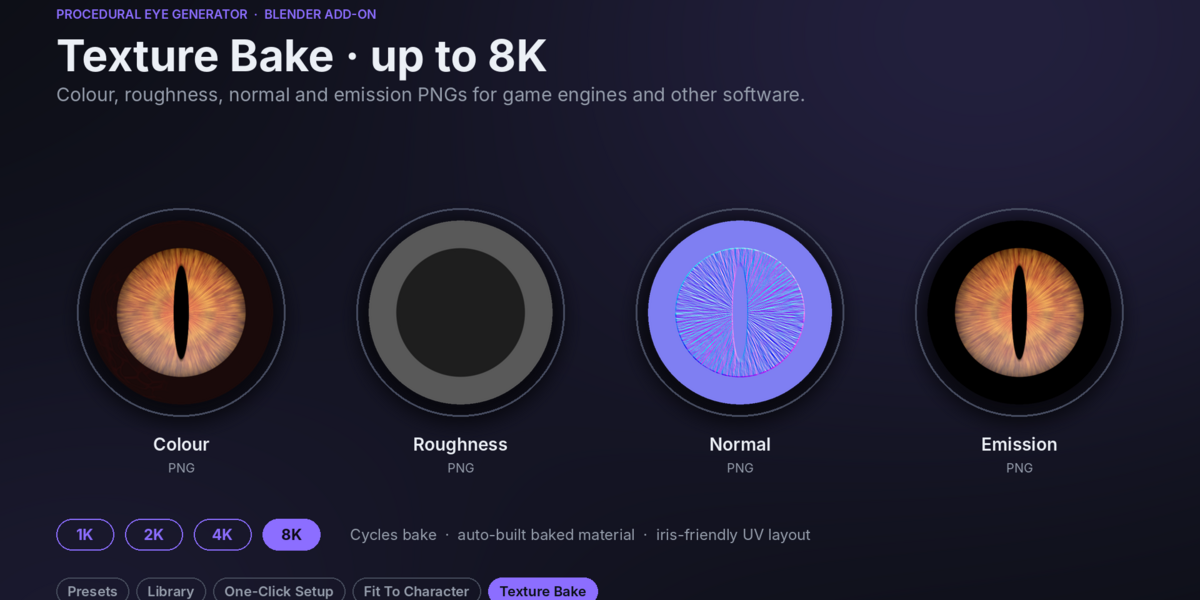
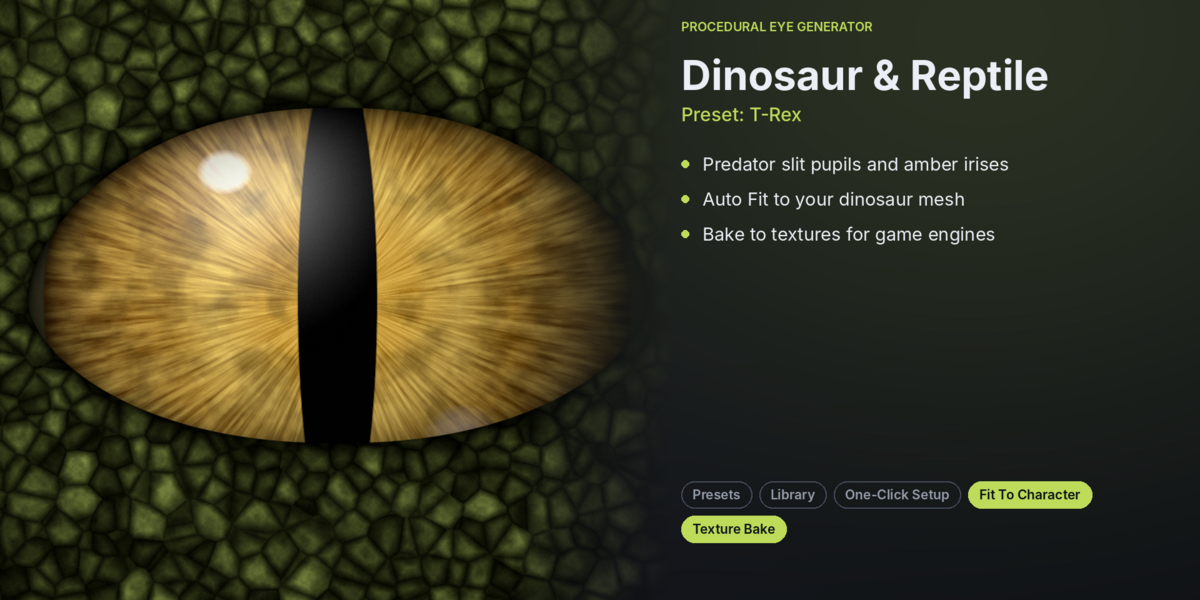
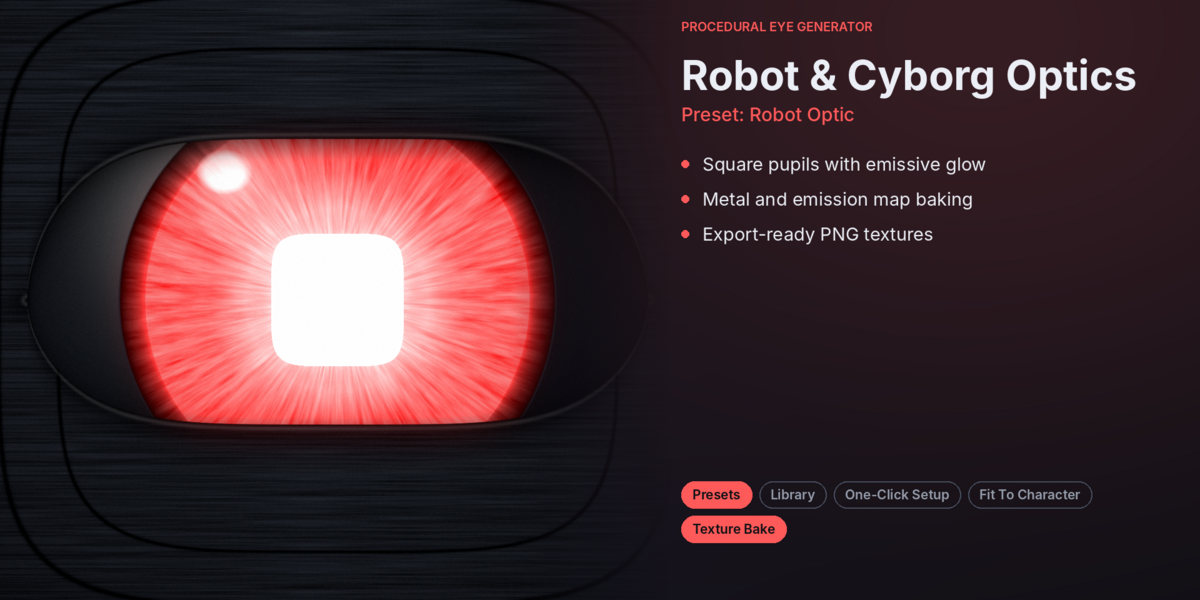
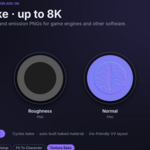
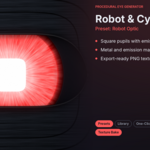
Yes. Bake the procedural eyes into Colour, Roughness, Normal, and Emission maps, then use the generated baked material with your exported mesh.
Can both eyes follow the same target?
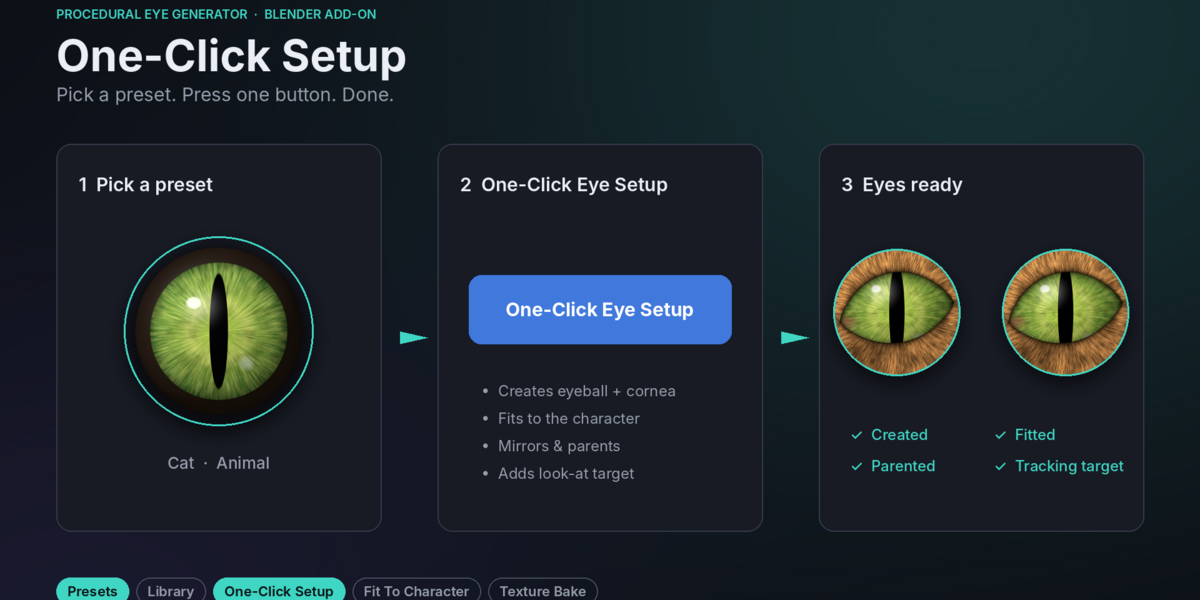
Yes. The add-on can create a shared Look-At Target that controls both eyes simultaneously.
Can I animate eye movements and pupil dilation?
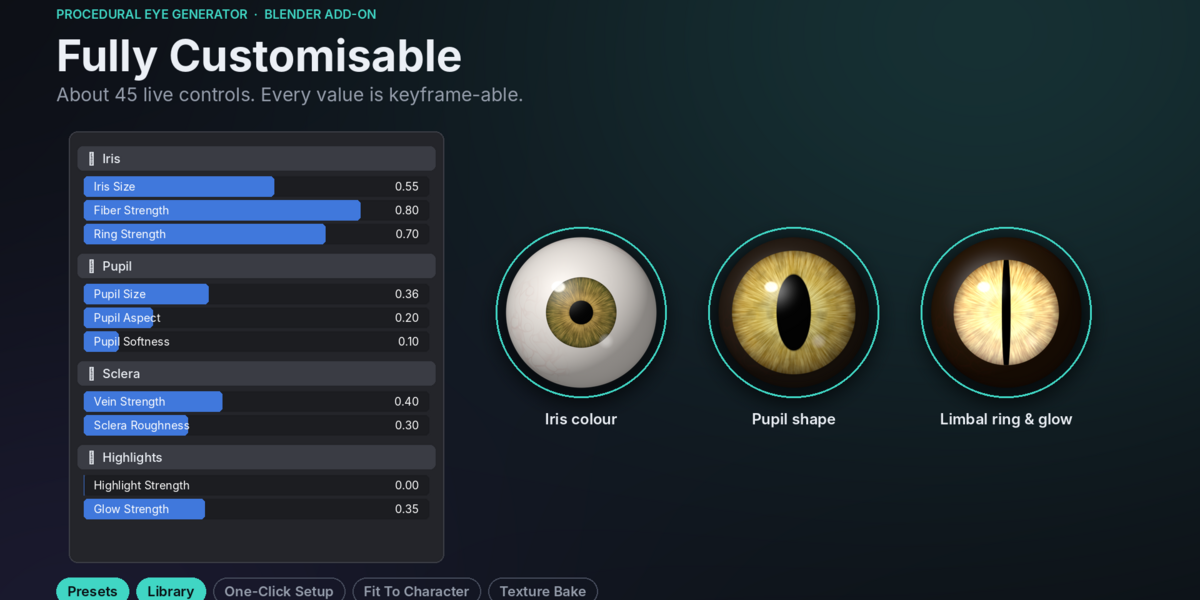
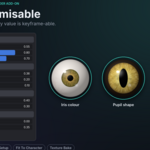
Yes. Keyframe Pupil Size and other shader settings. Use the Look-At Target to animate eye direction.
Can I create custom pupil shapes?
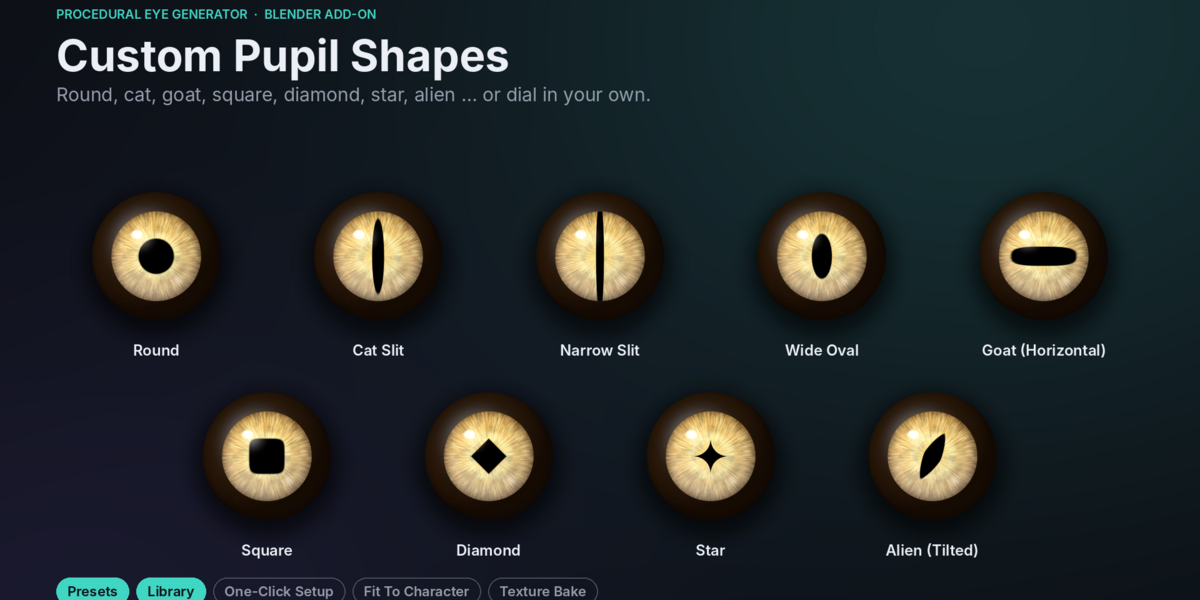
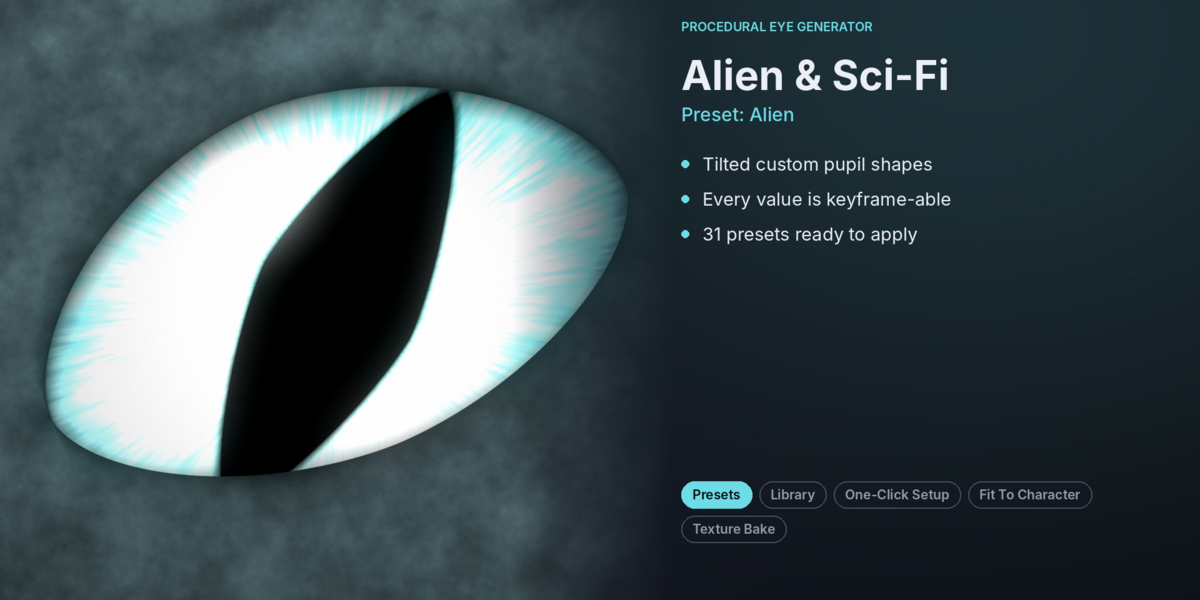
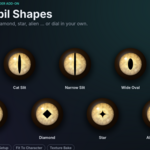
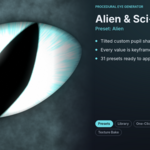
Yes. Select Custom under Pupil Shape and adjust Pupil Aspect, Pupil Exponent, and Pupil Rotation.
Can I automatically fit eyes to my character?
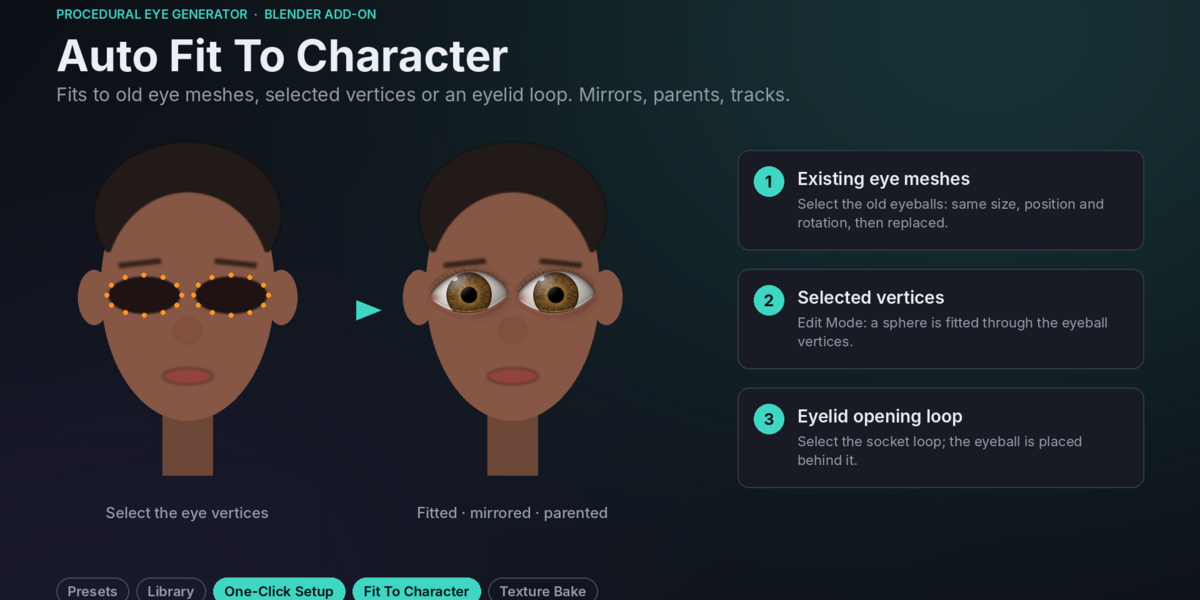
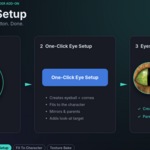
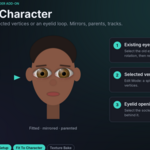
Yes. You can fit eyes using existing eye meshes, selected vertices, eyelid openings, or the 3D cursor.
How many presets and materials are included?
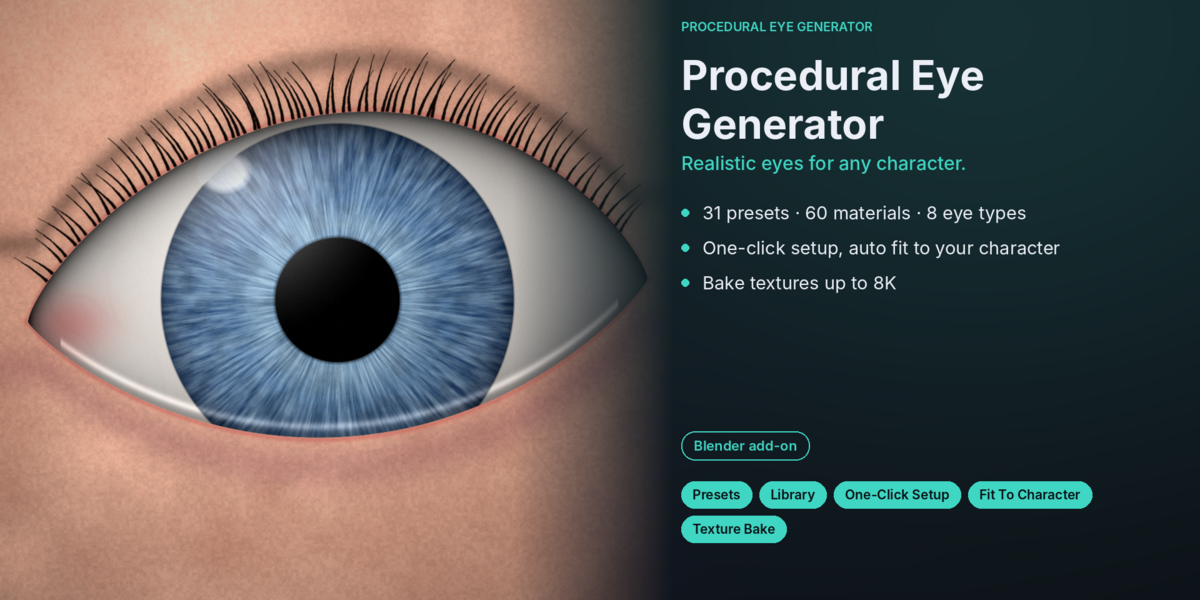
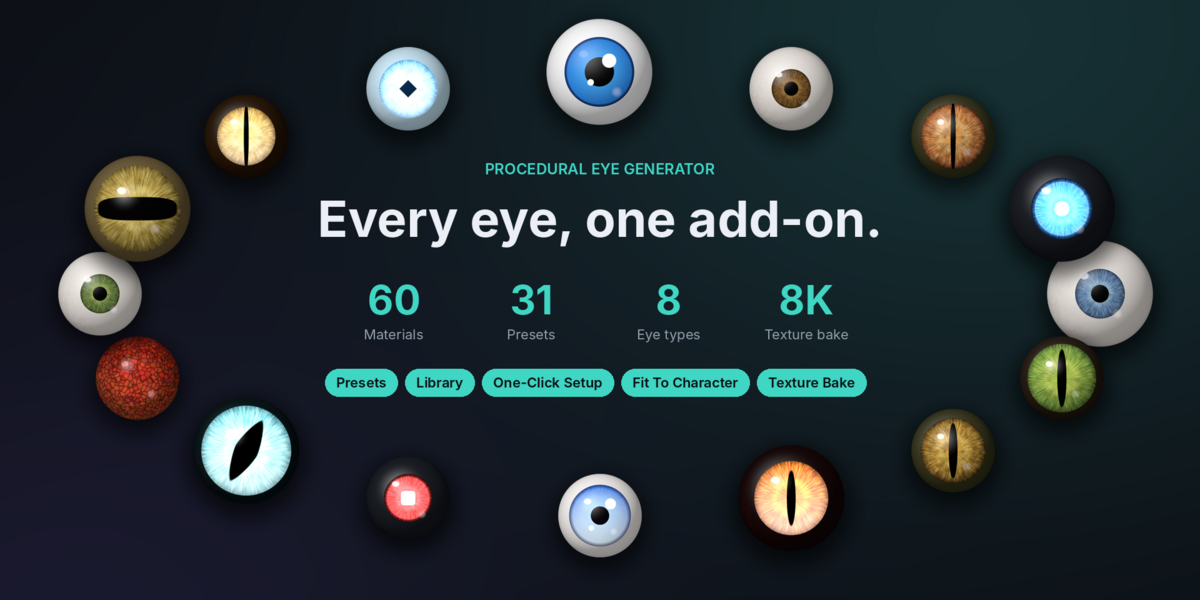
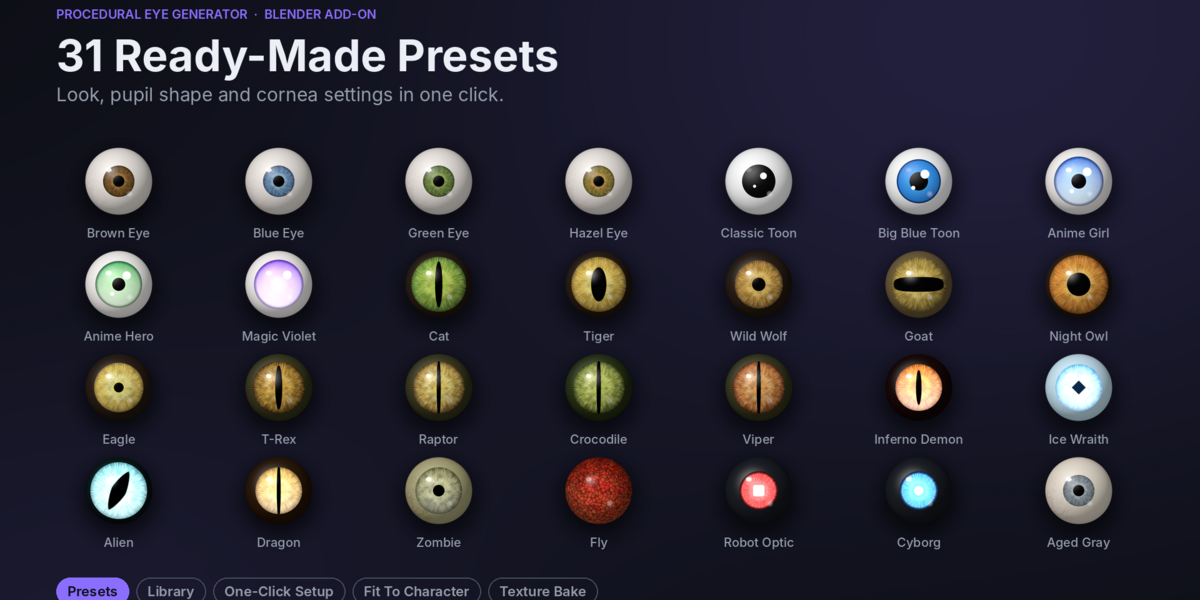
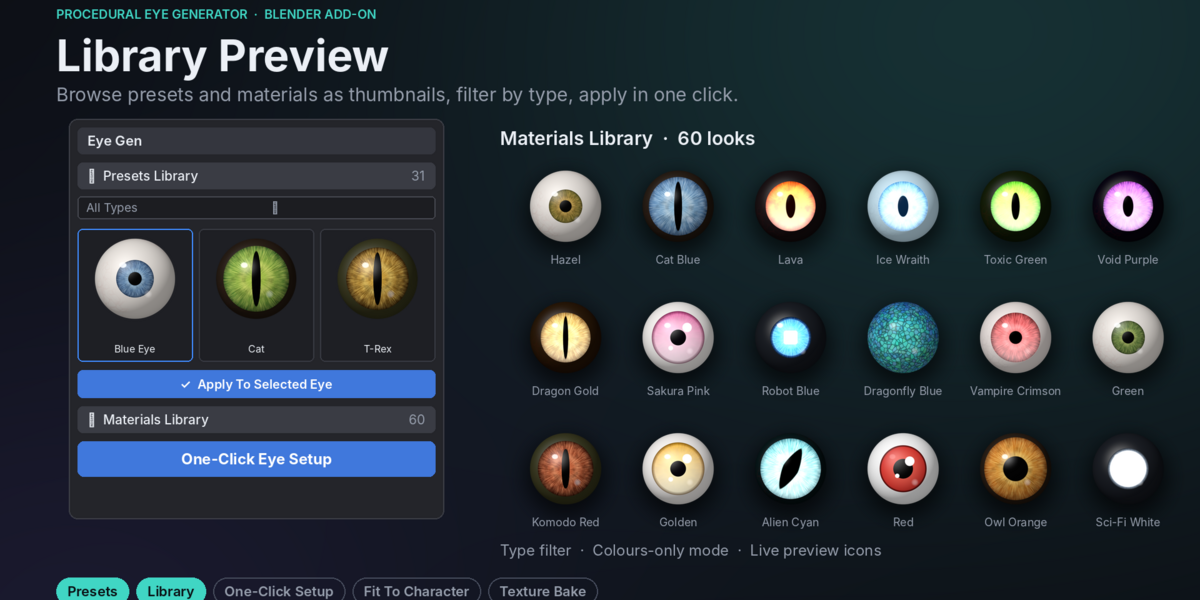
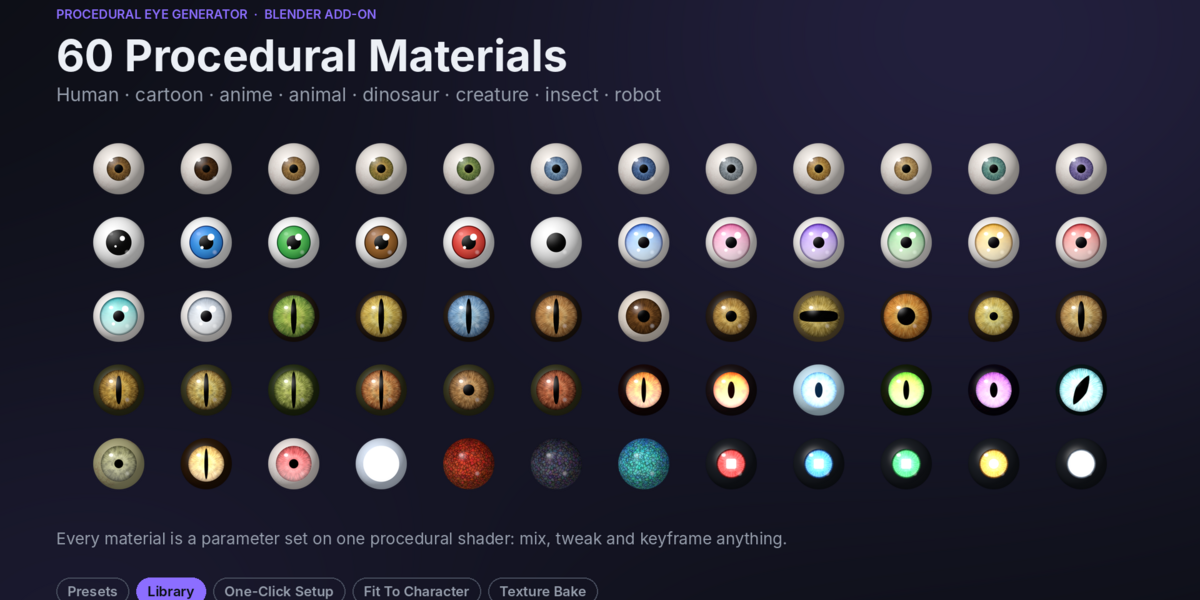
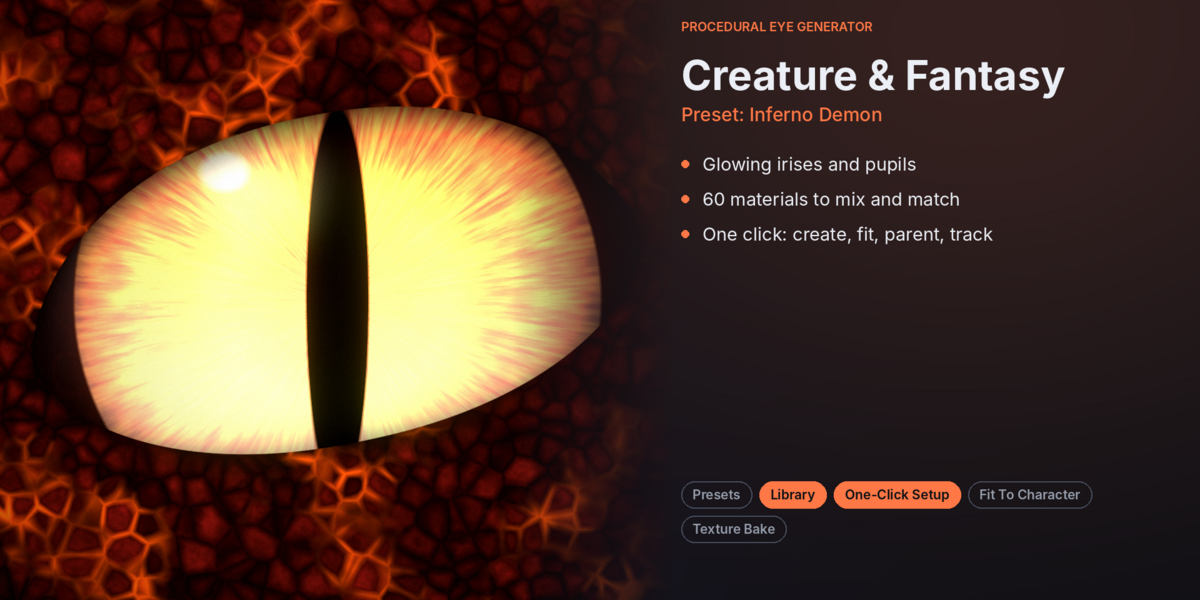
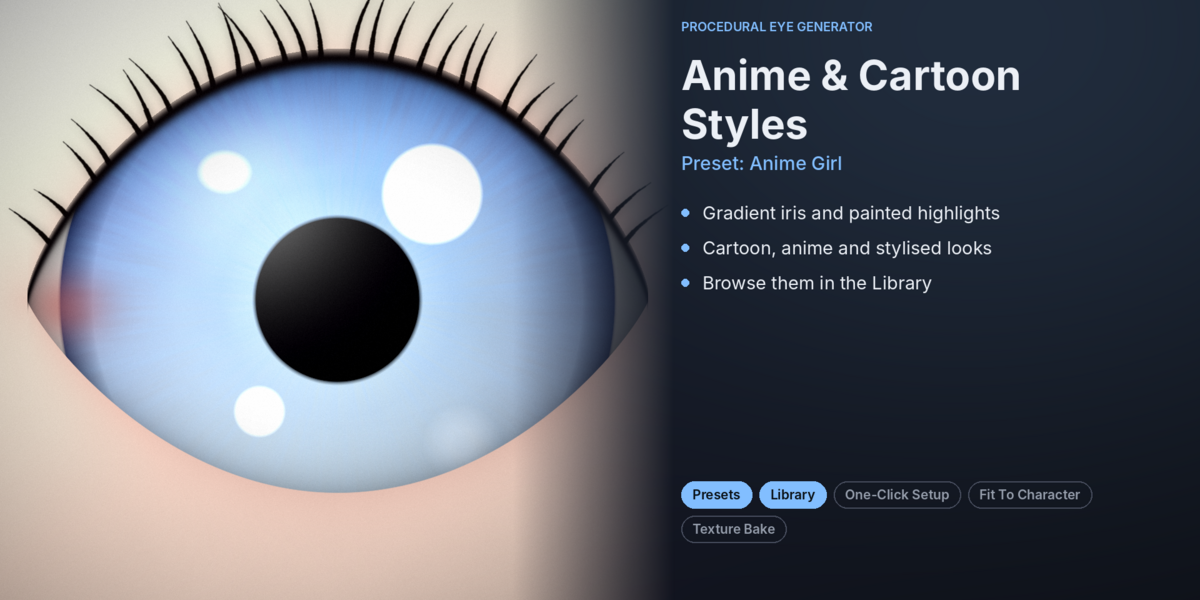
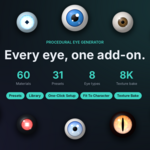
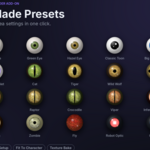
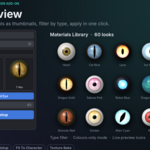
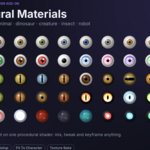
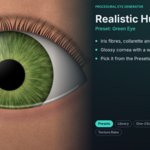
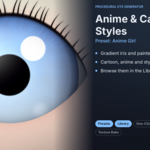
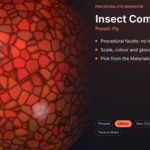
The add-on includes 31 ready-made eye presets and 60 eye materials, accessible through thumbnail libraries.
Can I create eyes for animals and fantasy creatures?
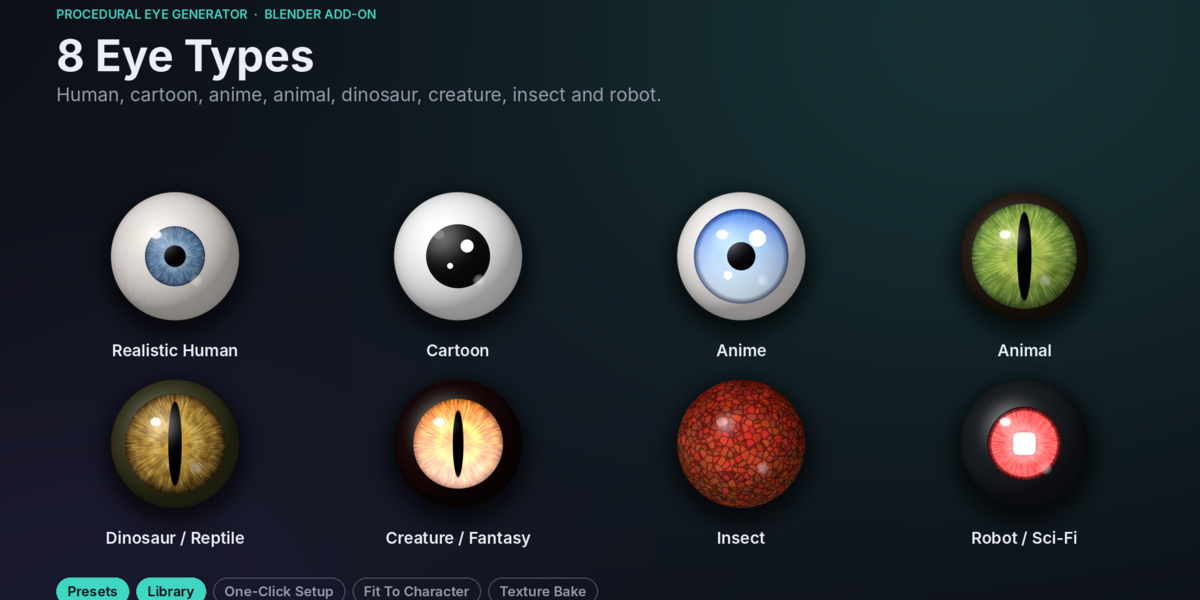
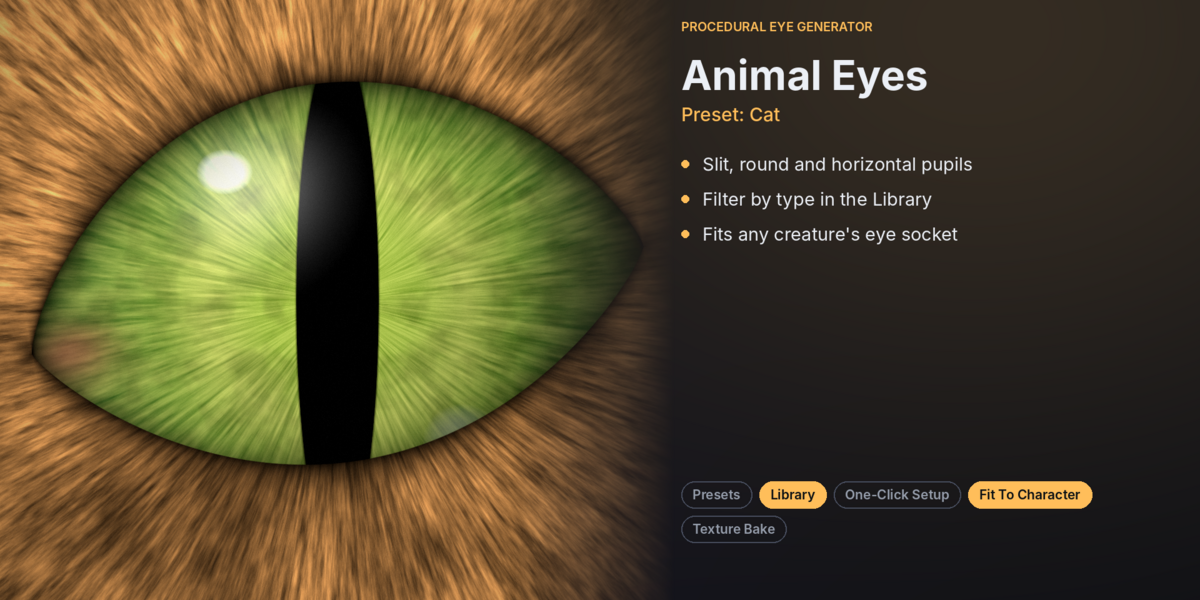
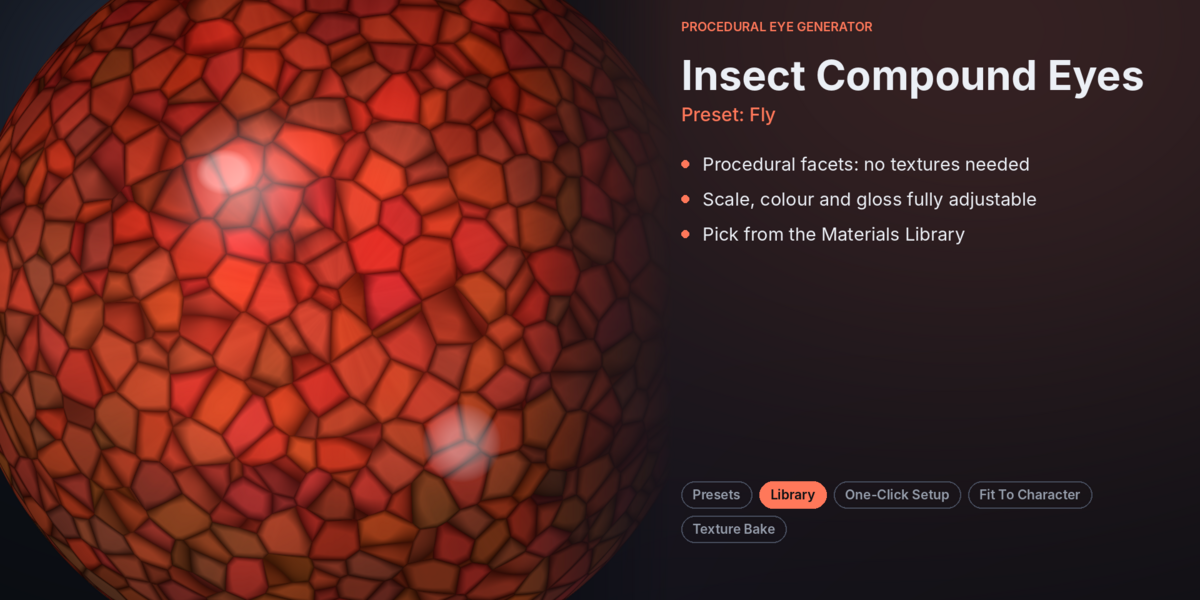
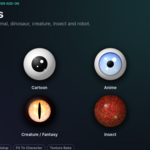
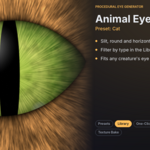
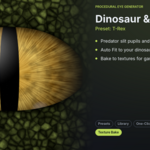
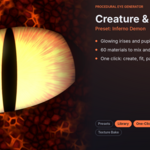
Yes. You can create eyes for animals, dinosaurs, reptiles, insects, fantasy creatures, and robots. You can also combine different materials with different eye shapes.
Do I need external textures?
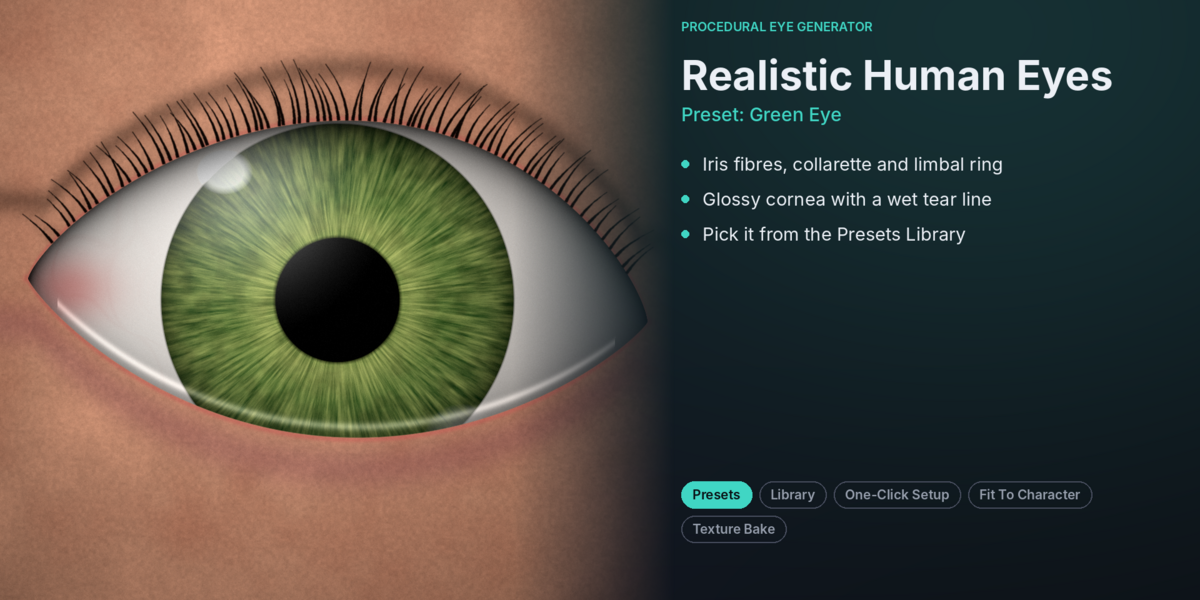
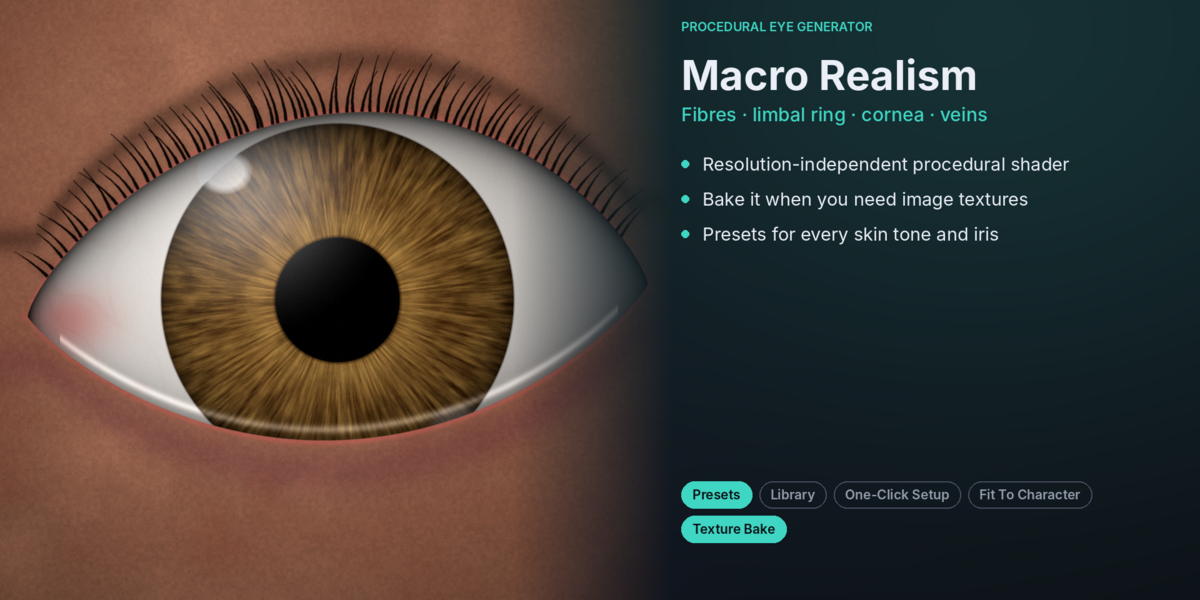
No. The eye shader is fully procedural and uses mathematical patterns and noise. External image textures are not required.
Does the add-on support Eevee and Cycles?
Yes. Procedural Eye Generator supports both Eevee and Cycles for rendering. Texture baking specifically requires Cycles.
Have questions about this product?
Login to message
| Published | about 5 hours ago |
| Blender Version | 4.2 - 5.2 |
| Extension Type | N/A |
| Render Engine Used | Cycles, Eevee |
| License | GPL |
Discover more products like this
Character Eyes cartoon eyes procedural materials Blender Eye Generator eye animation Eye Creator Realistic eyes Procedural Eyes blender addon anime eyes Animal Eyes 3D Character Tools