 Mrs Eliza
Create Realistic & Stylized Eyes for Blender
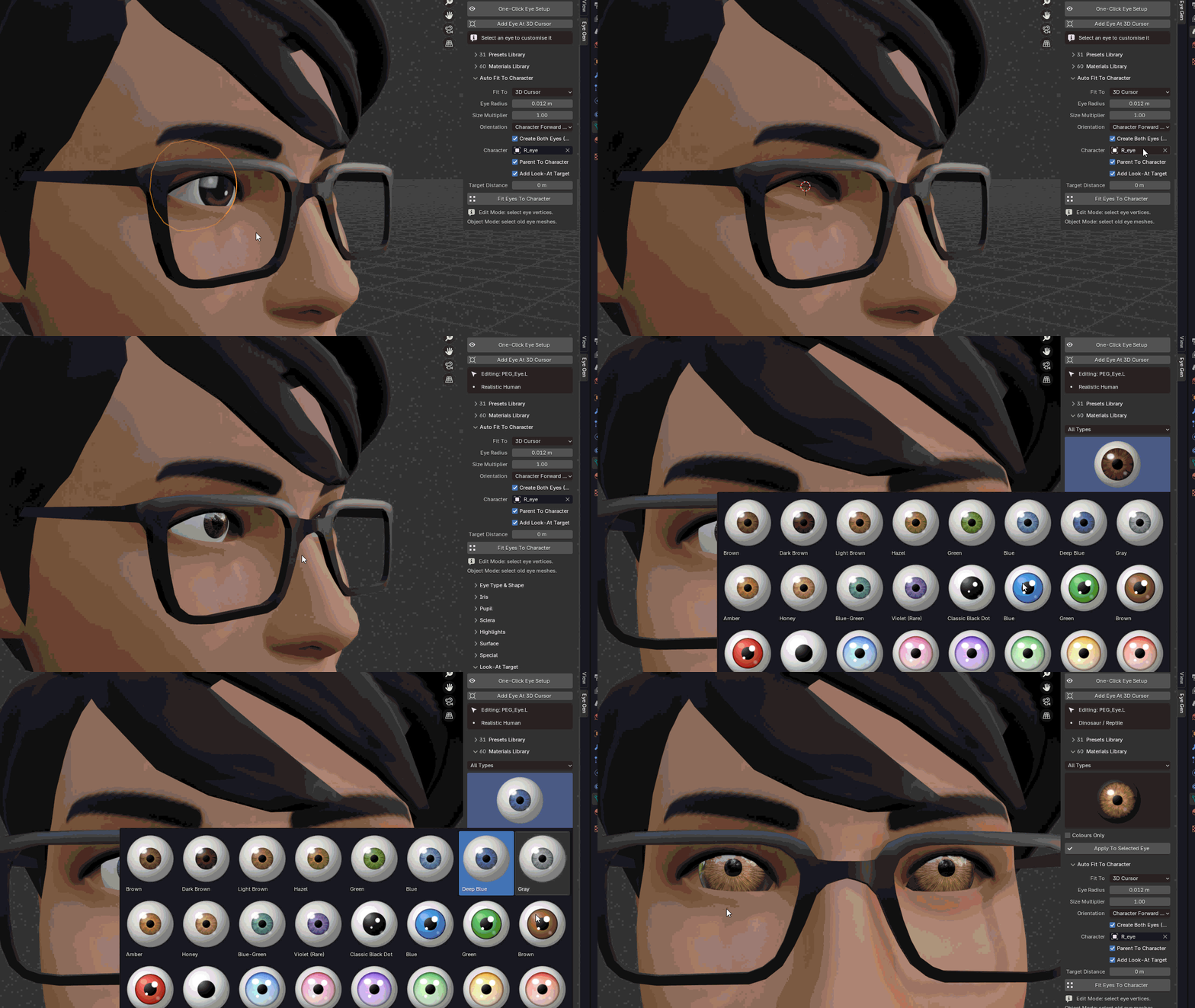
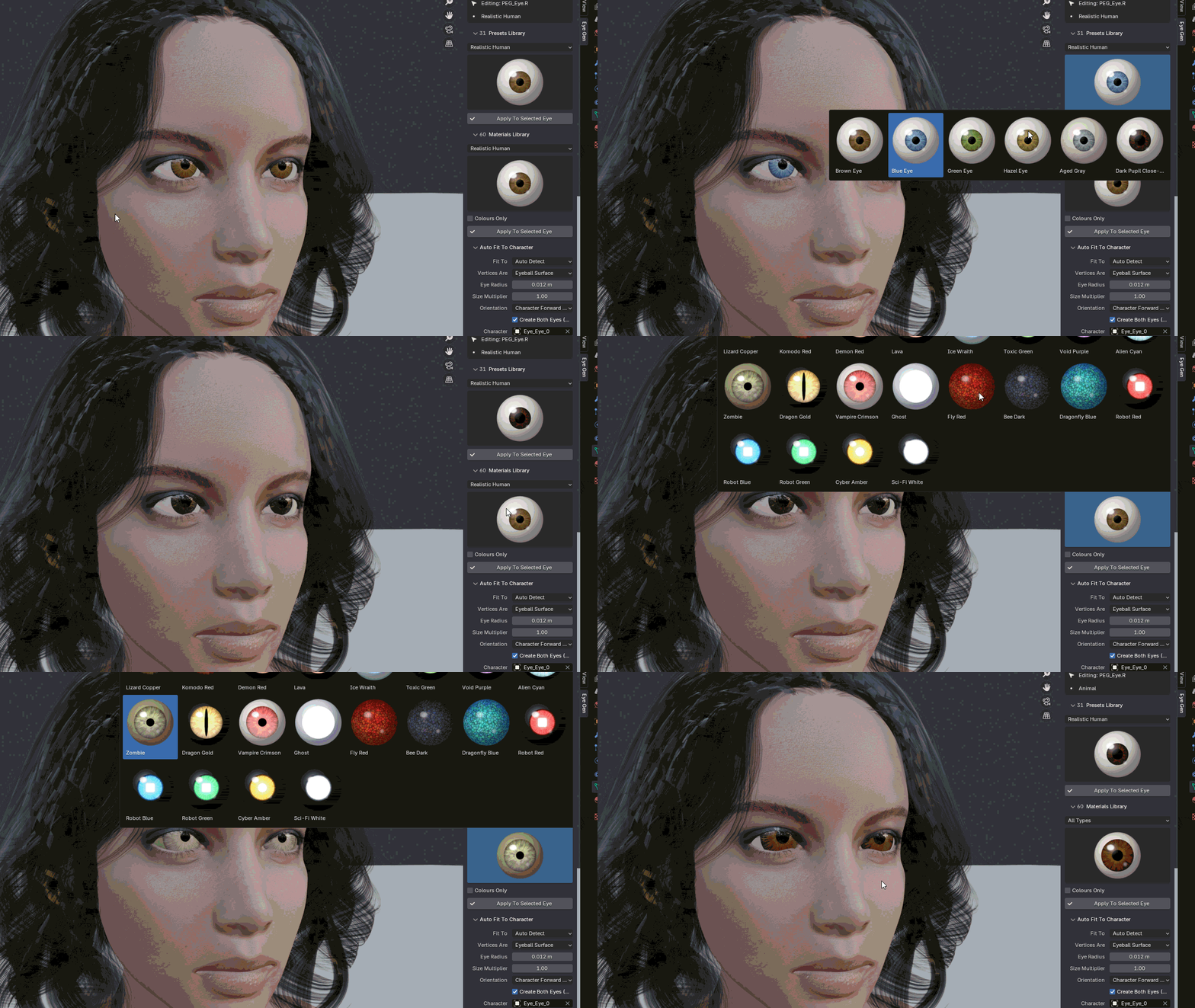
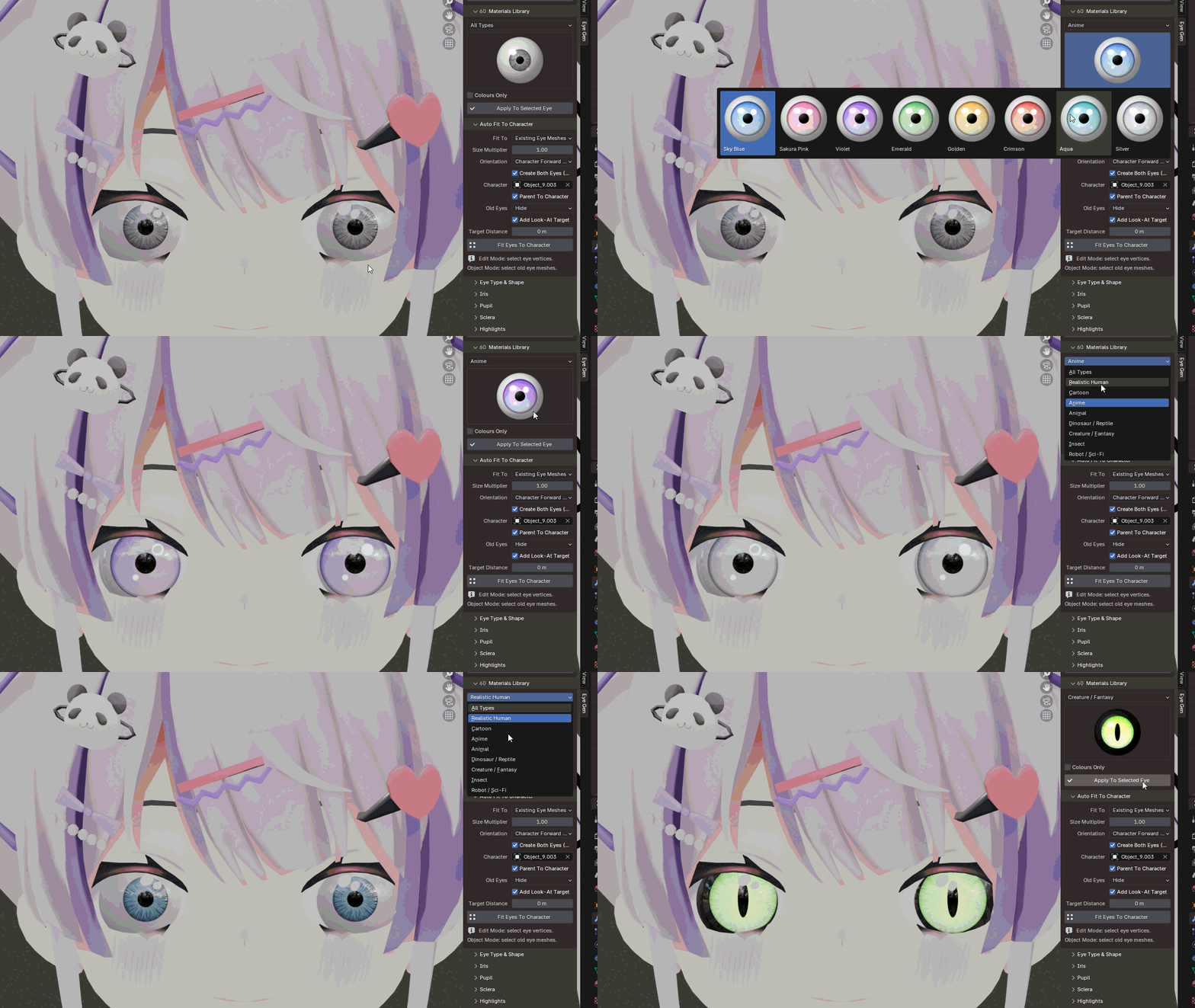
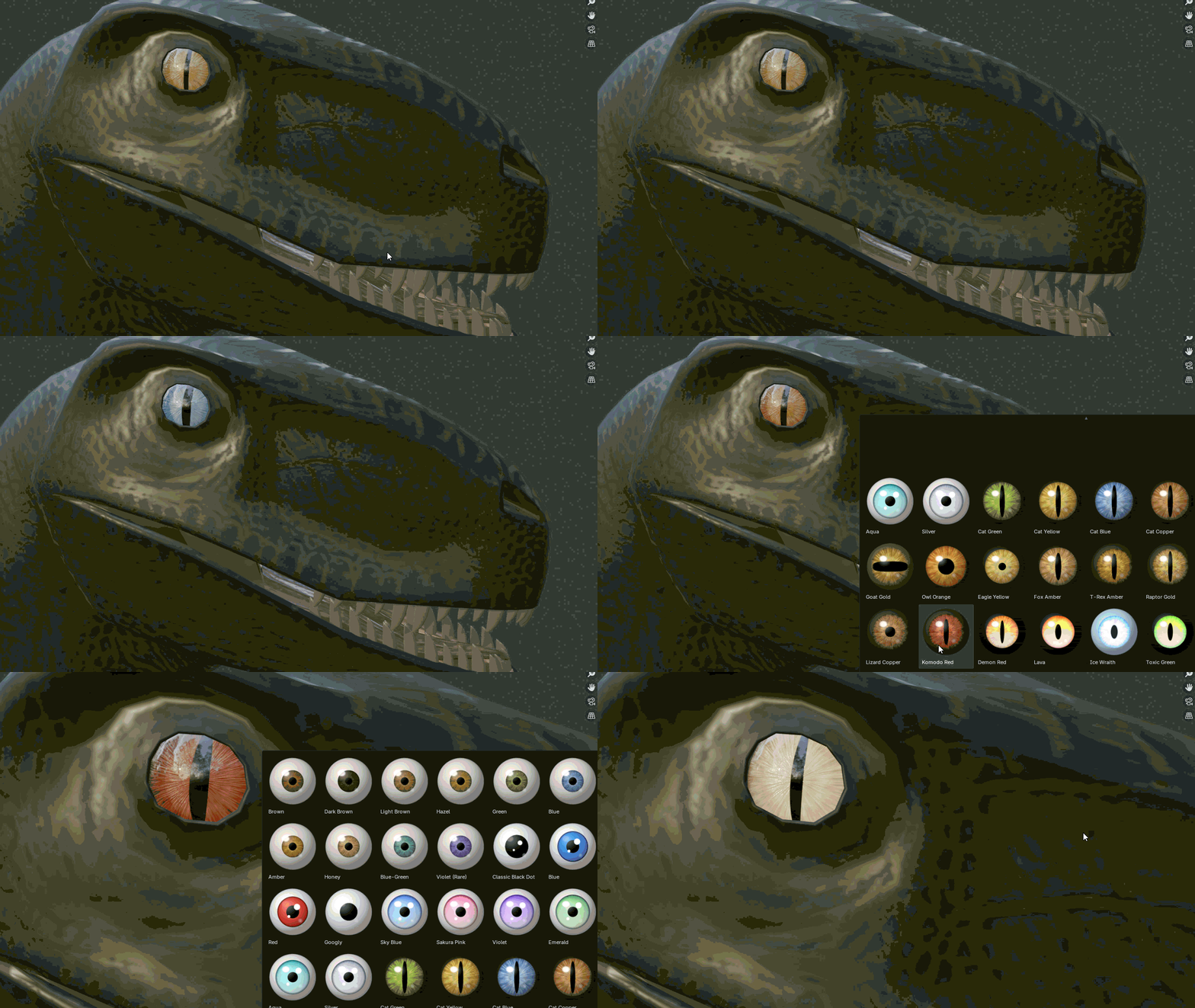
Bring your characters to life with fully procedural, customizable, and animation-ready eyes.
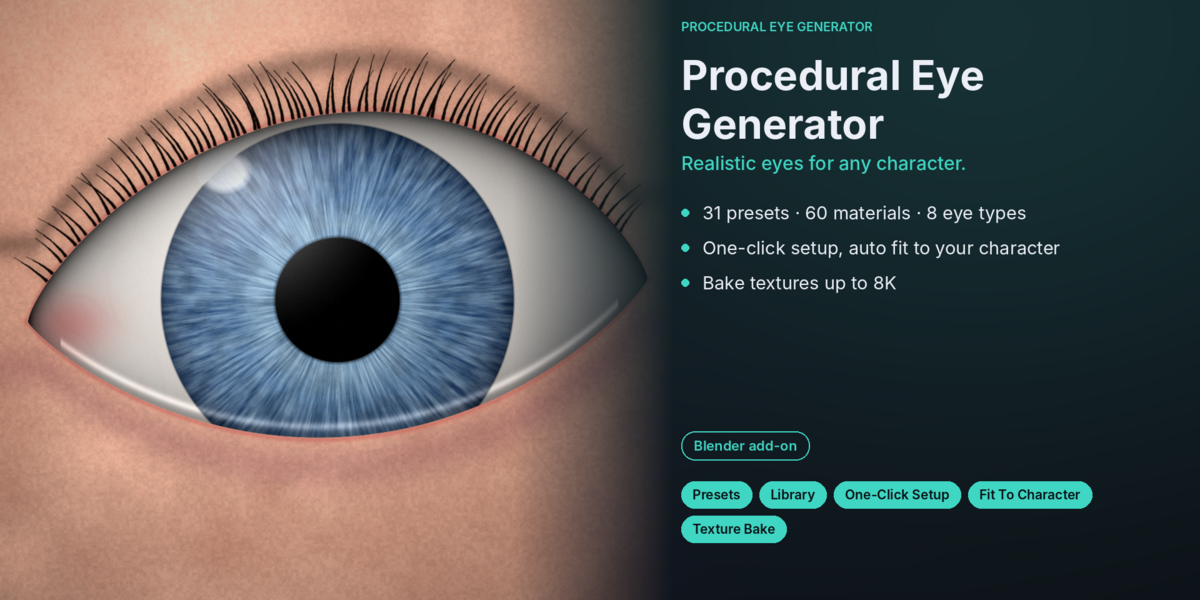
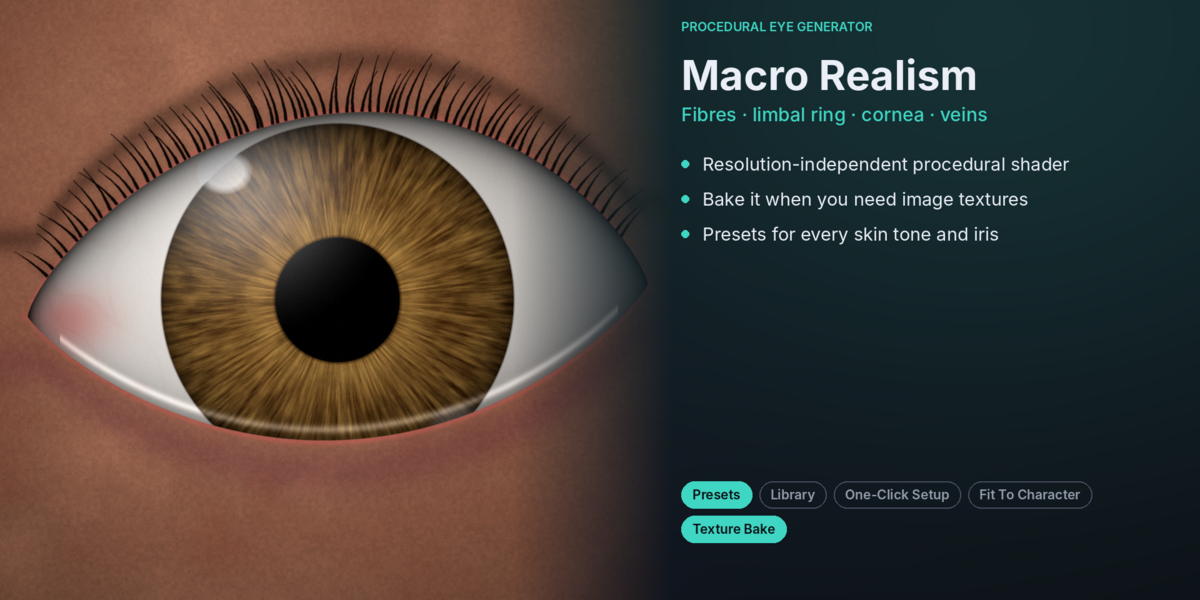
Procedural Eye Generator is an all-in-one Blender add-on designed to create beautiful eyes for humans, cartoons, anime characters, animals, dinosaurs, fantasy creatures, insects, and robots.
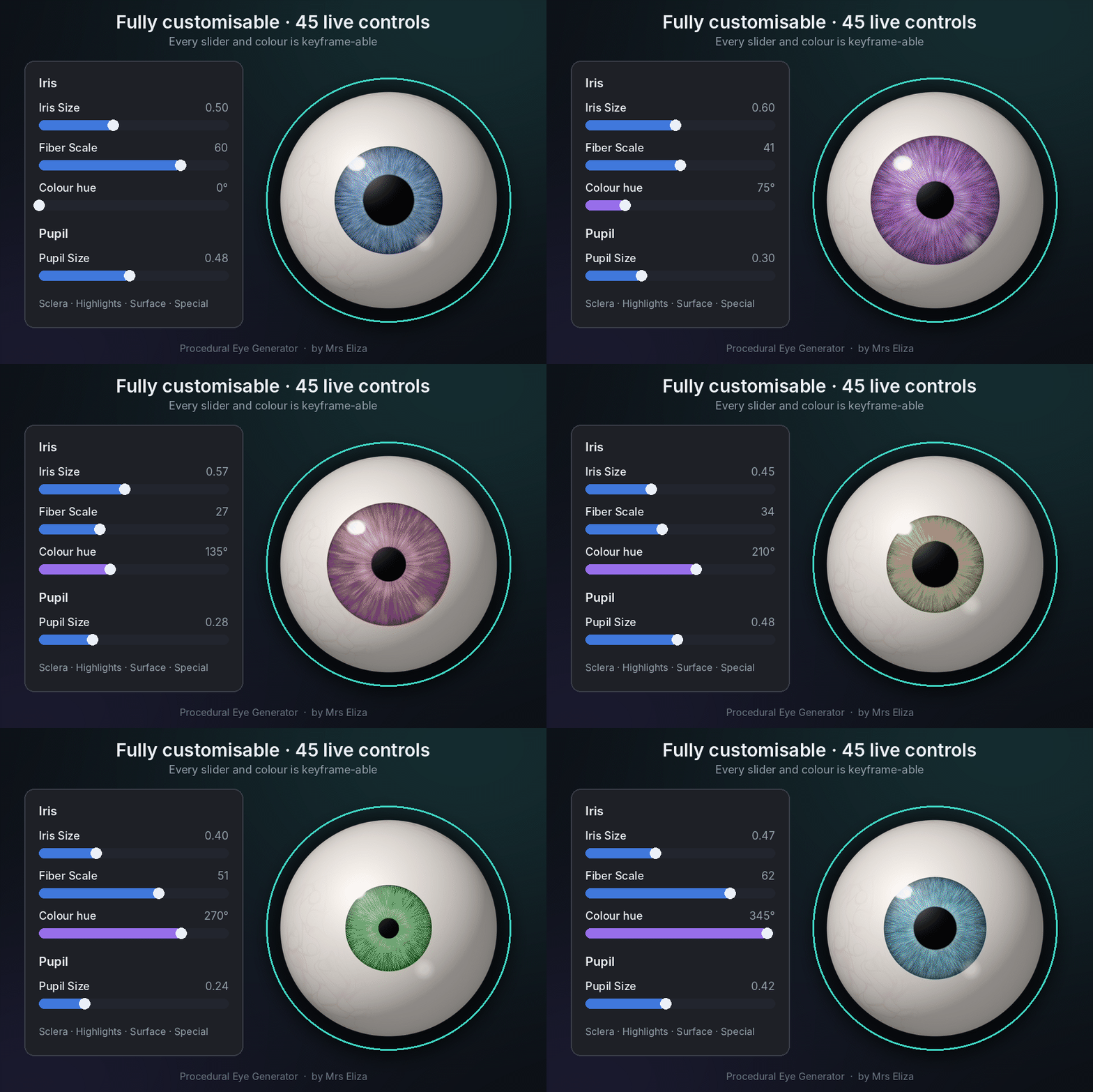
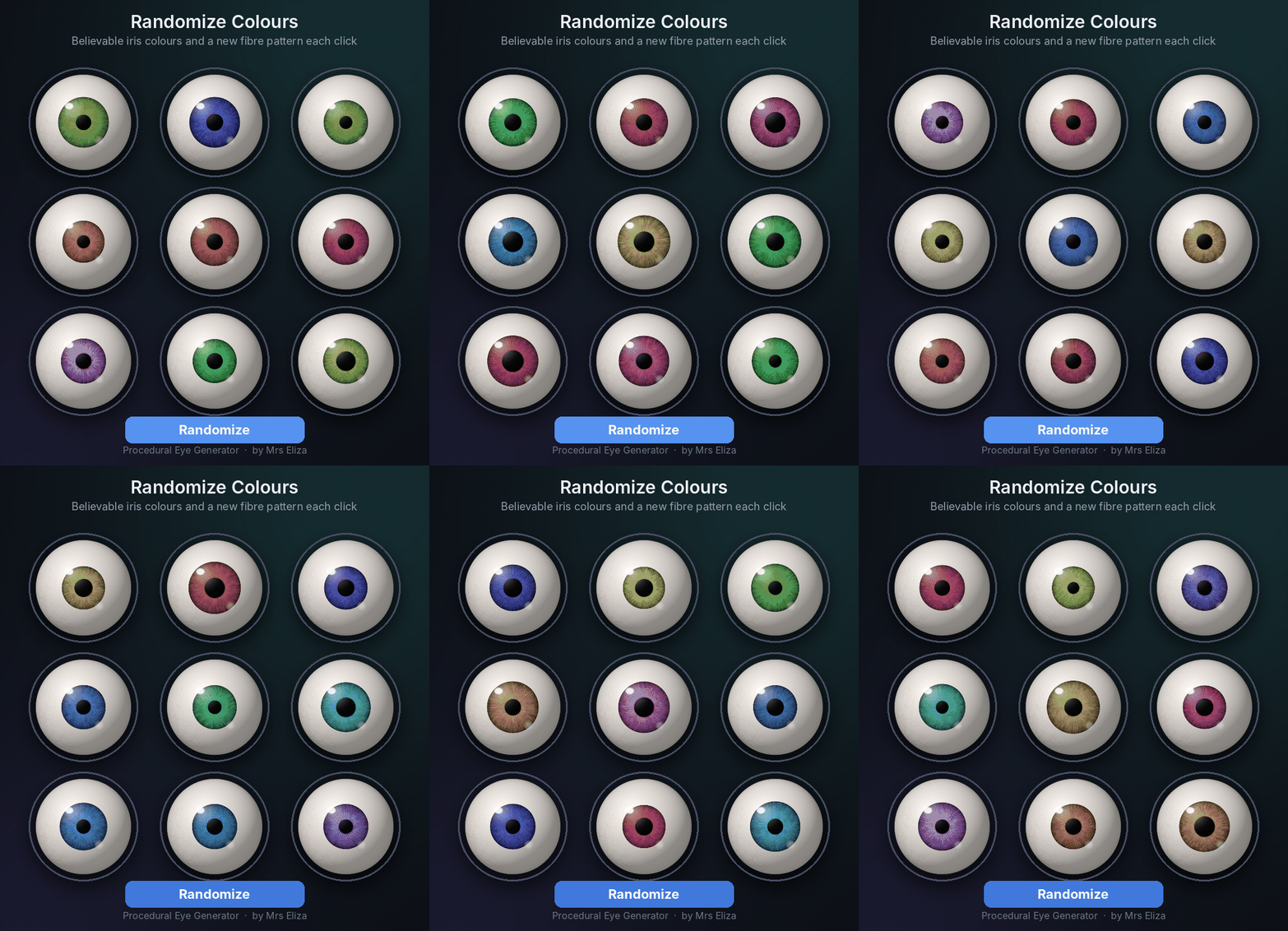
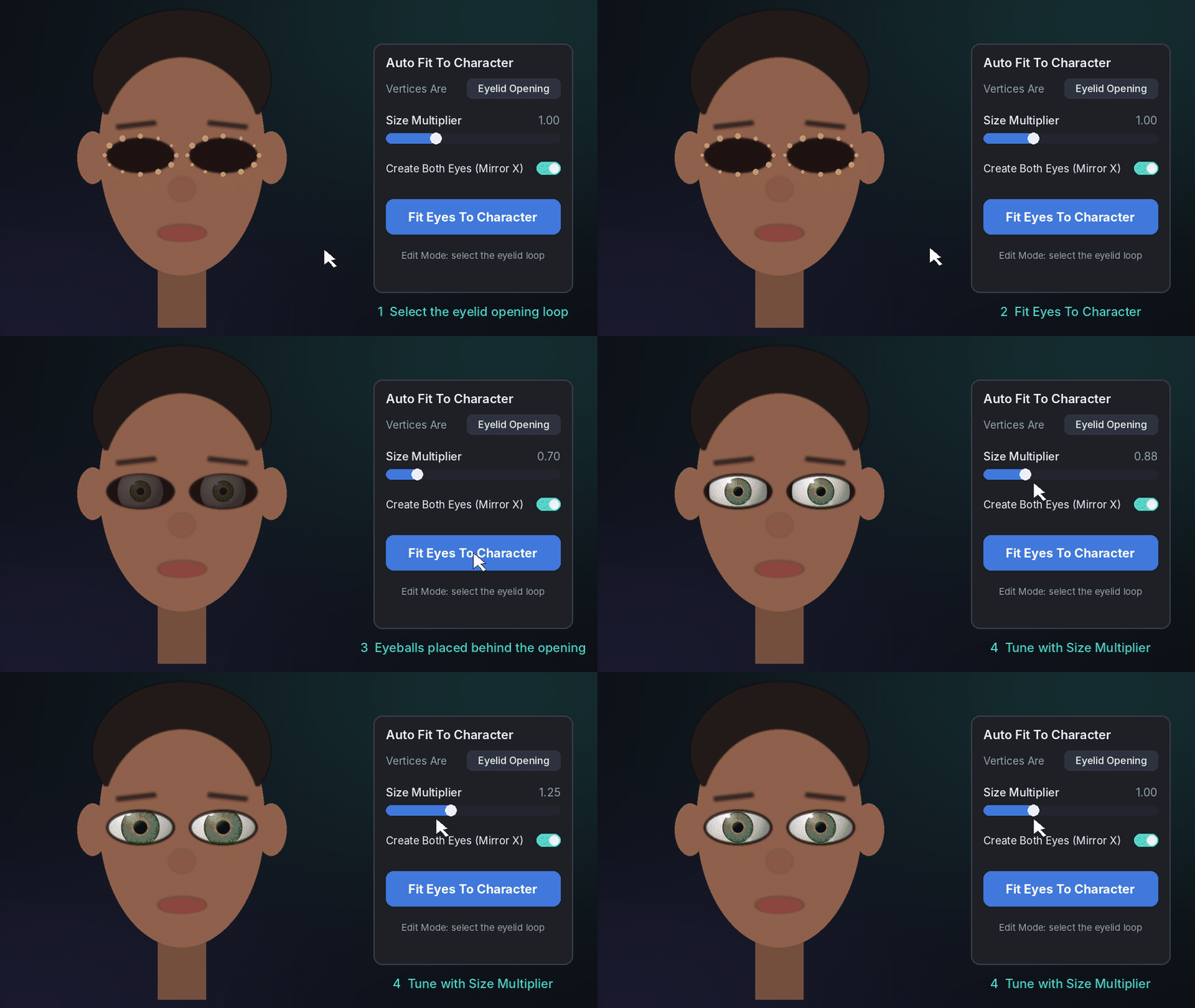
From realistic human eyes to glowing sci-fi optics, create unique eye designs with just a few clicks. Automatically fit eyes to your characters, explore ready-made presets, customize every detail, and animate eye properties without manually creating complex materials or painting textures.
✦ WHAT MAKES IT SPECIAL?
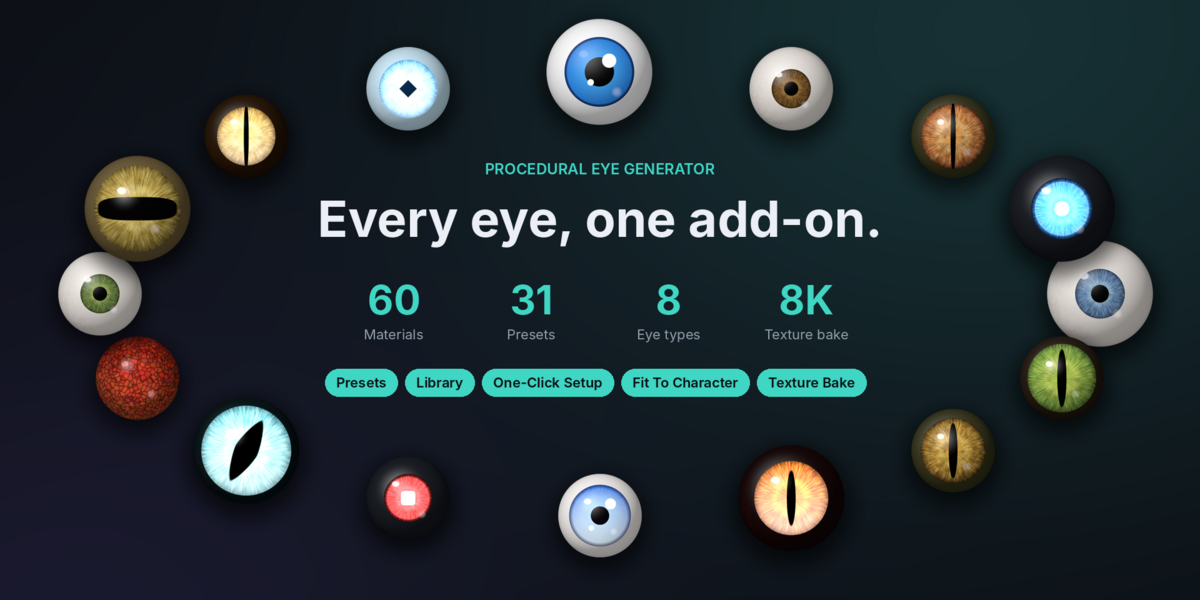
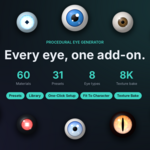
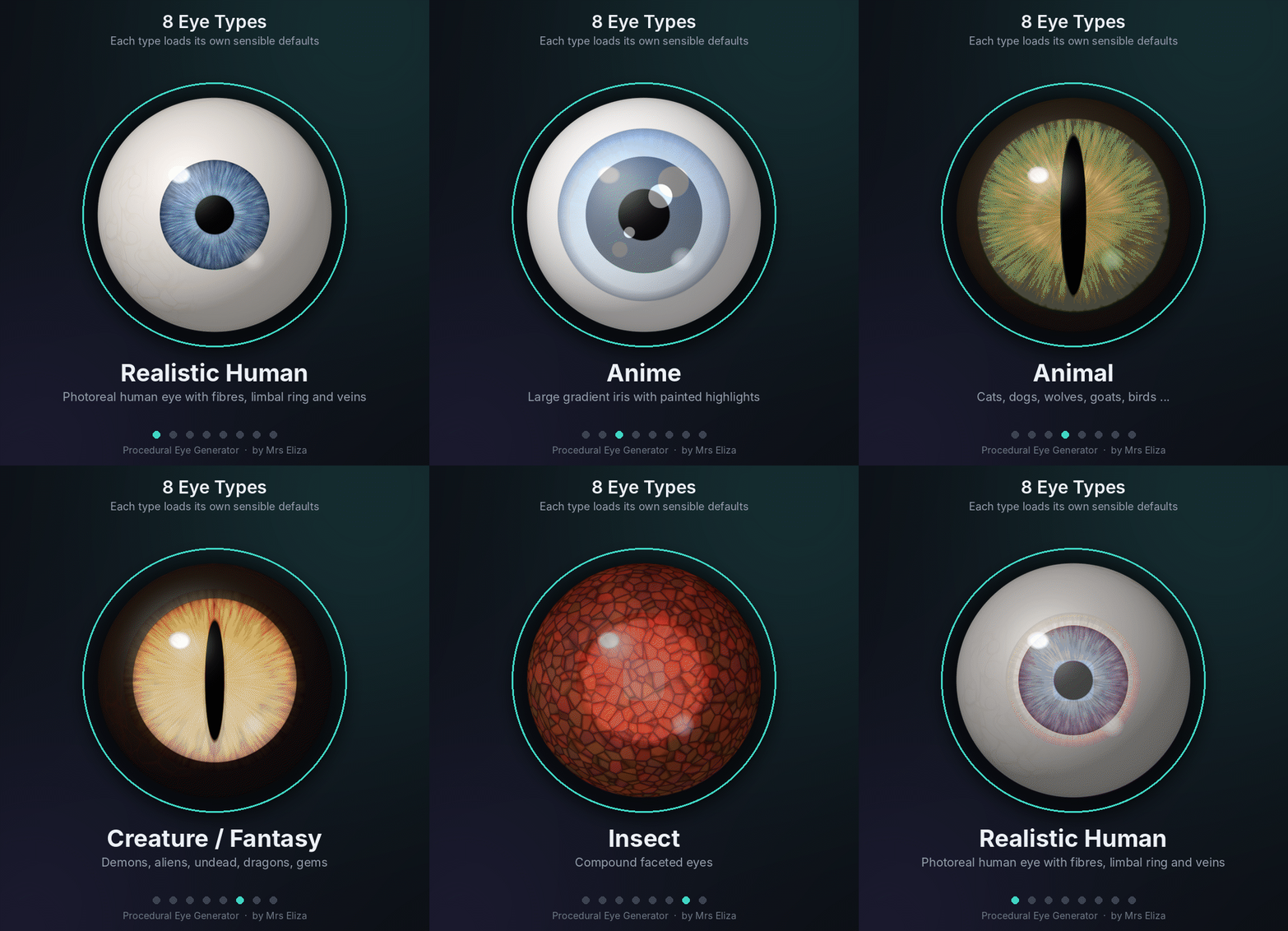
8 Eye Categories
Create eyes for almost any character or creature.
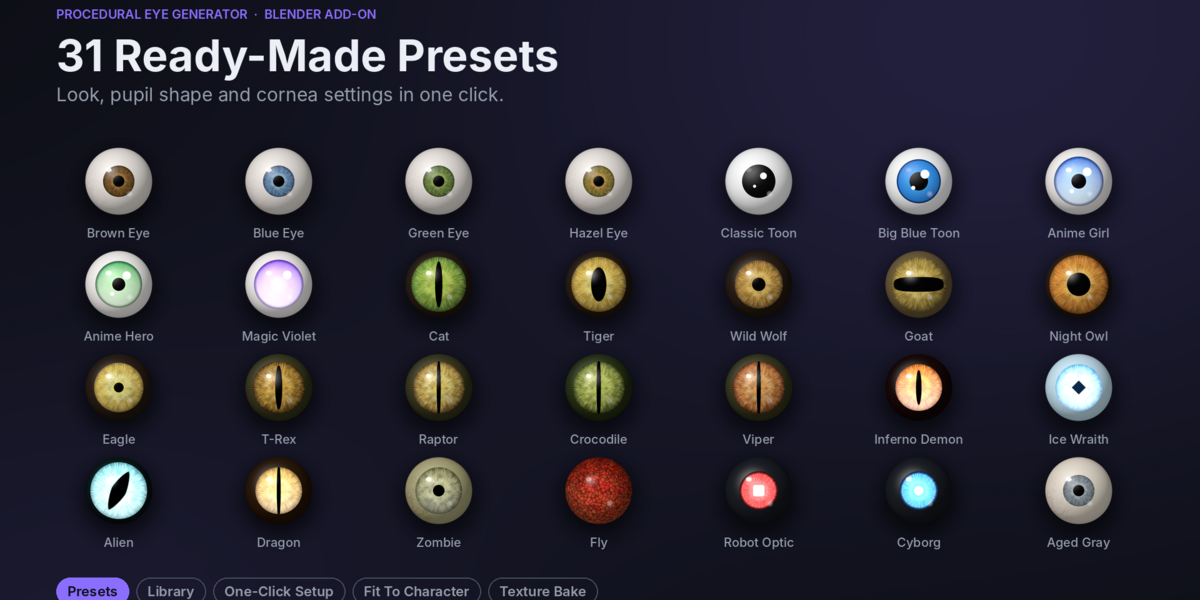
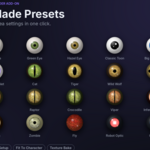
31 Ready-Made Presets
Start with professionally designed eye styles and customize them to your needs.
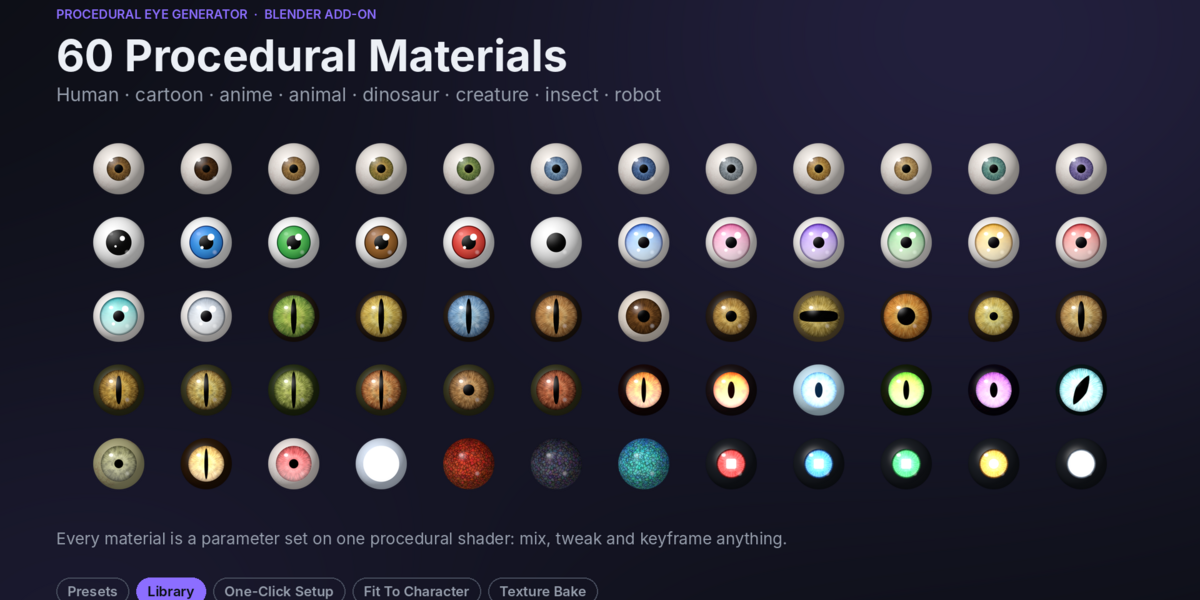
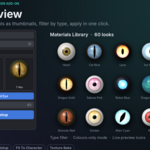
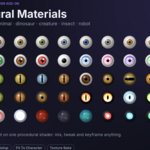
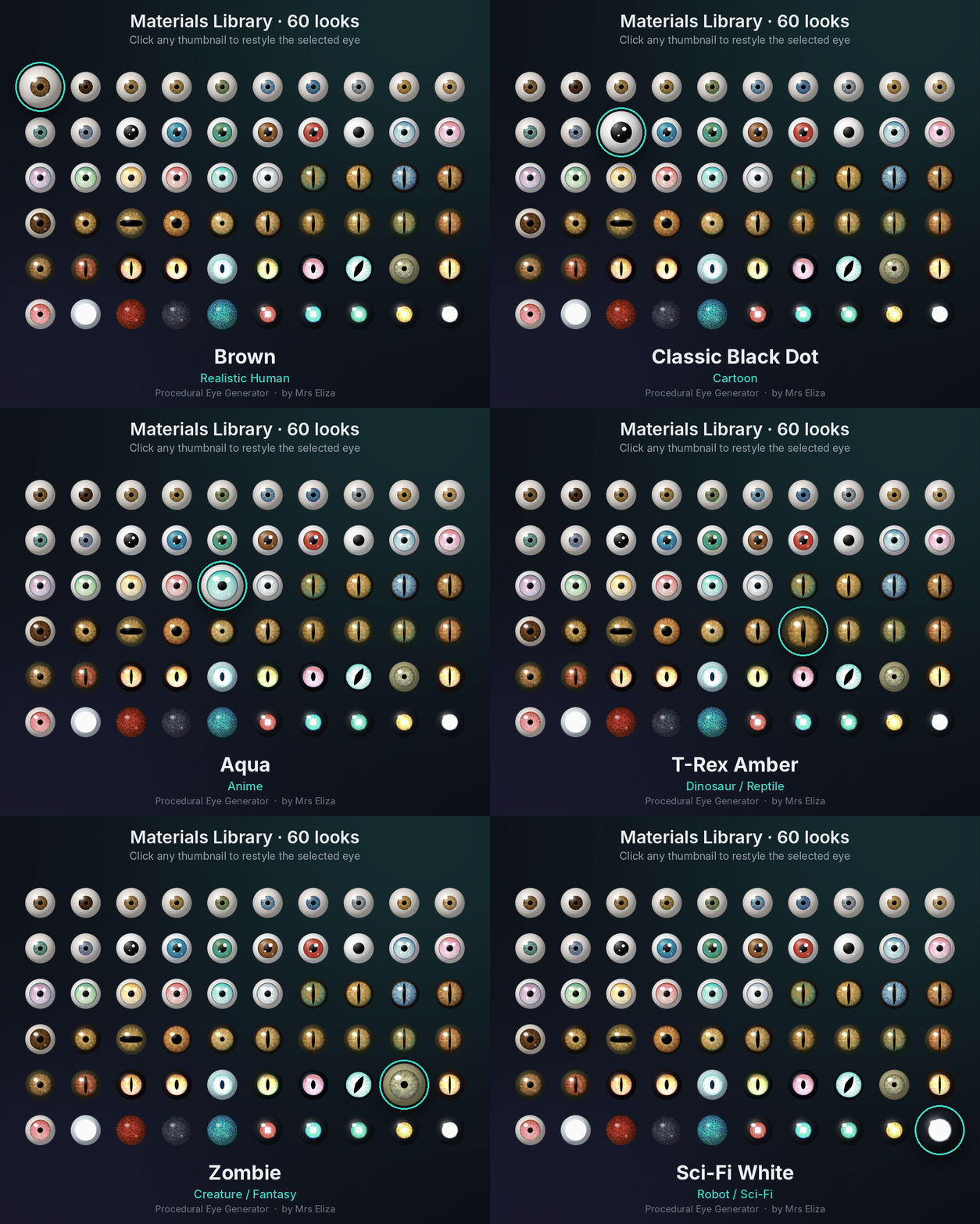
60 Eye Materials
Explore different iris and sclera colors, patterns, and appearances.
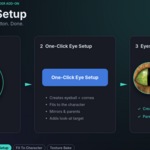
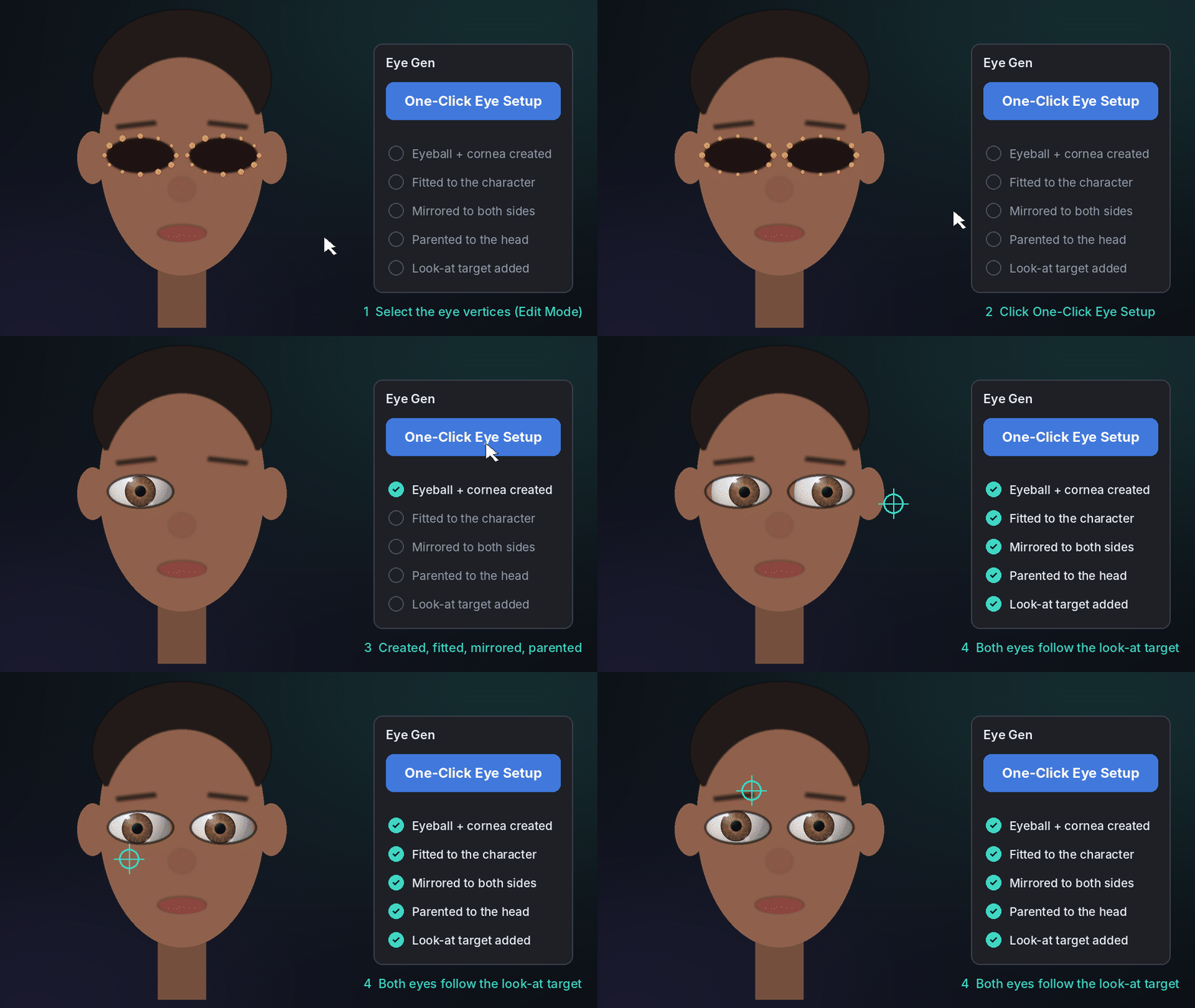
One-Click Eye Setup
Generate, fit, mirror, parent, and aim your eyes automatically.
Fully Procedural Shaders
No external image textures required. All eye details are generated procedurally.
Animation Ready
Keyframe pupil size, colors, glow, surface properties, and more.
High-Resolution Baking
Bake eye textures from 1K up to 8K for external applications and game engines.
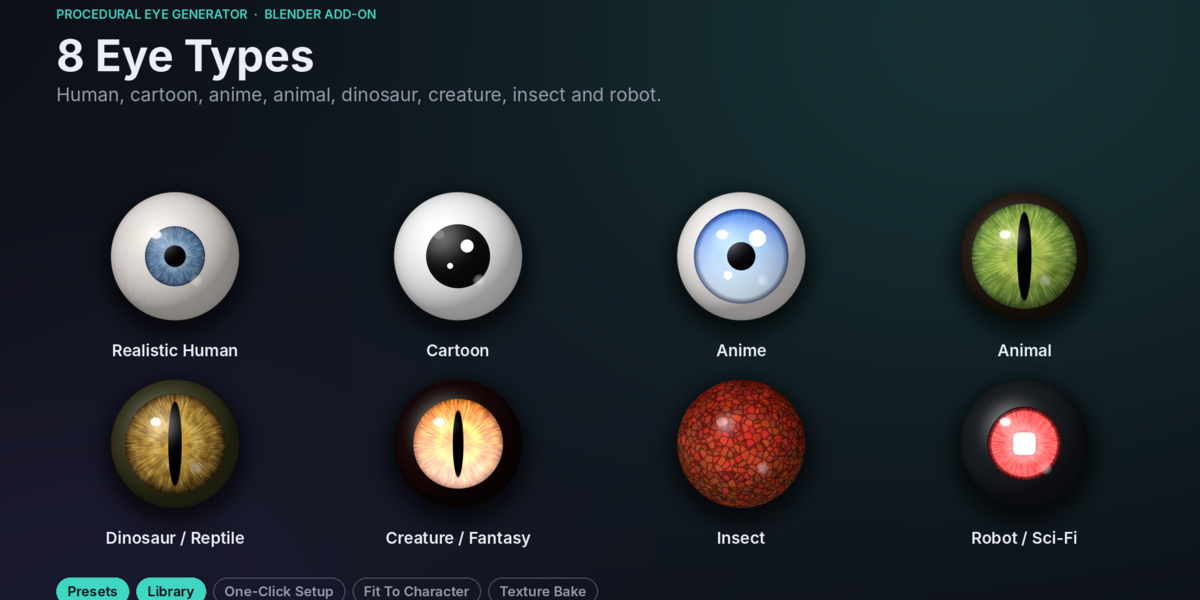
◈ 01 — EXPLORE 8 EYE STYLES
Create different eye appearances for different characters.
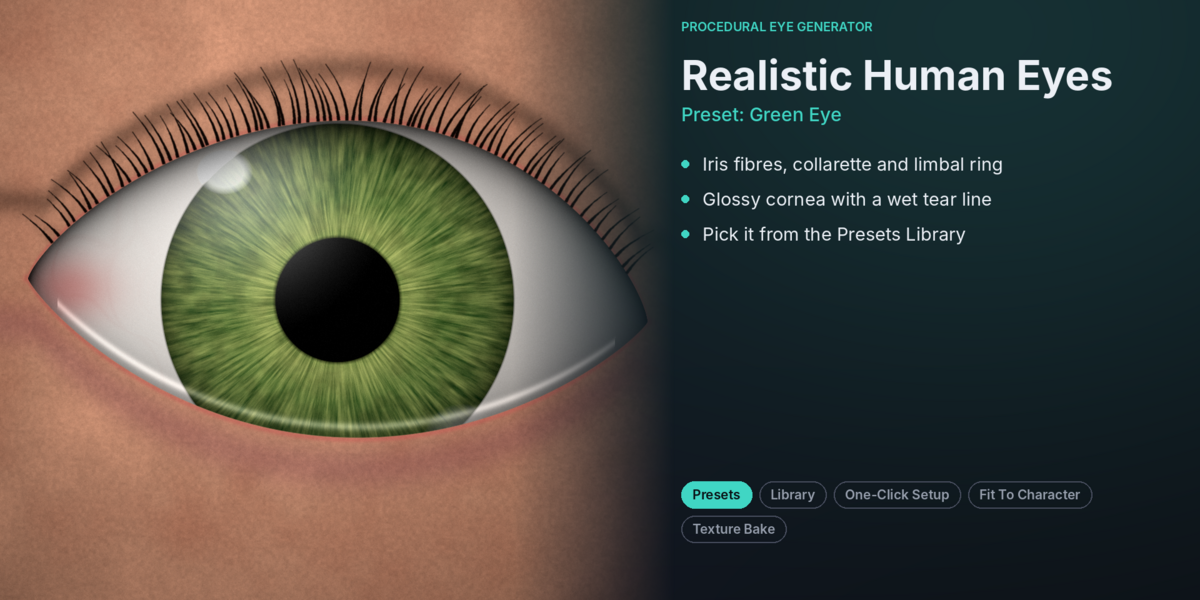
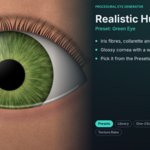
Realistic Human: Detailed irises, radial fibers, limbal rings, and sclera veins.
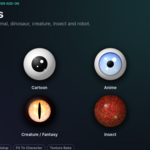
Cartoon: Bold, colorful, and glossy eyes.
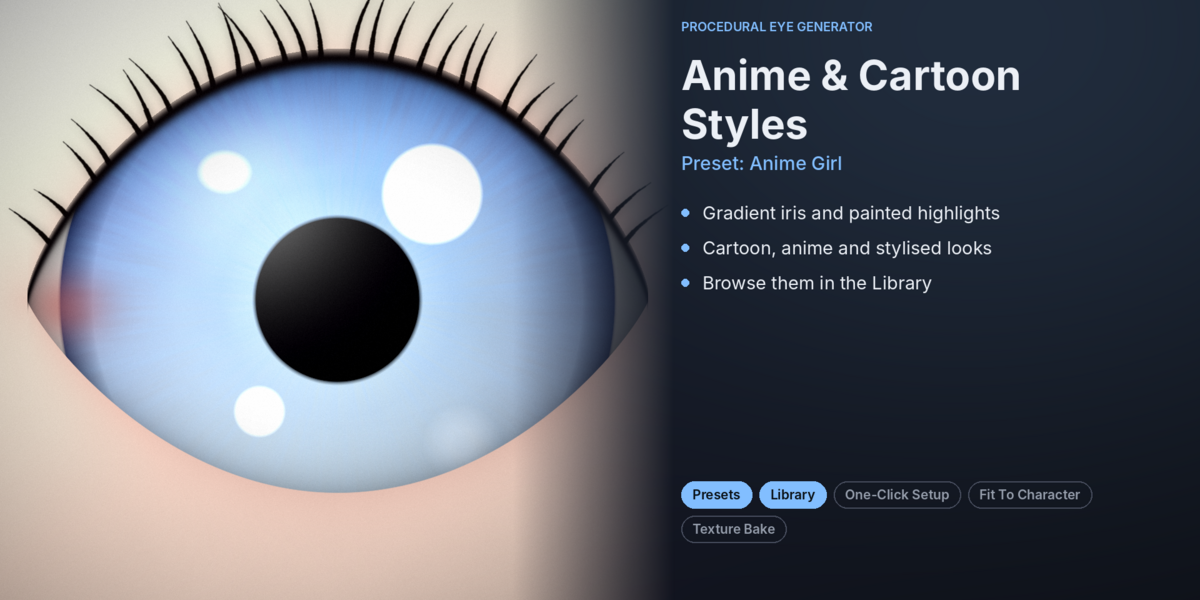
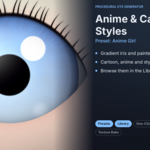
Anime: Large gradient irises and stylized highlights.
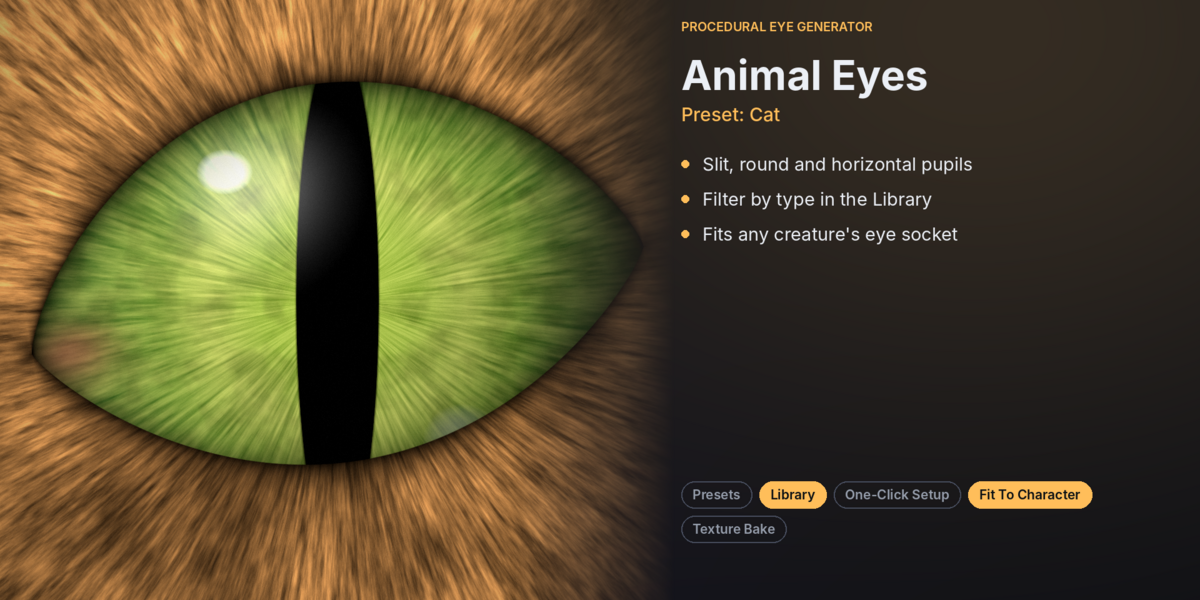
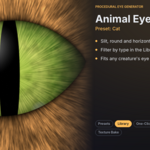
Animal: Eyes for cats, dogs, wolves, birds, goats, and more.
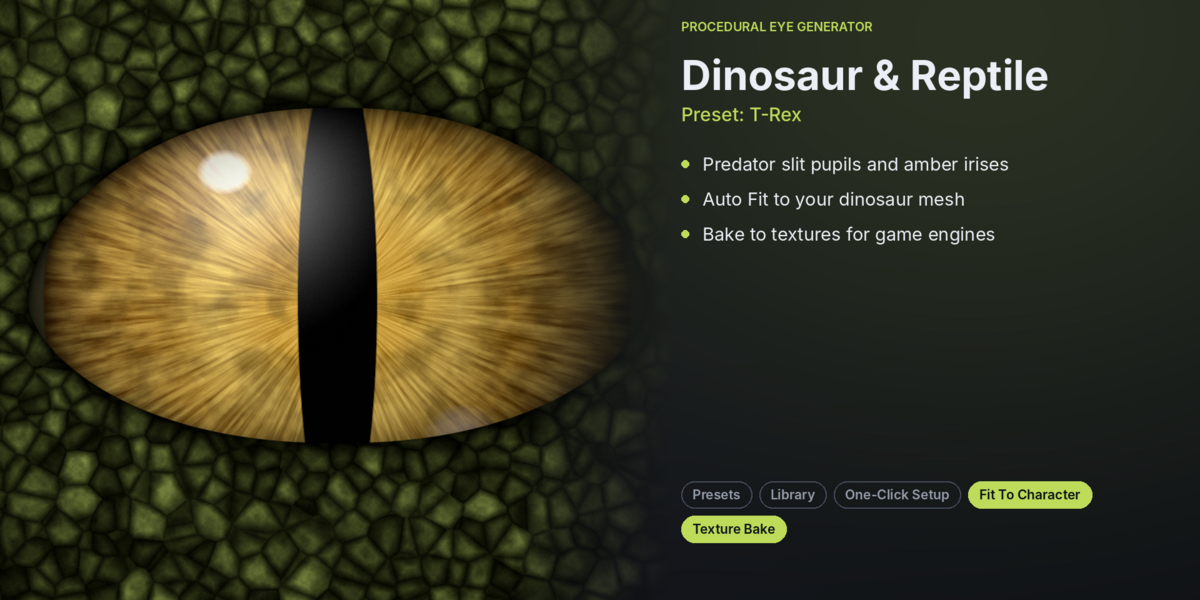
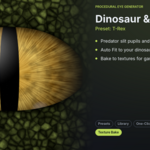
Dinosaur / Reptile: Predator-style eyes with slit pupils.
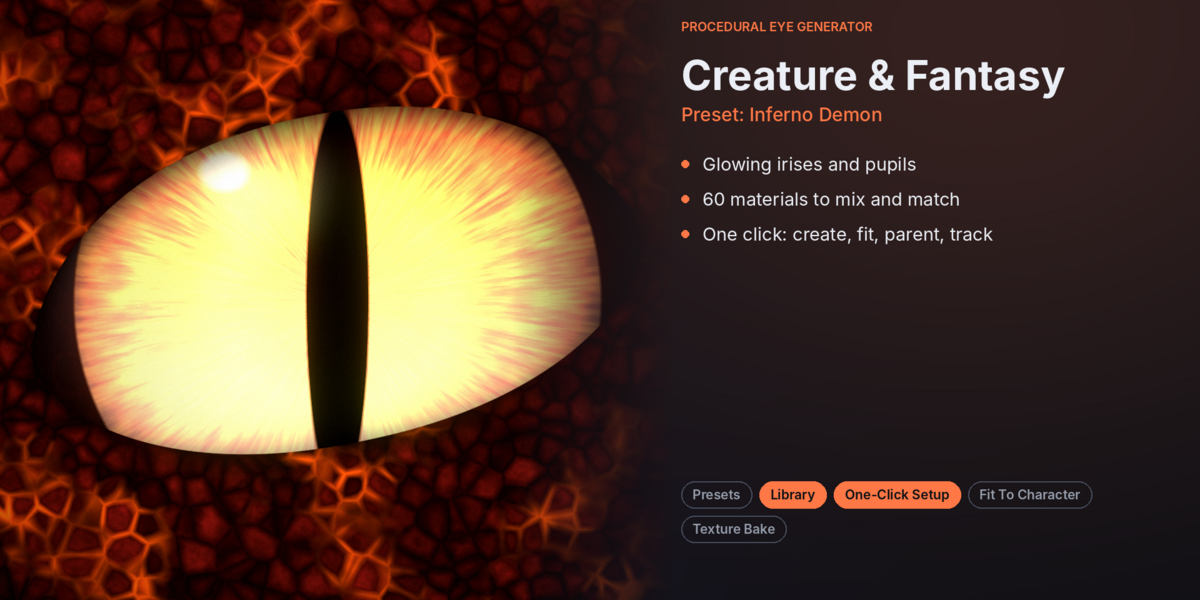
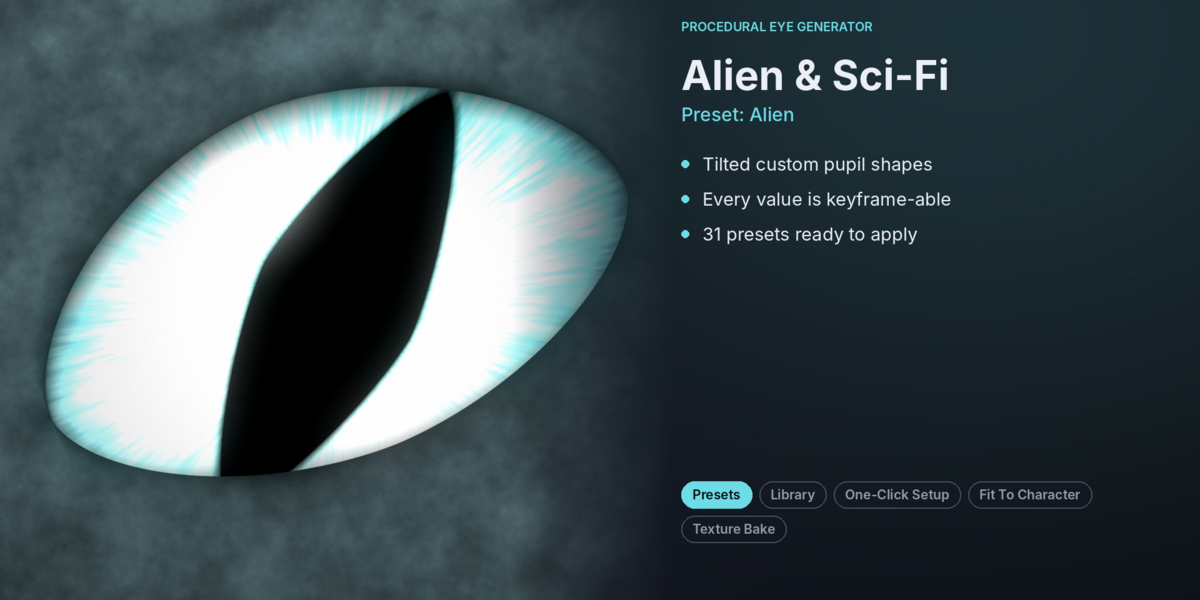
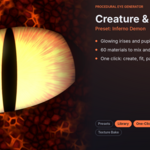
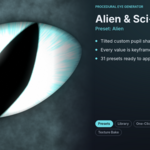
Creature / Fantasy: Unique designs for demons, aliens, dragons, and monsters.
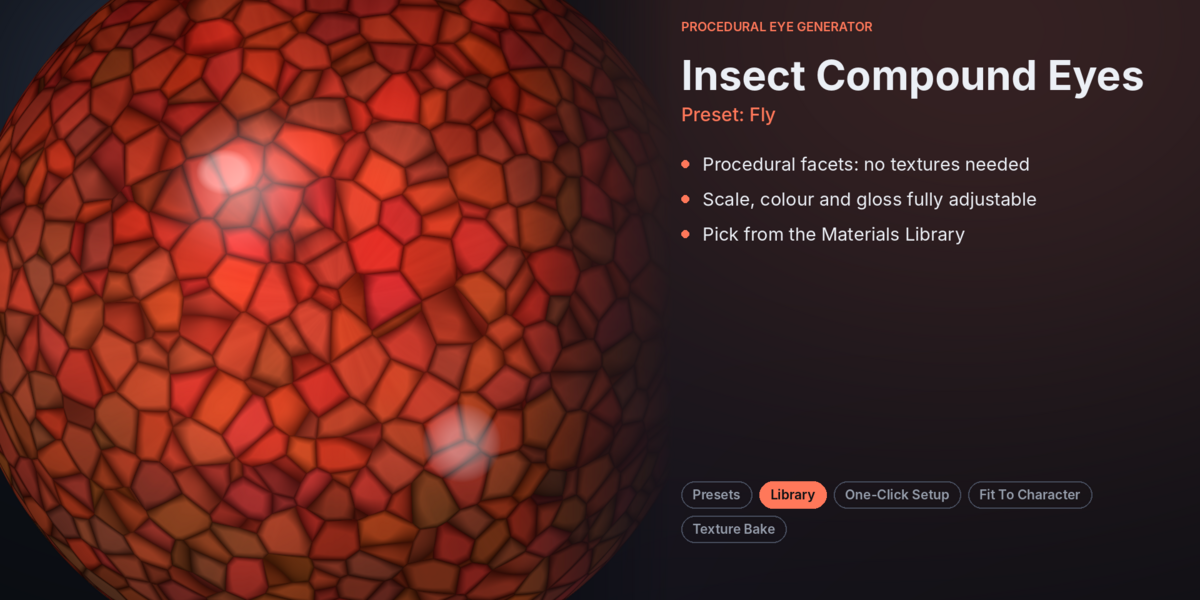
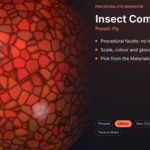
Insect: Compound eyes with customizable facet patterns.
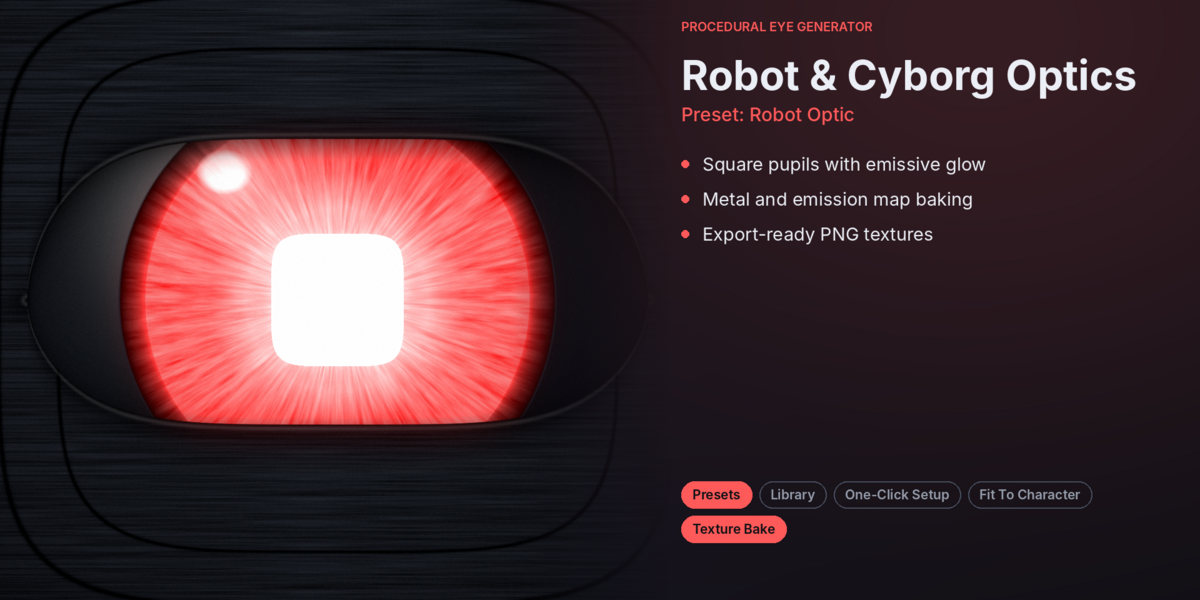
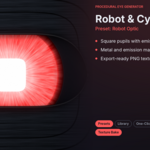
Robot / Sci-Fi: Futuristic mechanical optics with glowing effects.
◈ 02 — PRESETS & MATERIAL LIBRARY
Create different looks without starting from scratch.
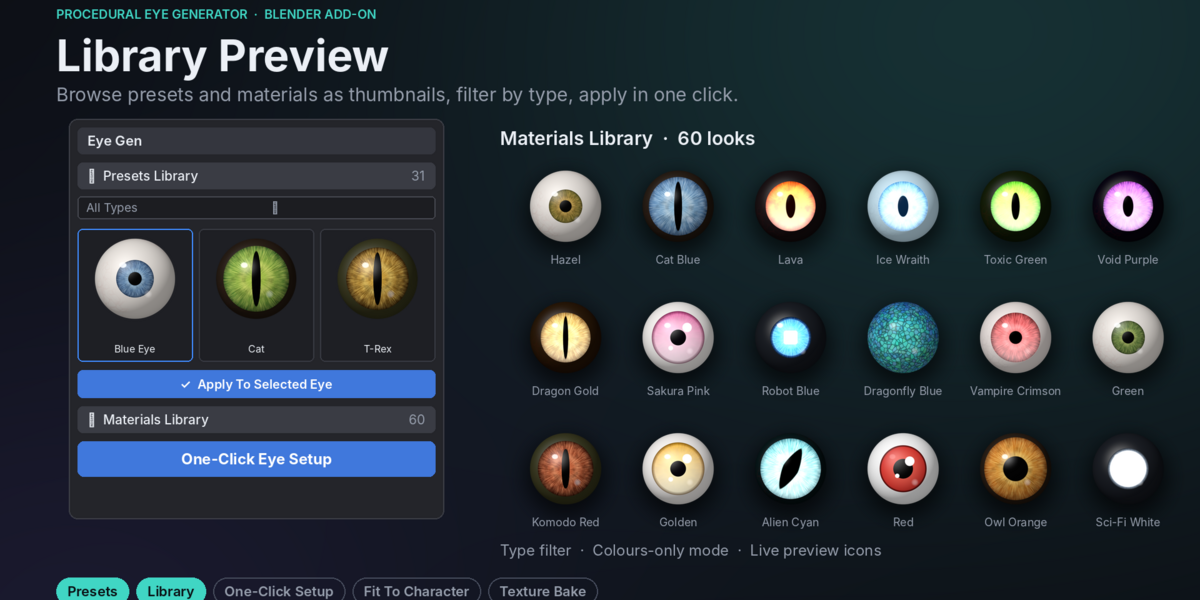
Browse a collection of 31 eye presets and 60 eye materials through convenient thumbnail libraries.
Filter presets and materials by eye category.
Apply complete eye styles with one click.
Mix materials with different eye shapes.
Use Colours Only to change colors while preserving the existing shape.
ize iris colors and fiber patterns for additional variations.
Each preset includes its eye type, material, pupil shape, and cornea settings.
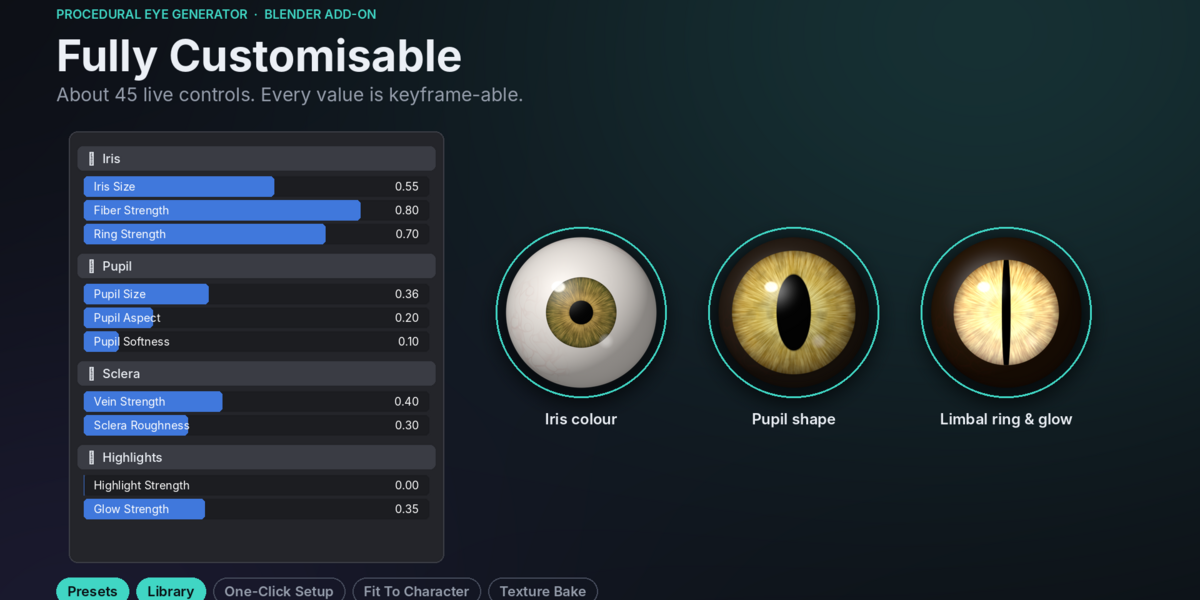
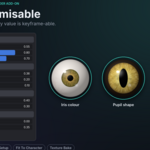
◈ 03 — ADVANCED EYE CUSTOMIZATION
Take complete control over the appearance of your eyes.
Customize the individual elements using dedicated controls.
IRIS
Iris size and curvature
Inner, outer, and accent colors
Radial fiber patterns
Color gradients and blotches
Dark limbal rings
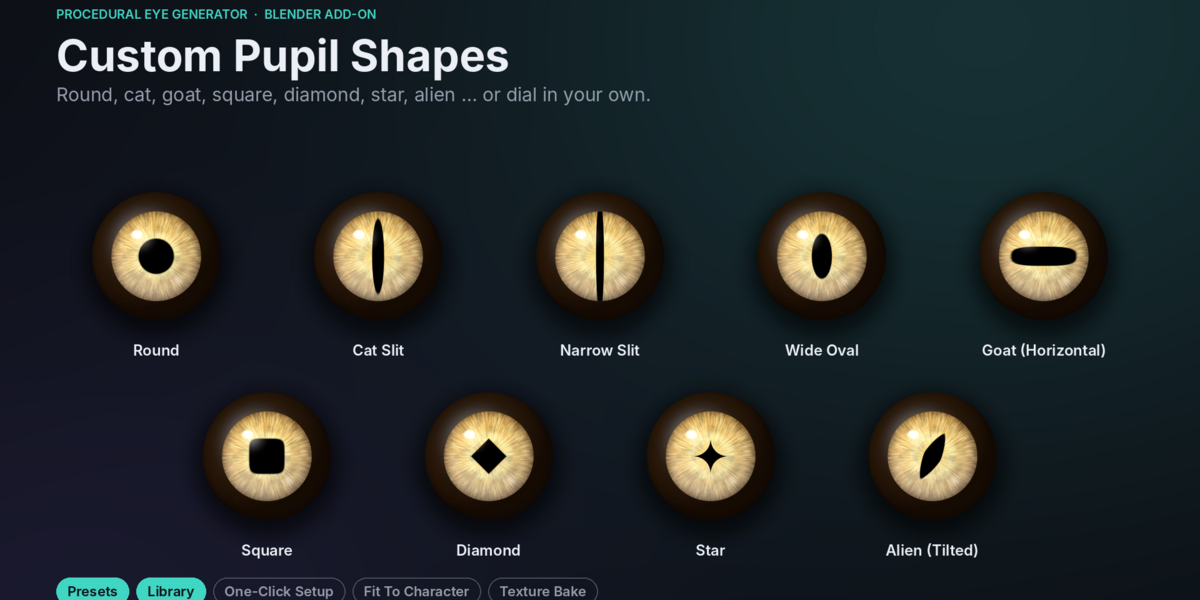
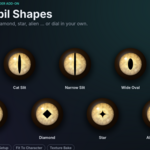
PUPIL
Pupil size and dilation
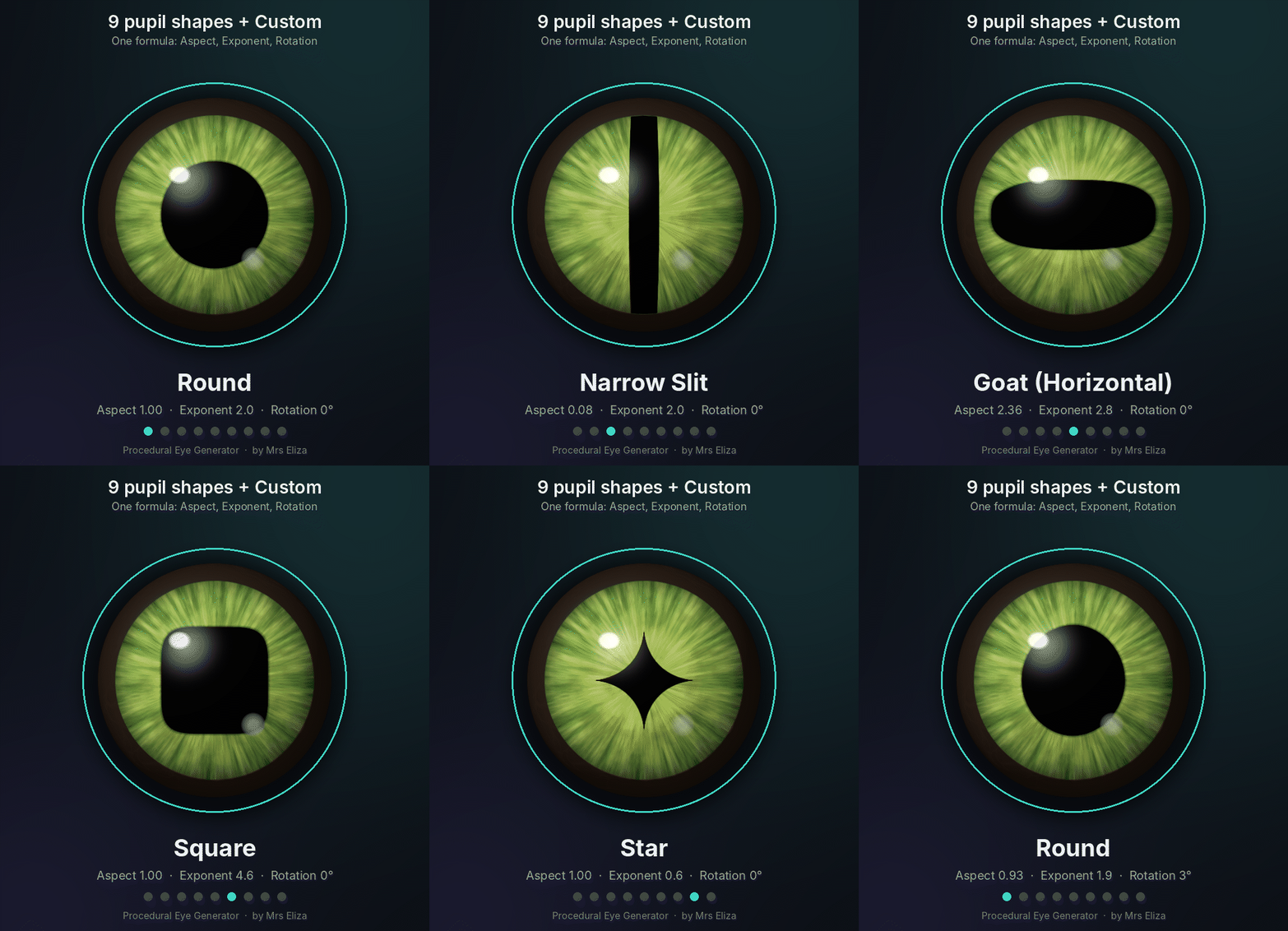
Nine predefined shapes
Custom aspect and exponent
Rotation, softness, and color
SCLERA
Eye-white color
Vein color and strength
Vein density
Surface roughness
HIGHLIGHTS
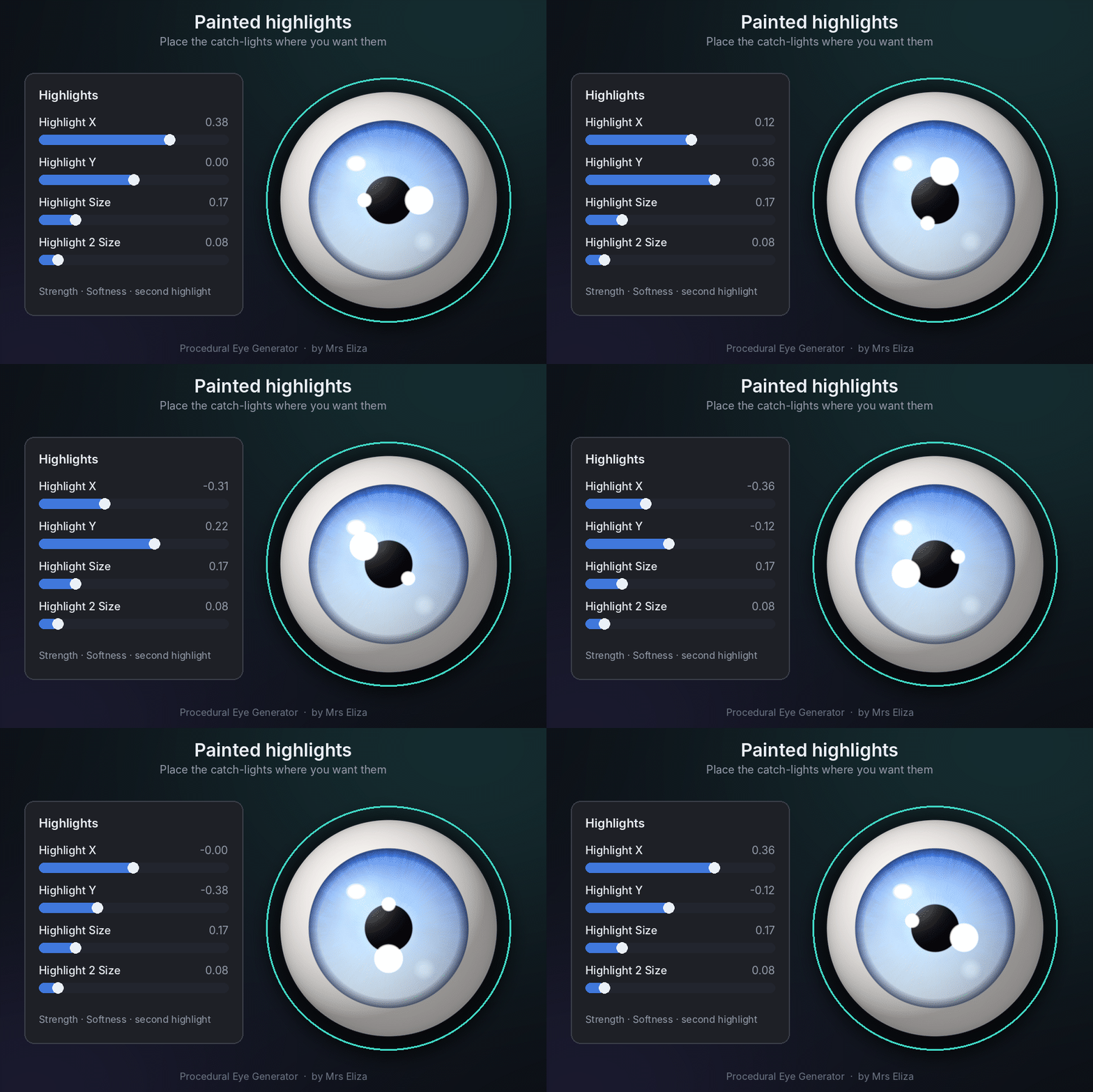
Highlight strength and size
Position controls
Secondary highlights
Highlight softness
SURFACE & SPECIAL EFFECTS
Wetness and reflections
Metallic appearance
Iris bump
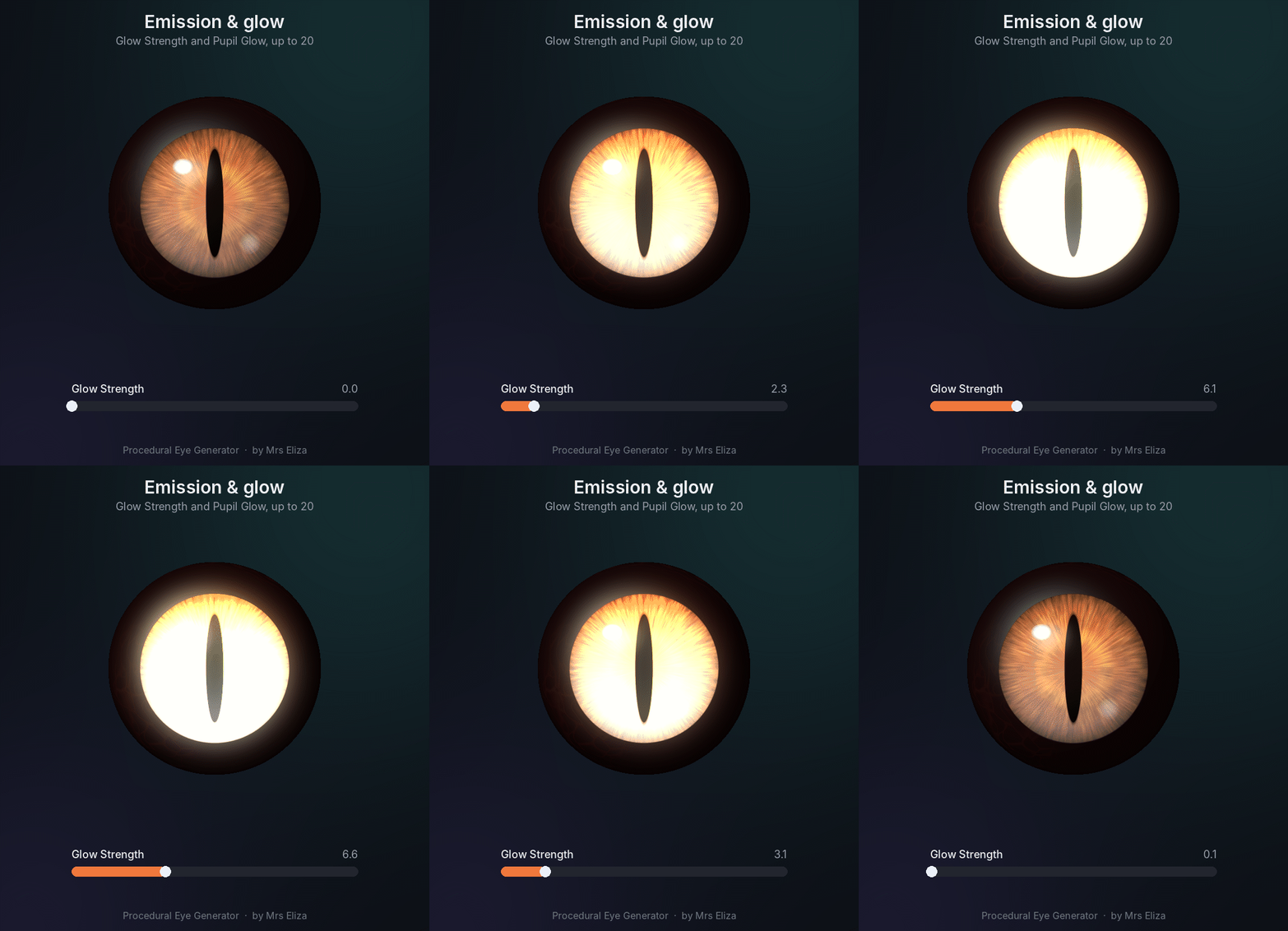
Glow and pupil glow
-
Insect-style facet patterns
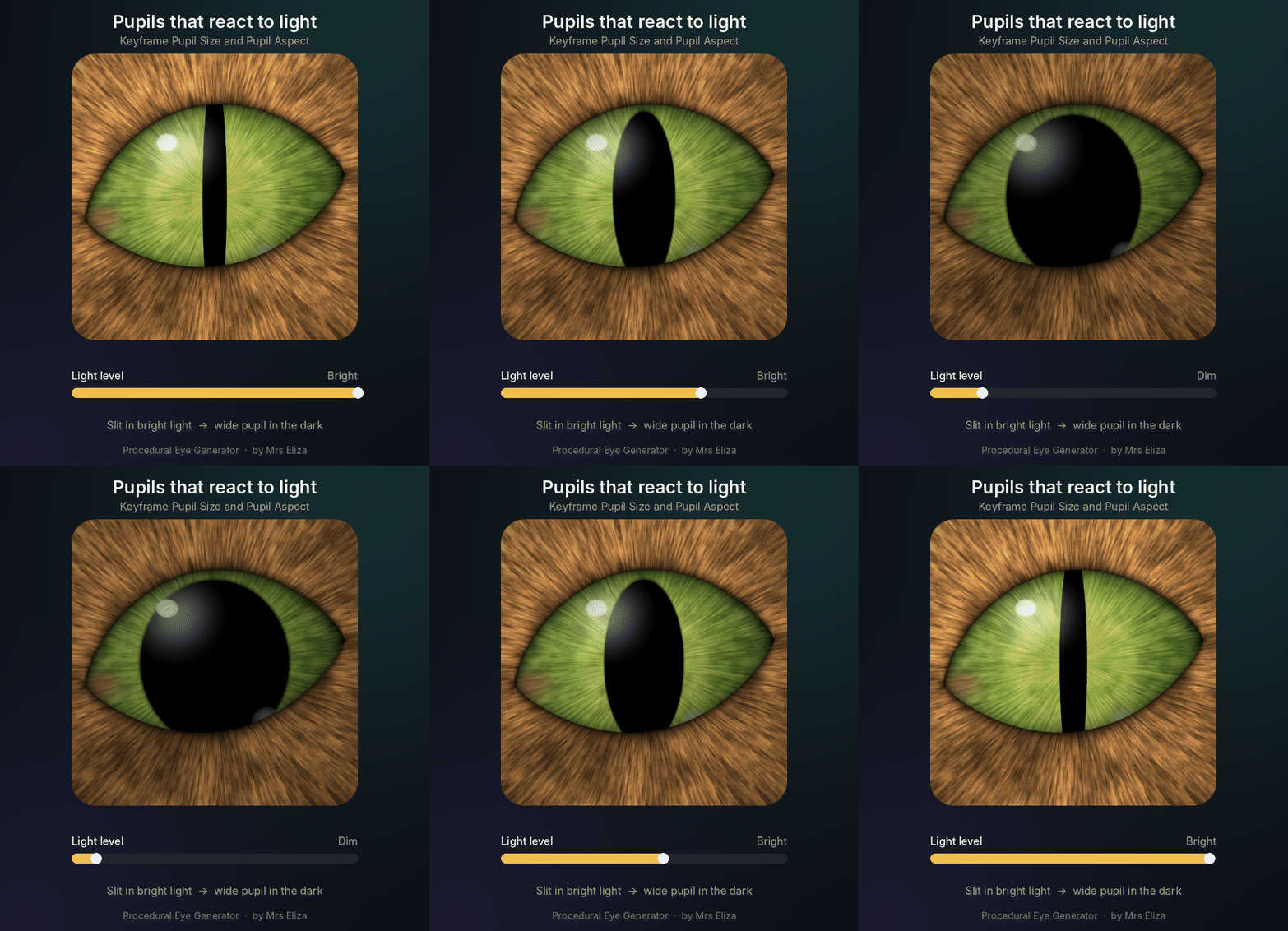
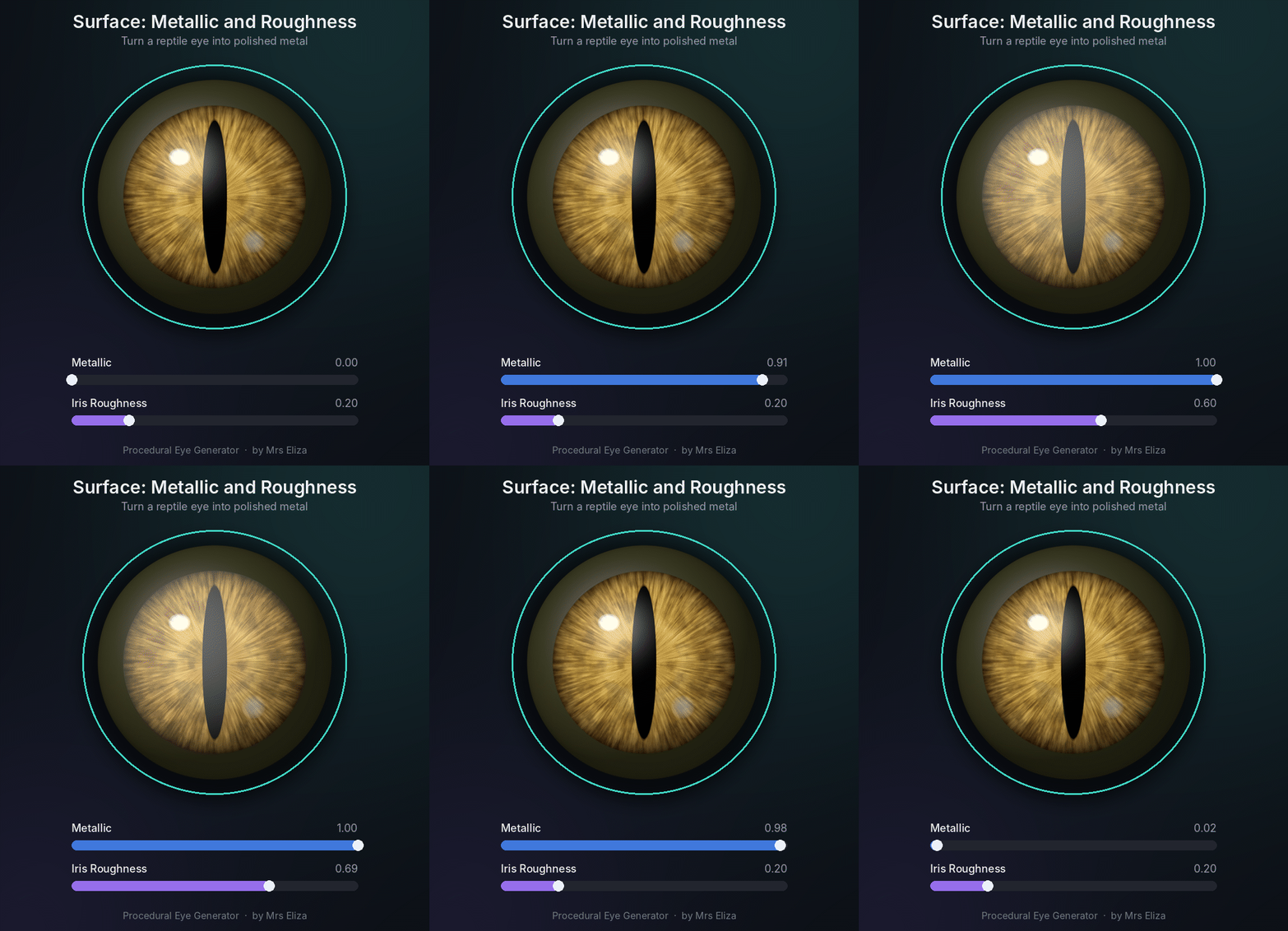
Every shader parameter is adjustable through convenient sliders and color controls.
◈ 04 — ONE-CLICK EYE SETUP
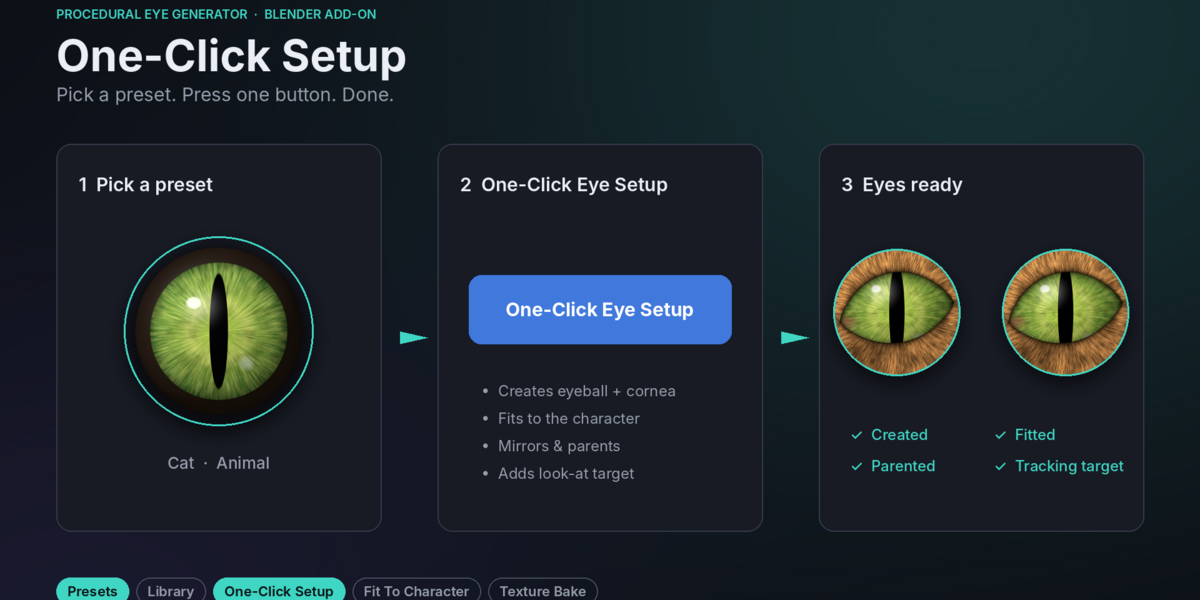
Create complete eye setups with a single button.
The One-Click Eye Setup system automatically handles the essential setup process.
It can:
Generate a pair of procedural eyes.
Create glossy cornea domes.
Apply procedural eye materials.
Mirror the second eye.
Parent eyes to your character.
Set eye orientation.
Create a shared Look-At Target.
Organize everything inside a dedicated collection.
You can also create an individual test eye at the 3D cursor.
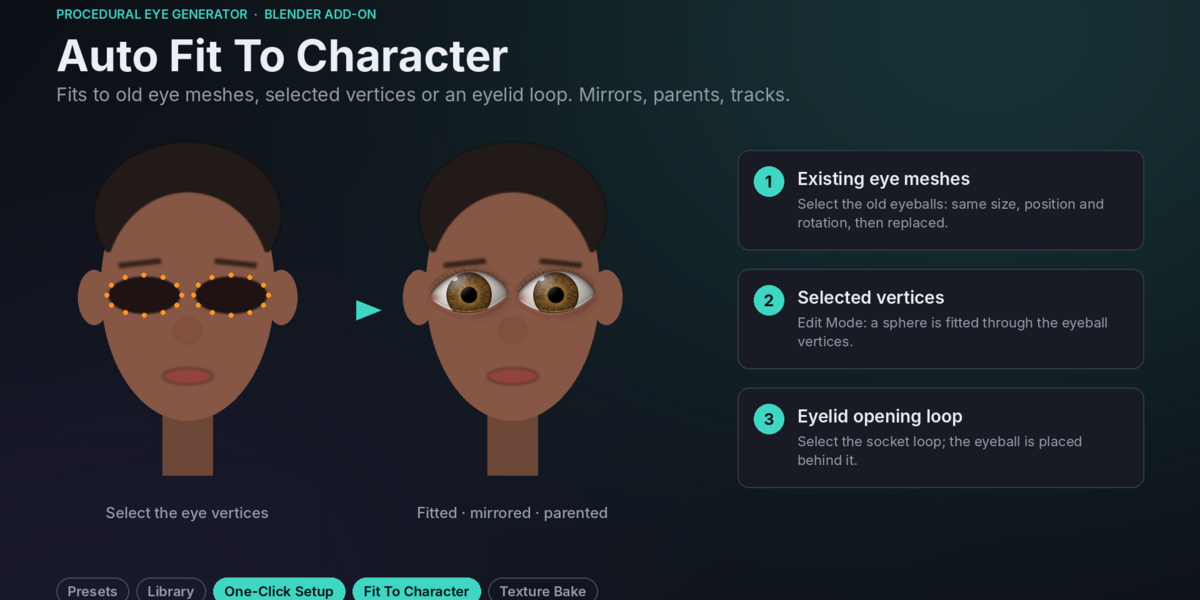
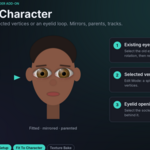
◈ 05 — AUTOMATIC CHARACTER FITTING
Fit eyes directly to your existing character models.
Choose from multiple fitting methods:
Existing Eye Meshes
Use existing eyeball objects to determine the new eyes' size, position, and rotation.
Selected Vertices
Fit eyes using selected vertices on your character's mesh.
Eyelid Opening
Position eyeballs using selected eyelid or socket loops.
3D Cursor
Create eyes at the cursor location with a custom radius.
Additional controls include:
Automatic eye mirroring
Size multiplier
Character orientation
Character parenting
Armature bone parenting
Original eye management
◈ 06 — LOOK-AT TARGET & ANIMATION
Make your characters look in any direction.
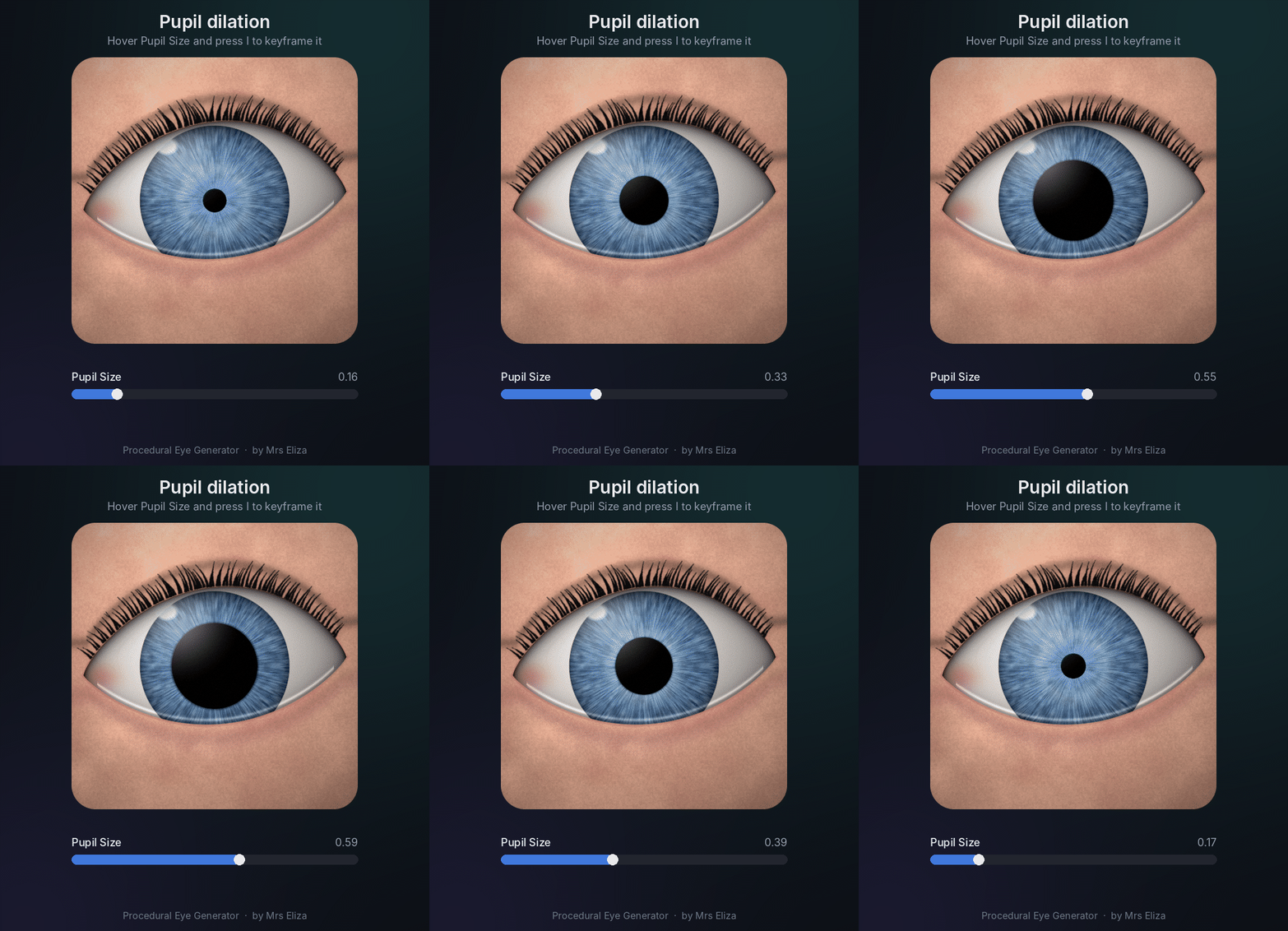
The Look-At Target system creates a control object that both eyes follow.
Simply move the target to control eye direction without manually rotating each eye.
You can animate:
Pupil dilation
Iris and sclera colors
Glow intensity
Eye surface properties
Eye direction
All procedural shader values support keyframing, making the add-on suitable for character animation and expressive visual effects.
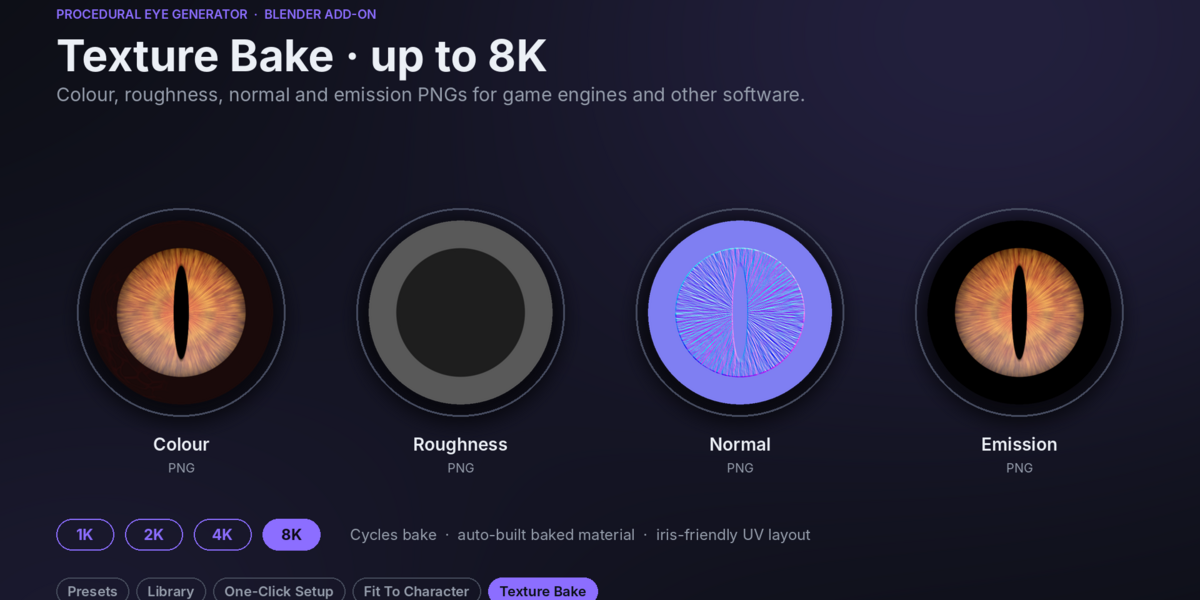
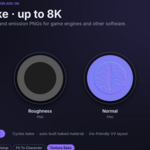
◈ 07 — HIGH-QUALITY TEXTURE BAKING
Convert procedural eyes into image textures.
Bake your eyes whenever you need textures for game engines, external 3D applications, or optimized scenes.
Available Resolutions
1K | 2K | 4K | 8K
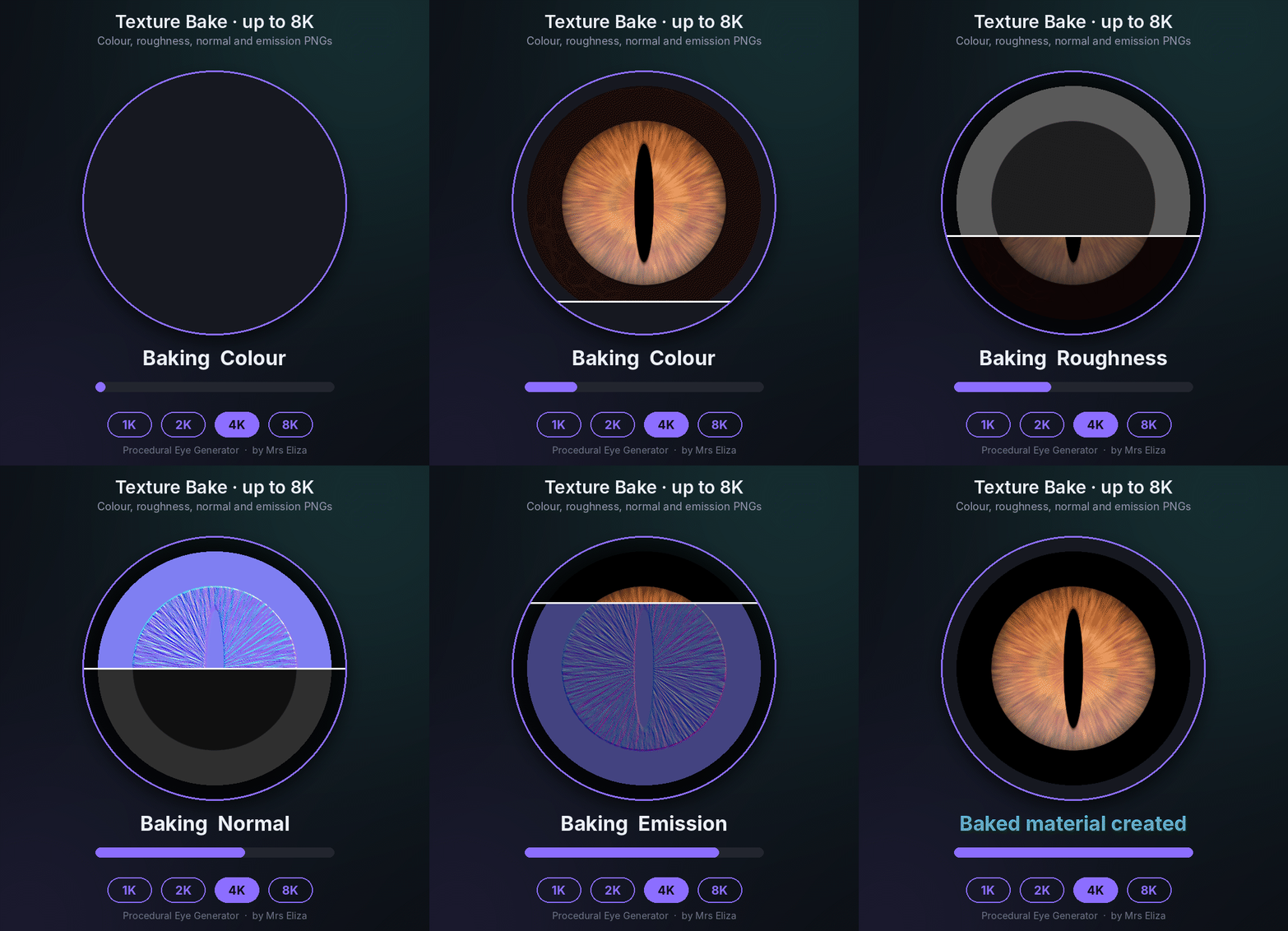
Available Texture Maps
Colour
Roughness
Normal
Emission
The add-on automatically generates the selected PNG maps and creates a corresponding baked material.
Note: Texture baking requires Cycles. Eevee and Cycles both support rendering procedural eyes.
◈ 08 — RENDERING & OPTIMIZATION
Designed for both realistic rendering and optimized character workflows.
For Realistic Results
Use Cycles for realistic cornea reflections and refraction.
Add soft lighting for natural eye highlights.
Increase mesh detail for close-up renders.
Adjust fiber scale for detailed irises.
For Stylized & Game Assets
Use built-in highlights.
Disable the cornea dome when needed.
Reduce mesh detail for distant characters.
Bake textures for external applications.
WHO IS IT FOR?
Procedural Eye Generator is useful for:
3D Character Artists
Blender Artists
Character Animators
Game Developers
Cartoon & Anime Artists
Creature Designers
3D Modelers
Fantasy & Sci-Fi Artists