 Mrs Eliza

Troubleshooting
- The fence does not appear. Check the status line in Fence Settings. "No source curve" means the curve was deleted or unlinked; pick one in the Curve field.
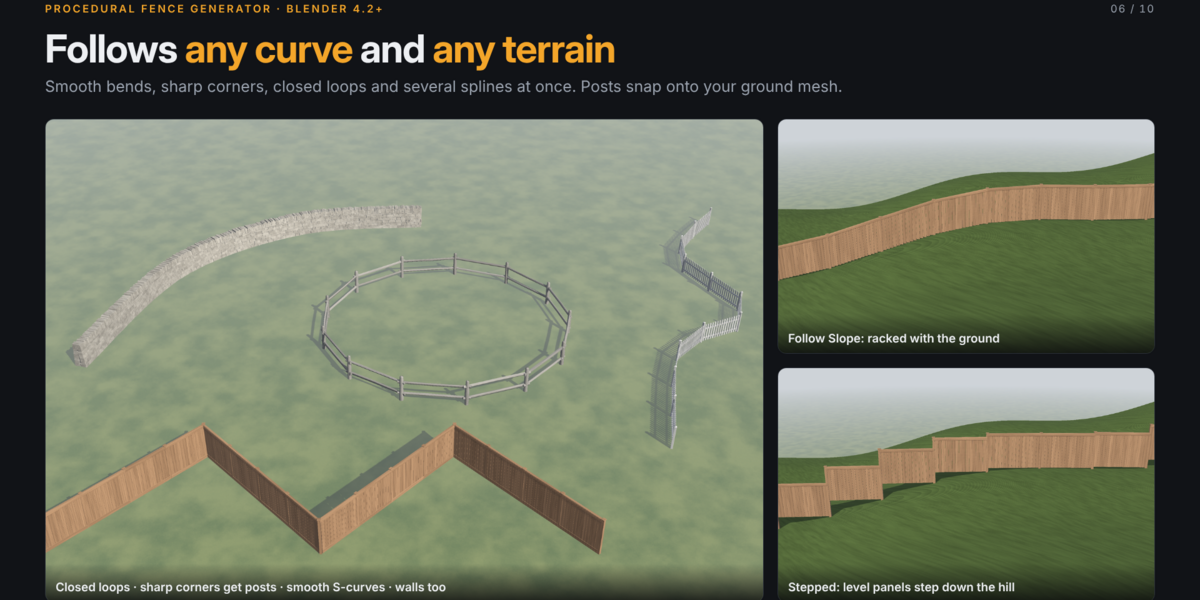
- The fence floats or sinks on terrain. Make sure Ground is set and Conform to Ground is on, then adjust Ground Offset.
- The fence jumps back when I move it. This is expected: move the curve instead.
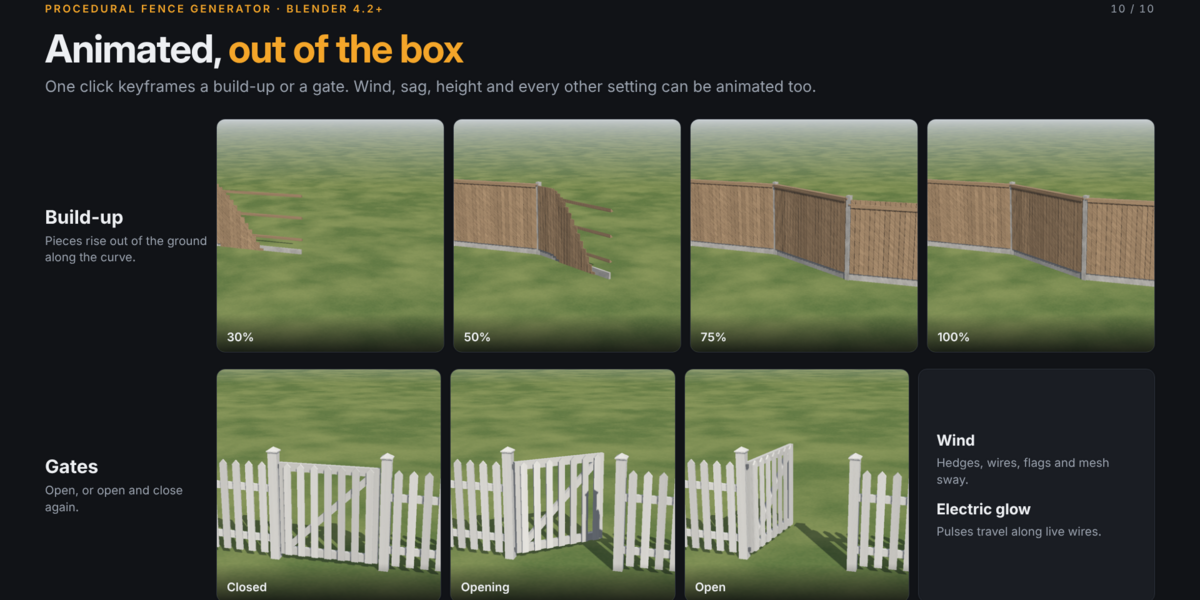
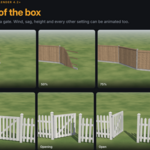
- Animation looks wrong in the final render. Turn on Render > Lock Interface, and keep Update on Frame Change enabled.
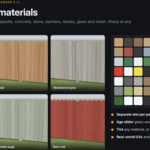
- Chain-link or leaves look solid in EEVEE. These materials use transparency. If your scene overrides material blend settings, set them back to Dithered.
- An error appears in the status line. Open Window > Toggle System Console (Windows) or start Blender from a terminal (macOS and Linux), repeat the action and send the message to support.
Have questions about this product?
Login to message
| Sales | 10+ |
| Published | over 2 years ago |
| Blender Version | 4.2 - 5.0 |
| Render Engine Used | Blender-Internal, Cycles, Eevee |
| Misc Data | Uvs-Unwrapped, Rigged, Animated, Low-High-Resolution, Normal-Mapped, Textured |
| License | GPL |
Discover more products like this
garden fence procedural modeling blender addon 3d modeling procedural fence metal fence fence builder 3D fence model environment assets wooden-fence blender 3d Fence Generator