 Mrs Eliza
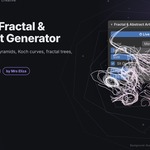


Procedural Fractal & Abstract Art Generator
Create Stunning Fractal Geometry & Procedural Abstract Art in Blender
Blender Add-on | Version 1.0.0 | Compatible with Blender 4.2.3 or Newer
✨ Overview
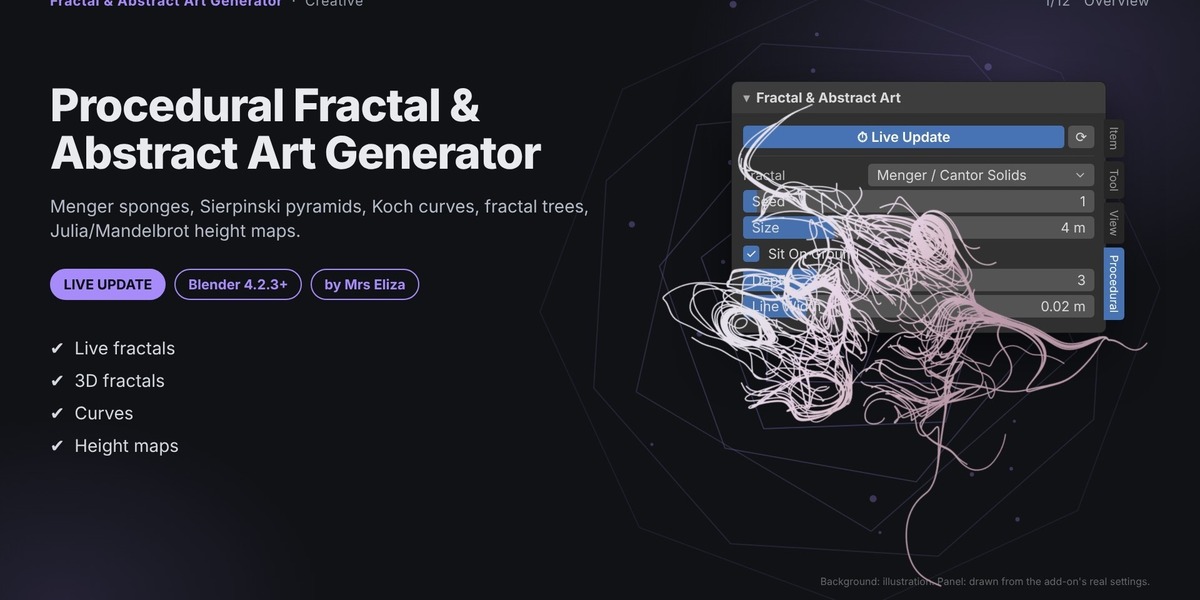
Create fascinating fractal structures and abstract artwork directly inside Blender with the Procedural Fractal & Abstract Art Generator.
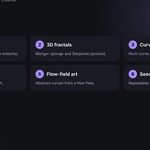
This add-on lets you generate a wide variety of procedural designs, including Menger sponges, Sierpinski pyramids, Koch curves, fractal trees, Julia and Mandelbrot height maps, and flow-field art.
Each fractal type comes with its own customizable controls, allowing you to experiment with geometry, depth, colors, materials, textures, and animation.
With its live update system, you can explore different creative possibilities and see your results update instantly.
From mathematical fractals to stunning abstract visuals — create unique procedural artwork with ease.
🚀 Key Features
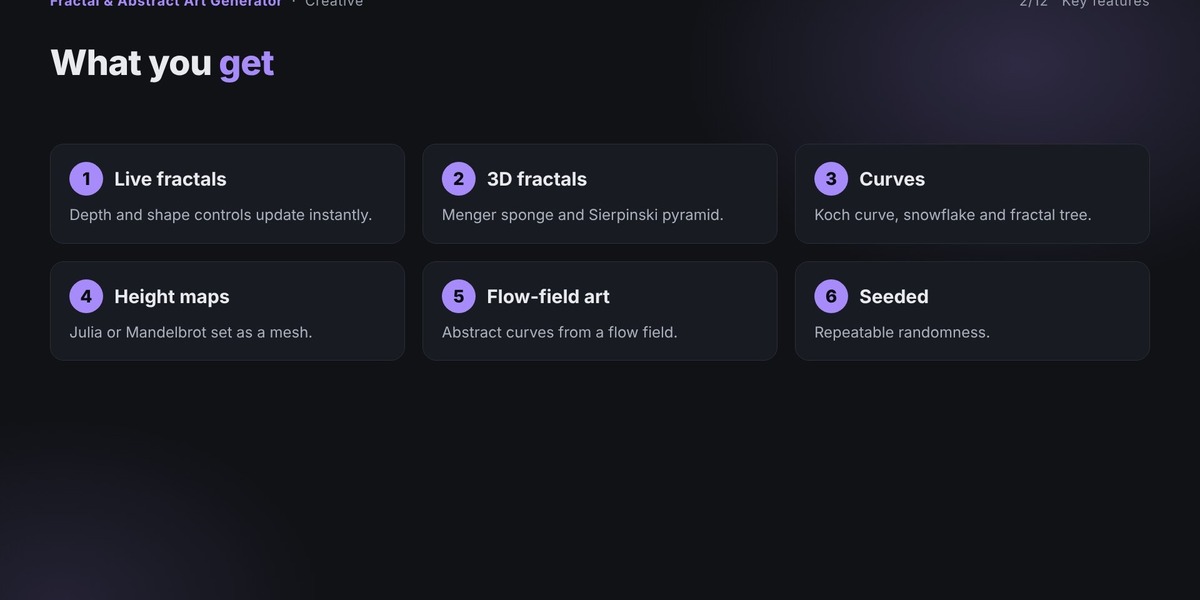
Multiple Fractal Types – Generate Menger sponges, Sierpinski pyramids, Koch curves, Dragon curves, Hilbert curves, and more.
Fractal Tree Generator – Create branching structures with customizable branches, angles, twists, and leaves.
Julia & Mandelbrot Height Maps – Generate detailed fractal terrains with adjustable resolution, iterations, zoom, and height.
Flow-Field Art Generator – Create intricate abstract line patterns and flowing visual designs.
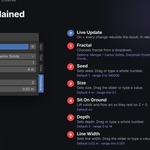
Live Update System – See your changes in real time as you adjust settings.
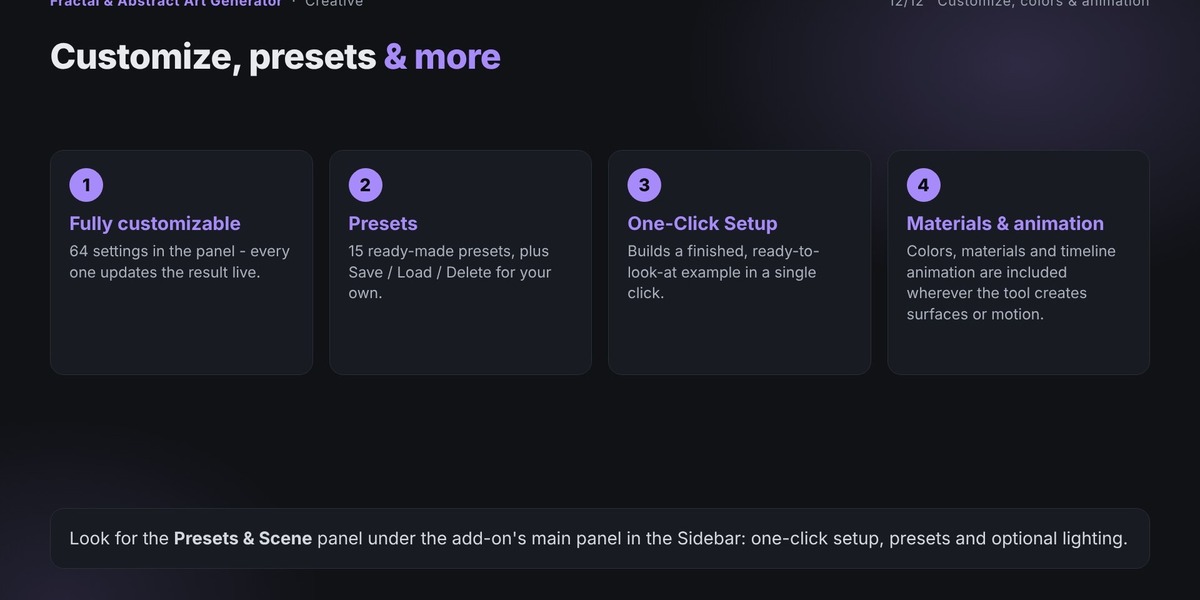
15 Built-in Presets – Quickly create beautiful fractal and abstract designs.
Custom Preset Saving – Save, load, and delete your own configurations.
Procedural Color Palettes – Choose from multiple color themes or create custom palettes.
Material Customization – Adjust roughness, metallic, glow, bump, bevel, and more.
Wireframe Options – Create unique wireframe and geometric designs.
Animation Tools – Add spinning, growing, color cycling, and glowing pulse effects.
Random Seed Control – Generate new variations while keeping reproducible results.
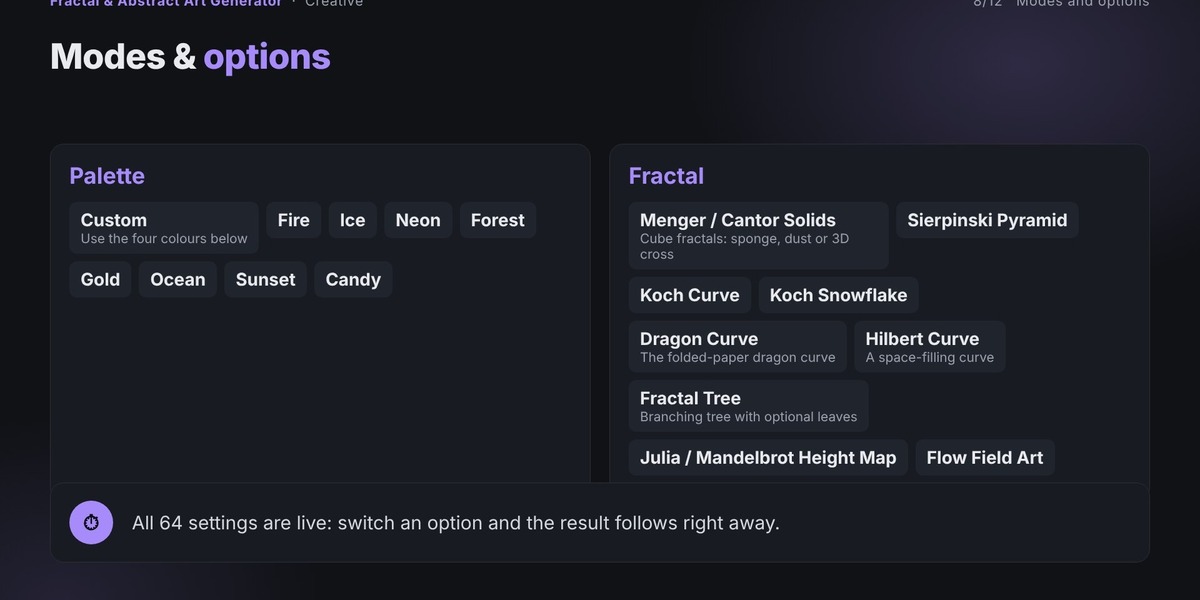
🎨 Supported Fractal Types
Explore different mathematical structures and abstract designs with multiple generation modes.
1. Menger & Cantor Solids
Create complex 3D cube-based fractals.
Available styles:
Menger Sponge
Cantor Dust
3D Cross
2. Sierpinski Pyramid
Generate geometric pyramid fractals with adjustable depth and spike angles.
3. Koch Curve & Snowflake
Create intricate fractal curves and snowflake-inspired structures.
4. Dragon Curve
Generate the classic folded-paper Dragon Curve with customizable depth and line width.
5. Hilbert Curve
Create space-filling geometric curves for intricate abstract patterns.
6. Fractal Tree
Generate branching procedural trees with customizable:
Branches
Angle
Shrink
Twist
Chaos
Leaves
Leaf Size
Leaf Density
Leaf Colors
7. Julia & Mandelbrot Height Maps
Generate mathematical fractal terrains using Julia and Mandelbrot sets.
Customize:
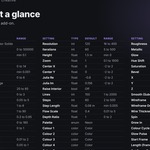
Resolution
Iterations
Height
Zoom
Center X and Y
Julia Real and Imaginary values
Raise Interior
8. Flow-Field Art
Create abstract flowing patterns using procedural lines.
Customize the number of lines, steps, step length, flow scale, and depth ratio.
⭐ 15 Built-in Presets
Get started immediately with 15 professionally designed presets.
Neon Menger Sponge
Golden Sponge
Cantor Dust Cells
3D Cross Crystal
Wireframe Sponge
Fire Pyramid
Frozen Snowflake
Dragon Glow
Hilbert Circuit
Autumn Tree
Spring Blossom Tree
Julia Rainbow Terrain
Mandelbrot Fire Mountain
Aurora Flow
Silk Ribbons
Simply select a preset and click Apply Preset to instantly generate the selected design.
You can also customize any preset and save your own configurations for future projects.
⚙️ Main Features & Controls
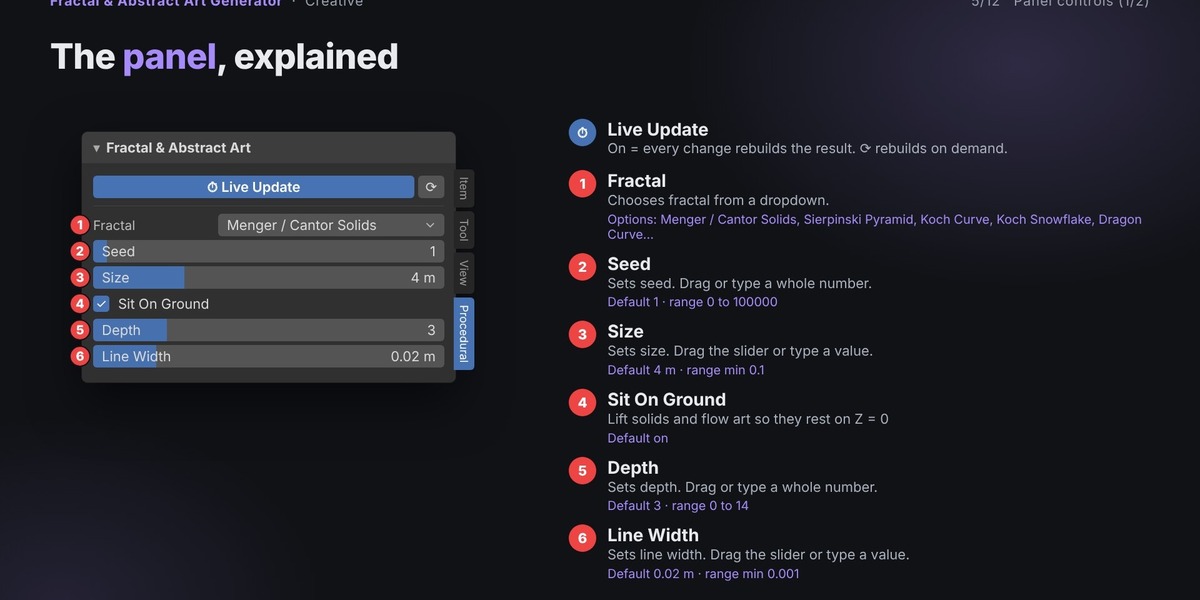
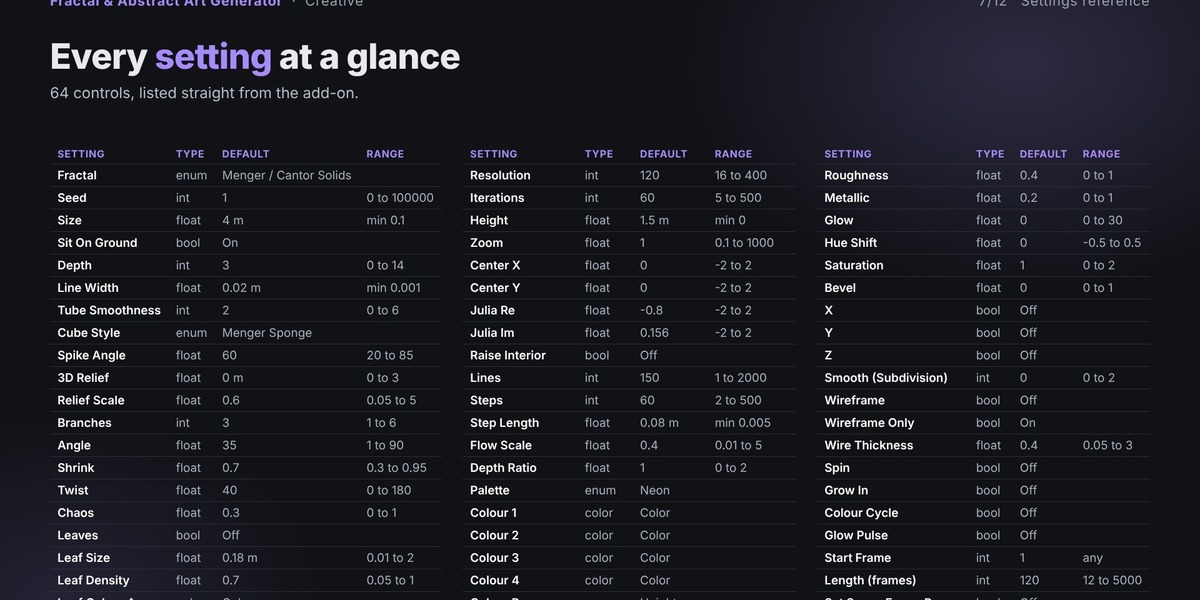
1. Procedural Generation Controls
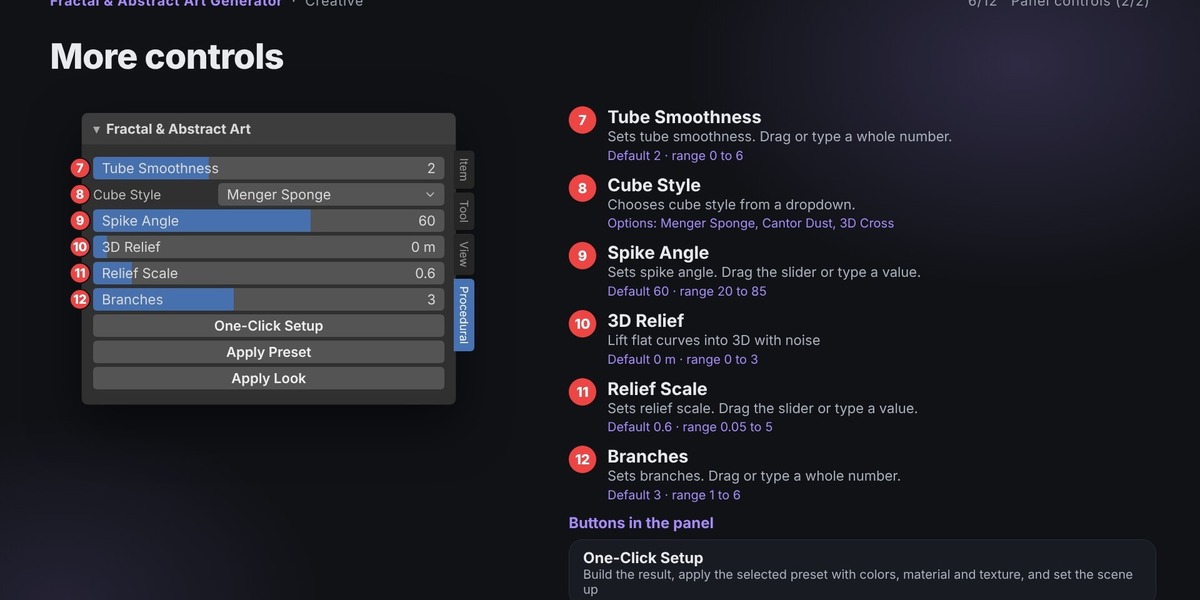
Customize your fractal structures using controls such as:
Seed
Size
Depth
Line Width
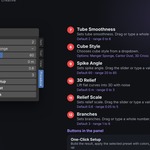
Tube Smoothness
Cube Style
Spike Angle
3D Relief
Relief Scale
Each fractal type has its own dedicated controls, which automatically appear when you select the corresponding generation mode.
2. Fractal Tree Controls
Create different branching structures by adjusting:
Branches
Angle
Shrink
Twist
Chaos
Leaves
Leaf Size
Leaf Density
Leaf Colour A and B
3. Julia & Mandelbrot Controls
Explore detailed mathematical fractal patterns with:
Julia or Mandelbrot selection
Resolution
Iterations
Height
Zoom
Center X and Y
Julia Real and Imaginary values
Raise Interior
4. Flow-Field Controls
Create intricate abstract line artwork with:
Lines
Steps
Step Length
Flow Scale
Depth Ratio
5. Colors & Palettes
Customize the appearance of your artwork with multiple built-in color themes.
Available palettes:
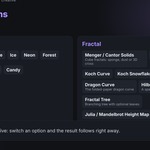
Custom
Fire
Ice
Neon
Forest
Gold
Ocean
Sunset
Candy
Mono
You can also create your own palette using four customizable colors.
Additional color controls include:
Colour By
Hue Shift
Saturation
Random Cells
Noise Clouds
6. Material & Surface Customization
Fine-tune the appearance of your fractal designs with:
Texture Scale
Surface Bump
Roughness
Metallic
Glow
Hue Shift
Saturation
Bevel
Smooth (Subdivision)
7. Wireframe & Geometry Options
Create different visual styles with additional geometry controls.
X, Y, and Z options
Smooth (Subdivision)
Wireframe
Wireframe Only
Wire Thickness
These controls allow you to explore solid geometry and wireframe-based visual designs.
🎬 Animation Tools
Bring your fractal artwork to life with built-in animation options.
Spin: Rotate the generated design around the Z axis.
Grow In: Curves draw themselves while solid objects pop into view.
Colour Cycle: Rotate the hue through the entire color spectrum.
Glow Pulse: Create a breathing glow effect. Requires Glow to be greater than zero.
Additional animation controls include:
Start Frame
Length (Frames)
Set Scene Frame Range
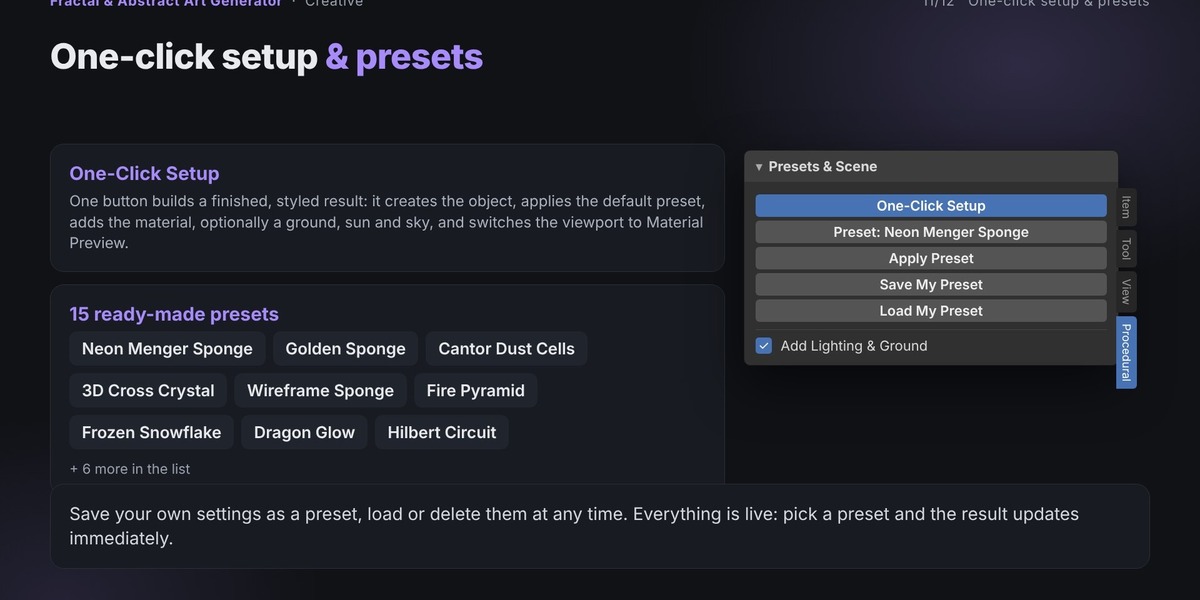
⚡ One-Click Setup
Get a ready-to-view result with a single click.
The One-Click Setup feature automatically:
Applies the default Neon Menger Sponge preset.
Creates the material.
Optionally adds a ground plane.
Adds a sun light and sky color.
Switches the viewport to Material Preview.
Start creating without manually setting up every element.
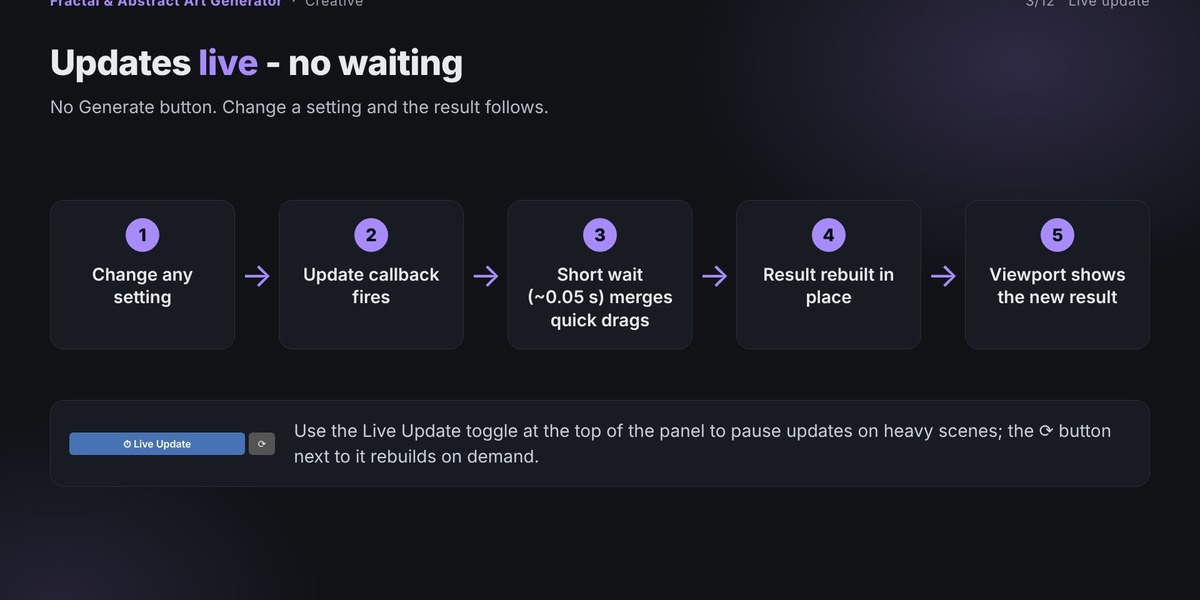
🔄 Live Update Workflow
The add-on features a live update system that makes procedural experimentation easy.
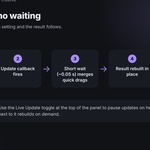
With Live Update enabled, changing a setting automatically schedules a rebuild after a short pause.
You can also use the manual rebuild button whenever Live Update is disabled.
The generated result remains in one live object. When rebuilt, the add-on replaces its data while preserving its position, rotation, scale, parent, and additional modifiers.
Use Create New to keep your current result and start another live object at the 3D cursor.
You can also use Randomize Seed to generate a new result. The same seed always produces the same result, allowing you to return to previously created designs.
💾 Custom Presets
Save your favorite configurations and reuse them whenever you need.
Save My Preset – Save your current settings with a custom name.
Load My Preset – Restore a previously saved preset.
Delete My Preset – Remove a custom preset.
Saved presets are stored in your Blender configuration folder and remain available across different .blend files.
📦 Installation
Download the add-on ZIP file.
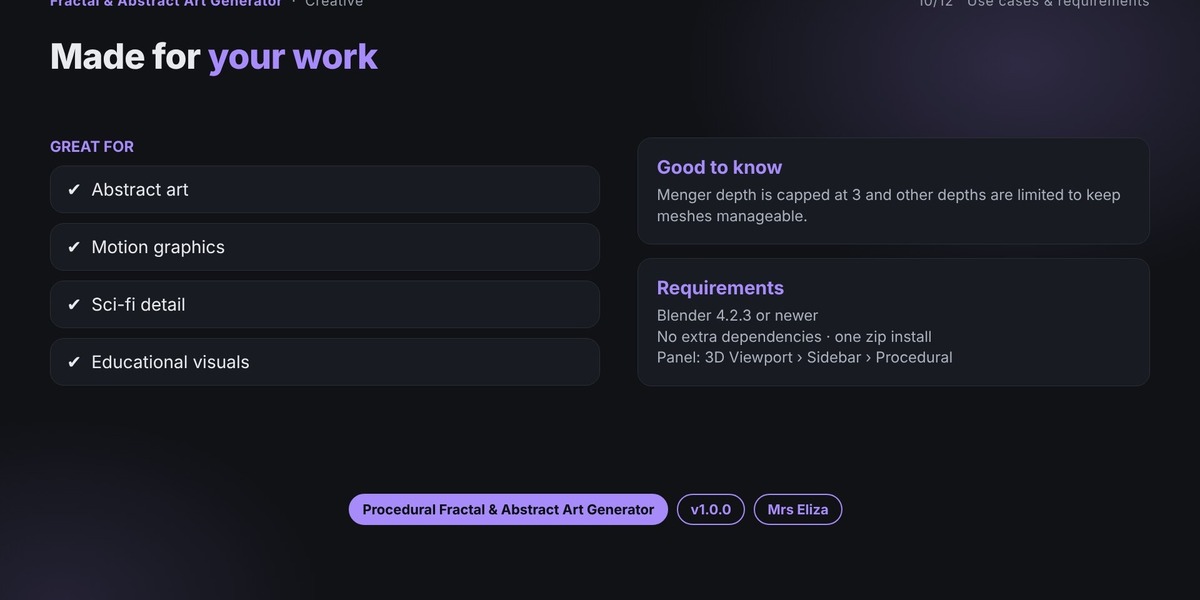
Open Blender 4.2.3 or newer.
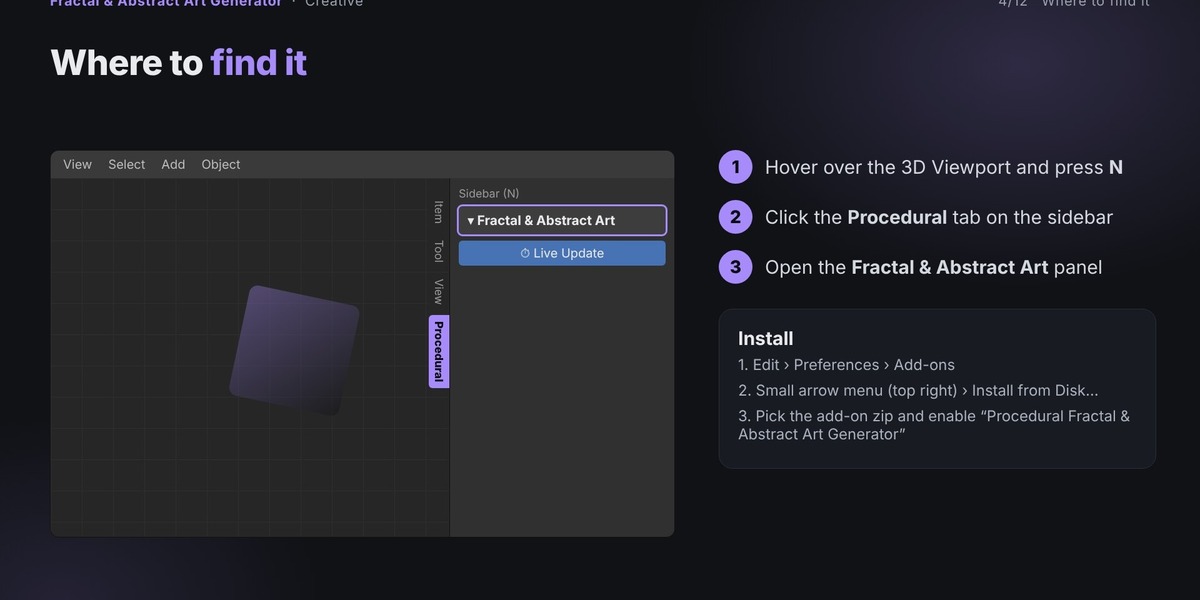
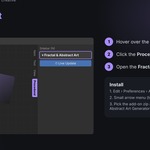
Navigate to Edit → Preferences → Add-ons.
Open the arrow menu in the top-right corner.
Select Install from Disk.
Choose the downloaded ZIP file.
Enable the add-on using the checkbox.
Important: Do not extract the ZIP file before installation. Select the individual add-on ZIP, not a bundle containing multiple add-ons.
🖥️ How to Use
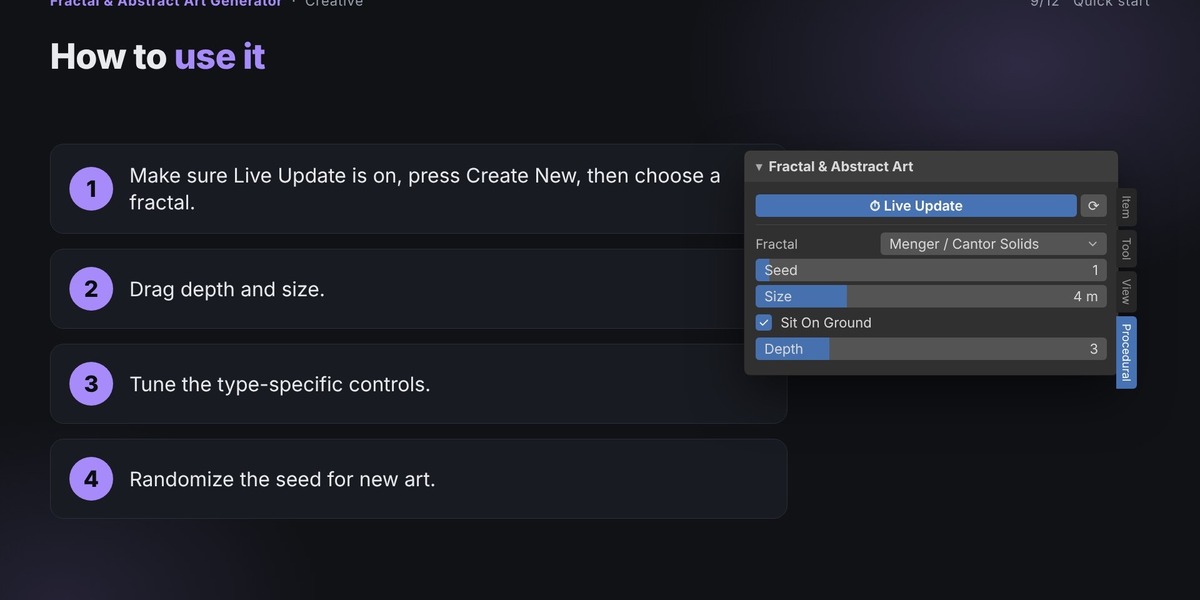
Open Blender and navigate to the 3D Viewport.
Press N to open the sidebar.
Select the Procedural tab.
Expand the Fractal & Abstract Art panel.
Make sure Live Update is enabled.
Click Create New.
Select your desired fractal type.
Adjust depth, size, colors, and type-specific settings.
Randomize the seed to explore new designs.
Apply a preset or save your own configuration.
Your generated fractal geometry updates automatically as you experiment with the settings.
💡 Tips for Best Results
Increase depth one level at a time because complexity grows quickly.
Use the zoom and center controls to explore Julia and Mandelbrot height maps.
Experiment with different seeds for fractal trees and flow-field artwork.
Keep Menger sponge depth at its supported limit of 3 to maintain manageable meshes.
Reduce resolution, depth, or line counts if the viewport becomes slow.
🎯 Perfect For
The Procedural Fractal & Abstract Art Generator is ideal for:
Procedural abstract artwork.
Mathematical and geometric art.
Sci-fi environment details.
Motion graphics.
Fractal architecture and structures.
Generative design experiments.
Educational mathematical visualizations.
Creative 3D compositions.
⚠️ Important Notes
Generated results are meshes or curves without materials by default; materials and appearance can be configured through the add-on settings and presets.
Menger sponge depth is capped at 3 to keep meshes manageable.
Other fractal depths are also limited to manage geometry complexity.
High resolution, depth, and line counts may affect viewport performance.
Use Ctrl + Z to undo changes.
Saving your
.blendfile preserves everything created by the add-on.The add-on is not required to open a saved
.blendfile, but it is required to continue editing its live functionality.
🛠️ Troubleshooting
The viewport freezes
Lower the fractal depth, resolution, or line counts to reduce geometry complexity.
Height map appears flat
Increase the height or iterations to create more visible terrain details.
Menger depth stops at 3
This is an intentional limit to keep Menger sponge meshes manageable.
📩 Support
If you encounter a problem, please include the following information when contacting support:
Blender version.
Add-on name and version.
Steps taken before the issue occurred.
Full error message from the Info Editor or system console.
This information will help reproduce and resolve the issue more quickly.
Product Information
Product: Procedural Fractal & Abstract Art Generator
Version: 1.0.0
Author: Mrs Eliza
Requirements: Blender 4.2.3 or newer