 Mrs Eliza

🖥️ How to Use
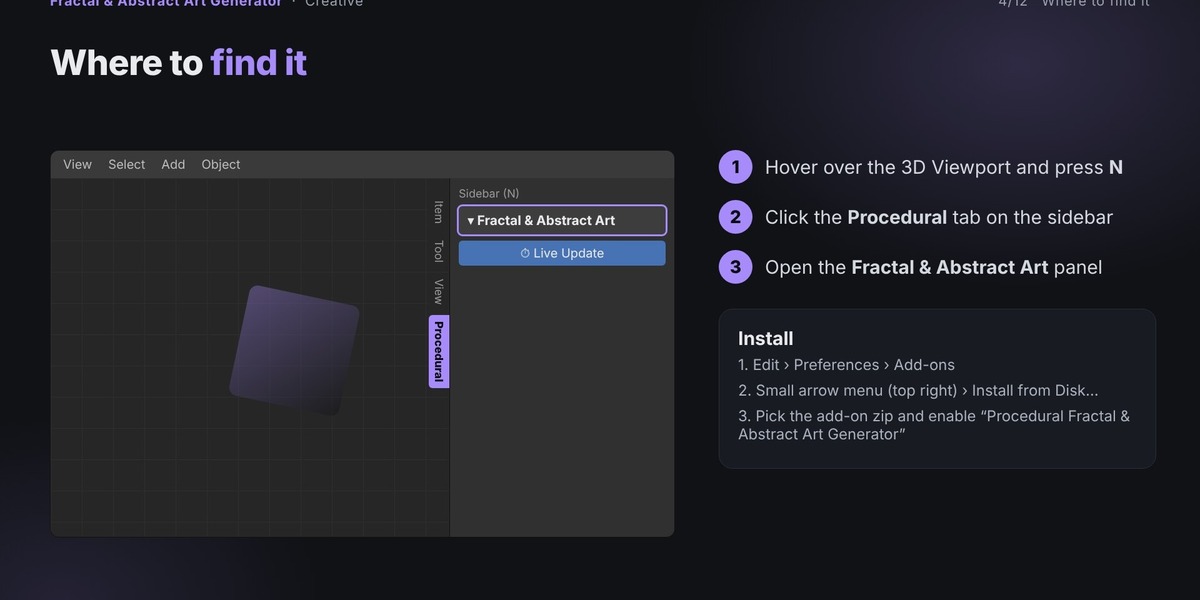
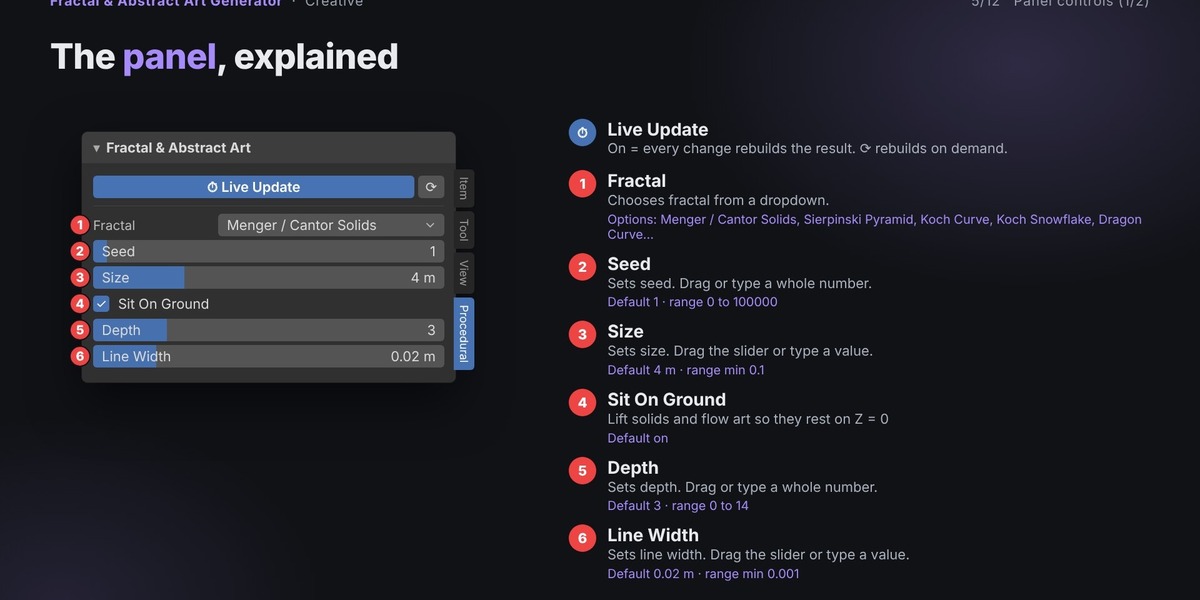
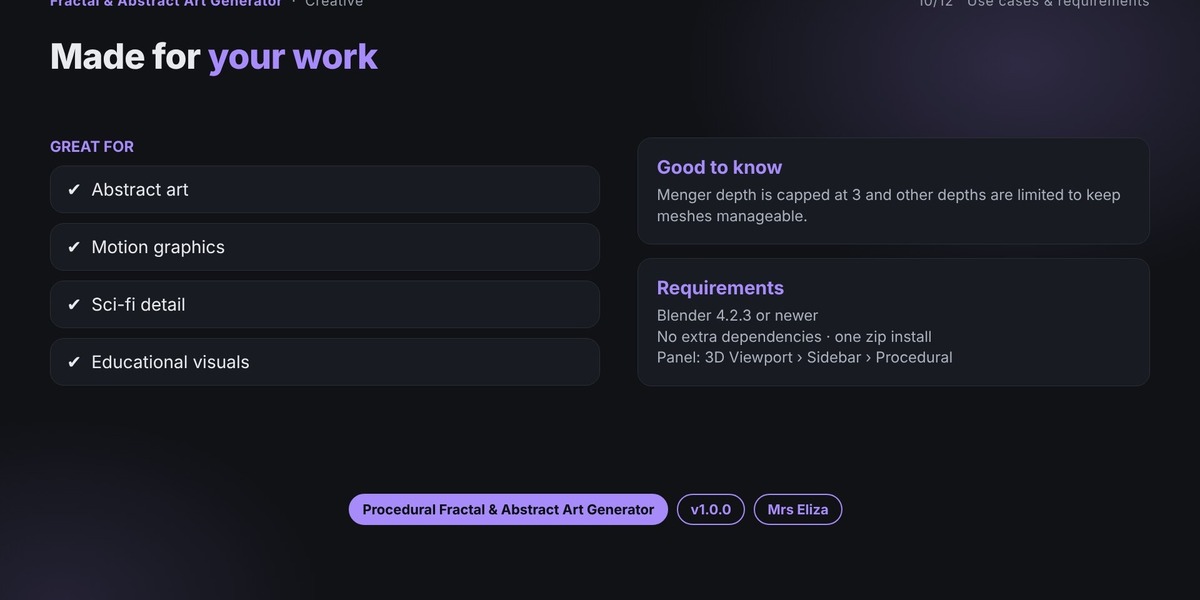
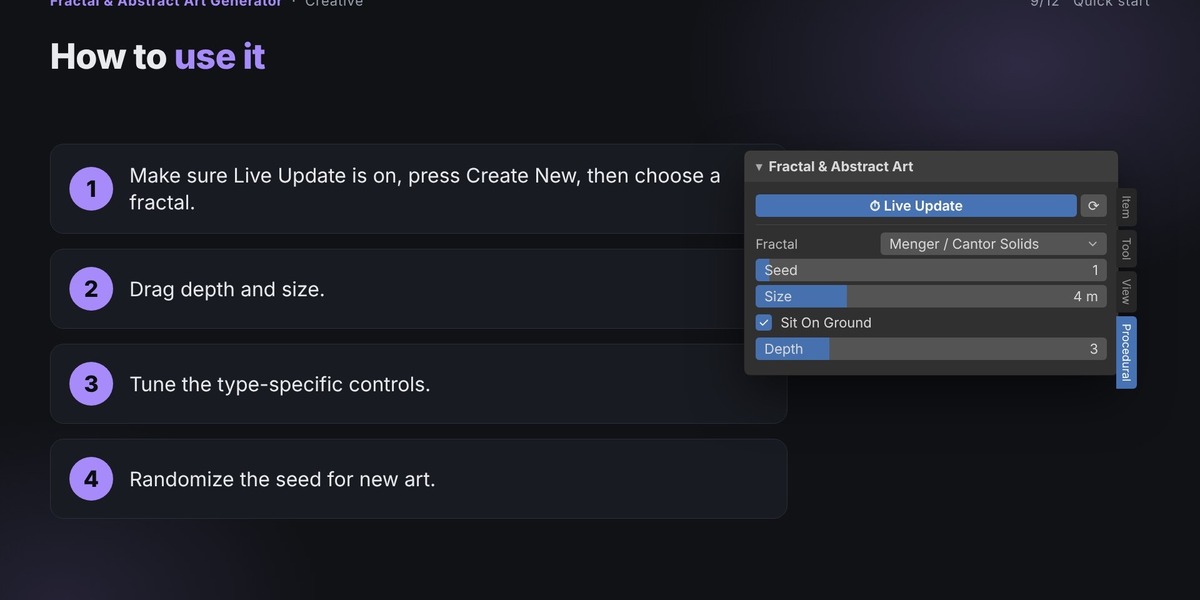
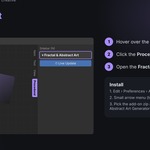
Open Blender and navigate to the 3D Viewport.
Press N to open the sidebar.
Select the Procedural tab.
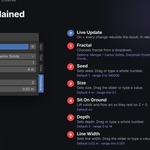
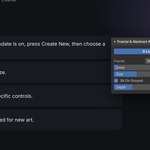
Expand the Fractal & Abstract Art panel.
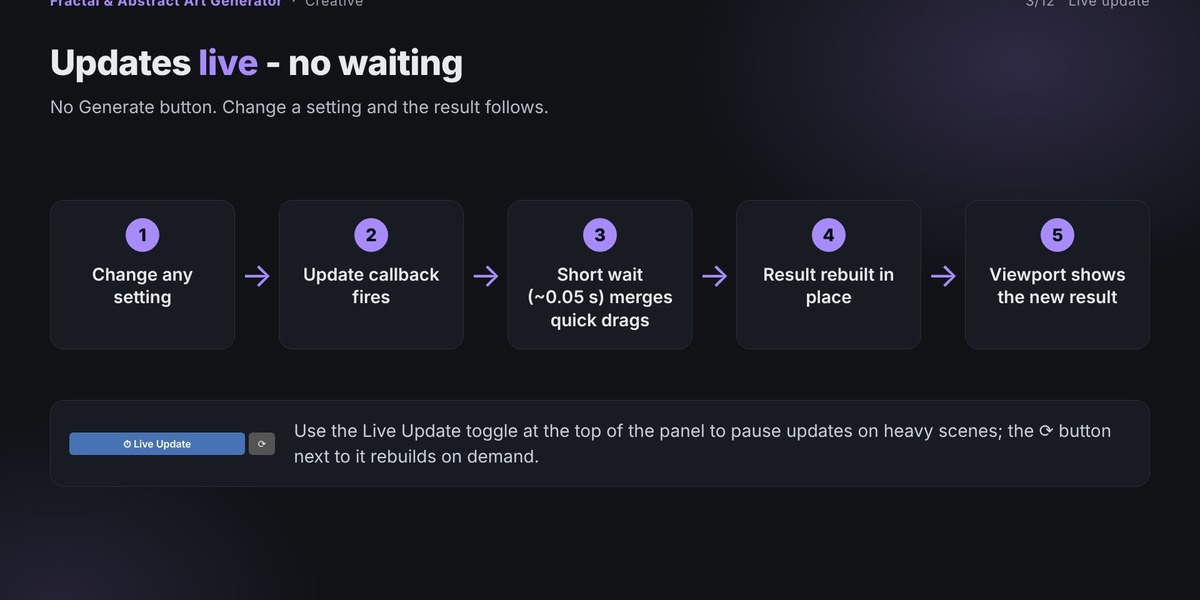
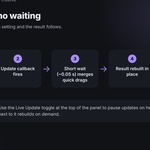
Make sure Live Update is enabled.
Click Create New.
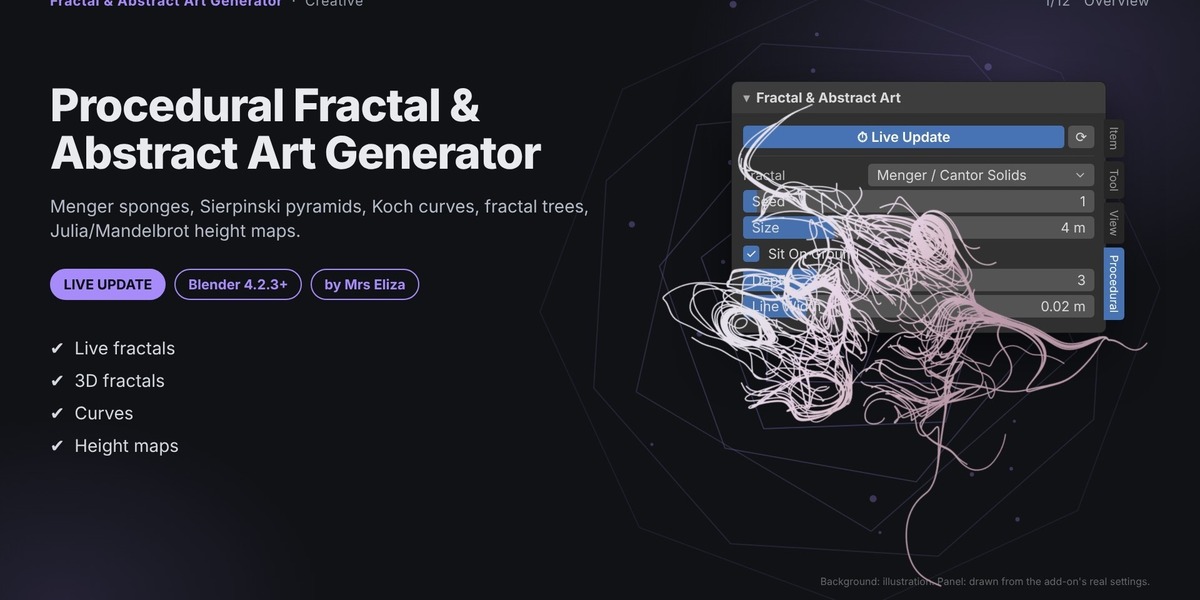
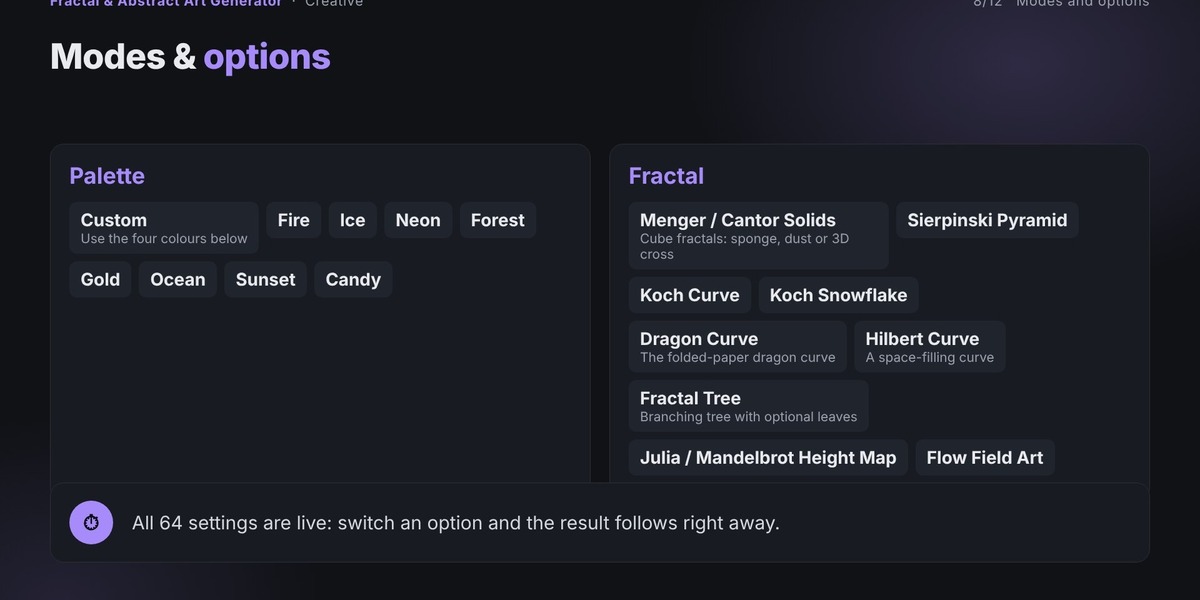
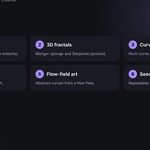
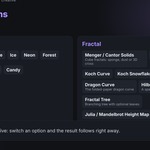
Select your desired fractal type.
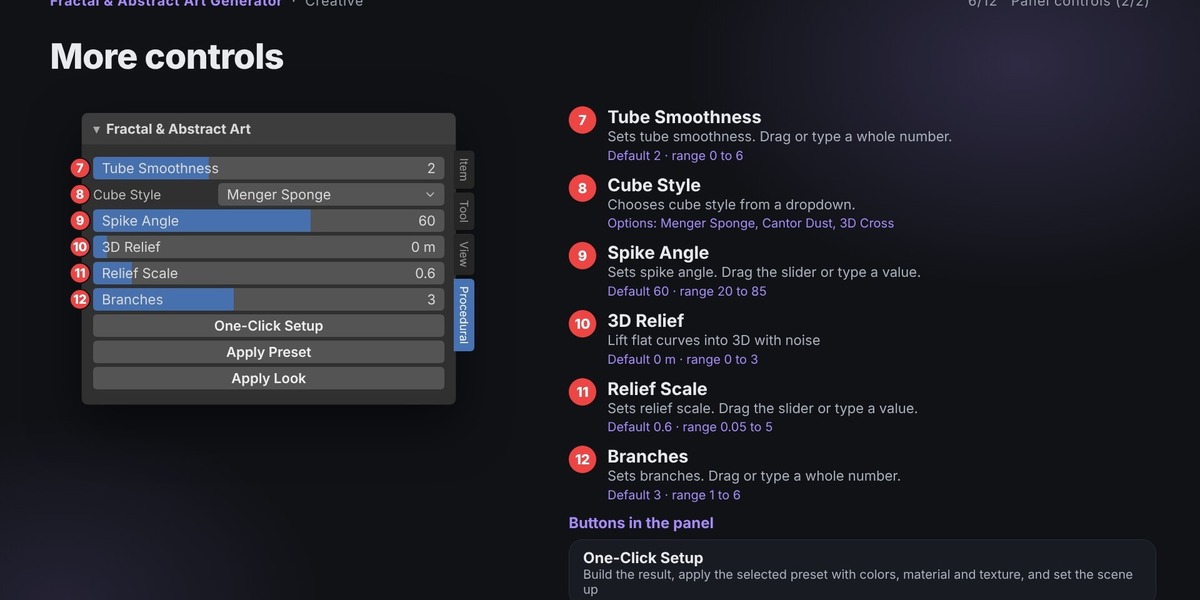
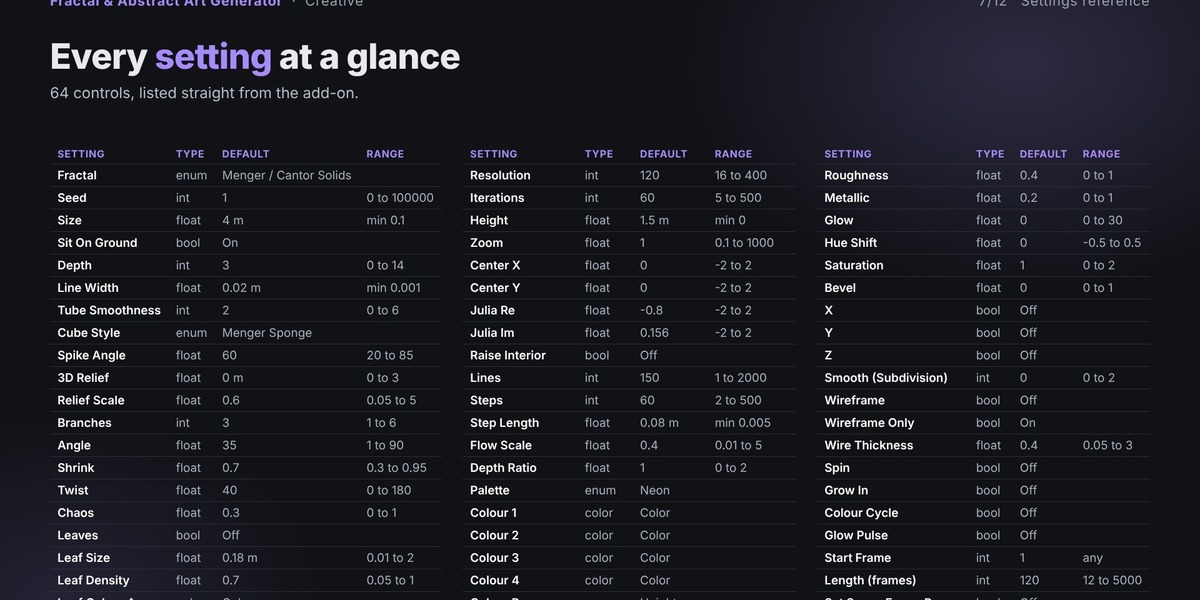
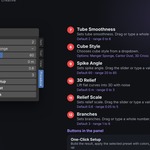
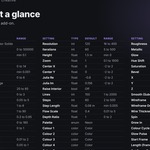
Adjust depth, size, colors, and type-specific settings.
Randomize the seed to explore new designs.
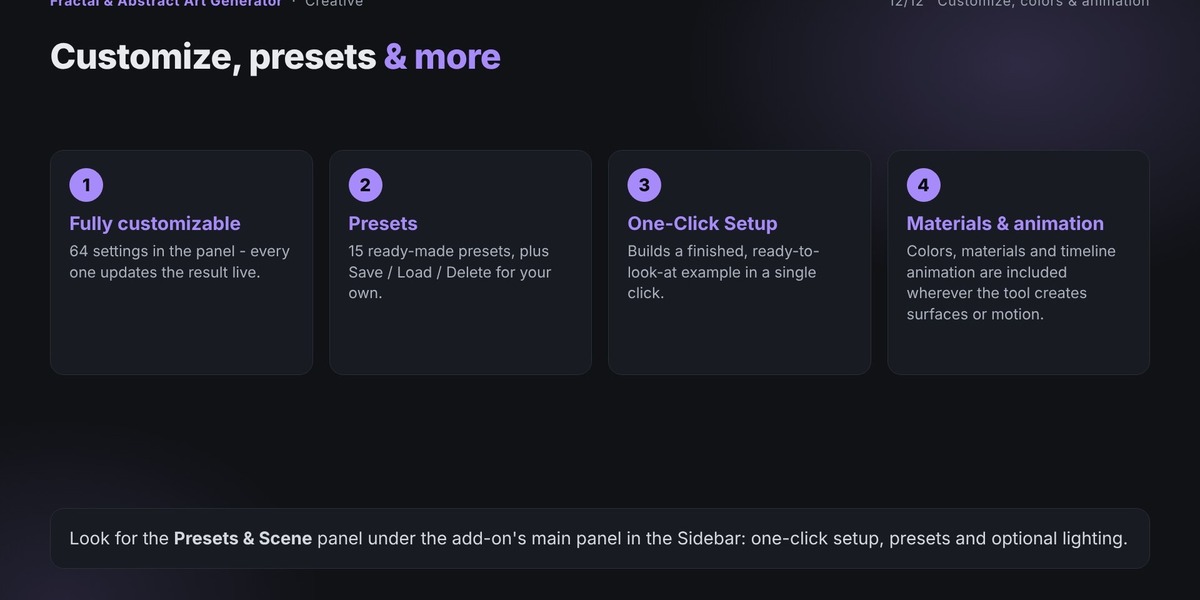
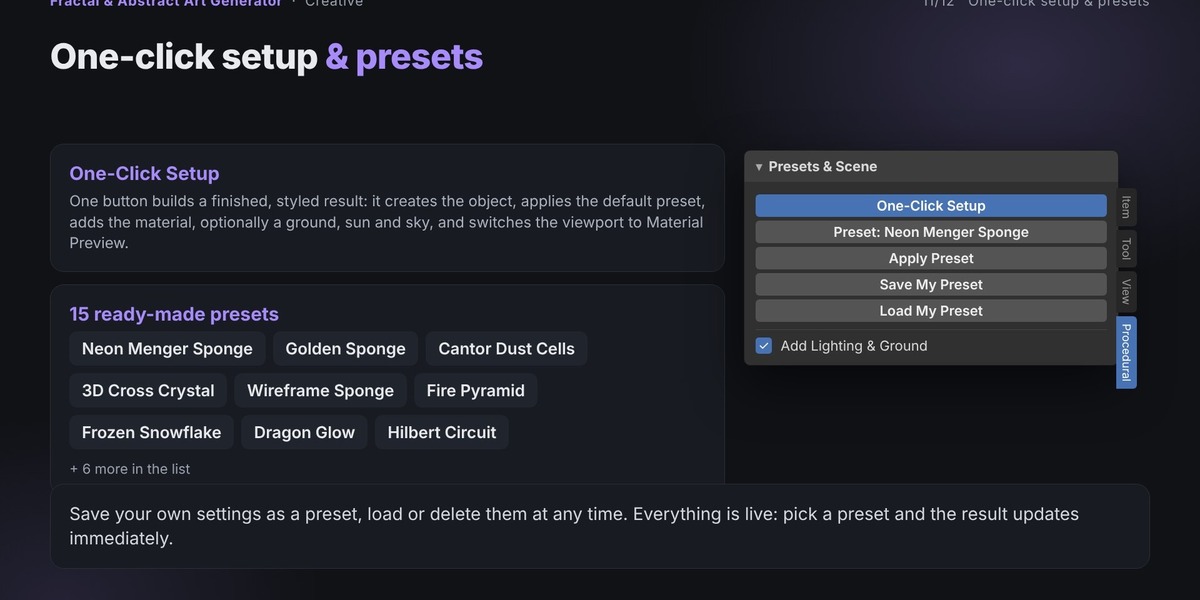
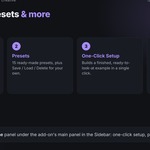
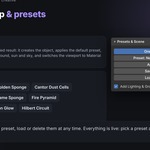
Apply a preset or save your own configuration.
Your generated fractal geometry updates automatically as you experiment with the settings.
Have questions about this product?
Login to message
| Sales | 10+ |
| Published | over 2 years ago |
| Blender Version | 4.2 - 5.0 |
| Extension Type | N/A |
| Render Engine Used | Blender-Internal, Cycles, Eevee |
| Misc Data | Animated |
| License | GPL |
Discover more products like this
Generative Art blender addon geometry generator motion graphics abstract art menger sponge