 Nanomanpro
 R.Y
R.Y

Nanomanpro
about 3 years ago
Thank You for opinion :)
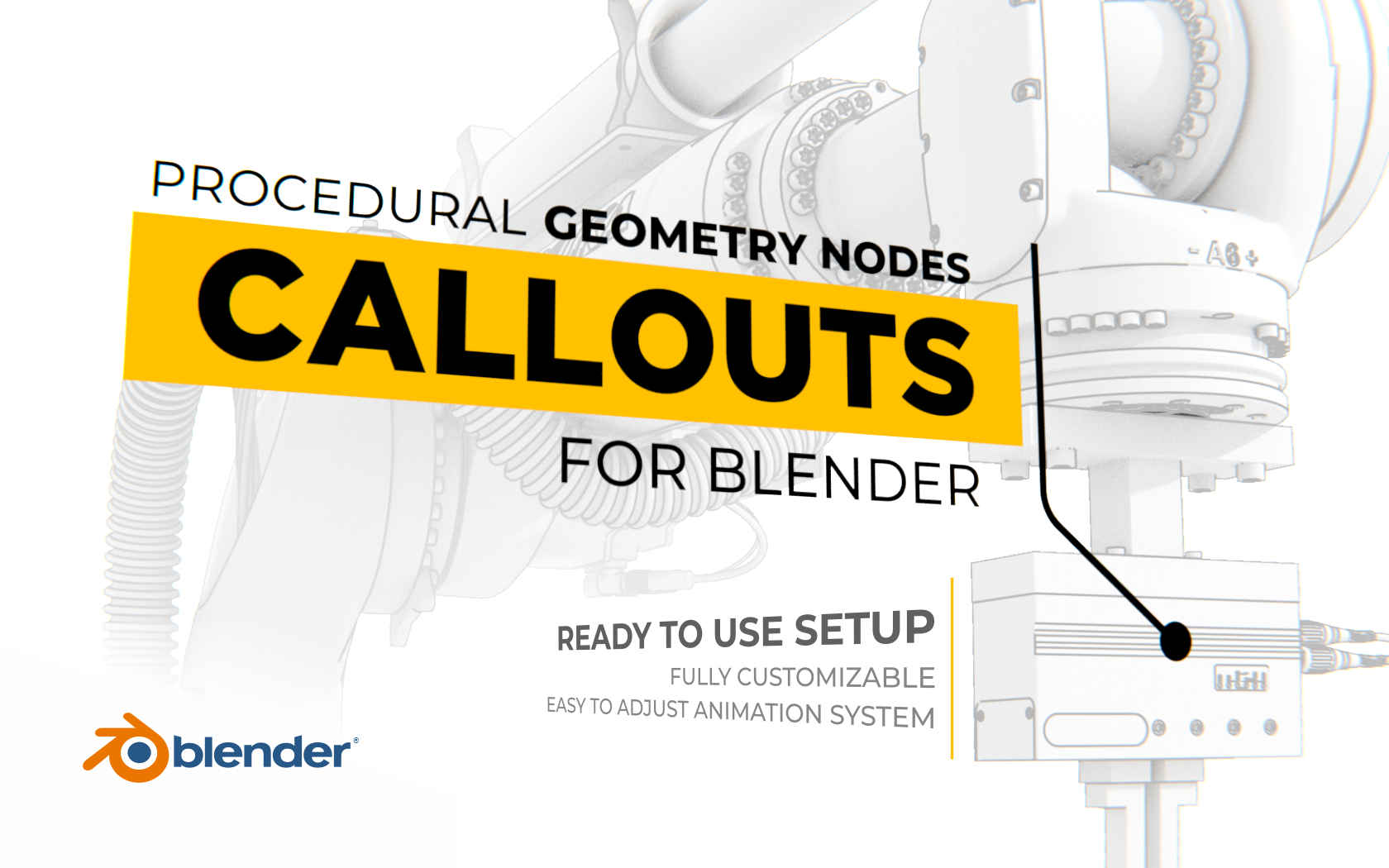
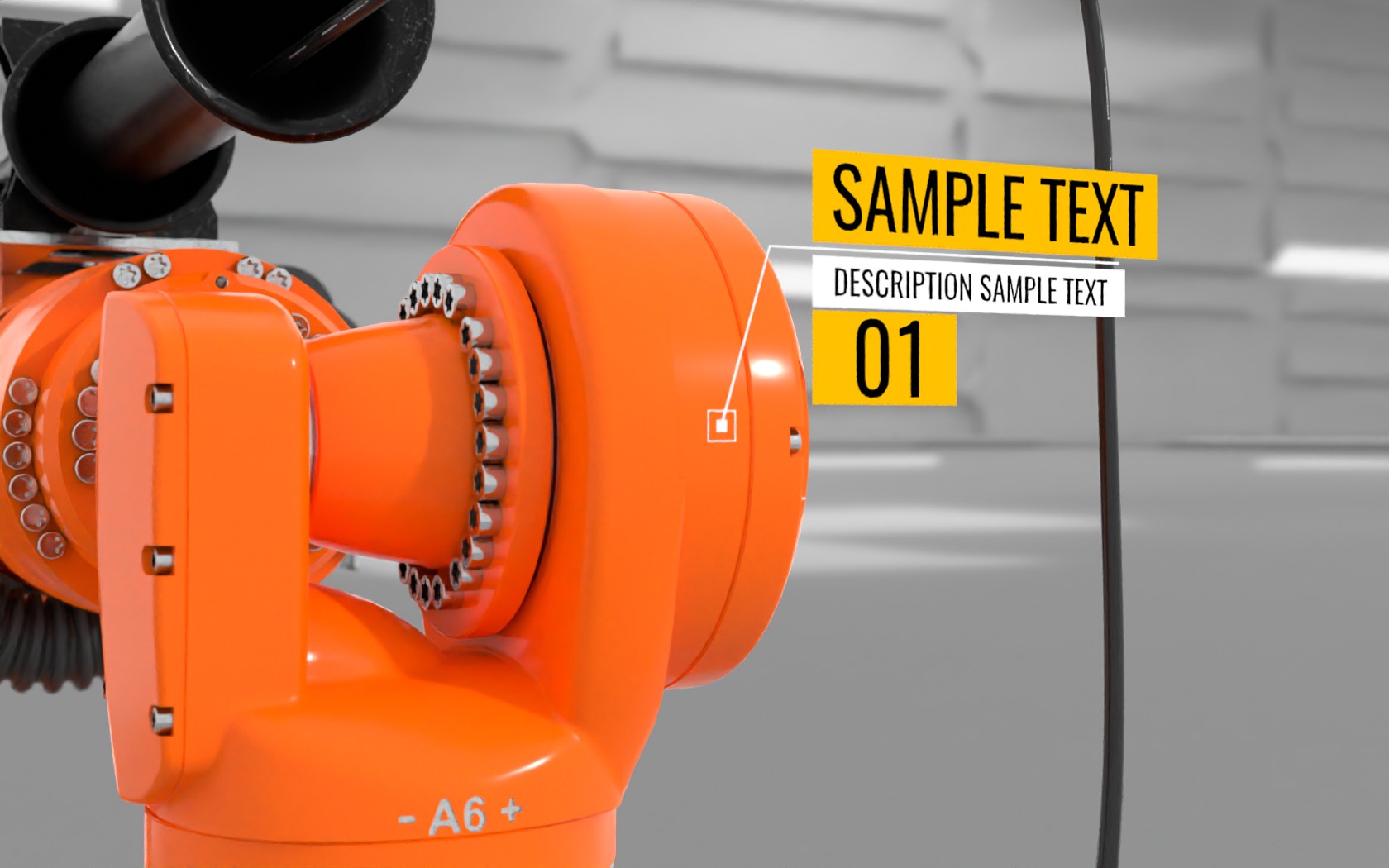
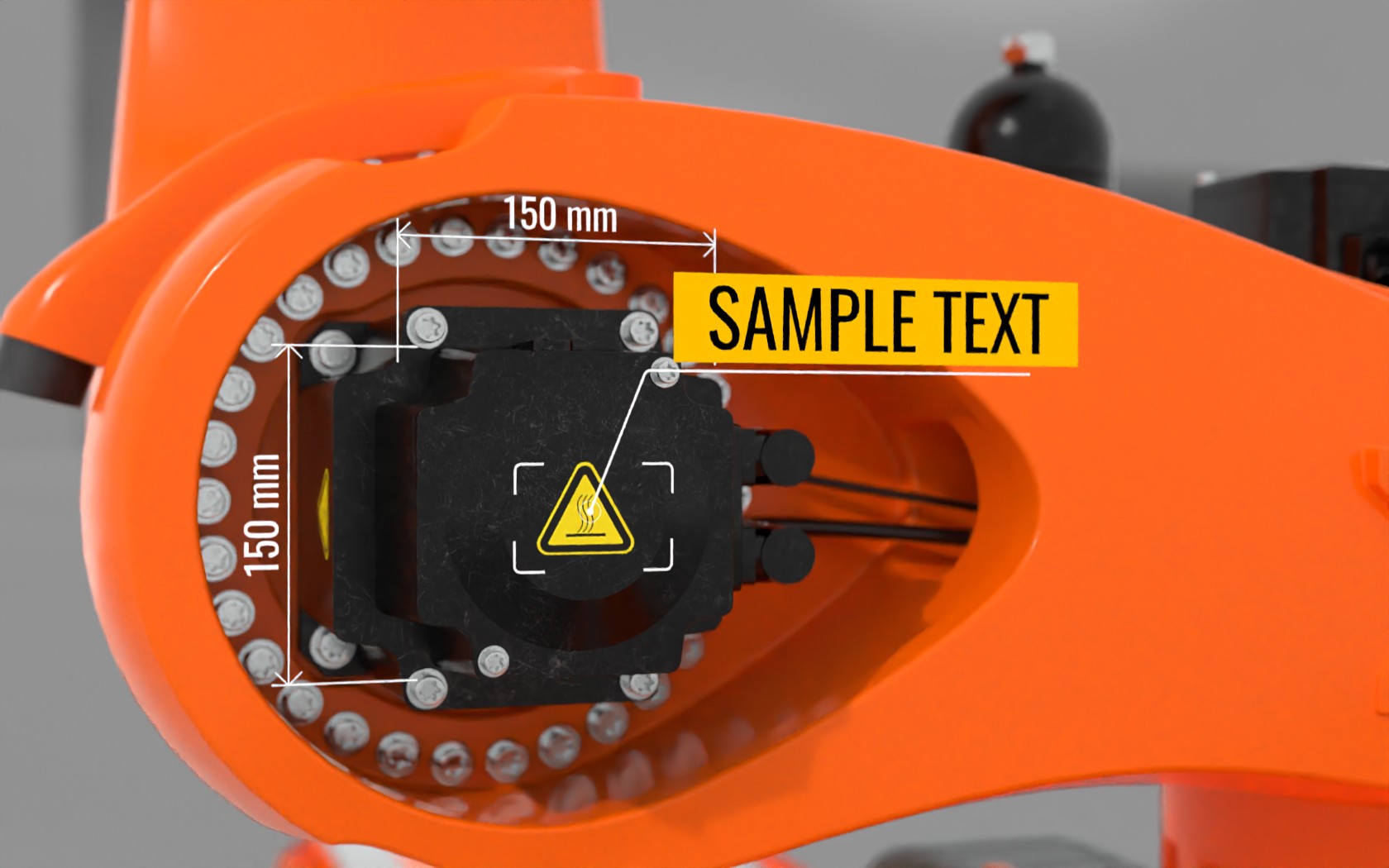
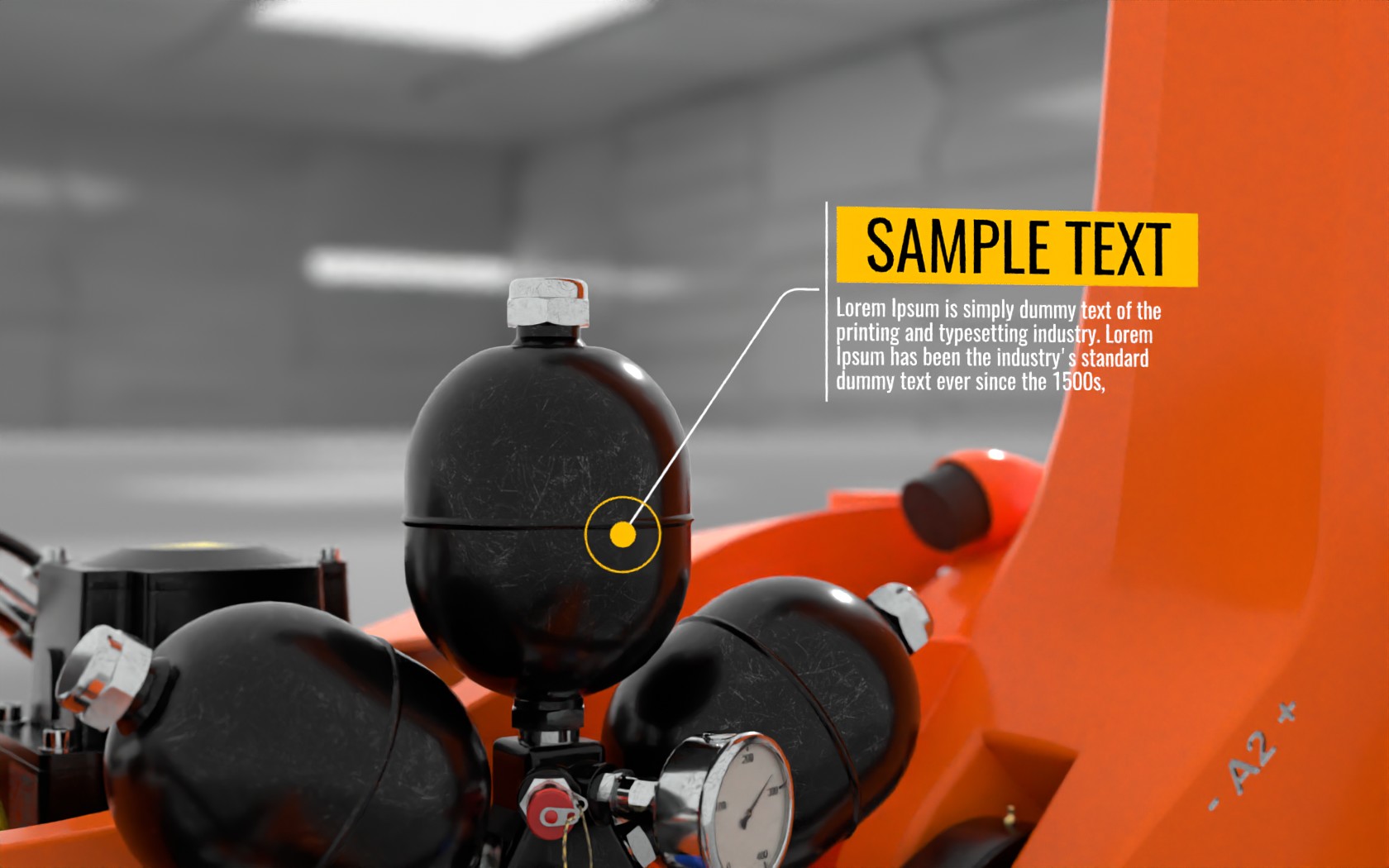
This item has an average rating of 5 from 15 ratings by the community.
Purchase this item to leave a review!
Nanomanpro
about 3 years ago
Thank You for opinion :)
Nanomanpro
over 3 years ago
Hi Jan, and thanks for the positive comment :)
Nanomanpro
over 3 years ago
Thank You very much for your opinion and constructive feedback.
When choosing individual settings of nodes to the level of modifiers, I had several dilemmas between the number of available sliders and the readability of the entire panel. I thought it would be better to keep it more readable, and if necessary, users can easily add their own options to modifiers as needed.
As for the "Asset Browser", it has one problem at the moment, namely the objects that by default have to be rotated by some angle before being added to the library as in this case are not badly rotated when adding them to the scene, which requires manual adjustments. I am currently using the free addon "Asset Wizard", which does not have similar problems.
I plan to gradually expand the library, so I will probably also prepare the appropriate files so that users can immediately add them to the "Asset Browser".
Regards :)
Nanomanpro
over 3 years ago
The "Set Spline Resolution" node is here for a reason. Some fonts such as Google font "Special Elite" are very dense in terms of the number of curve divisions, which can cause the wiewport to slow down with large amounts of text. That's why I put the "Set Spline Resolution" node to suggest to the user that this is the appropriate solution in this situation. I will put the relevant information in the FAQ.
Anyway, thanks for your feedback and comment.
Have questions about this product?
Login to message
| Sales | 700+ |
| Rating | 15 ratings |
| Published | over 3 years ago |
| Blender Version | 4.3, 4.2, 4.1, 4.0, 3.6, 3.5, 3.4 |
| License | Royalty Free |
 Jan Novotný
 Béla
Béla
 Mark
Mark
 Jonathan Ball
