 Mrs Eliza




Procedural Growth & Spread Simulation Addon for Blender
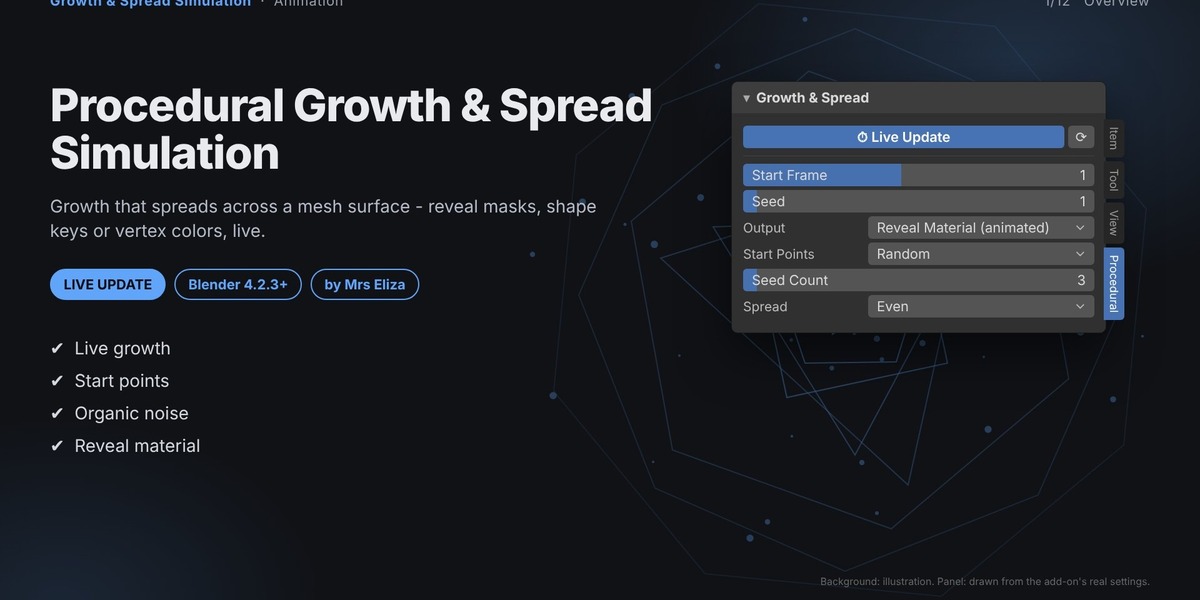
Create realistic procedural growth, spreading effects, organic reveals, infections, crystal formations, and surface transformations directly on your 3D models!
The Procedural Growth & Spread Simulation addon brings your Blender projects to life by simulating organic effects that spread across mesh surfaces. Create everything from creeping moss and spreading infections to lava, frost, crystals, toxic slime, magical energy, and more.
The simulation travels across mesh surfaces from selected starting points, following mesh edges with customizable organic noise. Create animated reveal effects, swelling surfaces, or static vertex-color maps with a fully procedural and customizable workflow.
Whether you're creating visual effects, environments, abstract animations, or detailed materials, this addon gives you an easy way to achieve impressive growth and spreading effects.
✨ Key Features
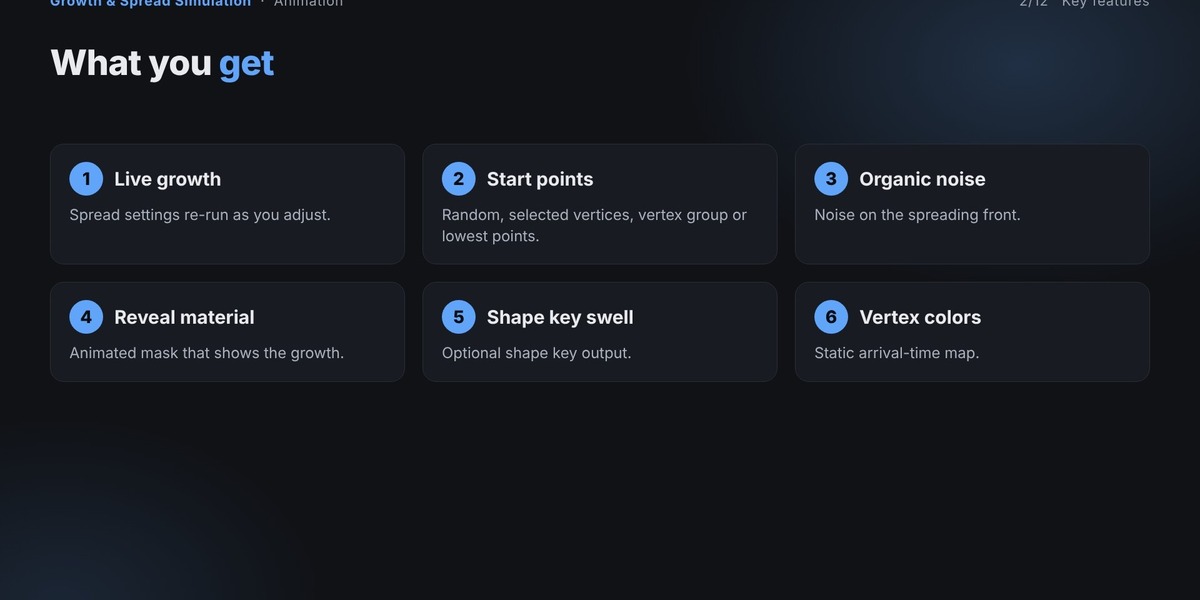
Fully Procedural Simulation: Generate customizable growth and spreading effects across mesh surfaces.
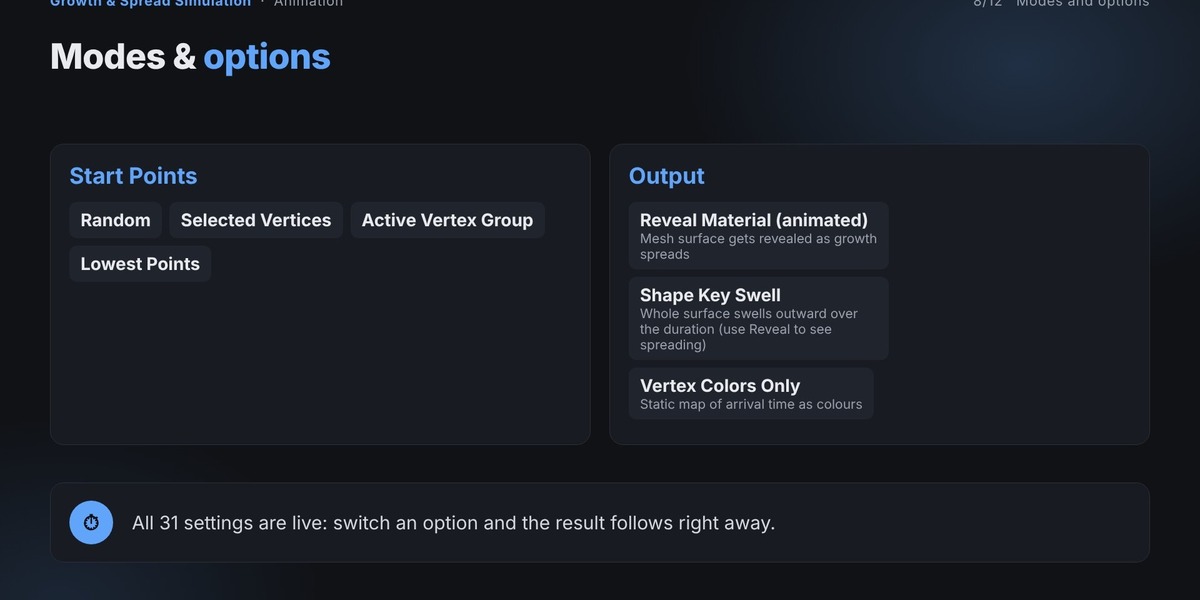
3 Output Modes: Create animated reveal materials, shape key swelling effects, or static vertex-color maps.
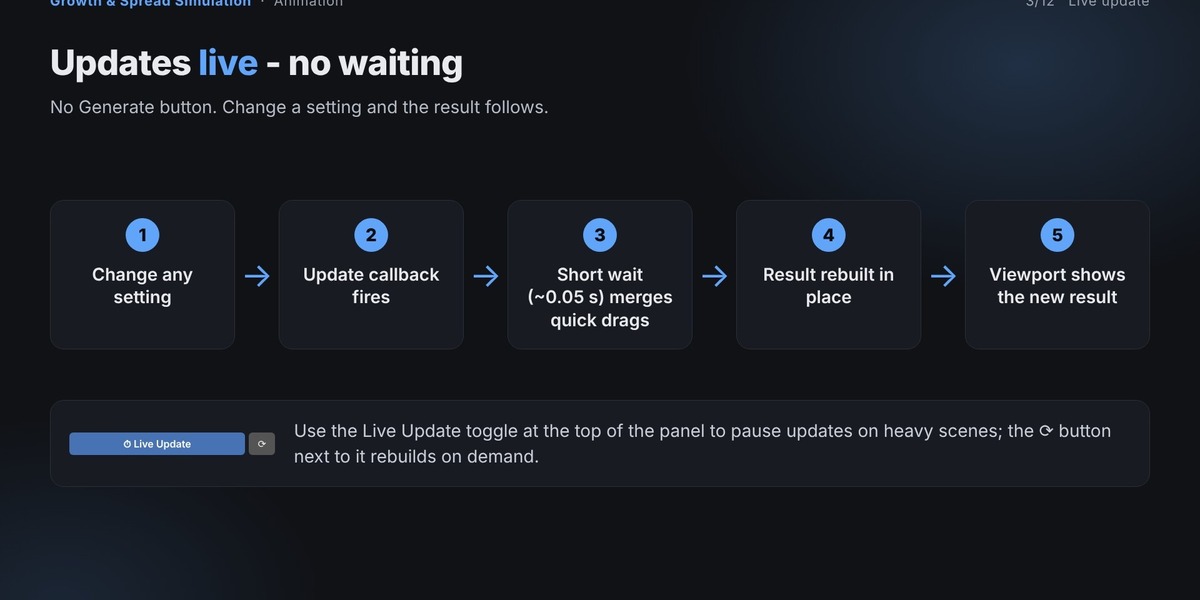
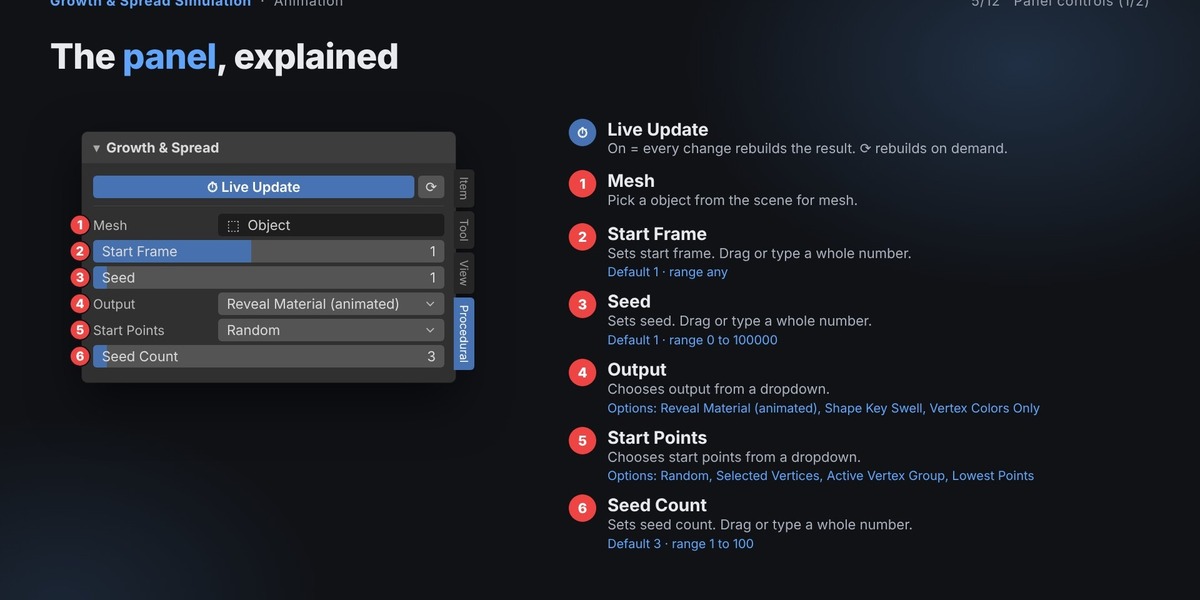
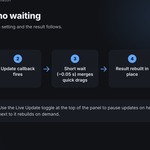
Live Update: Changes to settings automatically rebuild the result.
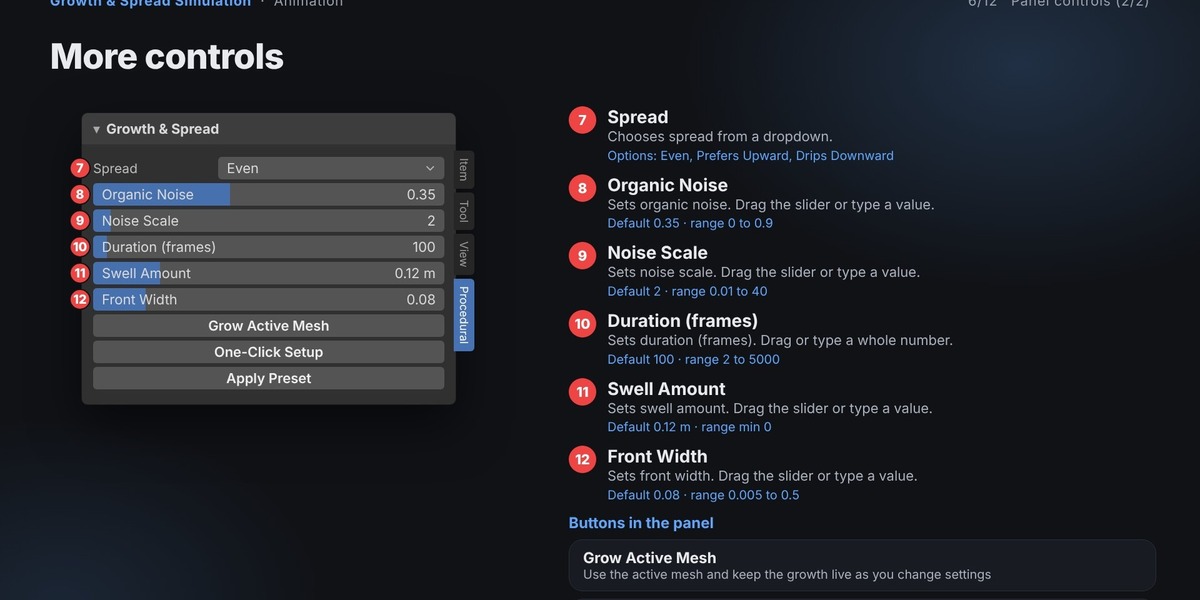
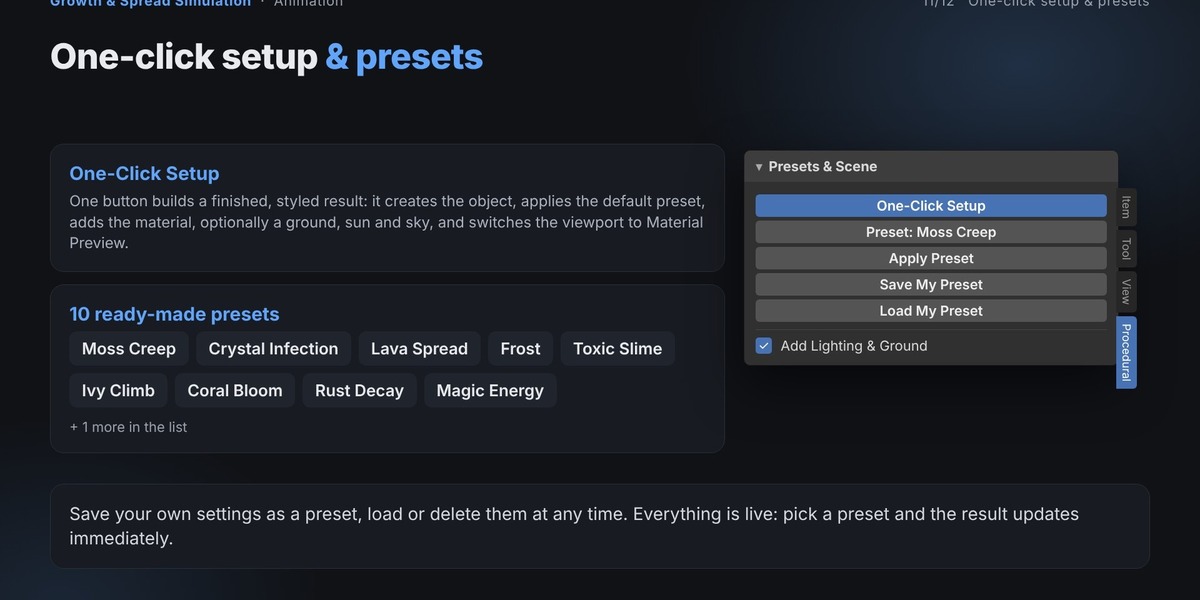
One-Click Setup: Instantly create a ready-to-preview example with materials, lighting, ground, and preset settings.
10 Built-in Presets: Quickly create different organic and stylized effects.
Custom Growth Starting Points: Choose random points, selected vertices, active vertex groups, or lowest points.
Organic Noise Controls: Customize irregular spreading patterns and natural-looking growth.
Animated Effects: Control animation timing, speed, duration, and starting frames.
Customizable Materials: Adjust colors, textures, roughness, metallic, bump, and glow.
Growing Spikes & Crystals: Add procedural spikes and crystal-like formations to your growing surface.
Reverse Growth / Decay: Create effects that consume or decay a surface instead of growing.
Save Custom Presets: Save, load, and delete your own configurations.
🌱 10 Built-in Presets
Get started quickly with 10 ready-made presets designed for different visual effects.
Moss Creep – Organic moss spreading across surfaces.
Crystal Infection – Crystal formations spreading over objects.
Lava Spread – Glowing molten lava spreading across a surface.
Frost – Frozen patterns and icy surface coverage.
Toxic Slime – Chemical slime and toxic spreading effects.
Ivy Climb – Plant-like growth spreading across surfaces.
Coral Bloom – Organic coral-inspired growth patterns.
Rust Decay – Procedural rust and surface deterioration.
Magic Energy – Glowing magical energy spreading across objects.
Slow Fungus – Organic fungal growth and spreading effects.
Choose a preset, apply it, and customize every setting to achieve your desired result.
⚙️ Three Procedural Output Modes
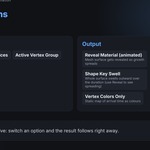
1. Reveal Material (Animated)
Reveal your mesh progressively as the growth front travels across its surface. Perfect for organic reveals, spreading materials, infections, and animated visual effects.
2. Shape Key Swell
Create a swelling effect that pushes the surface outward over the animation duration. Ideal for growing surfaces and expanding organic forms.
3. Vertex Colors Only
Generate a static vertex-color map representing the arrival time of the growth simulation. Useful for custom material setups and further procedural workflows.
🎨 Advanced Customization
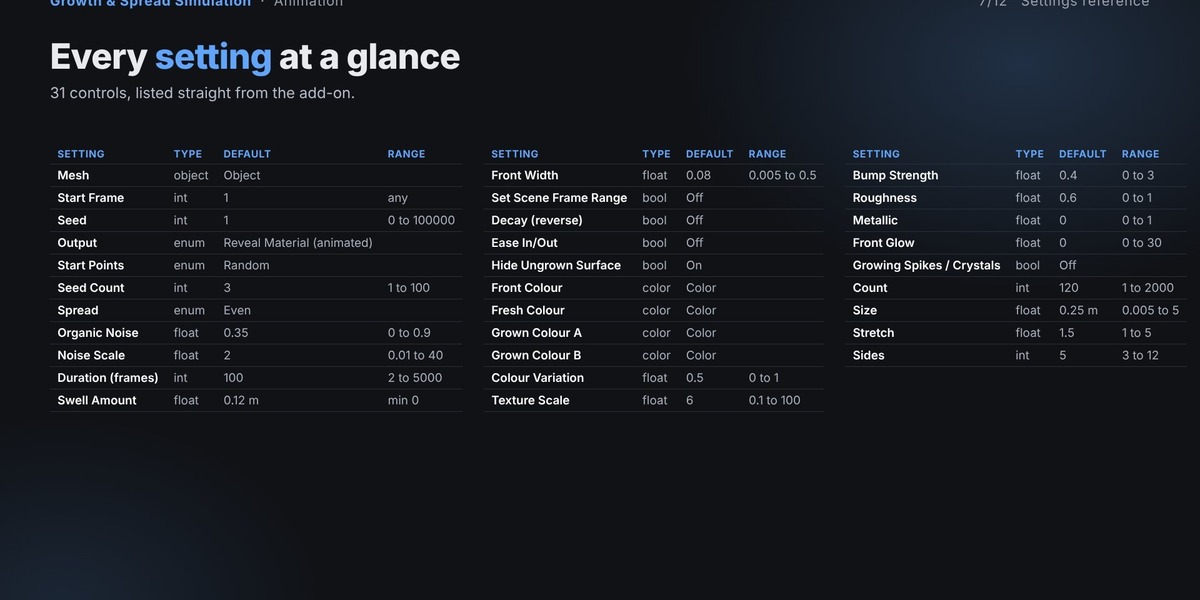
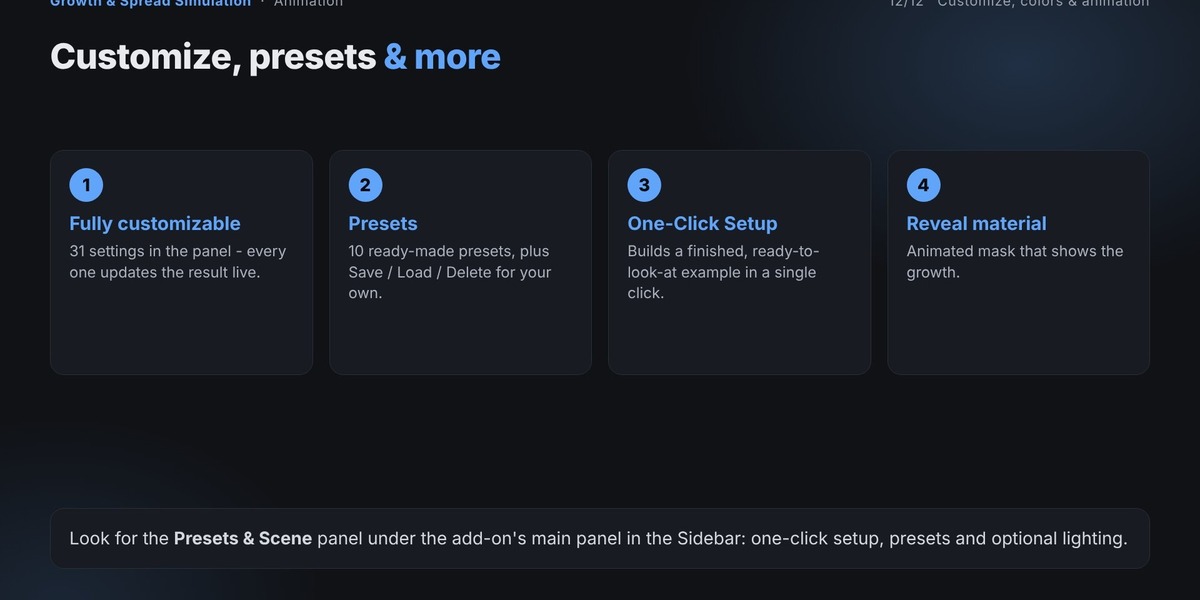
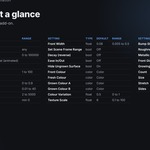
Take complete control over your simulation with 31 customizable settings.
Growth Controls
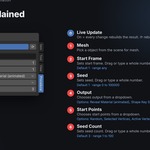
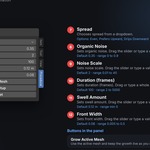
Growth starting points
Seed count and random seed
Spread direction and behavior
Organic noise and noise scale
Animation duration and start frame
Front width and swell amount
Animation Controls
Start frame
Animation duration
Ease In / Out
Reverse decay
Hide ungrown surface
Scene frame range control
Material & Appearance
Front color
Fresh growth color
Two grown surface colors
Color variation
Texture scale
Bump strength
Roughness
Metallic
Front glow
Spikes & Crystal Controls
Enable or disable growing spikes and crystals
Customize count
Adjust size
Control stretch
Change crystal sides
Every setting is customizable, allowing you to create unique results instead of relying on fixed presets.
🎬 Animation Features
Bring your procedural effects to life with timeline-based animation.
Animate growth and spreading across mesh surfaces.
Control the animation start frame.
Adjust total animation duration.
Customize spreading speed.
Create reverse decay animations.
Use Ease In / Out for smoother animation.
Adjust the growth front width.
Use the Stop All Animation button to remove animation added by the Presets & Scene panel.
Simply adjust your settings and play the Blender timeline to preview the effect.
🚀 One-Click Setup
Get started without manually configuring everything.
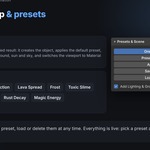
The One-Click Setup feature creates a ready-to-preview example in a single step.
It can automatically:
Apply the selected preset.
Generate the growth effect.
Create the required material and textures.
Add a ground plane.
Add a sun light.
Set the sky color.
Switch the viewport to Material Preview.
Create a complete example scene with just one click!
💾 Custom Preset Library
Create and manage your own procedural effect presets.
Save My Preset: Save your current settings.
Load My Preset: Restore your saved settings.
Delete My Preset: Remove unwanted custom presets.
Your custom presets are stored in your Blender configuration folder and remain available across different .blend projects.
🛠️ Easy Workflow
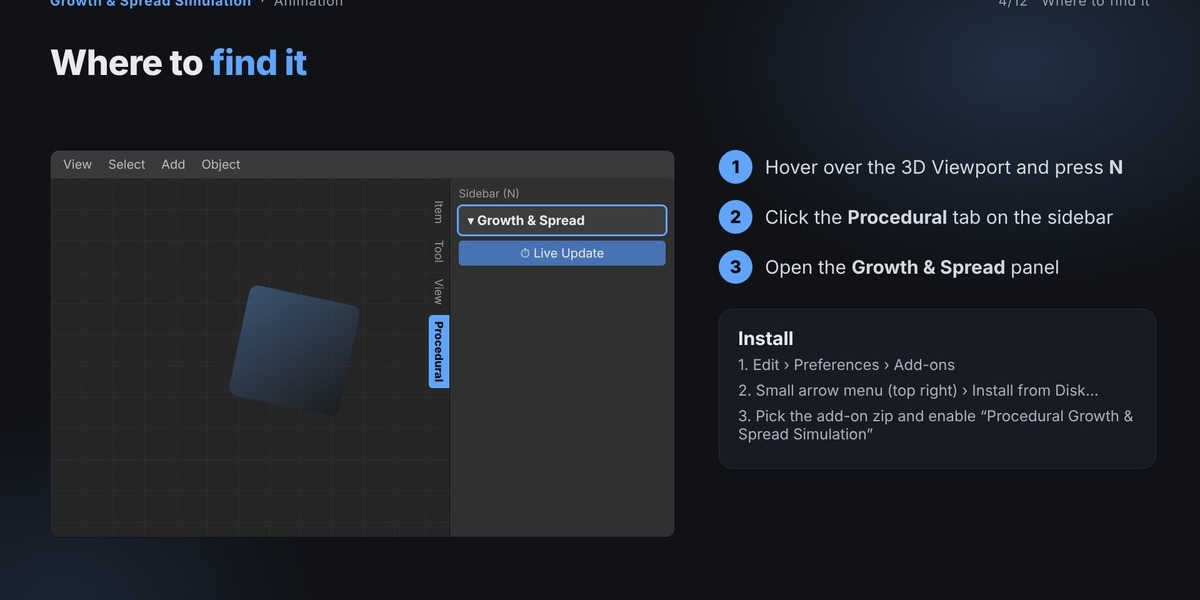
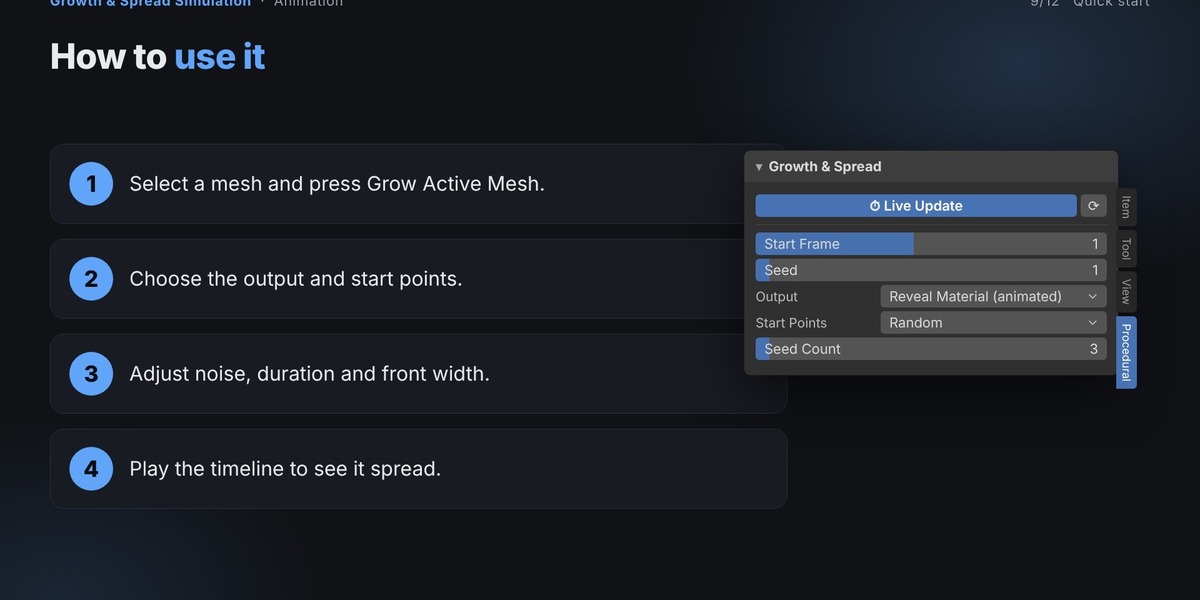
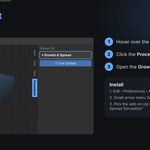
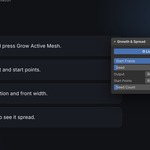
Select a mesh object in Blender.
Open the 3D Viewport sidebar by pressing N.
Navigate to the Procedural tab.
Open the Growth & Spread panel.
Click Grow Active Mesh.
Choose your preferred output mode.
Select the growth starting points.
Customize noise, duration, colors, materials, and other settings.
Play the timeline to see your effect in action.
You can also use One-Click Setup to generate a complete example instantly.
🎯 Perfect For
Moss and vegetation growth effects
Spreading infections and corruption
Crystal and mineral formations
Lava and molten surface effects
Frost and ice spreading
Toxic slime and chemical effects
Ivy and organic plant growth
Coral and fungal formations
Magical energy and glowing effects
Rust, decay, and surface deterioration
Animated material reveals
Procedural visual effects and motion graphics
💡 Tips for Best Results
Use Reveal Material for the easiest way to preview animated growth.
Use a vertex group when you need precise growth starting points.
Increase Organic Noise for more irregular and natural spreading.
Use a dense mesh for more detailed surface effects, but remember that dense meshes may take longer to simulate.
Decimate complex meshes if live updates become slow.
📦 Technical Information
Product: Procedural Growth & Spread Simulation
Software: Blender
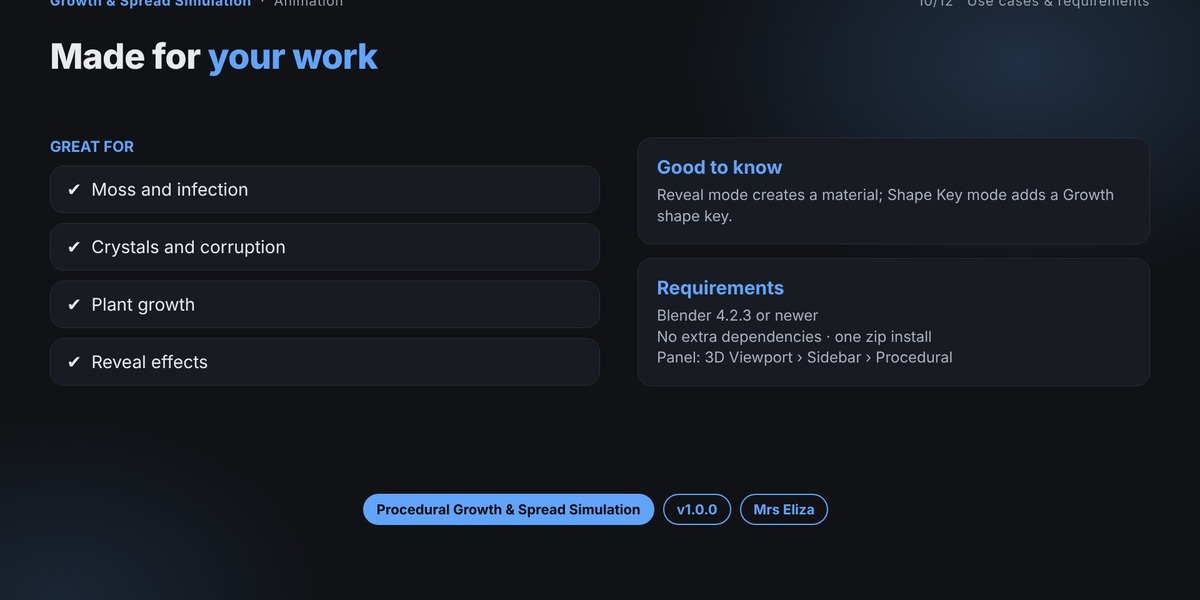
Minimum Blender Version: 4.2.3
Version: 1.0.0
Type: Procedural Simulation & Animation Addon
Workflow: Non-destructive live updating
Preset Library: 10 built-in presets + custom saved presets
⭐ Bring Your 3D Models to Life!
Create stunning organic growth, spreading materials, animated reveals, crystal formations, and surface transformations with the Procedural Growth & Spread Simulation Addon for Blender.
Customize your effects, experiment with different presets, and transform ordinary mesh surfaces into dynamic procedural creations!