 Mrs Eliza
❓ Frequently Asked Questions
Q: Which Blender versions are supported?
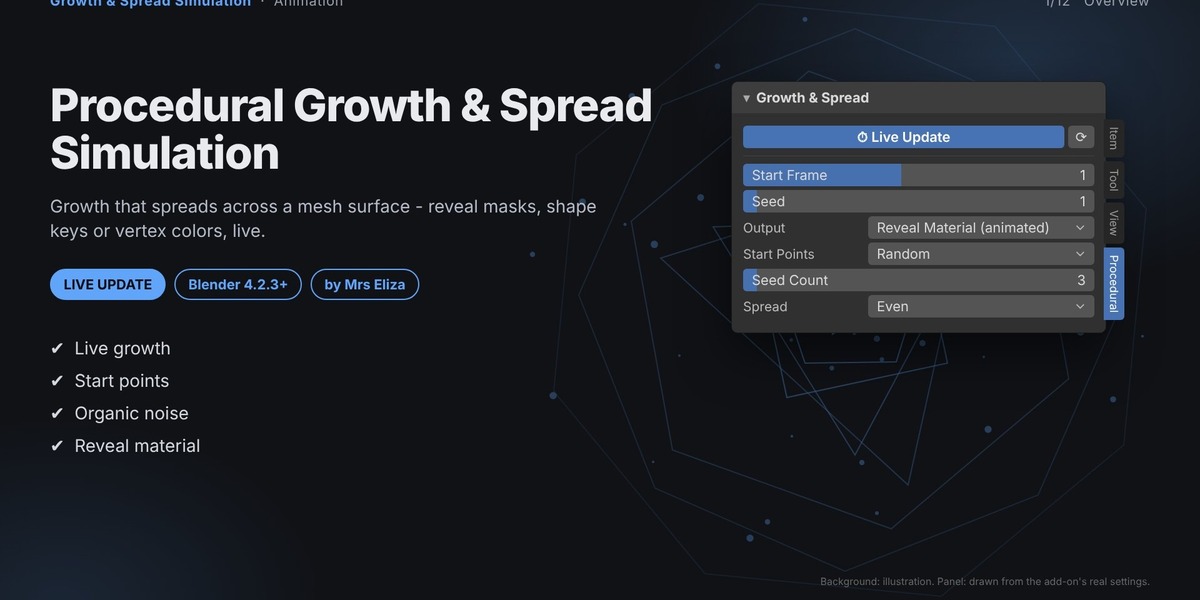
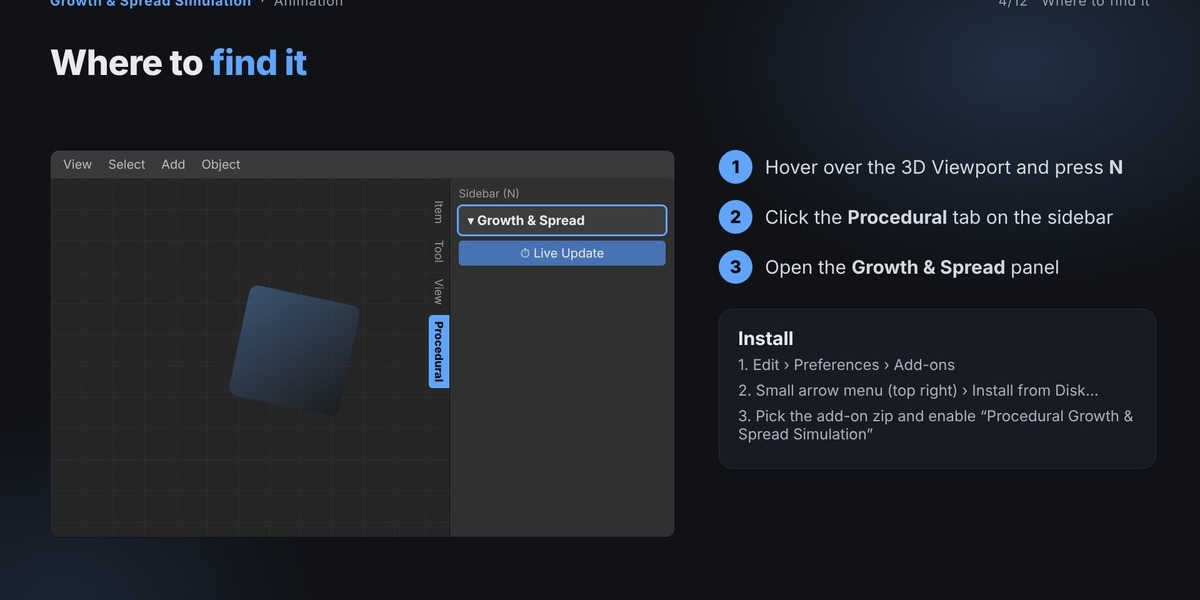
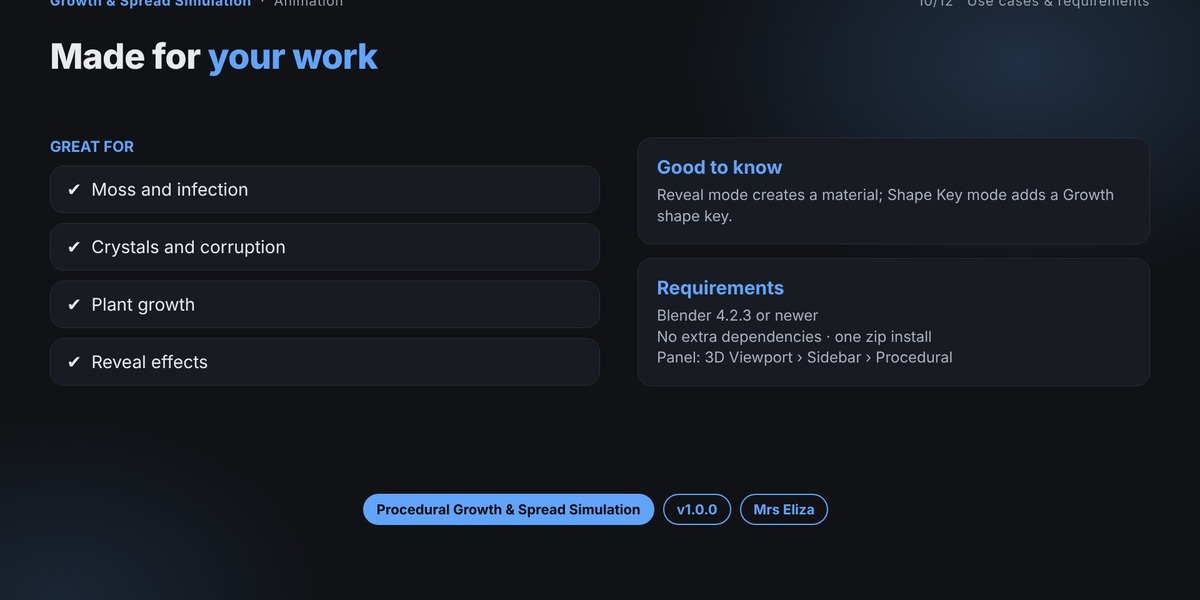
A: The addon supports Blender 4.2.3 or newer.
Q: How do I see the growth animation?
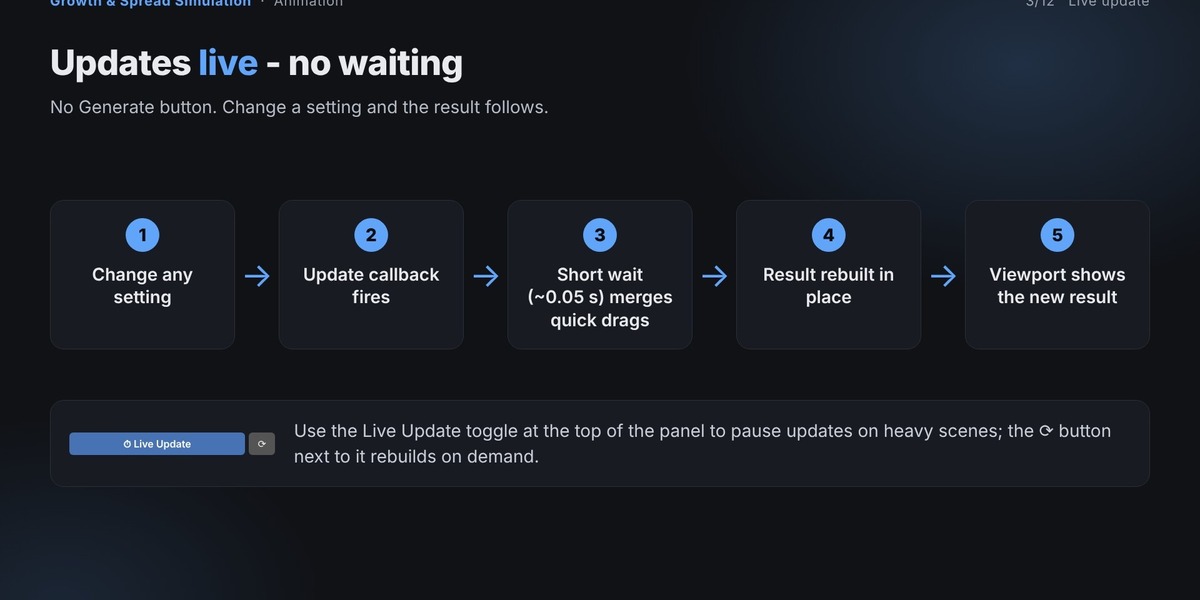
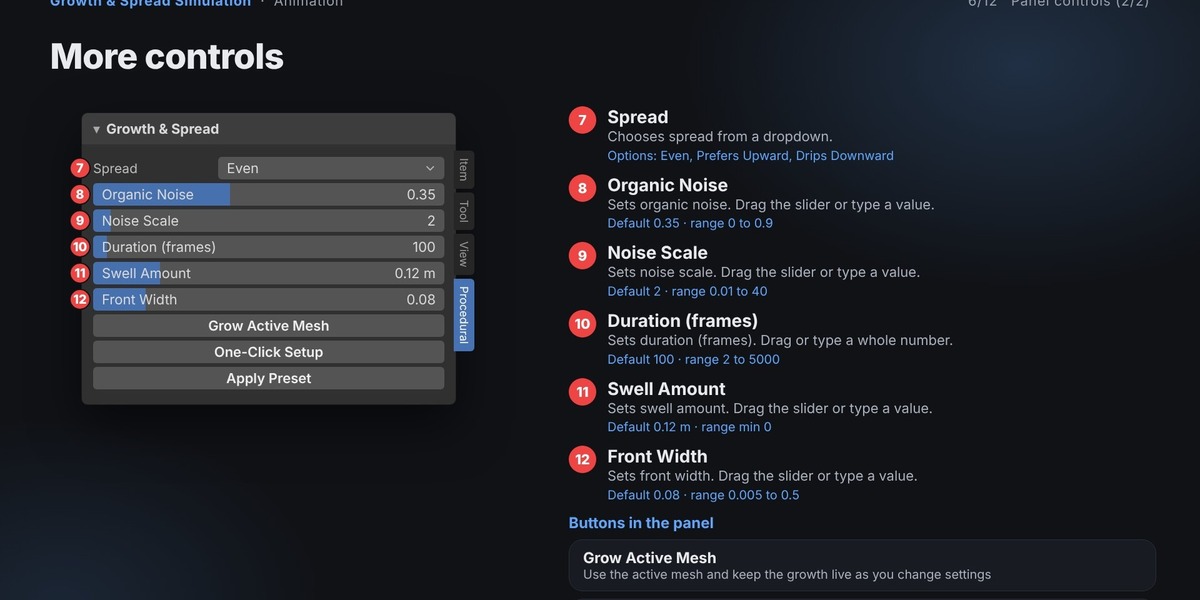
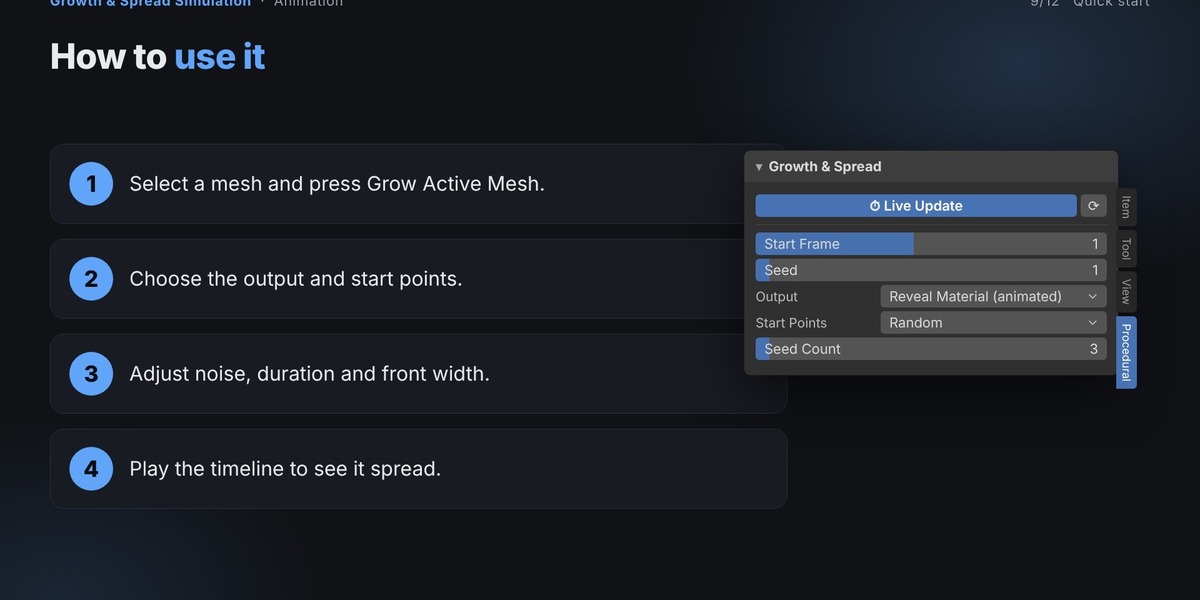
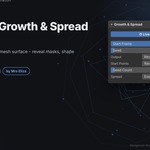
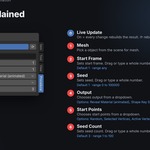
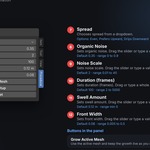
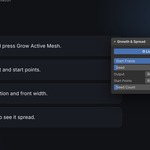
A: Play the Blender timeline. The effect is animated according to the Start Frame and Duration settings.
Q: Why isn't anything growing?
A: Make sure you are playing the timeline and that the animation frame is within the configured growth duration.
Q: Can I control where the growth begins?
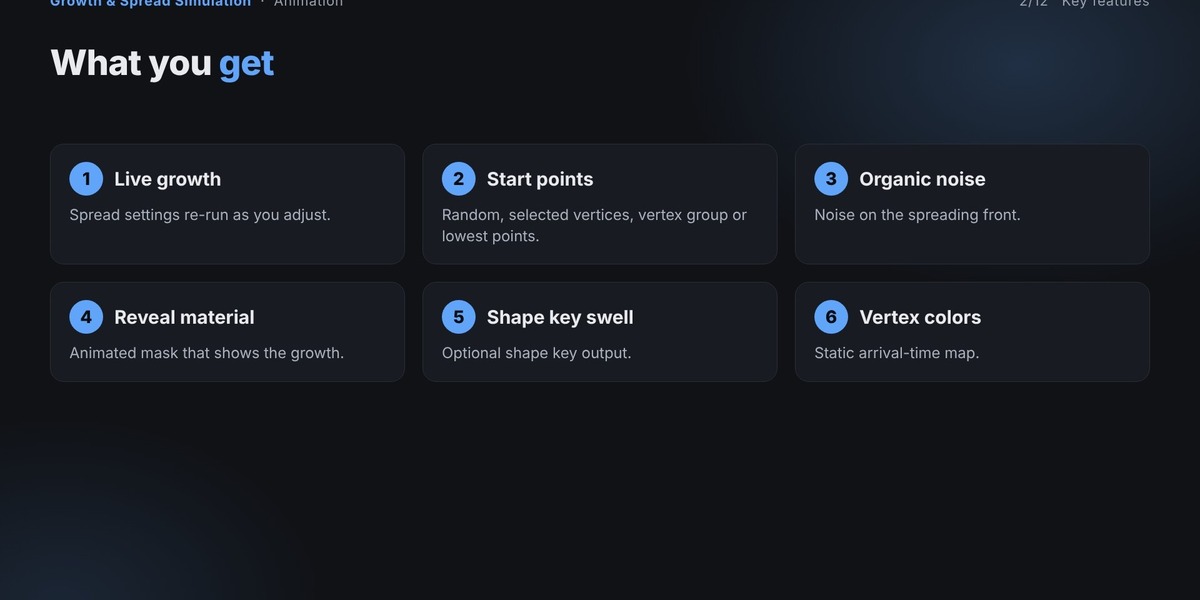
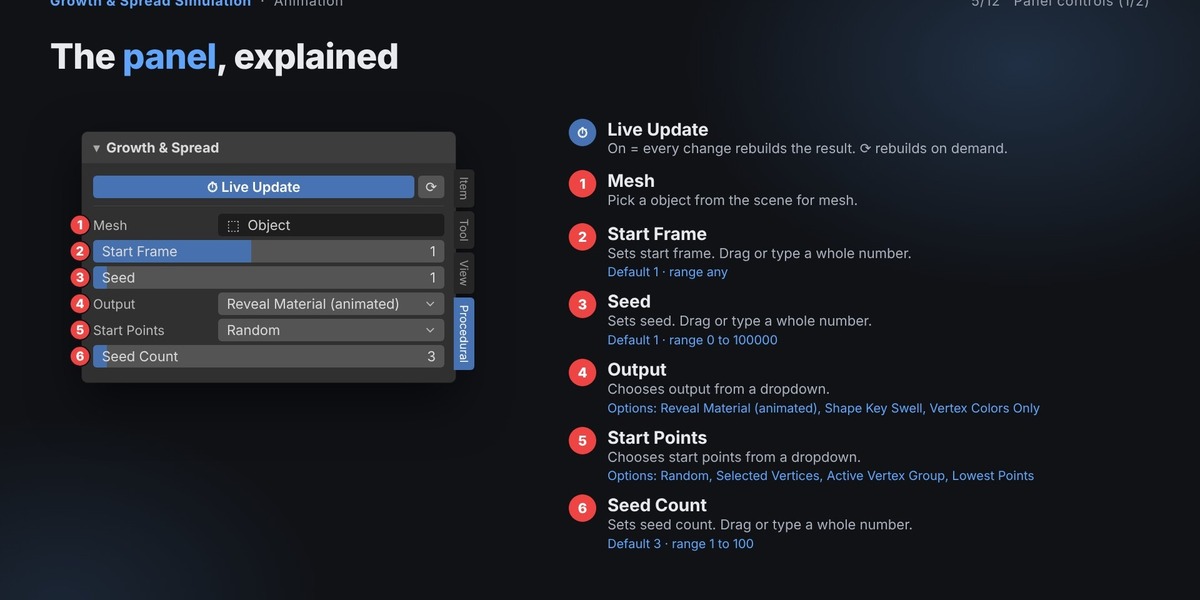
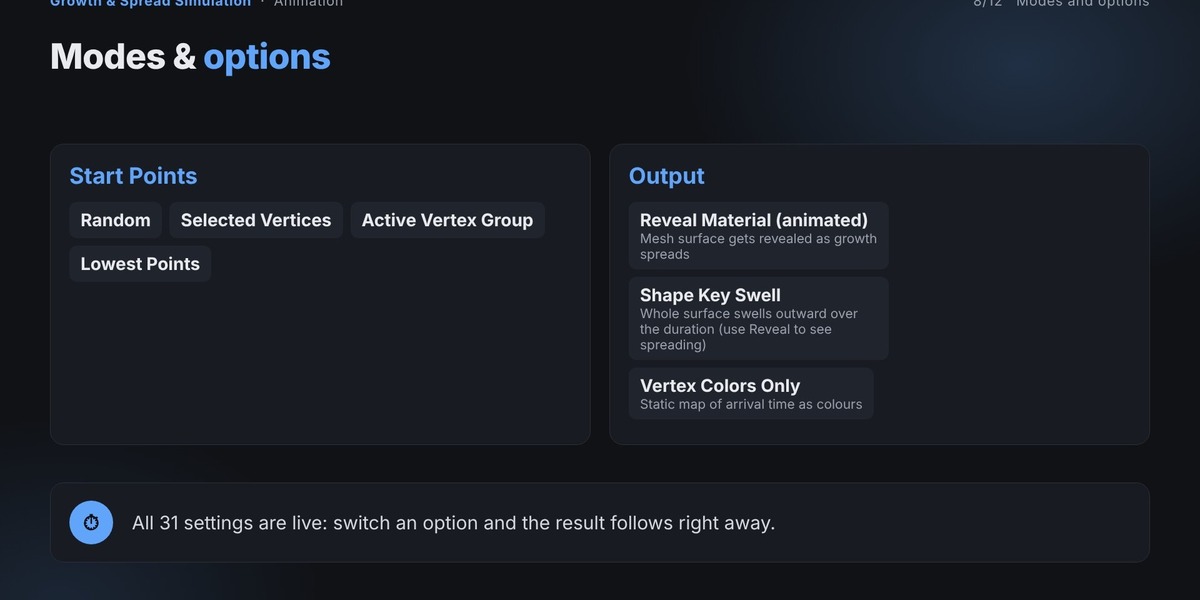
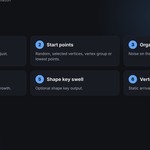
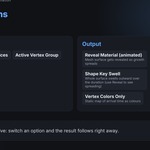
A: Yes! You can choose Random, Selected Vertices, Active Vertex Group, or Lowest Points.
Q: Can I create effects without animation?
A: Yes! Choose Vertex Colors Only to generate a static map of growth arrival times.
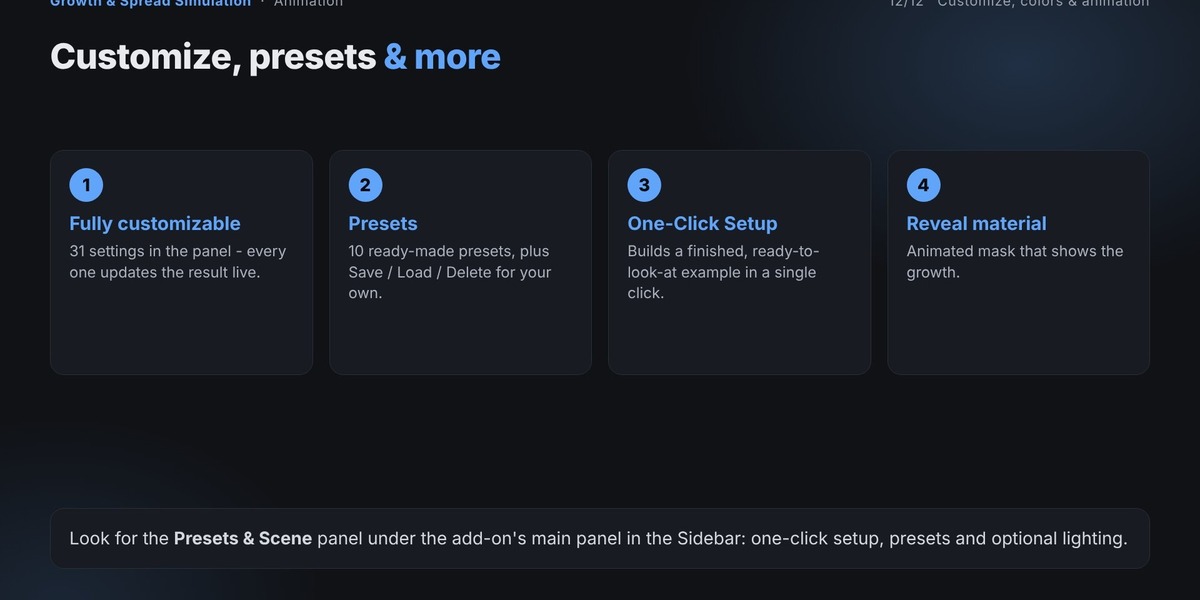
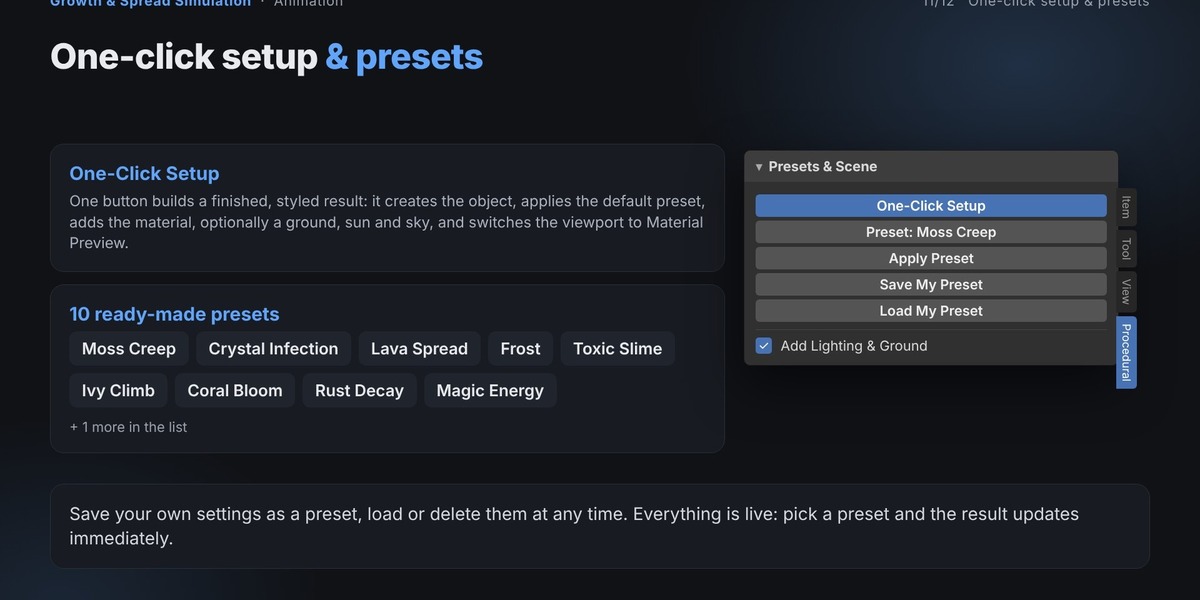
Q: Can I create my own presets?
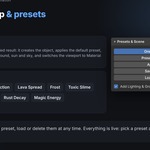
A: Yes! Use Save My Preset, Load My Preset, and Delete My Preset to manage your custom configurations.
Q: Can I reverse the growth effect?
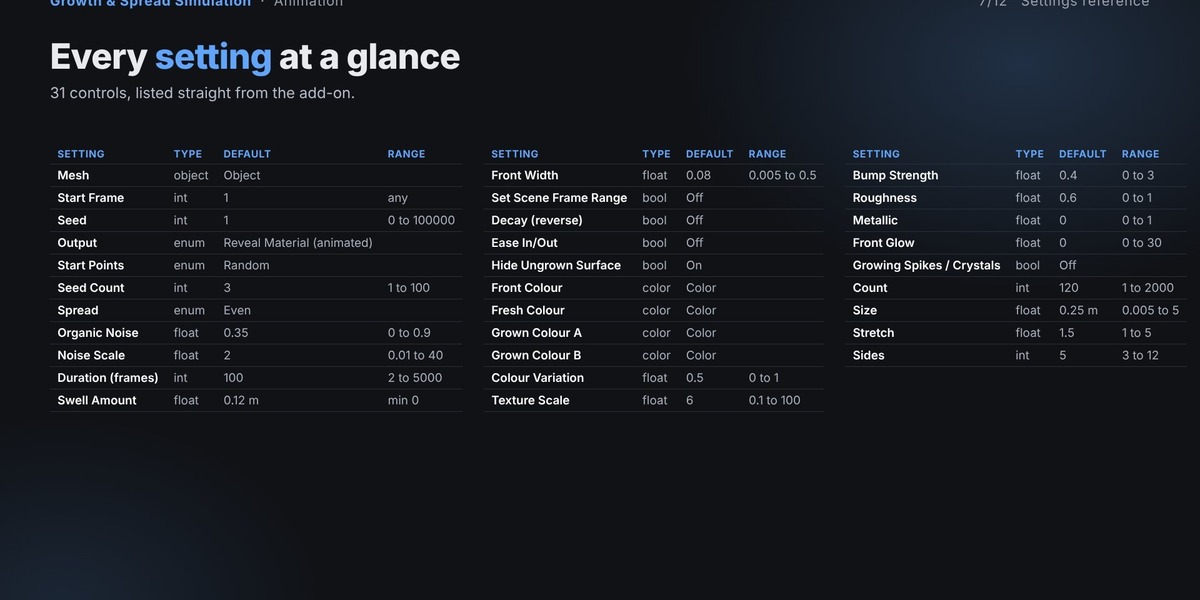
A: Yes! Enable Decay (Reverse) to create a surface-consuming effect instead of normal growth.
Q: Can I customize the materials?
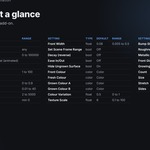
A: Yes! You can adjust colors, texture scale, bump strength, roughness, metallic, color variation, and front glow.
Have questions about this product?
Login to message
| Published | almost 3 years ago |
| Blender Version | 4.2 - 5.0 |
| Extension Type | Add-on |
| Render Engine Used | Cycles, Eevee |
| Misc Data | Uvs-Unwrapped, Rigged, Animated, Low-High-Resolution, Normal-Mapped, Textured |
| License | GPL |
Discover more products like this
Spread Simulation Growth Simulation visual effects blender addon animation surface effects crystal generator Organic Effects Procedural Growth Moss Generator procedural materials Geometry