 Mrs Eliza
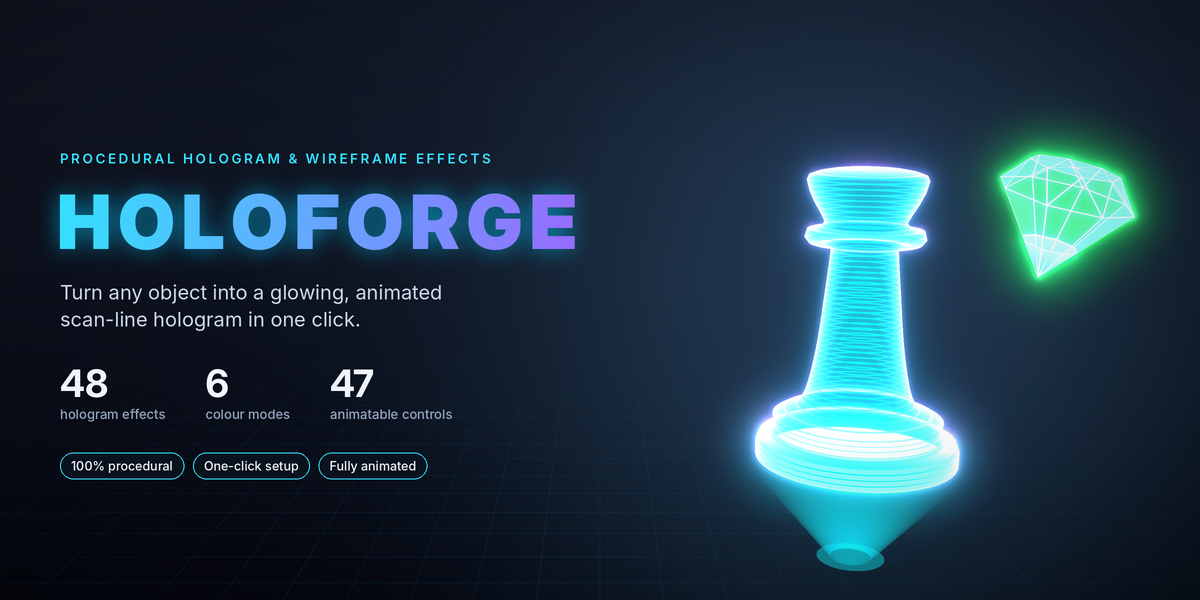
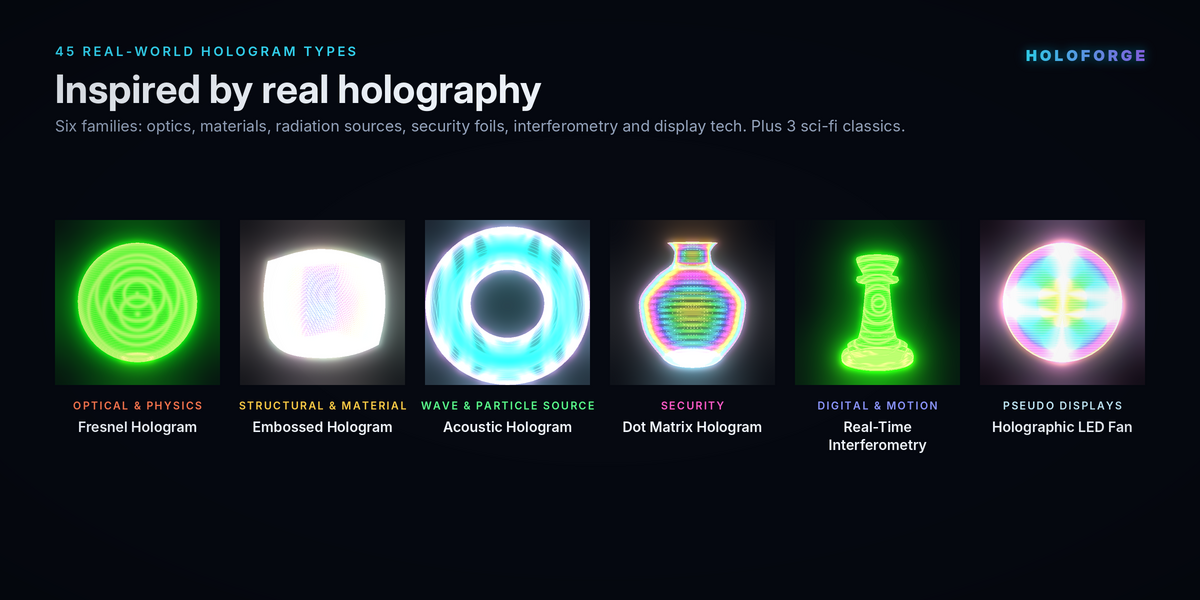
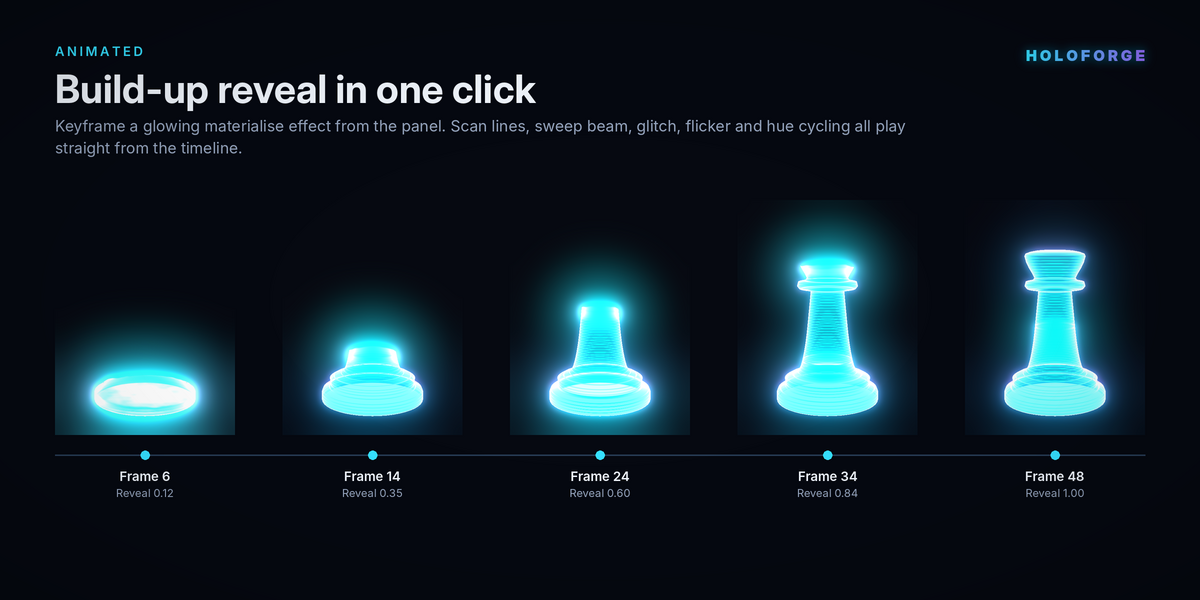





Requirements and installation
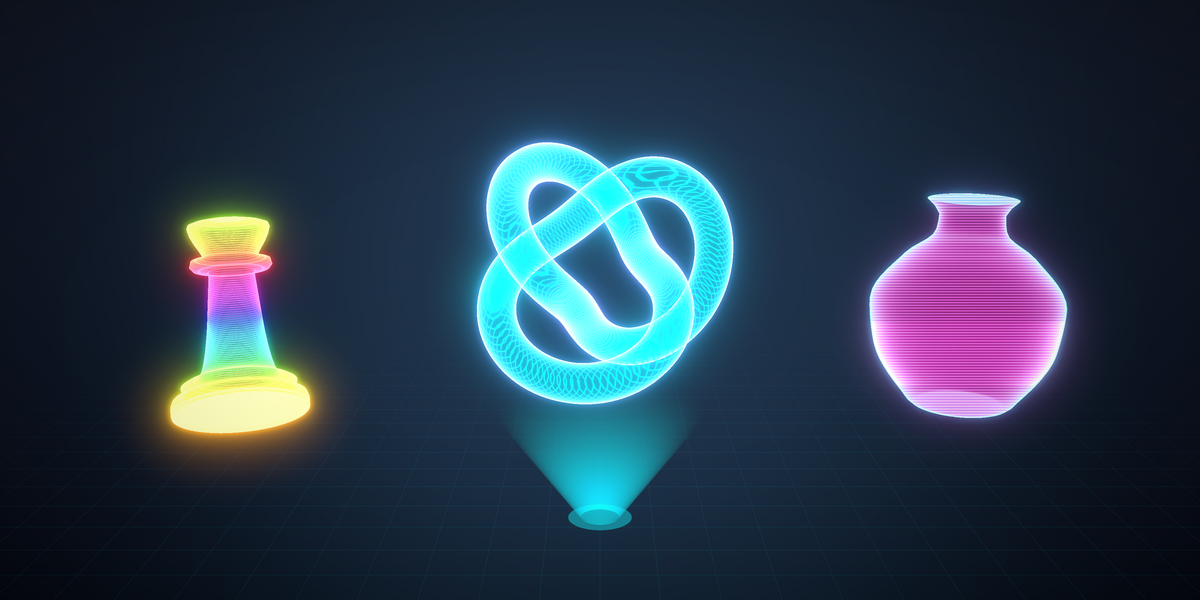
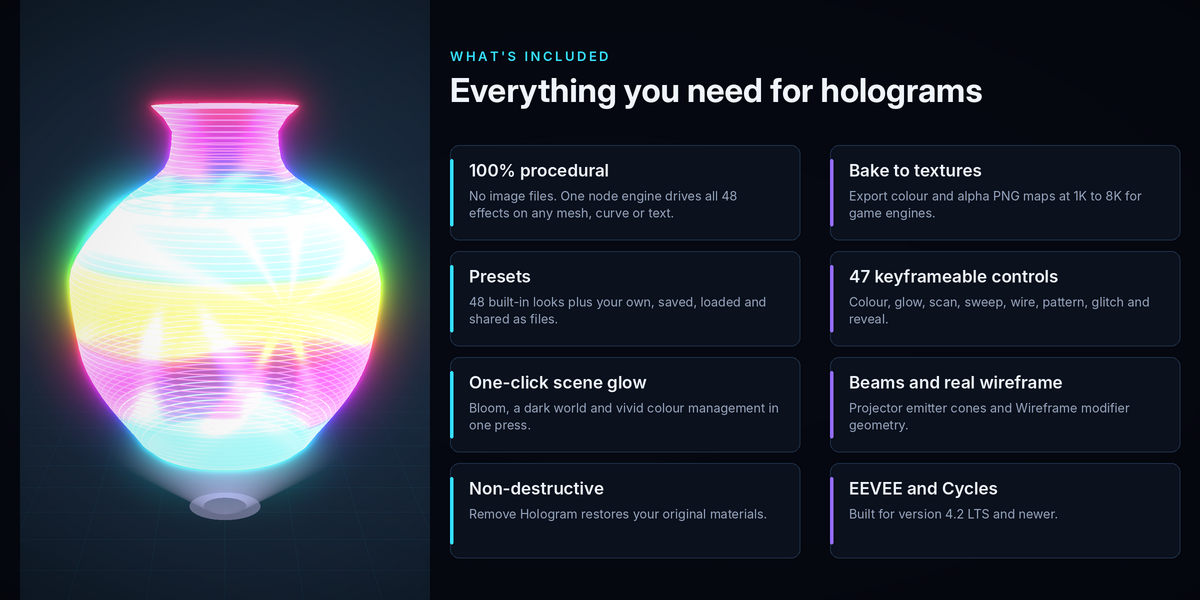
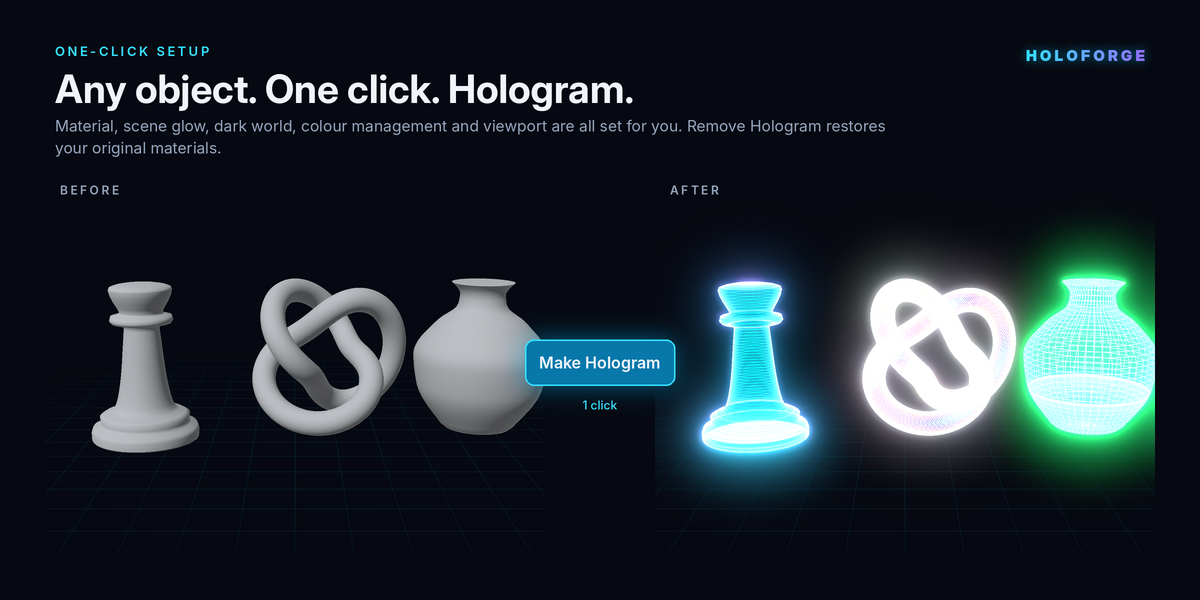
HoloForge needs Blender 4.2 or newer and works with both the EEVEE and Cycles render engines. It runs on Windows, macOS and Linux, with no extra software or Python packages.
To install it:
- Download the file holoforge_v1.0.0.zip and keep it zipped.
- In Blender, open Edit, then Preferences, then Get Extensions.
- Click the small arrow in the top-right corner and choose Install from Disk.
- Select the zip file and confirm.
- Close Preferences, open the 3D Viewport sidebar with the N key and click the HoloForge tab.
The first time the panel opens, HoloForge draws its gallery thumbnails in the background. This takes a moment and never freezes Blender. To update to a newer version, install the new zip the same way. To uninstall, find HoloForge in the extensions list and click Uninstall.
Have questions about this product?
Login to message
| Blender Extension Compatible | Yes |
| Published | 1 day ago |
| Blender Version | 4.2 - 5.3 |
| Extension Type | Add-on |
| Render Engine Used | Cycles |
| License | GPL |
Discover more products like this
HoloForge blender 3d hologram shader futuristic ui blender addon geometry nodes procedural hologram cyberpunk assets wireframe shader