 Mrs Eliza
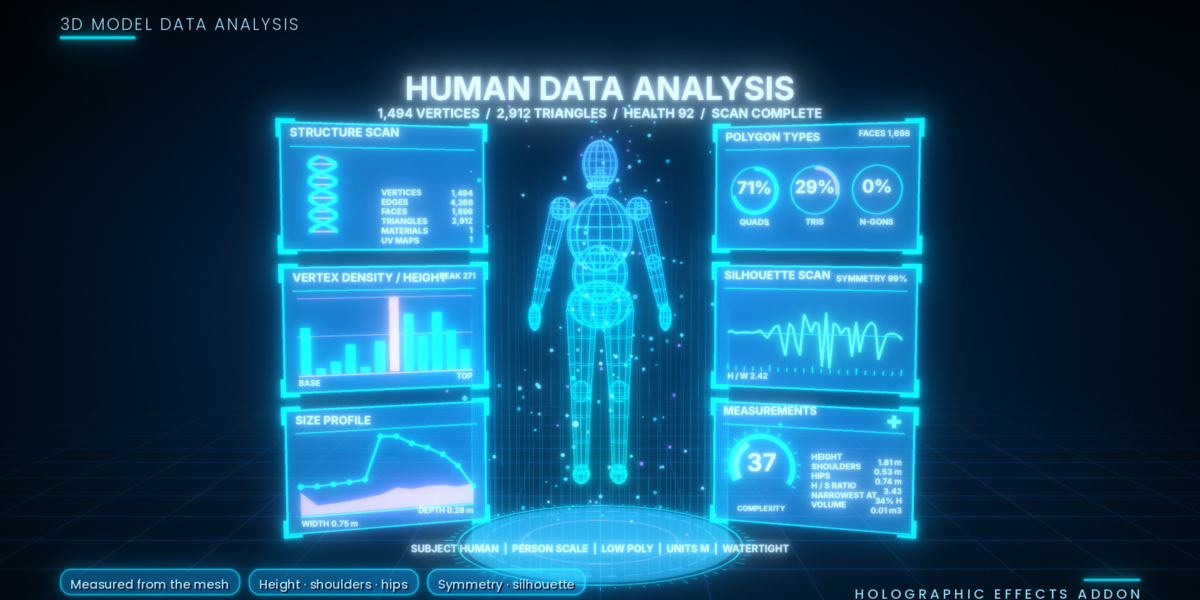
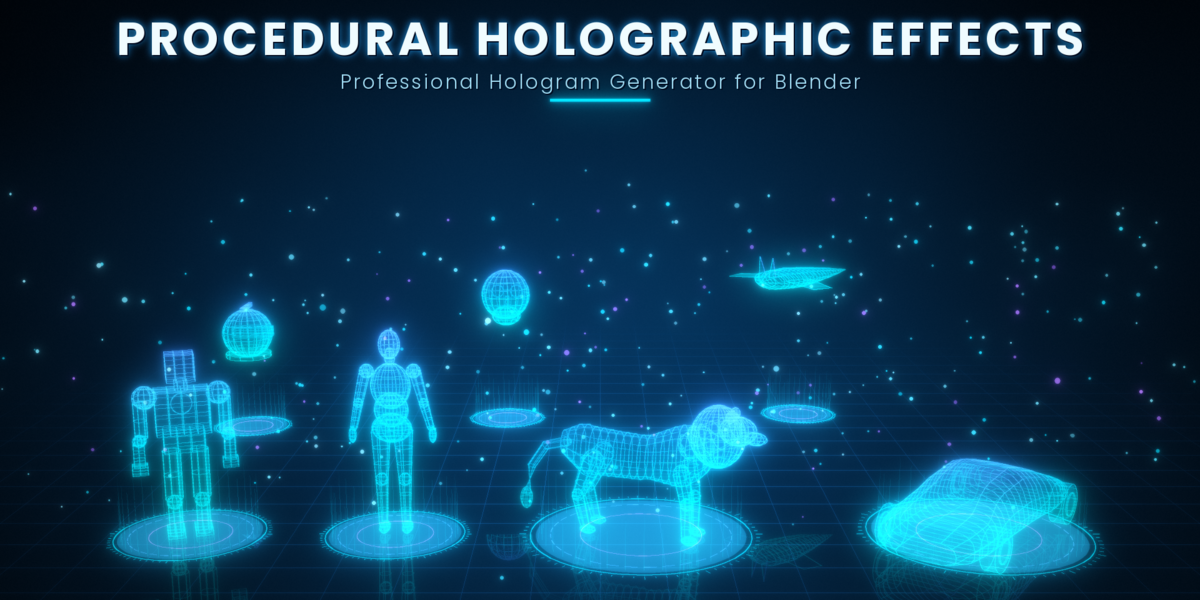
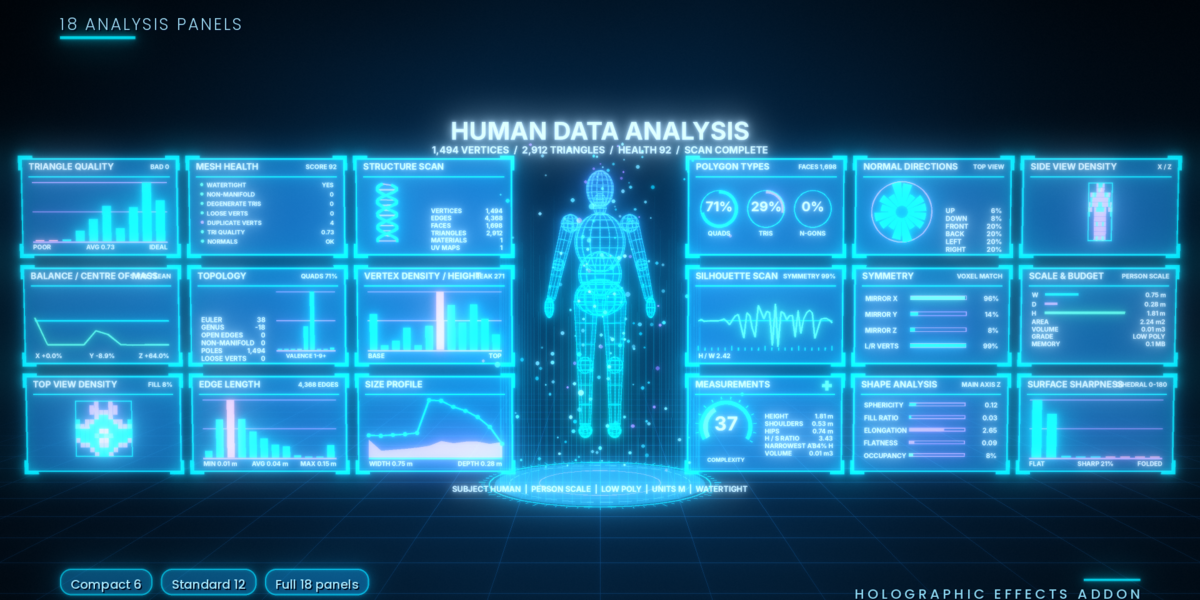
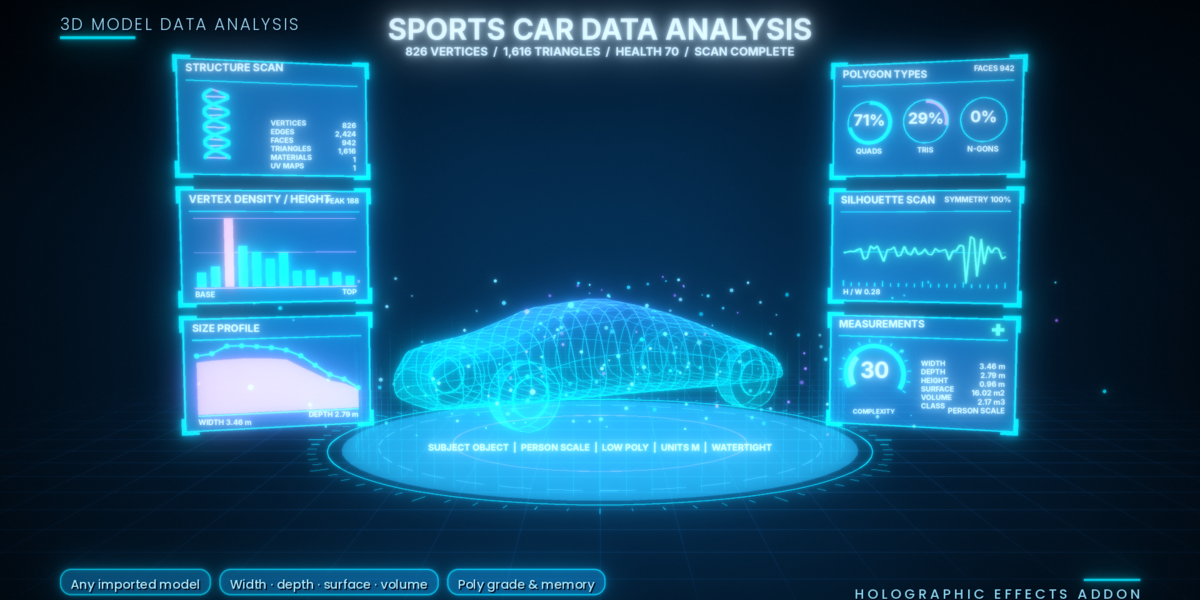
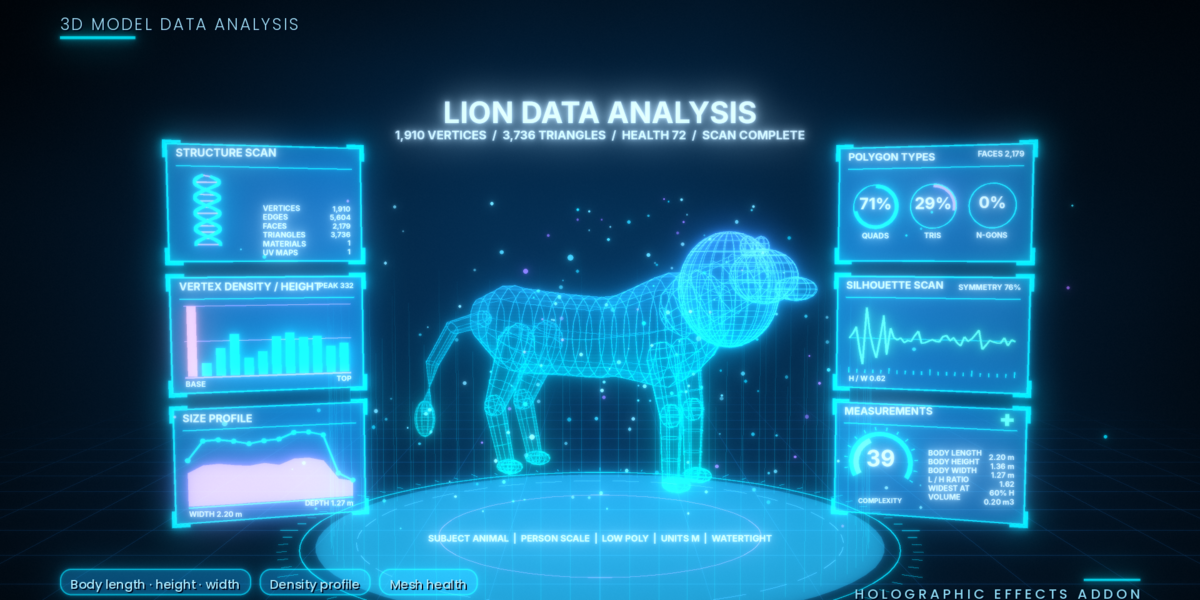
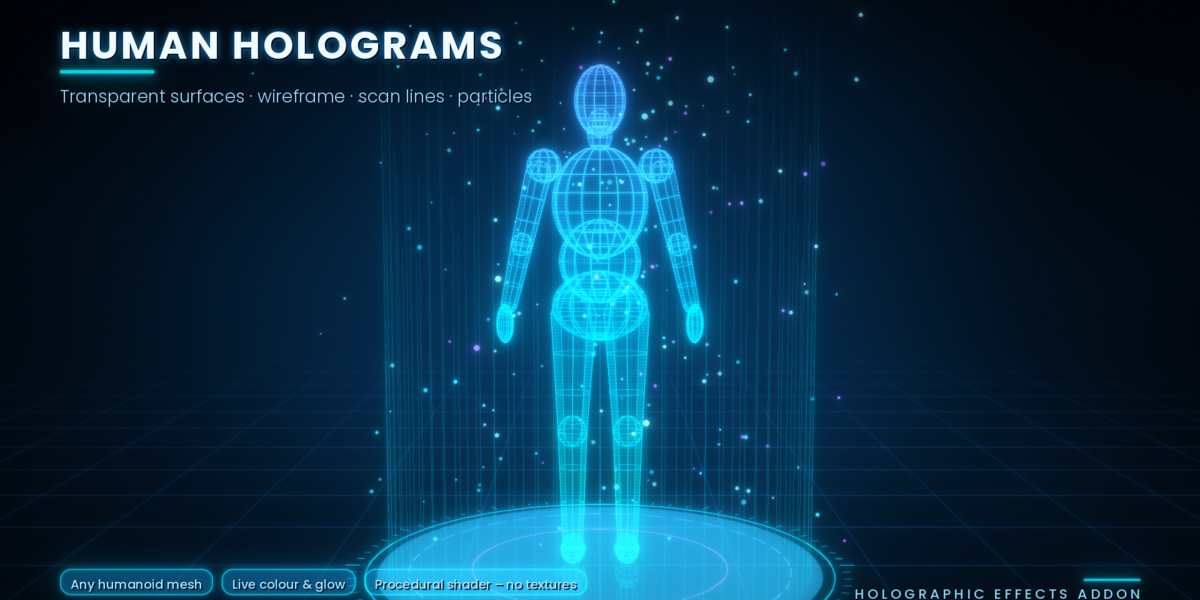
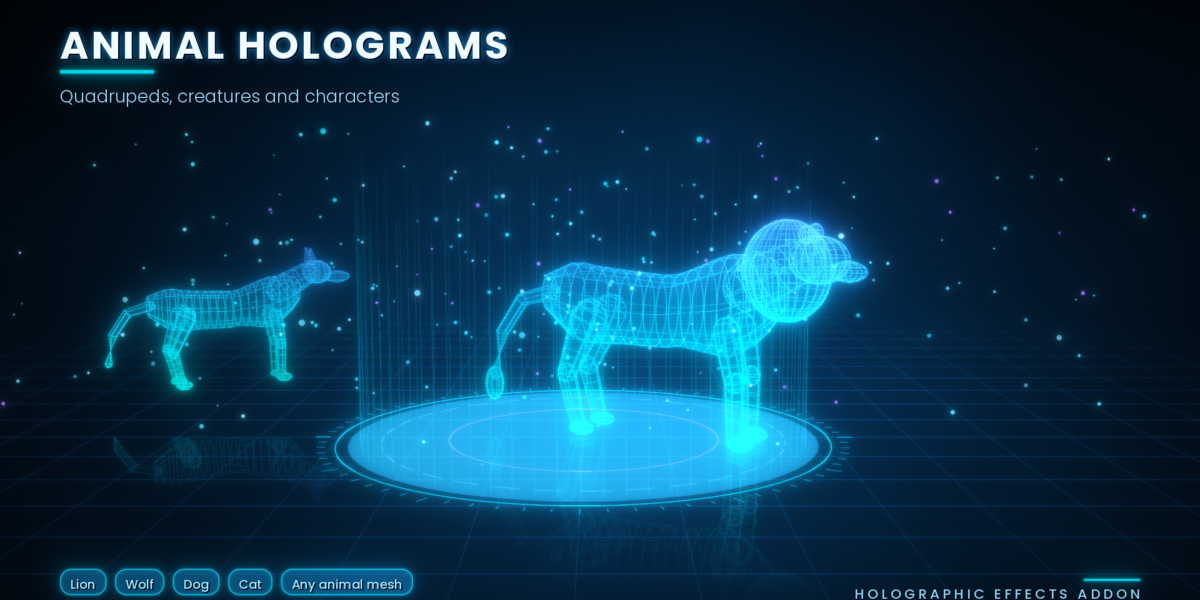
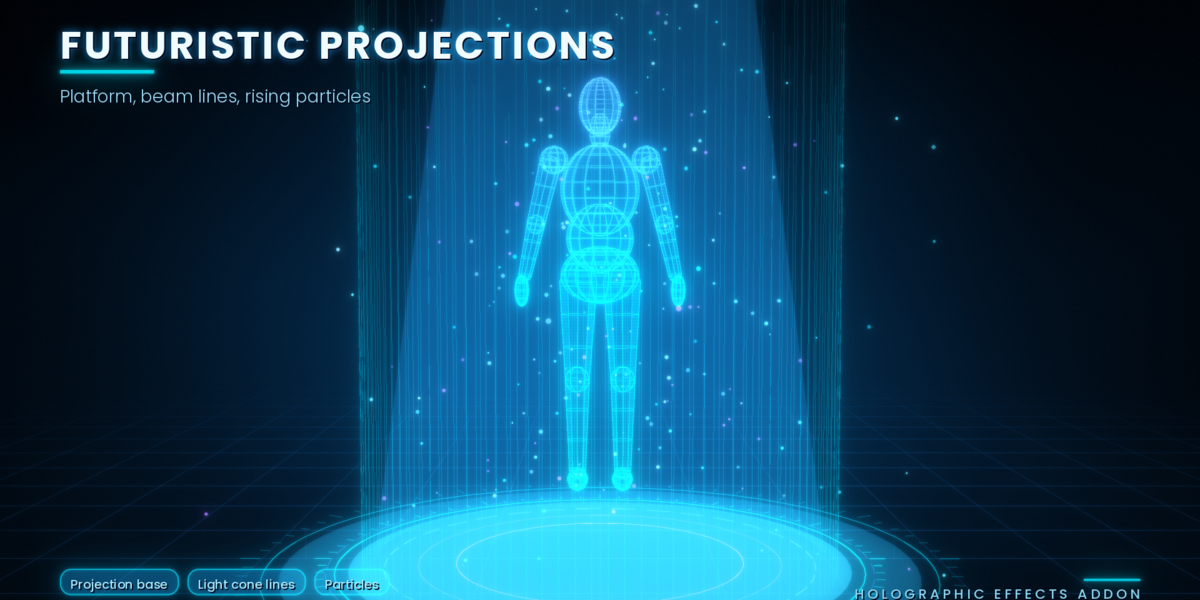
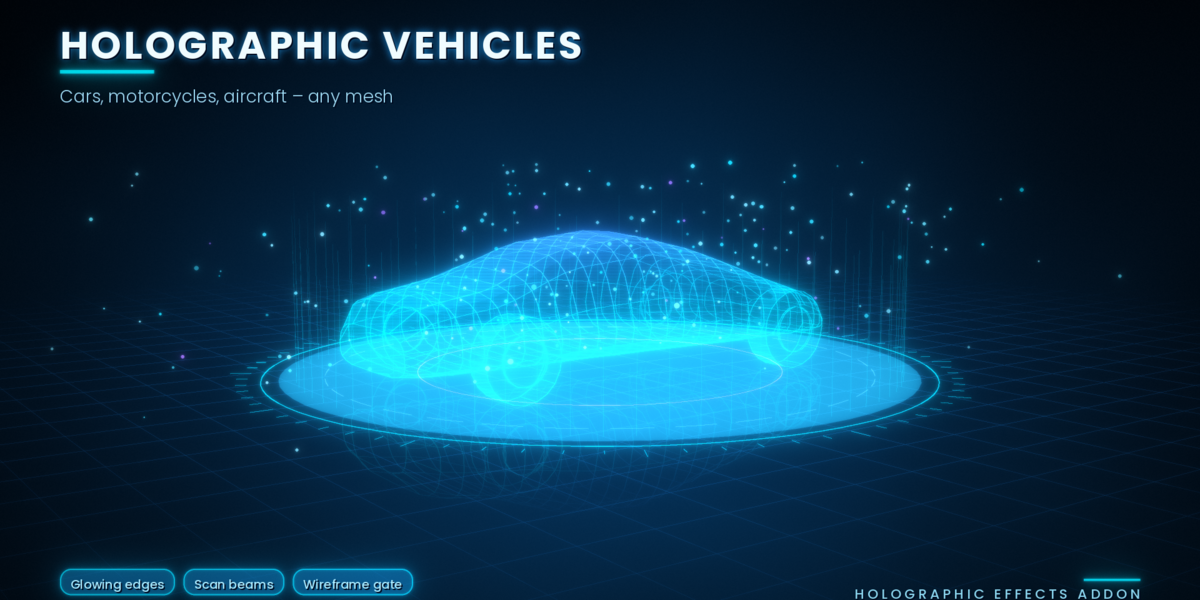
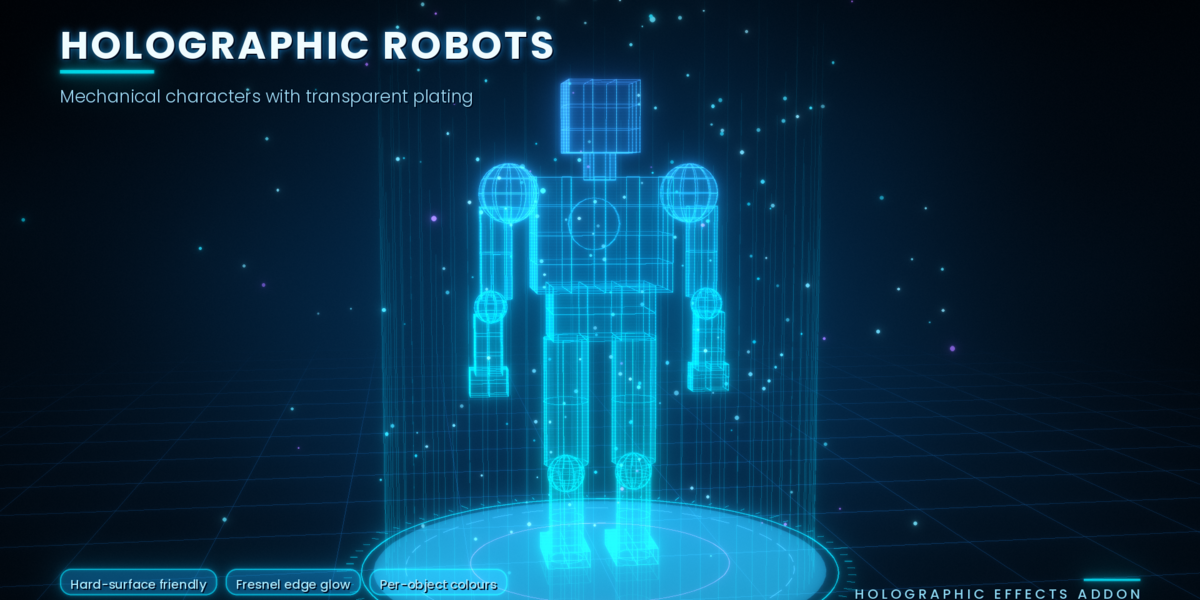
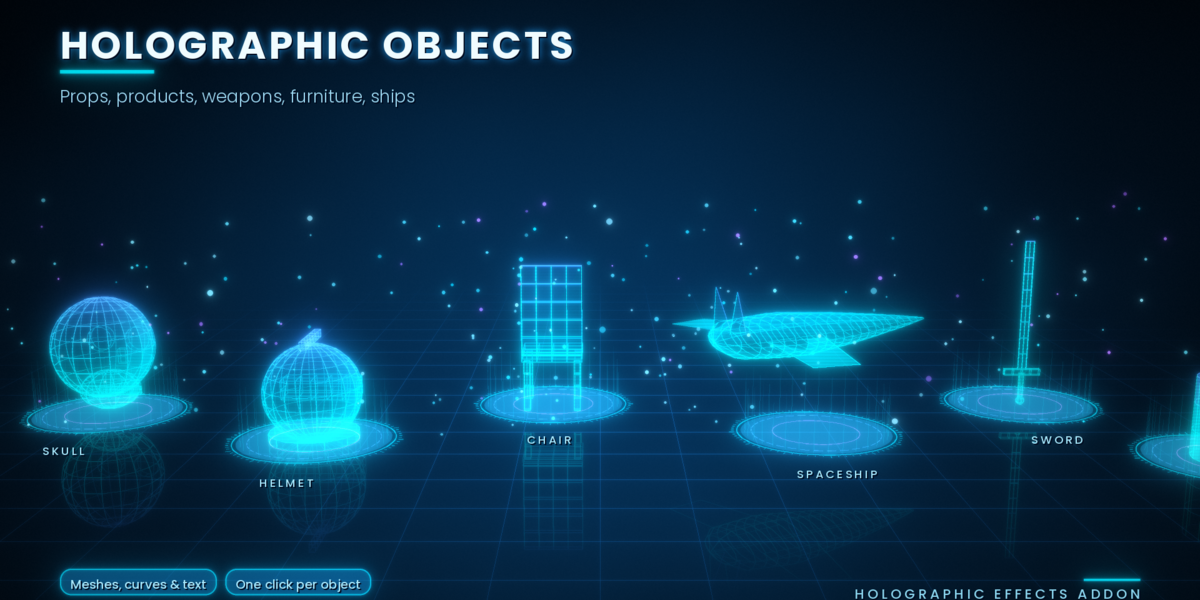
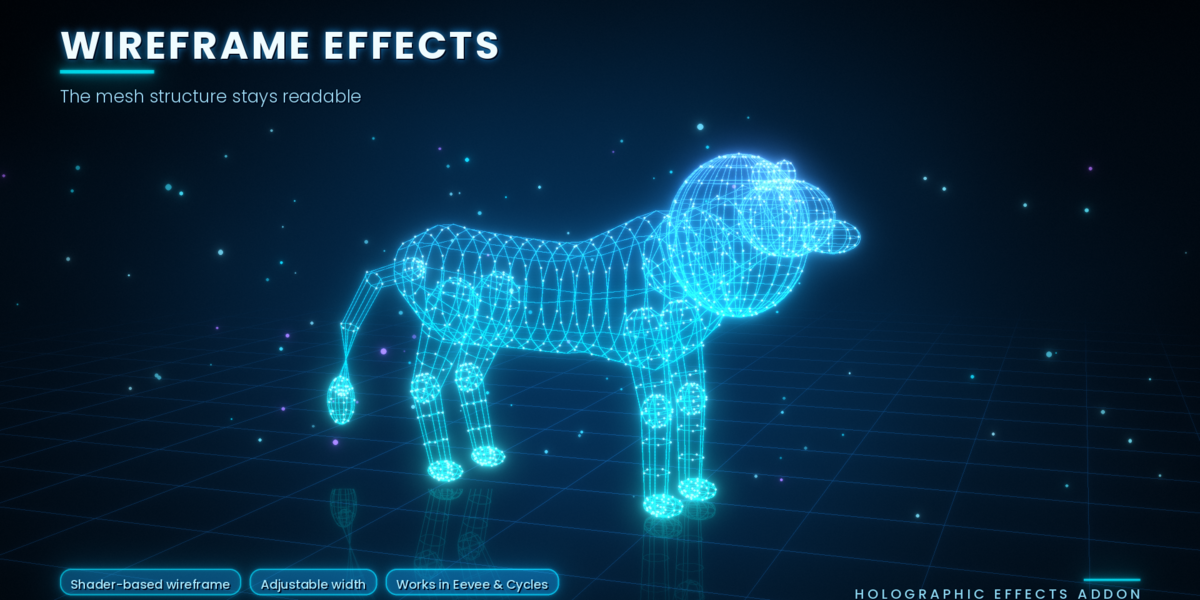
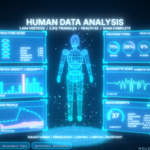
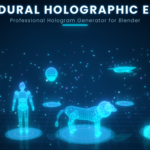
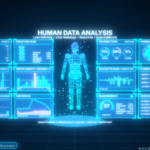

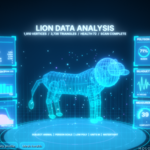
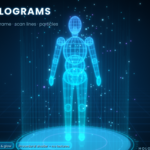
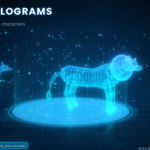
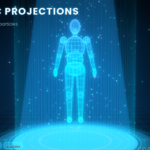
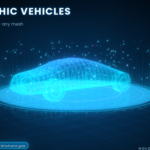
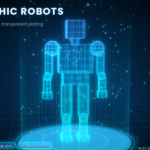
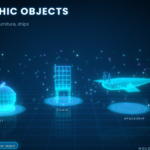
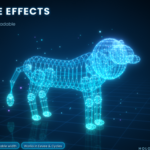
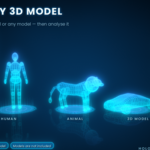
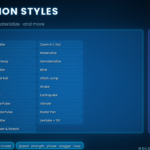
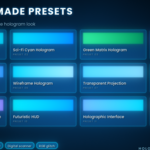
Holographic Effects Addon is a Blender 4.2+ extension (version 1.2.0, by Mrs Eliza) that turns meshes, curves and text into procedural holograms, with projections, displays, 39 animation styles and a 3D model data analysis dashboard.
1. Overview
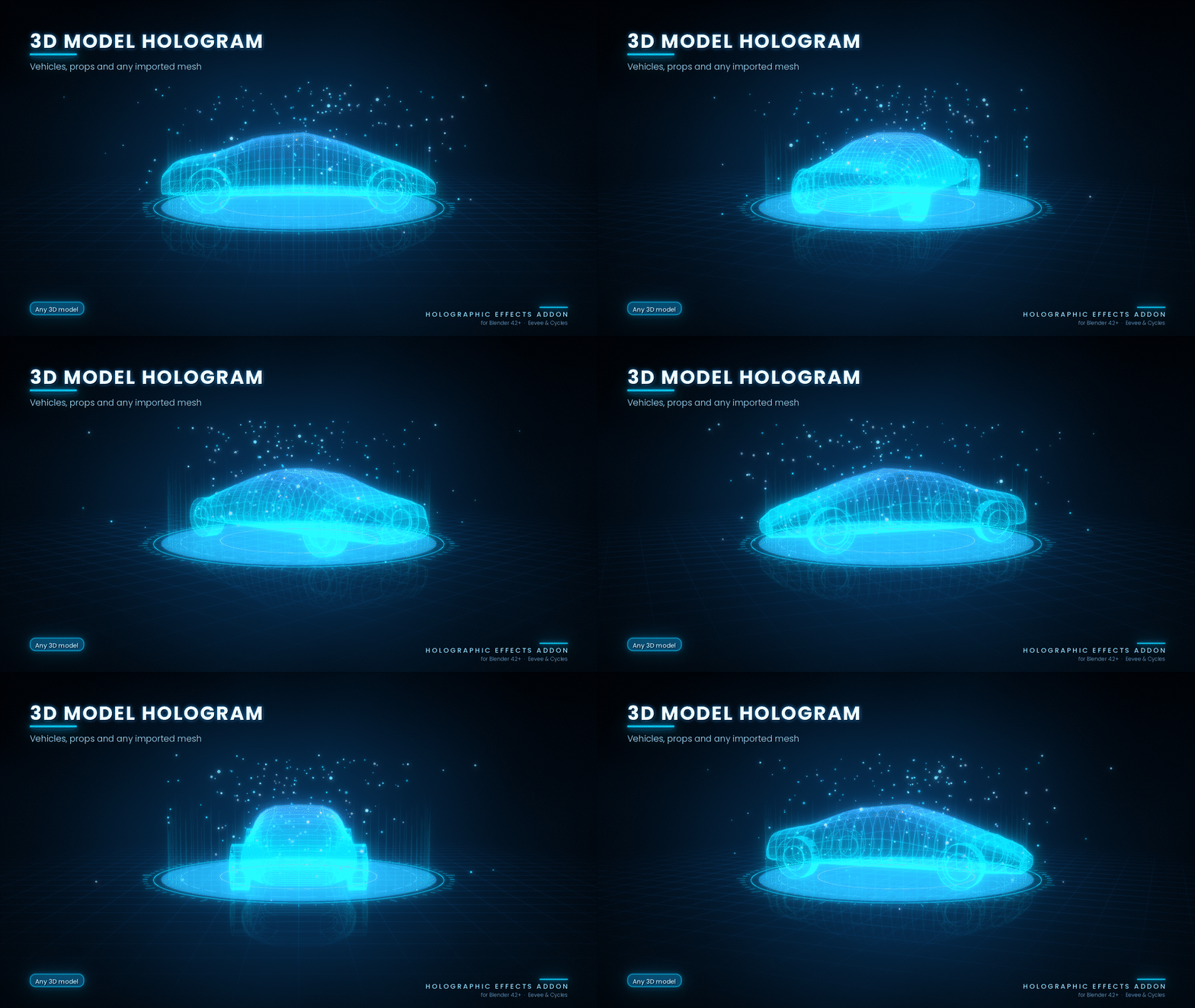
Create stunning futuristic holograms from almost any 3D model with the Procedural Holographic Effect Addon for Blender.
Transform human characters, animals, objects, vehicles, and other 3D models into detailed holographic projections. Customize colours, transparency, scanning beams, glitch effects, particles, animations, and futuristic displays directly inside Blender.
The add-on includes 133 colour palettes, 12 ready-made presets, 39 animation styles, 8 display types, and an advanced Model Analysis system for creating sci-fi dashboards around your models.
All effects are procedurally generated and adjustable through an easy-to-use N-panel interface.
2. Main Features
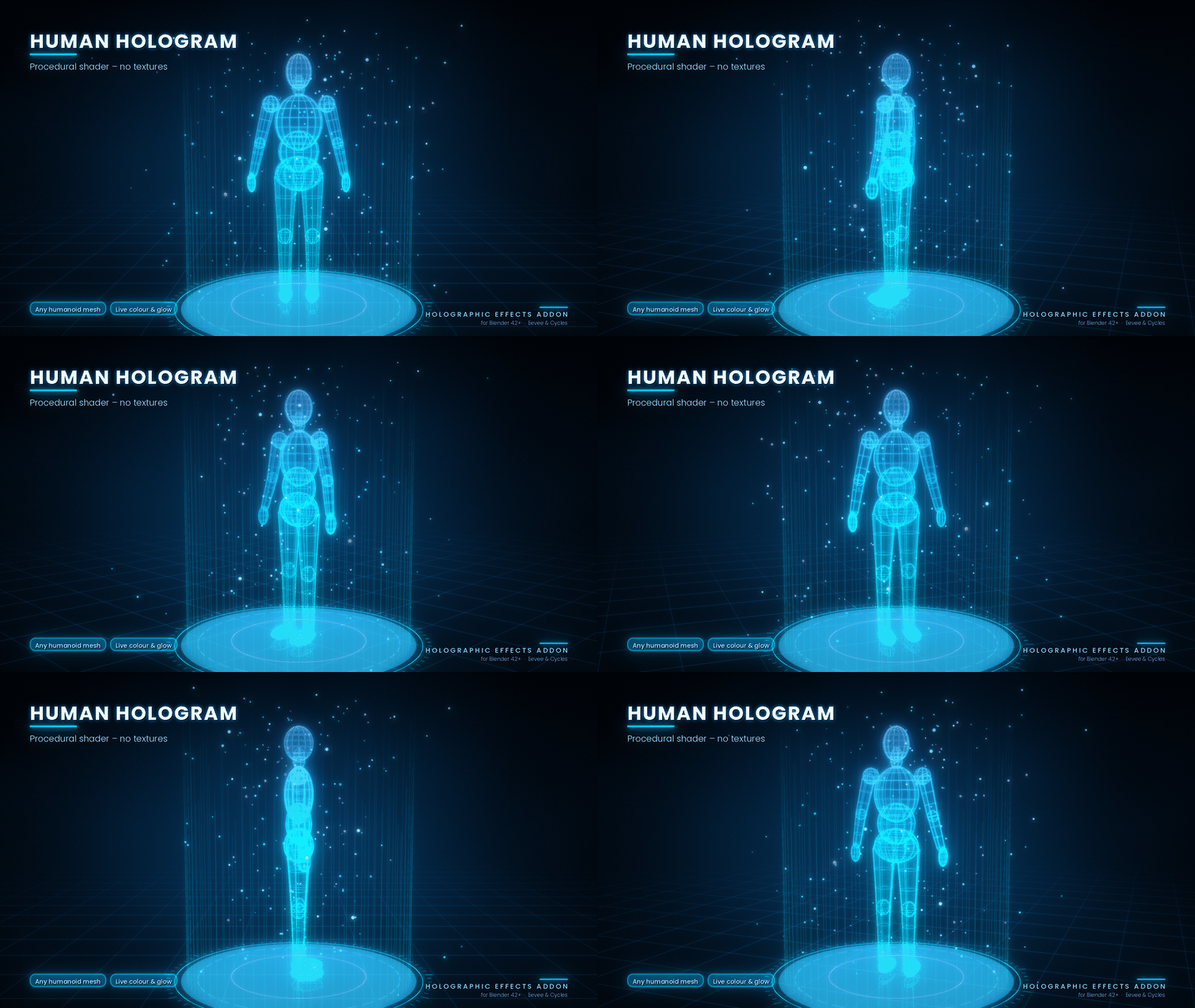
Hologram Generator: Convert meshes, curves, text and object groups into holographic projections.
Advanced Materials: Control opacity, emission, Fresnel, noise, grid and interference effects.
-
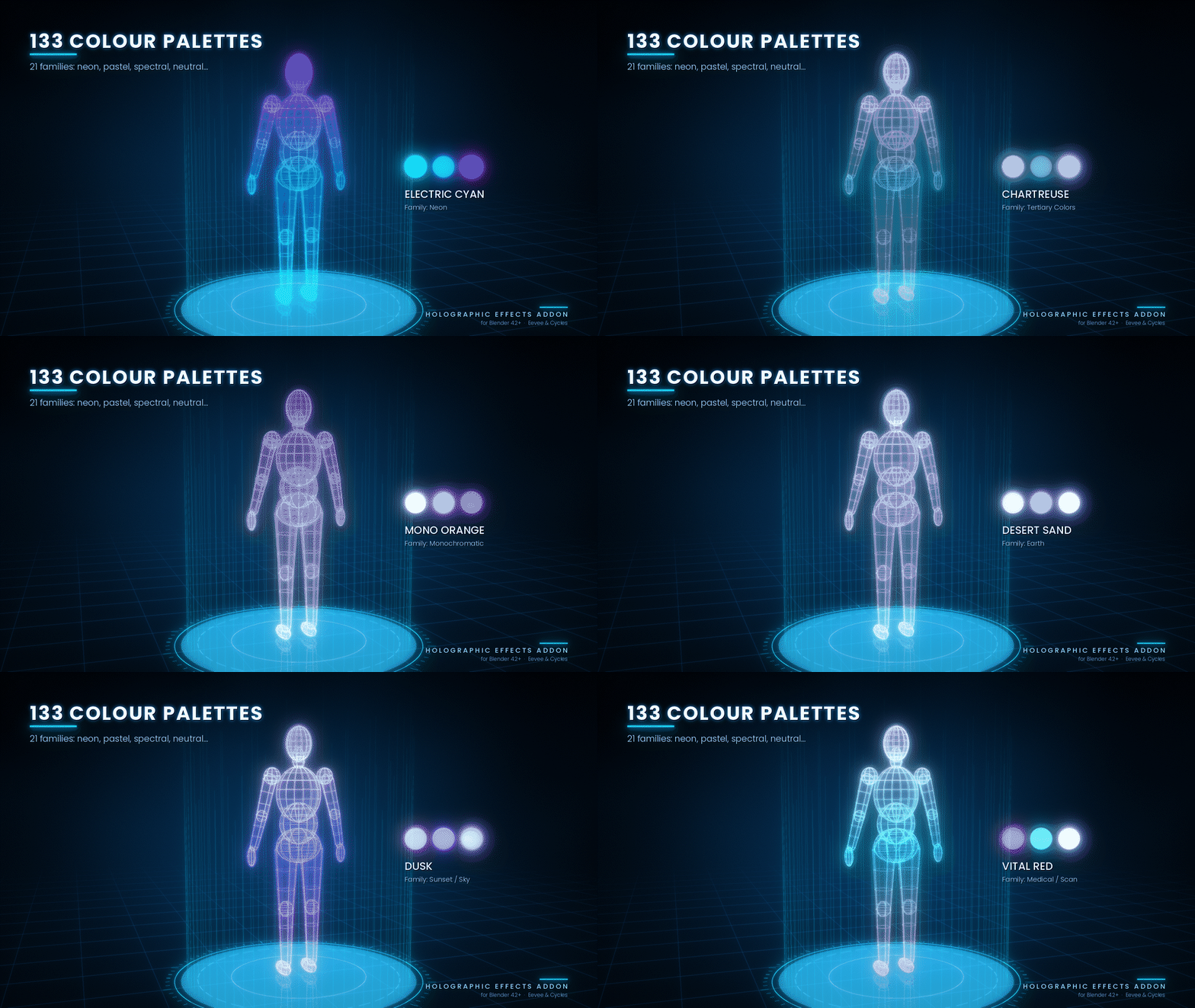
133 Colour Palettes: Explore 21 colour families with three-colour customization.
Projection Effects: Create platforms, ground rings, beam lines, light cones and particles.
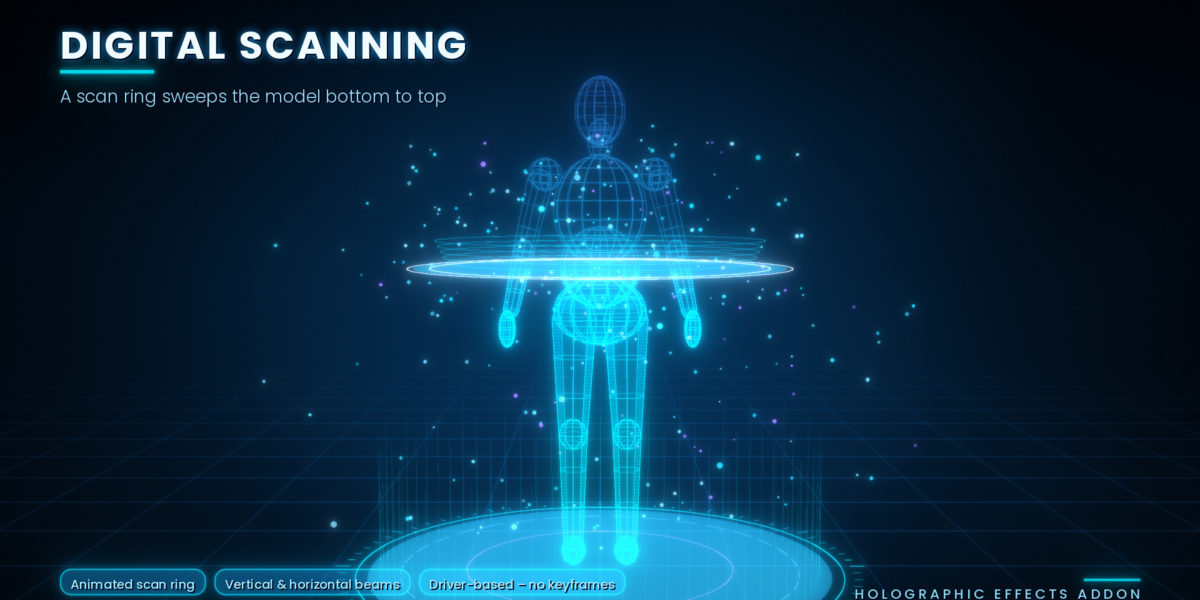
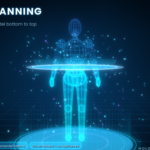
Scanning Effects: Add animated scan lines, horizontal and vertical beams, and sweeping scan rings.
-
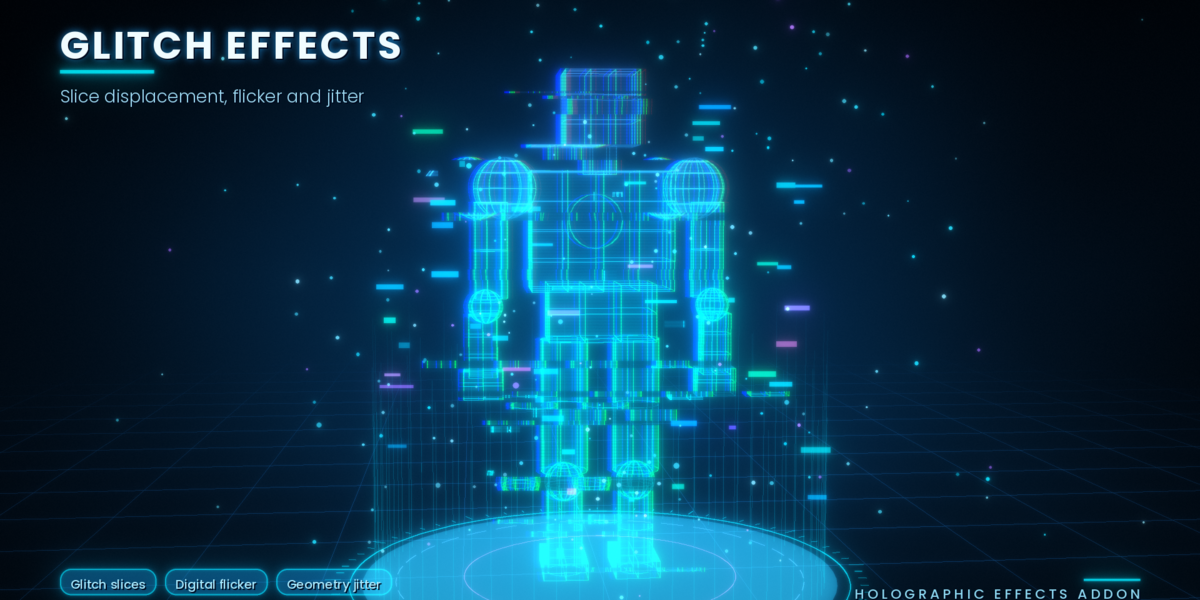
Glitch Effects: Create digital slices, flickering, RGB shifts and geometry jitter.
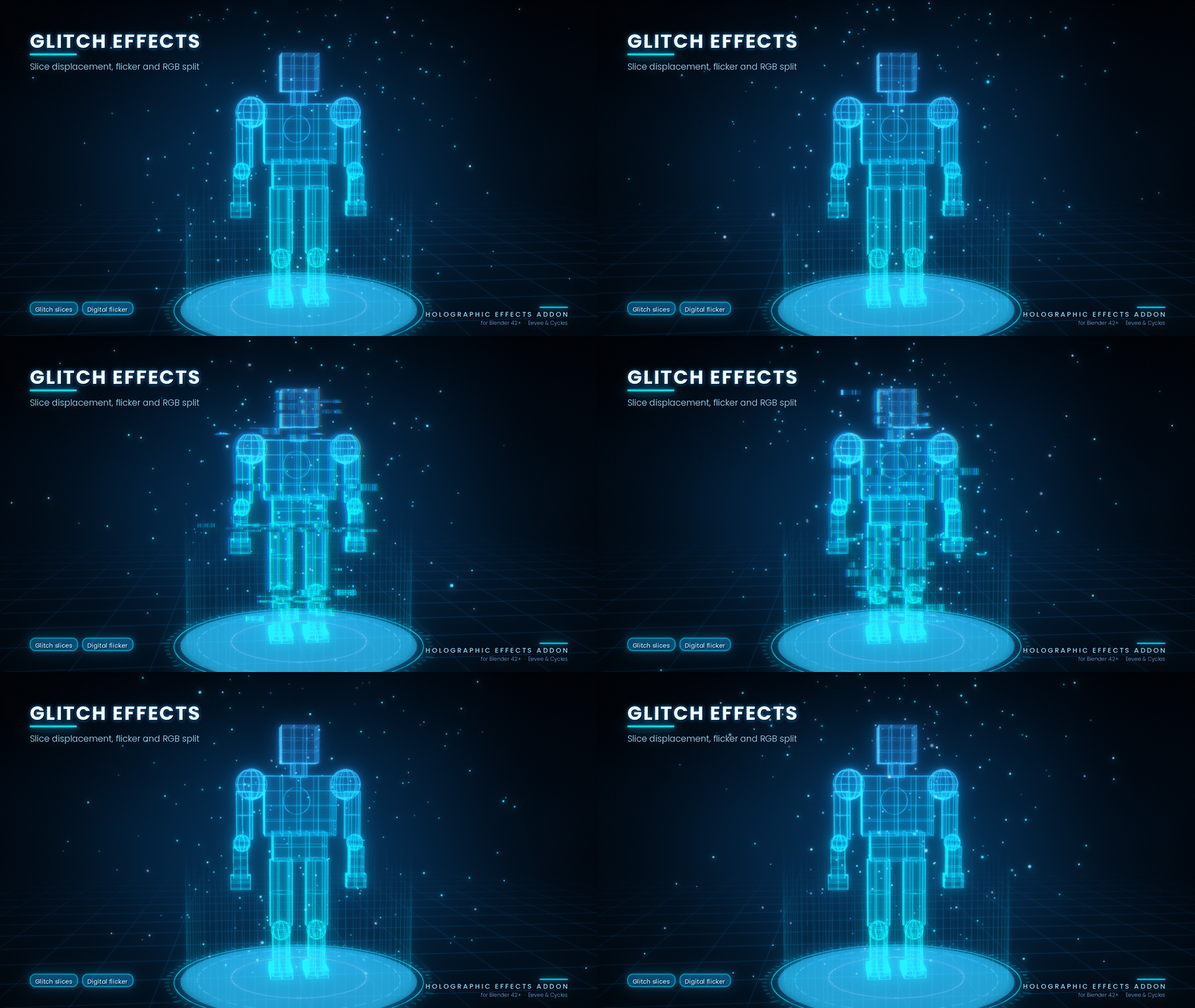
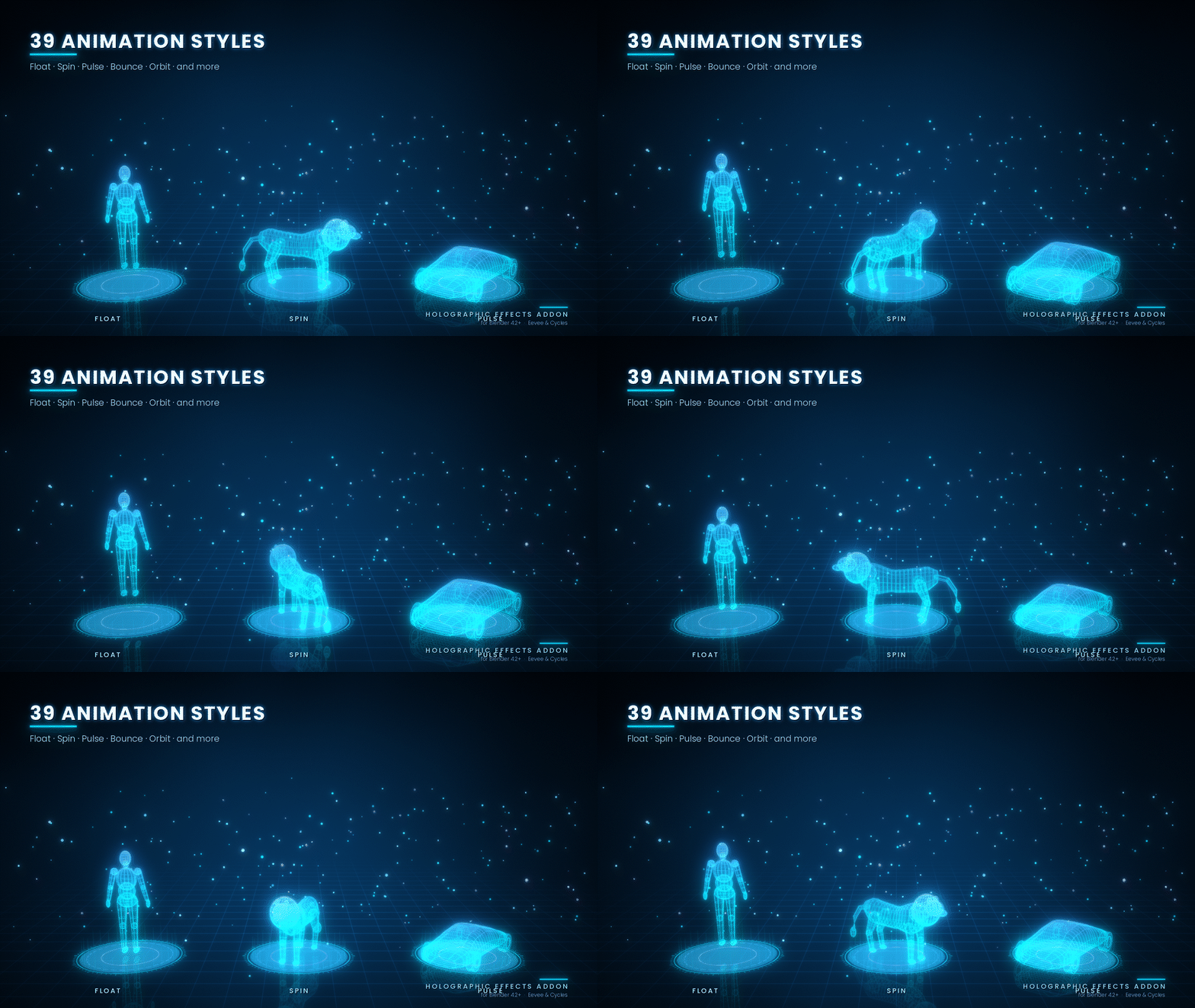
39 Animation Styles: Apply object motion and shader-based animation effects.
Motion Library: Choose from ready-made animation styles with one click.
Display Generator: Create 8 futuristic screens, HUDs, interfaces and holographic rings.
3D Text Generator: Create editable holographic text directly in the viewport.
Model Analysis: Generate detailed data dashboards for humans, animals and other 3D models.
12 Presets: Quickly apply professionally designed holographic looks.
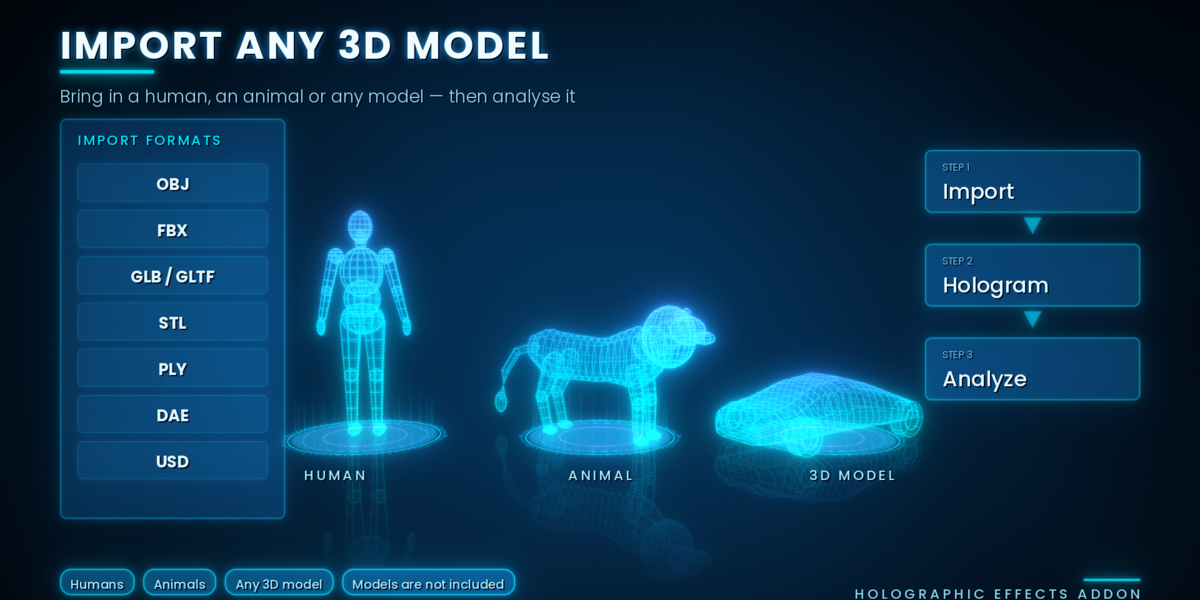
Model Import: Import popular 3D formats and optionally analyse and hologram them automatically.
Optimization Controls: Adjust particle counts, noise detail and viewport performance.
3. User Interface and Panels
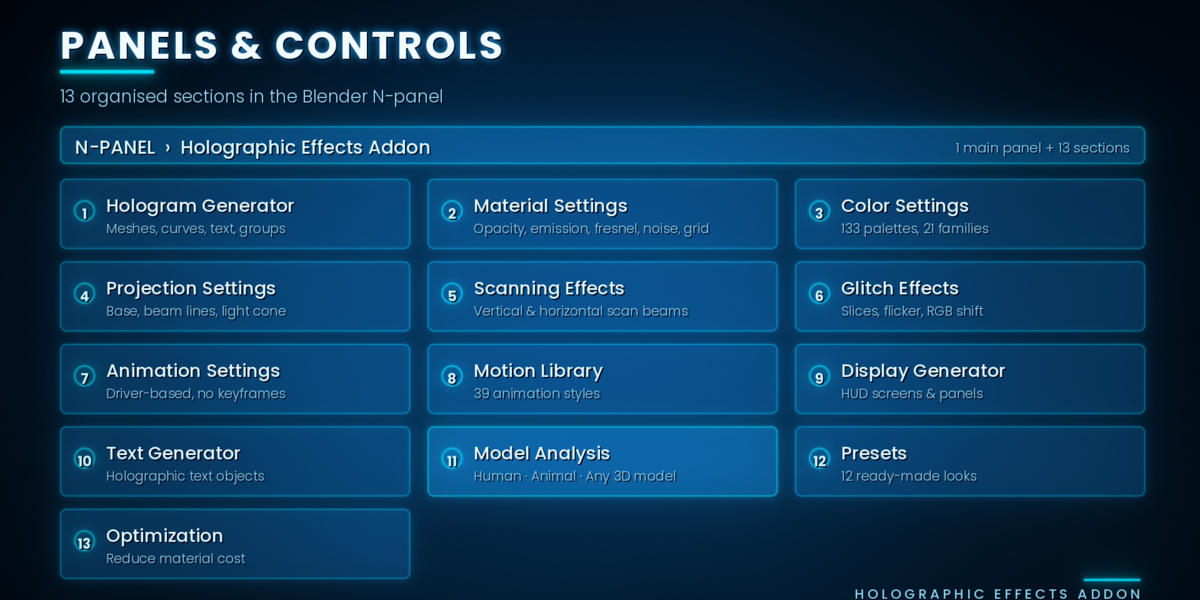
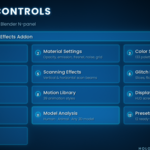
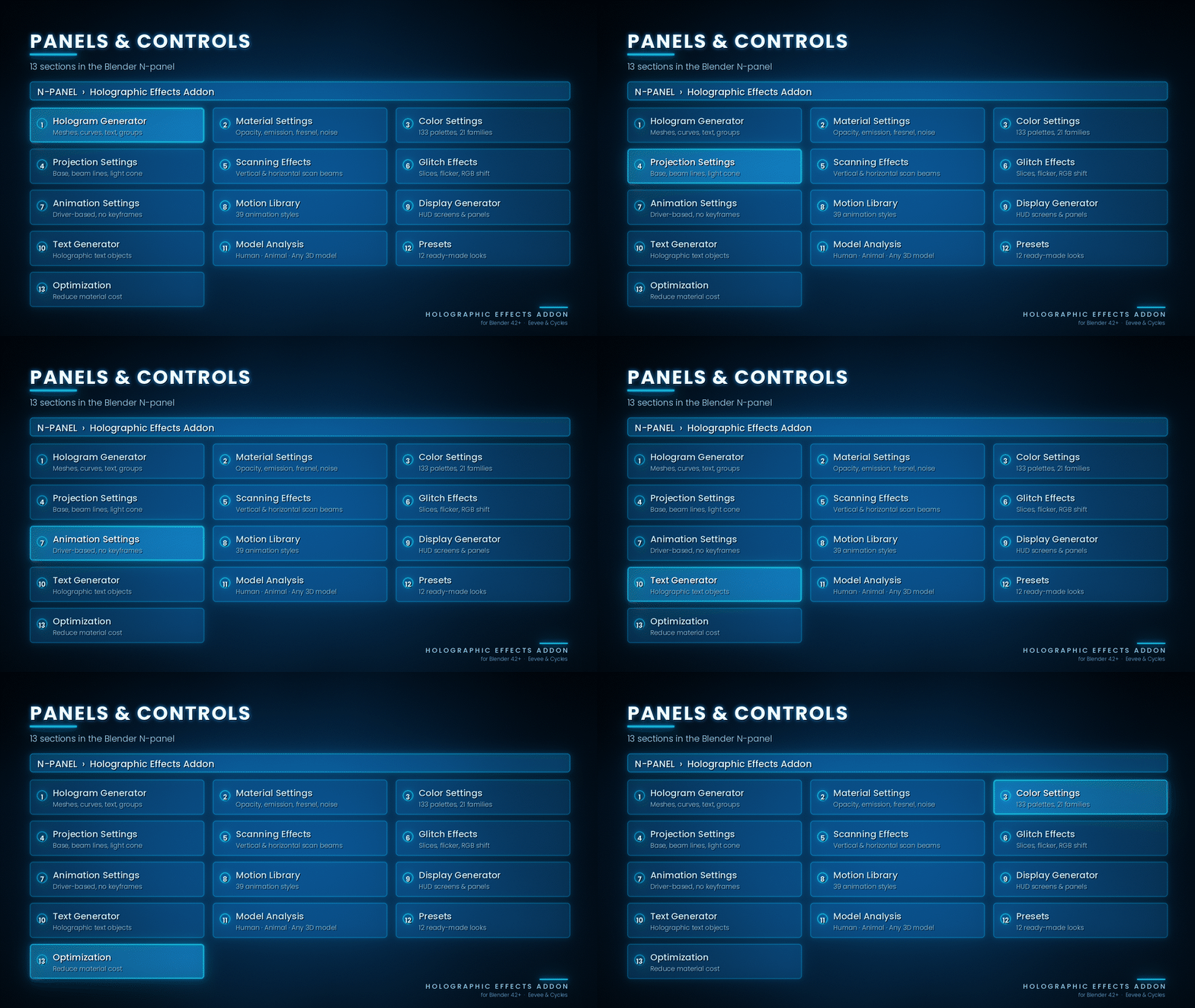
The add-on provides an organized N-panel interface with a Main Controls section and 13 collapsible settings sections.
Main Controls
Provides one-click Create, Remove and Reset buttons, along with the Live Update switch.
1. Hologram Generator
Convert meshes, curves, text and object groups into holograms. Choose which projection elements to generate.
2. Material Settings
Adjust opacity, emission, Fresnel, noise, grid patterns and interference effects.
3. Color Settings
Choose from different colour modes, customize three colours, browse 133 palettes and apply colour harmony adjustments.
4. Projection Settings
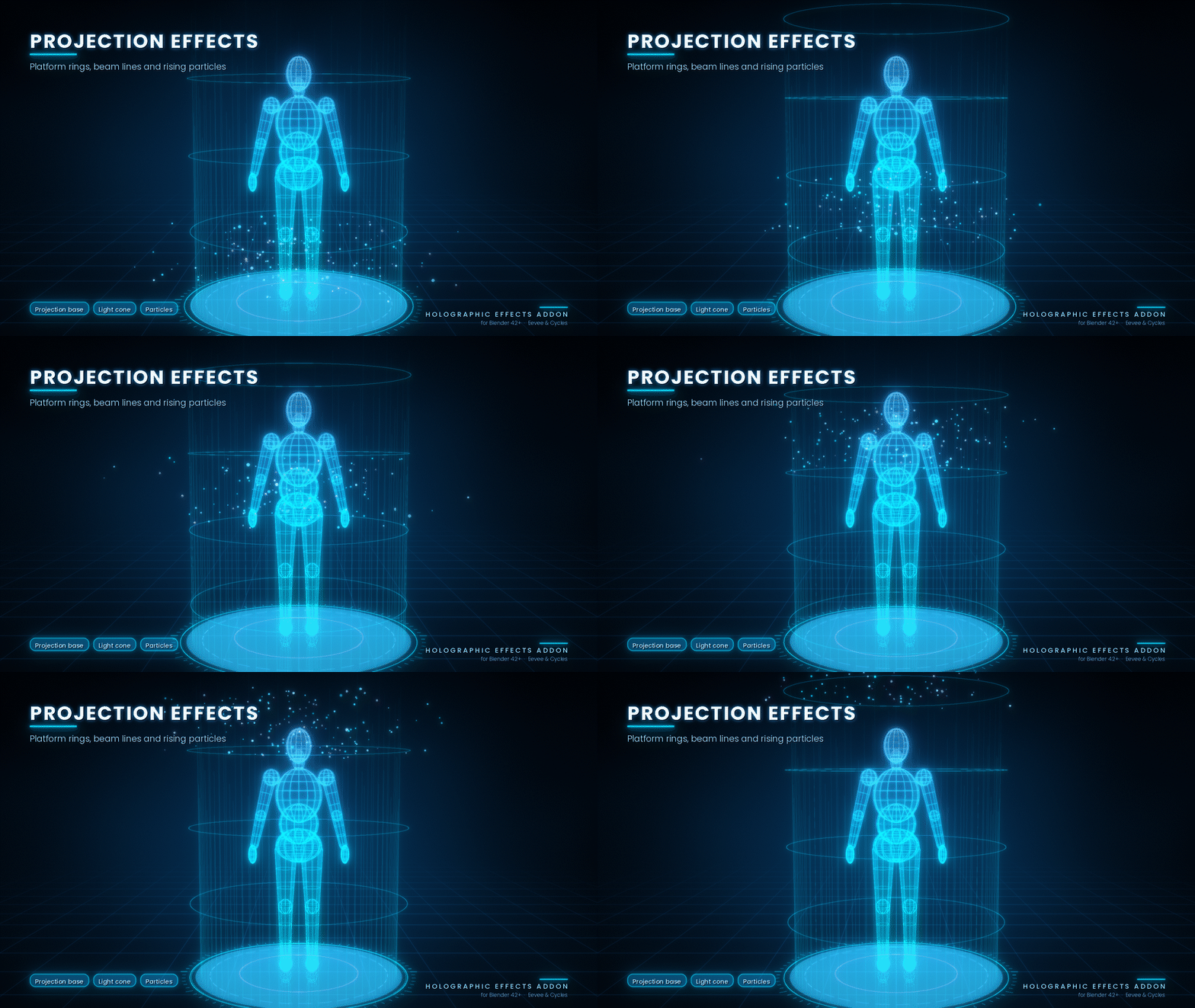
Customize the holographic platform, ground ring, beam lines, light cone and particles.
5. Scanning Effects
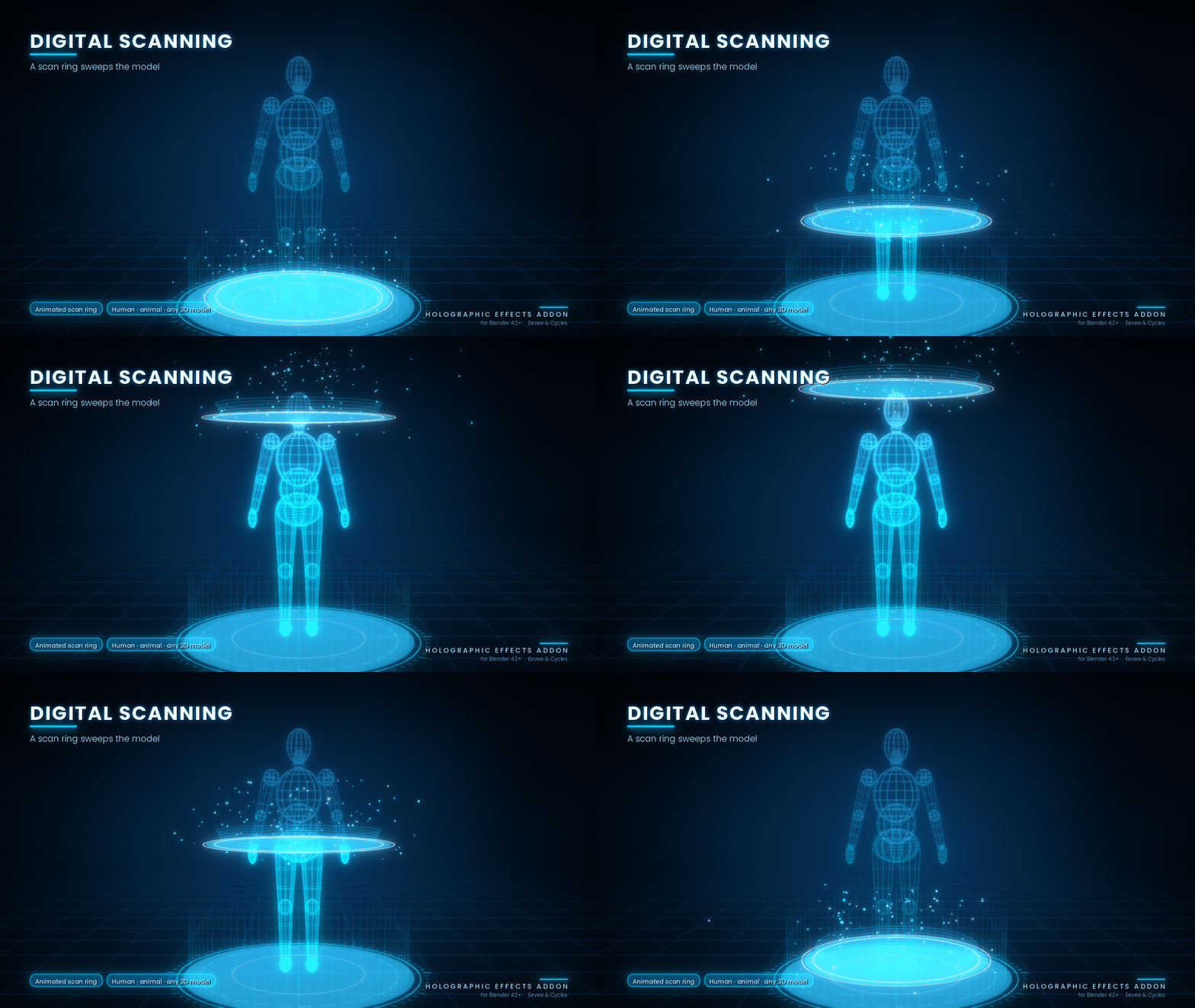
Control scan lines and animated vertical and horizontal scanning beams.
6. Glitch Effects
Adjust digital slices, flickering, RGB shifting and geometry jitter.
7. Animation Settings
Control animation speed, strength, frame range, looping and stagger settings.
8. Motion Library
Apply ready-made animation styles with a single click.
9. Display Generator
Create 8 types of futuristic holographic displays, including screens, HUDs and rotating rings.
10. Text Generator
Generate editable 3D holographic text and update its content through the add-on.
11. Model Analysis
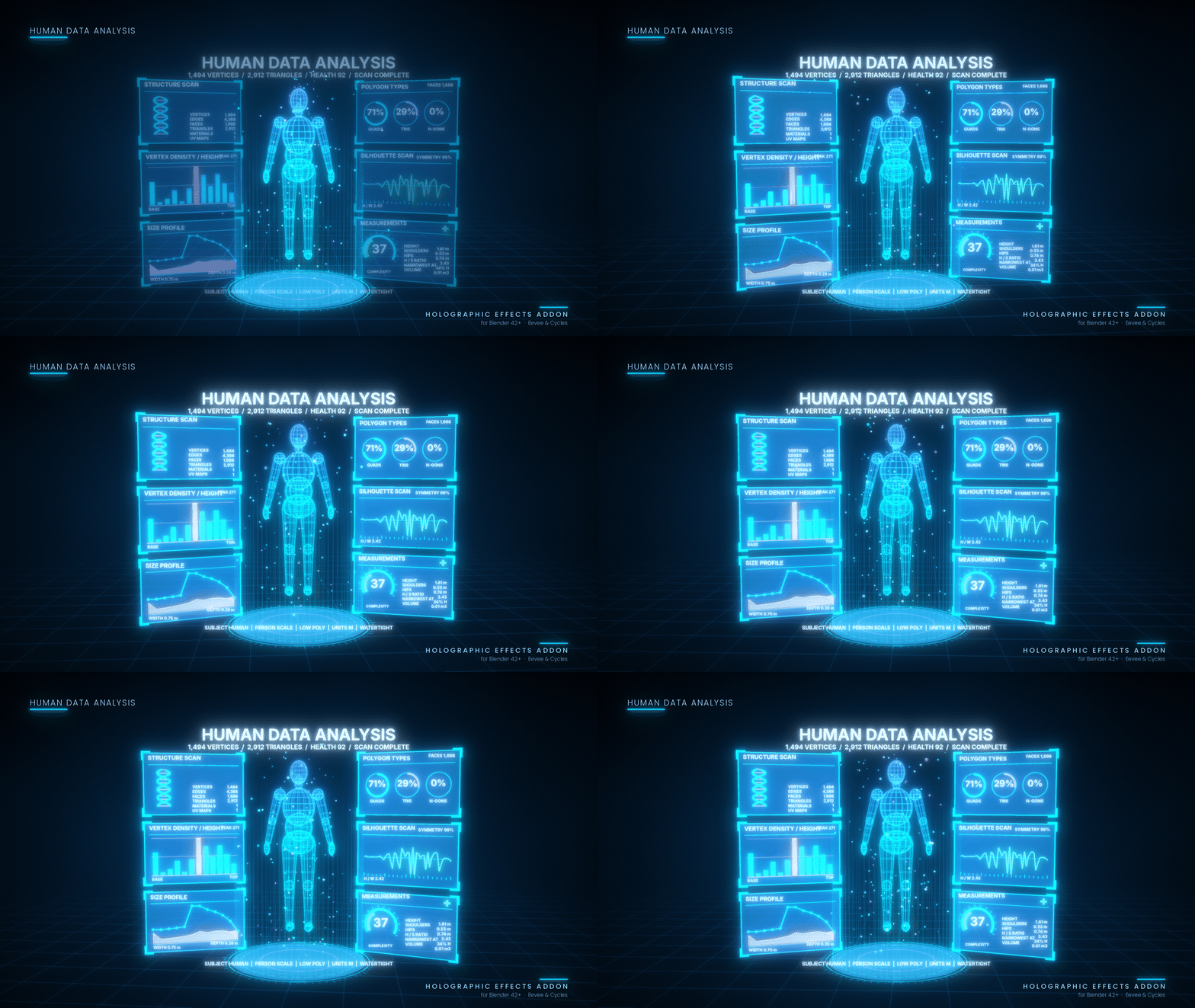
Generate analytical dashboards for human characters, animals and any other 3D models.
12. Presets
Access 12 ready-made holographic styles.
13. Optimization
Improve viewport performance using dithered mode, particle controls, noise detail and other optimization settings.
4. One-Click Tools
The add-on includes dedicated operators for common holographic tasks.
Create Hologram
Generates a holographic copy of the selected object, including enabled projection elements. The original object can optionally be hidden and restored when effects are removed.
Apply Holographic Material
Applies the holographic material directly to selected objects while recording their original materials for restoration.
Generate Projection
Creates a platform, ground ring, light beam and particles around the selected object.
Create Holographic Display
Generates the selected display type at the 3D cursor.
Create Holographic Text
Creates editable 3D holographic text. Modify its settings and press Update Selected Text to apply changes.
Add Scanning Effect
Enhances scanning lines and beams and adds an animated sweeping scan ring.
Add Glitch Effect
Enhances glitch slices and flickering. Mesh objects can also receive animated geometry jitter.
Add Projection Base
Creates a holographic platform and spinning ground ring beneath the selected object.
Animate Hologram
Rebuilds the driver-based animation using the current Animation Settings.
Analyze Model
Measures the selected mesh and generates an analytical HUD dashboard beside its hologram.
Import 3D Model
Imports supported 3D files with optional automatic joining, analysis and hologram generation.
Write Analysis Report
Exports measured model information into a Blender Text datablock.
Reset Settings
Restores all add-on settings to their default values.
Remove Holographic Effects
Removes generated holograms, displays and text while restoring hidden original objects and recorded materials.
All generated elements are organized in the Holographic Effects Addon collection and tagged with custom properties for clean removal.
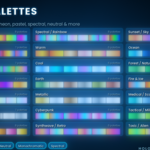
5. Advanced Colour System – 133 Palettes
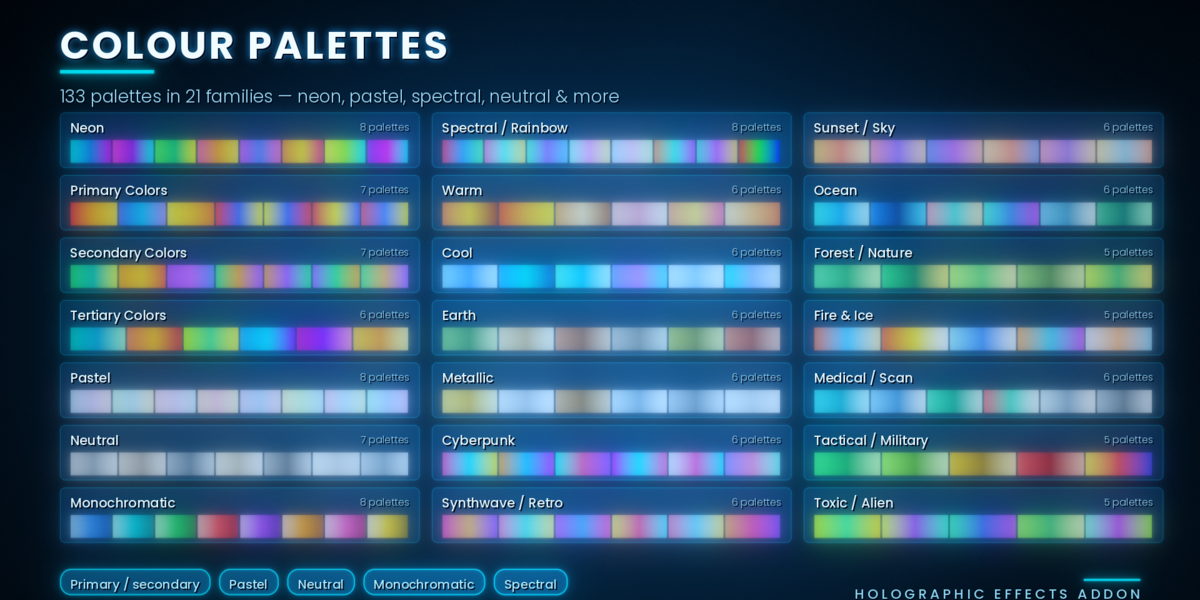
Explore 133 ready-made colour palettes across 21 colour families. Each palette sets three colours together to create coordinated holographic appearances.
Available Colour Modes
Cyan, Blue, Green, Purple, Orange, RGB Shift, Red, Yellow, Pink, Teal, Lime, Gold, White, Ice, Palette and Custom.
Three-Colour Customization
Primary: Main holographic colour.
Secondary: Creates the height-based colour gradient.
Tertiary: Adds a third colour that can fade into the upper part of the hologram.
Palette Library
Choose a colour family, browse individual swatches or use Random to generate a new combination. The Spectral family also supports animated hue cycling.
Colour Harmony
Generate coordinated secondary and tertiary colours using:
Complementary
Analogous
Triadic
Split Complementary
Tetradic
Monochromatic
Shades
Tints
Additional controls include Swap and Pick From Selection.
Colour Adjustments
Fine-tune the final appearance using Hue Offset, Saturation and Brightness controls. Changes are applied live through the shader.
Available Palette Families
Neon – 8 palettes
Primary Colors – 7 palettes
Secondary Colors – 7 palettes
Tertiary Colors – 6 palettes
Pastel – 8 palettes
Neutral – 7 palettes
Monochromatic – 8 palettes
Spectral / Rainbow – 8 palettes
Warm – 6 palettes
Cool – 6 palettes
Earth – 6 palettes
Metallic – 6 palettes
Cyberpunk – 6 palettes
Synthwave / Retro – 6 palettes
Sunset / Sky – 6 palettes
Ocean – 6 palettes
Forest / Nature – 5 palettes
Fire & Ice – 5 palettes
Medical / Scan – 6 palettes
Tactical / Military – 5 palettes
Toxic / Alien – 5 palettes
6. Animation System – 39 Styles
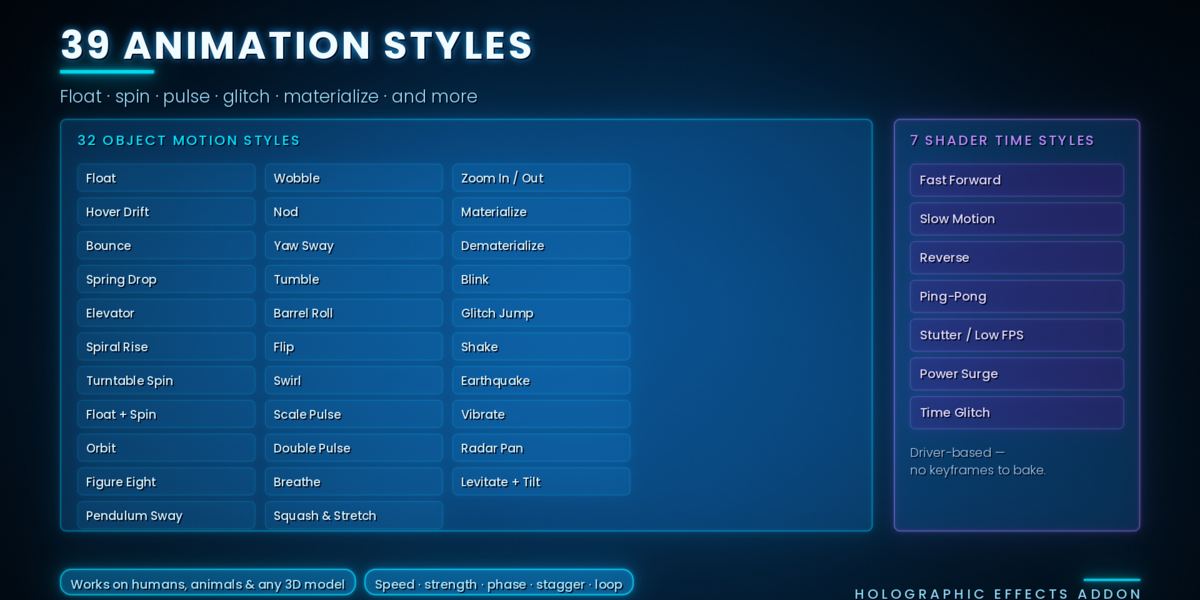
Bring holograms to life with 39 animation styles, including 32 object motion styles and 7 shader time styles.
All animations use drivers instead of keyframes, making them easy to adjust without baking or cleaning up animation data.
Animation controls include Speed, Strength, Motion Amount, Rotation Speed, Phase, Stagger, Frame Range and Loop.
Choose a style from Animation Settings > Motion Library or the Object Motion Style menu.
Object Motion Styles (32)
Hover and Travel
Float, Hover Drift, Bounce, Spring Drop, Elevator, Spiral Rise, Orbit and Figure Eight.
Rotation
Turntable Spin, Float + Spin, Pendulum Sway, Wobble, Nod, Yaw Sway, Tumble, Barrel Roll, Flip and Swirl.
Scale
Scale Pulse, Double Pulse, Breathe, Squash & Stretch and Zoom In / Out.
Appear and Vanish
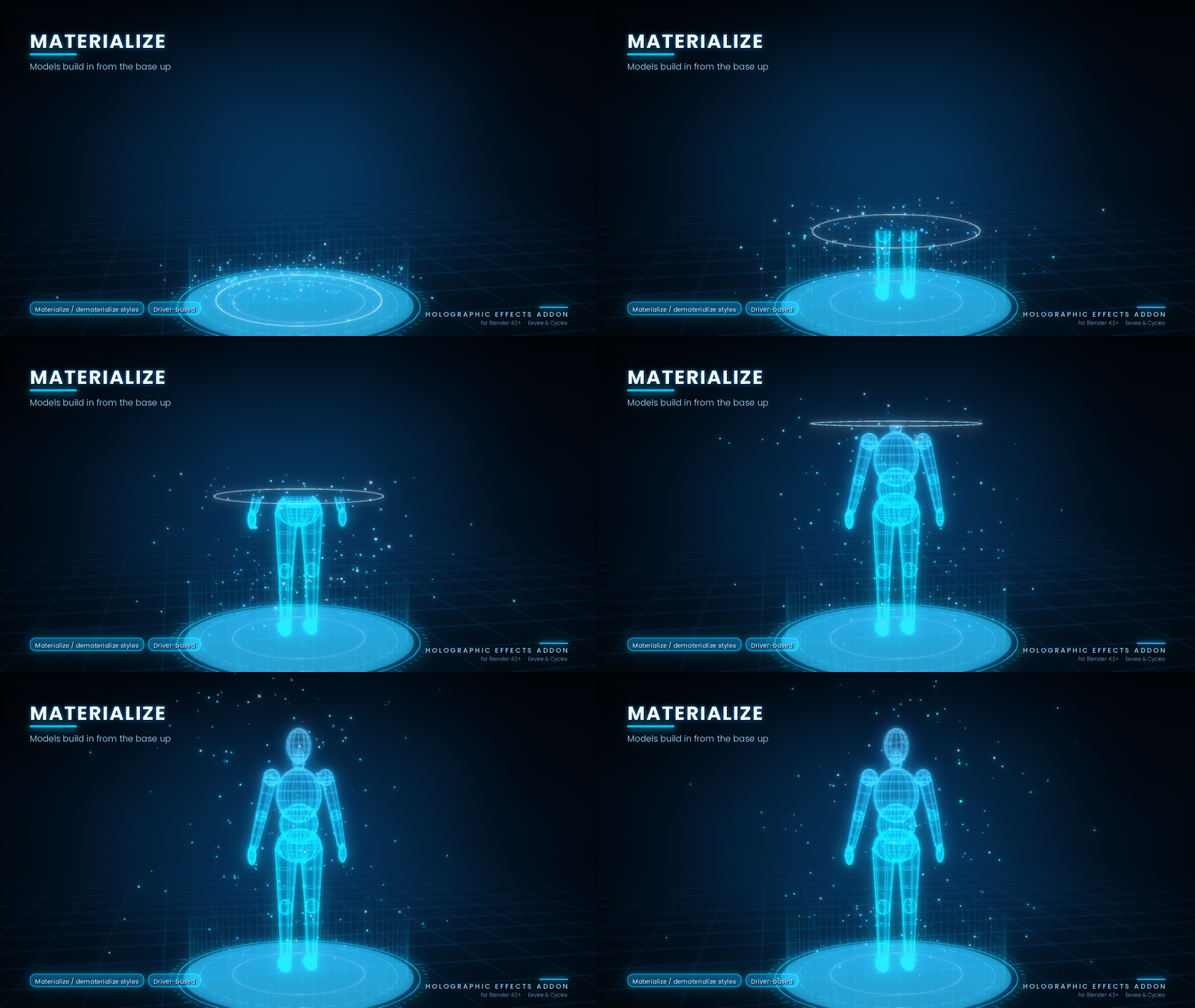
Materialize (Build In), Dematerialize (Fade Out) and Blink.
Shake and Glitch
Glitch Jump, Shake, Earthquake and Vibrate.
Other
Radar Pan and Levitate + Tilt.
Shader Time Styles (7)
Fast Forward: Runs shader effects 2.5 times faster.
Slow Motion: Reduces effect speed to approximately one-third.
Reverse: Runs scan beams and noise backwards.
Ping-Pong: Plays effects forwards and then backwards.
Stutter / Low FPS: Creates stepped animation with 6 time steps per second.
Power Surge: Speeds up and slows down shader time rhythmically.
Time Glitch: Creates random forward jumps in shader time.
Additional Animation Options
Classic Mode with Float and Rotate switches, Random Animation, staggered animation across selected holograms, ring spinning, glitch jitter and individual shader effect toggles.
7. Model Analysis and HUD Dashboard
Turn almost any 3D model into a futuristic data-analysis presentation.
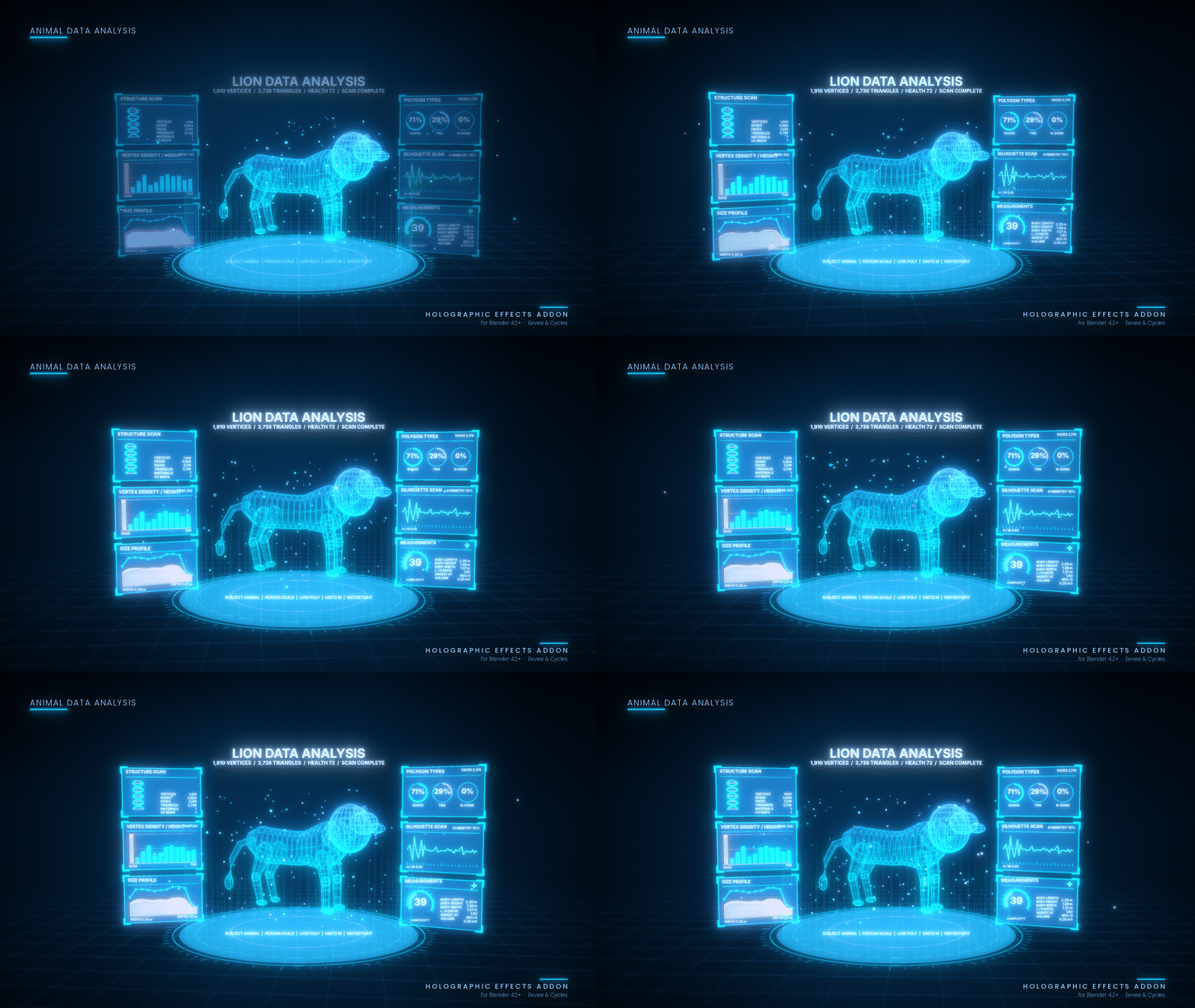
Select a mesh and press Analyze Model to generate a HUD dashboard around its hologram.
The system supports:
Human Models: Displays measurements such as shoulders, hips and body dimensions.
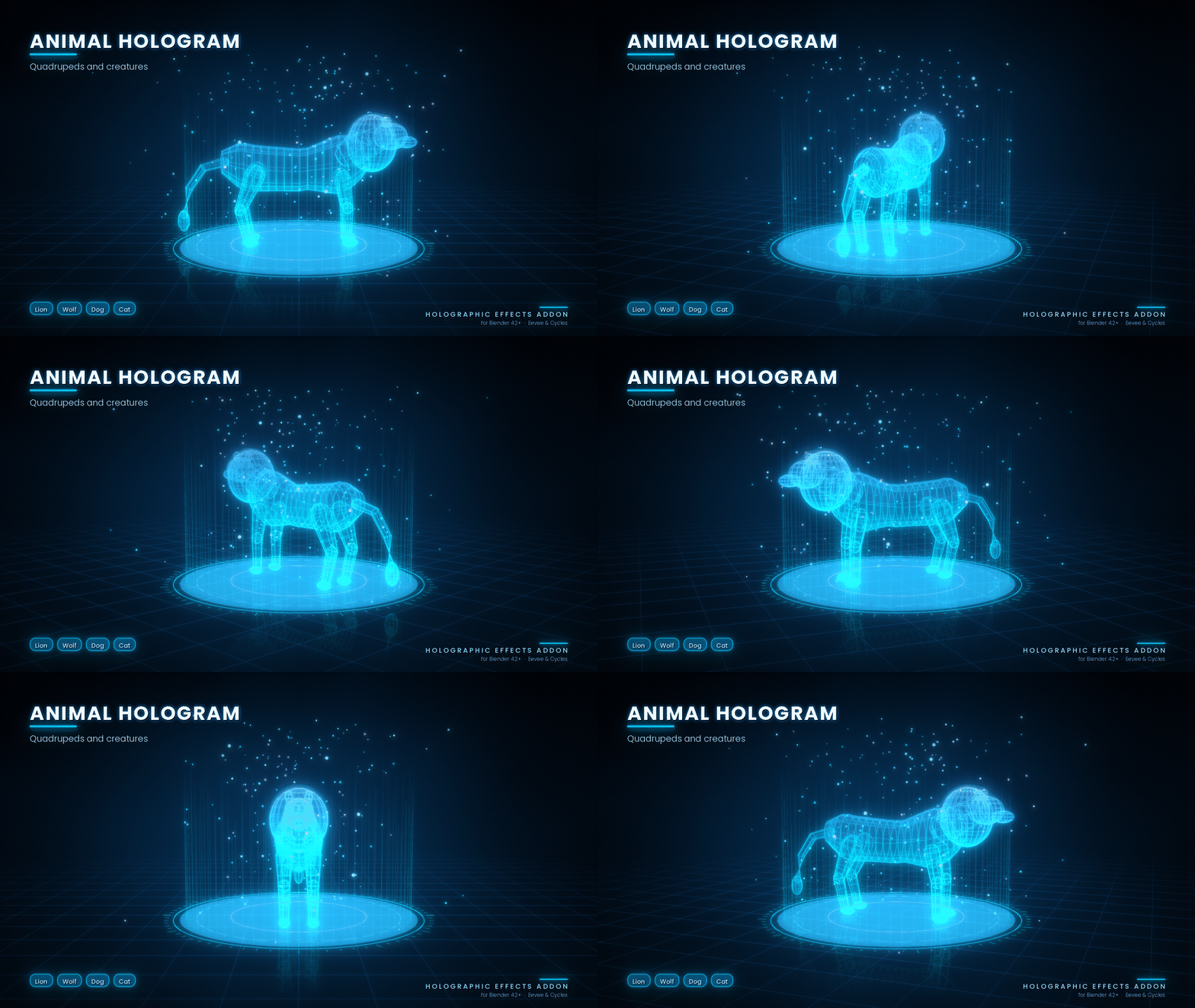
Animal Models: Analyses body length, height and other available dimensions.
-
General 3D Objects: Measures width, depth, height and surface information.
Subject types can be detected automatically from object names or selected manually.
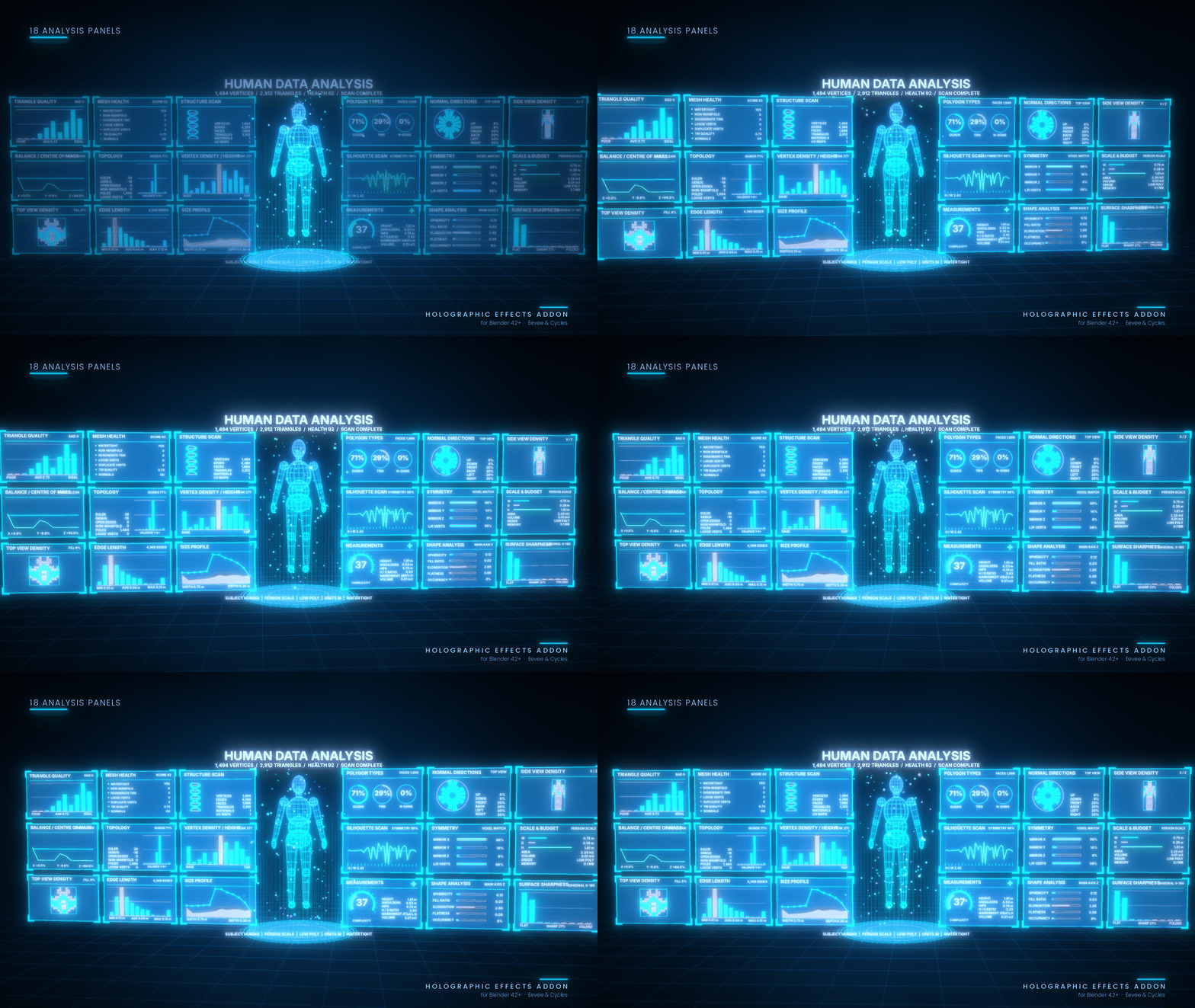
For example, the dashboard title can automatically use names such as HUMAN DATA ANALYSIS, CAT DATA ANALYSIS or CHAIR DATA ANALYSIS.
Three Analysis Detail Levels
Compact – 6 Panels
Includes structure scan, vertex density by height, size profile, polygon types, silhouette scan and measurements with a complexity gauge.
Standard – 12 Panels
Includes everything in Compact, plus mesh health, topology, edge length, normal directions, symmetry and shape analysis.
Full – 18 Panels
Adds triangle quality, balance and centre of mass, top-view and side-view density, scale and budget, and surface sharpness.
Analysis Tools
Analysis Report: Creates an approximately 60-line text report in a Blender Text datablock.
Export JSON + CSV: Saves analysis data next to the .blend file or in the temporary folder if the file has not been saved.
Compare Selected Models: Displays a side-by-side comparison of selected models.
Select Problem Geometry: Selects open edges, non-manifold edges, loose vertices and zero-area faces in Edit Mode.
Show / Hide Dashboard: Toggles the dashboard in the viewport and render.
Remove Dashboard: Removes the analysis dashboard without deleting the hologram.
Additional Customization
Choose between metres, centimetres, millimetres, feet and inches. Adjust panel scale, spacing, tilt and slice count to customize the dashboard appearance.
All analysis values are measured from mesh geometry. Health and complexity scores are calculated using formulas and do not represent medical, biological or health information. Volume measurements are most reliable on closed meshes.
8. Presets – 12 Ready-Made Styles
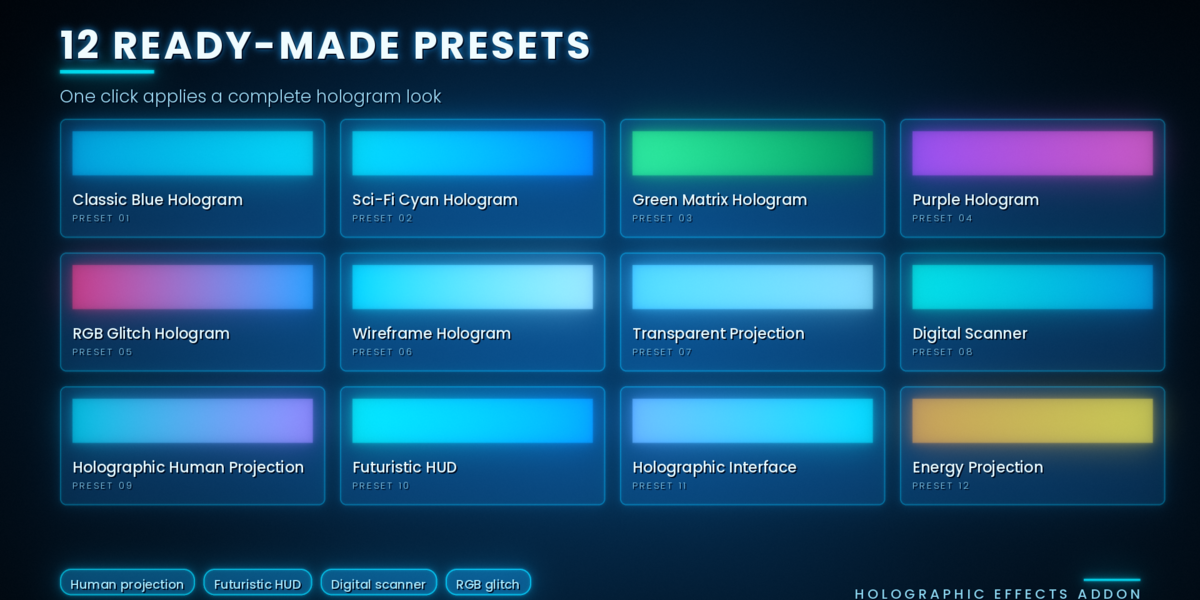
Get started quickly with 12 preconfigured holographic appearances.
Classic Blue Hologram
Sci-Fi Cyan Hologram
Green Matrix Hologram
Purple Hologram
RGB Glitch Hologram
-
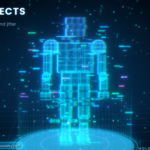
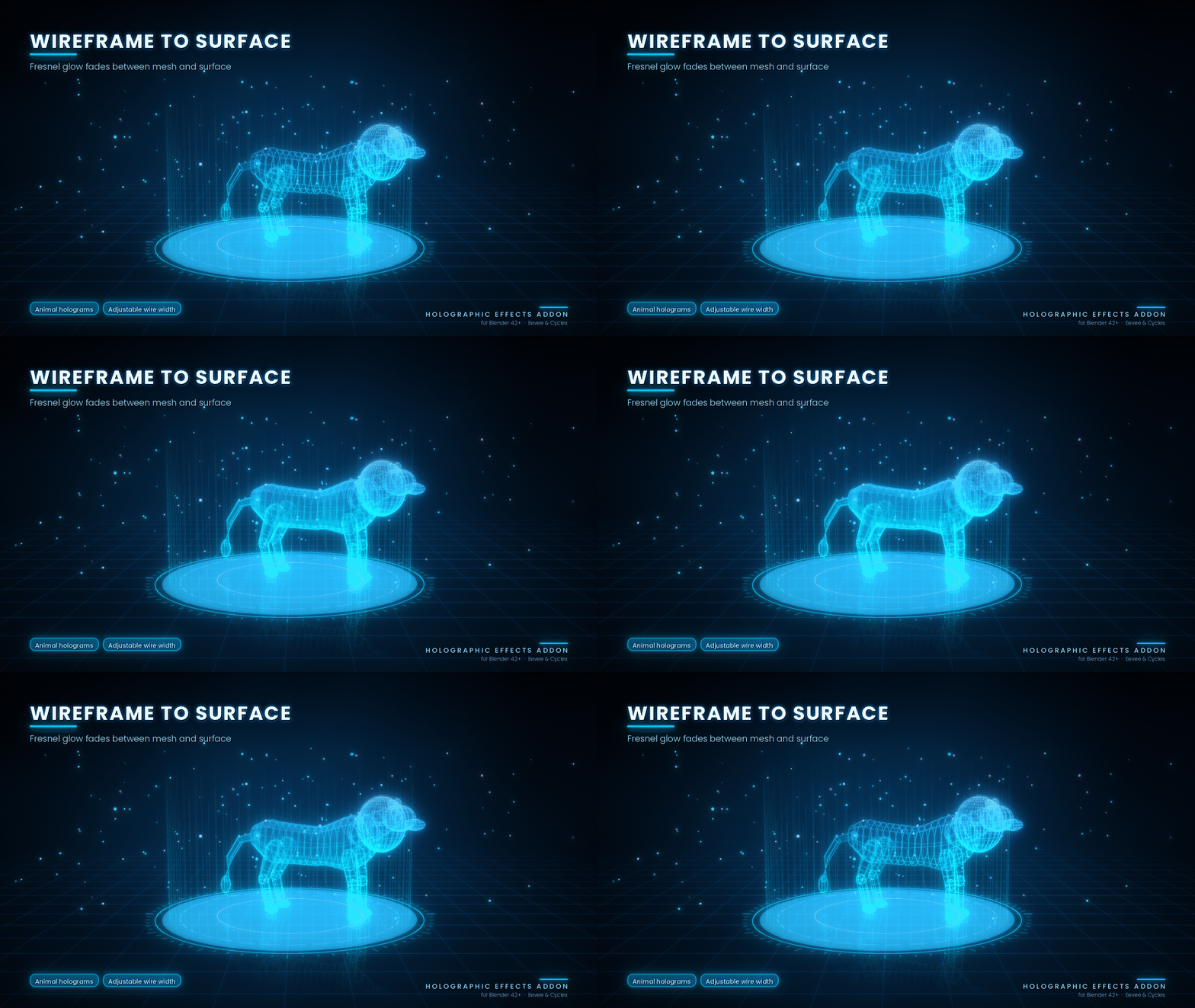
Wireframe Hologram
Transparent Projection
Digital Scanner
Holographic Human Projection
Futuristic HUD
Holographic Interface
Energy Projection
Presets reset the relevant material, colour, scanning and glitch settings before applying a new look, preventing settings from stacking. HUD and Interface presets also select their matching display types.
9. Holographic Display Generator – 8 Types
Create futuristic interfaces and holographic screens directly inside Blender.
Available display types:
Floating 3D Screen
Circular Interface
Control Panel
Holographic Monitor
Information Panel
Sci-Fi HUD
Rotating Rings
Digital Interface Grid
Displays are generated at the 3D cursor and can be used to build sci-fi scenes, futuristic environments and holographic presentations.
10. 3D Model Import
Import your own 3D models and turn them into holographic projections.
Supported File Formats
OBJ
FBX
GLB / GLTF
STL
PLY
DAE
USD
The importer uses Blender's bundled importers.
Imported meshes can optionally be joined, analysed and converted into holograms automatically.
No 3D models are included with the add-on.
11. Optimization and Performance
The add-on includes optimization controls to help manage scene complexity and viewport performance.
Recommended settings for better performance:
Enable Dithered mode when transparency becomes expensive.
Reduce particle counts for lighter scenes.
Set Noise Detail to 0 or 1 when high detail is unnecessary.
Use Compact or Standard analysis instead of Full when working with heavy models.
Reduce unnecessary generated elements when working with complex scenes.
The Full analysis dashboard can generate approximately 200 objects, including around 110 text objects. Use lower detail levels for better viewport performance.
12. Troubleshooting
The add-on tab is not visible.
Enable the extension in Preferences > Add-ons and press N in the 3D Viewport.
Buttons are greyed out.
Switch to Object Mode and select an object before using the relevant tools.
The hologram looks solid or black in Eevee.
Try Material Preview or Rendered shading. You can also enable Dithered mode in Optimization.
There is no glow in Eevee.
Add a Glare node in the compositor to create the glow effect.
The hologram looks too dark in Cycles.
Increase Transparent light-path bounces to 12 or more, or raise Glow Intensity.
The animation is not moving.
Press Play or change the current frame. Check the frame range, effect toggles and animation speed.
The scene is running slowly.
Use Dithered mode, reduce particle counts, lower Noise Detail and choose Standard or Compact analysis.
Particles are not visible.
Return to the first frame and press Play once.
Geometry jitter has no visible effect.
Use a denser mesh or add a Subdivision modifier to provide more geometry for the effect.
Holographic text is not updating.
Select the text object and press Update Selected Text.
13. Known Limitations
Blender Compatibility Testing: The code has been tested against a stubbed Blender API but has not yet been verified in a real Blender session. Run
tests/smoke_test_blender.pyinside Blender and check the console for errors.Full Dashboard Performance: Full analysis generates approximately 200 objects, which can affect viewport performance.
Density Maps: Density maps use a simplified 12 × 12 grid with four intensity levels.
Eevee Transparency: Eevee Next may display transparency sorting artefacts when multiple layers overlap.
Custom Presets: Saving custom user presets to disk is not currently supported.
14. License
License: GPL-3.0-or-later