 Mrs Eliza


Install and quick start
Install the zip through Blender's extension system and the tab appears in the 3D Viewport sidebar (N). Requires Blender 4.2 LTS or newer; works in Eevee and Cycles.
- Download
holographic-effects-addon-1.2.0.zipand do not unzip it. - In Blender open Edit > Preferences > Get Extensions.
- Open the top-right menu and choose Install from Disk, then pick the zip (or drag the zip onto the Blender window).
- Make sure the extension is ticked in Preferences > Add-ons.
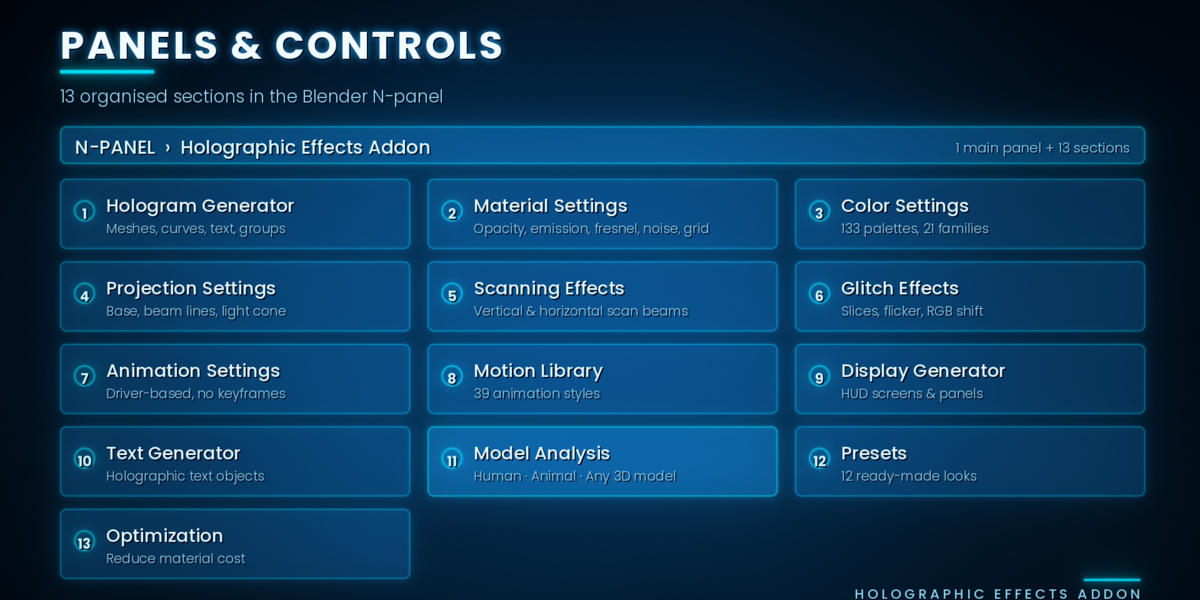
- In the 3D Viewport press N and open the Holographic Effects Addon tab.
The add-on needs no network access and no external dependencies. It requests the files permission only to import 3D models from disk and to export analysis files.
Quick start, six steps:
- Select any mesh, curve or text object.
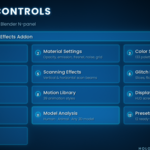
- Open N > Holographic Effects Addon.
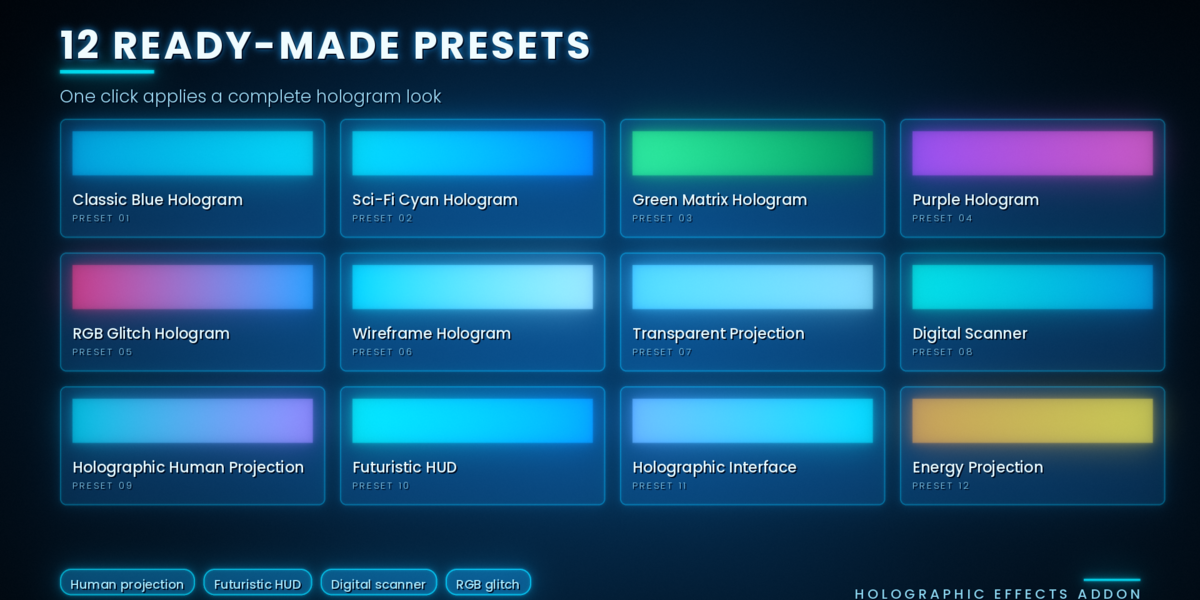
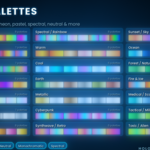
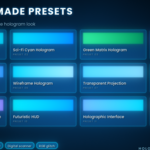
- Open Presets and click one, for example Sci-Fi Cyan Hologram.
- Click Create Hologram in Main Controls.
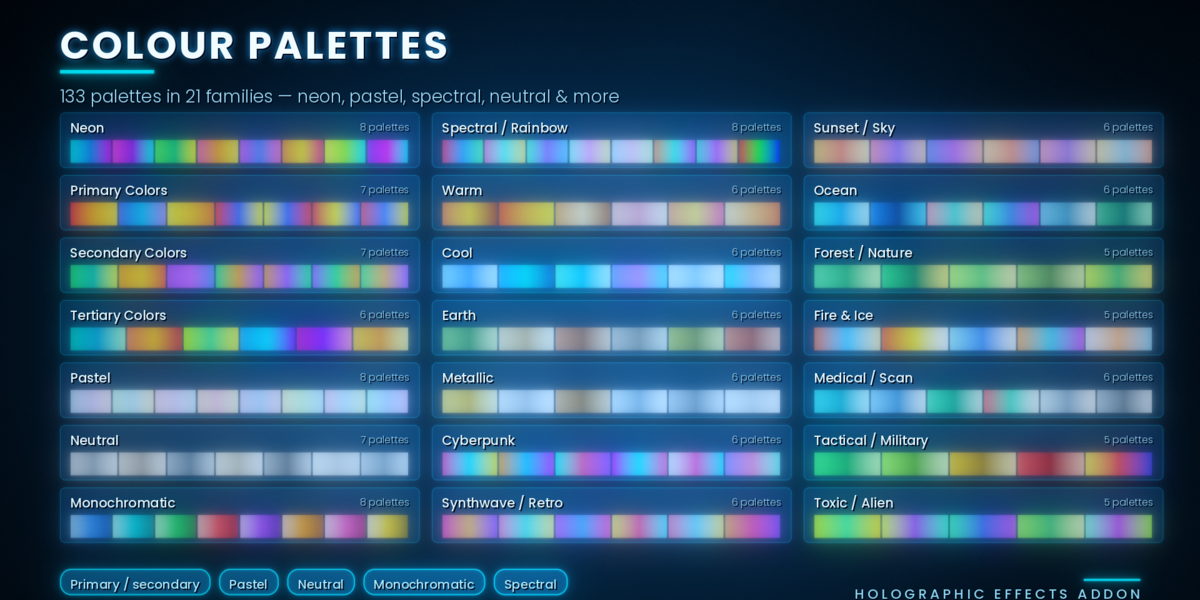
- Tweak Color, Material, Scanning and Glitch. With Live Update on, the selected hologram updates as you drag sliders.
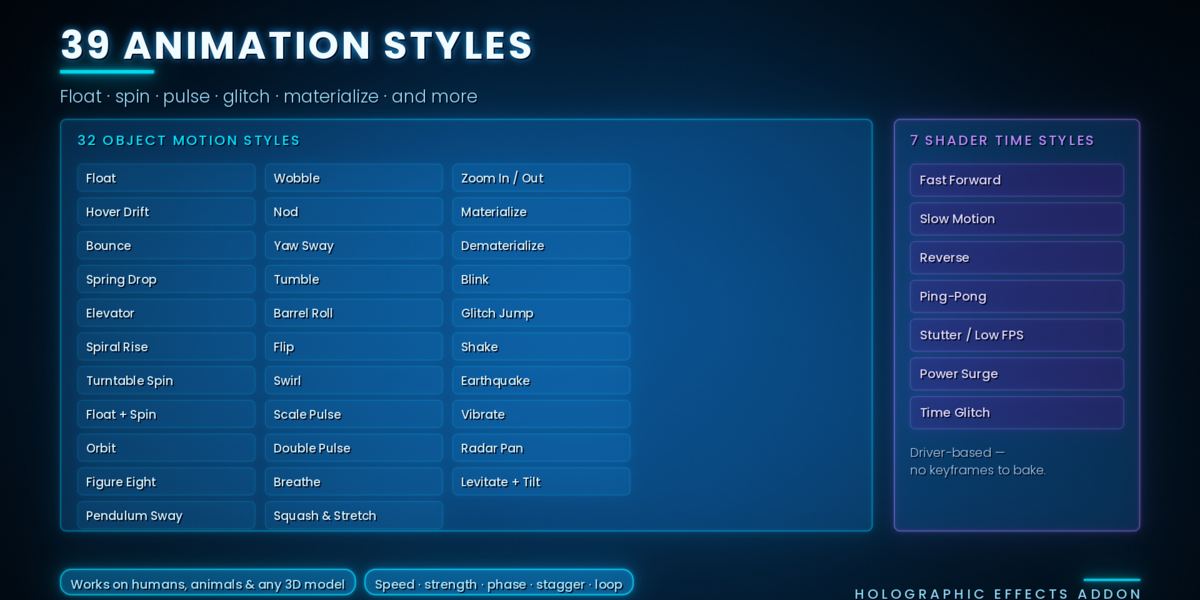
- Press Animate Hologram (or leave Animate on Create on) and play the timeline.
For glow in Eevee, add a Glare node in the compositor or use the viewport compositor.
Have questions about this product?
Login to message
| Blender Extension Compatible | Yes |
| Published | about 6 hours ago |
| Blender Version | |
| Extension Type | Add-on |
| Render Engine Used | Cycles, Eevee |
| License | GPL |