Blender Easy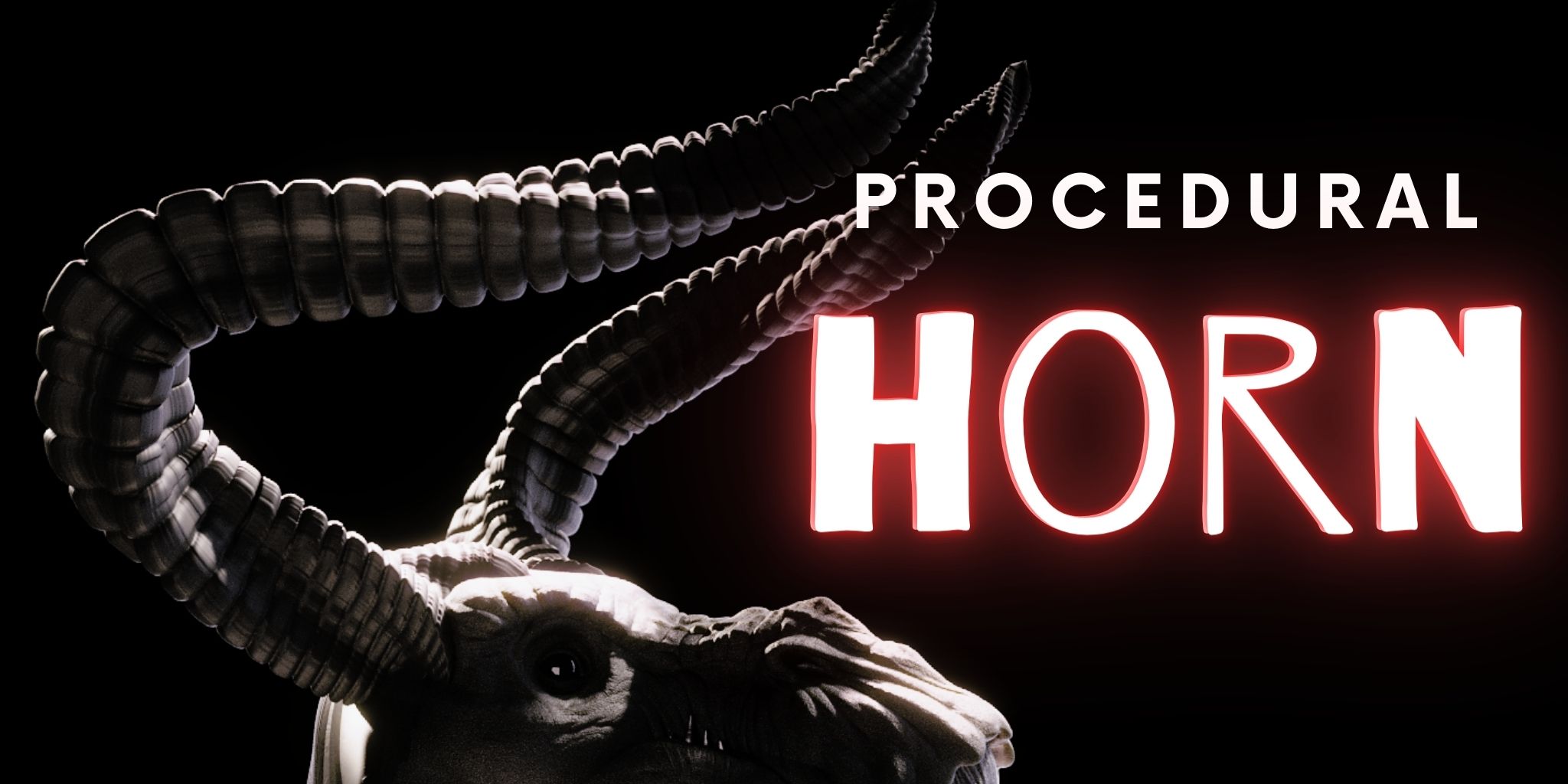

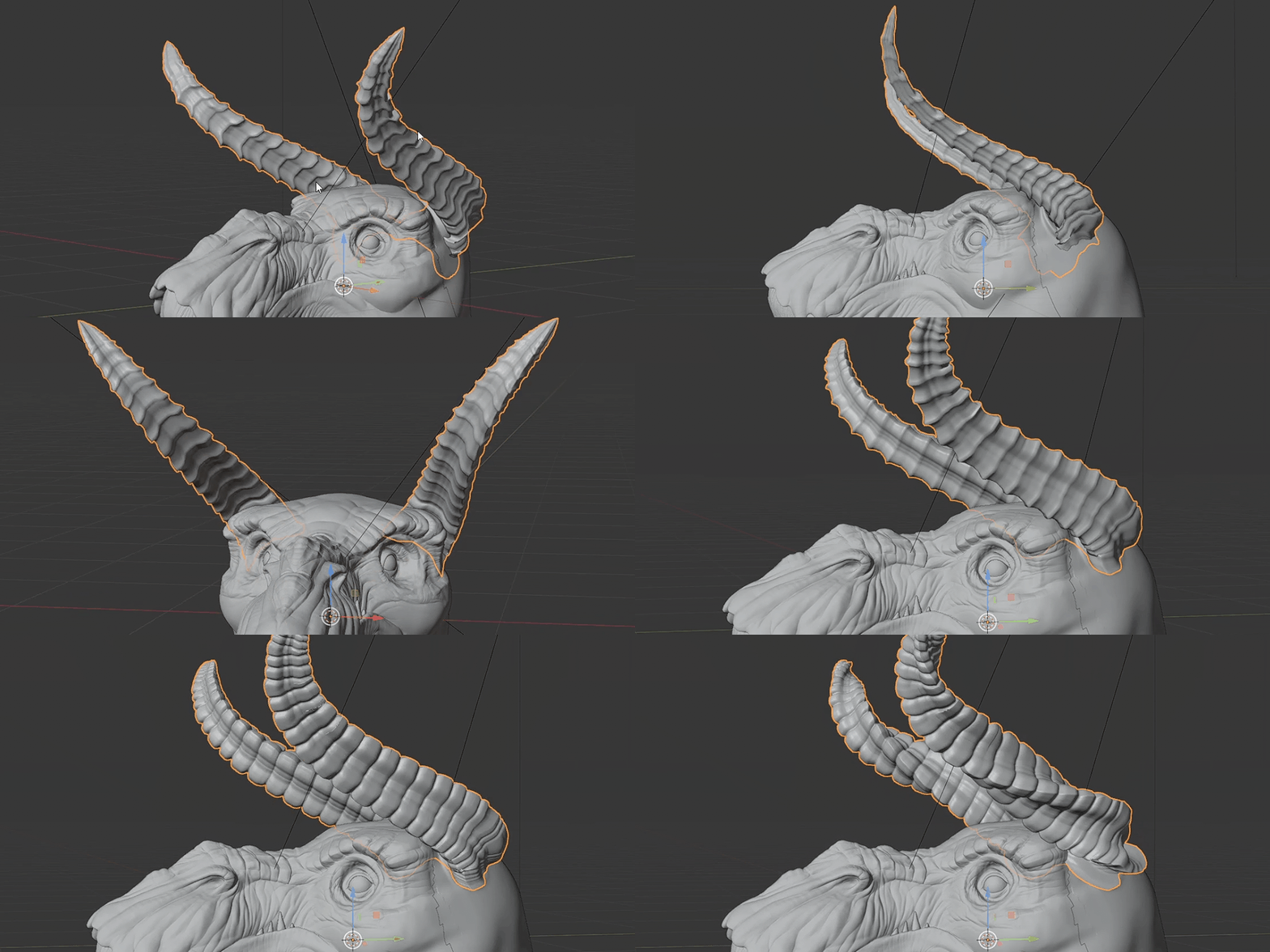
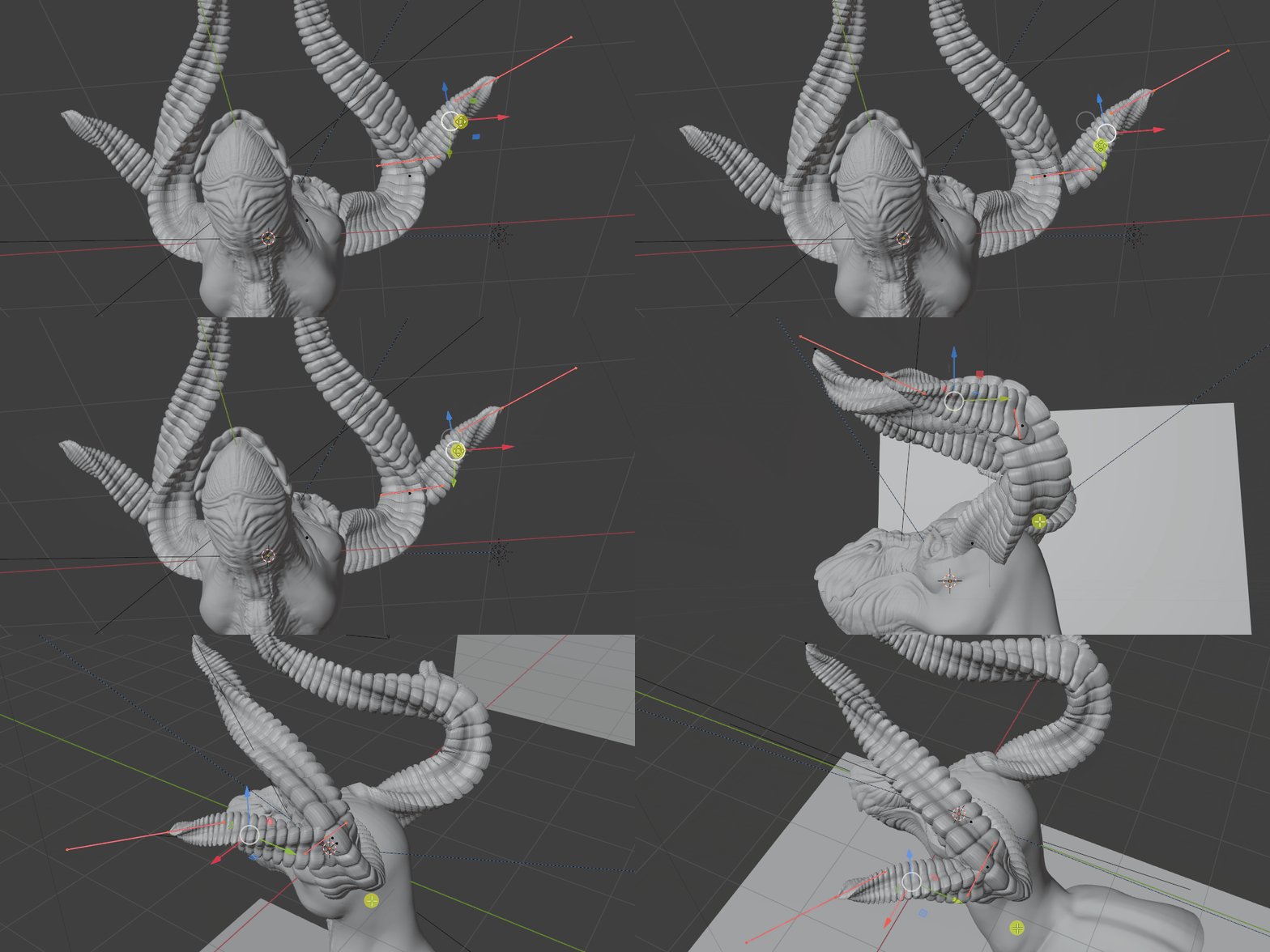
This tool turns curves into fully customizable horns. This is perfect when you are working on the concept of a creature or a character, because you can change the look of it very quickly, by shaping and adding more curves or using the parameters of the modifier, that changes every aspect of the horn.
You can mirror the Horns, by applying all of the transforms and enabling one of the mirror options.
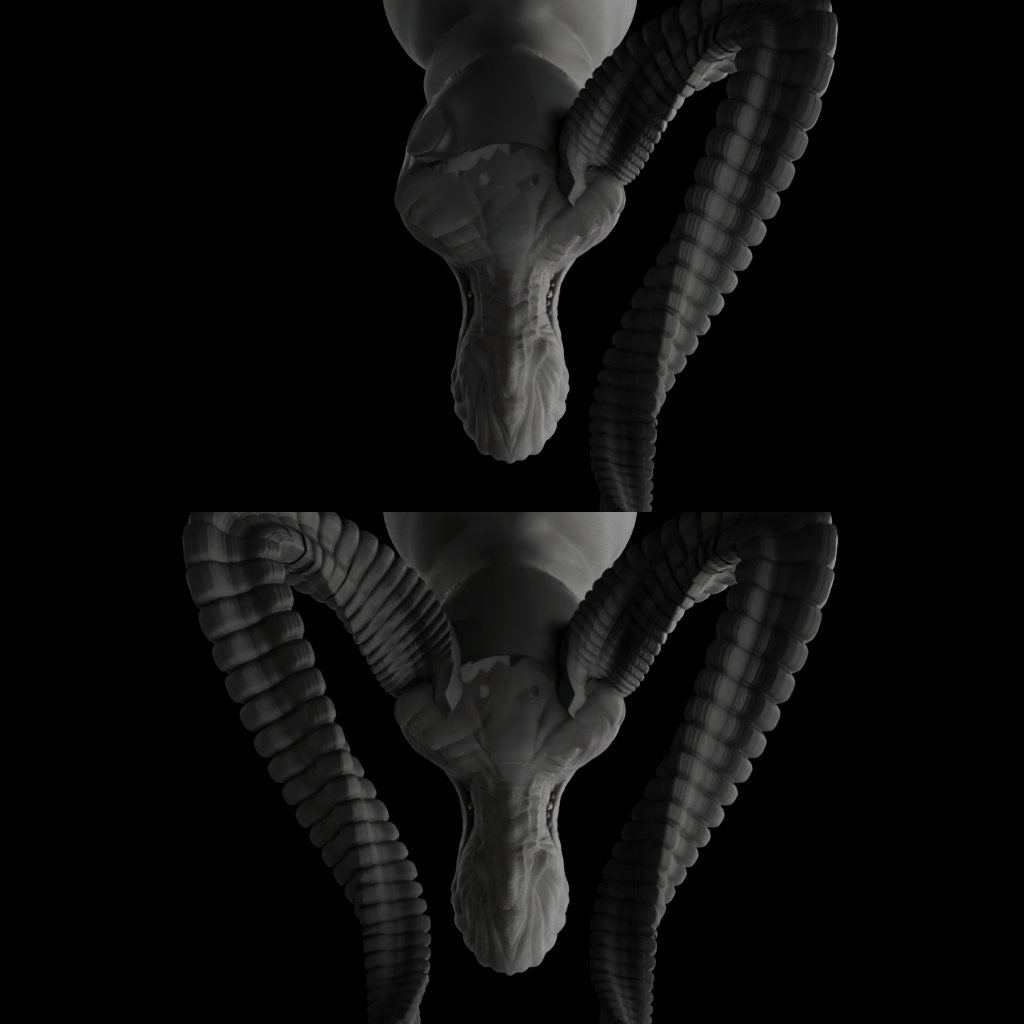
You can also use multiple curves to create even more complex shapes. The thickness of the horn will adapt to each curve size.
To use that you just need to Append the "Procedural Horn.blend" file to your scene selecting the "Procedural Horn" inside the "NodeTree" folder.
This modifier must be used with curves and to convert it to mesh if you want to sculpt that.
You can watch this video to learn more about it.