Procedural Ice Pro: One Click Frost, Icicles and Freeze Animation
 Salman Animator
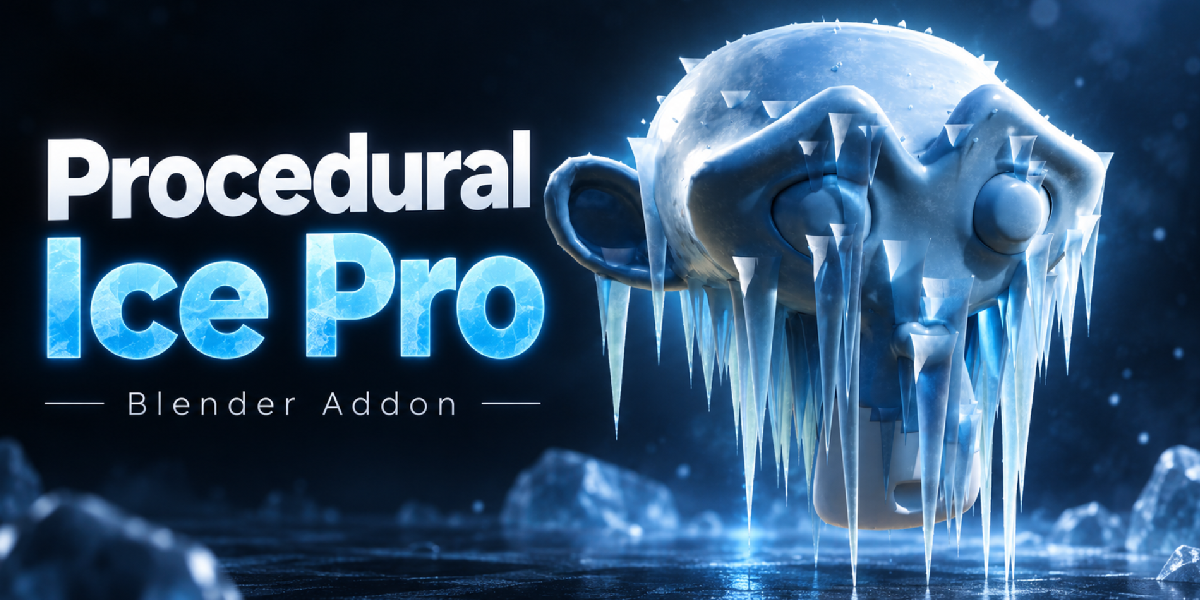
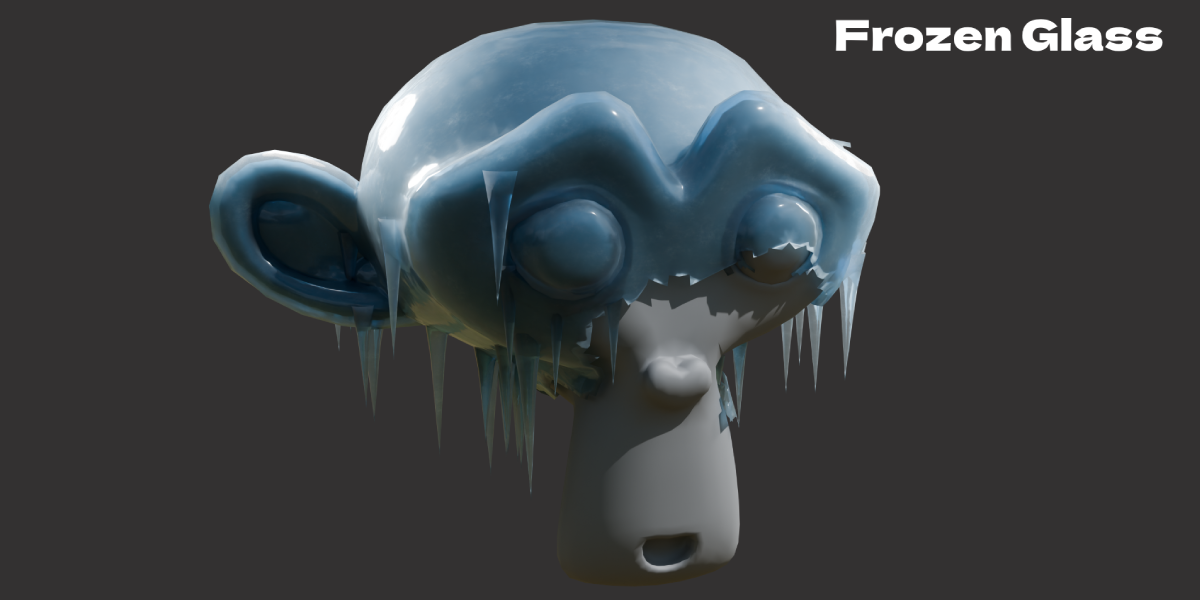
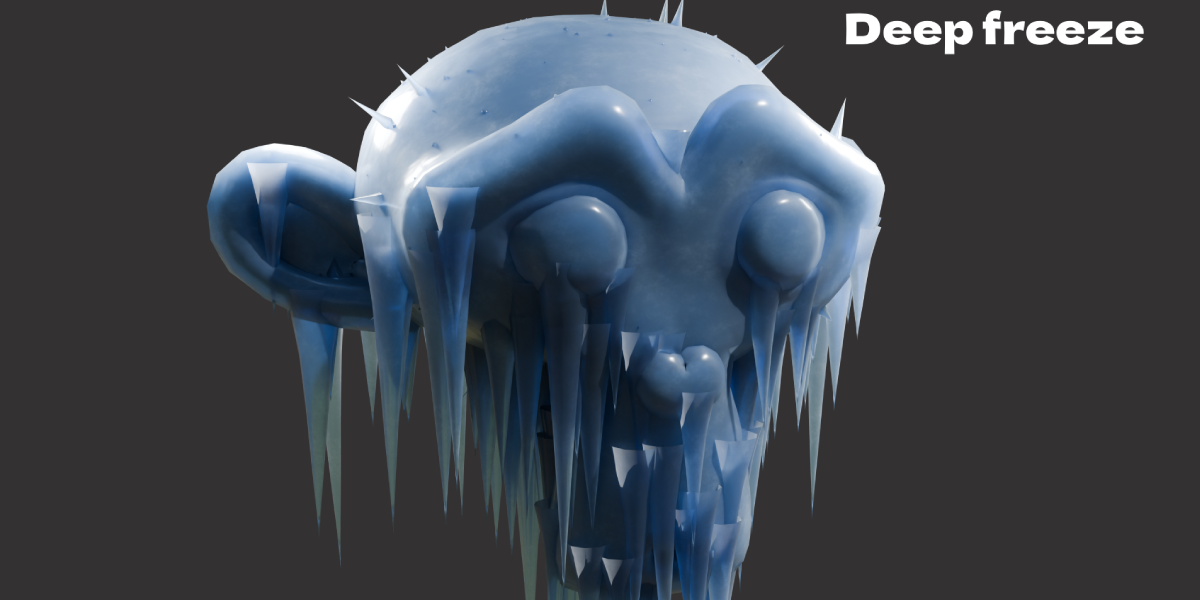
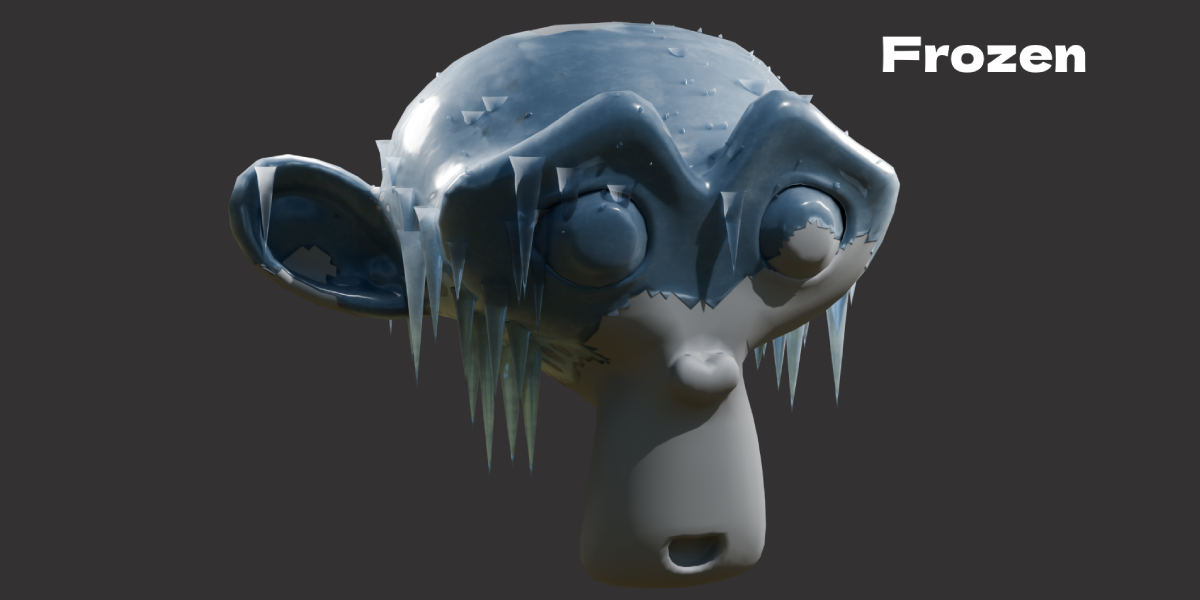
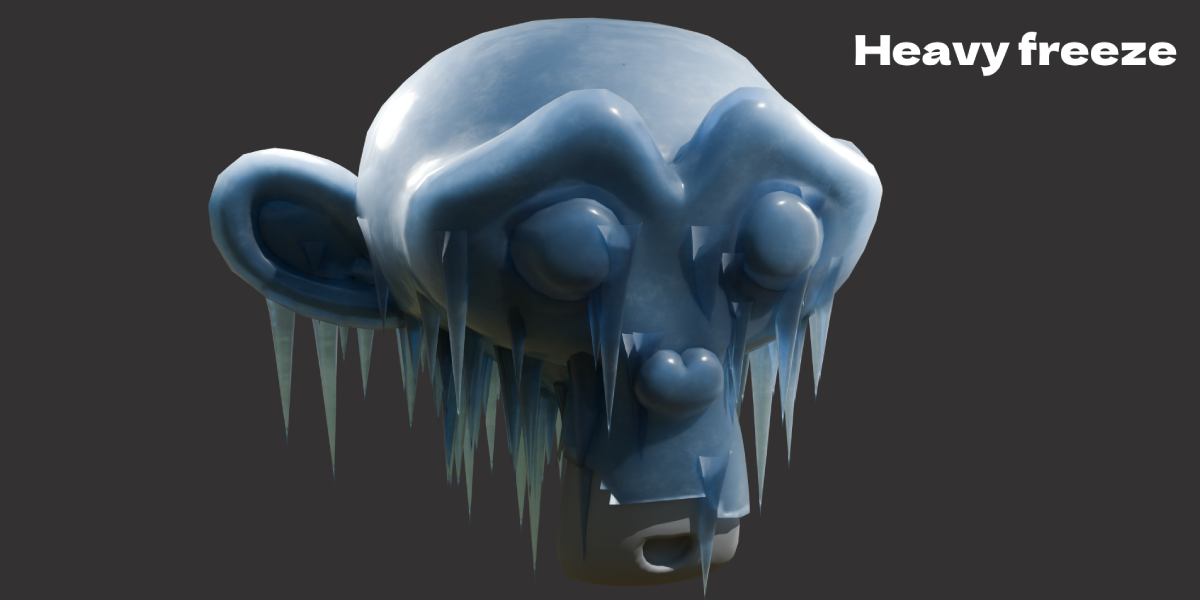
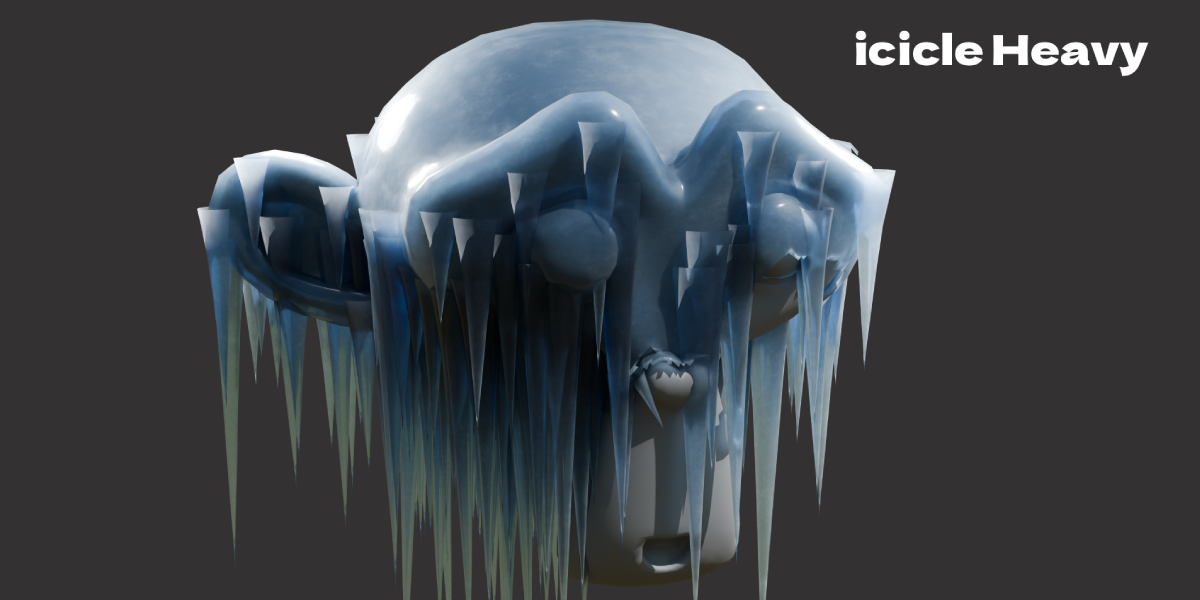
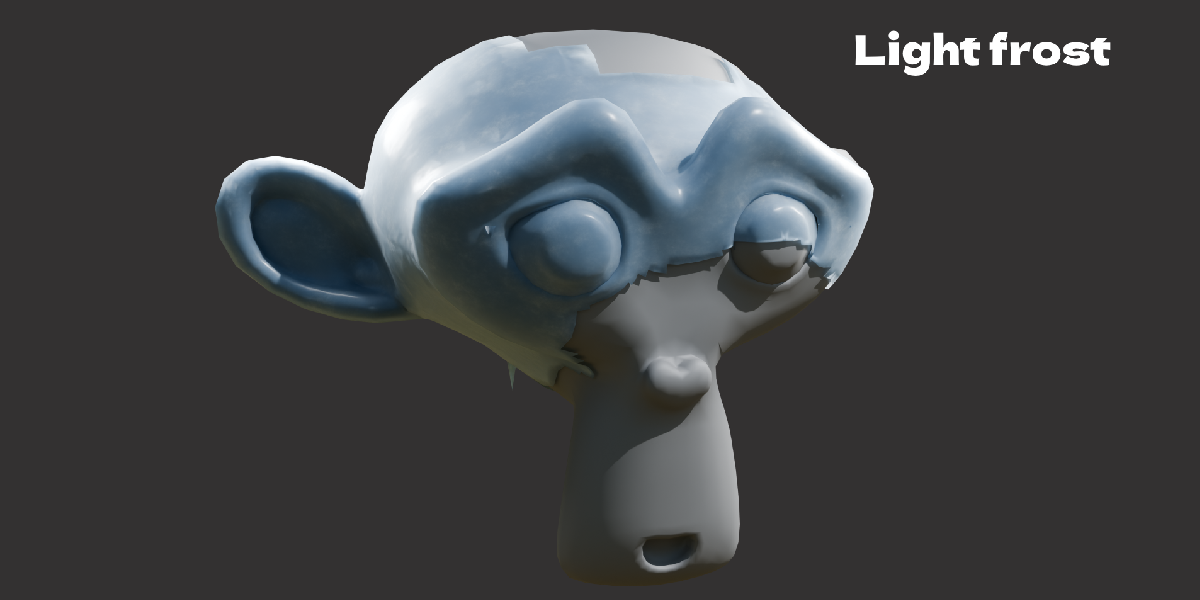
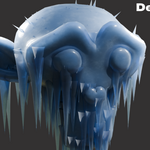
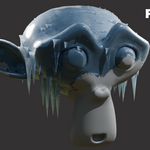
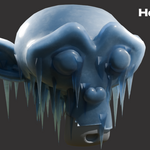
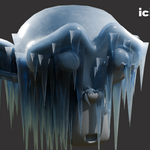
Select the mesh, open the Ice Pro tab, pick a preset and click FREEZE OBJECT. Adjust Ice Coverage and Freeze Amount until it looks right.
Freeze the object and raise Spike Density. Icicles are placed on undersides and edges automatically and stay editable.
No. The ice is a separate companion layer. REMOVE ICE deletes only what the addon created.
Yes. The materials are built for both. Use Rendered or Material Preview view to judge the clear ice.
Yes. Use ANIMATE FREEZE for a timed freeze, or keyframe the Freeze Controller Empty to move the frozen area.
Yes in most cases. The ice shell keeps your Armature modifier, and attached pieces use Surface Deform with a parenting fallback.
Yes. Set the Effect to Snow to build a rounded snow cap on upward facing areas.
Blender 4.2.0 and newer. It was tested in 4.2.0 and 5.2.0 LTS. Blender 3.6 is not supported.
No. Everything is procedural and works without a UV map.
Email [email protected]. Updates are delivered through your Superhive account.
Have questions about this product?
Login to message
| Blender Extension Compatible | Yes |
| Published | about 4 hours ago |
| Blender Version | 4.2 - 5.2 |
| Extension Type | Add-on |
| License | GPL |

Discover more products like this
geometry nodes frozen procedural ice freeze frost ice material VFX snow winter icicles animation