 Salman Animator
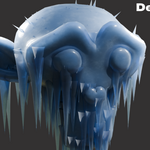
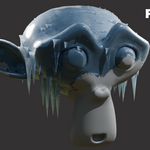
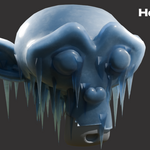
The problem: ice in Blender is a lot of manual work
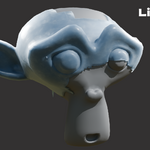
A believable frozen object needs three things at once: a clear and cloudy ice material, real thickness where ice builds up, and icicles that hang from the right places. Doing that by hand means building a shader, sculpting crust, modelling and placing icicles one at a time, then starting again when you change your mind. The common shortcut, inflating the whole mesh, turns a character into a balloon and hides the shape you wanted to show.
The solution: freeze the object, then tune it
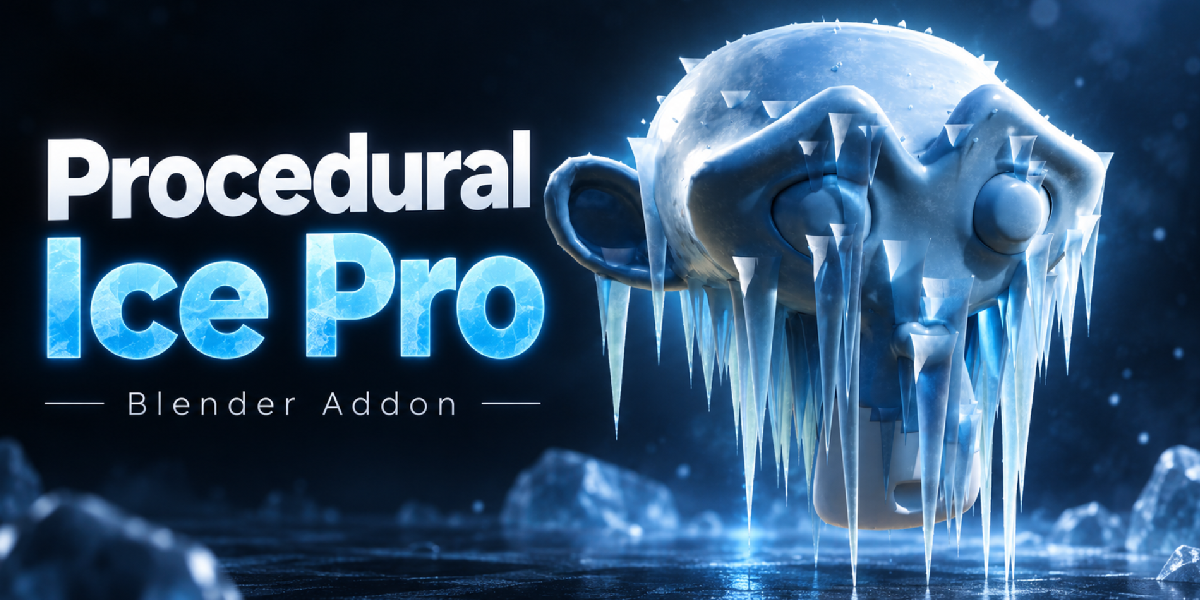
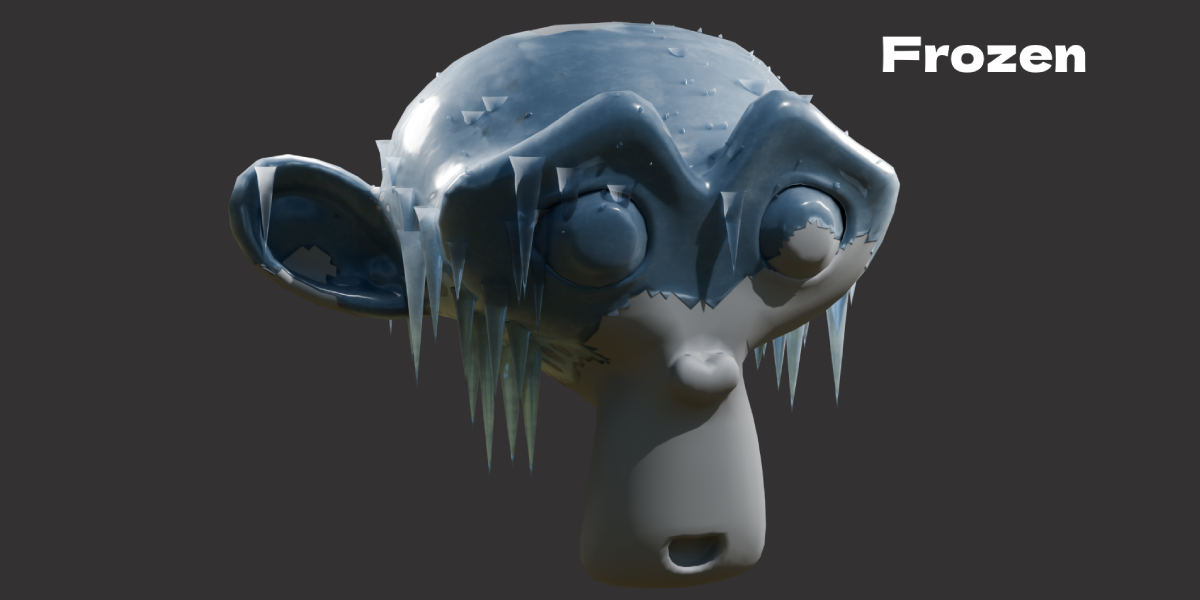
Procedural Ice Pro adds ice as a separate companion layer on top of your mesh. Select a mesh, pick a preset and click FREEZE OBJECT. You get real ice geometry, a layered ice and frost material, tapered icicles, small ice chunks and optional shards. Your original mesh and its materials are never edited, and REMOVE ICE takes it all away again.
Frozen object effect that keeps the shape
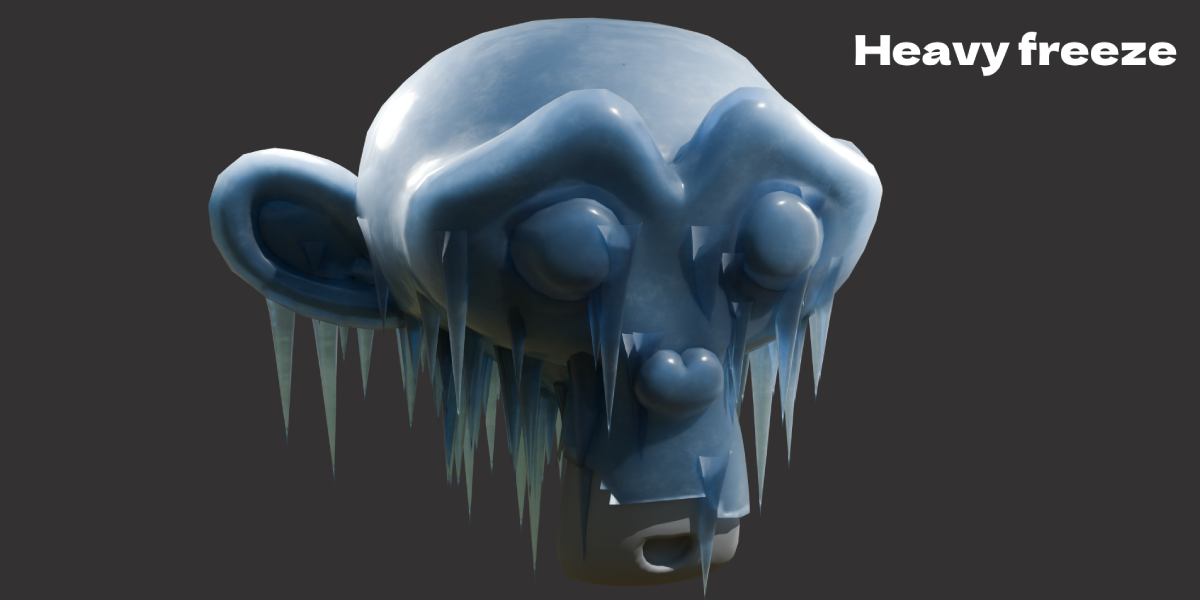
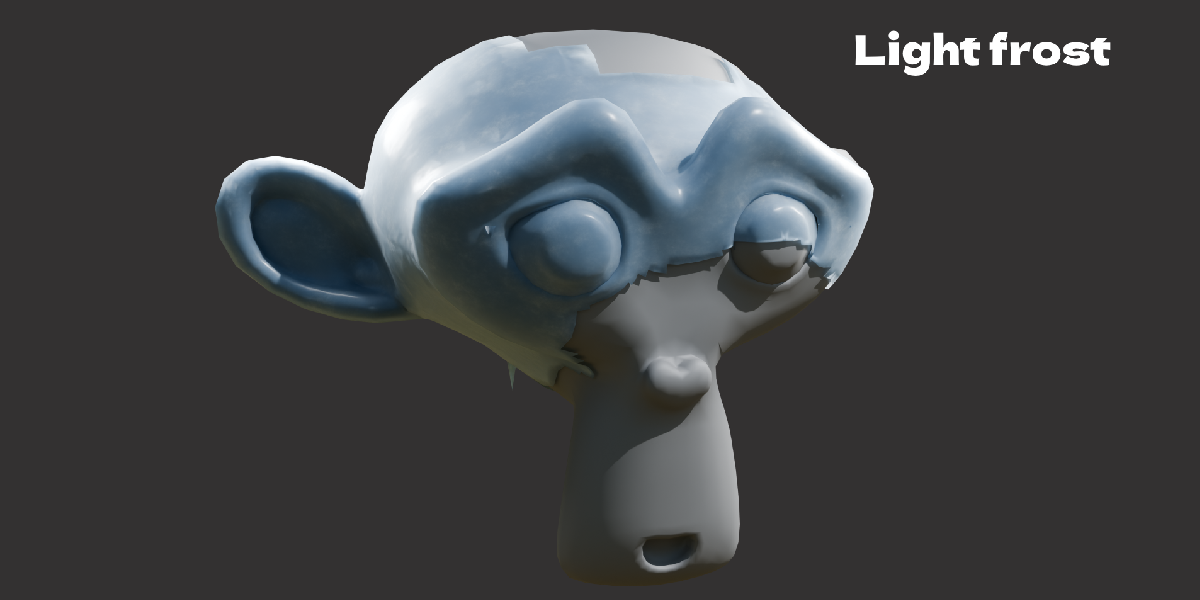
Ice Coverage decides where ice exists. Freeze Amount, Ice Density and Ice Thickness decide how heavy it gets inside those areas. Buildup is localized and capped relative to the object size, so Heavy Freeze adds more frozen area, not a puffed up shell. Edges of each frozen patch get a thin broken crust instead of a hard line.
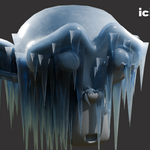
Icicles in Blender that actually hang
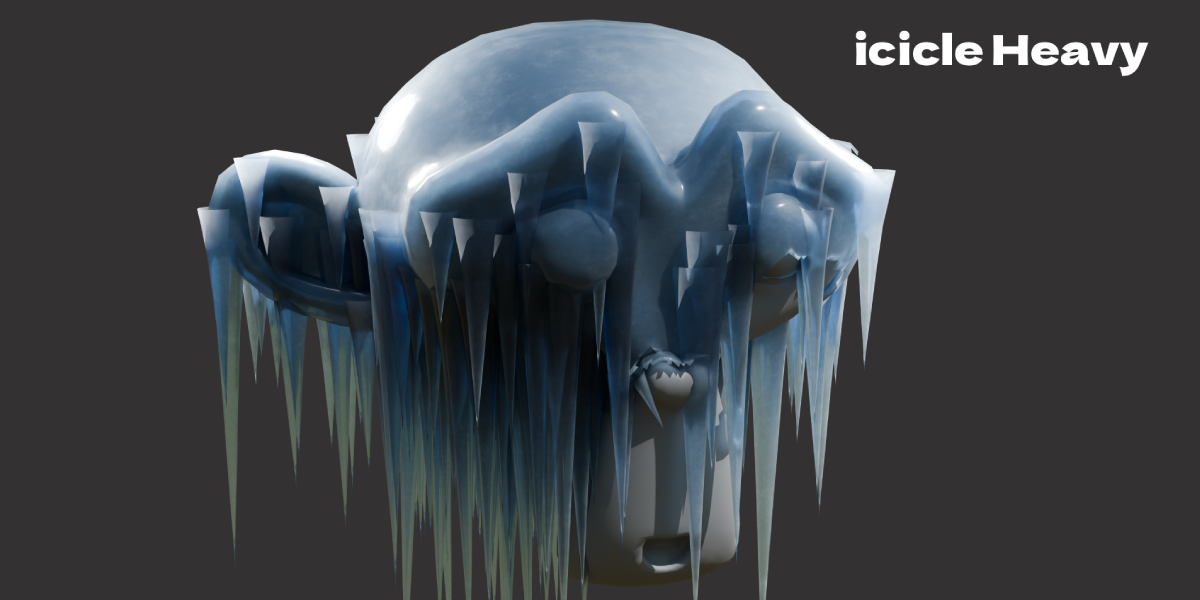
Icicles are placed with priority on lower edges, undersides, ledges and frozen boundaries. Each one has a wide root, a five stage tapered profile and a sharp tip. Gravity points them down unless you turn on custom XYZ direction. Spike Density, Spike Radius, length and Scale Min / Max update live.
Freeze animation, snow and wet ice
Open FREEZE ANIMATION, set a start frame, duration and direction, and click ANIMATE FREEZE. It uses normal Blender keyframes, so you can edit the timing in the Graph Editor. The Effect selector also gives you Snow (a rounded cap on upward facing areas) and Wet Ice (a smoother, glossy coating).
Ice for characters and animated objects
The ice shell keeps your object's own modifier stack, so Armature, Mirror, Subdivision and Bevel still affect it. Icicles, particles and shards try a Surface Deform bind and fall back to parenting if a mesh cannot bind. A Freeze Controller Empty lets you move or keyframe the frozen region.
Key Features
- One click FREEZE OBJECT: freezes the selected mesh with the current preset. Benefit: you start from a finished look instead of a blank shader.
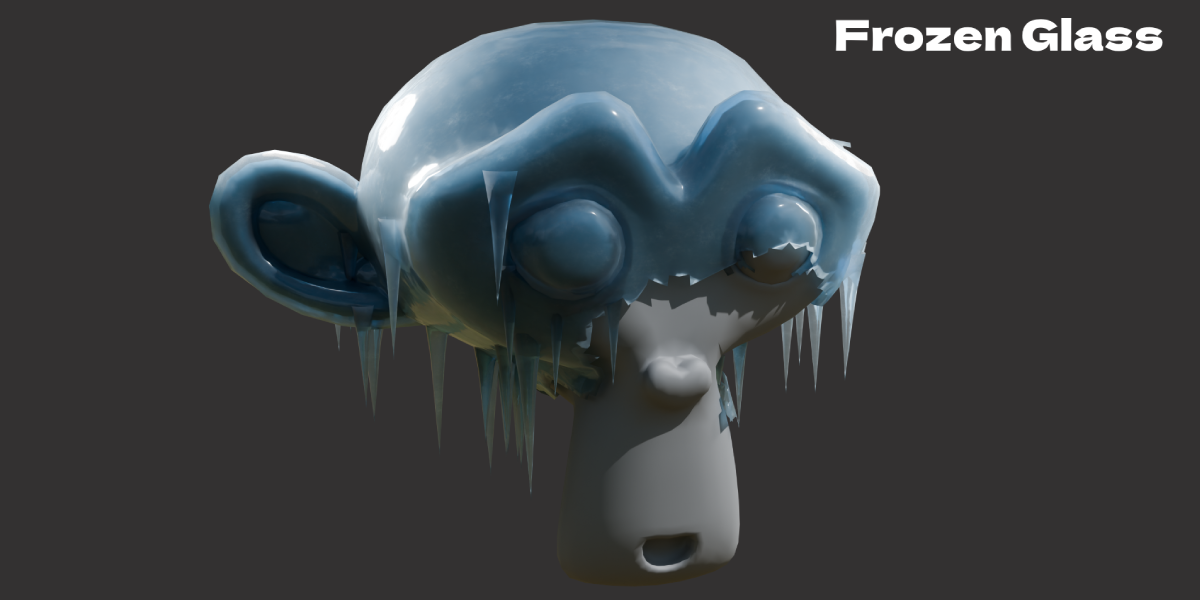
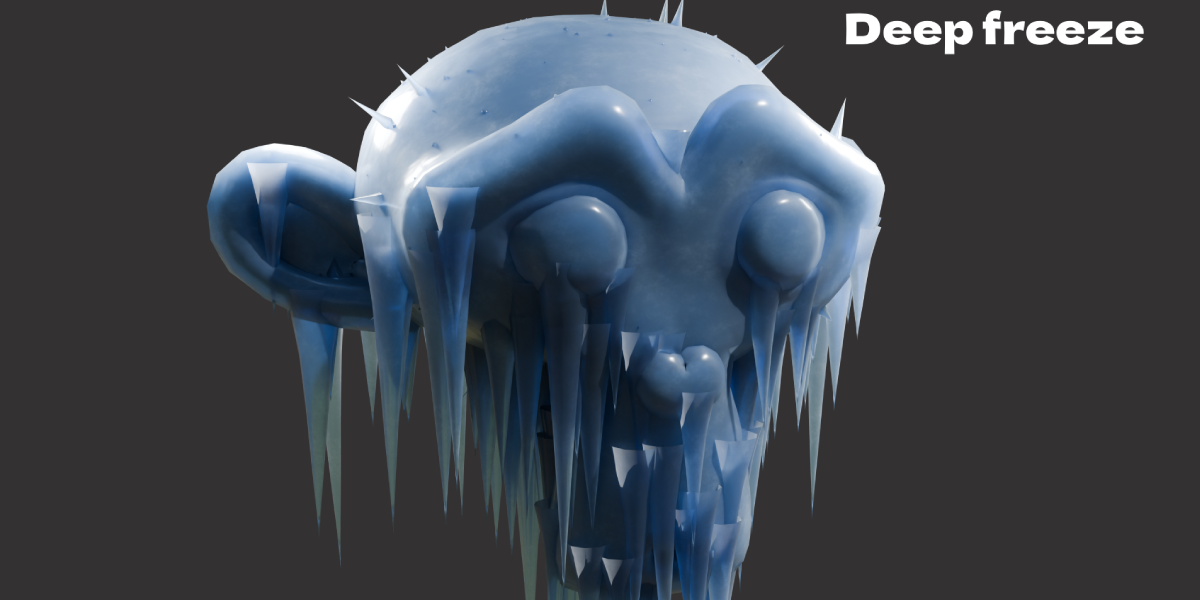
- Six presets: Light Frost, Frozen, Heavy Freeze, Deep Freeze, Icicle Heavy and Frozen Glass. Benefit: try different moods in seconds and keep the one that fits.
- Real partial ice coverage: a Geometry Nodes coverage cut removes unfrozen parts of the shell. Benefit: actual ice patches with holes and breakup, not a full transparent skin.
- Localized buildup with crust edges: thickness grows inside frozen areas and is capped by object size. Benefit: no balloon effect, faces and details stay readable.
- Tapered, attached icicles: wide roots, five stage taper, placed on undersides and edges. Benefit: icicles look grown, not stuck on.
- Layered ice material: clear ice, cloudy thick ice and white frost with tint, roughness and transmission controls. Benefit: one material that reads as ice in Cycles and Eevee.
- Ice particles and shards: small crystal chunks and optional larger shards built as single meshes. Benefit: extra detail without thousands of objects in the outliner.
- Snow and Wet Ice modes: switch the effect type from the Create section. Benefit: winter scenes and melting looks from the same tool.
- Freeze Controller: a sphere Empty that limits the effect to a region you can move, scale and keyframe. Benefit: ice that creeps across an object on cue.
- ANIMATE FREEZE: keyframes the freeze over a frame range with a direction. Benefit: a growing ice shot with no Python handlers running during playback.
- Works on deforming characters: keeps the Armature stack and uses Surface Deform for attached pieces. Benefit: ice that follows a posed or animated rig.
- Non destructive and removable: everything lives in the BU_Ice collection, tagged for clean removal. Benefit: experiment freely, your source mesh stays untouched.
Workflow Benefits
- Old way: build an ice shader, add displacement, test render, model icicles, place them, fix the ones that float. New way: select the mesh, choose a preset, click FREEZE OBJECT.
- Old way: inflate or solidify the mesh for thickness and lose the silhouette. New way: raise Ice Thickness or Buildup Amount and the shape stays readable.
- Old way: rebuild ice after the director asks for "less frost on the face". New way: lower Ice Coverage or move the Freeze Controller away from the face.
- Old way: keyframe many shader values for a freeze shot. New way: click ANIMATE FREEZE and edit the curve if needed.
- Old way: delete objects and materials by hand to undo the effect. New way: click REMOVE ICE.
Who it is for
- Motion designers making frozen product shots and freezing logo animations
- Character artists showing ice spells, frozen enemies or cold weather damage
- Environment artists adding frozen props, pipes, rocks and signs to winter scenes
- Game and stylized artists blocking out frozen variants of existing assets
- Students and hobbyists who want an ice look without learning node trees first
What's included and requirements
- Procedural Ice Pro addon ZIP, version 1.9.0 (Blender extension and legacy addon in one package)
- Requires Blender 4.2.0 or newer. Tested in 4.2.0 and 5.2.0 LTS.
- Works with Cycles and Eevee
- No external Python packages, textures, internet connection or UV unwrap needed
- License: GPL-3.0-or-later for the code
- Support: [email protected]
