 Vertex Loop Studio


 Advanced Procedural Leather Material System
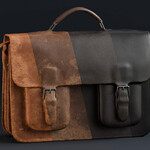
The Advanced Procedural Leather Material is a highly customizable, production-ready leather material for Blender.
It is designed to give full artistic control, allowing you to create almost any type of leather from a single material setup.
It includes two material versions (optimized and fully procedural), making it suitable for both high-performance scenes and high-quality close-up renders.
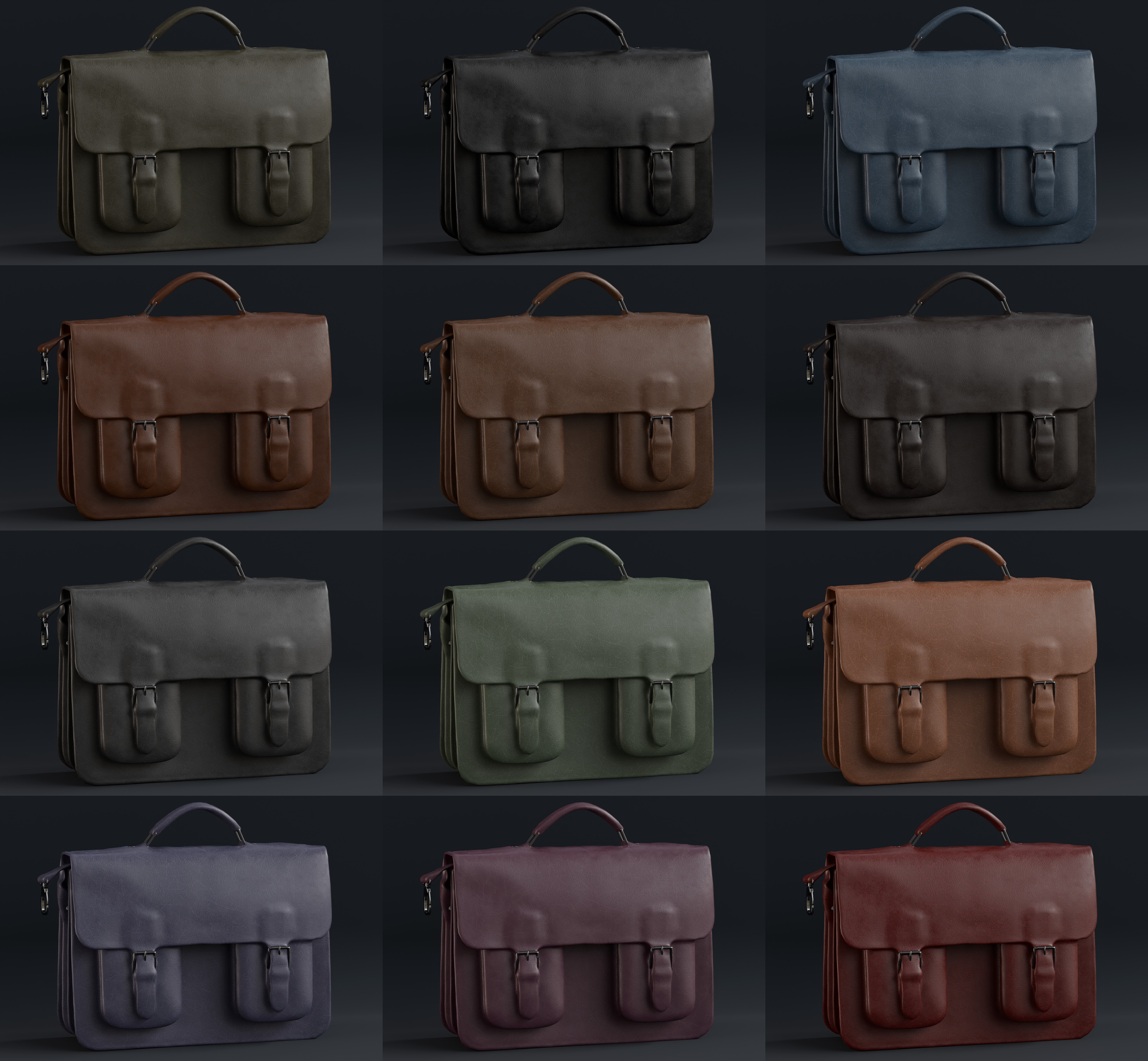
Material Versions
Optimized Hybrid Version
Lightweight and GPU-friendly
Uses minimal image textures combined with procedural nodes
Low memory usage
Suitable for large scenes, animation, and real-time workflows
100% Procedural Version
Fully procedural (no image textures)
Resolution-independent
Designed for close-up and high-detail rendering
Core Features & Controls
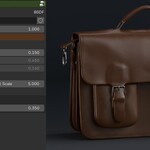
Extensive controls to shape the leather appearance
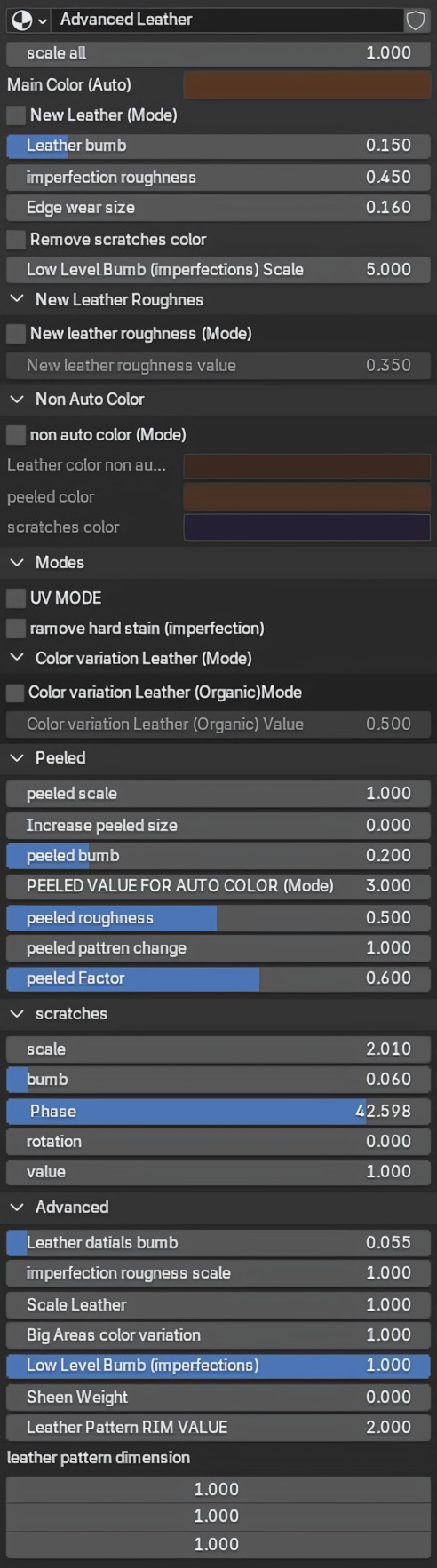
-
One-click modes to:
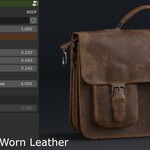
Convert clean leather to worn leather
Add edge wear
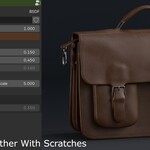
Enable or disable scratches
Adjustable leather grain, pore size, wrinkles, and surface noise
-
Full control over:
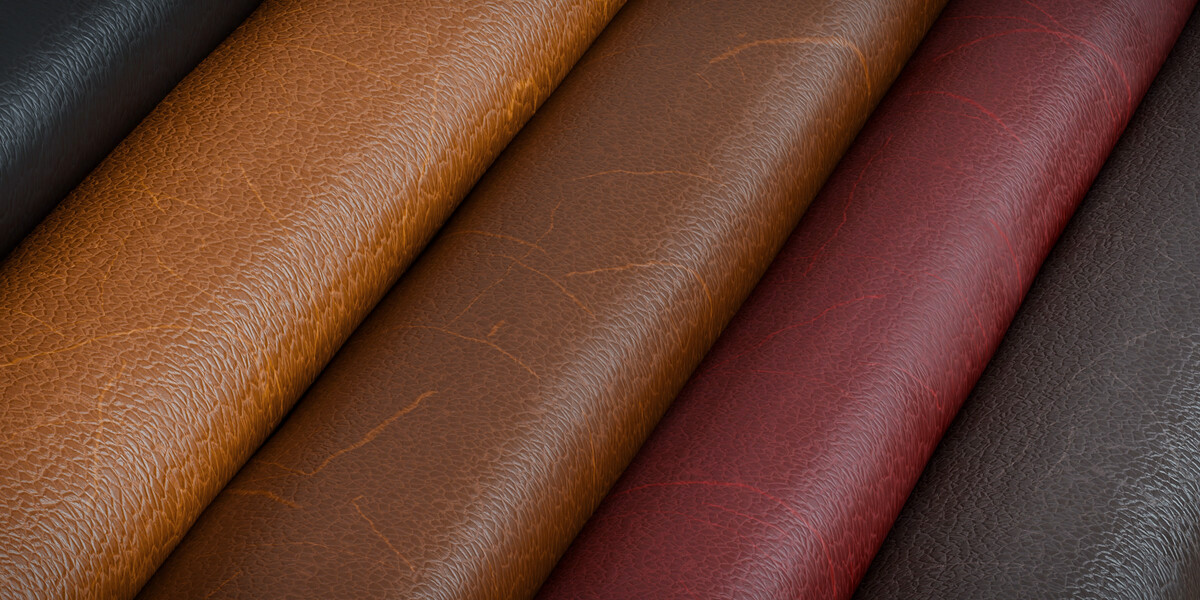
Color and color variation
Roughness and gloss
Aging and wear intensity
Damage and surface breakup
-
Non-destructive workflow — all changes are parameter-based
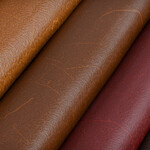
With these controls, a single material can be adjusted to create luxury leather, aged leather, rough leather, damaged leather, or worn edges without rebuilding the shader.
Texture Mapping & Auto Scale
This material uses Object Coordinates instead of UVs to automatically fit most models.- The leather scale adapts to the object size.
- No manual UV scaling required.
- Consistent leather grain across different models.
─────────────────────────────────────────────────────────
Compatibility
Works with Cycles and Eevee
Clean, organized, and well-commented node setup
Easy to customize and extend
What’s Included
Advanced procedural leather material(s)
Optimized hybrid leather version
Fully procedural leather version
Use Cases
Product visualization
Furniture and archviz
Fashion and accessories
Props and cinematic assets
Bag model by Mouch (@Mountrise) — CC-BY from Sketchfab