Procedural Material Library - Vol.02
 Alireza Taherpor


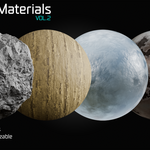
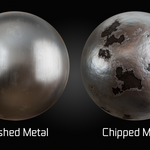
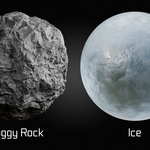
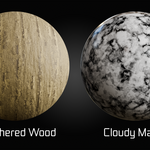
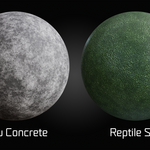
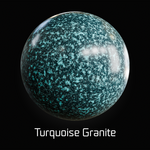
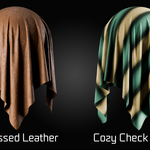
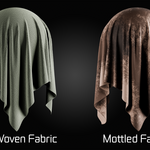
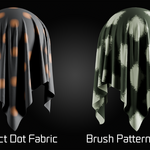
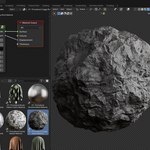
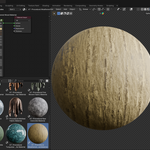
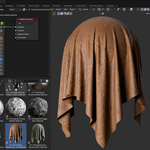
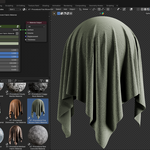
Blender
Open the Asset Browser and drag the material onto your object.
Alternatively, assign the material through the Material Properties panel.
The materials are fully procedural and can be adjusted to fit different projects and scales.
Tips
Adjust the Mapping scale to control the material size.
Most parameters can be customized to create different surface variations.
For best results, use proper UVs when required by the material setup.
Suitable for product visualization, environment assets, architectural scenes, and general 3D rendering.
-
$8.99
Suitable for personal projects, freelance work, and individual commercial use.
-
$59.99
Suitable for commercial projects, client work, and small teams.
-
$89.99
Suitable for studios, organizations, and teams with multiple users.
Have questions about this product?
Login to message
| Published | 3 months ago |
| Blender Version | 3.0 - 5.2 |
| Render Engine Used | Cycles, Eevee |
| License | Royalty Free |
Discover more products like this
procedural materials Blender Marble Material Blender ice material blender-metal-material procedural texturing Procedural Surface environment materials blender wood material Blender Fabric Material blender concrete material blender rock material Procedural Damaged Metal