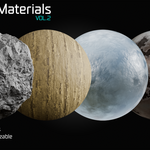
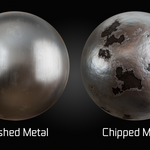
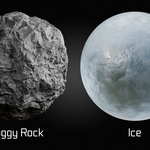
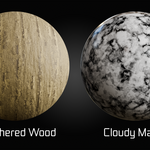
Procedural Material Library - Vol.02
 Alireza Taherpor


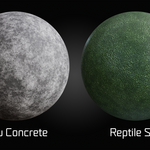
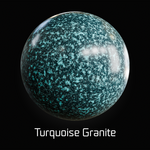
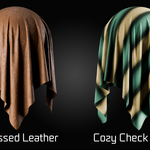
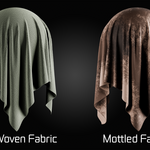
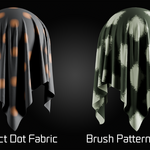
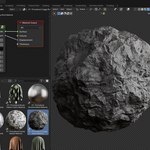
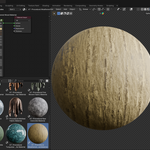
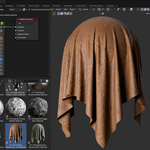
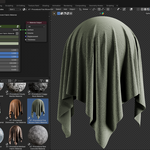
If you are using Blender 5, check the Asset Library Import Method and make sure it is set to Append.
Using Pack may prevent direct editing of the material data after importing.
-
$8.99
Suitable for personal projects, freelance work, and individual commercial use.
-
$59.99
Suitable for commercial projects, client work, and small teams.
-
$89.99
Suitable for studios, organizations, and teams with multiple users.
Have questions about this product?
Login to message
| Published | 3 months ago |
| Blender Version | 3.0 - 5.2 |
| Render Engine Used | Cycles, Eevee |
| License | Royalty Free |
Discover more products like this
Blender ice material Blender Fabric Material environment materials Blender Marble Material blender concrete material Procedural Damaged Metal procedural materials blender-metal-material blender rock material blender wood material procedural texturing Procedural Surface