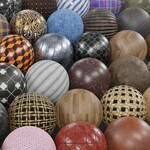
 CAN OF TEXTURES



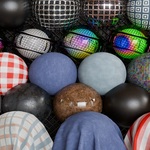
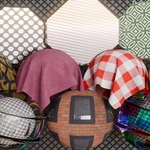
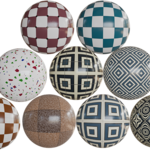
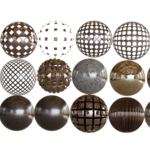
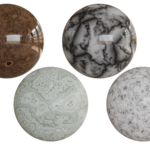
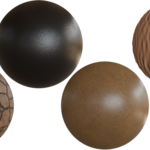
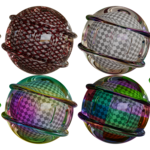
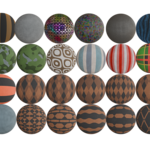
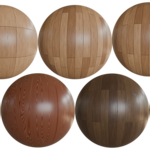
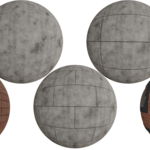
100+ Procedural Blender Materials
Experience next-level freedom with fully procedural materials—resolution-independent, fast, and beautifully optimized for Blender's Asset Browser.
EEVEE / CYCLE Compatible
All materials are compatible with EEVEE and CYCLES Except some Glass Materials

Complete Color and Pattern Control
Most materials let you easily change the color and pattern, so there's no need to replace the whole material just to get a different look.

📁 Organized by Category
Each material is neatly categorized and comes individually packed inside the Asset Browser for faster access and efficient workflow.
Categories include: Fabric, Glass, Metal, Wood, Plastic, Leather, Emission, Tiles, Marble, and Ground.
Fabric

Glass

Ground
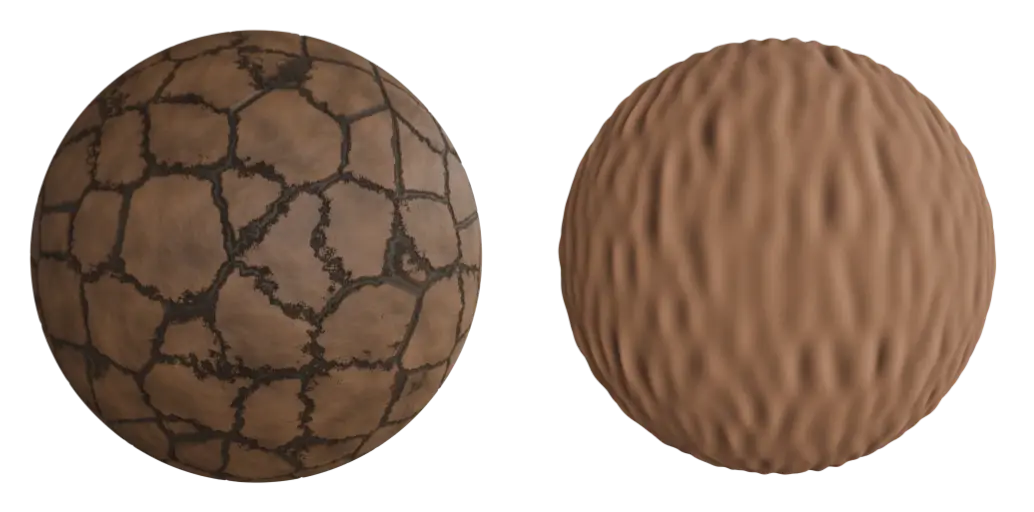
Marble

Metal

Floor Tiles
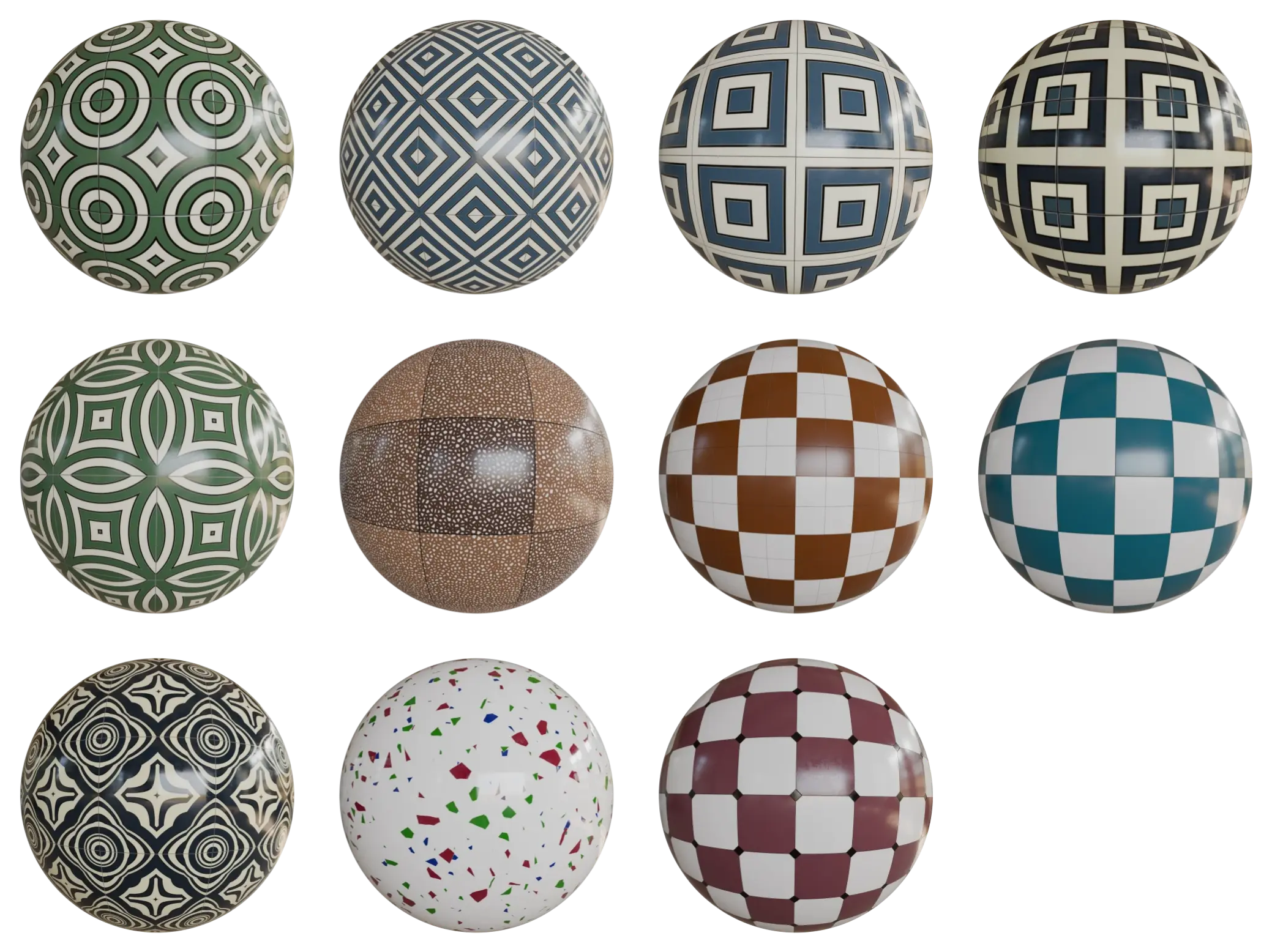
Wall

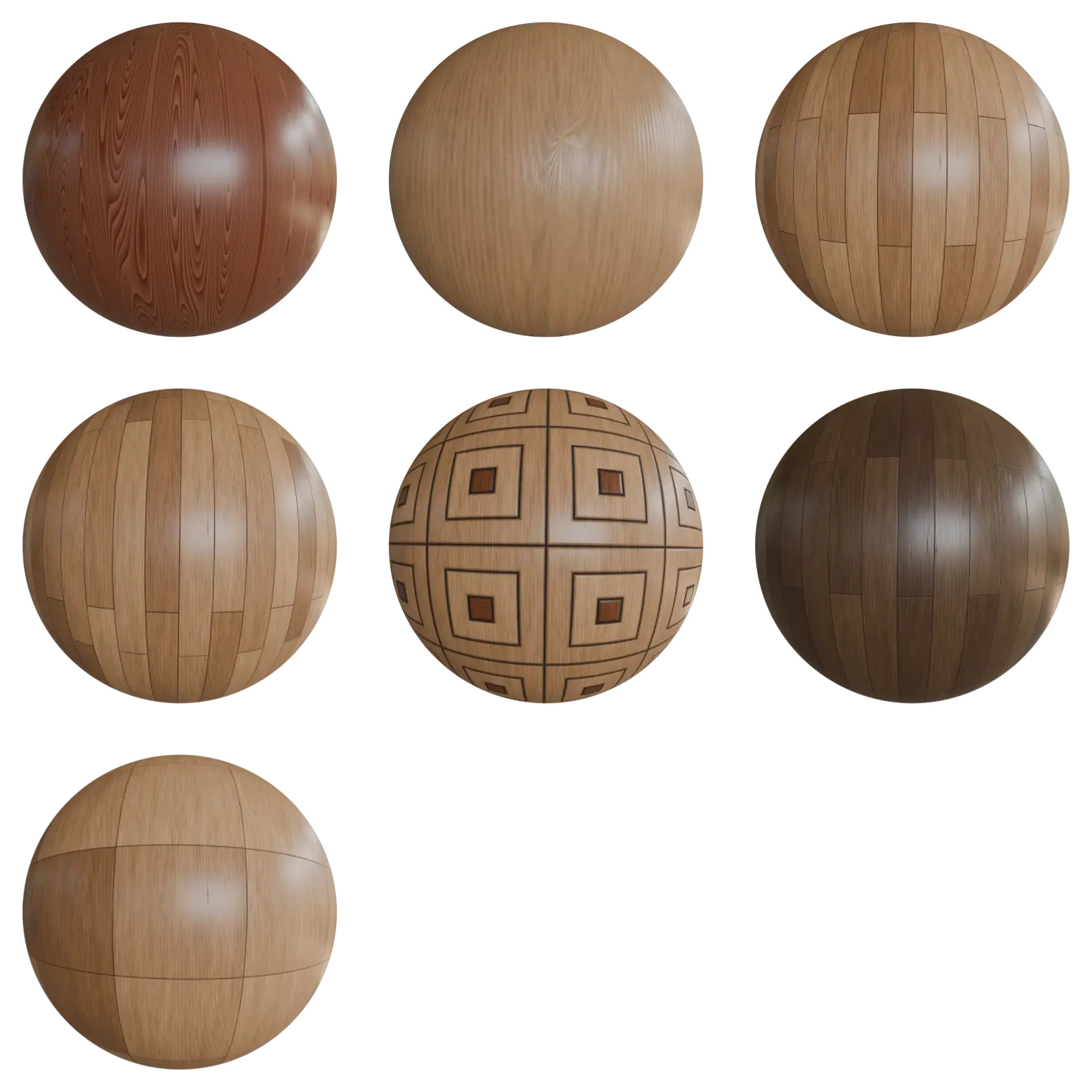
Wood
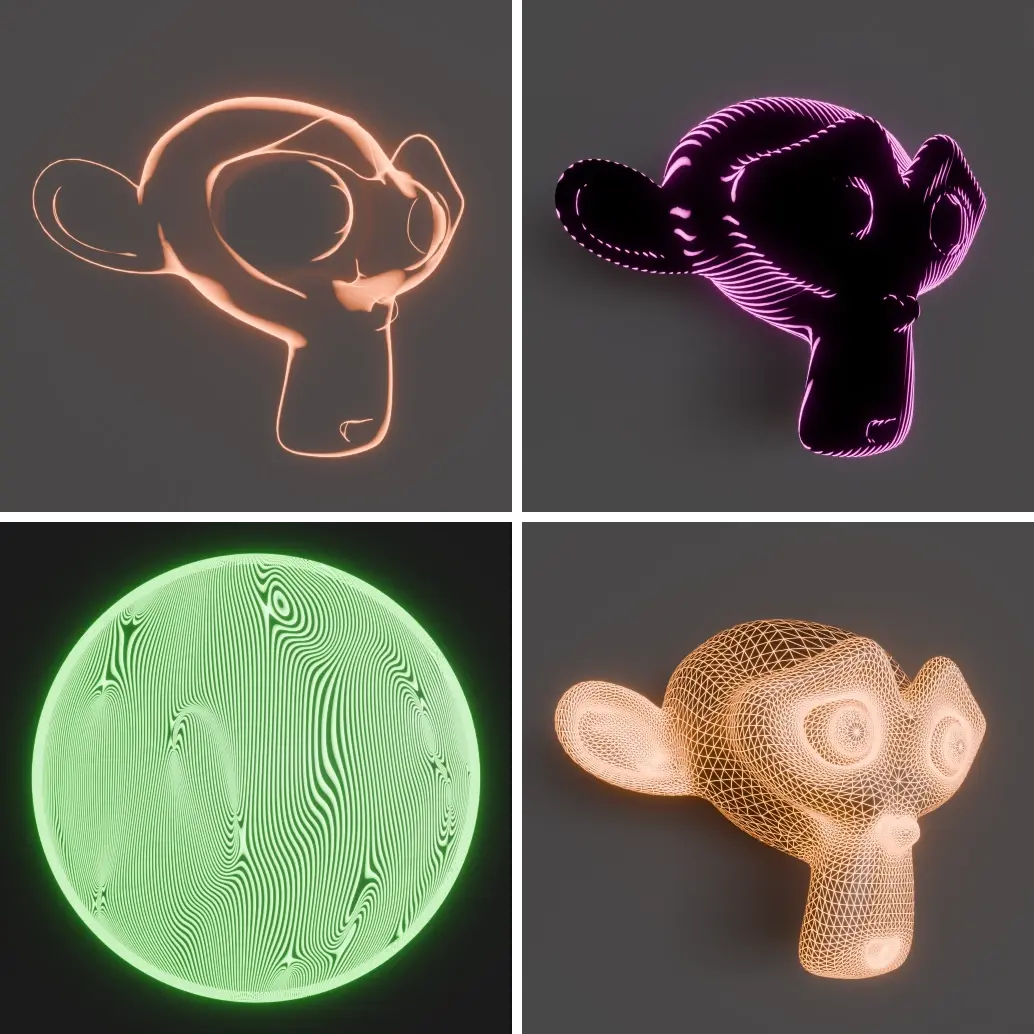
Emission
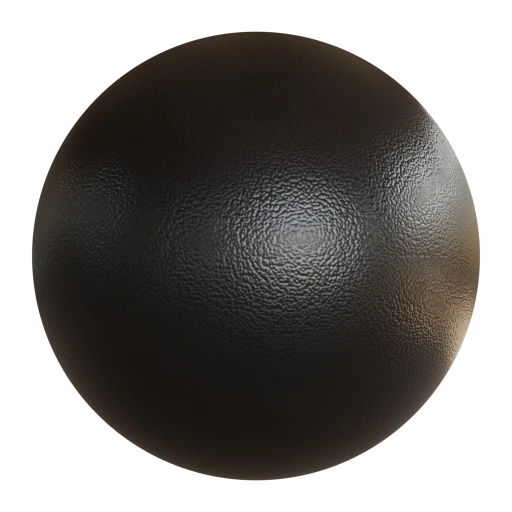
Plastic and Leather

🎨 Customize Everything
Every material comes with a user-friendly node interface inside the Shader Editor, allowing full control over colors, patterns, and details.
Create unlimited variations to match any style or need , No Visible Tiling—no two renders have to look the same.
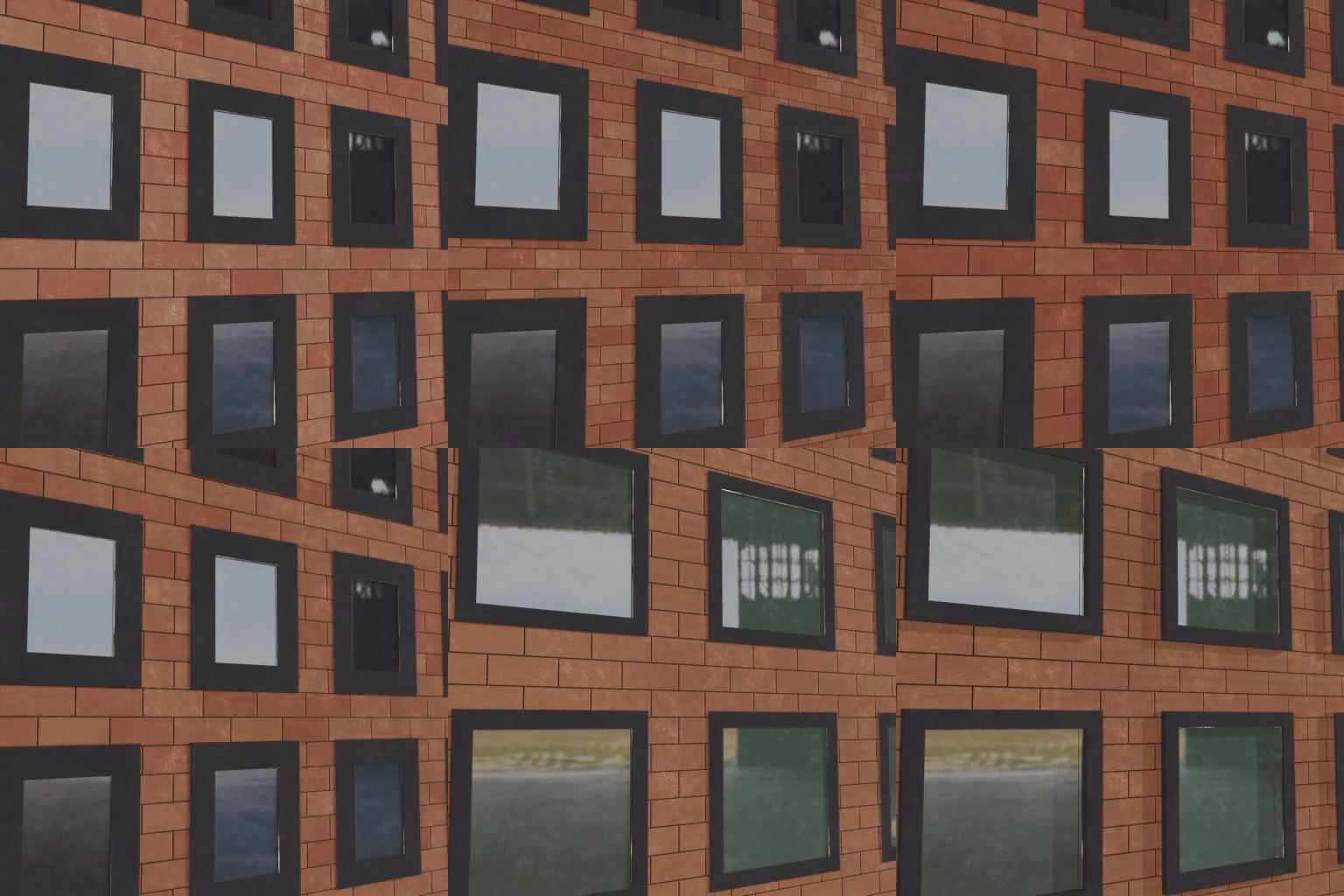
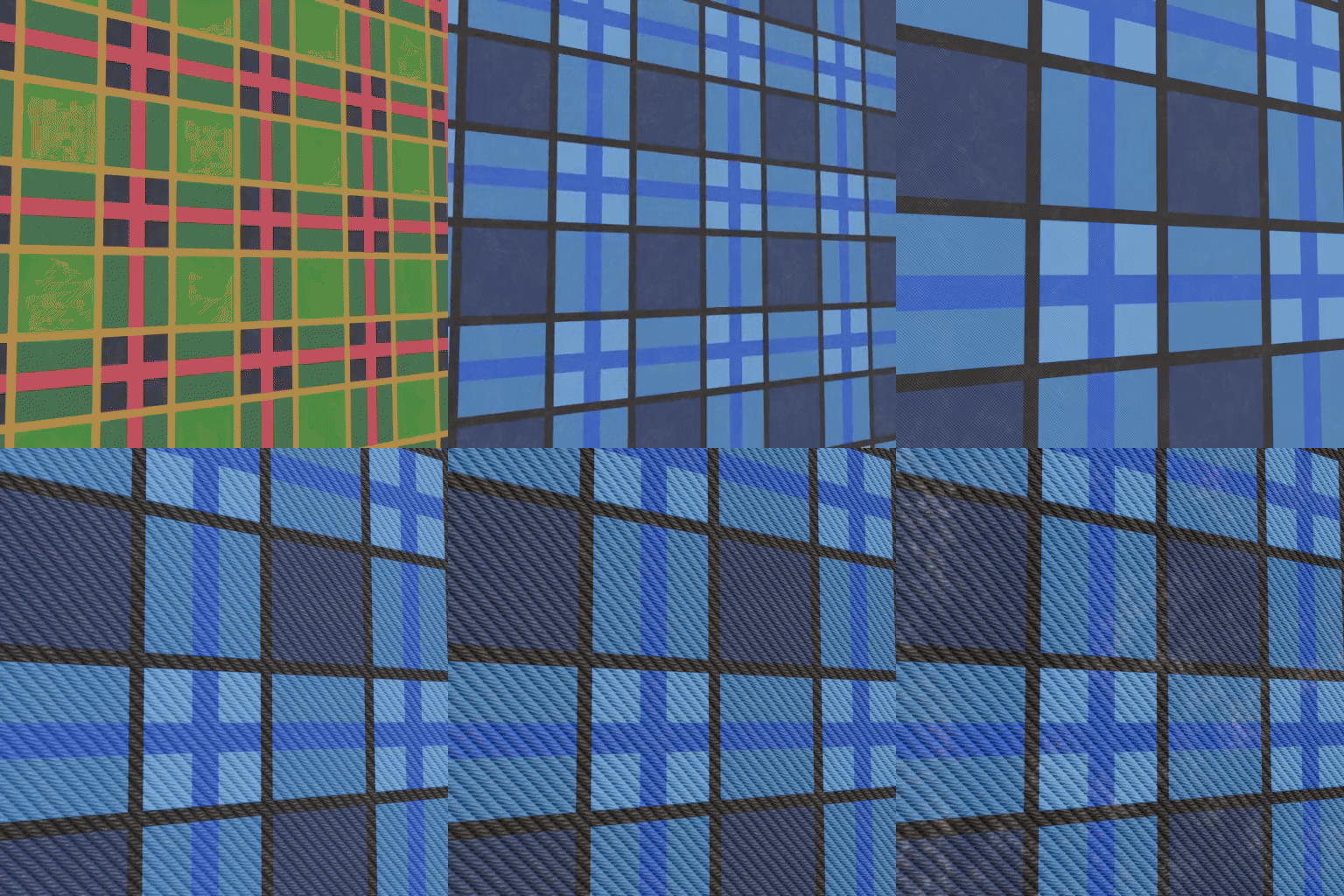
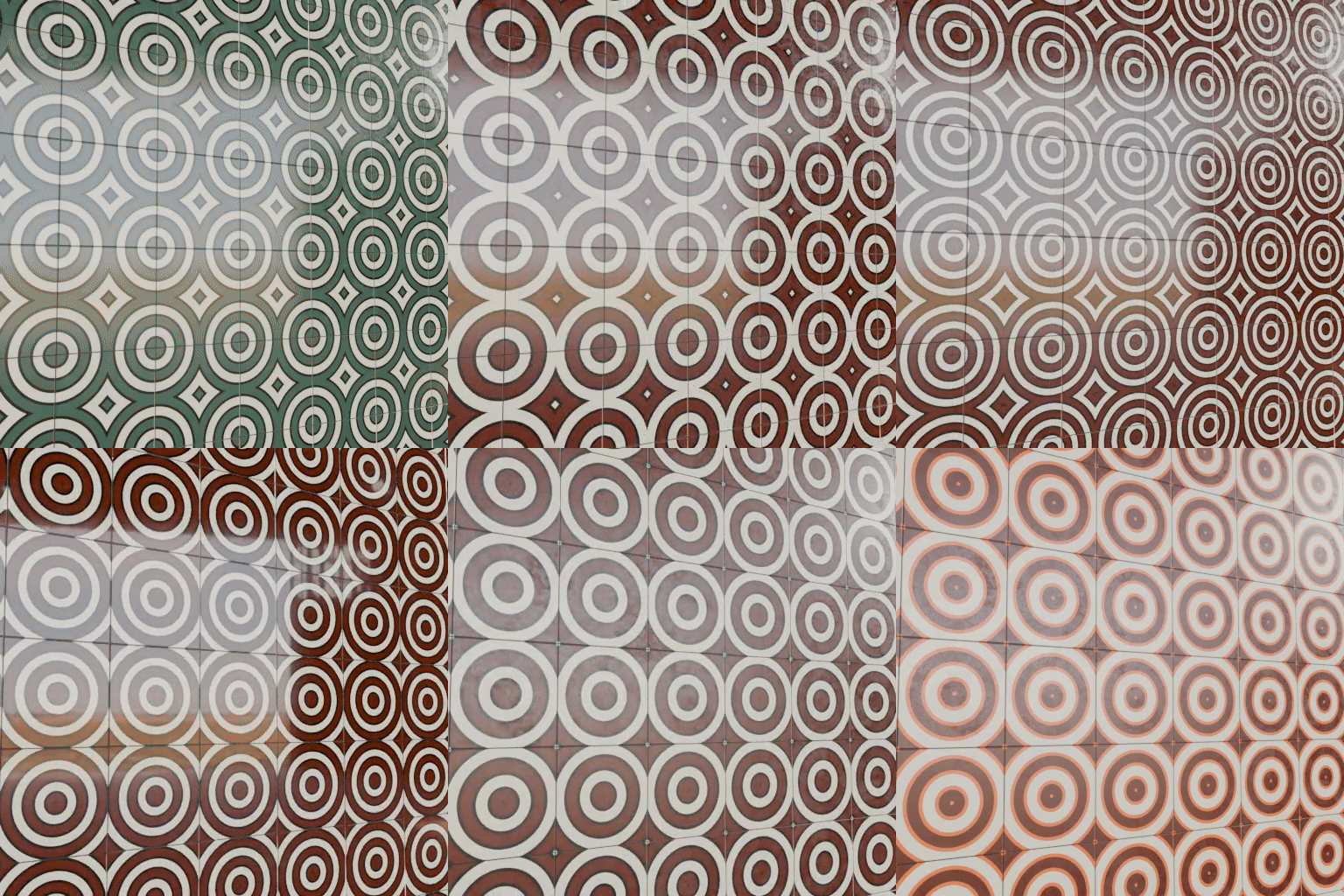
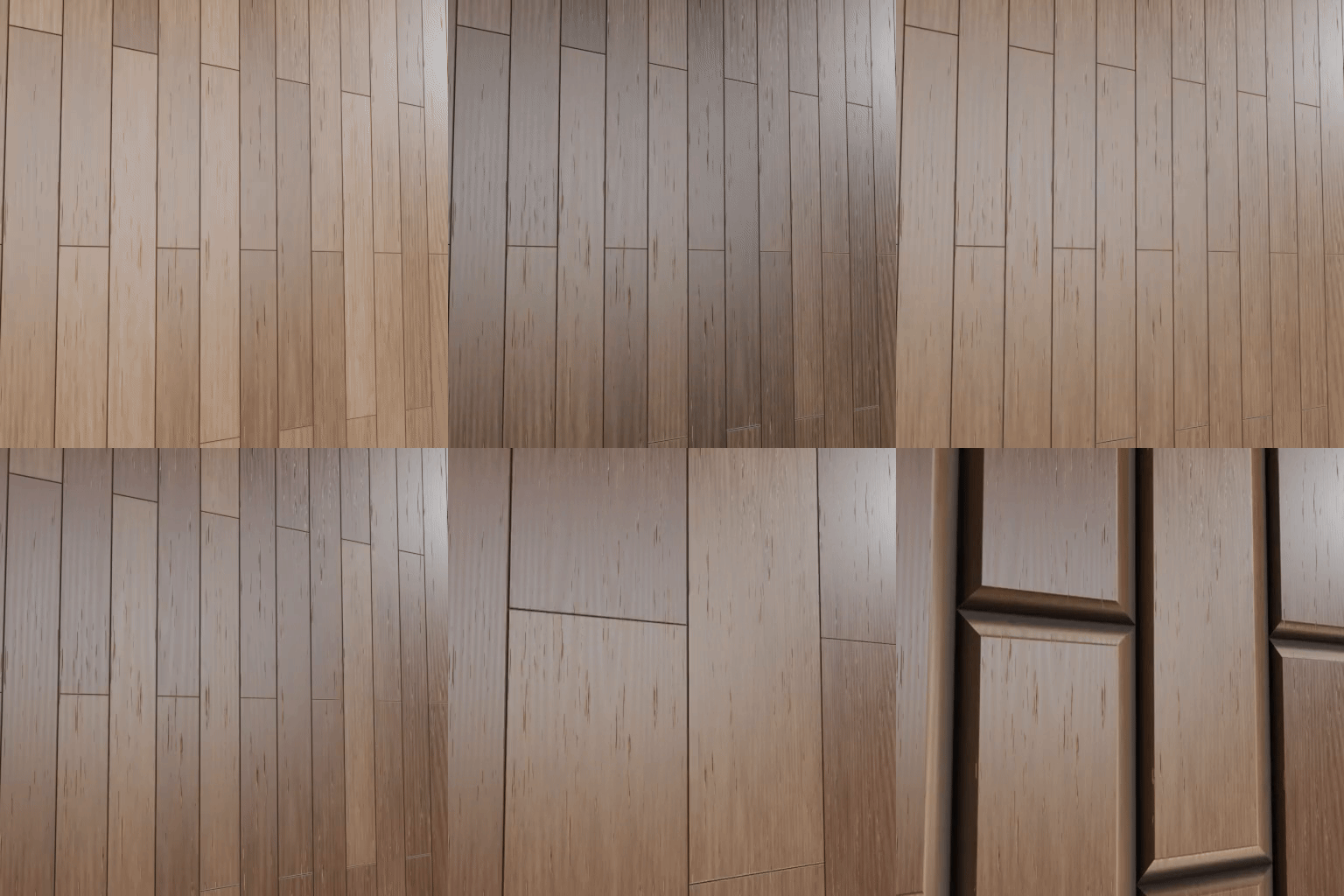
Perfect for Any Project
Whether you're working in Personal Project, ArchViz, Animation, or Motion Graphics, these procedural materials are built to deliver top-notch quality without bogging down your system.
💡 Why Procedural?
No texture maps = smaller project sizes, faster rendering, and infinite customization. Procedural = freedom.
Free Future Updates
This is just the beginning! We're planning to add even more procedural materials over time — so your asset browser collection will keep growing beyond the initial 100+ pack.
All updates are completely free for existing customers. Stay tuned!
How to Install the Asset Browser Library
Follow these quick steps to install the procedural materials pack into Blender’s Asset Browser:
-
Download & Extract: Unzip the file you downloaded. You’ll see one or more
.blendfiles with (blender_assets.cats.txt), each representing a category (e.g. Fabric, Metal, Wood, etc.). -
Choose a Location: Move the .blend files with .cats.txt to a permanent folder where you'd like your asset library to live (e.g.
D:/BlenderAssets/ProceduralPack/). - Open Blender: Launch Blender and go to Edit > Preferences > File Paths.
- Add Asset Library: Under the “Asset Libraries” section, click the + button. - Give your library a name (e.g. Procedural Pack) - Select the folder where you placed the .blend files.
- Save Preferences: Click Save Preferences in the bottom-left corner.
- Access Materials: Now go to the Asset Browser (switch any editor to “Asset Browser”), and select your new library from the dropdown. - You’ll see all materials, organized by category and ready to drag and drop!
💡 Tip: You can preview, tag, or favorite materials directly from the Asset Browser for faster workflow.
Need Help !
Hi there!
Thanks so much for checking out the Procedural Materials Pack! If you have any questions, run into any issues, or just need a bit of help getting started — feel free to reach out anytime. We are always here to help and want to make sure you get the most out of your materials.
Happy blending!