Pamir Bal
almost 3 years ago
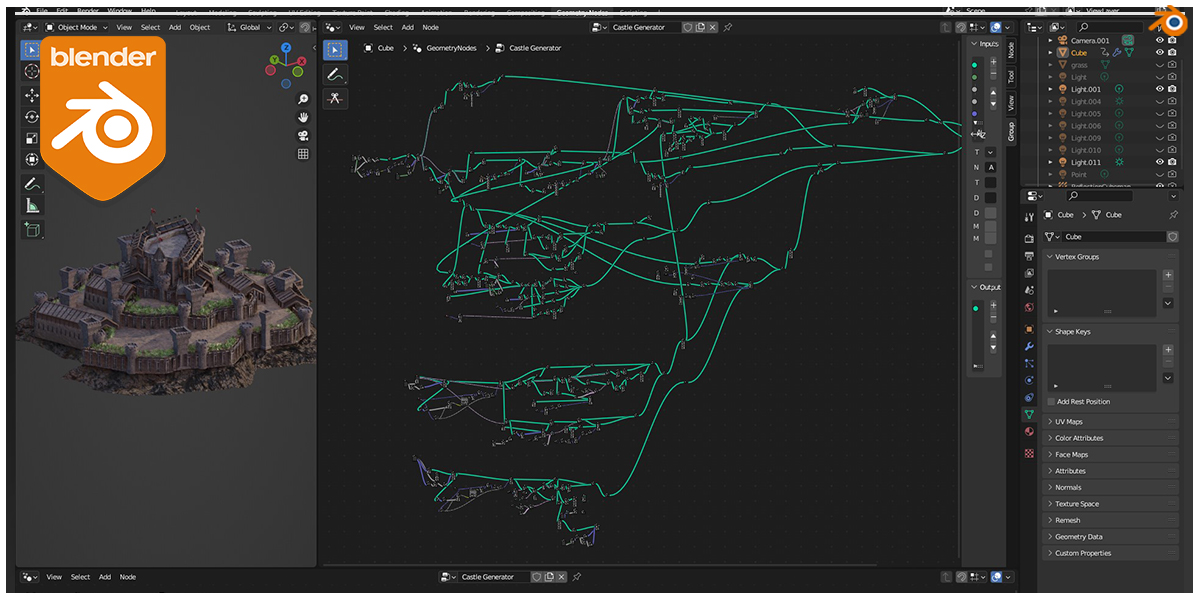
Hi, Open File tab on Blender File>Append>CastleGenerator.blend>NodeTree>Medieval Castle Generator You are going to append it on your project file with 3d models. You can just open the file and try itas well.
This item has an average rating of 3 from 9 ratings by the community.
Purchase this item to leave a review!
Thanks!
amazing
Works perfect.
Easy to modify if you have basic knowledge of the Geometry Nodes. Although a bit more commentary would be helpful but nothing you could not solve in 10 mins.
this is ok, the textures on the towers don't render, there are flipped normals too. and lot's of overlapping geometry from what the render looks like, you should spend more time on this. =)
For those that value there time, this sucks a bit of time trying to figure out how it works. such a good tool, really bad level of information = 0.
Don't buy this one. The content is not helpful at all, and the so-called 30-day refund is a scam. The creator himself won’t respond to you. The so-called false advertising indeed brought no actual results. On top of that, my attempts to communicate went nowhere, and the creator never responded to me. I also tried to request a refund within the 30-day period, but it didn’t go through. Blender Market is a scam as well. I will never purchase anything from Blender Market again, because it’s just another scam. Since I can't get a refund from this creator, I'll just leave 1-star reviews for everything. I’ve purchased many items, and I’ve basically never requested a refund — not even when there were system issues. There was even a time I accidentally bought the same product twice, and I still didn’t ask for a refund. I’ve always supported the Blender community, but I’m extremely dissatisfied with how Blender Market has handled this situation. That’s why I’ve decided to protest through my own actions.
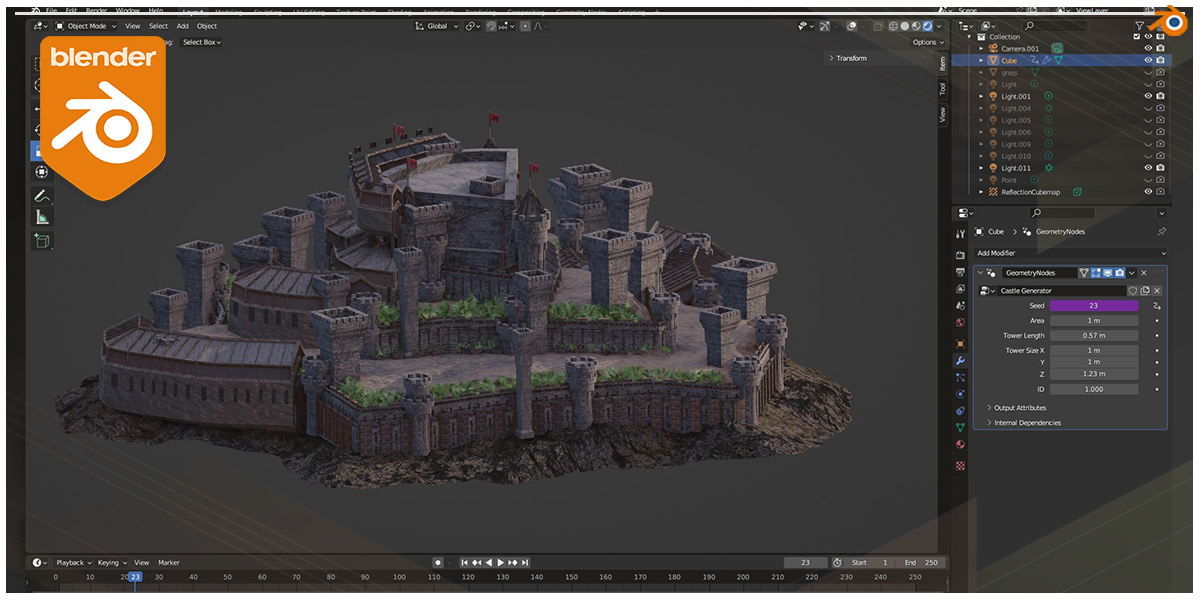
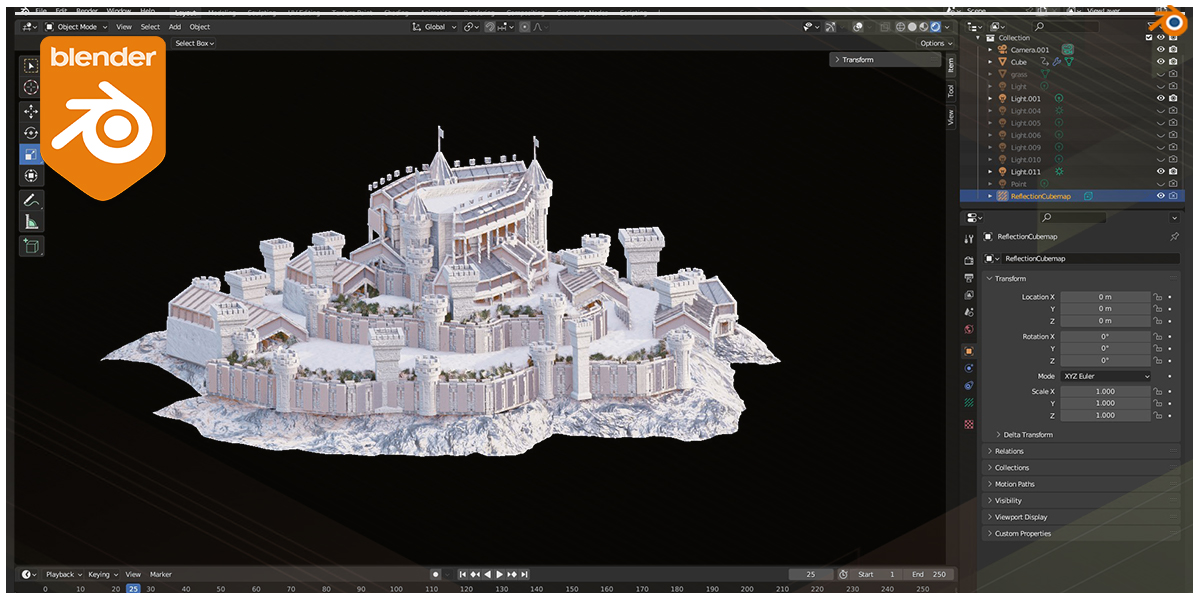
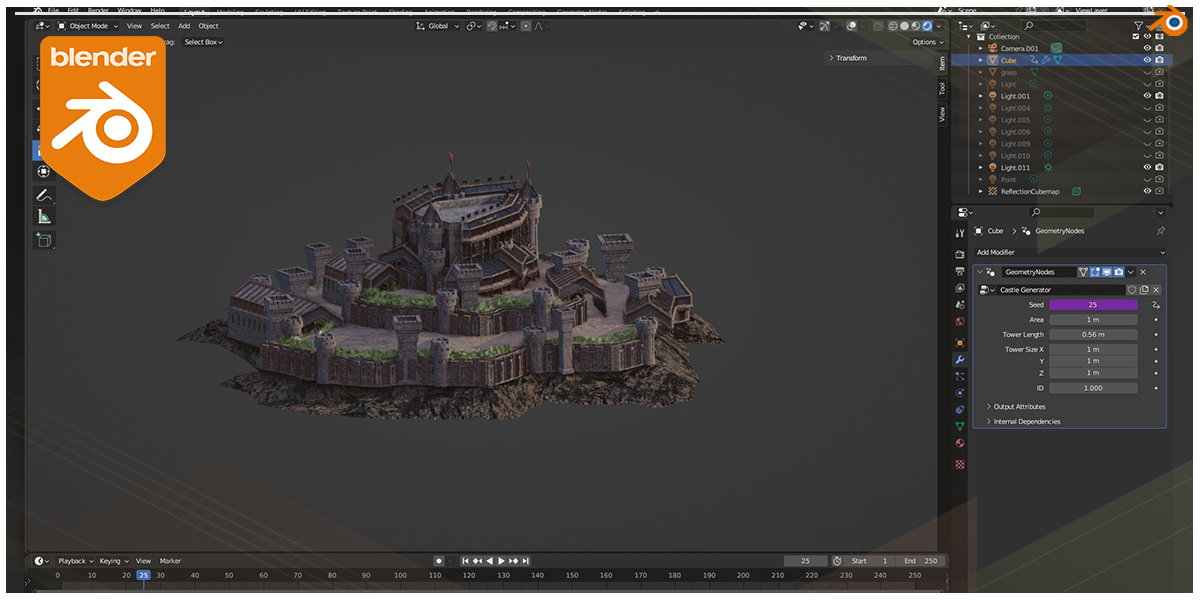
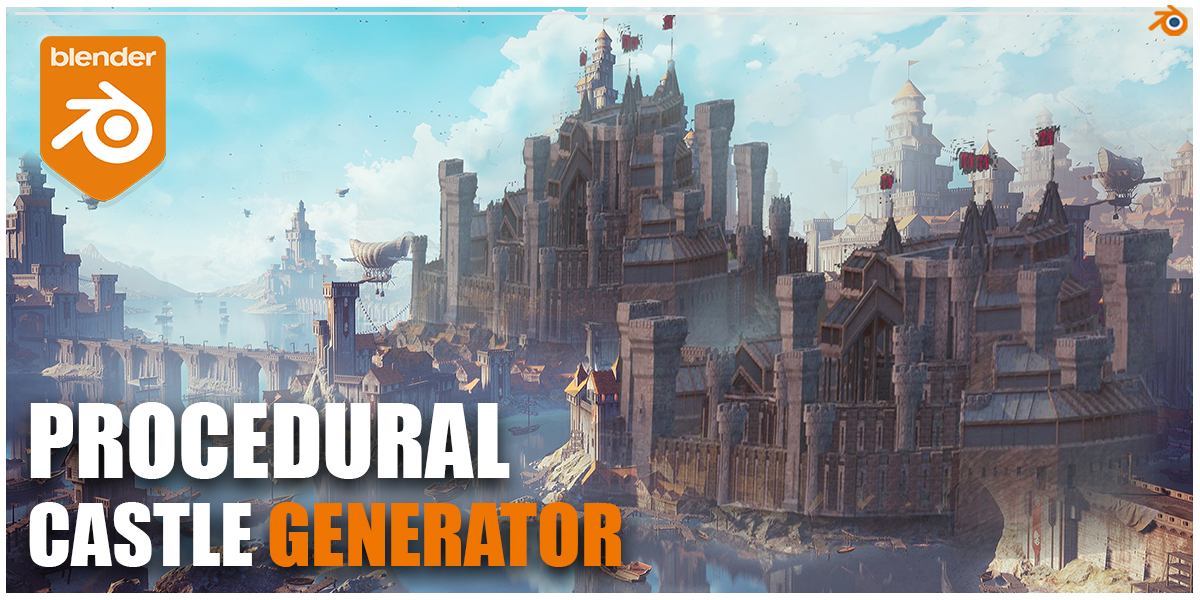
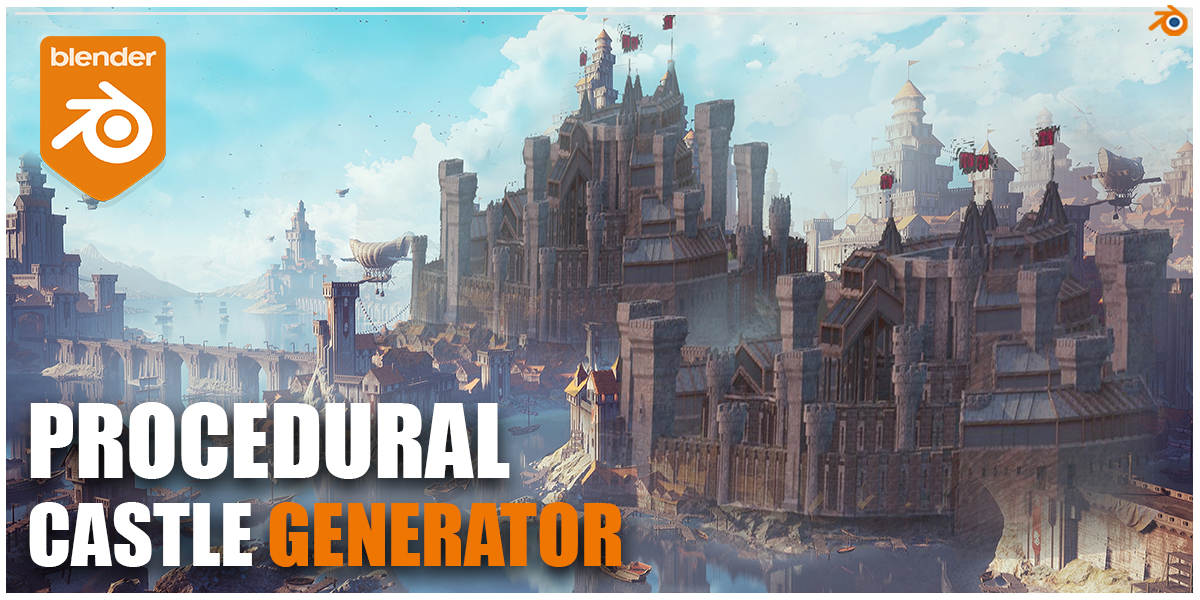
It can generate exactly the two castles in the gif, no variations, no room for creativity. Would've probably had more value as a set of 2 hand-fixed and hand-polished baked down outputs.
The cliff the castle sits on is surprisingly good, maybe you can try to see how that's made and rip that part out, otherwise this only has value if you want exactly what's in the cover image for your scene.
To be honest, I didn't expect it to be very flexible or allow much variation, I expected something more toy-like than something useful, but it falls way short of my expectations for a toy too.
How do you even install this? there is no documentation, not a simple tutorial, nothing. Haven't been able to make this work.
Pamir Bal
almost 3 years ago
Hi, Open File tab on Blender File>Append>CastleGenerator.blend>NodeTree>Medieval Castle Generator You are going to append it on your project file with 3d models. You can just open the file and try itas well.
This is not for someone who is new to geometry nodes! There is no explanation whatsoever. Once you buy this it is up to you to figure things out. I was left scratching my head, towers are overlapping and if i try to apply modifier towers just disappear. If i open geometry nodes there is no grouping and explanation what is what.
Have questions about this product?
Login to message
| Sales | 600+ |
| Rating |
9 ratings
|
| Dev Fund Contributor | |
| Published | over 3 years ago |
| Blender Version | 3.4 - 4.5 |
| Render Engine Used | Cycles, Eevee |
| License | Royalty Free |