 proceduralX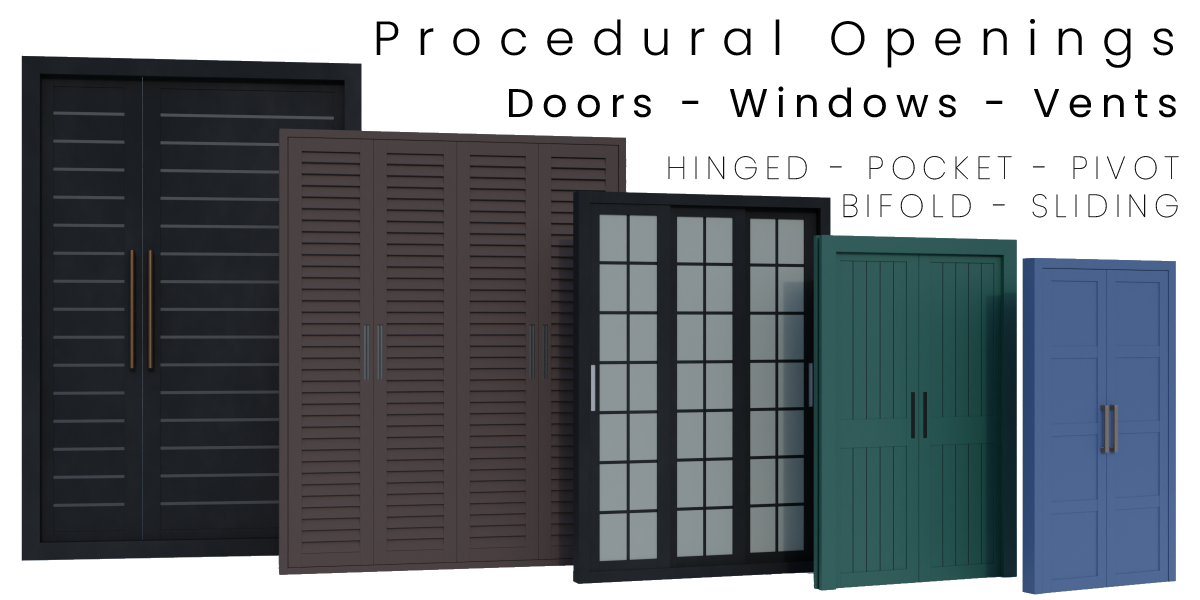
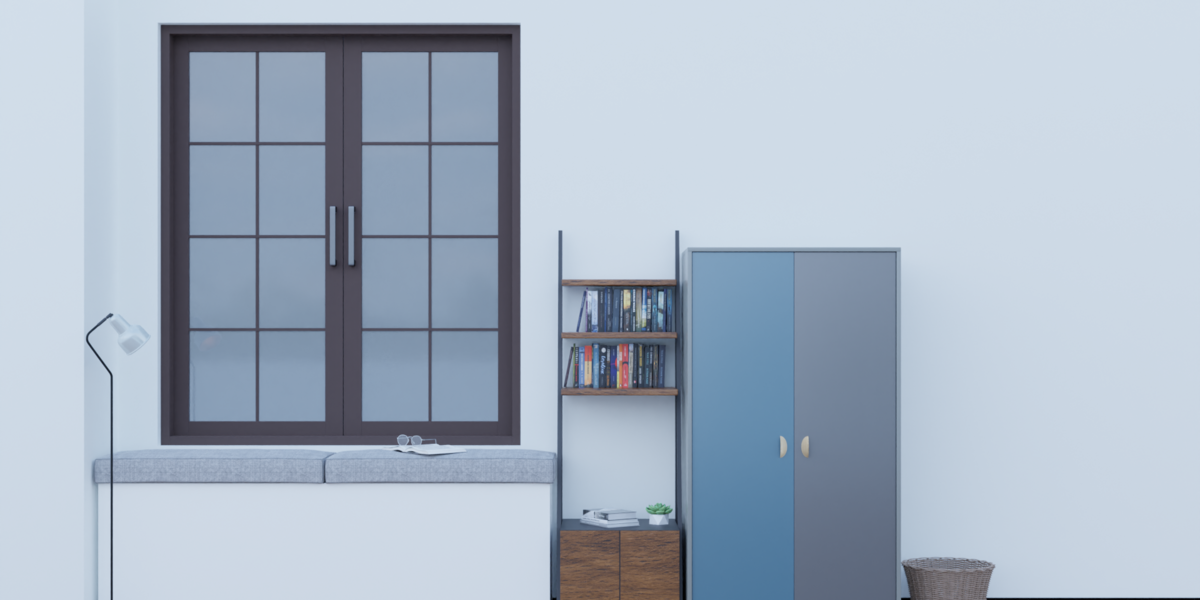
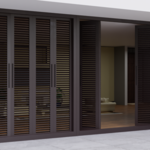
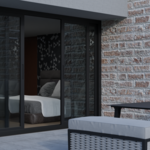
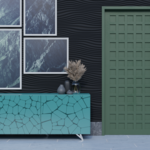
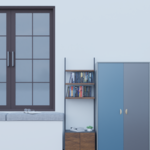
★ UPDATED FOR BLENDER 5.2 — VERSION 1.4.1
Now built for Blender 5.2, with tooltips on every setting and built-in warnings
that tell you when something is set up wrong instead of quietly building the wrong
thing. Plus a round of fixes to custom profiles, dowels, materials and the boolean
cutter.
⚠ Blender 5.2 or later required. Still on Blender 4.x? Use the included 1.3.x
build — see the FAQ.
DESCRIPTION:
Design any door, window, vent, sidelight, or transom — directly inside Blender using Geometry Nodes. Procedural Openings Generator gives you a fully parametric opening system where every dimension, style, material, and hardware option is adjustable in real time, with no mesh editing required.
KEY FEATURES:
11 FACTORY PRESETS — VISUAL GALLERY
Browse presets in a thumbnail gallery sorted by category:
Doors — Hinged, Pocket, Pivot, Bifold, Sliding
Windows — Hinged, Bifold, Sliding
Fixed — Vent, Sidelight, Transom
Click a thumbnail. Click Apply Preset. Done.
You can also save any current configuration as a named custom pre-set and recall it from the Custom category at any time.
OPENING TYPES
• Openable Shutters — single, double, unequal-width
• Fixed Shutters
SHUTTER STYLES
• Hinged, Pocket, Pivot (adjustable pivot distance)
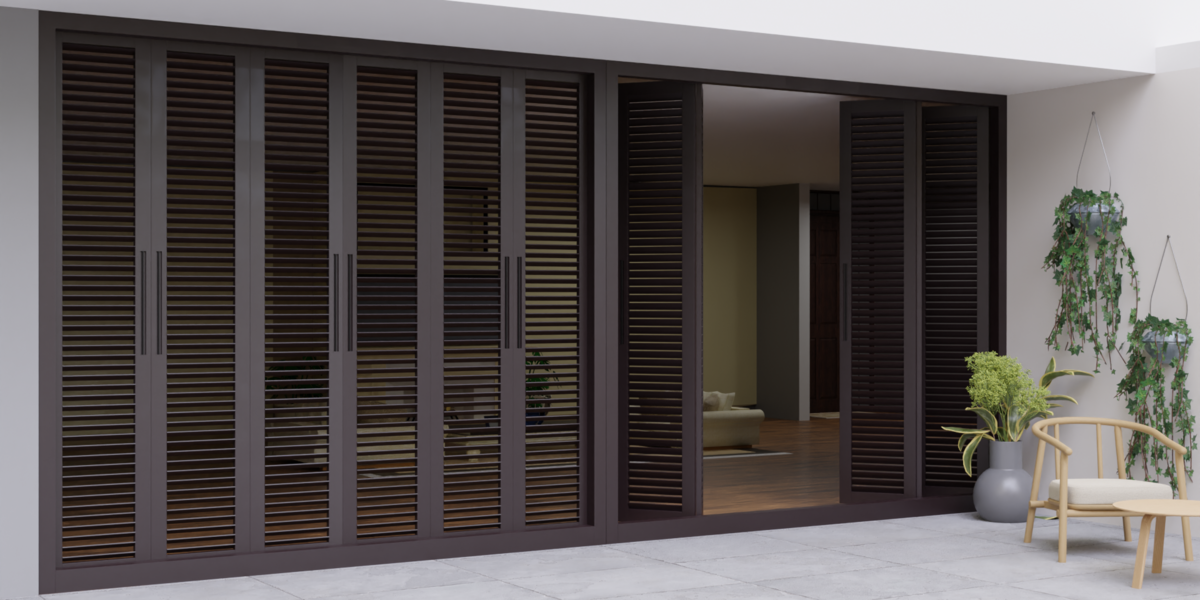
• Bifold — 2 to 6 panels, width offset, opening symmetry
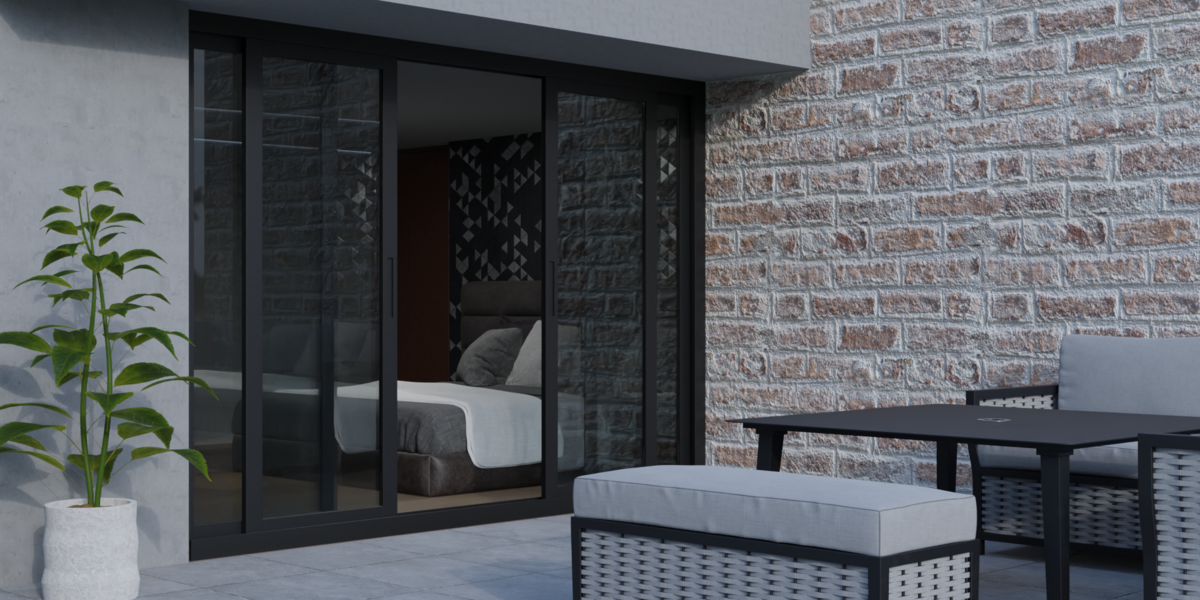
• Sliding — 2 to 6 panels
PANEL STYLES
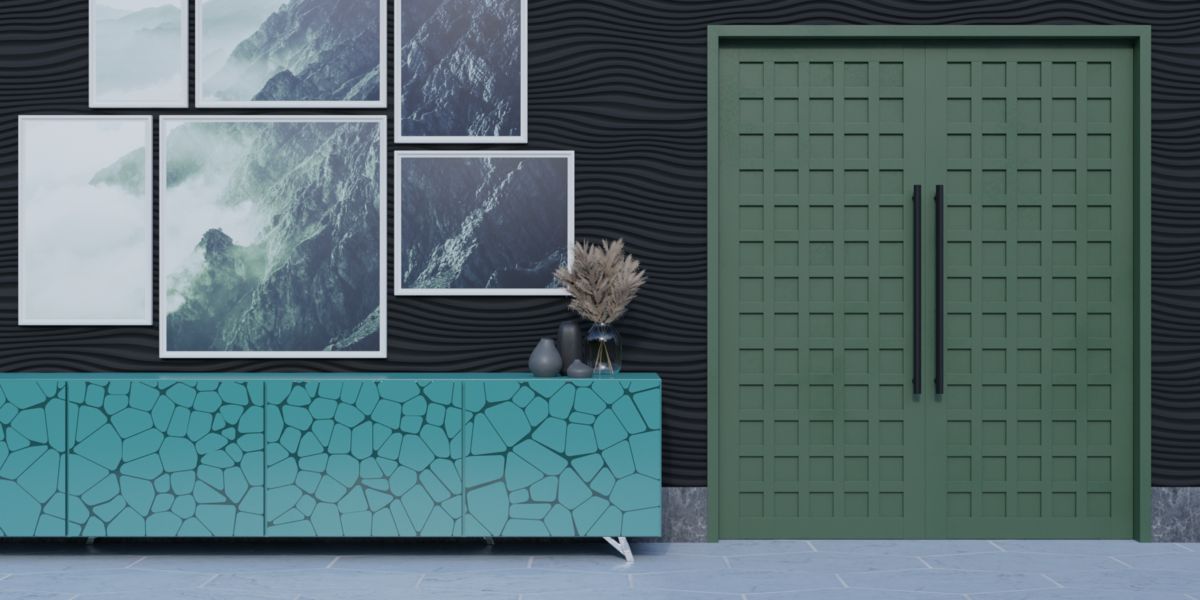
• Solid panels
• Louvers — angle, height, realize toggle
• Dowels — size, count, realize toggle
FRAME & GEOMETRY
• Opening width and height
• Frame depth and height
• Shutter frame height
• Threshold (on/off + height)
• Custom frame profiles — pick any curve object for the frame, shutter, or glass seal profile
• 9 preset profile curves included (hinged ×4, pocket ×1, pivot ×1, sliding ×2, bifold ×1)
• Arched openings — arch height and resolution
• Cross rails — count, depth, height, spacing type, position, realize toggle
• Mullions — count, depth, width, spacing type, position, realize toggle
• Bevel + overall subdivision
HARDWARE
• Locksets — 2 types, adjustable base, handle, keyhole size, rotation, position X/Z
• Handles — 2 types, inside/outside/both sides, position, rotation
• Hinges — count, radius, height (hinged and bifold openings)
• Shutter opening percentage and maximum angle — animation-ready
MATERIALS
• 9 bundled PBR materials: Aluminium, Glass, Metal, Grey, Blue, Wood (4 variants)
• 4K textures — automatically relinked to the addon folder on first use
• Per-part material slots: frame, shutter frame, glass, handle, lockset, hinge
• Full material search with eyedropper in the panel
UNITS
• Feet, Inches, or Meters
• Switching units rescales all current values, defaults, and min/max ranges automatically
• Presets are stored in feet and scaled correctly when applied in any unit mode
PERFORMANCE — BAKING
• Bake shutters, handles, lockset, and hinges independently
• Dramatically reduces viewport lag when using booleans or heavy geometry
• Bake and delete baked geometry individually
• Features like shutter opening %, handle position, and hinge count remain adjustable on baked geometry
BOOLEAN GENERATOR
• Creates a matching arch-aware cutter object (Openings_Boolean_A, etc.)
• Parented to the opening, hidden from viewport and render
• Works for both rectangular and arched openings
APPLY & MAKE REAL — ONE-CLICK EXPORT
• Pick a wall object with the eyedropper
• One click:
— Applies the Geometry Nodes modifier (opening becomes real mesh)
— Cuts the boolean into the wall and applies it
— Re-hides the cutter object
• Produces clean, export-ready geometry for game engines, archviz pipelines, and FBX/OBJ export
EASY INSTALL — BLENDER EXTENSION FORMAT
• Drag the zip onto Blender's viewport to install (Blender 5.2+)
• Standard Install from Disk also works as before
• No external dependencies — pure Blender Geometry Nodes + Python


Change Log
Version 1.4.0
- Preset thumbnail gallery — visual icon view replaces dropdowns; category tabs for Doors, Windows, Vents, Sidelights, Transoms, Custom
- User-saveable custom presets — save any current configuration by name; delete from the Custom tab
- Apply & Make Real — one operator applies the opening modifier, cuts the wall, and cleans up
- Blender Extension format — blender_manifest.toml added; drag-and-drop install on Blender 4.2+; bl_info removed
- Bug fix: panel controls hidden when Presets section was open (draw() crash on .enabled property)
- Bug fix: Apply & Make Real failed on multi-user mesh data
- Bug fix: boolean cutter remained visible after Apply & Make Real
- Bug fix: threshold socket name mismatch causing silent warning on every draw
Version 1.3.2
- 8 technical debt fixes applied and verified on Blender 5.1.2:
- Naming crash after 26 openings (suffix Z → IndexError) — now unbounded: A…Z, AA…ZZ, AAA…
- Input dictionary lost on file-open — rebuilt automatically via load_post handler
- Debug prints removed (operators and panel draw)
- Double-registration warnings on re-enable — eliminated
- 700-line hard-coded preset dicts extracted to presets.json
- Bare except/suppress hiding errors — removed
- Magic-number bake IDs validated at call time
- Textures relinked to bundled addon folders on append
Version 1.3.0
1. Custom Frames:
1. User-Preferred Frames:
Custom Frame Profiles: Includes customizable frame, shutter, and glass seam profiles.
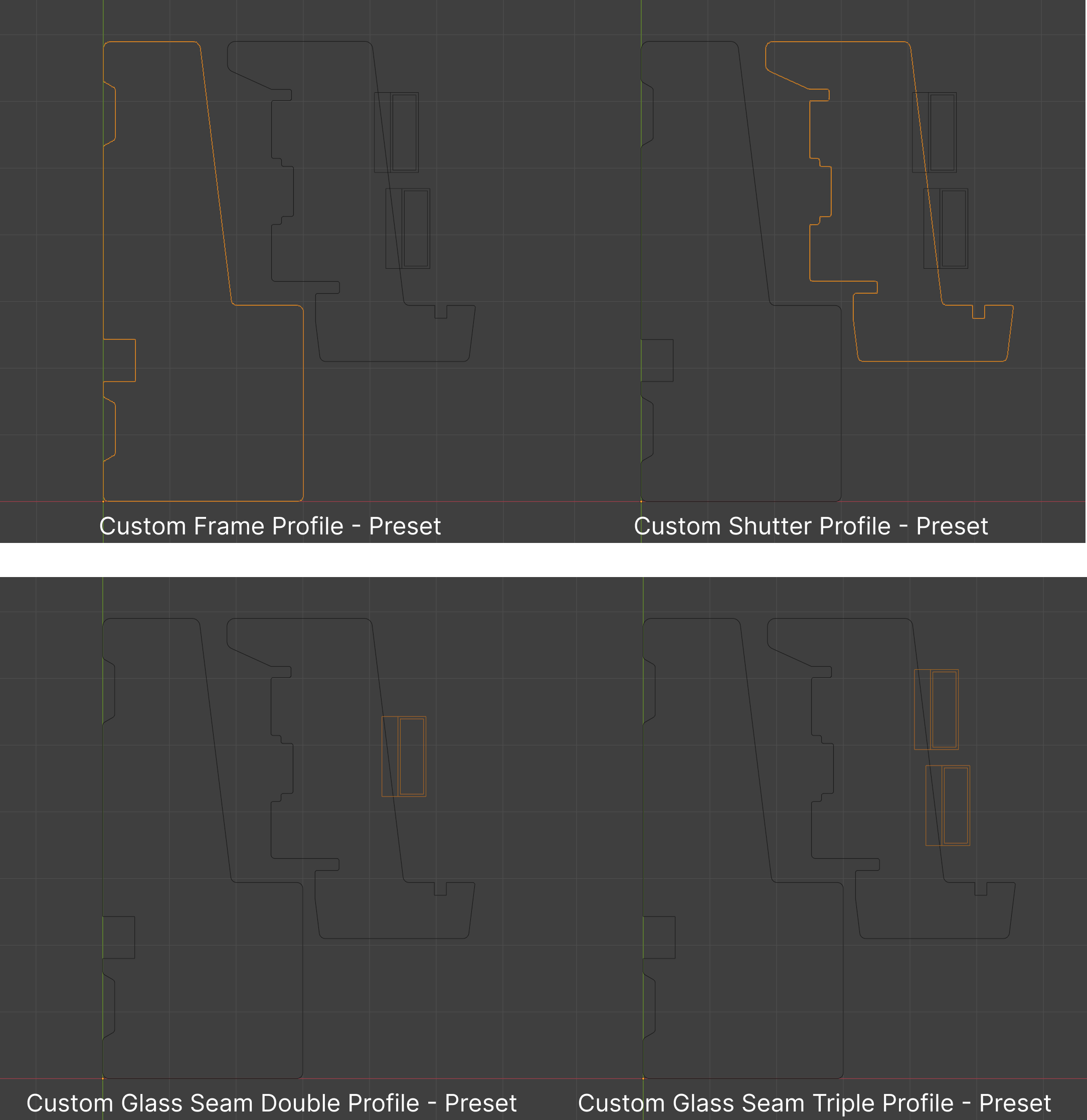
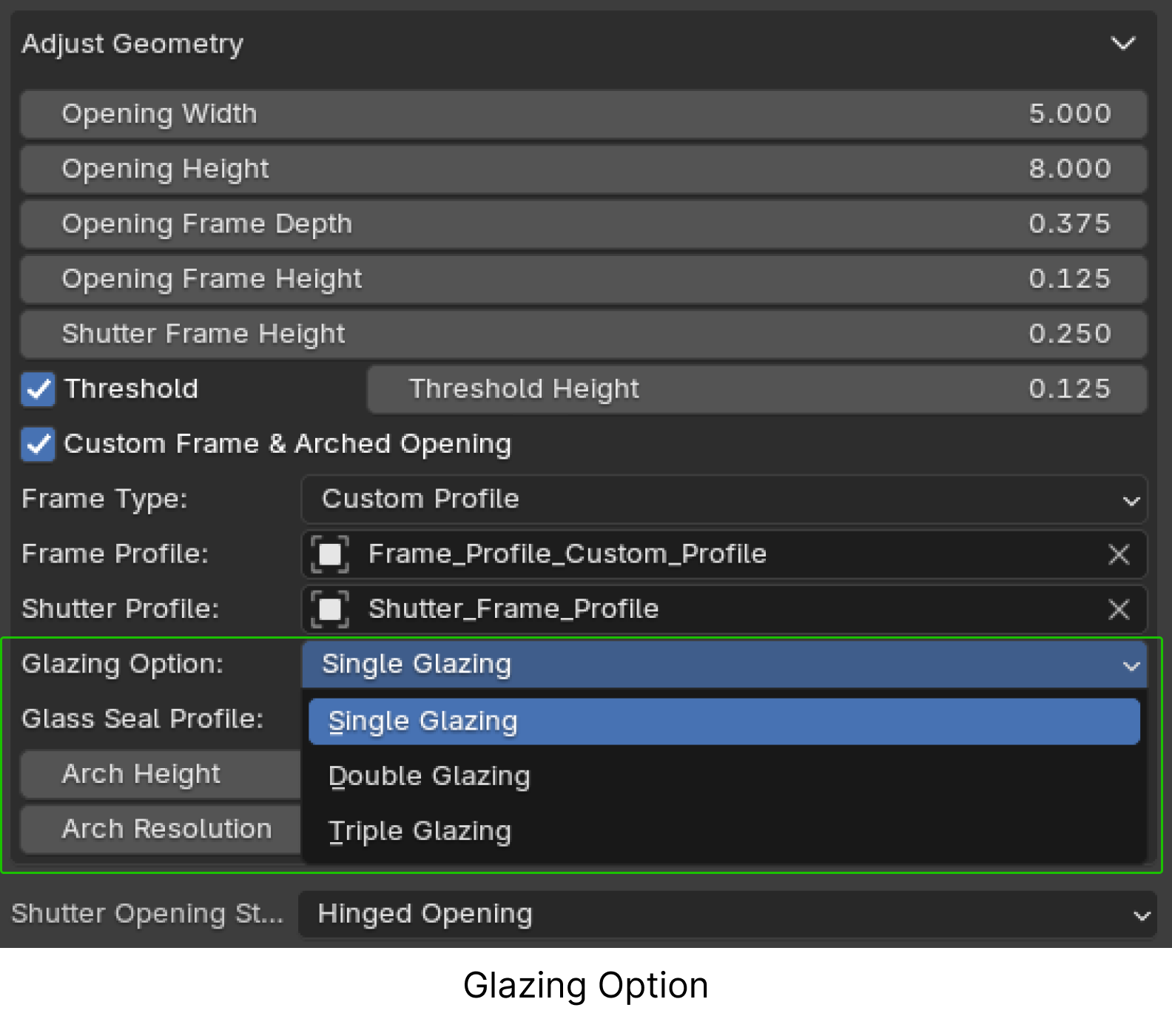
Glazing Option: Choose between single, double, or triple glazing for more design precision.
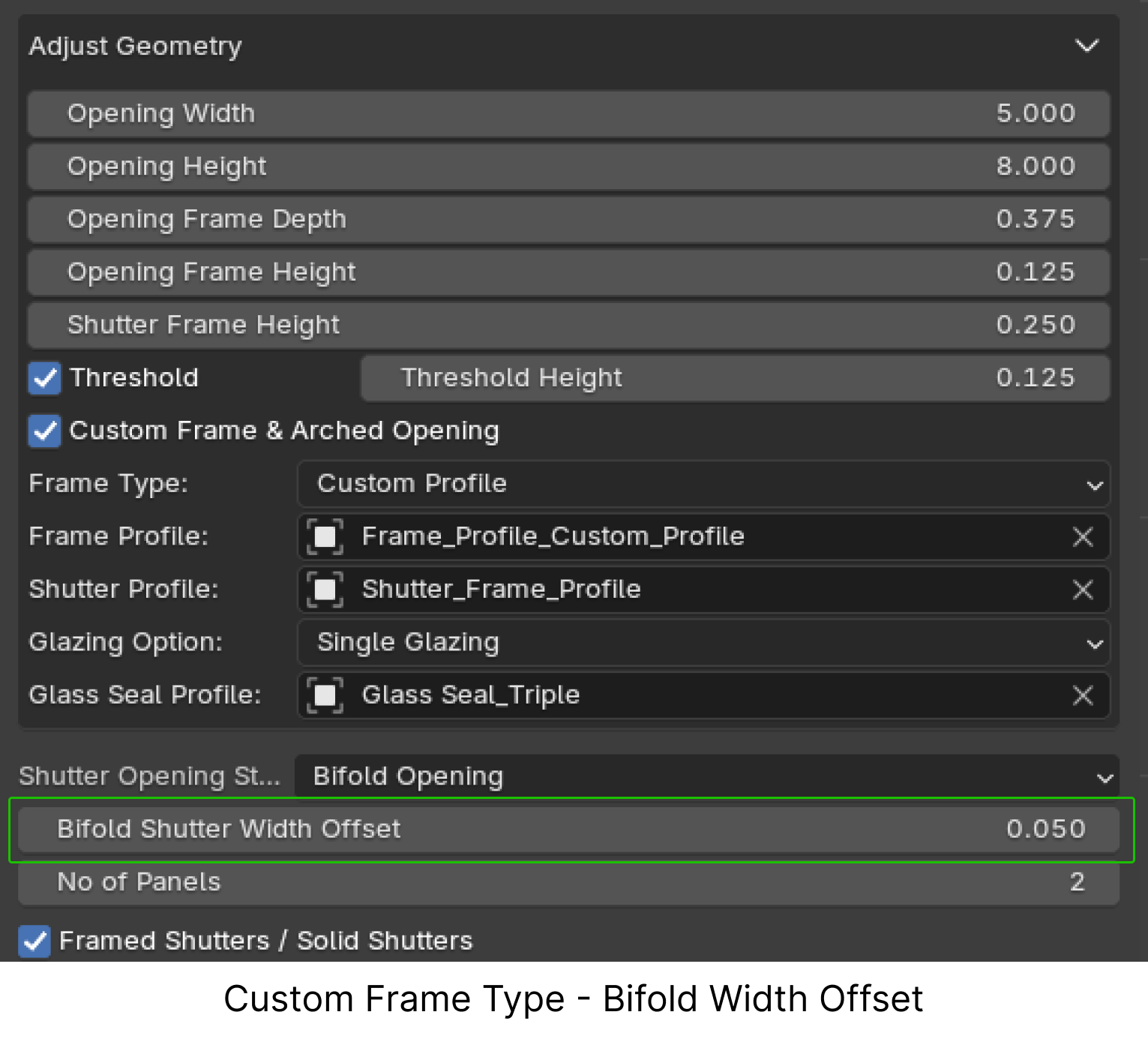
Bifold Shutter Width Offset: Adjust shutter width for bifold openings to match custom frame profiles seamlessly.
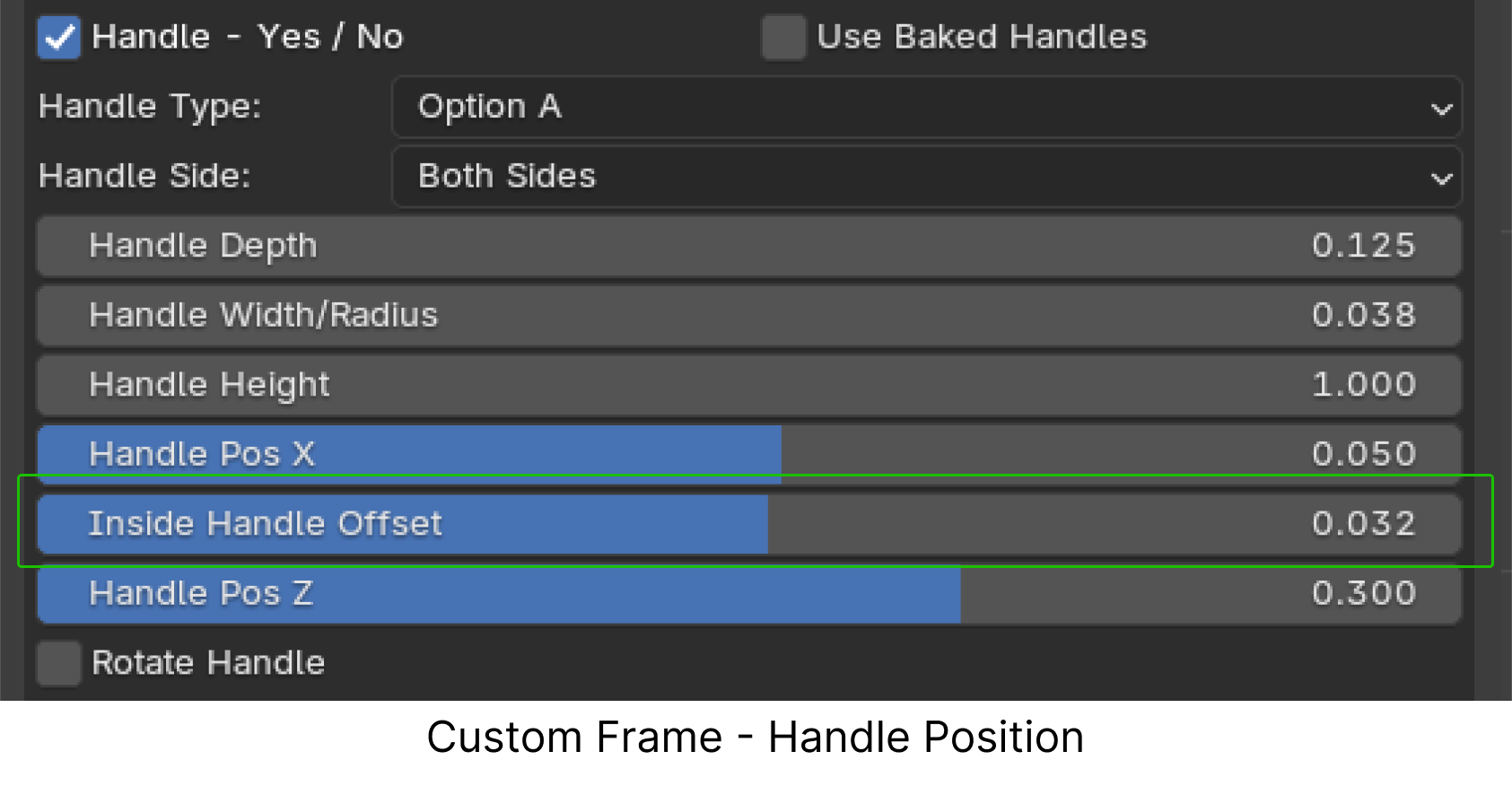
Inside Handle Offset: Reposition the inside handle horizontally to accommodate asymmetrical front and back profiles of custom frames.
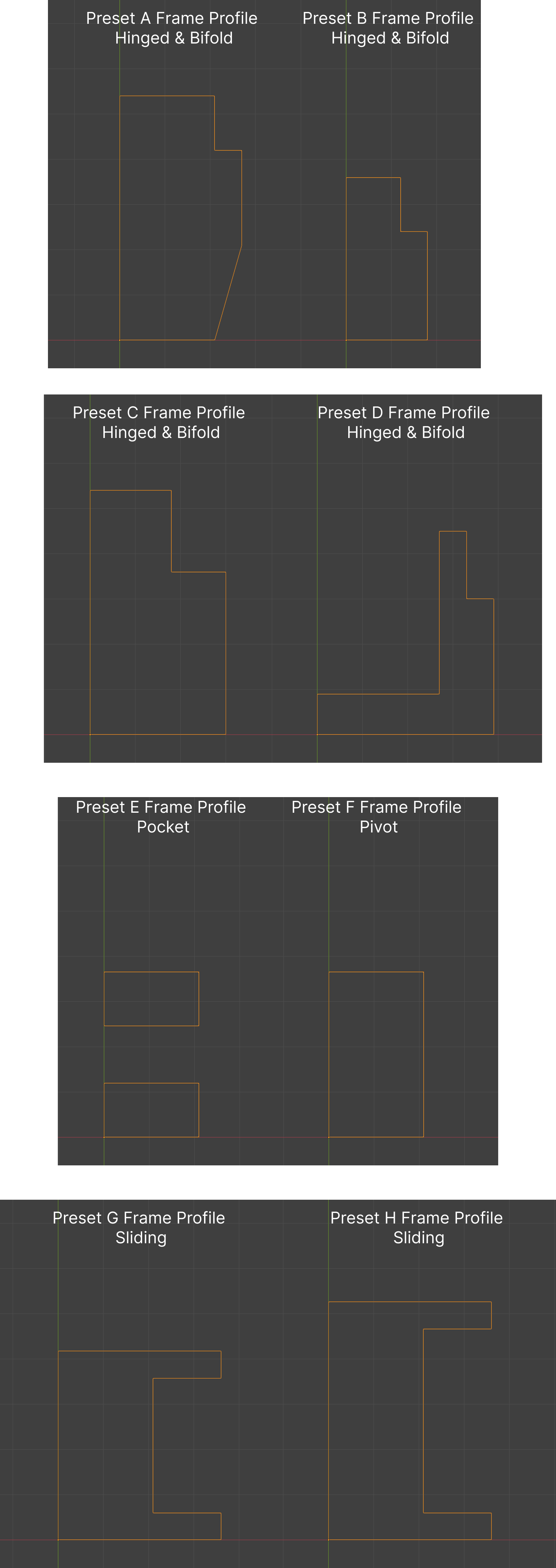
2. 8 Pre-set Frames:
4 frames for hinged and bifold openings, 1 for pocket openings, 1 for pivot openings and 2 for sliding openings.
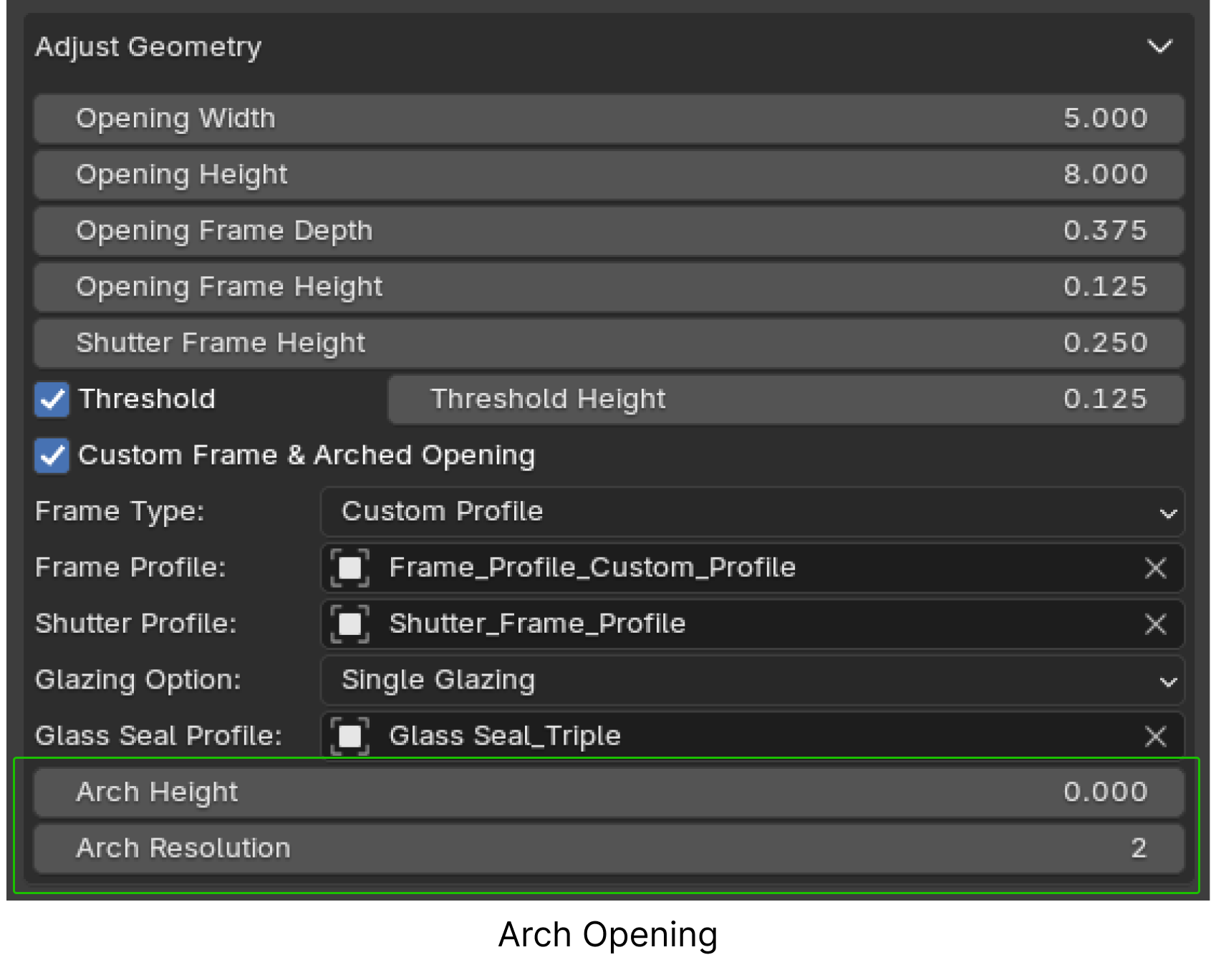
2. Arch Opening:
Fine-tune arch height and resolution:
Set Arch Height to 0 and Resolution to 2 for rectangular or square openings.
Increase values for diverse arch design and shapes.
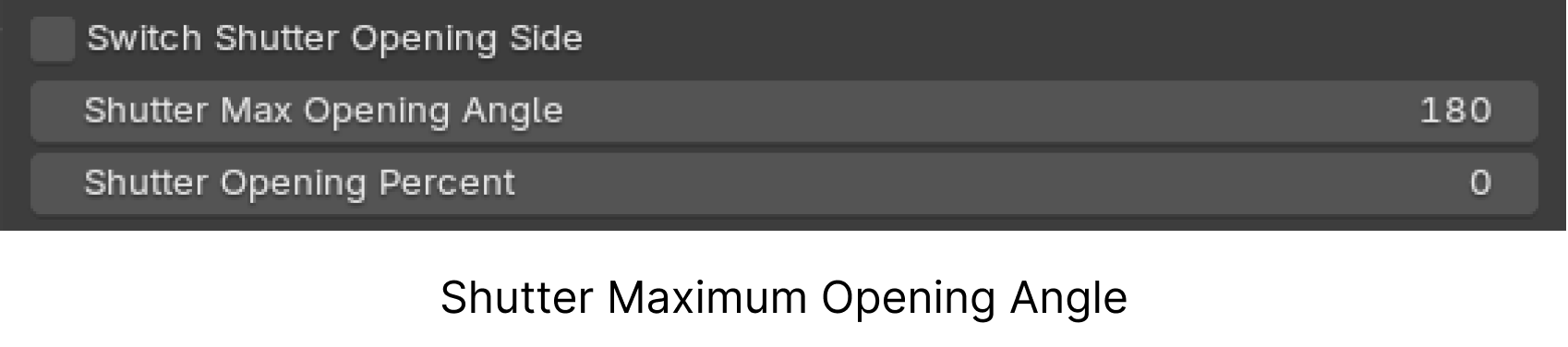
3. Shutter Max Opening Angle:
Previously fixed at 90°, users can now input any desired maximum opening angle.
4. Lockset, Handles and Hinges:
Lockset Features:
Choose between rectangular or round knob lockset types.
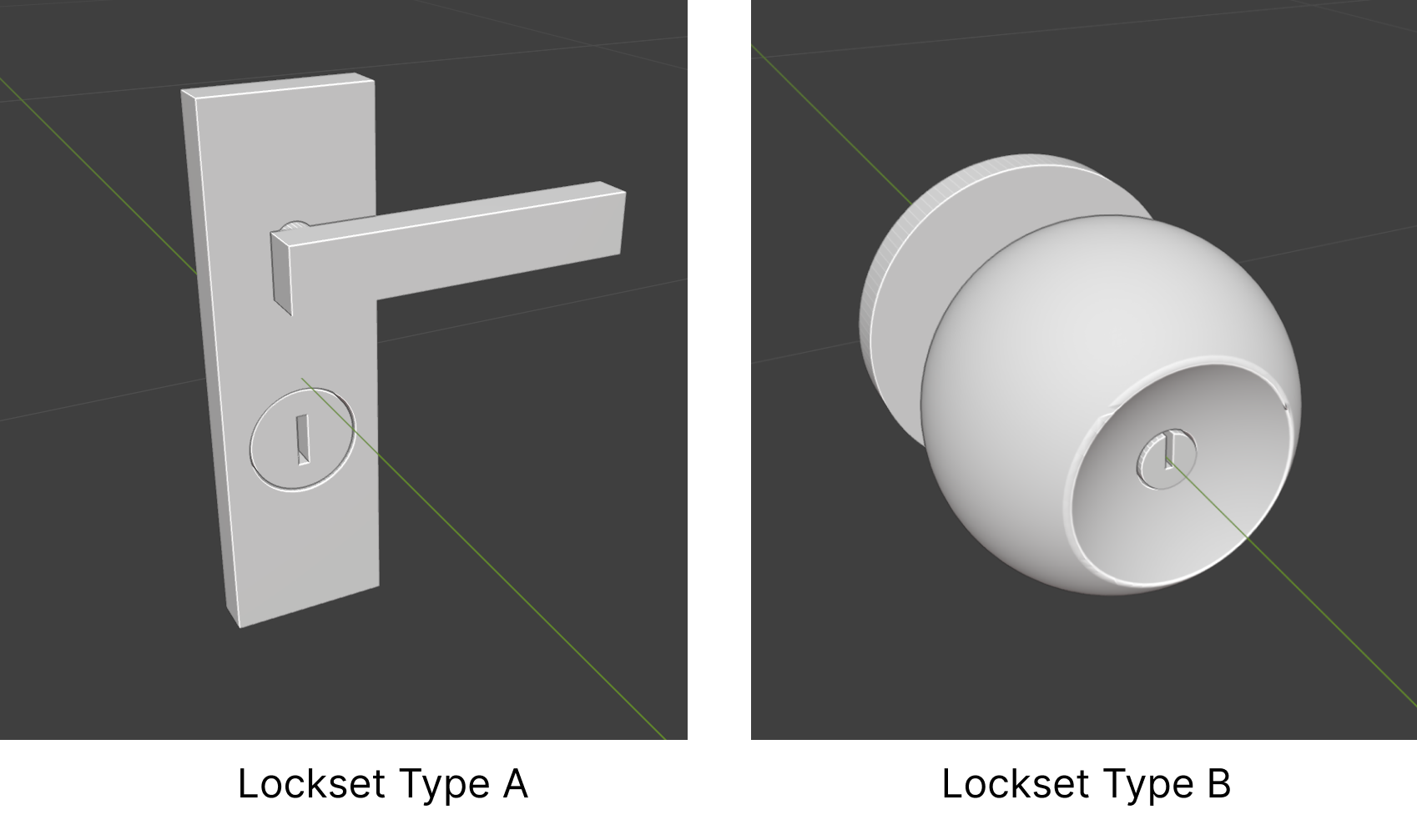
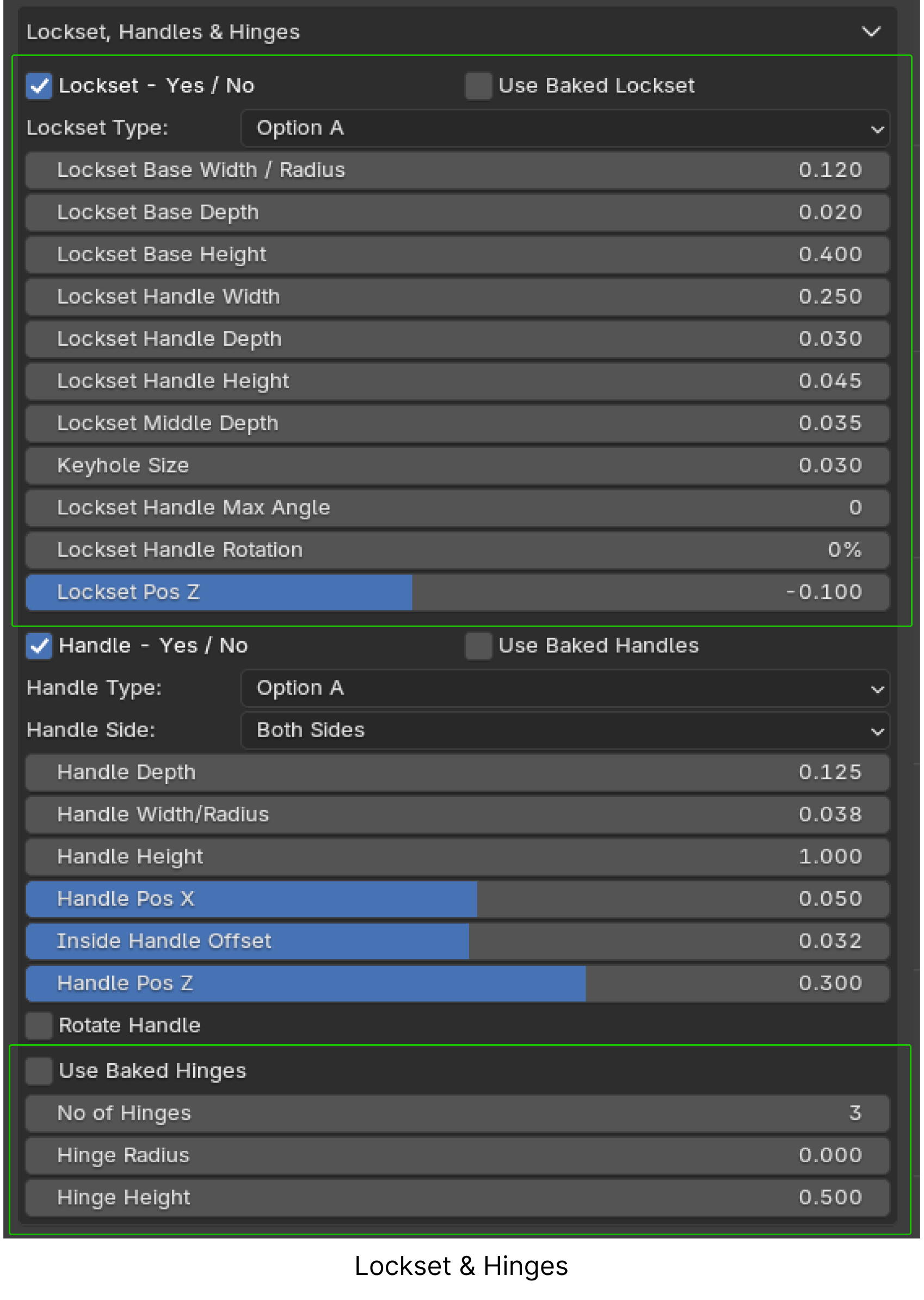
Adjust dimensions of the lockset’s base and handle.
Customize handle rotation angle and orientation (horizontal or vertical).
Flexible positioning along the X axis for frameless shutter and Z axis for all shutters.
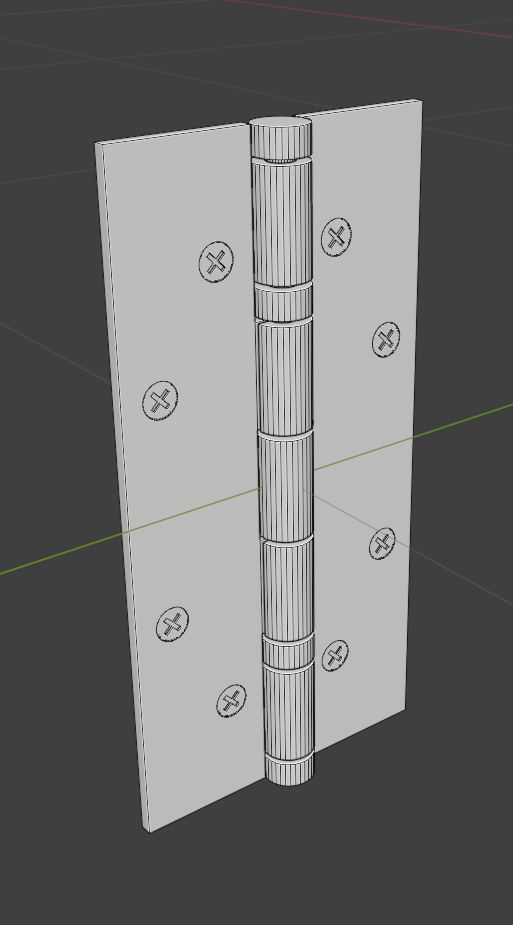
Hinges for Hinged and Bifold Openings:
Customize hinge count, radius, and height.
Hinge
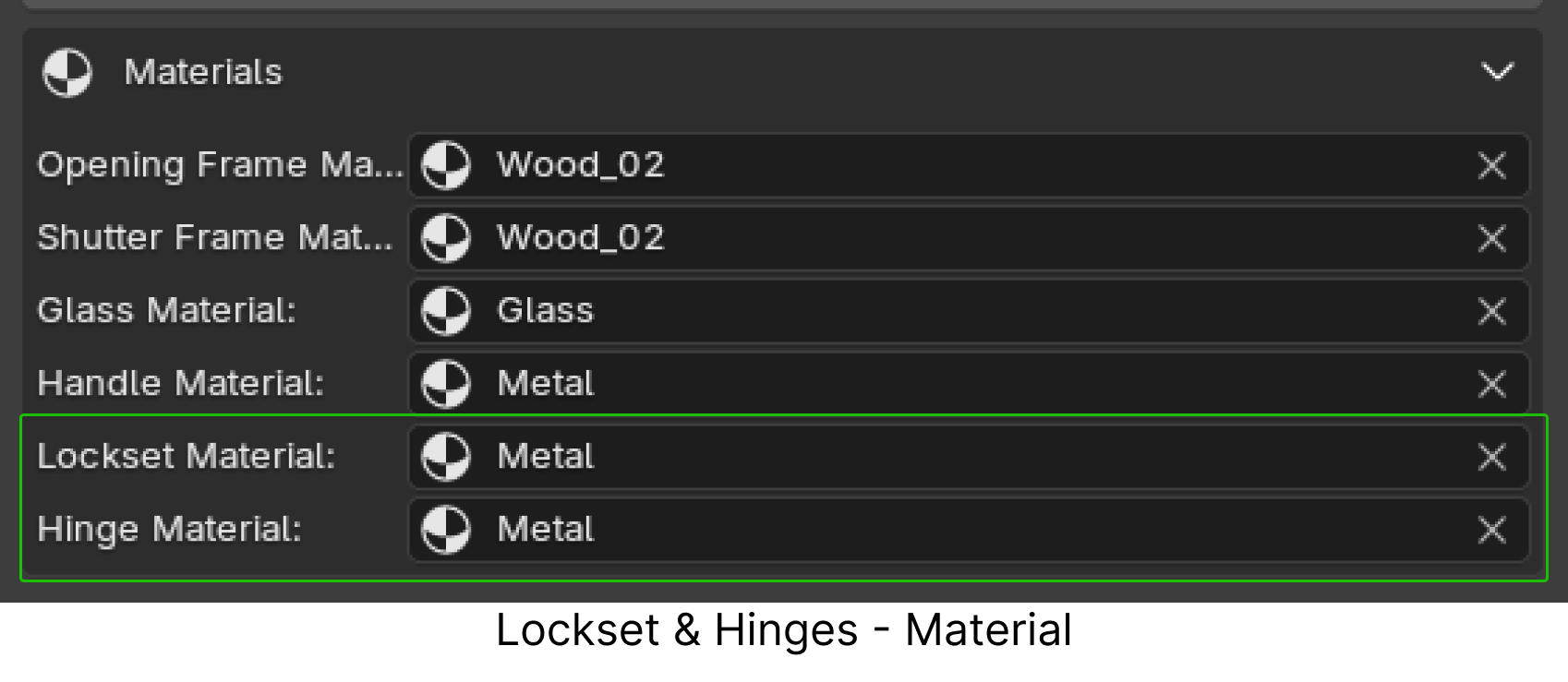
Material Selection:
Assign materials for locksets and hinges.
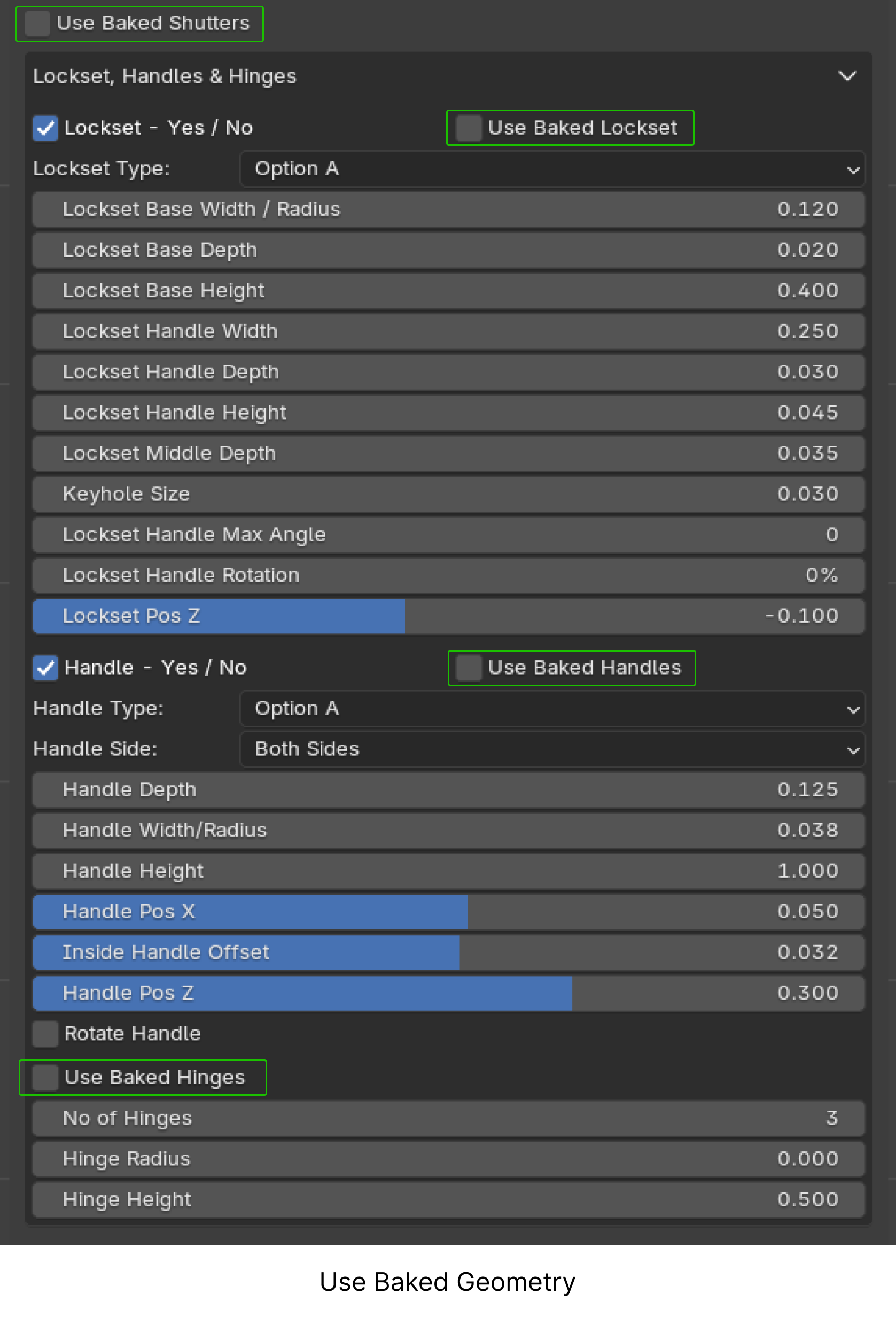
5. Use Baked Geometry for Improved Performance:
Bake geometries to significantly reduce lag during customization, especially when using computationally heavy features like the Mesh Boolean node.
How It Works:
Create and customize your opening.
Click Bake Selected to bake the geometry (shutter, lockset, handles, hinges).
Use the baked geometry for faster adjustments without affecting performance.
Re-bake if further customization is needed.
Options:
Use baked shutters, locksets, handles, and hinges individually.
Note: Features like shutter opening percentage, lockset/handle positions (X/Z), and hinge count are fully compatible with baked geometries.
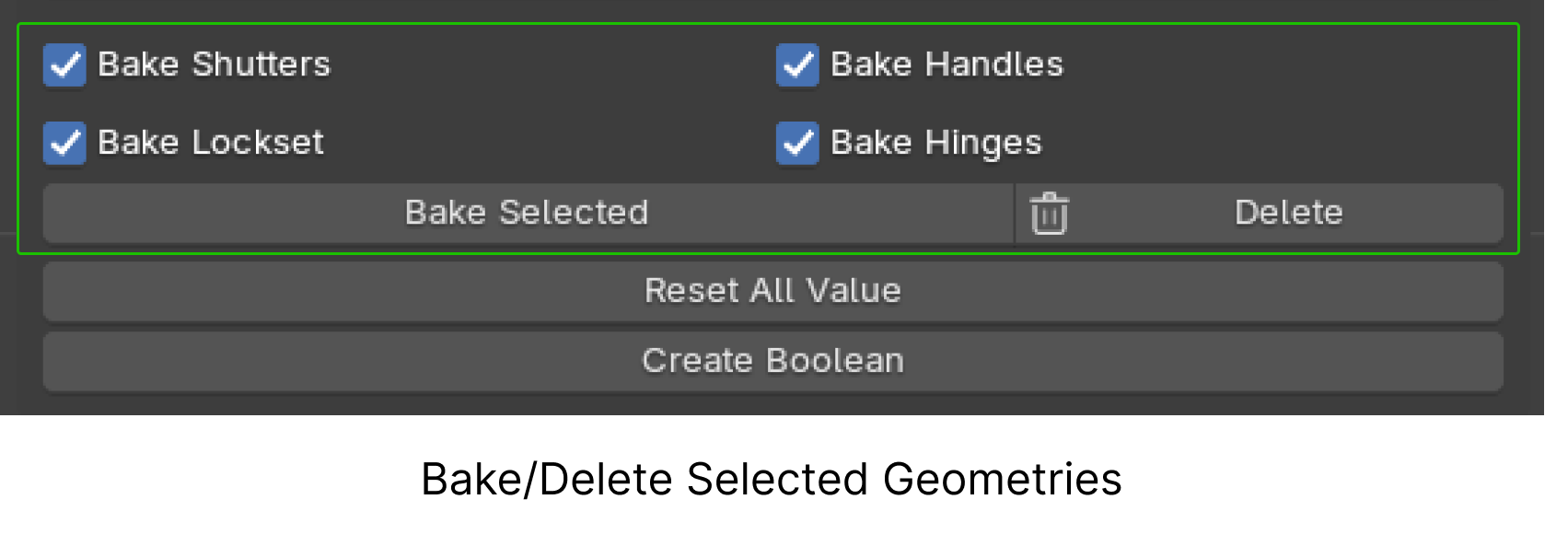
6. Bake or Delete Selected:
Bake or delete specific geometries as needed.
Version 1.2
-
Updated to Drop-down menus. (Supported only in Blender version 4.1)
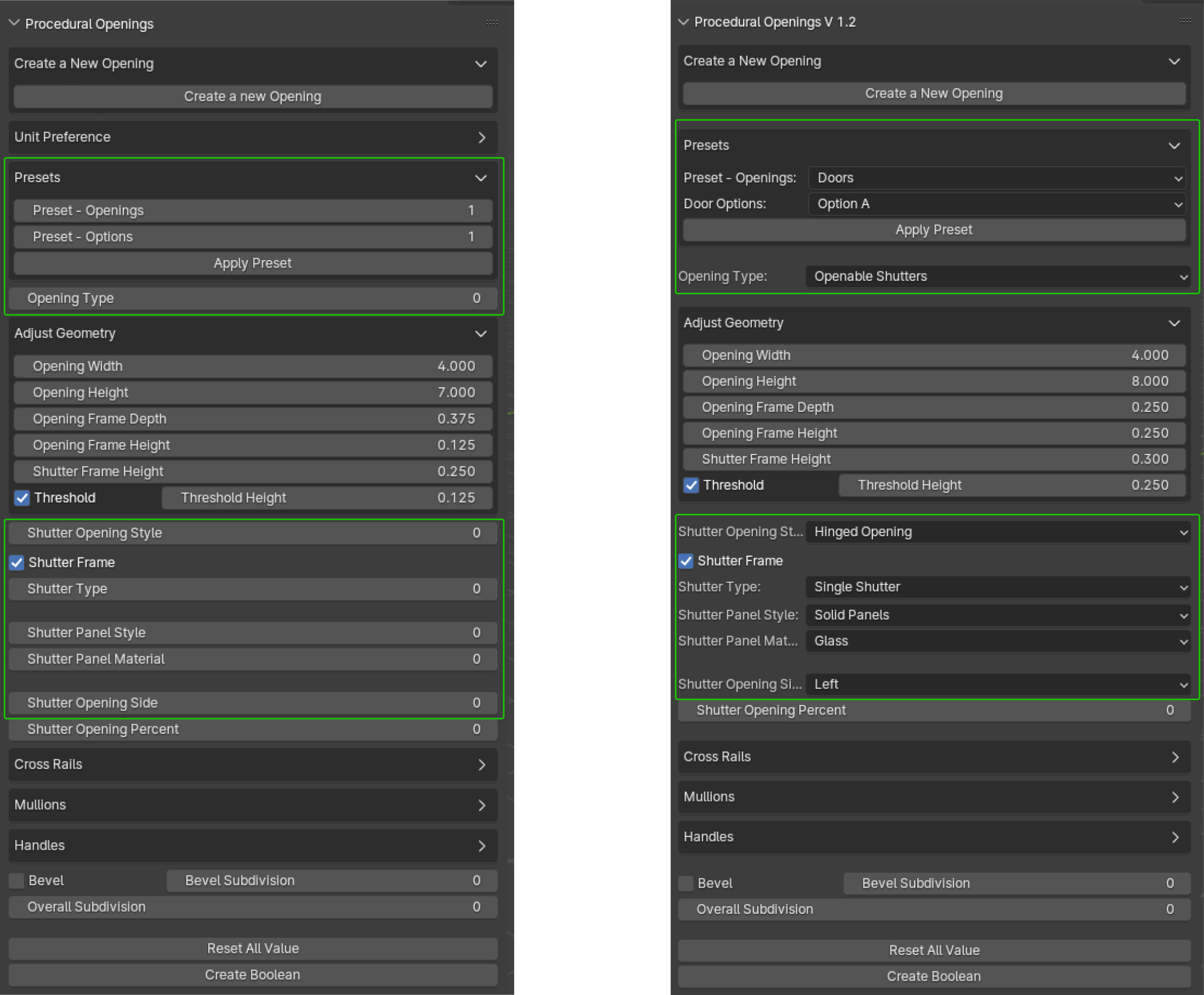
- Bug fixes and improvements.
Version 1.1
New version comes with
1. Bug fixes and improvements
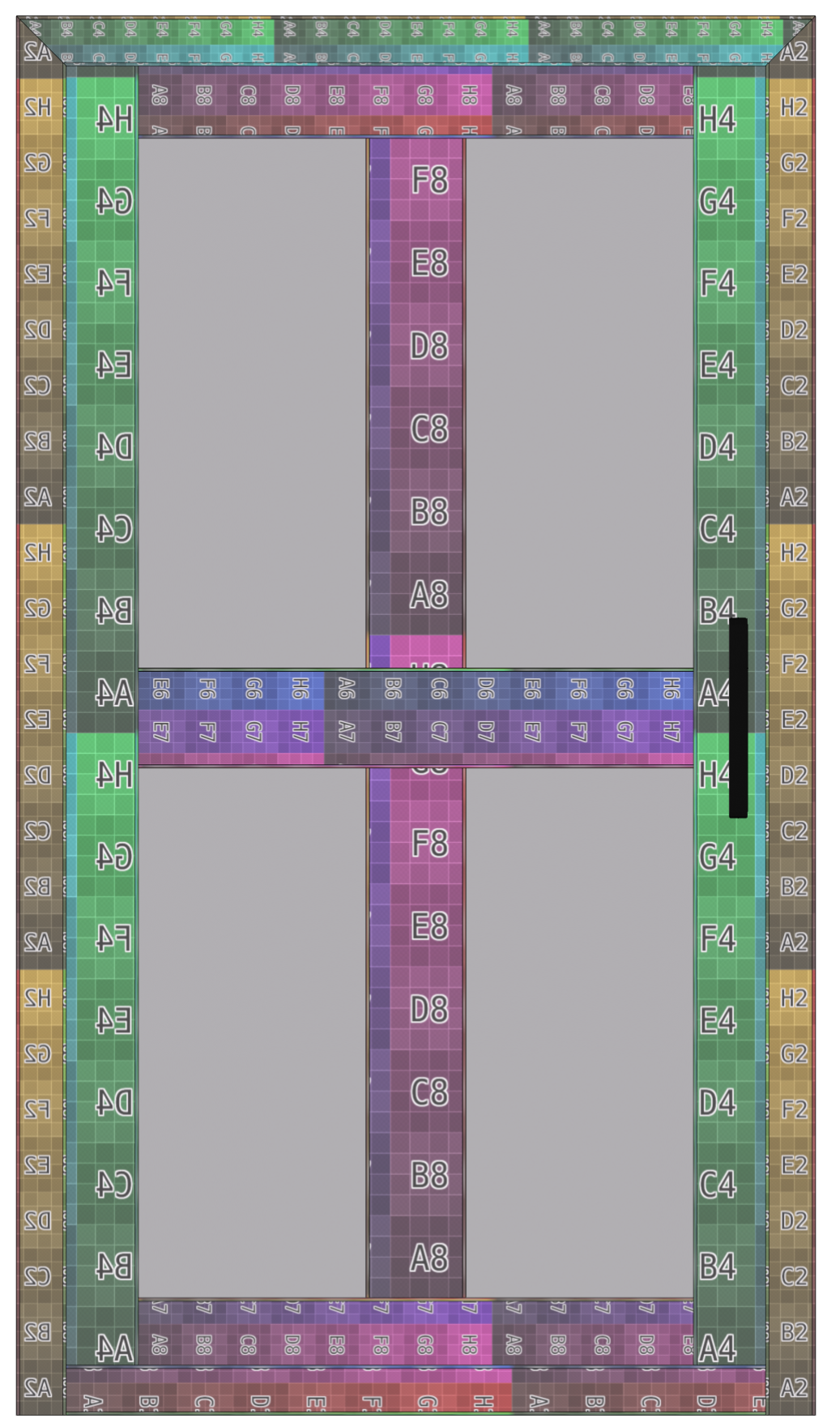
2. Updated Addon UI

3. UV Map
4. Pre-sets- 5 types of doors, 3 types of windows, a ventilator, a sidelight and a transom

 5. Shutter Option for frameless design
 6. New materials
 7. Positional adjustments of Handles in X and Z axes.
Version 1.0
- Opening type
- Opening Style and direction
- Opening Frame Material
- Shutter type
- Shutter Frame Material
- Shutter panel style
- Shutter Panel Material
- Cross Rails and Mullion
- Threshold option for Doors
- Shutter Handle positions, material and type
- Bevel option for Edges
Support & Community


Stay creative and have fun!
ProceduralX