 Node Lab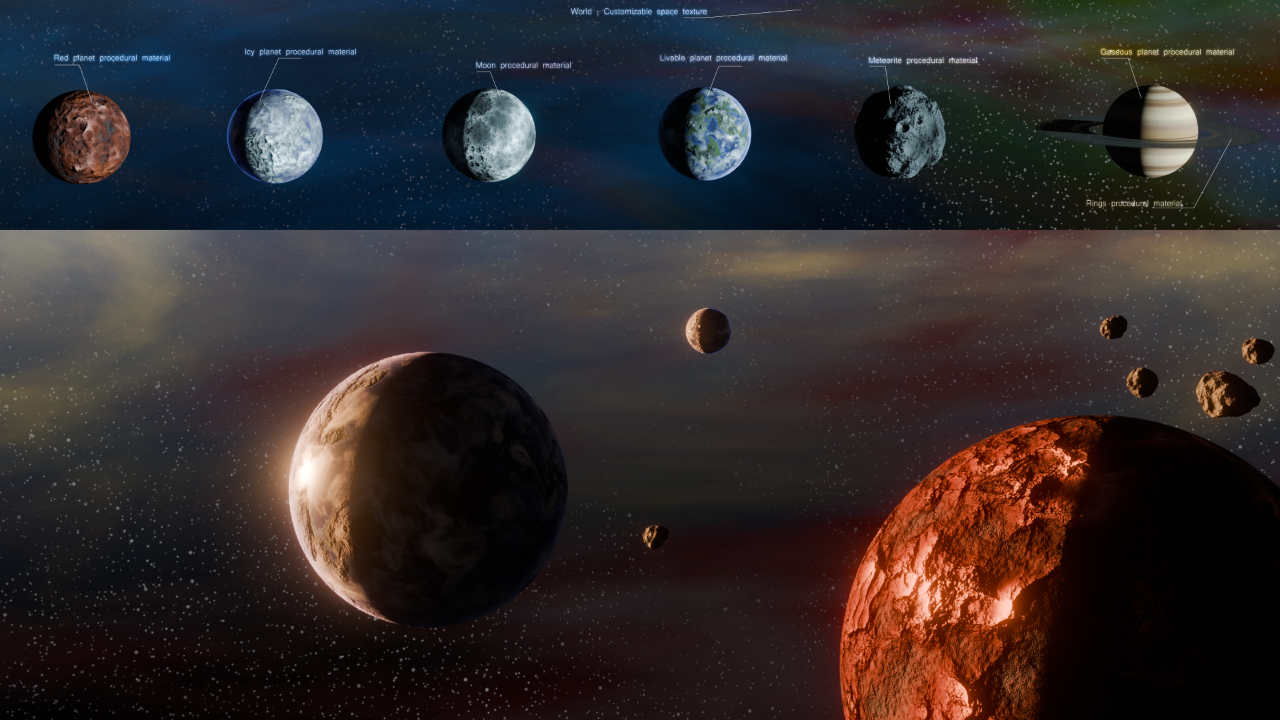
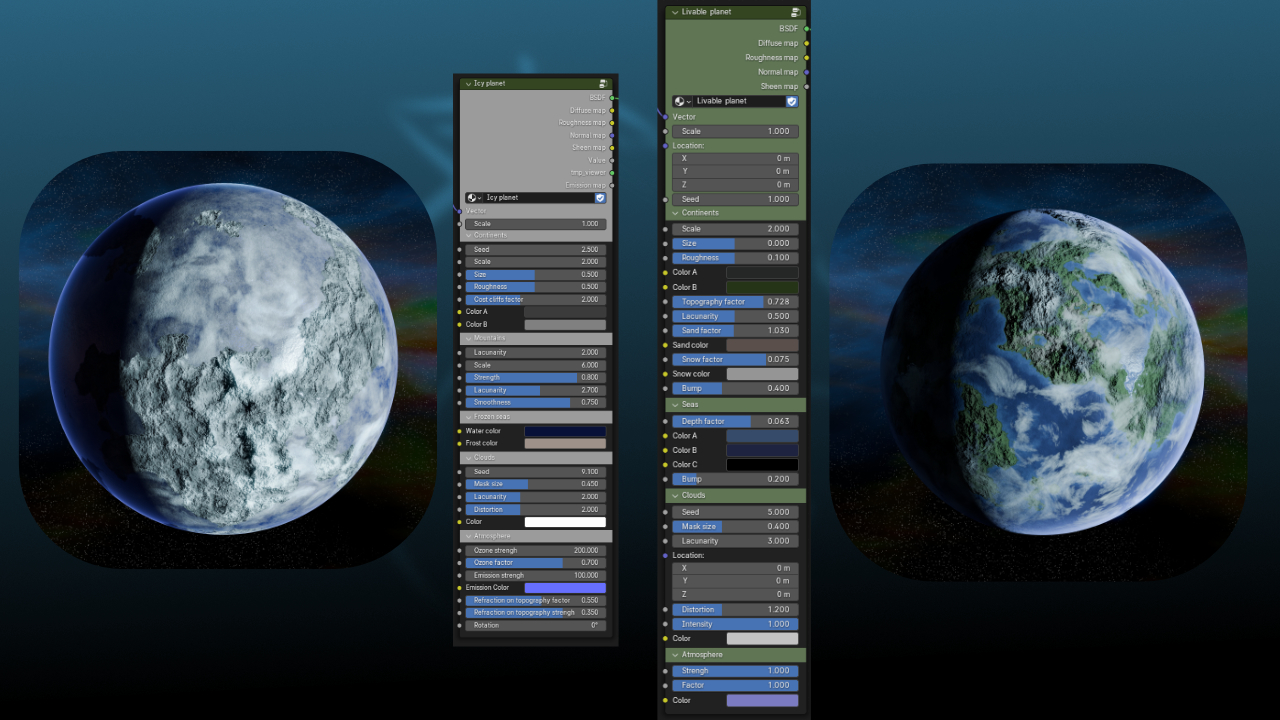
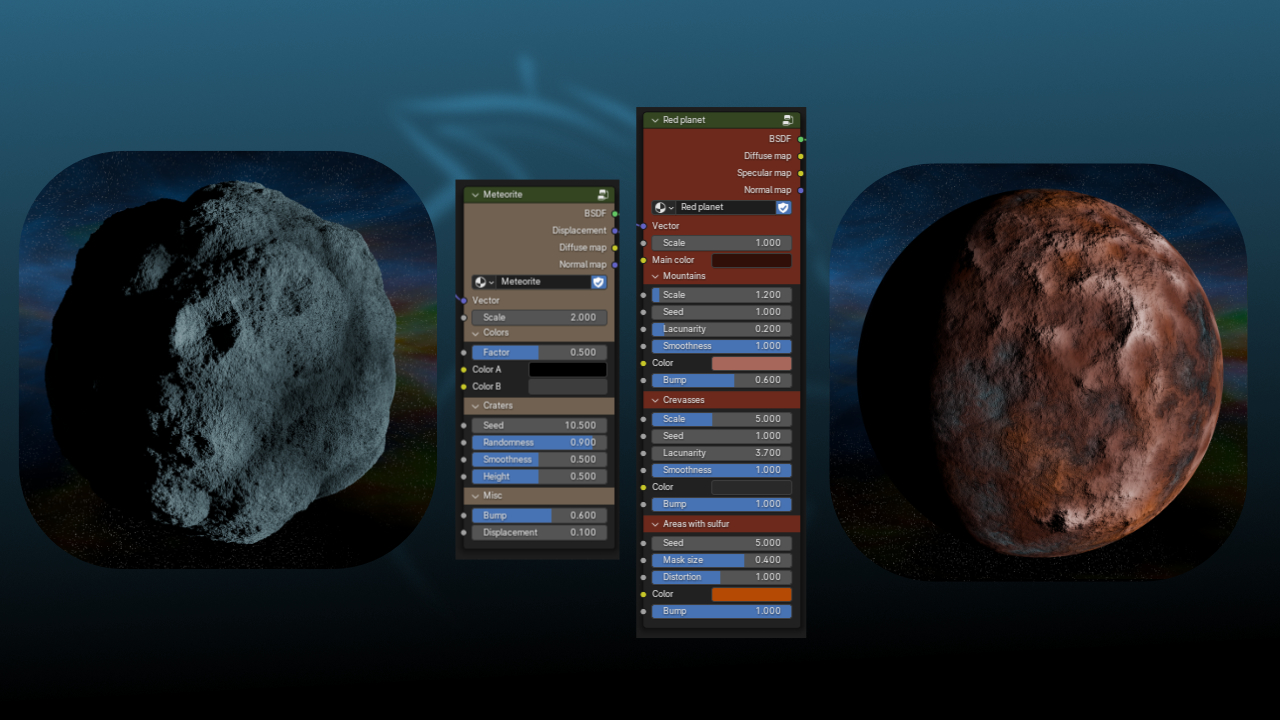
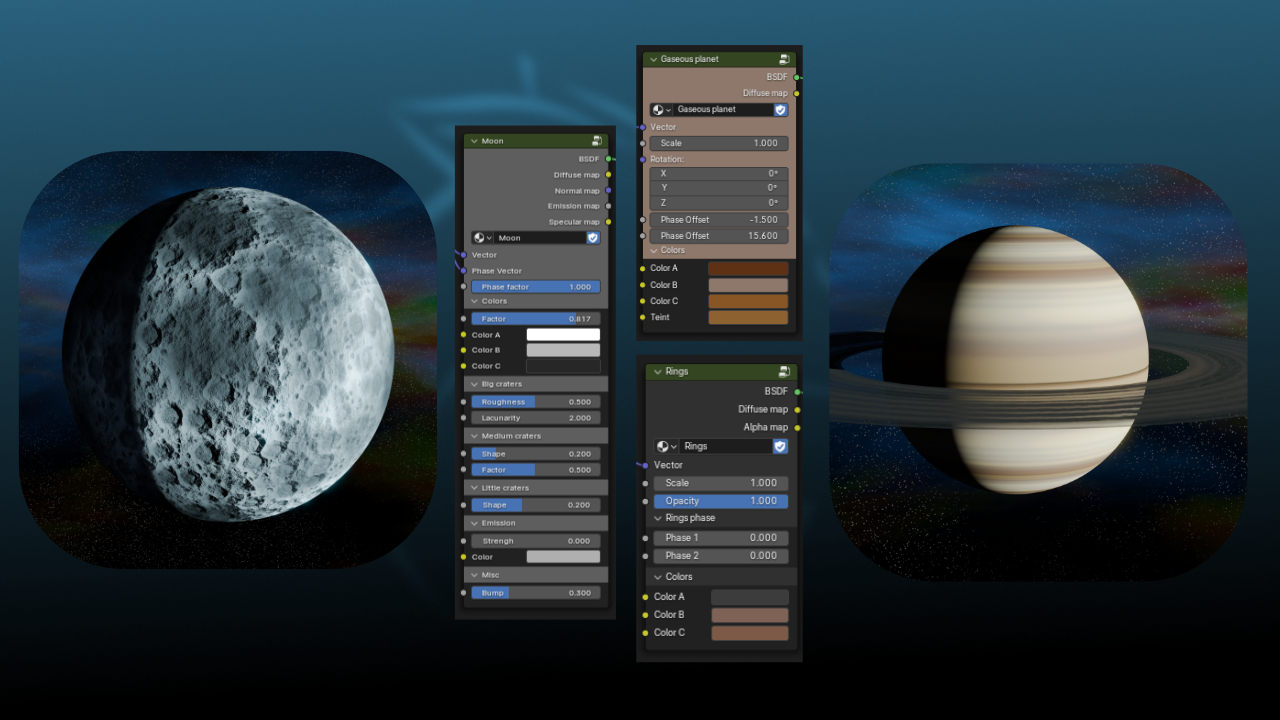
How to import the materials
Go to File → Append
Look for the file that contains the materials and double click on it
Go to the material folder
Select the material and click on "Append"
Now you can assign the material to your object and customize it in the "material properties" panel or in the Shading workspace.
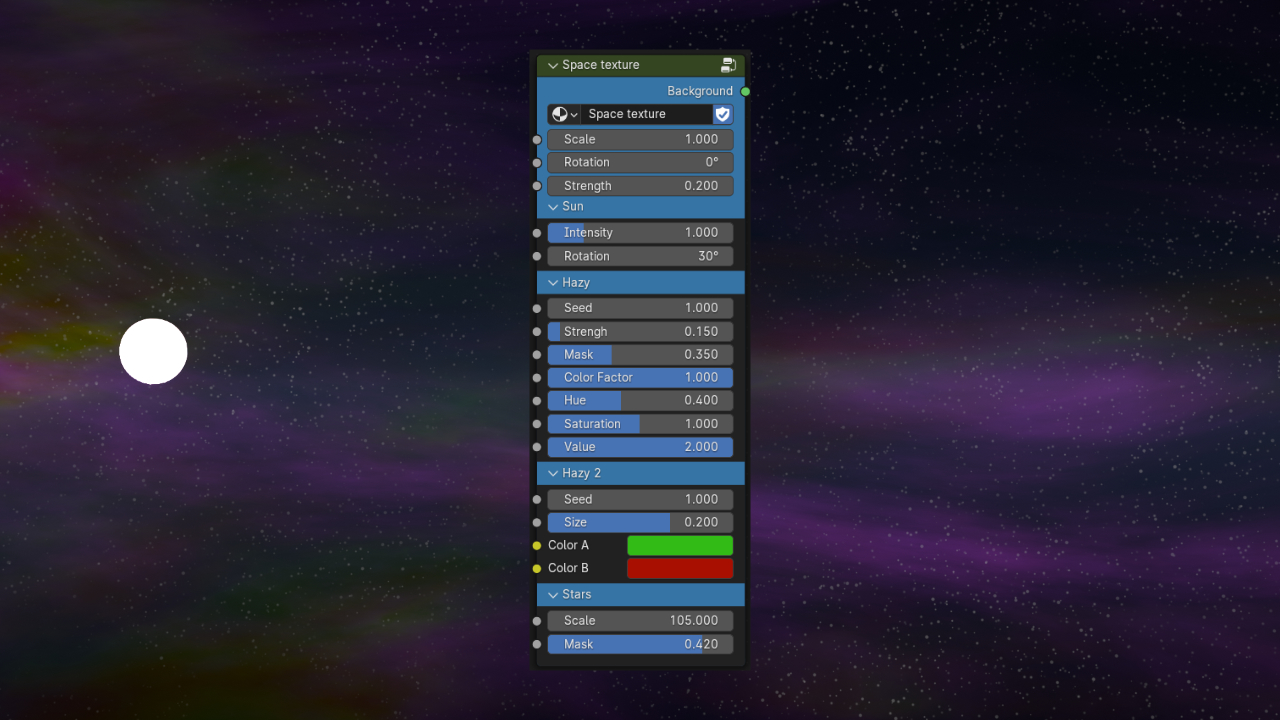
How to import a world texture
Go to File → Append
Look for the file that contains the materials and double click on it
Go to the NodeTree folder
Select the Node tree and click on "Append"
Now you can assign the texture by clicking on "Background" and select the "group" in "World properties" panel.
Have questions about this product?
Login to message
| Sales | 10+ |
| Dev Fund Contributor | |
| Published | over 2 years ago |
| Blender Version | 4.0 - 5.1 |
| Render Engine Used | Cycles |
| License | Royalty Free |