 Mrs Eliza
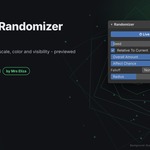
Procedural Randomizer Toolkit Addon for Blender
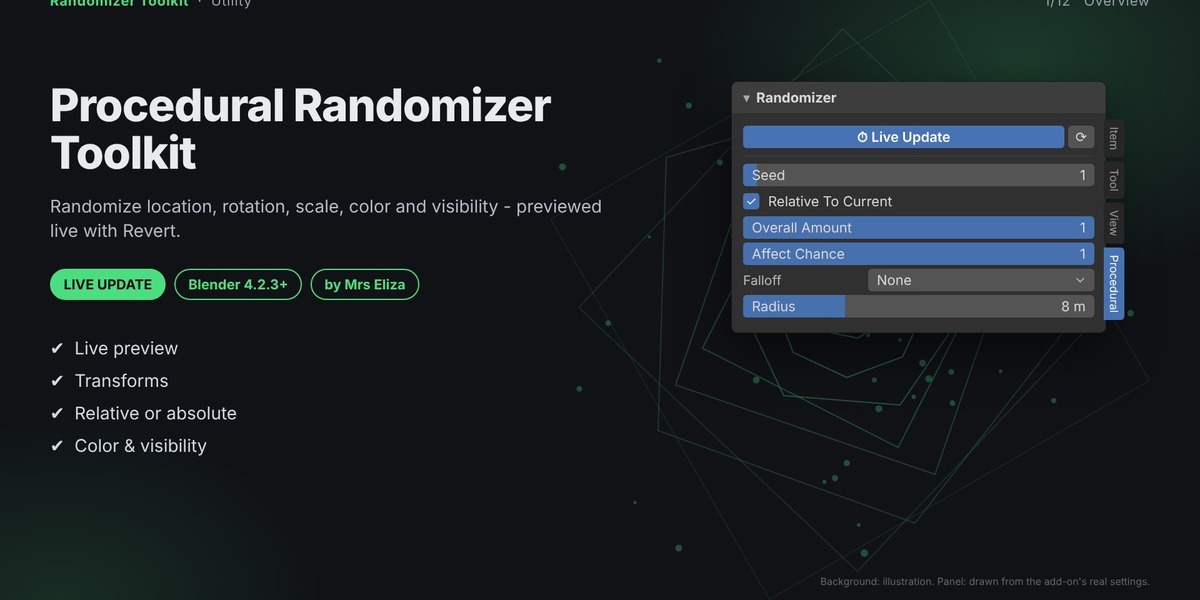
Randomize, scatter, transform, animate, and add natural variation to your 3D scenes with a powerful procedural randomization toolkit!
The Procedural Randomizer Toolkit is a versatile Blender addon designed to make object randomization fast, flexible, and fully customizable.
Easily randomize the location, rotation, scale, colors, materials, visibility, lighting, and custom properties of multiple objects. Create natural-looking variations, scattered arrangements, colorful compositions, procedural scene variations, and animated object movements with just a few clicks.
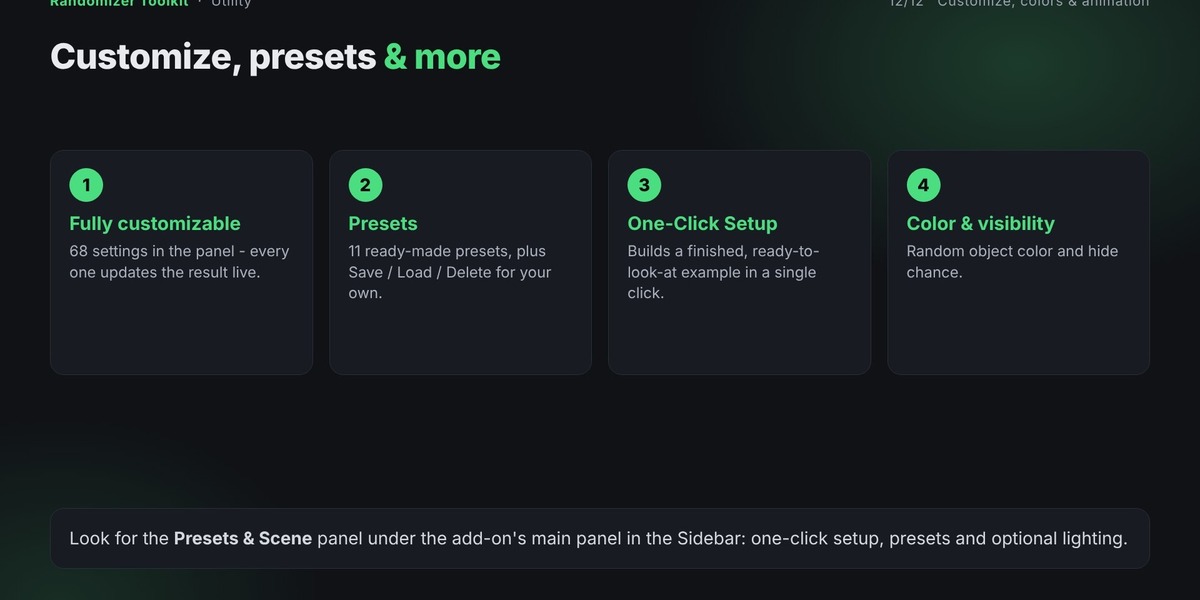
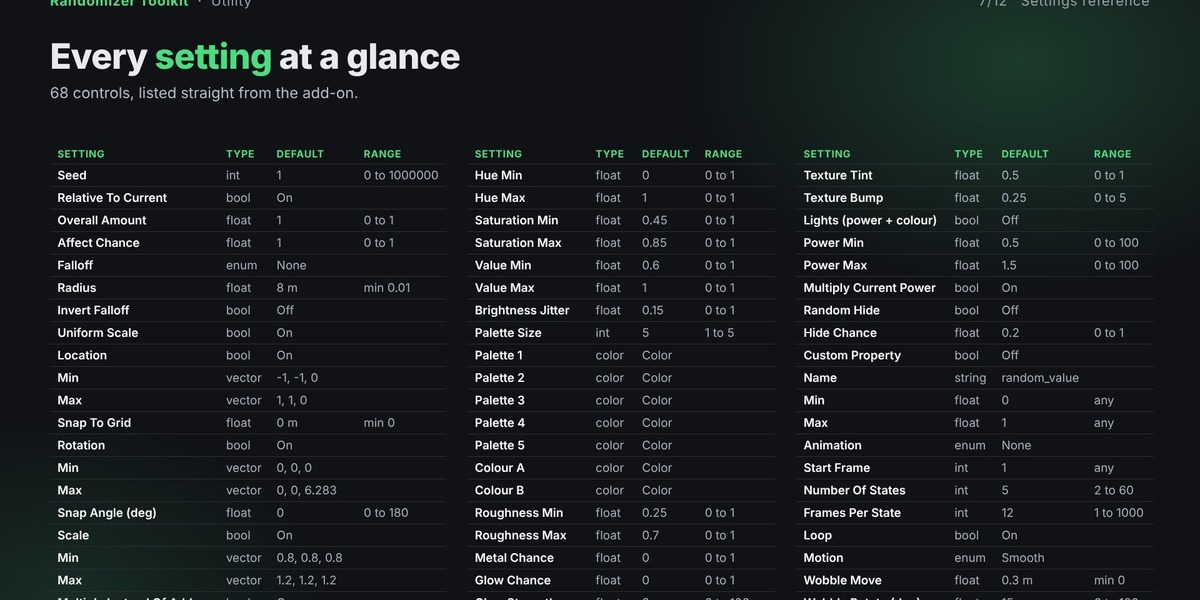
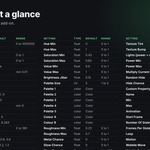
With live preview, 68 customizable settings, 11 built-in presets, animation options, and a custom preset library, you have complete control over how your objects look and behave.
Whether you're creating environment scenes, architectural variations, motion graphics, stylized compositions, or scattered objects, this toolkit helps you achieve professional results without manually editing every object.
✨ Key Features
Fully Procedural Randomization: Randomize multiple selected objects with extensive customization options.
68 Customizable Settings: Control every aspect of object randomization.
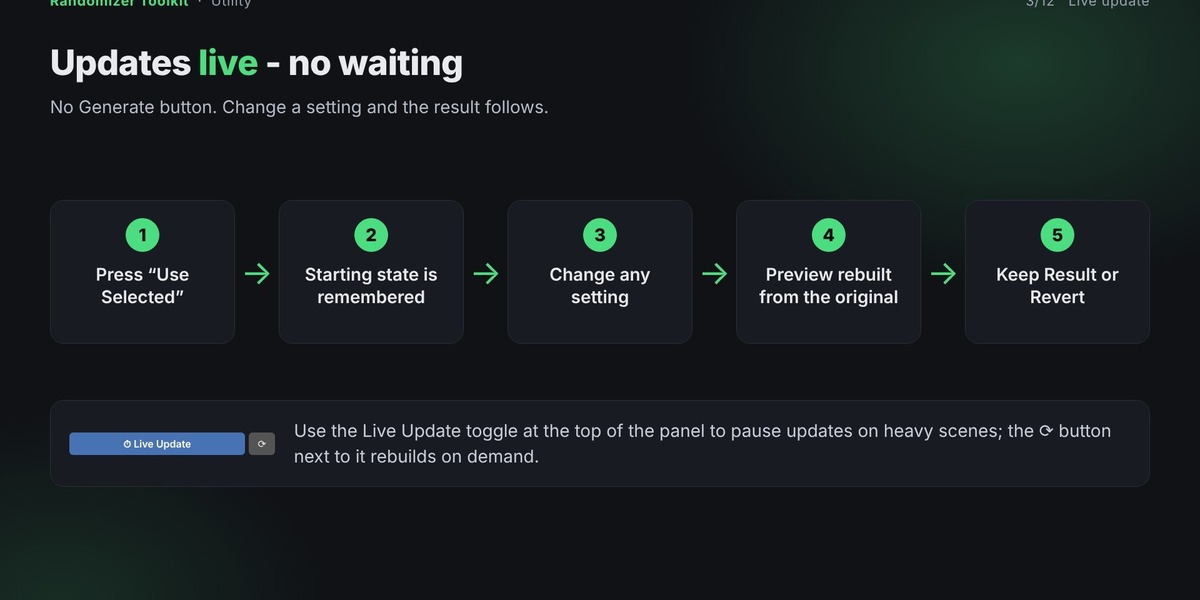
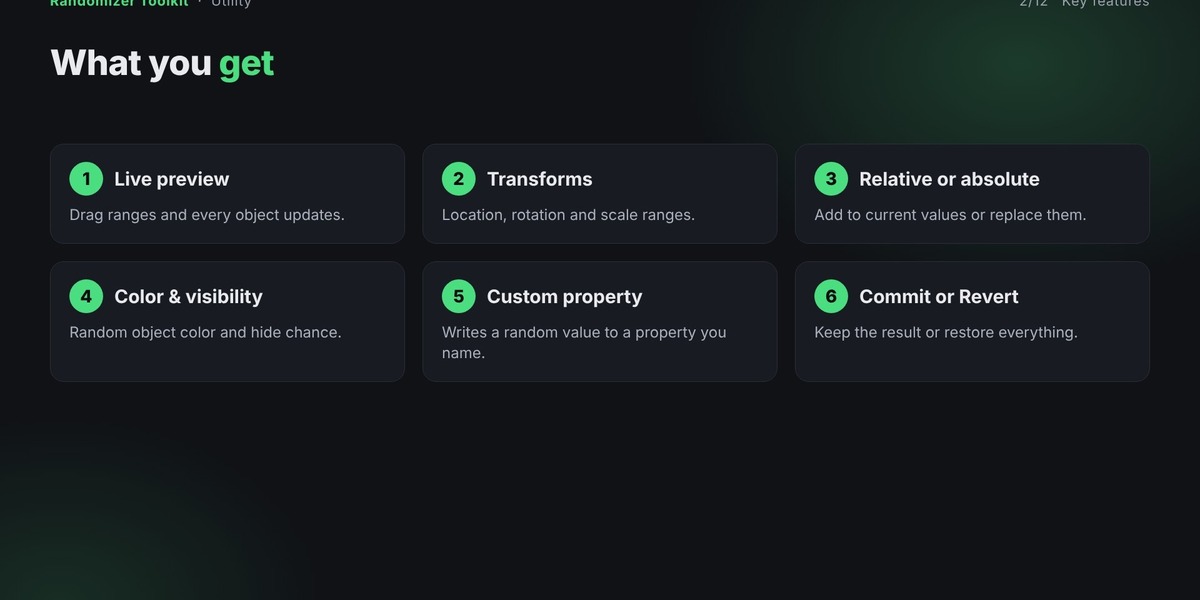
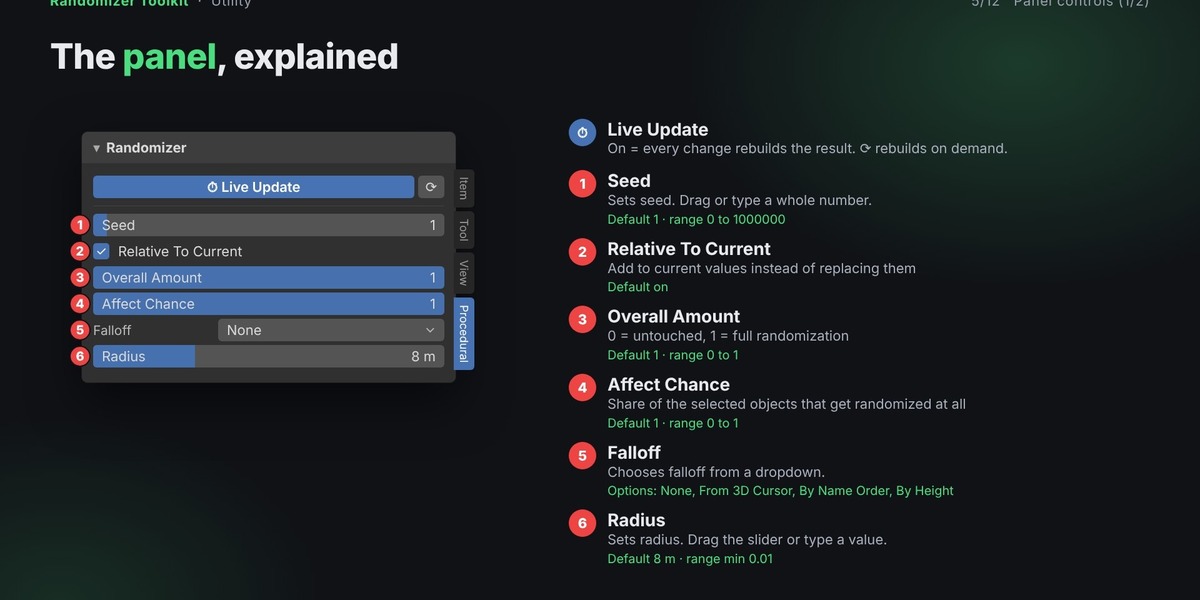
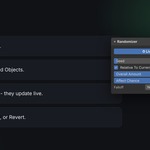
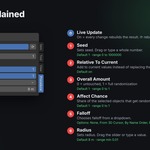
Live Update: Preview changes instantly while adjusting settings.
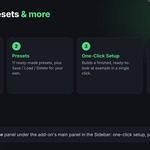
11 Built-in Presets: Quickly apply ready-made randomization styles.
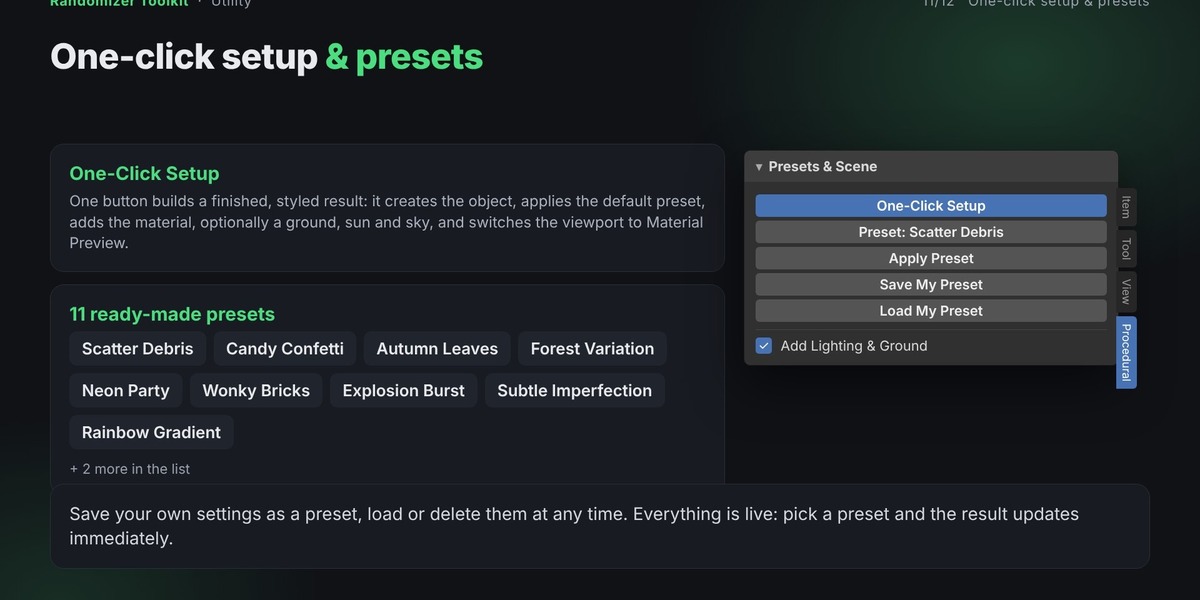
One-Click Setup: Generate a complete example scene with materials, lighting, ground, and preset settings.
Location Randomization: Randomize X, Y, and Z positions independently.
Rotation Randomization: Create varied object orientations.
Scale Randomization: Adjust object dimensions with uniform or independent scaling.
Color Randomization: Generate random colors, palettes, and gradients.
Material Randomization: Customize roughness, metallic appearance, glow, and surface textures.
Visibility Randomization: Randomly hide selected objects.
Lighting Randomization: Randomize light power and color.
Animation System: Create animated shuffle and organic wobble effects.
Falloff Controls: Apply different randomization strengths based on cursor distance, object order, or height.
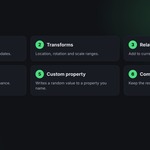
Custom Properties: Randomize custom object properties for advanced workflows.
Save Custom Presets: Save, load, and manage your own randomization configurations.
Keep & Revert System: Preview changes safely and accept or restore the original object states.
🎨 11 Built-in Presets
Get started quickly with 11 professionally designed presets for different creative workflows.
Scatter Debris – Create randomly scattered debris and environmental objects.
Candy Confetti – Generate colorful candy-like arrangements and confetti effects.
Autumn Leaves – Create natural-looking variations of autumn leaves.
Forest Variation – Add randomized natural variation to forest objects.
Neon Party – Create vibrant neon-colored object arrangements.
Wonky Bricks – Generate irregular brick arrangements with varied transformations.
Explosion Burst – Create dynamic scattered object arrangements.
Subtle Imperfection – Add small variations for more natural and realistic scenes.
Rainbow Gradient – Apply colorful gradient variations across objects.
Metal Scraps – Create randomized metallic object variations.
Breathing Field – Create animated organic object movements.
Choose a preset, apply it instantly, and customize the settings to create your own unique results.
⚙️ Advanced Randomization Controls
Take complete control over your selected objects with an extensive collection of procedural settings.
1. General Controls
Random Seed
Relative to Current
Overall Randomization Amount
Affect Chance
Falloff Mode
Falloff Radius
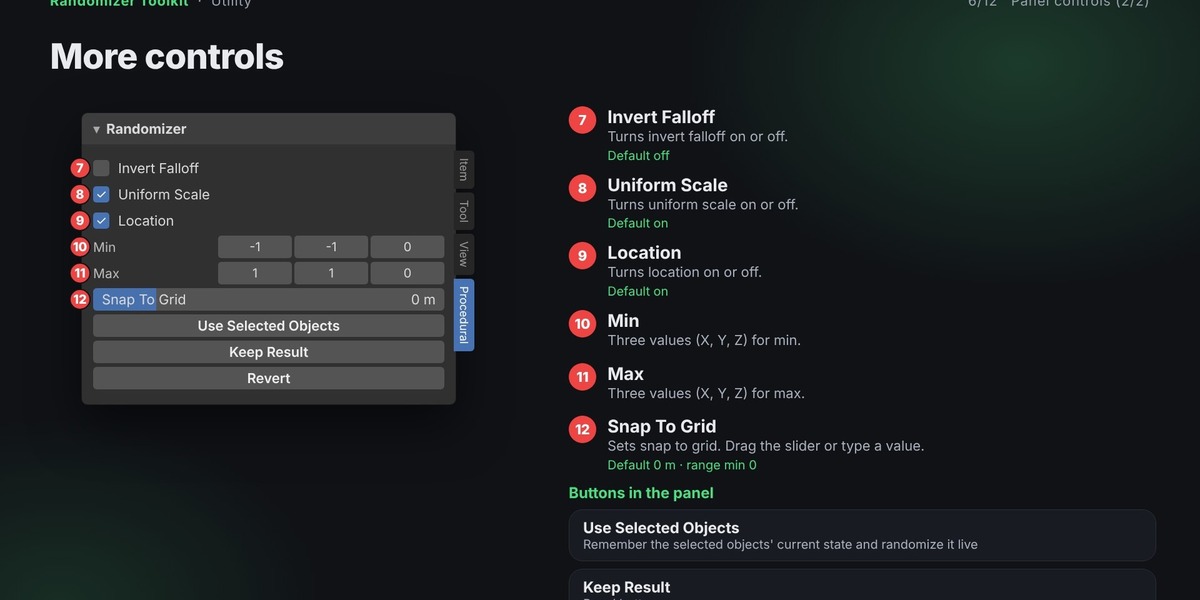
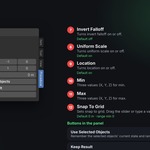
Invert Falloff
2. Location Randomization
Independent X, Y, and Z controls
Minimum and maximum location values
Snap to Grid
Relative or absolute positioning
3. Rotation Randomization
Independent X, Y, and Z rotation ranges
Minimum and maximum rotation values
Snap Angle
Custom orientation variations
4. Scale Randomization
Independent X, Y, and Z scale ranges
Uniform Scale
Minimum and maximum scale values
Multiply Instead of Add
5. Color & Material Randomization
Random Hue
Custom Color Palette
Gradient by Object Order
Gradient by Height
Hue, Saturation, and Value ranges
Brightness Variation
Five Custom Palette Colors
Unique Material Per Object
Roughness Variation
Metallic Chance
Glow Chance
Glow Strength
6. Surface Texture Controls
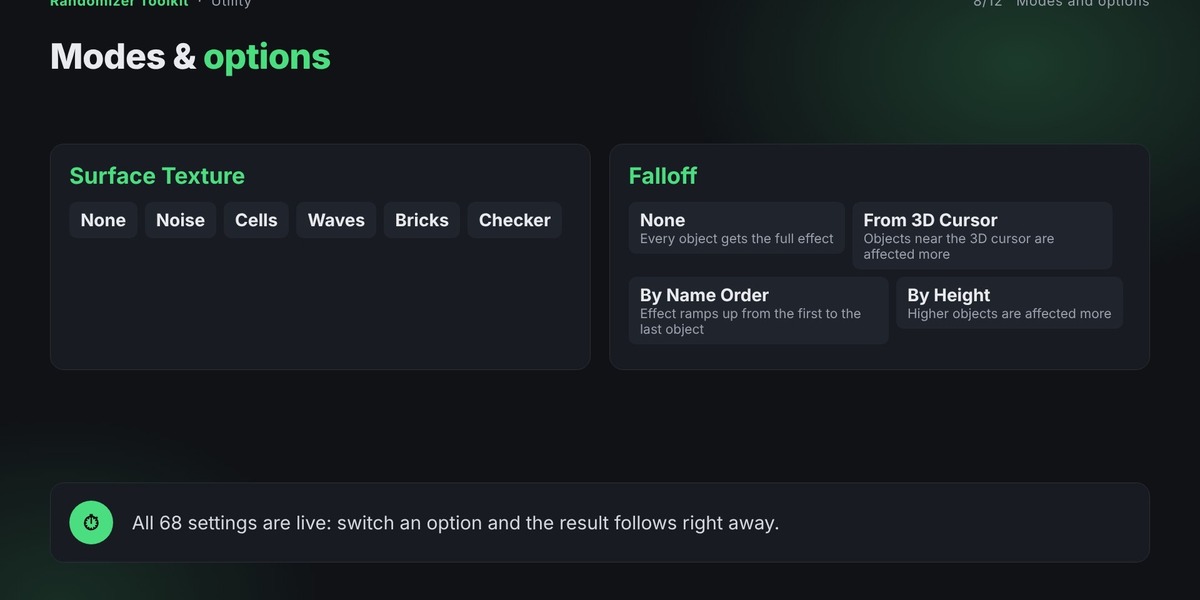
None
Noise
Cells
Waves
Bricks
Checker
Texture Scale
Texture Tint
Texture Bump
7. Lighting Randomization
Randomize Light Power
Randomize Light Color
Minimum and Maximum Power
Multiply Current Power
8. Visibility Randomization
Random Hide
Hide Chance
Unhide All
9. Custom Property Randomization
Custom Property Name
Minimum and Maximum Values
Randomized property values
Each category can be enabled or disabled independently, giving you complete control over your randomization workflow.
🎬 Animation System
Bring your object arrangements to life with procedural animation.
Choose from three animation modes:
None – Static Randomization
Create a static randomized arrangement without animation.
Shuffle – Animated Random States
Keyframe several different random states over time to create changing object arrangements.
Wobble – Organic Motion
Create continuous organic object movement using noise modifiers.
Animation Customization
Animation Start Frame
Number of Animation States
Frames Per State
Loop Animation
Smooth Motion
Linear Motion
Snap / Stop-Motion Animation
Wobble Movement
Wobble Rotation
Wobble Scale
Wobble Period
Create everything from subtle object movements to dynamic randomized motion graphics.
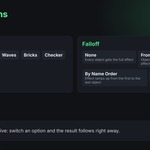
🌐 Advanced Falloff System
Control how randomization affects objects based on their position or order.
Choose from four falloff modes:
None: Apply the full randomization effect to every selected object.
From 3D Cursor: Objects closer to the 3D cursor receive stronger effects.
By Name Order: Randomization gradually increases from the first object to the last.
By Height: Higher objects receive stronger randomization.
You can also customize the falloff radius and invert the falloff direction.
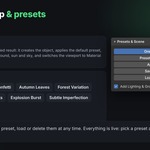
🚀 One-Click Setup
Get started without manually configuring your scene.
The One-Click Setup feature creates a ready-to-preview example in a single step.
It can automatically:
Apply the selected preset.
Generate the randomized example.
Create the required materials.
Apply colors and surface textures.
Add a ground plane.
Add a sun light.
Set the sky color.
Switch the viewport to Material Preview.
Create a complete example scene with just one click!
💾 Custom Preset Library
Create and manage your own randomization presets.
Save My Preset: Save your current settings with a custom name.
Load My Preset: Restore your previously saved configurations.
Delete My Preset: Remove unwanted custom presets.
Your saved presets are stored in your Blender configuration folder and remain available across different .blend projects.
🔄 Live Preview, Keep & Revert
Experiment freely without losing your original object arrangements.
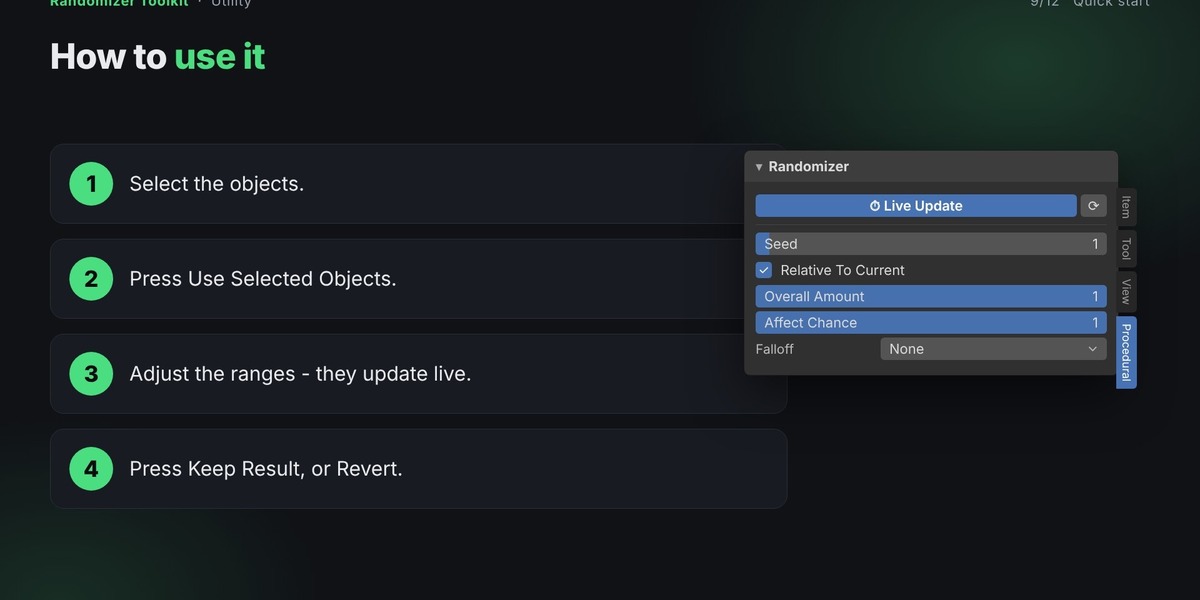
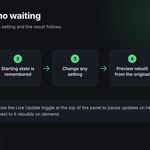
The addon remembers the original state of your selected objects when you press Use Selected Objects.
Every setting change is calculated from that remembered starting state, preventing unwanted cumulative changes during preview.
Use Selected Objects: Start the randomization process and remember the original object states.
Live Update: Automatically preview changes as you adjust settings.
Randomize Seed: Generate a different randomized result.
Keep Result: Accept the current result.
Revert: Restore the original object states.
Experiment with different randomization styles and keep the result you like.
🛠️ Easy Workflow
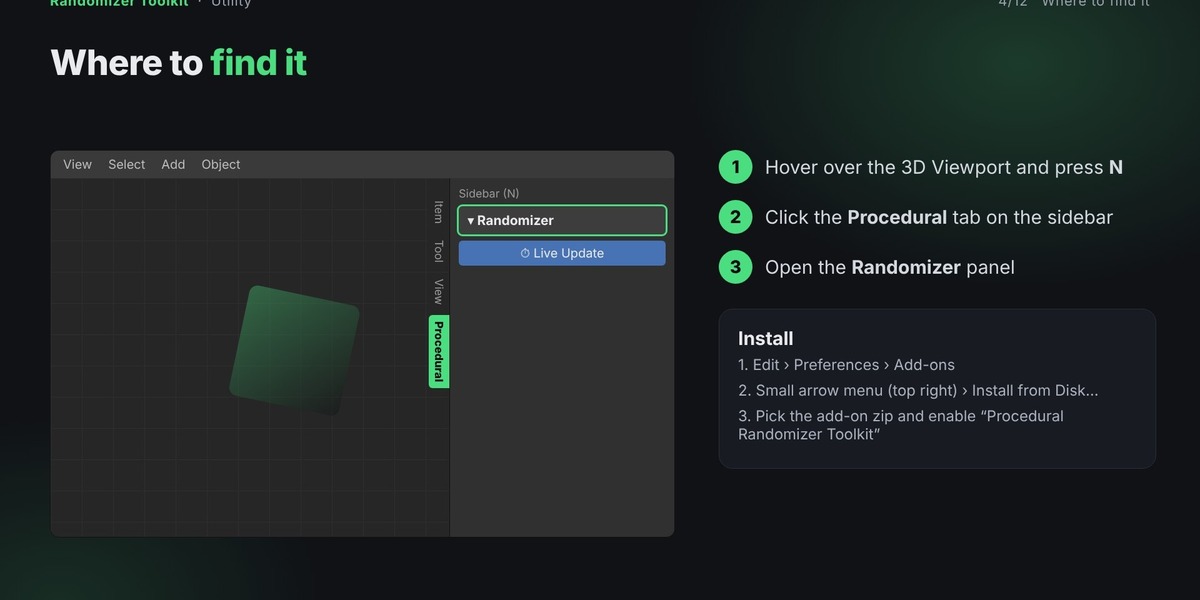
Select the objects you want to randomize.
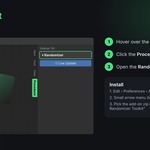
Open the 3D Viewport sidebar by pressing N.
Navigate to the Procedural tab.
Open the Randomizer panel.
Click Use Selected Objects.
Enable the randomization categories you want.
Adjust location, rotation, scale, colors, materials, and other settings.
Change the random seed to explore different results.
Press Keep Result to accept your arrangement or Revert to restore the originals.
You can also use One-Click Setup to generate a complete randomized example instantly.
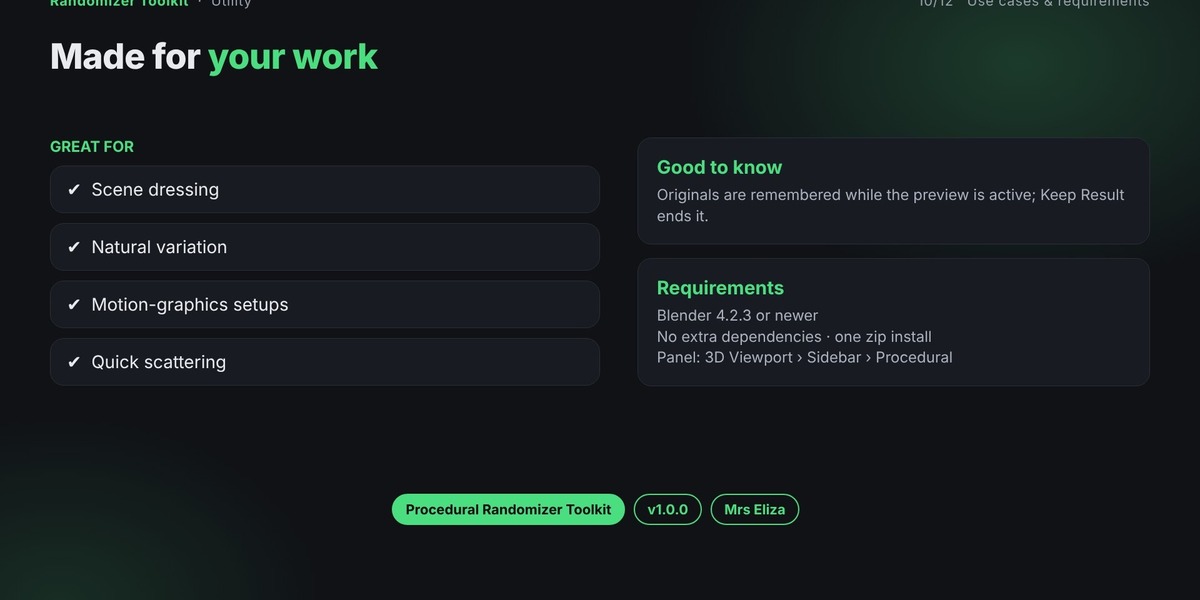
🎯 Perfect For
Procedural object scattering
Environment and scene dressing
Natural object variations
Architectural scene variations
Randomized building arrangements
Debris and rubble scattering
Forest and vegetation variations
Colorful object compositions
Confetti and candy arrangements
Stylized and abstract 3D scenes
Motion graphics and animation
Stop-motion style effects
Procedural material variations
Lighting and object variations
Adding imperfections to 3D models
💡 Tips for Best Results
Use Relative to Current to keep objects near their original positions.
Disable Relative to Current when you want absolute random positioning.
Use Snap to Grid for clean and organized object arrangements.
Enable Uniform Scale to prevent unwanted stretching.
Use Falloff to create gradual randomization effects.
Use custom properties to drive materials or modifiers.
Save your favorite settings as custom presets for future projects.
📦 Technical Information
Product: Procedural Randomizer Toolkit
Software: Blender
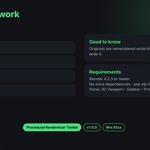
Minimum Blender Version: 4.2.3
Version: 1.0.0
Type: Procedural Randomization & Animation Addon
Customizable Settings: 68
Built-in Presets: 11
Randomization Categories: Location, Rotation, Scale, Color, Materials, Lighting, Visibility, and Custom Properties
Animation Modes: None, Shuffle, and Wobble
Preset Library: Built-in and custom saved presets
Workflow: Live Preview with Keep & Revert
⭐ Transform Your Workflow with Procedural Randomization!
Create unique object arrangements, natural variations, colorful compositions, randomized materials, and animated scenes with the Procedural Randomizer Toolkit Addon for Blender.
Spend less time manually adjusting objects and more time creating amazing 3D scenes!