 Mrs Eliza
❓ Frequently Asked Questions
Q: Which Blender versions are supported?
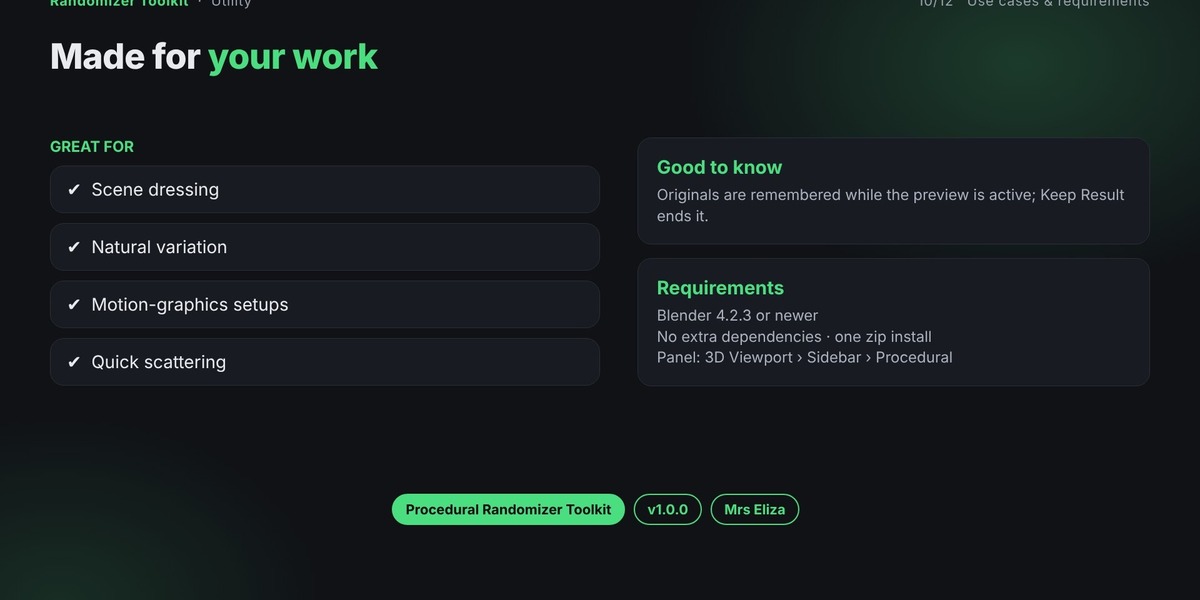
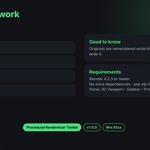
A: The addon supports Blender 4.2.3 or newer.
Q: How do I start randomizing objects?
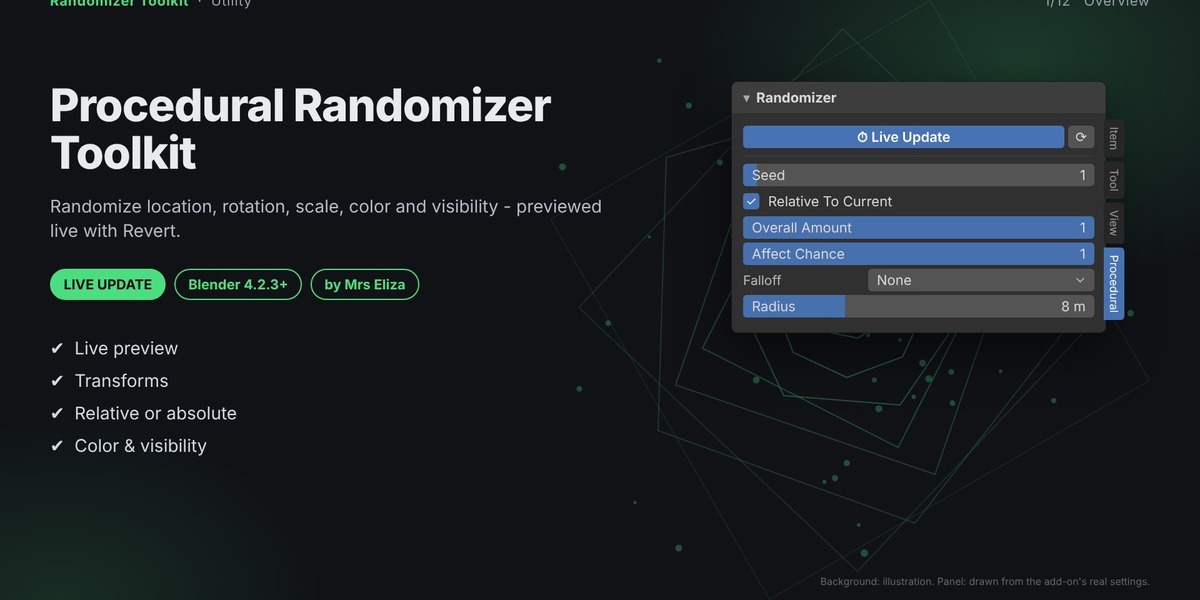
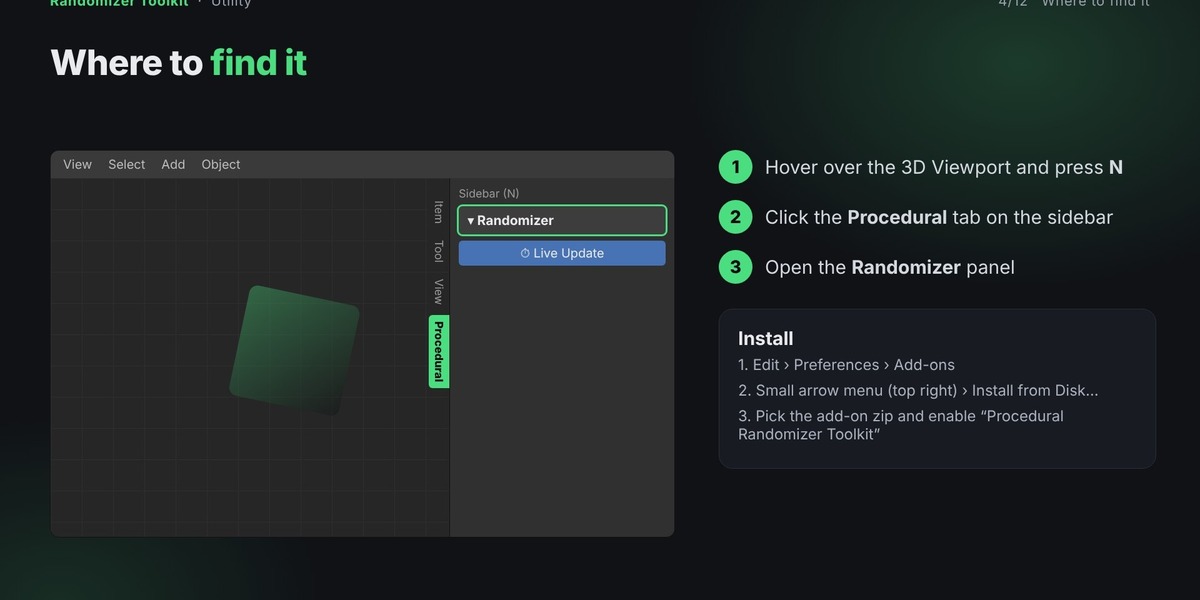
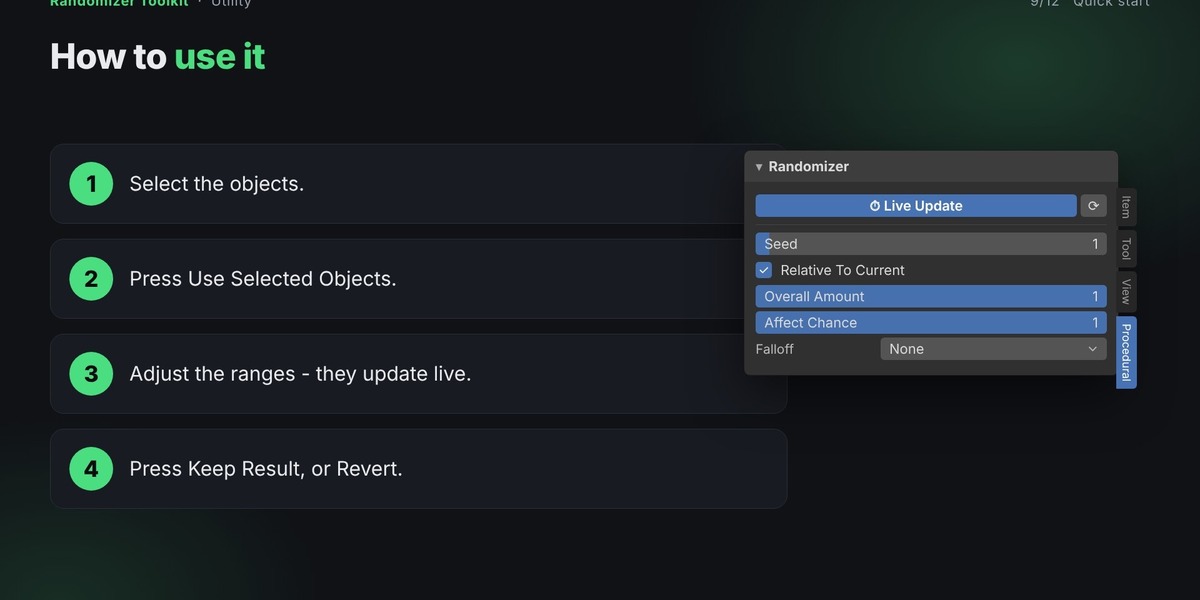
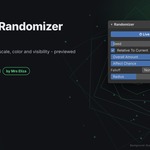
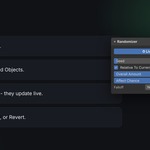
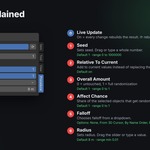
A: Select your objects and click Use Selected Objects in the Randomizer panel. Enable the categories you want and adjust their settings.
Q: Can I randomize location, rotation, and scale independently?
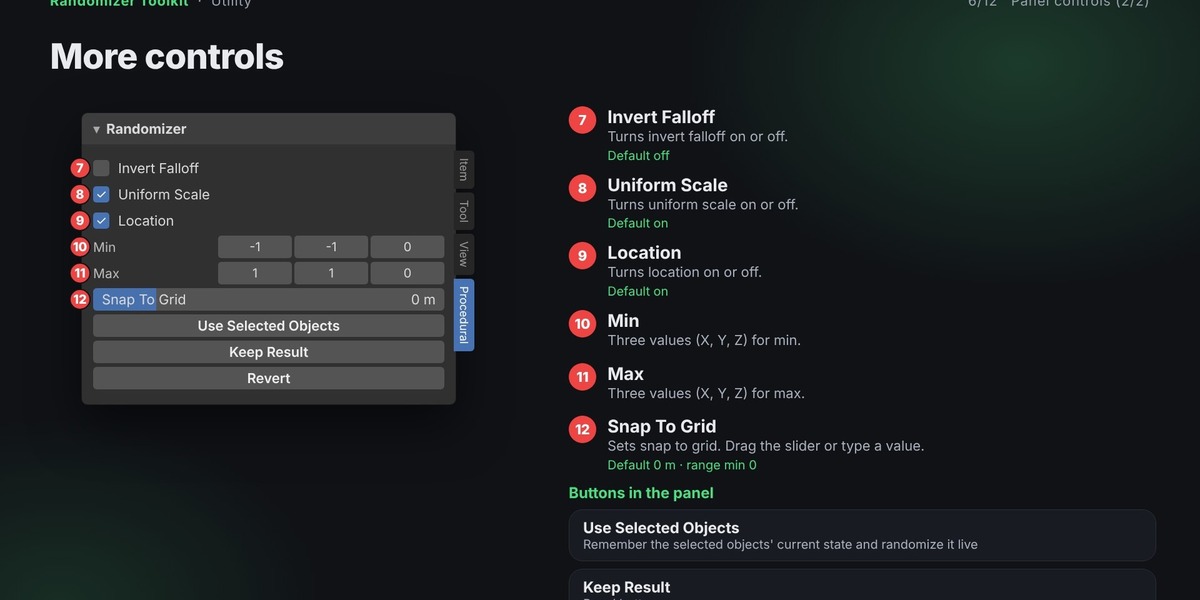
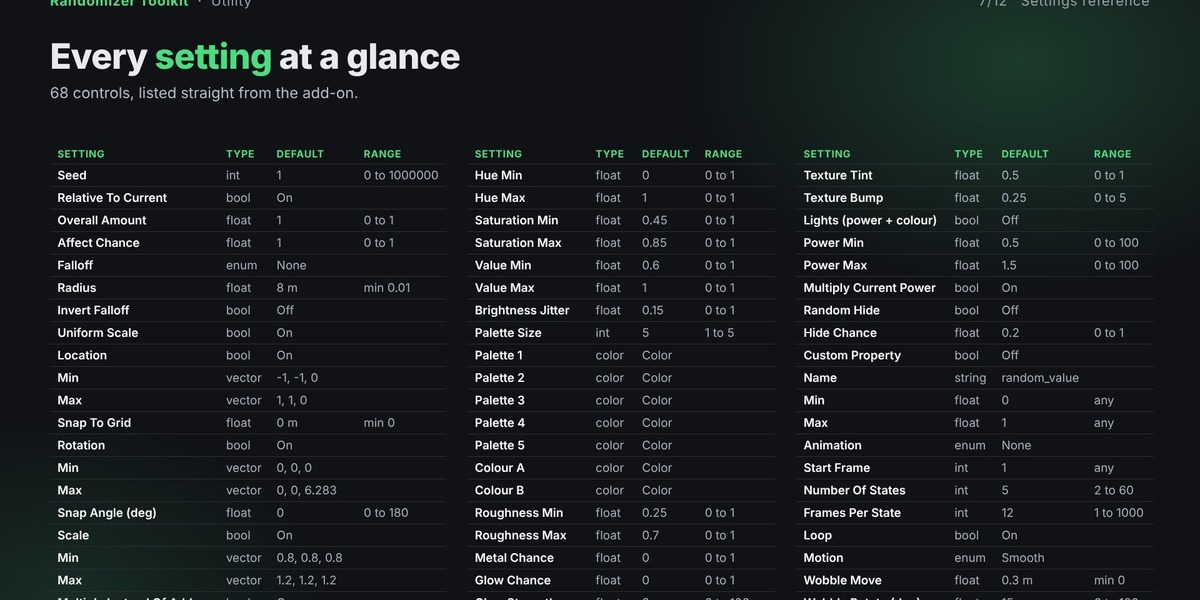
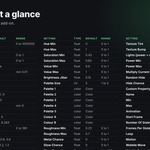
A: Yes! Each category has separate controls for the X, Y, and Z axes, with customizable minimum and maximum values.
Q: What is the difference between Relative and Absolute randomization?
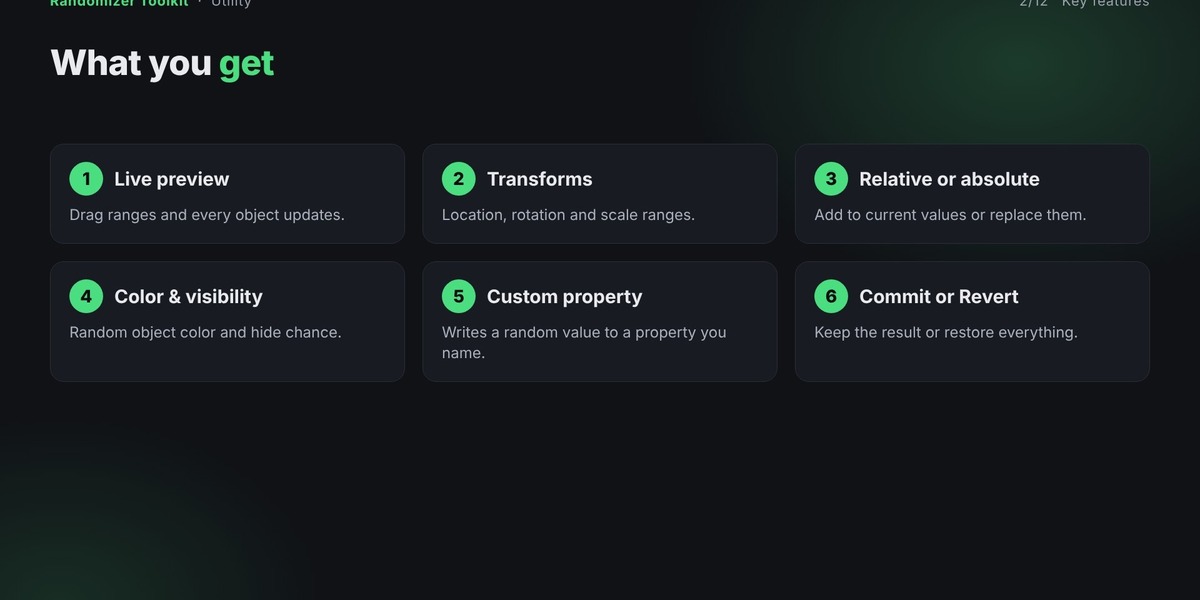
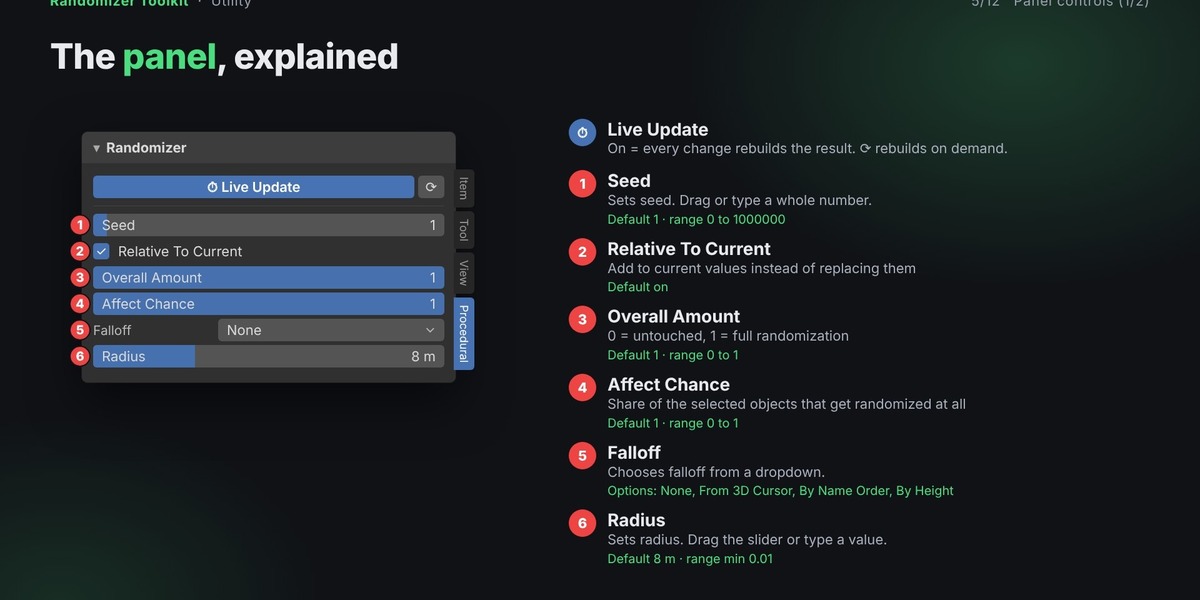
A: Relative to Current adds random values to the existing object values. When disabled, randomization uses absolute values instead of adding to the current values.
Q: Can I preview changes before accepting them?
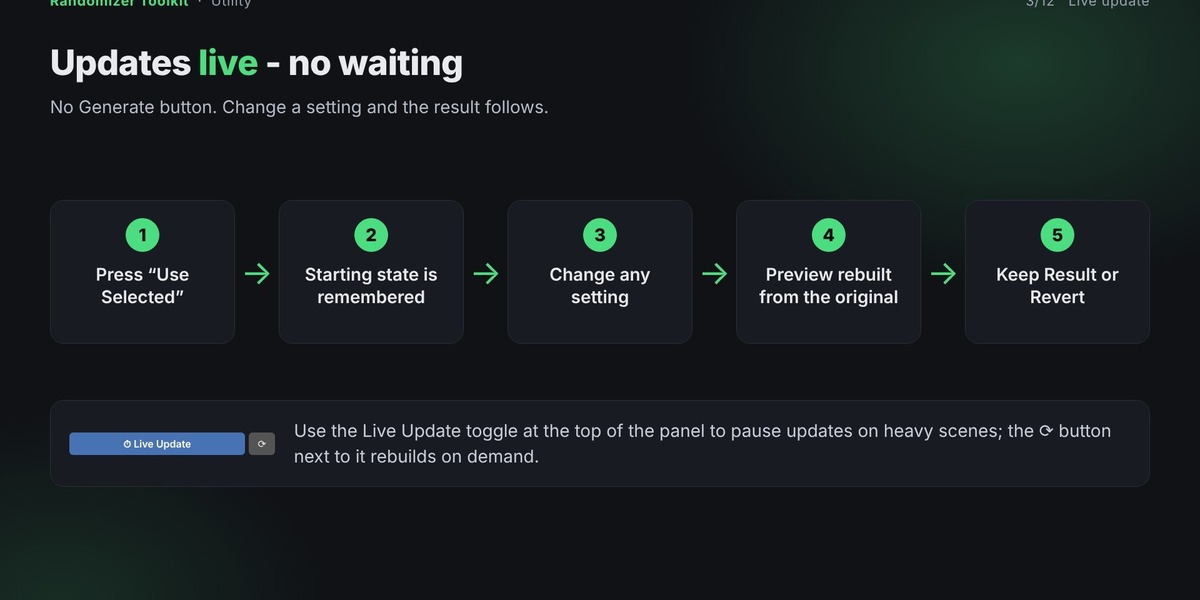
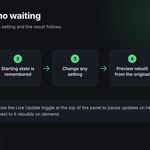
A: Yes! The addon remembers the original object states when you start. You can experiment with different settings and use Keep Result to accept the changes or Revert to restore the original arrangement.
Q: Why aren't my objects changing?
A: Press Use Selected Objects first to start the preview session. After that, changing the randomization settings will update the result.
Q: Why have some objects disappeared?
A: The Random Hide option may have hidden them. Use Unhide All to restore hidden objects.
Q: Can I randomize object colors and materials?
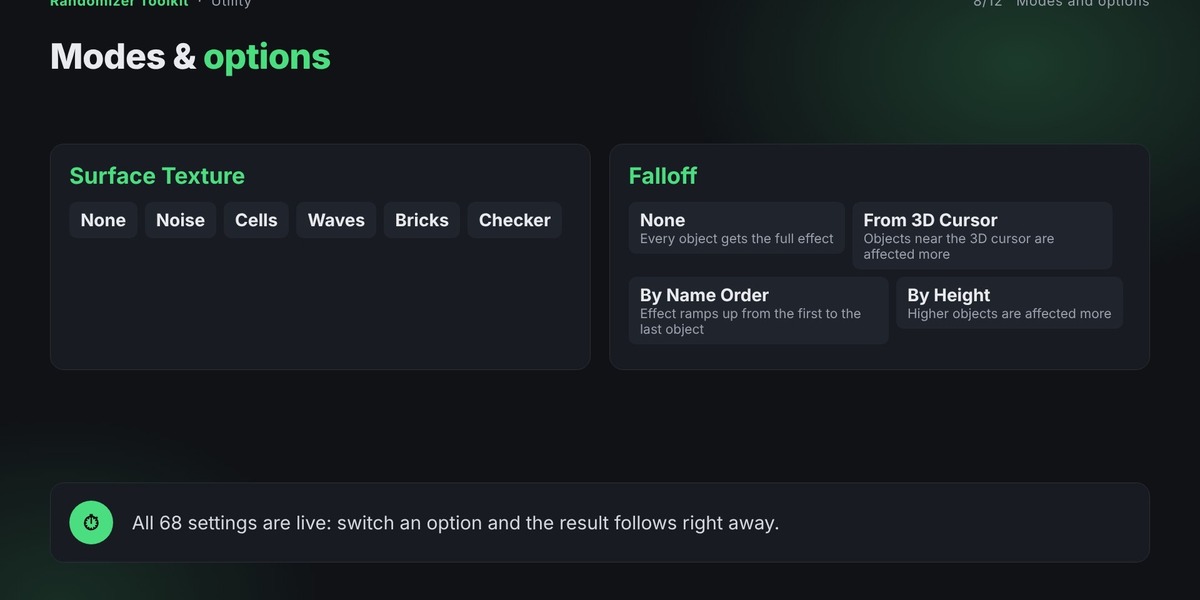
A: Yes! You can use Random Hue, custom color palettes, gradients by order or height, and customize roughness, metallic, glow, and surface textures.
Q: What does Unique Material Per Object do?
A: It creates a separate material for each object using the configured color and surface settings, allowing individual material variations.
Q: Can I animate randomized objects?
A: Yes! Choose Shuffle to animate different random states or Wobble to create continuous organic movement using noise modifiers.
Q: Can I create looping animations?
A: Yes! Enable Loop in the animation settings to create looping animation behavior.
Q: Can I save my own randomization presets?
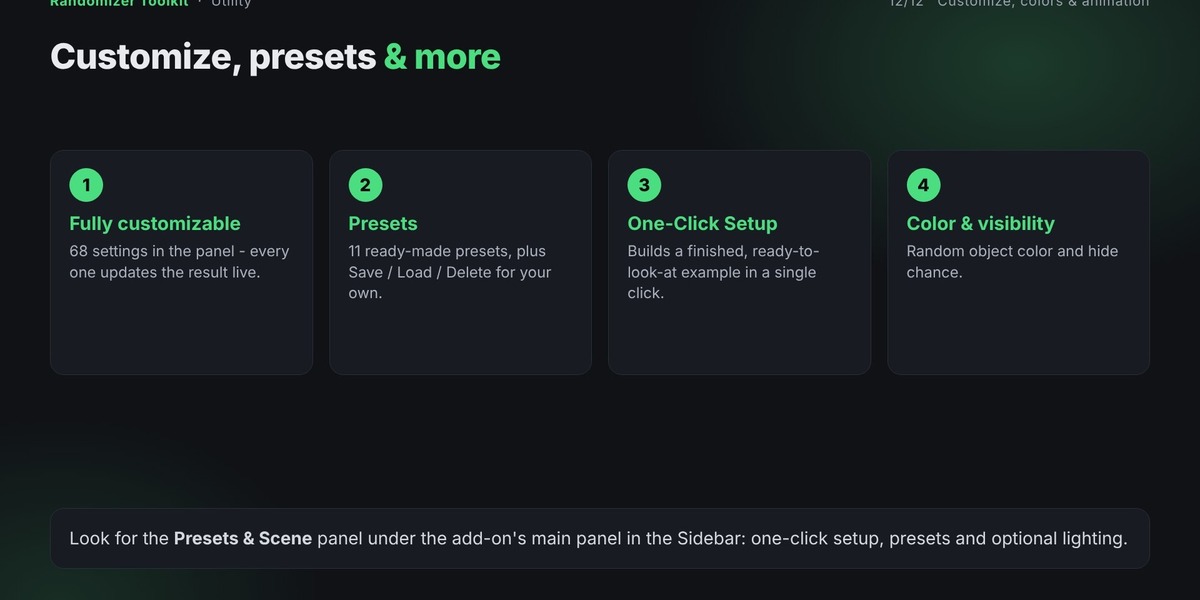
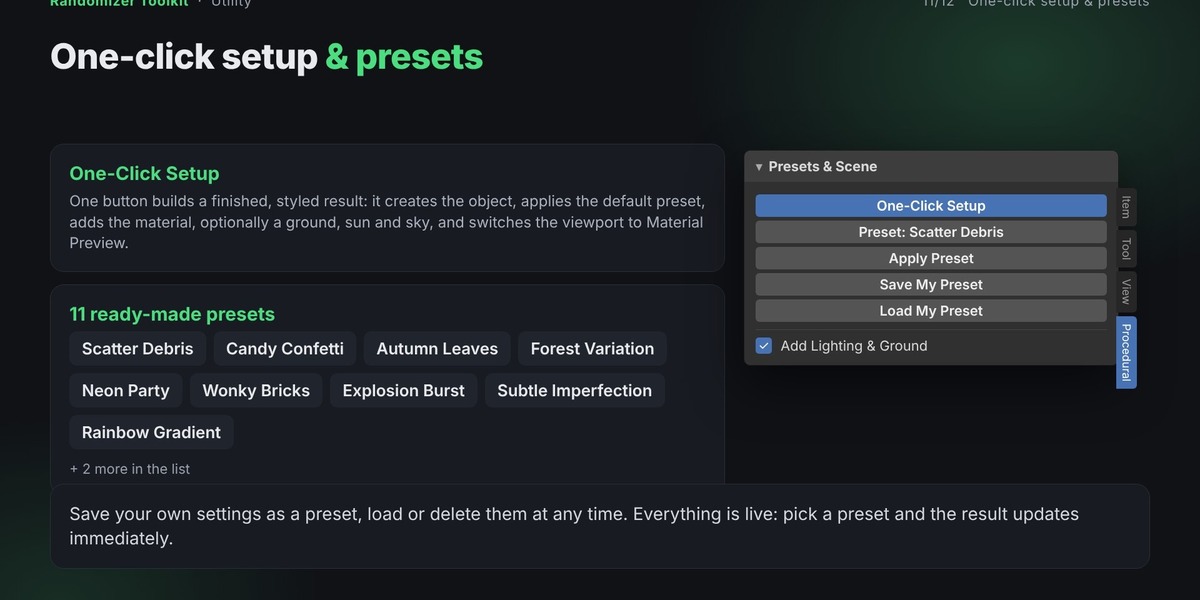
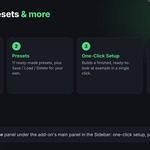
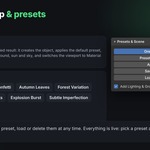
A: Yes! Use Save My Preset to store your current settings. You can load or delete your saved presets whenever needed.
Q: Can I randomize objects based on their position?
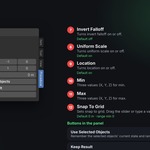
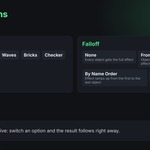
A: Yes! Use the Falloff system with From 3D Cursor, By Name Order, or By Height to control how strongly objects are affected.
Q: Can I randomize custom object properties?
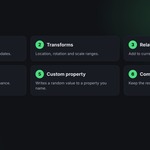
A: Yes! Enable Custom Property, enter the property name, and configure the minimum and maximum values.
Have questions about this product?
Login to message
| Sales | 40+ |
| Published | almost 3 years ago |
| Blender Version | 4.2 - 5.3 |
| Extension Type | N/A |
| Render Engine Used | Cycles, Eevee |
| Misc Data | Animated, Low-High-Resolution |
| License | GPL |