 Mrs Eliza
Tips and troubleshooting
Getting good results
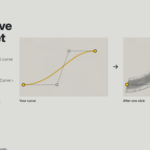
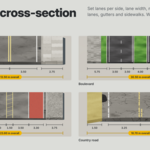
- Draw curves at real-world scale. A 3.5 m lane on a curve drawn in centimetres will look huge.
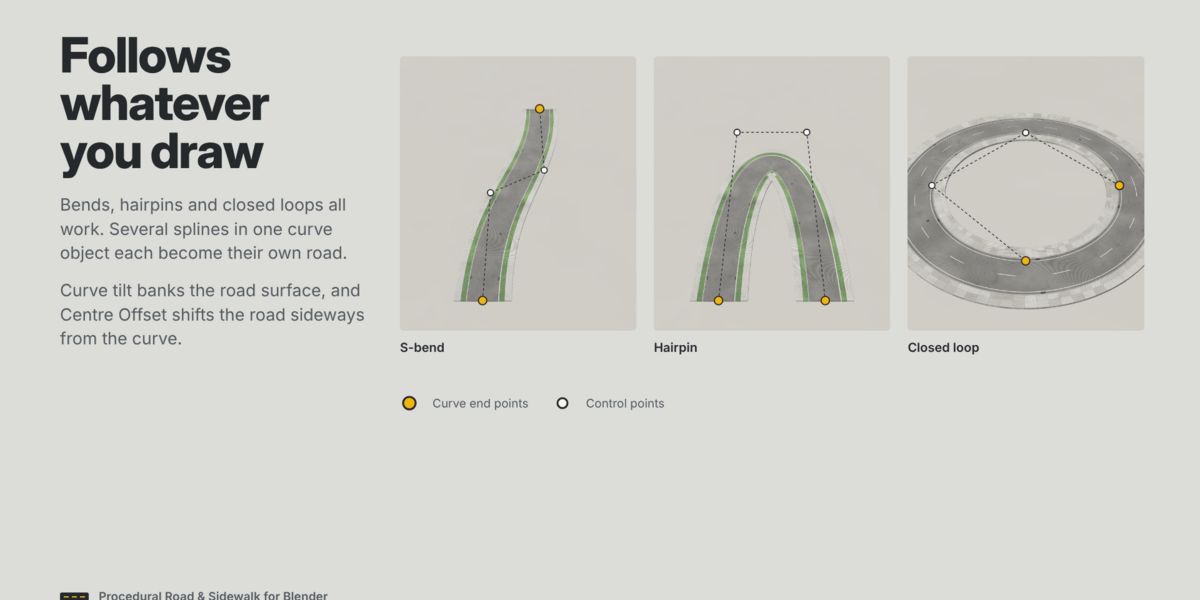
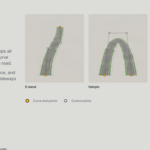
- Keep bends wider than the road. On a very tight curve the inner sidewalk folds over itself; widen the bend or narrow the sidewalk on that side.
- Use a short Segment Length only where needed. Split a long road into a gentle curve and a separate tight one if polygon count matters.
- Apply the curve object's scale (Ctrl+A › Scale) before building, so widths in the panel match what you see.
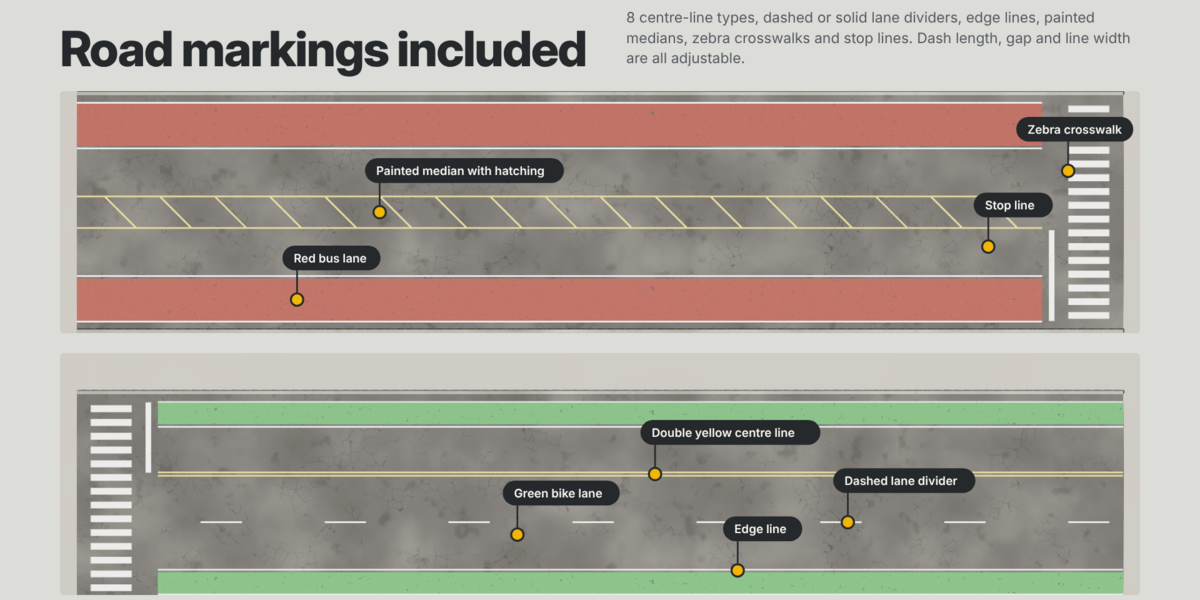
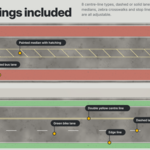
- For an intersection, end two roads at the junction with crosswalks and stop lines, then model the junction square itself.
Have questions about this product?
Login to message
| Published | over 2 years ago |
| Blender Version | 4.2 - 5.2 |
| Render Engine Used | Blender-Internal, Cycles, Eevee |
| Misc Data | Uvs-Unwrapped, Low-High-Resolution, Normal-Mapped, Textured |
| License | GPL |