 Mrs Eliza






Explore, Generate & Compare Procedural Variations in Blender
Blender Add-on | Version 1.0.0 | Compatible with Blender 4.2.3 or Newer
✨ Overview
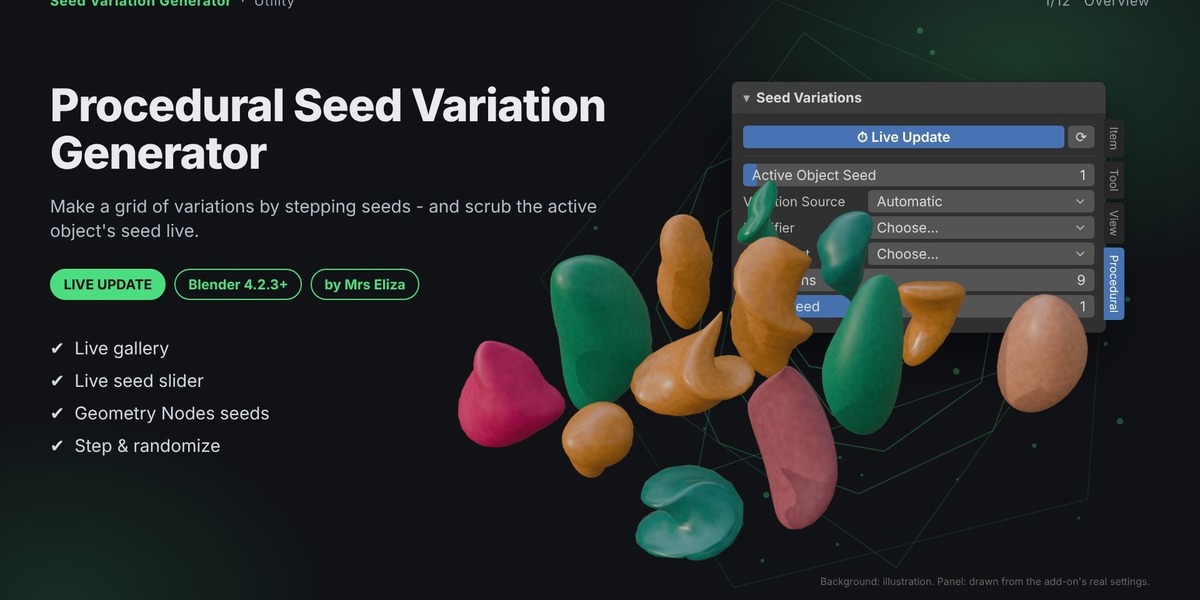
Explore endless creative possibilities with the Procedural Seed Variation Generator, a Blender add-on designed to help you quickly generate, compare, and manage different variations of your procedural setups.
Whether you're working with Geometry Nodes, custom object properties, or modifier-based seeds, this tool makes exploring variations simple and efficient.
Generate an entire gallery of variations in a customizable layout, or use the interactive seed slider to explore different results on your active object.
One setup. Multiple possibilities. Complete creative control.
🚀 Key Features
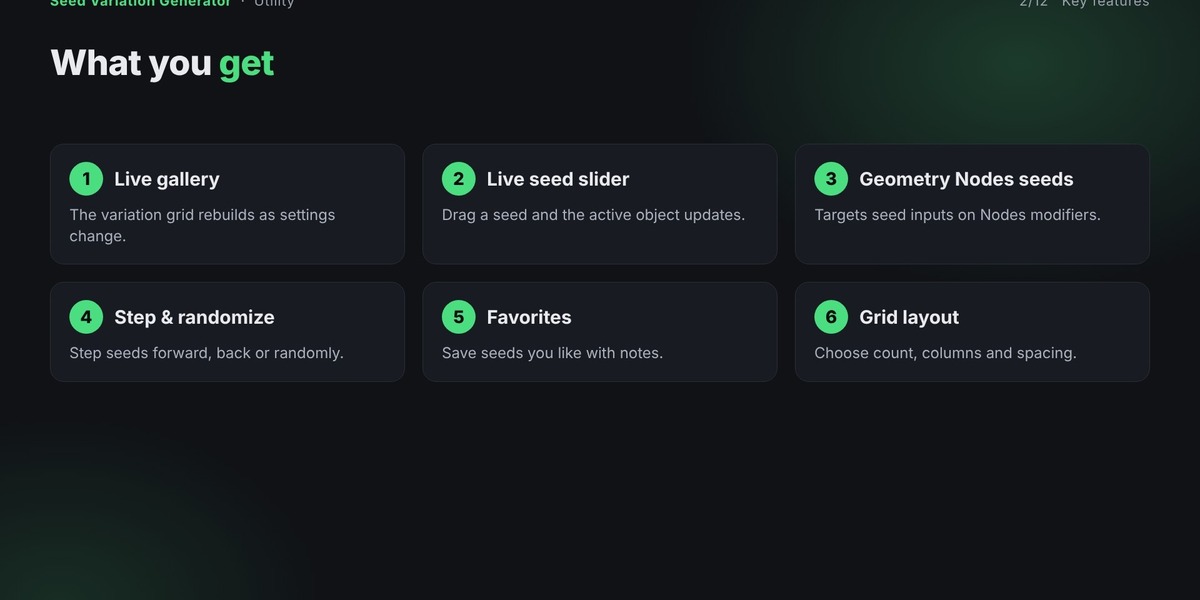
Procedural Variation Gallery – Generate a grid of objects with different seed values.
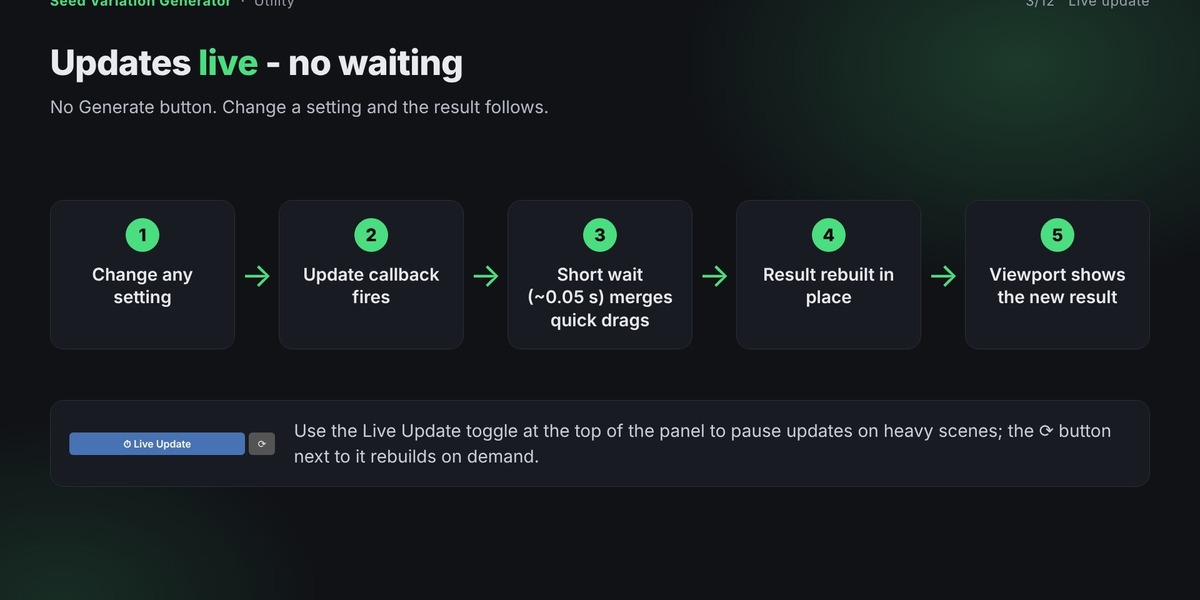
Live Update System – Automatically rebuild your gallery whenever settings change.
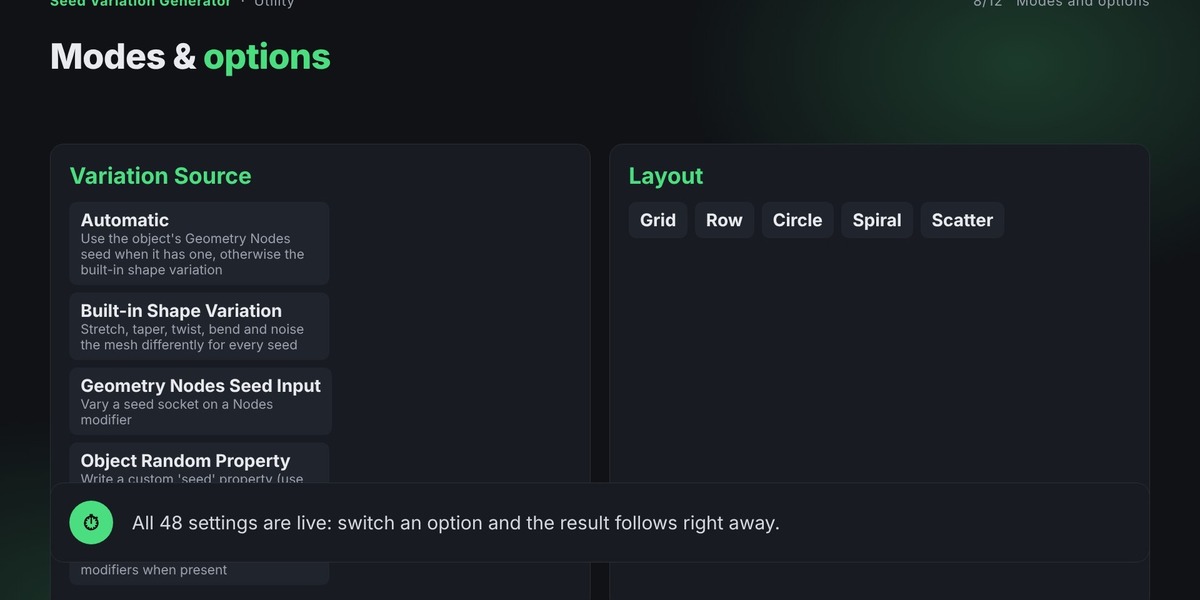
Multiple Seed Sources – Supports Geometry Nodes, built-in shape variation, object random properties, and modifier seed properties.
Interactive Seed Slider – Change the active object's seed in real time.
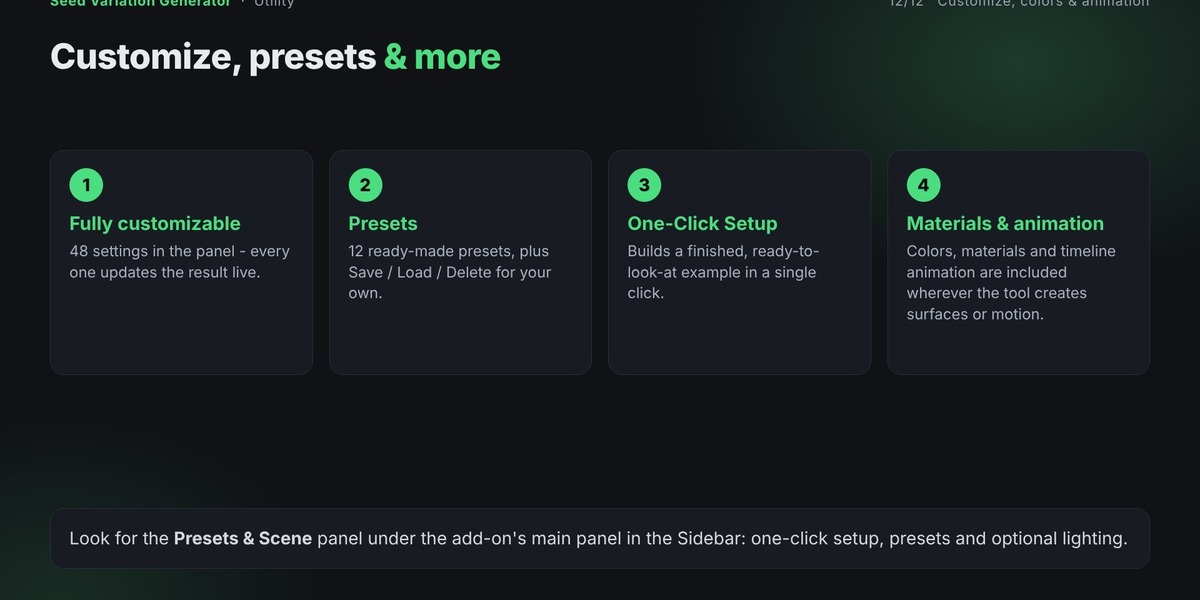
12 Built-in Presets – Get started quickly with ready-made visual styles.
Custom Preset Saving – Save, load, and delete your own configurations.
Favorite Seeds – Save your favorite variations and revisit them whenever needed.
Multiple Layout Options – Arrange variations in grids, rows, circles, spirals, or scattered layouts.
Procedural Shape Controls – Adjust stretch, taper, twist, bend, and surface noise.
Material & Color Variation – Explore different palettes, hues, saturation, brightness, and roughness.
Texture Variation – Randomize texture mapping and scale for each copy.
Animation Options – Create pop-in animations, turntable spins, and morph reels.
Keep Variations as Real Objects – Convert selected gallery items into independent objects.
🎨 Built-in Presets
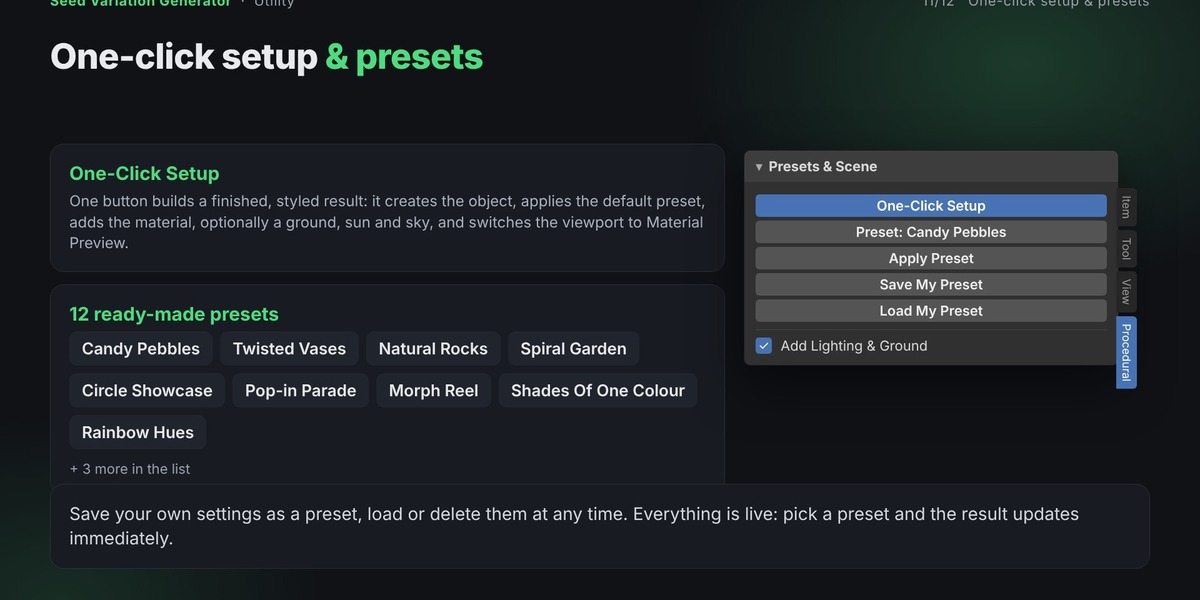
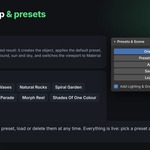
Get creative immediately with 12 ready-made presets:
Candy Pebbles
Twisted Vases
Natural Rocks
Spiral Garden
Circle Showcase
Pop-in Parade
Morph Reel
Shades Of One Colour
Rainbow Hues
Print Sheet (Labelled)
Neon Mutants
Subtle Product Variants
Choose a preset, click Apply Preset, and watch your setup update instantly.
You can also save your own settings as custom presets for future projects.
⚙️ Main Features & Controls
1. Seed Variation System
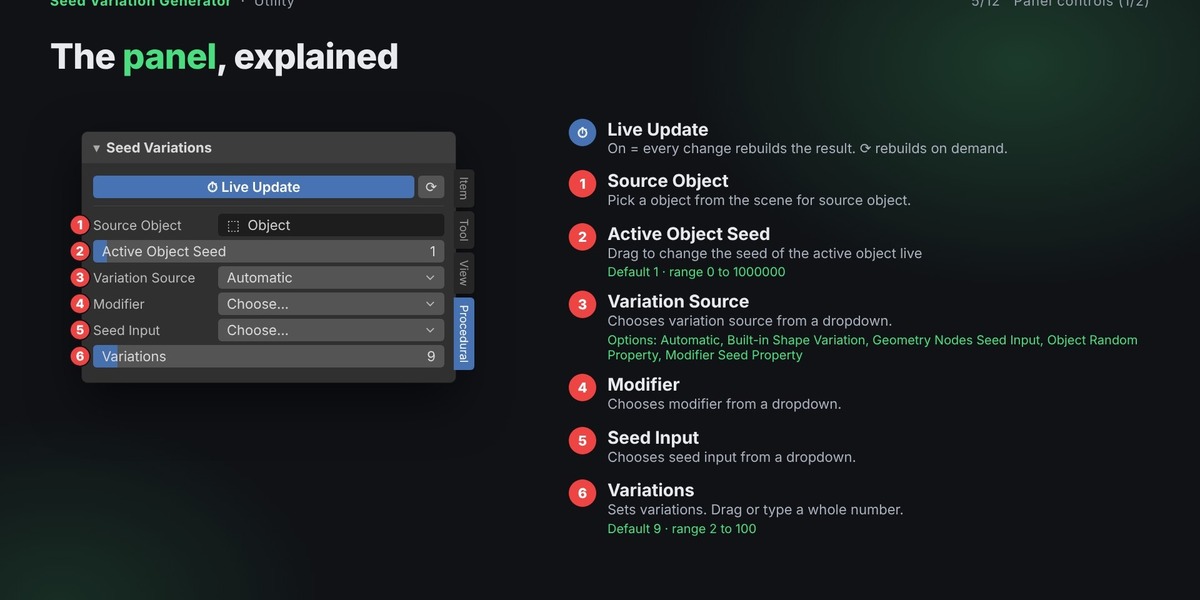
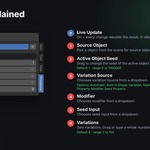
Choose how your variations are generated using different seed sources:
Automatic
Built-in Shape Variation
Geometry Nodes Seed Input
Object Random Property
Modifier Seed Property
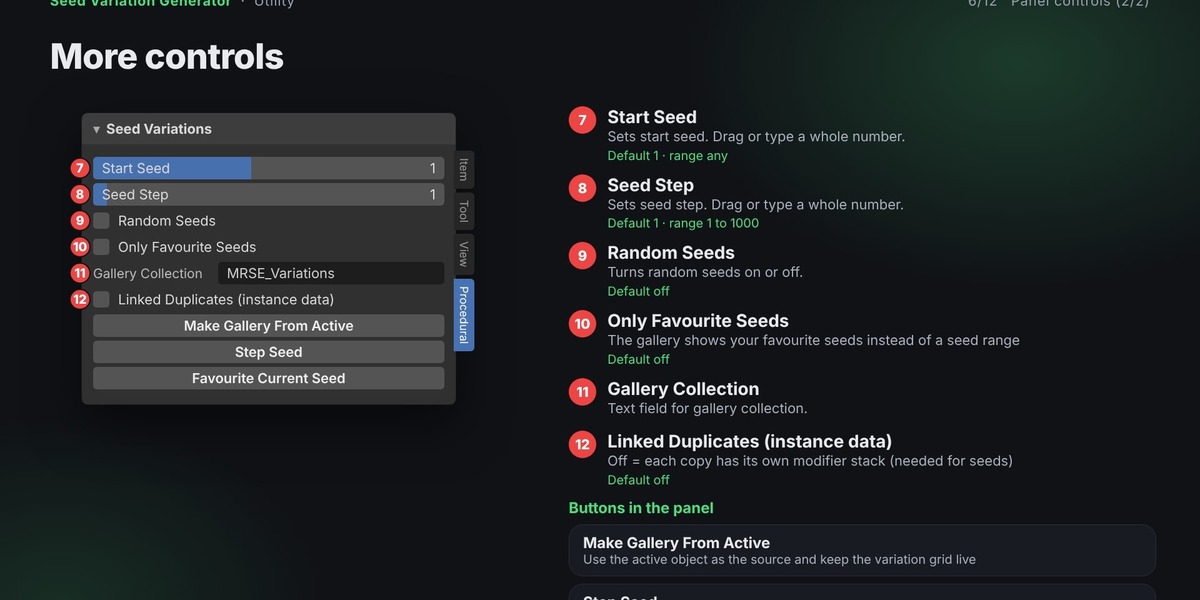
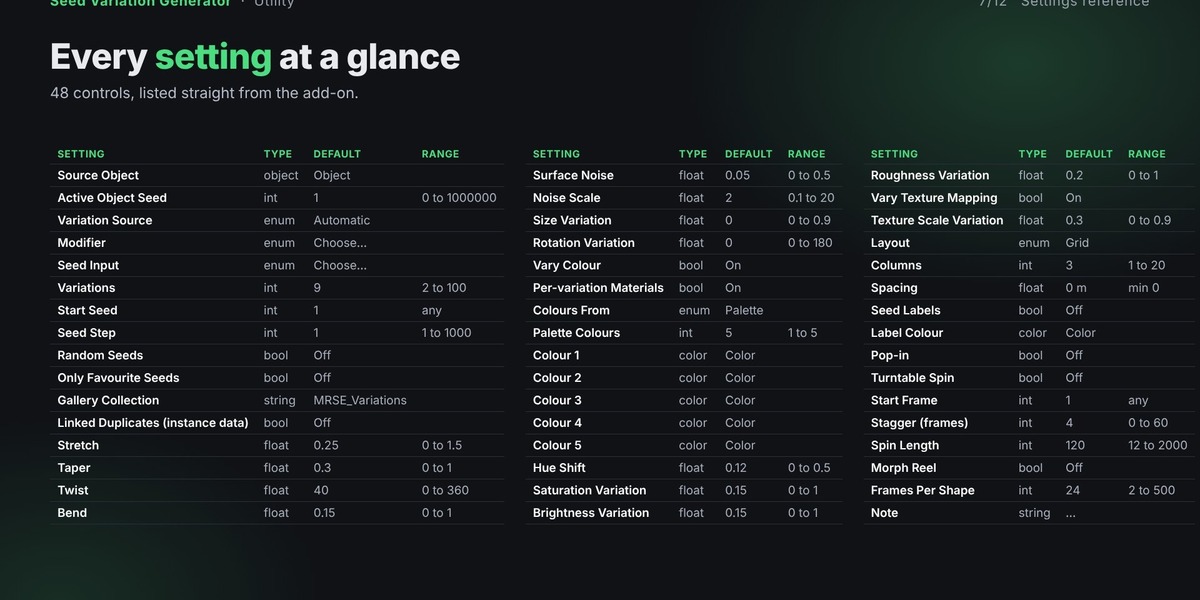
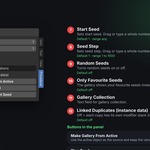
Adjust the variation count, starting seed, and seed step to explore different results.
You can also enable random seeds or display only your favorite seeds.
2. Procedural Shape Variation
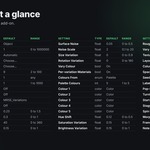
Create different shapes from your source object using:
Stretch
Taper
Twist
Bend
Surface Noise
Noise Scale
Size Variation
Rotation Variation
Fine-tune your objects to create a wide range of procedural shapes.
3. Material & Color Variation
Give every variation its own visual identity.
Available controls include:
Palette Colors
Random Hues
Shift Existing Colors
Hue Shift
Saturation Variation
Brightness Variation
Roughness Variation
Per-Variation Materials
Choose from five customizable palette colors or generate random hues.
4. Texture Variation
Add more visual diversity by changing texture coordinates for each copy.
Enable or disable texture mapping variation.
Adjust texture scale variation.
5. Gallery Layout Options
Organize your variations using five different layouts:
Grid
Row
Circle
Spiral
Scatter
Customize the number of columns and spacing between objects.
You can also enable seed labels to display the seed number next to each variation.
6. Animation Tools
Bring your procedural variations to life with built-in animation options.
Pop-in Animation: Copies grow in one after another.
Turntable Spin: Copies slowly rotate around.
Morph Reel: Create an additional mesh that morphs through every variation in built-in shape mode.
Customize the start frame, stagger, spin length, and frames per shape.
⭐ Favorite & Manage Variations
Never lose an interesting result.
Favourite Current Seed – Save the current seed.
Apply Favourite – Revisit a saved variation.
Remove Favourite – Remove a saved favorite.
Only Favourite Seeds – Build a gallery using your favorite seeds.
Keep Variation As Real Object – Create an independent object with its own mesh and materials.
You can also add notes to your favorites to remember why you saved them.
⚡ One-Click Setup
Get started with a complete example in seconds.
The One-Click Setup feature automatically:
Applies the default Candy Pebbles preset.
Creates the material.
Optionally adds a ground plane, sun light, and sky color.
Switches the viewport to Material Preview.
No complicated setup required.
🔄 Live Update Workflow
The gallery is designed to update automatically.
With Live Update enabled, changing a setting schedules a rebuild after a short pause. This combines quick adjustments into a single update.
You can also use the manual rebuild button whenever needed.
The add-on keeps the result in one live object, preserving its position, rotation, scale, parent, and additional modifiers when rebuilding.
📦 Installation
Download the add-on ZIP file.
Open Blender 4.2.3 or newer.
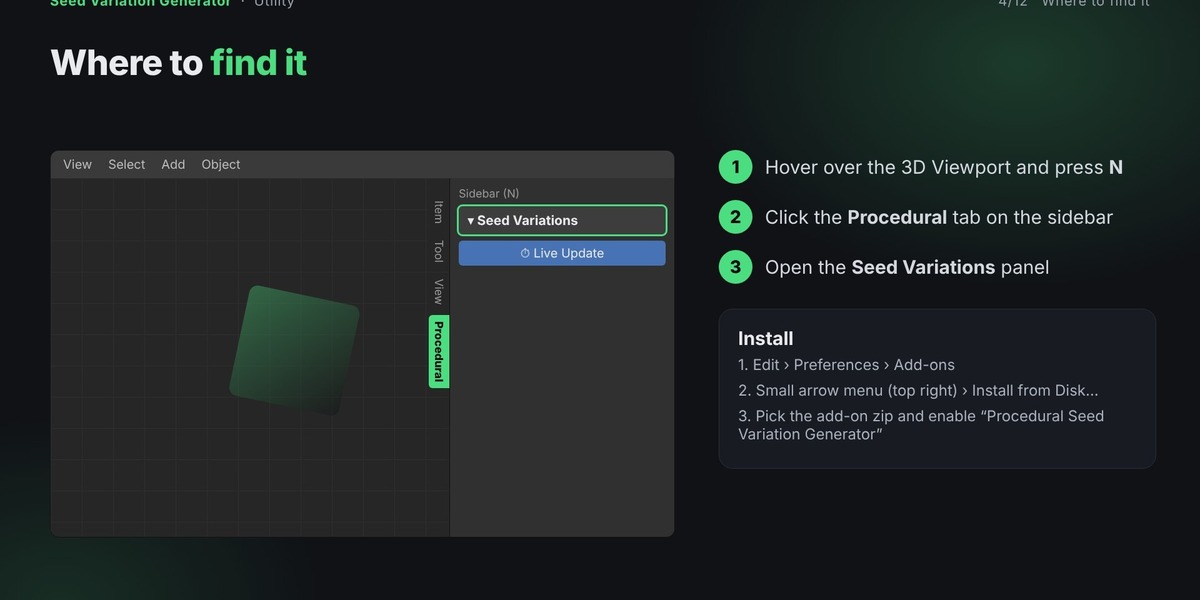
Navigate to Edit → Preferences → Add-ons.
Open the arrow menu in the top-right corner.
Select Install from Disk.
Choose the downloaded ZIP file.
Enable the add-on using the checkbox.
Important: Do not extract the ZIP file before installation. Select the individual add-on ZIP, not a bundle containing multiple add-ons.
🖥️ How to Use
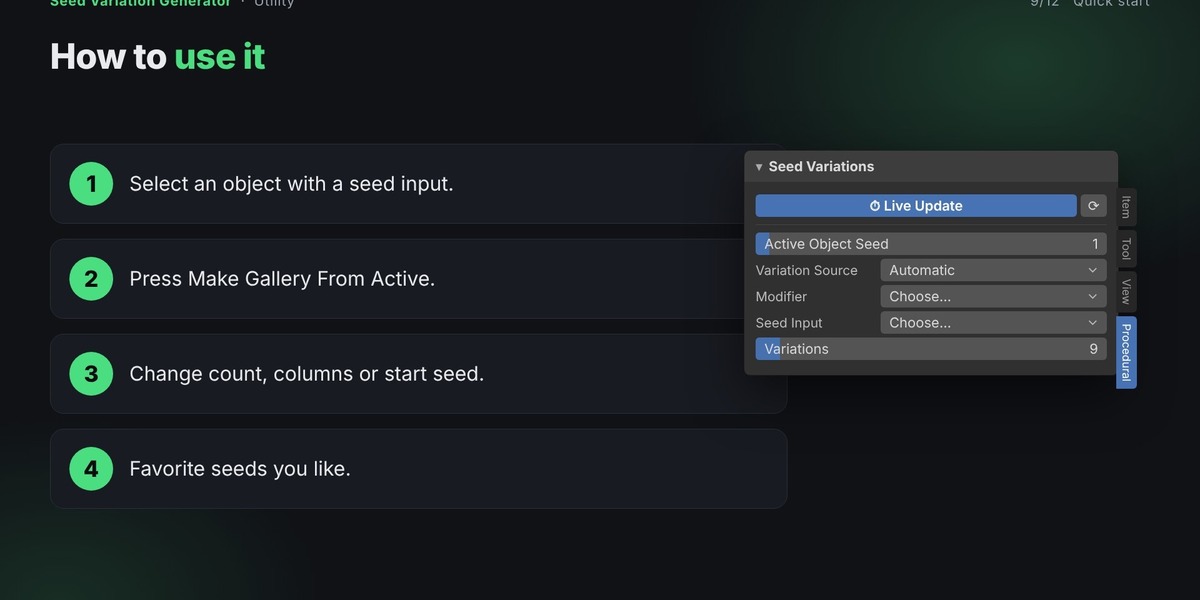
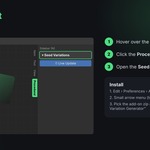
Select an object that has a seed input.
Open the 3D Viewport sidebar by pressing N.
Navigate to the Procedural tab.
Expand the Seed Variations panel.
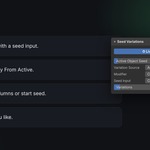
Choose your seed source, modifier, and seed input.
Click Make Gallery From Active.
Adjust the variation count, columns, spacing, and start seed.
Save your favorite variations for later use.
You can also use the Active Object Seed slider to explore different seeds directly.
💡 Tips for Best Results
Give your gallery a meaningful collection name.
Use random seeds for broad creative exploration.
Use seed steps for organized variation browsing.
Keep variation counts moderate when working with heavy meshes.
Add notes to your favorite seeds for easy reference.
Use linked duplicates when independent seed control is not needed.
🎯 Perfect For
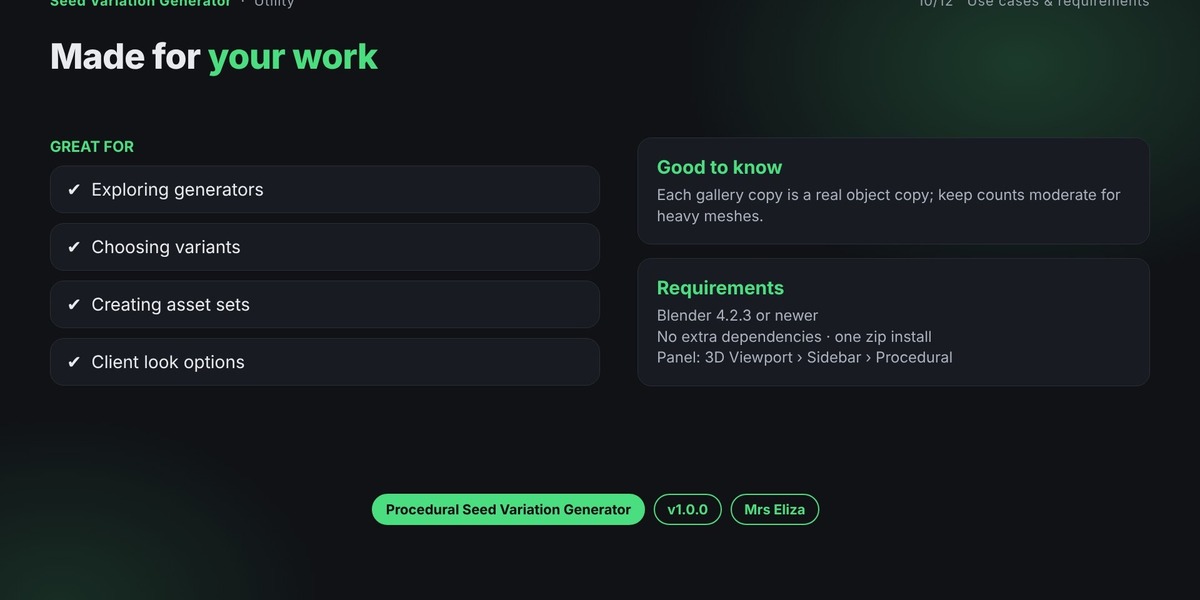
The Procedural Seed Variation Generator is useful for:
Exploring Geometry Nodes generators.
Creating procedural shape variations.
Building collections of 3D assets.
Comparing different design options.
Generating client presentation variations.
Exploring materials, colors, and textures.
Creating procedural animation showcases.
⚠️ Important Notes
Each gallery item is a real object copy.
Large galleries with heavy meshes may affect performance.
Linked duplicates share instance data and are not suitable when individual seed control is required.
Use Ctrl + Z to undo changes.
Saving your
.blendfile preserves the objects and data created by the add-on.The add-on is not required to open a saved
.blendfile, but it is required to continue editing its live gallery functionality.
🛠️ Troubleshooting
Could not set a seed
Check your selected seed source. For Geometry Nodes, ensure the node group has an integer input named like a seed.
The gallery is too heavy
Reduce the variation count or enable linked duplicates where independent seeds are not required.
Favorites do not apply
Select the object and choose a favorite from the list before applying it.
📩 Support
If you encounter a problem, please include the following information when contacting support:
Blender version.
Add-on name and version.
Steps taken before the issue occurred.
Full error message from the Info Editor or system console.
This information will help reproduce and resolve the issue more quickly.
Product: Procedural Seed Variation Generator
Version: 1.0.0
Author: Mrs Eliza
Requirements: Blender 4.2.3 or newer