 Mrs Eliza







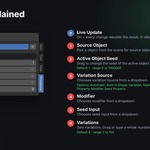
🖥️ How to Use
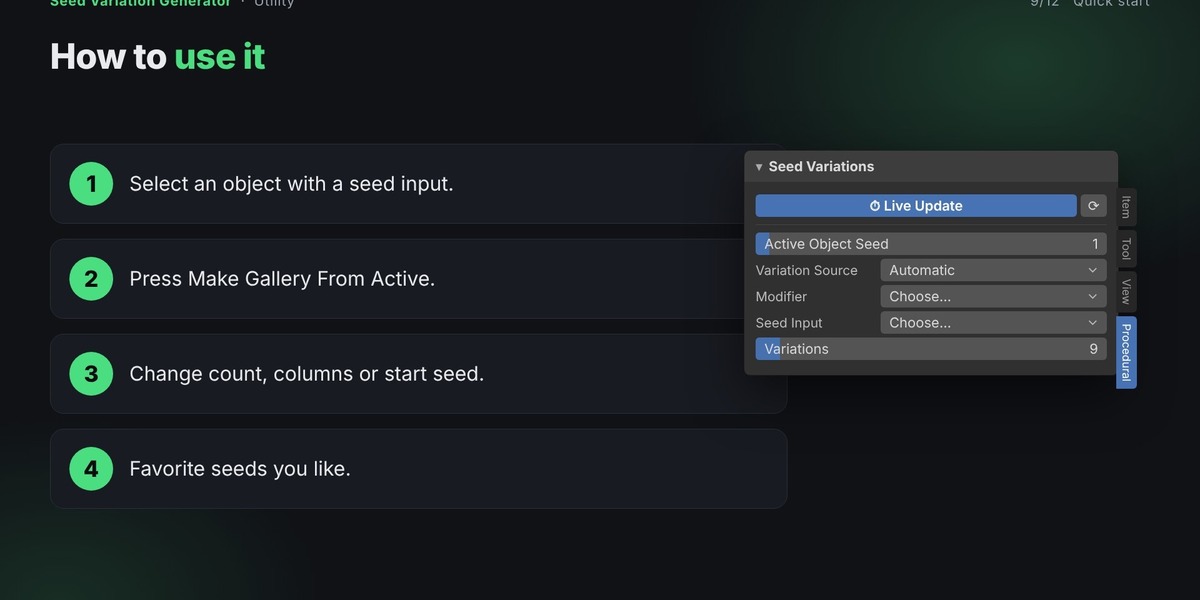
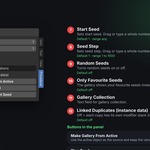
Select an object that has a seed input.
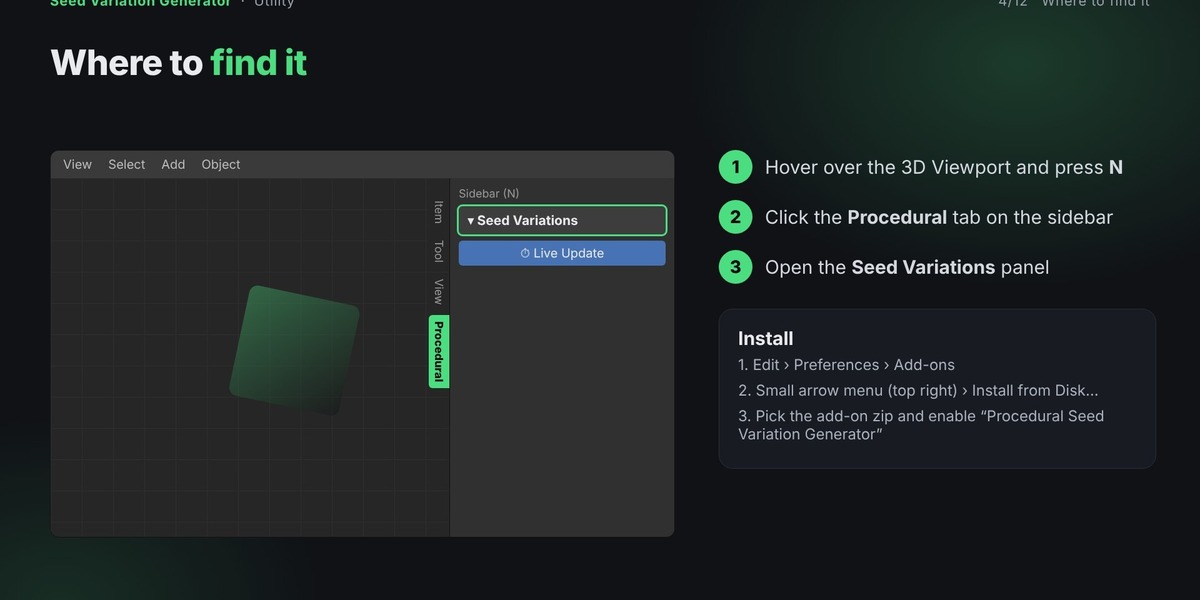
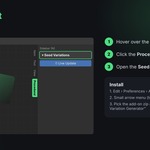
Open the 3D Viewport sidebar by pressing N.
Navigate to the Procedural tab.
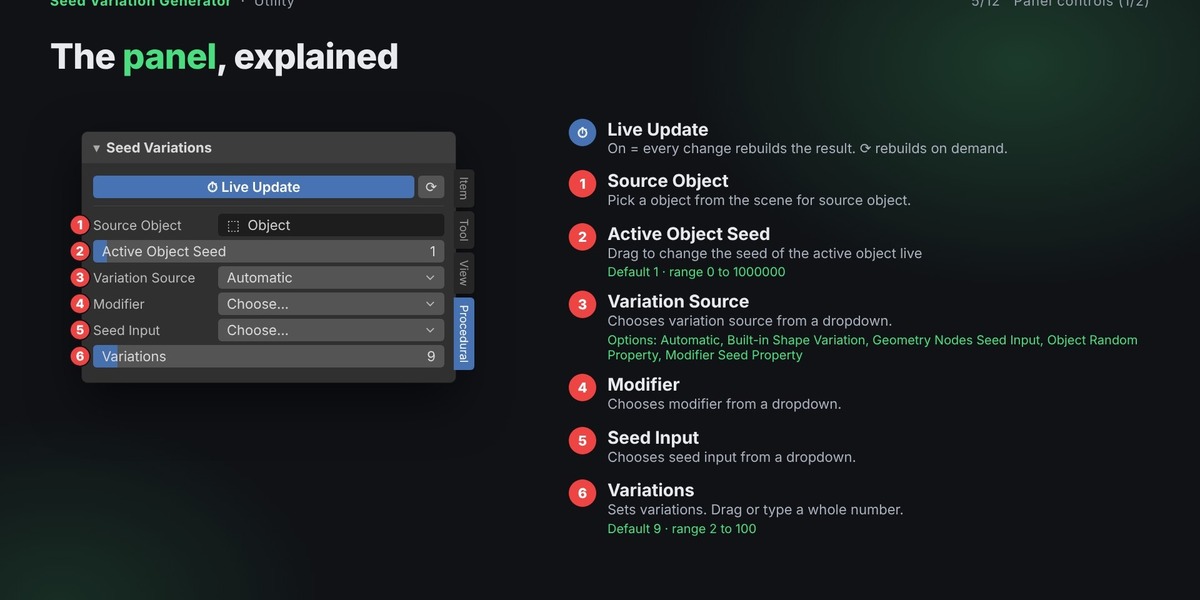
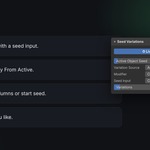
Expand the Seed Variations panel.
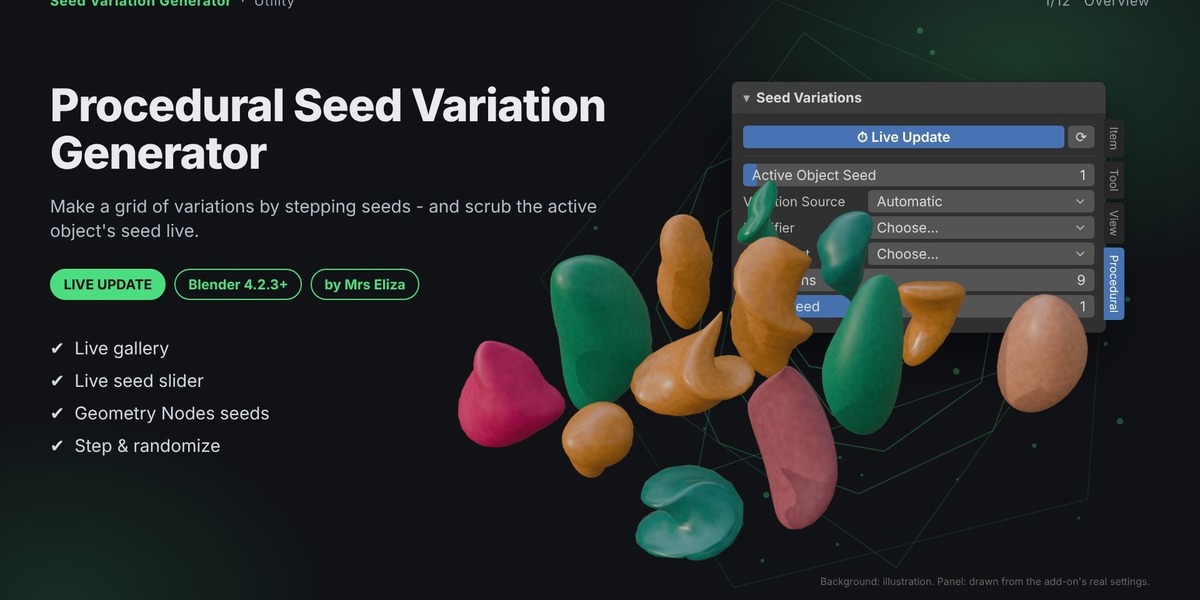
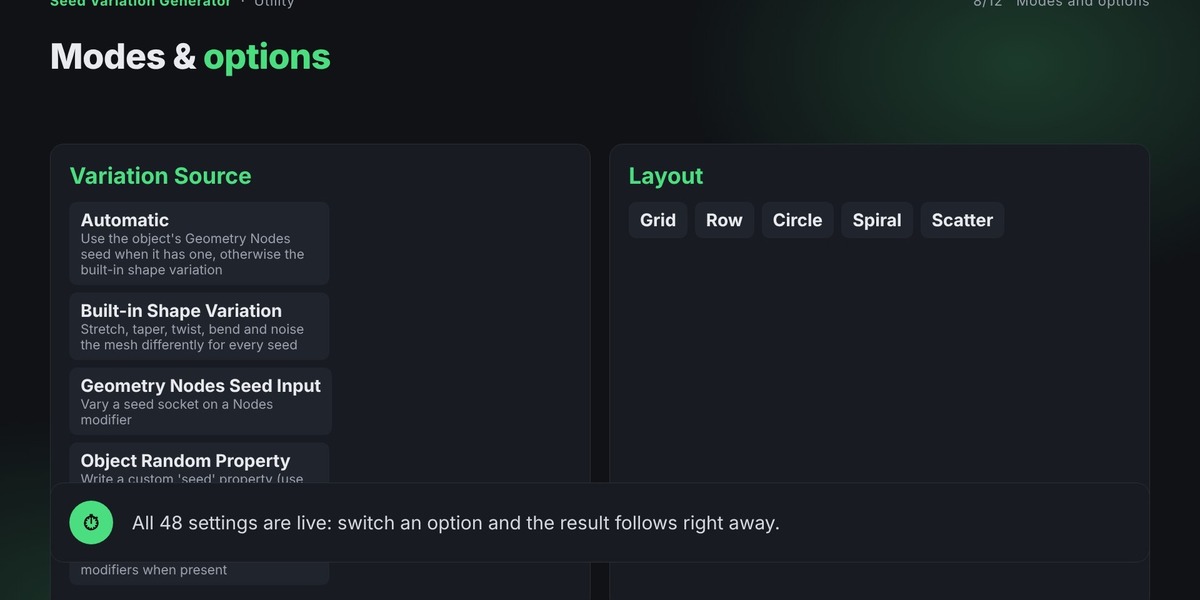
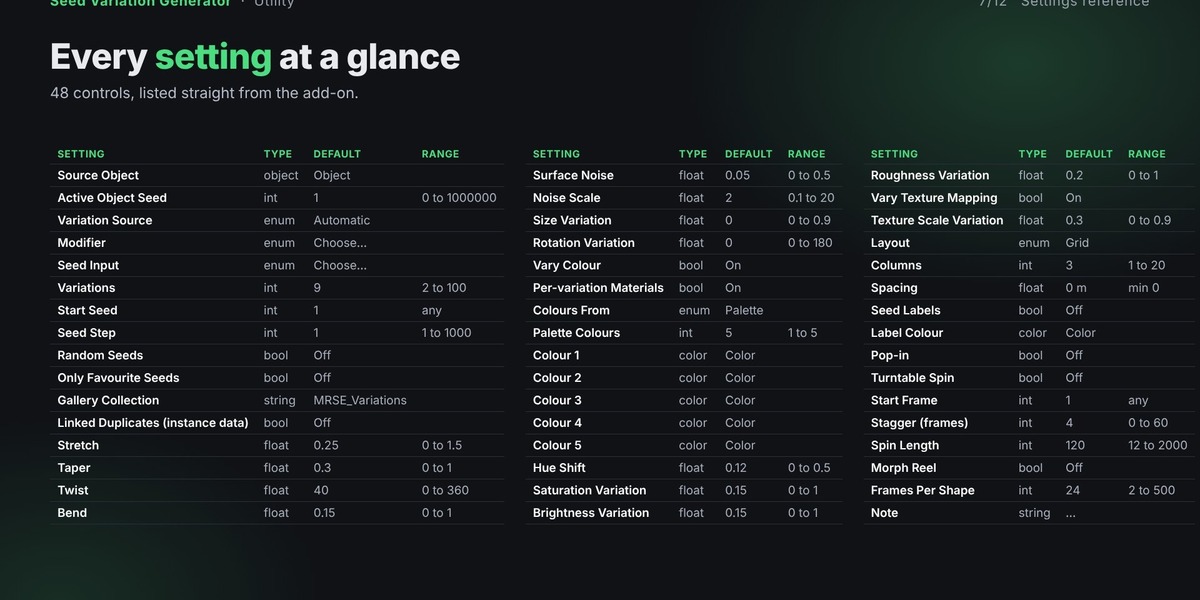
Choose your seed source, modifier, and seed input.
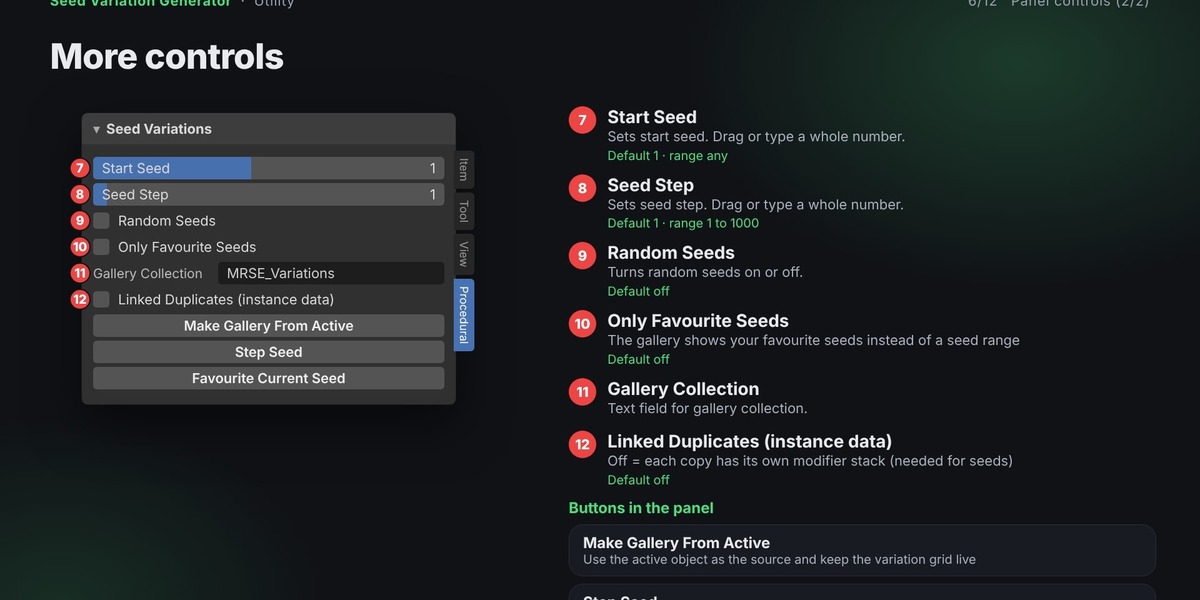
Click Make Gallery From Active.
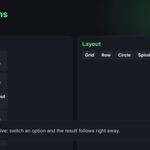
Adjust the variation count, columns, spacing, and start seed.
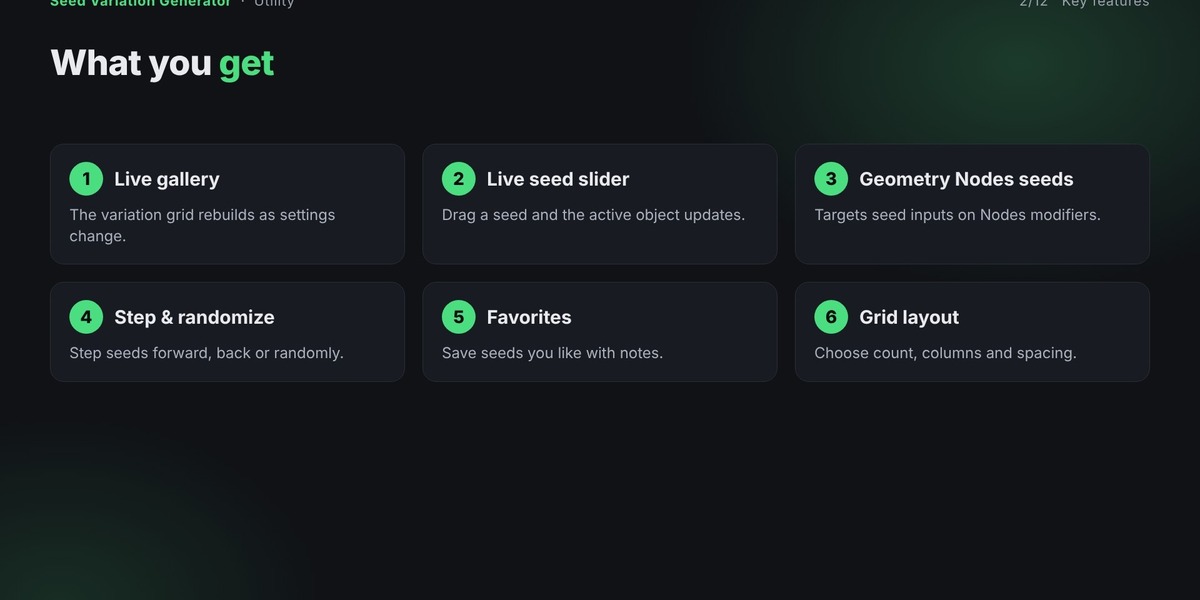
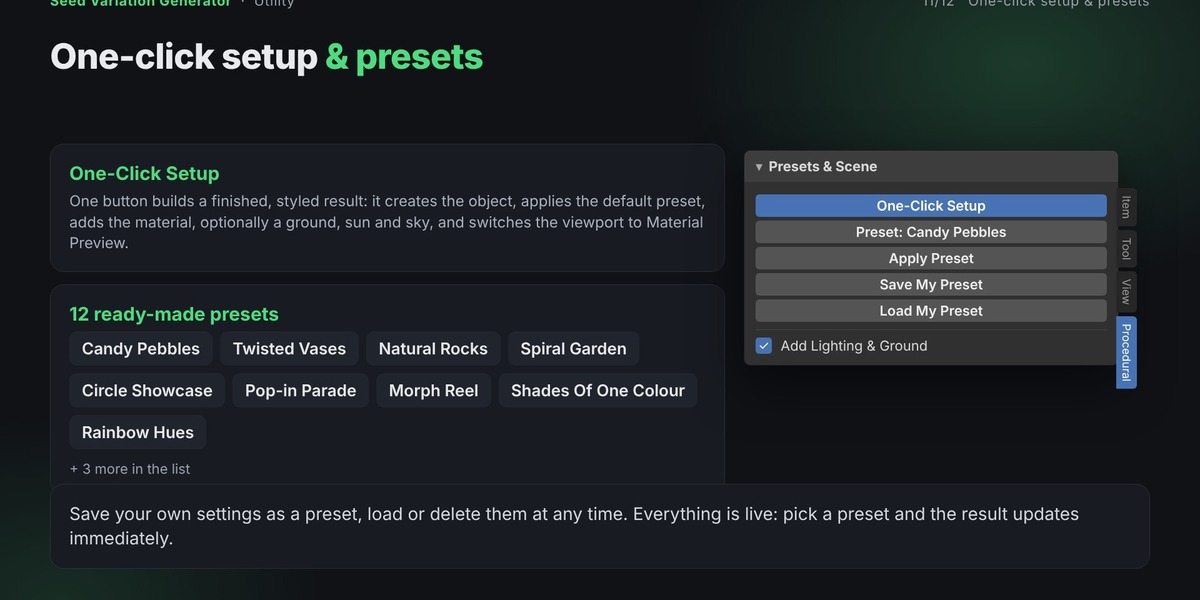
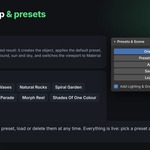
Save your favorite variations for later use.
You can also use the Active Object Seed slider to explore different seeds directly.
Have questions about this product?
Login to message
| Sales | 10+ |
| Published | almost 3 years ago |
| Blender Version | 4.2 - 5.3 |
| Extension Type | N/A |
| Render Engine Used | Cycles, Eevee |
| Misc Data | Animated |
| License | GPL |
Discover more products like this
3d modeling Procedural generation blender addon shader nodes Procedural Workflow blender tools blender randomization procedural geometry nodes