 Sporemind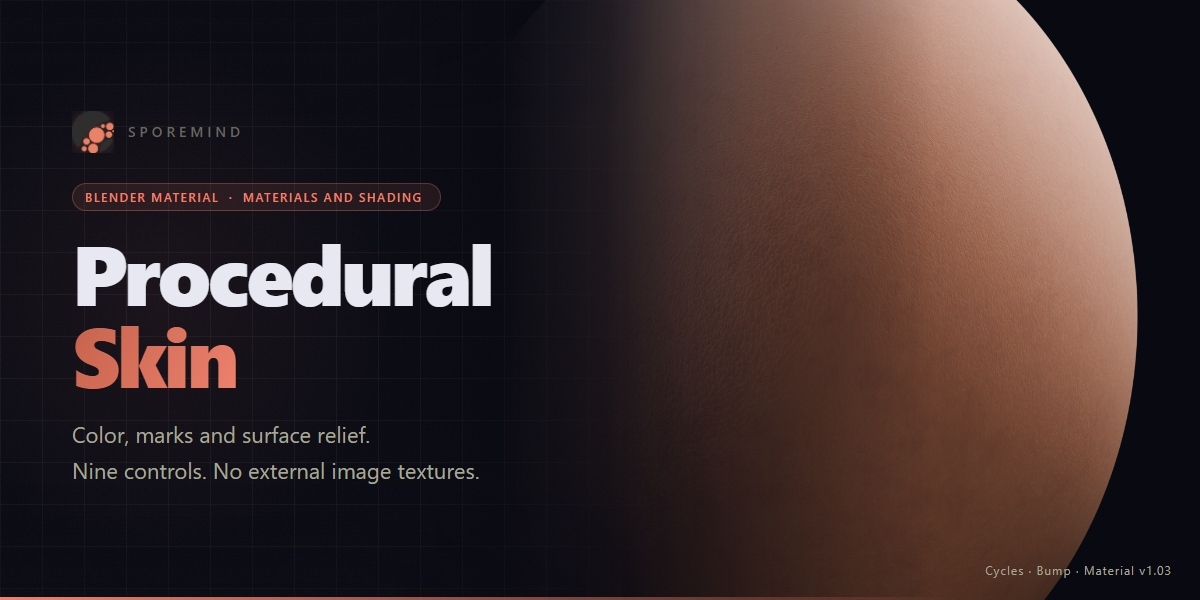
SPOREMIND · PROCEDURAL MATERIAL
Procedural Skin
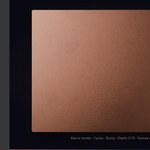
A procedural Blender material for skin colour, birthmarks, blemishes and relief. Nine node-group controls, with no external image textures to manage.
How it works
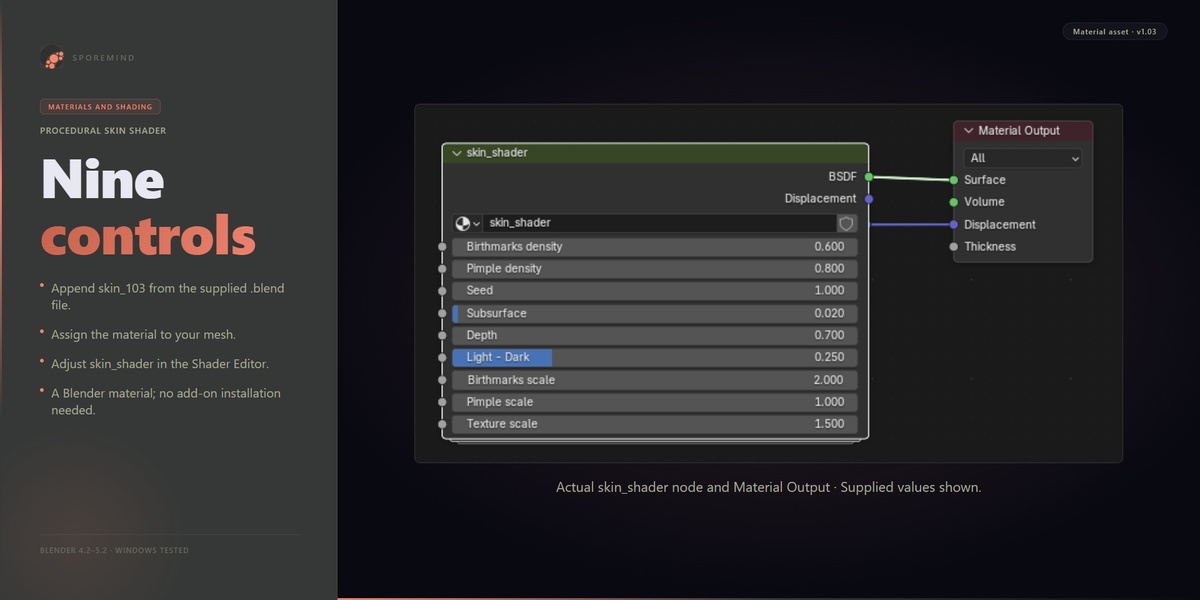
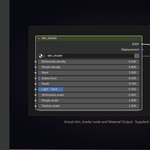
Append skin_103 from procedural_skin-v103.blend, assign it to a mesh and open the skin_shader group node in the Shader Editor. Adjust its nine inputs to fit your model and lighting. This is a material asset: there is no addon to install or enable.
What you get
- One editable procedural skin material and its node group.
- Birthmark and blemish density/scale controls.
- Seed, subsurface, colour variation, depth and overall texture scale controls.
- Generated mapping by default; no UV unwrap required for that mapping.
- Cycles and EEVEE sample renders verified on Windows in 4.2.23, 5.0.1 and 5.2.2 LTS.
Three additional recipes
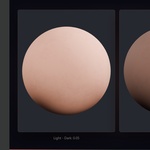
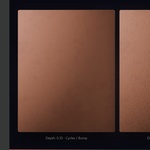
Soft Detail, Warm Detail and Dark Contrast provide reproducible starting points with all nine inputs documented. The additional ZIP includes an Append library, guide and Cycles/EEVEE comparison images. This new library is for Blender 5.0+ and was verified in 5.0.1/5.2.2 LTS. For Blender 4.2, use the unchanged original and apply the guide values manually. Previews use Bump on curved samples; they do not demonstrate geometric displacement or a complete character.
Controls in the supplied material
| Exact input name | Value in the supplied material | Purpose |
|---|---|---|
| Birthmarks density | 0.60 | Adjust the birthmark pattern |
| Pimple density | 0.80 | Adjust the blemish pattern |
| Seed | 1.00 | Vary the procedural pattern; this does not change face geometry |
| Subsurface | 0.02 | Adjust the material's subsurface response |
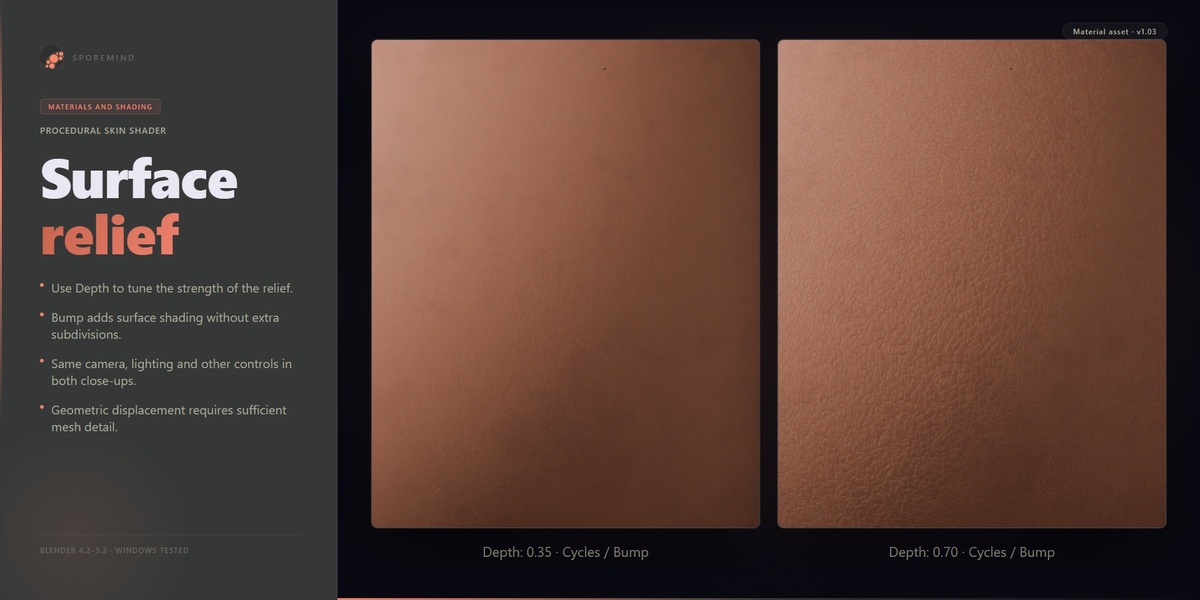
| Depth | 0.70 | Adjust the relief/displacement signal |
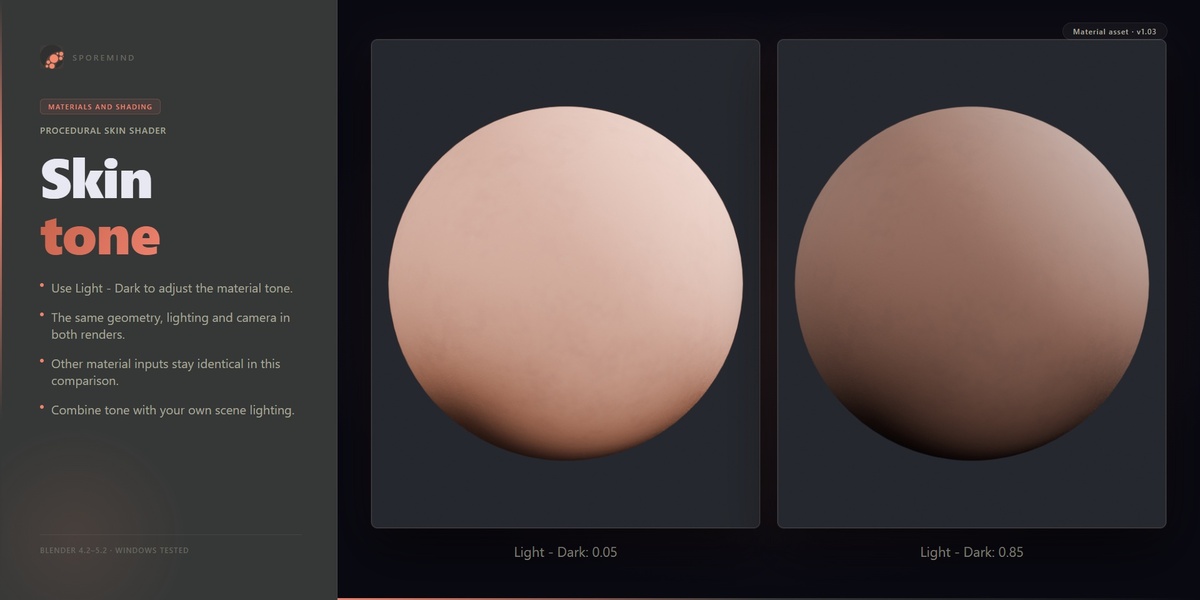
| Light - Dark | 0.25 | Adjust the skin colour variation |
| Birthmarks scale | 2.00 | Adjust the birthmark pattern scale |
| Pimple scale | 1.00 | Adjust the blemish pattern scale |
| Texture scale | 1.50 | Adjust the overall procedural mapping scale |
Render and displacement
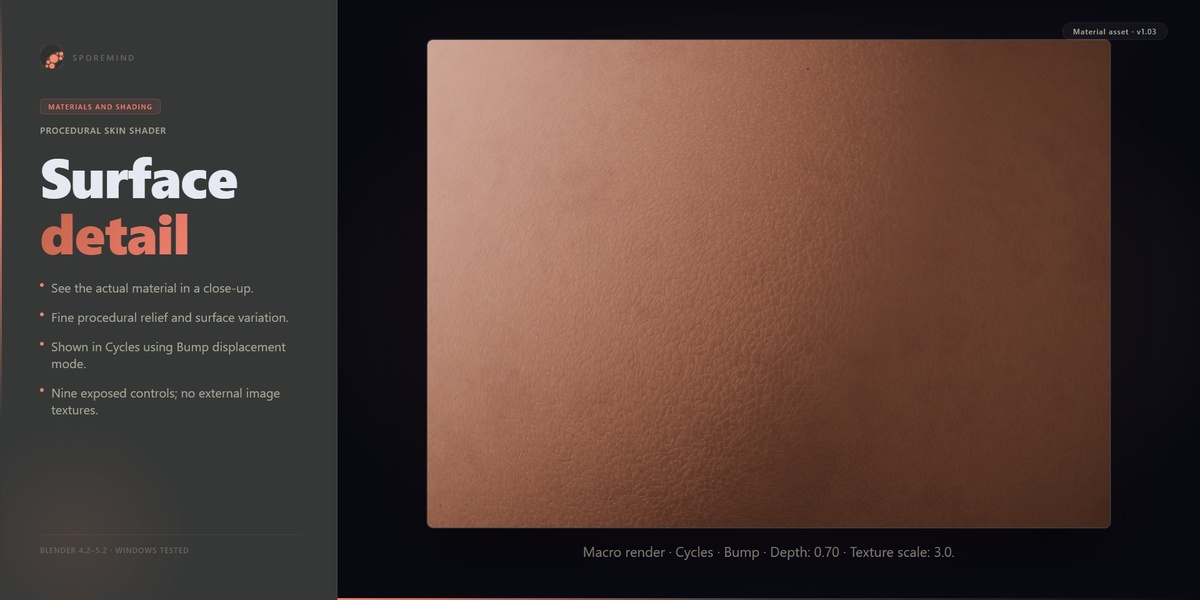
The material connects a displacement output. Visible relief depends on Depth, lighting, displacement mode, engine and mesh detail. Bump changes shading; geometric displacement requires appropriate settings and sufficient geometry. Start with the lowest detail needed for your shot. No external image textures are required, but procedural shading still has storage and render costs.
FAQ
How do I install it?
This is a material asset, not an addon. Use File → Append, open procedural_skin-v103.blend → Material and append skin_103. Assign it to your mesh. Open the Shader Editor to adjust the skin_shader group node.
Does it work in Cycles and EEVEE?
Append and sample renders were verified in both engines on Windows with Blender 4.2.23, 5.0.1 and 5.2.2 LTS. Appearance depends on lighting, scale, geometry, colour management and engine settings; the two engines can differ.
Where are the controls, and do I need UVs?
The nine controls are inputs of the skin_shader group node in the Shader Editor. The supplied material uses Generated coordinates; a UV unwrap is not required for its default mapping. Adjust Texture scale for your model and shot.
Why does the surface look flat?
Review Depth, lighting and the material displacement mode. Bump affects shading; geometric displacement needs a supported engine/method and enough mesh detail. Increase subdivision only as needed for your shot. Adaptive subdivision is an optional advanced Cycles workflow.
Does it include image textures?
No external image textures are required. The procedural nodes and material still use storage and rendering resources. Seed changes the procedural pattern; it does not change a face mesh or generate new geometry.
Which Blender versions are verified?
Windows: Blender 4.2.23 LTS, 5.0.1 and 5.2.2 LTS. Append and two Seed variations were rendered in Cycles and EEVEE for each. Older Blender releases and other operating systems have not been verified in this revision. The original material file is retained unchanged.
How do I use the three additional skin recipes?
Extract skin-recipes-1.03-blender5.zip. In Blender 5.0 or later, Append materials from skin_recipes_1.03_blender5.blend: Skin - Soft Detail, Skin - Warm Detail or Skin - Dark Contrast. Read Skin_Recipes_EN.md for all nine control values. The additional library was verified in 5.0.1 and 5.2.2 LTS; keep using the original file and manual values in Blender 4.2. Recipe previews use Bump on curved samples, not geometric displacement or a full character.