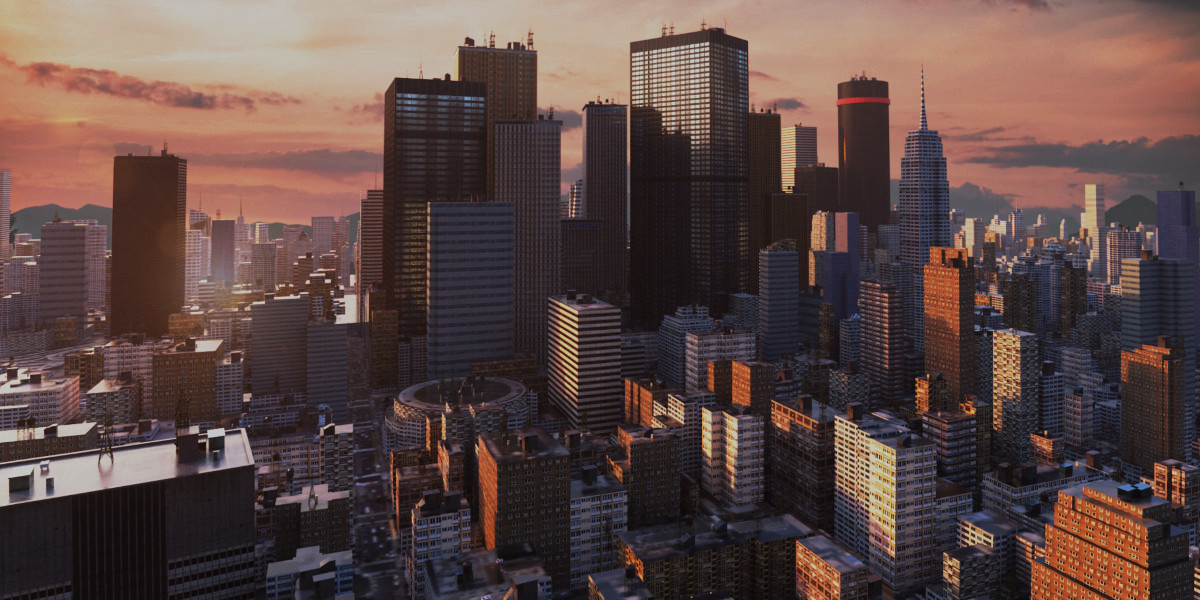
Procedural Skylines
 3Djays
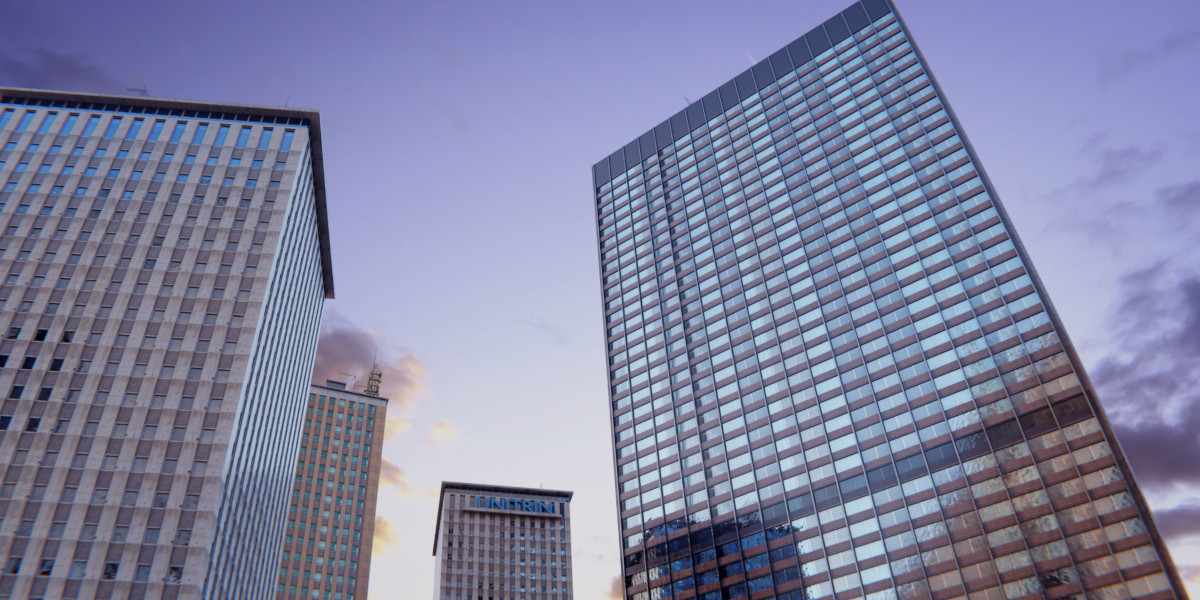
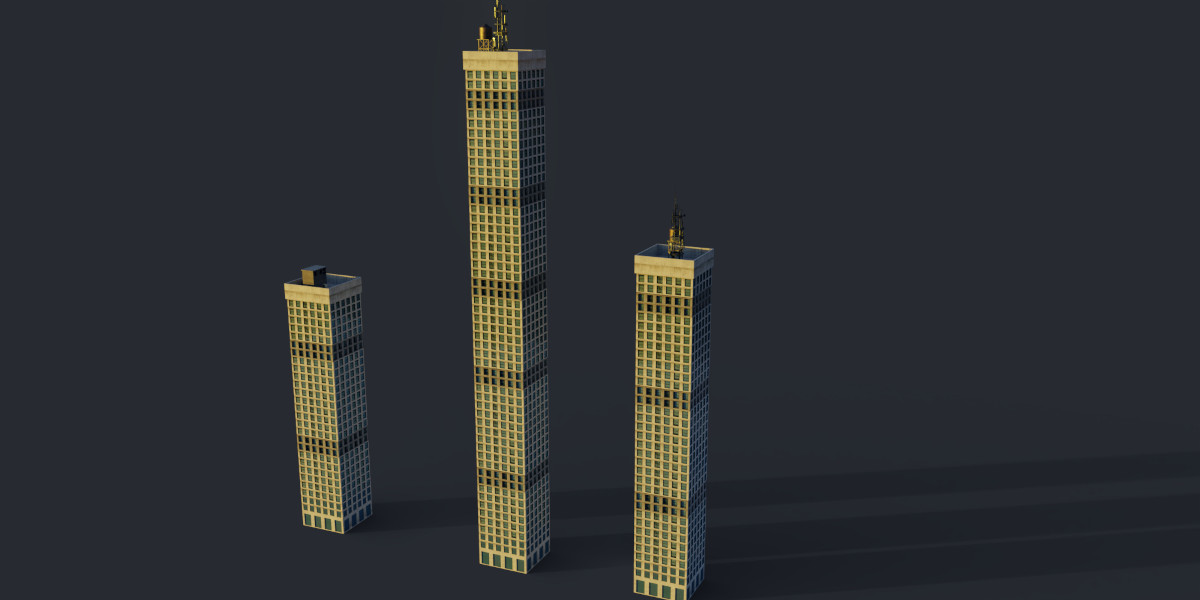
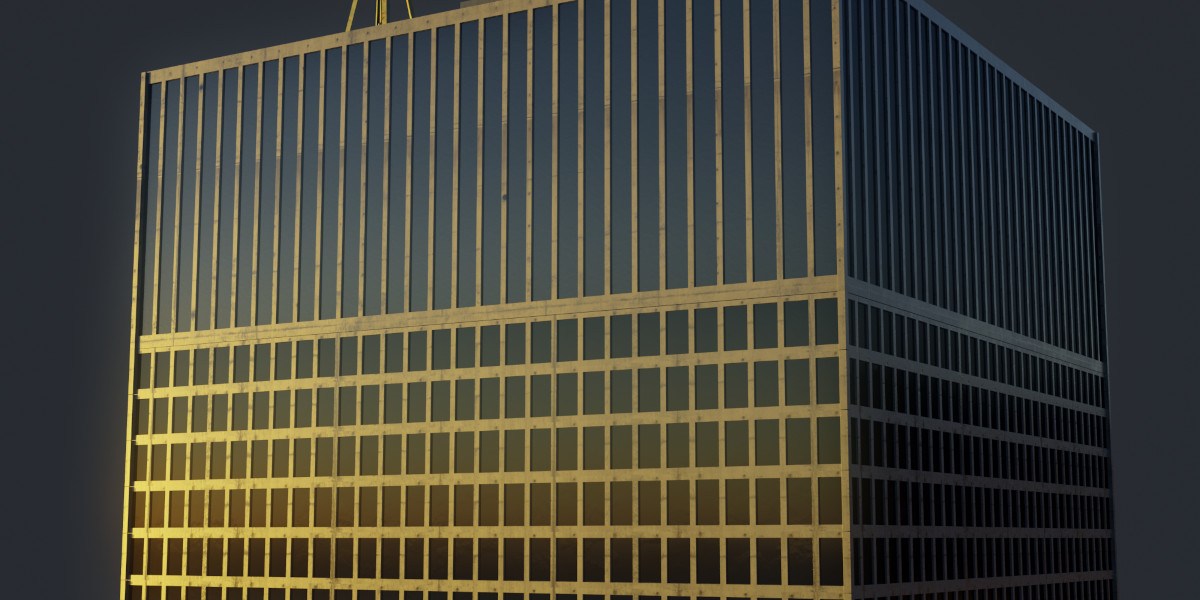
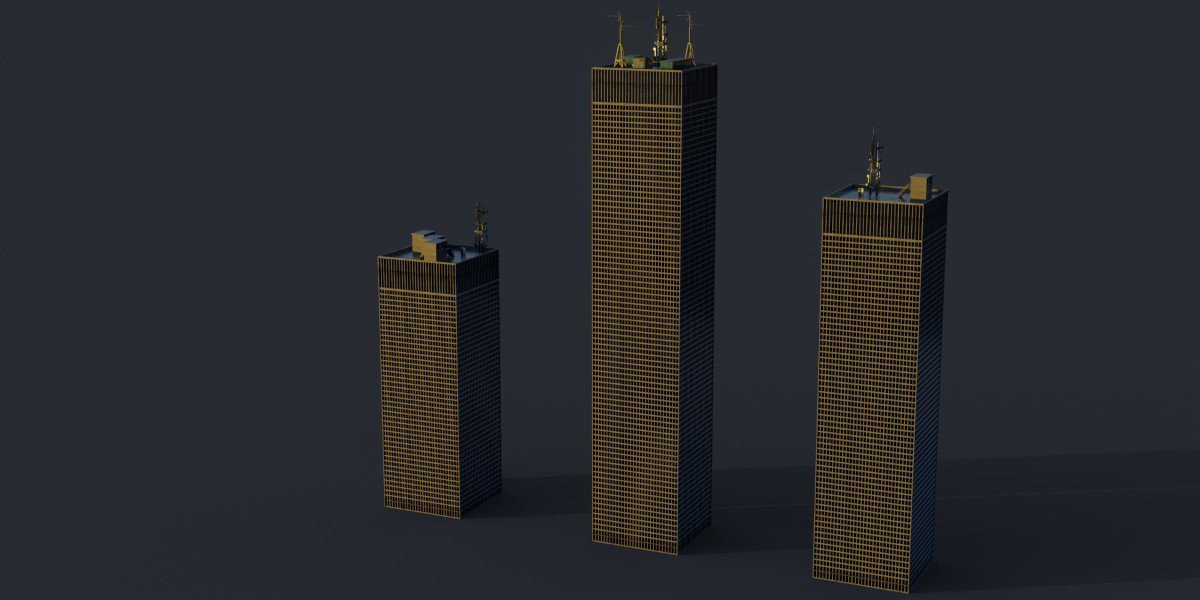
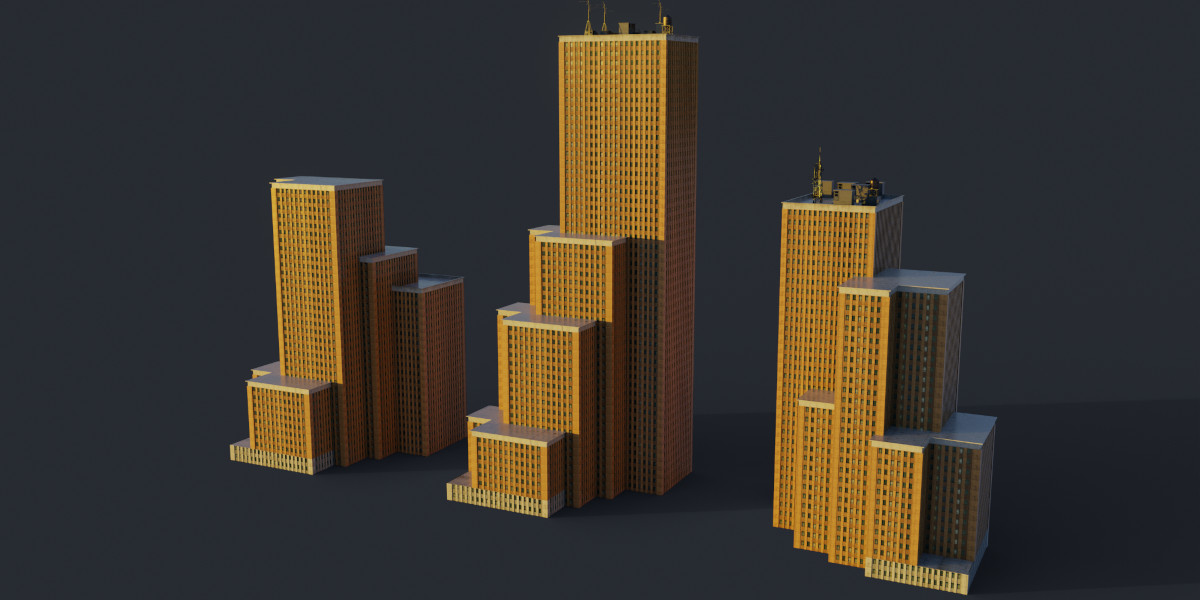
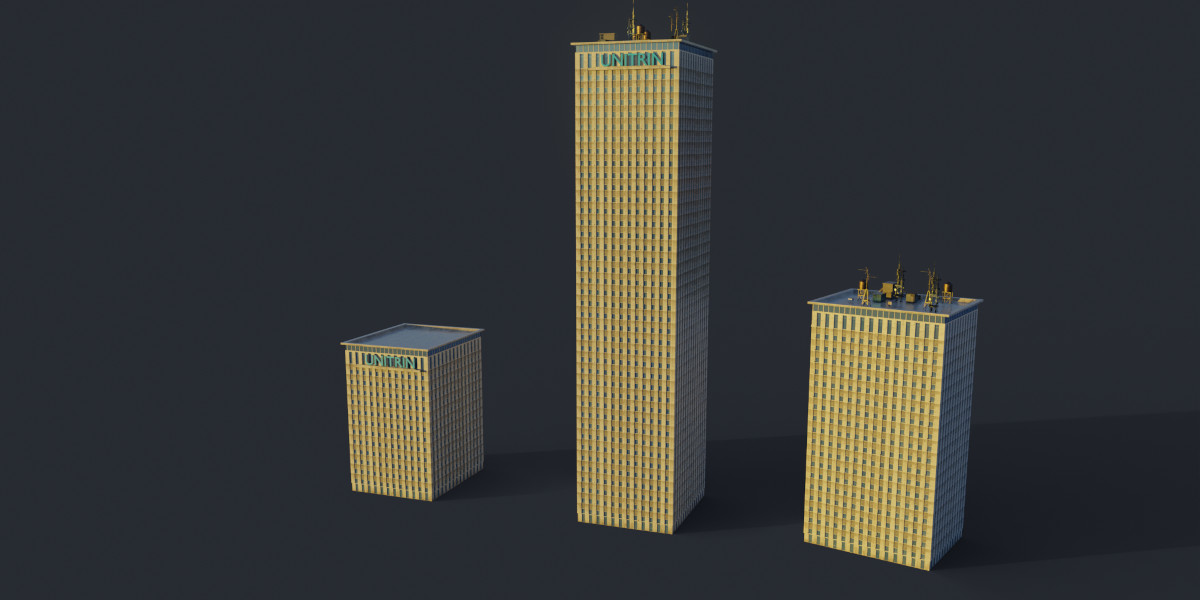
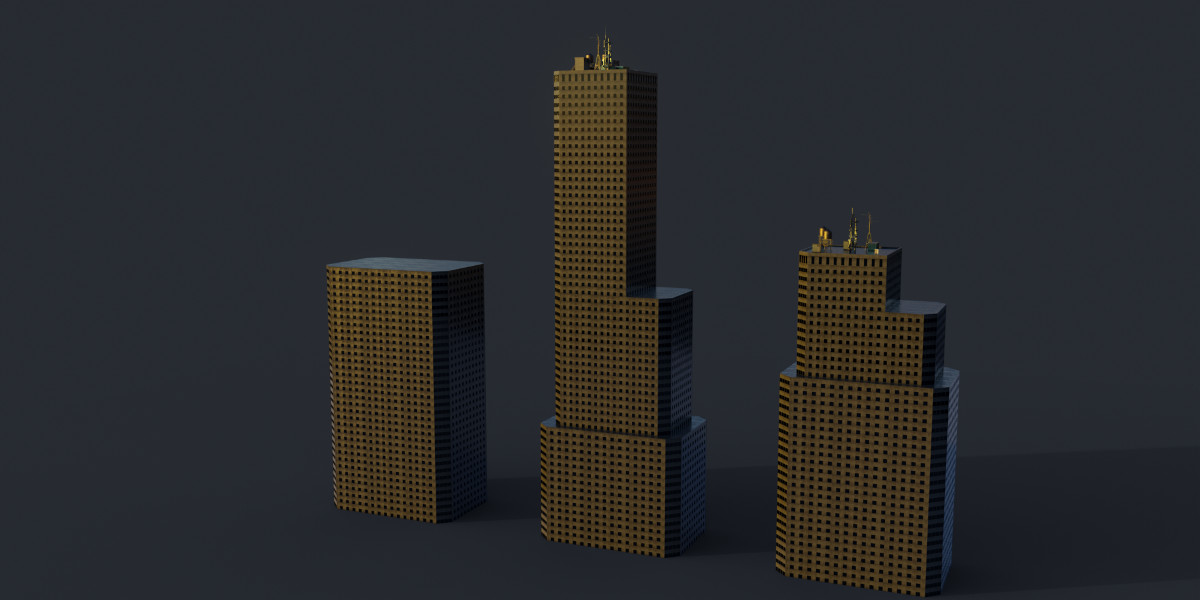
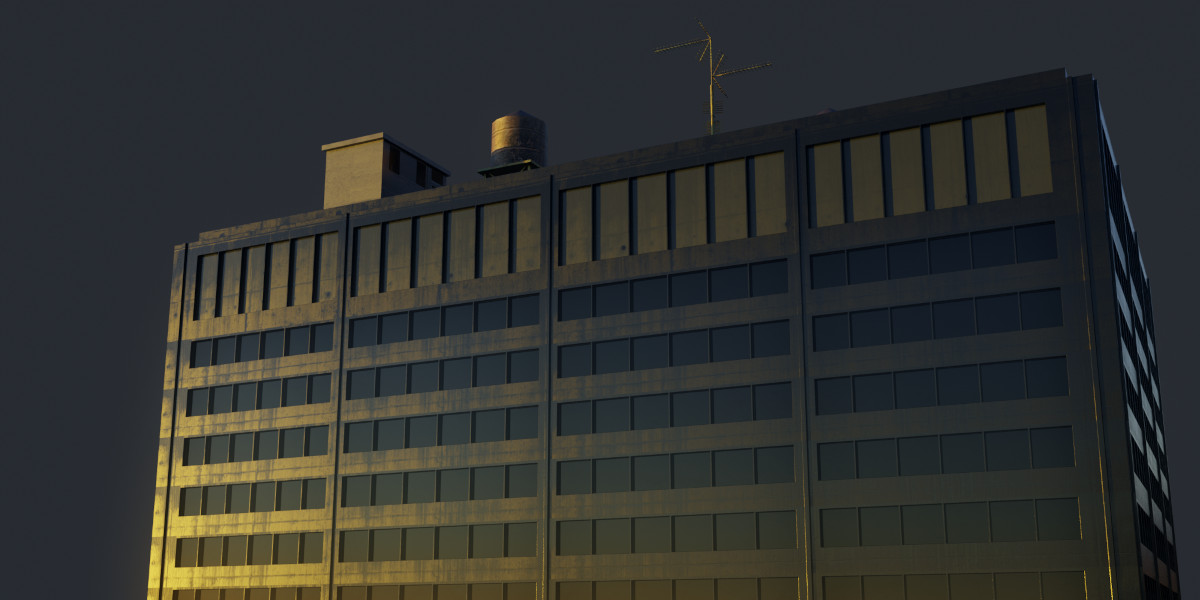
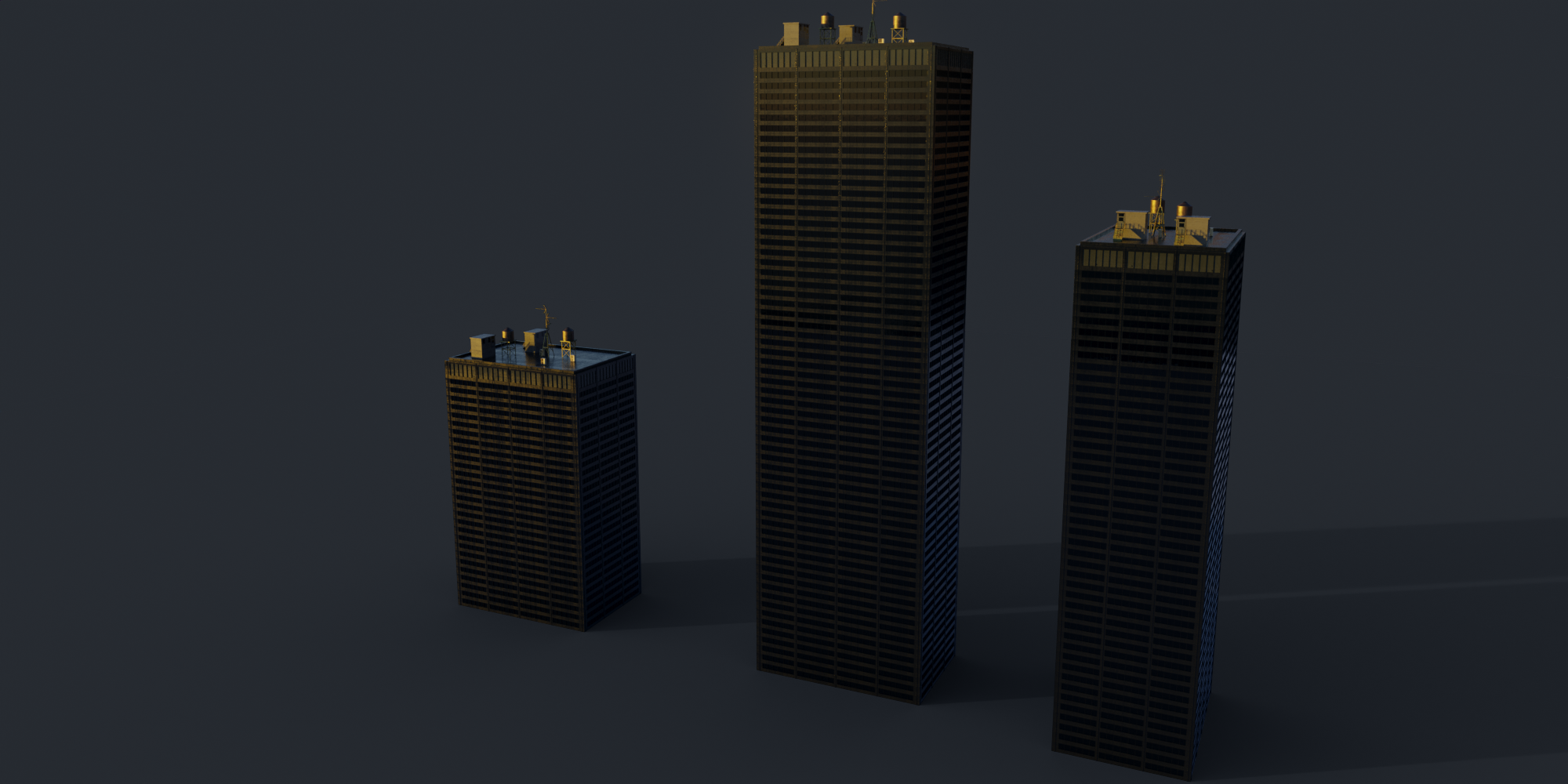
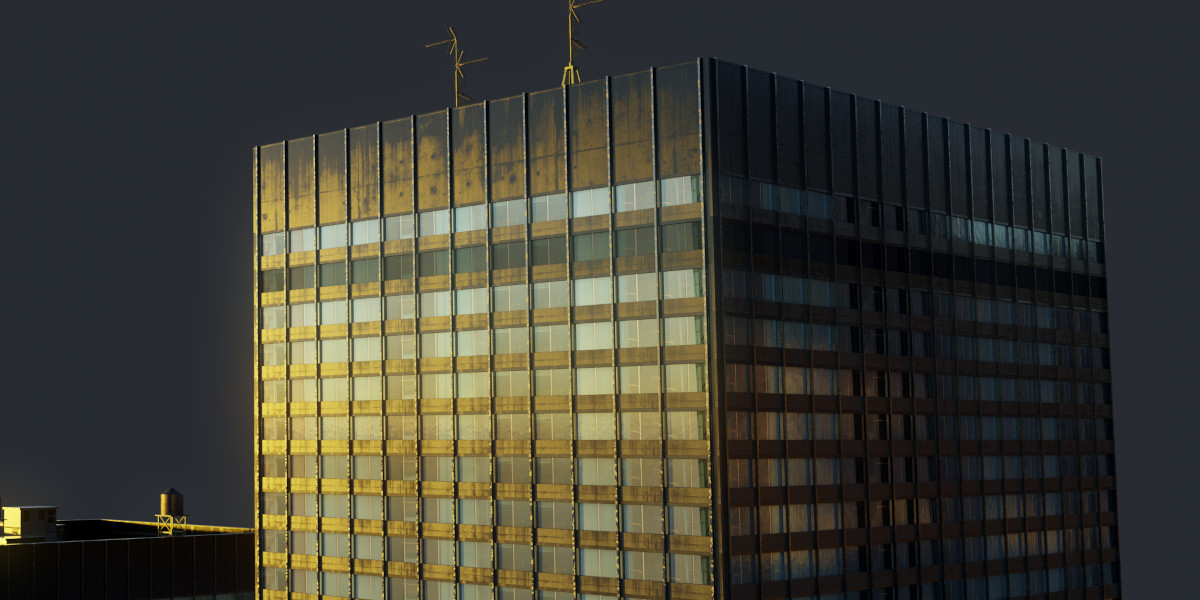
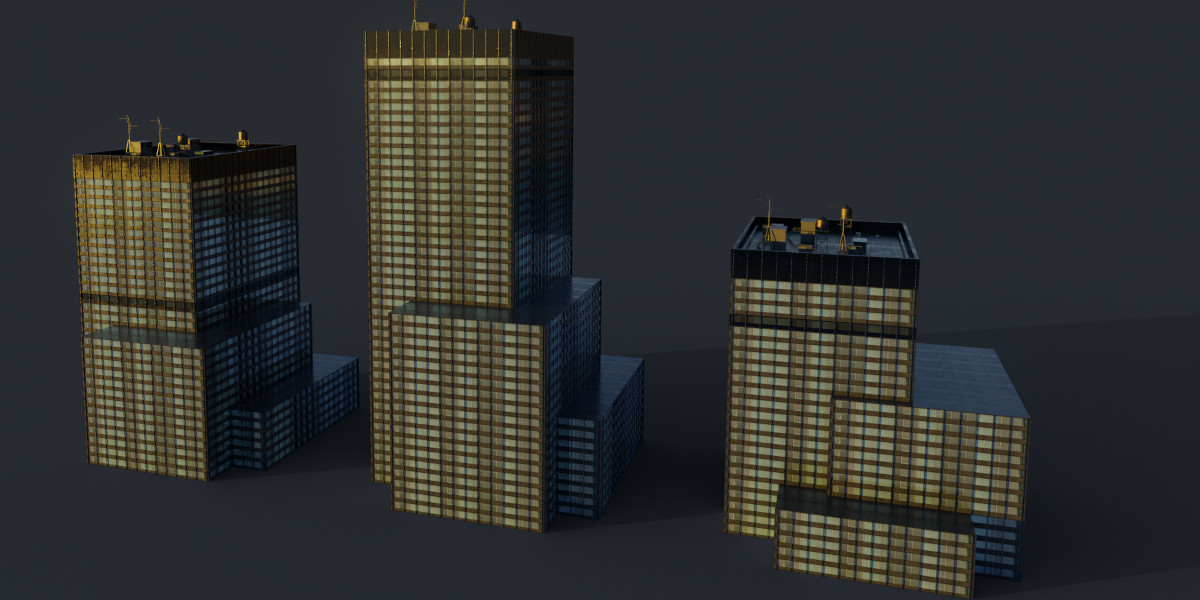
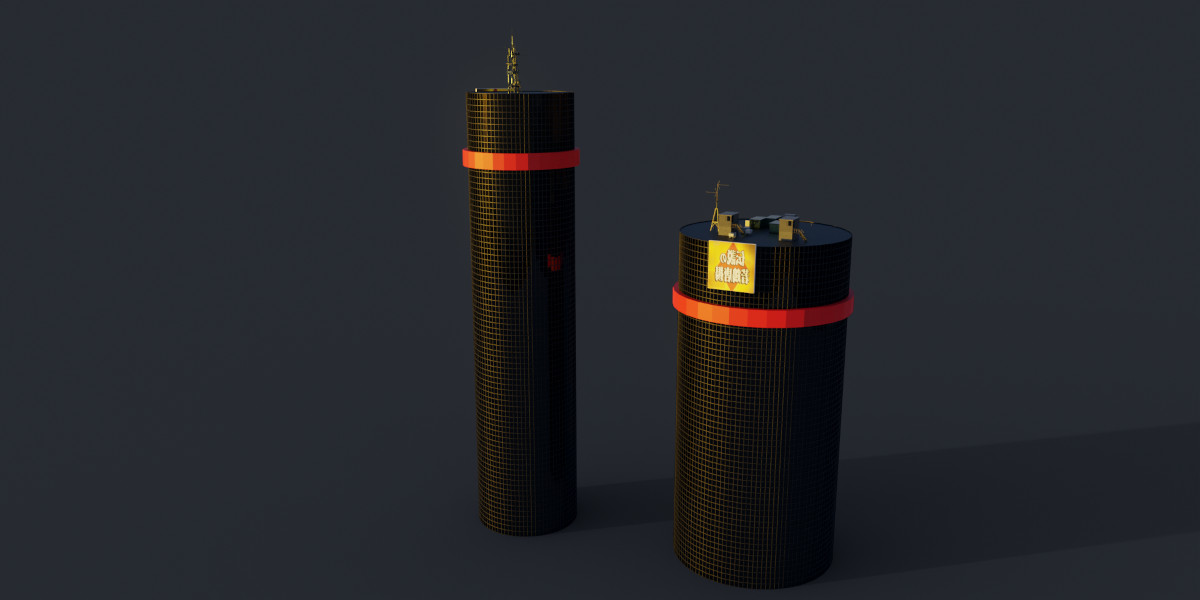
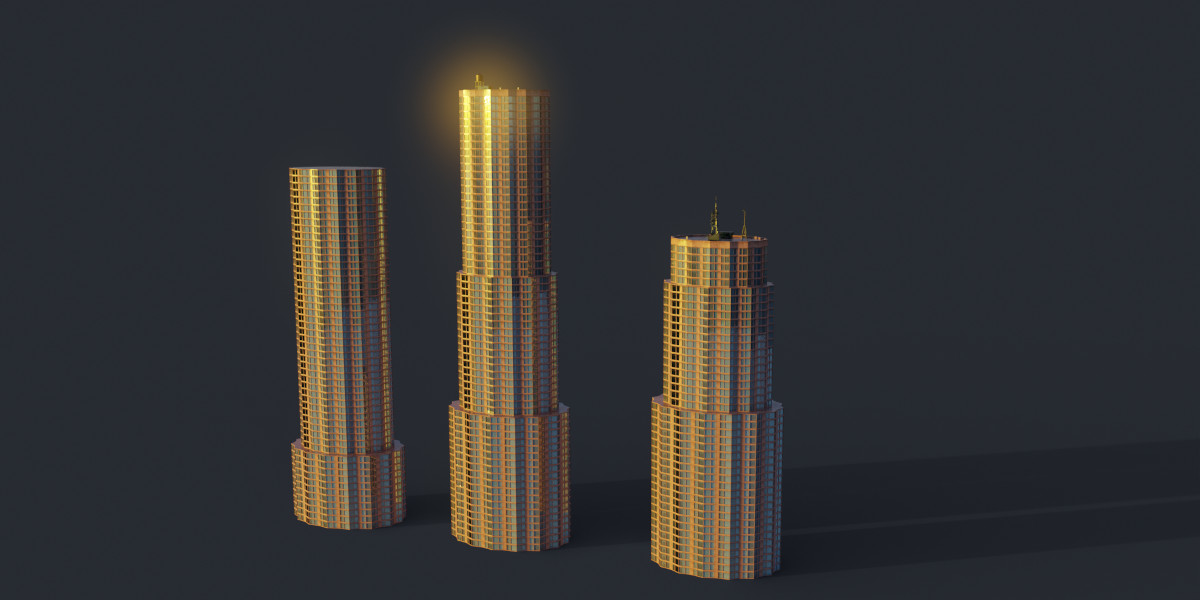
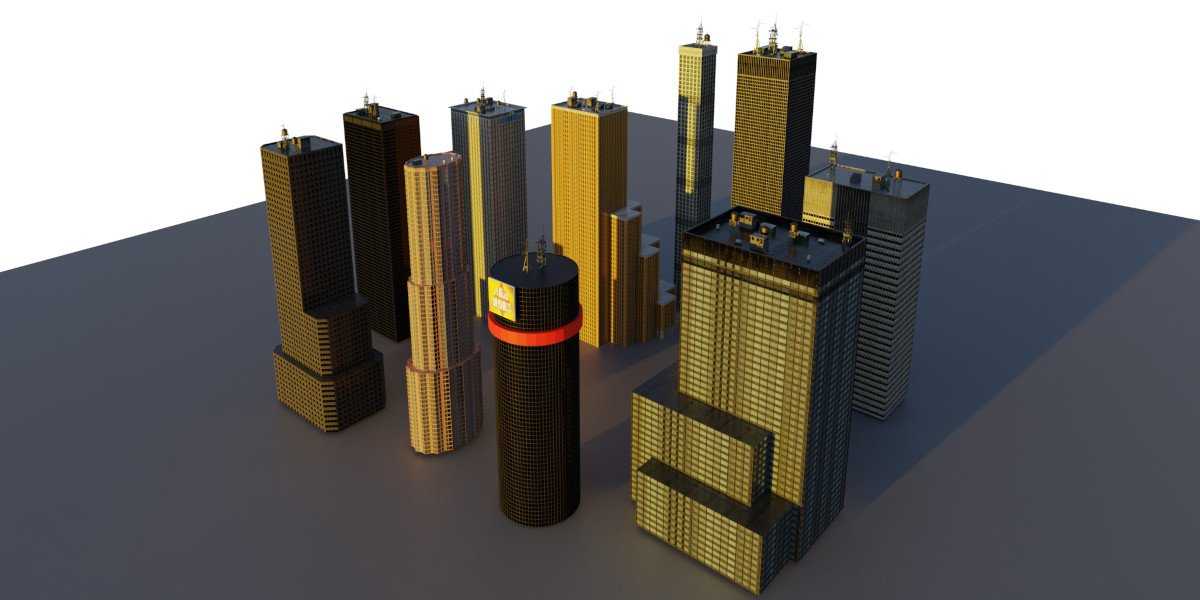
How to get the buildings into the Asset Browser
- Extract the .zip file and move the extracted folder to the desired location
- Open Blender and go to Edit > Preferences.
- In the Preferences window, click on the File Paths tab.
- Scroll down to the Asset Libraries section and click on the Add button.
- Browse to the location of your .blend file library and select it.
- Once you have selected your .blend file library, click on the Add Asset Library button to add it to the Asset Library.
Now all the buildings should show up in the Asset Browser tab.
Converting the buildings to mesh
- Enable the Realize Instances option in the Geometry Nodes modifier.
- Go ahead and apply the Geometry Nodes modifier.
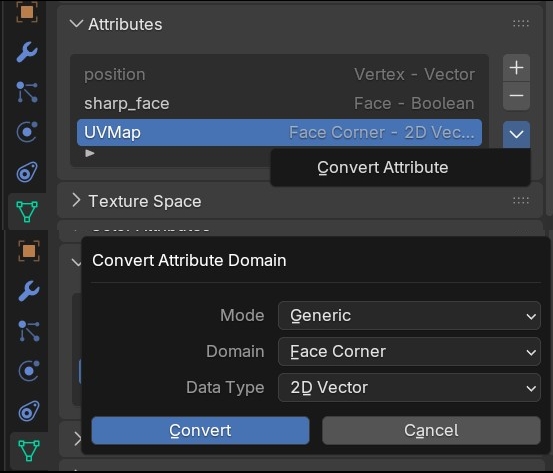
- Finish the process with the steps above.
For any inquiries, please get in touch with me through the marketplace.
$6
Have questions about this product?
Login to message
| Sales | 80+ |
| Dev Fund Contributor | |
| Published | almost 3 years ago |
| Blender Version | 3.3 - 5.2 |
| Render Engine Used | Cycles, Eevee |
| Misc Data | Uvs-Unwrapped, Textured |
| License | Royalty Free |
Discover more products like this
3durban USA office building geometry nodes asset-browser large scale environment skyscrapers procedural city