 Mrs Eliza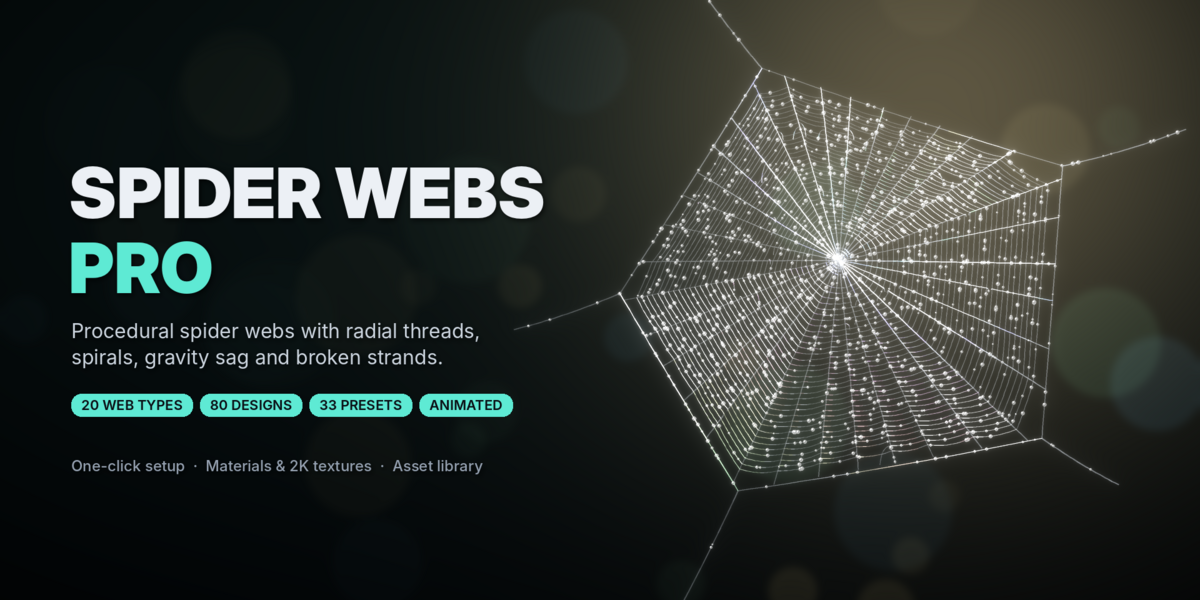

Overview
Spider Webs Pro creates realistic procedural spider webs in Blender, with radial threads, spirals, gravity sag and broken strands. Every web stays fully editable after you add it.
- 20 web types, each with 4 designs: 80 base designs, plus unlimited seeds
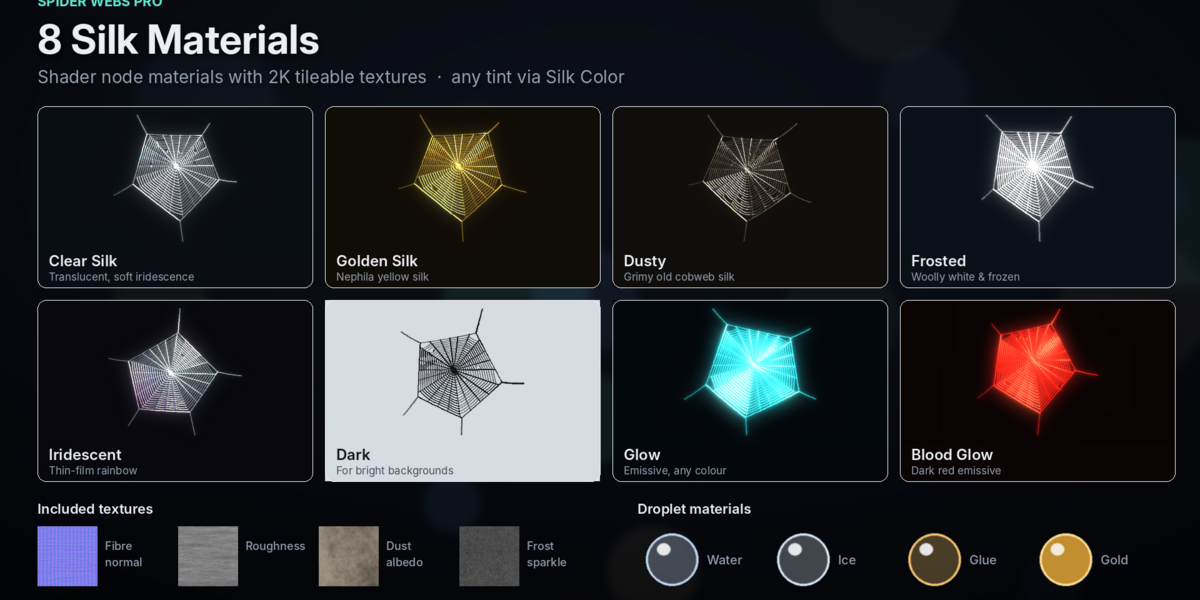
- 8 silk materials and 4 droplet types, with 2K tileable textures
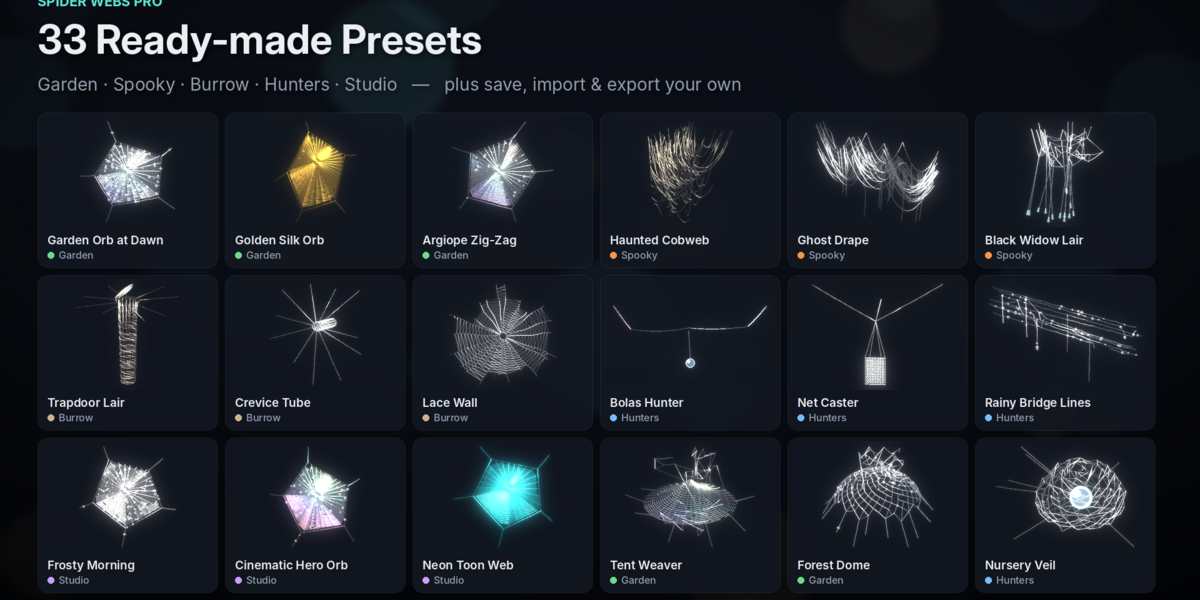
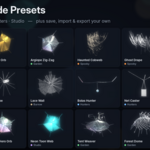
- 33 presets in 5 categories, plus your own
- Visual library in the sidebar and a one-click Asset Browser library
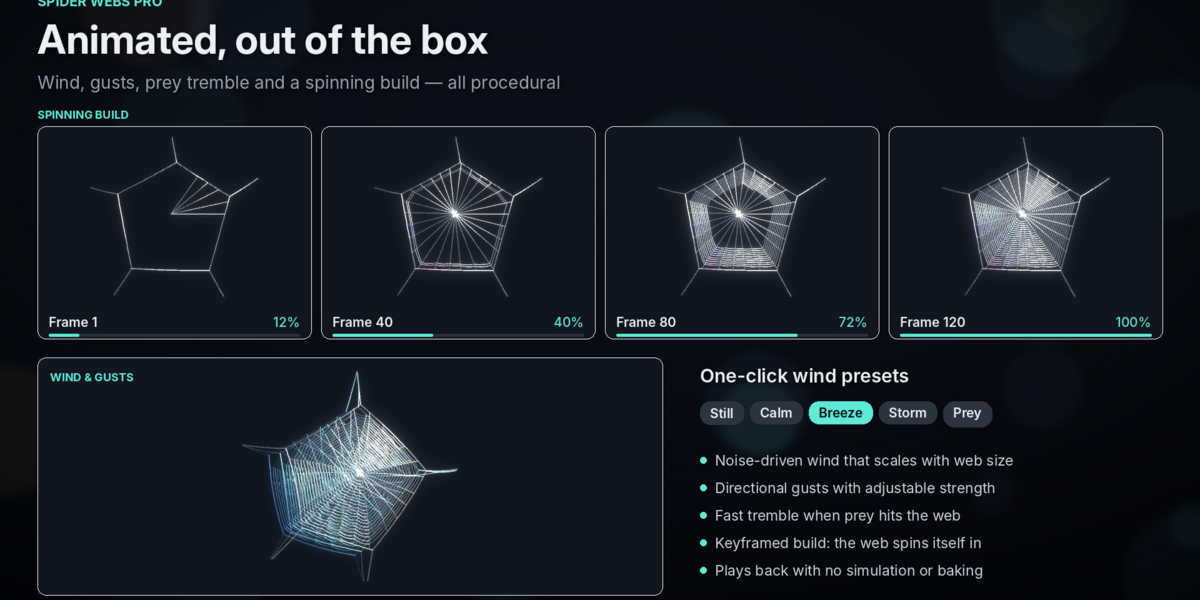
- Animated: wind, gusts, prey tremble and a spinning build, with no simulation
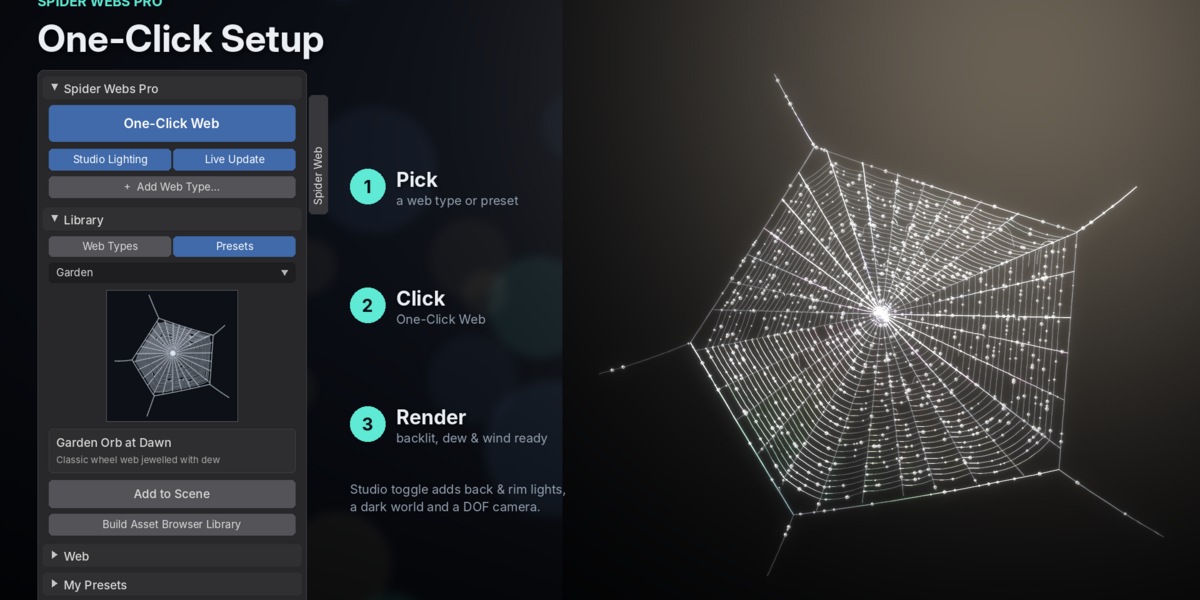
- One-click setup, with optional studio lights and camera
Requirements and installation
Requires Blender 4.2 or newer, on Windows, macOS or Linux. It works in Cycles and EEVEE.
- Go to Edit > Preferences > Get Extensions (or Add-ons).
- Open the ⌄ menu at the top right and choose Install from Disk….
- Select
spider_webs_pro.zip. Do not unzip it. - In the 3D Viewport, press N and open the Spider Web tab.
To update, uninstall the old version, restart Blender and install the new zip. Your saved presets are kept.
Quick start
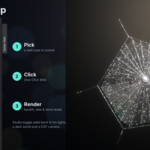
- Pick a preset or web type in the Library panel.
- Click One-Click Web. The web appears at the 3D cursor with its material, dew and wind ready.
- Render. Turn on Studio Lighting & Camera first if you want back lights, a dark world and a depth-of-field camera added for you.
Select any web to edit it in the Web panel. It updates live as you drag. You can also add webs from Add > Spider Web.
Web types
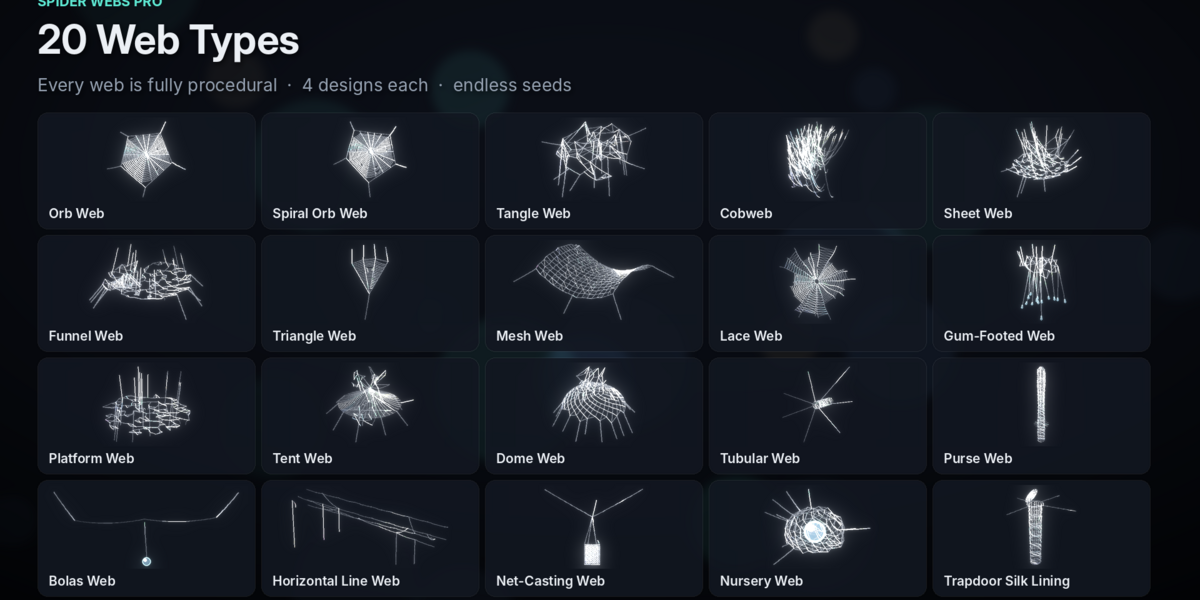
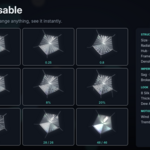
Each type has 4 designs, picked with the Design buttons. Change the Seed for a new variation.
- Orb Web: Classic, Missing Sector, Stabilimentum, Ladder
- Spiral Orb Web: Archimedean, Logarithmic, Double Arm, Golden Silk
- Tangle Web: Ball, Column, Wide, Sparse
- Cobweb: Ceiling Corner, Floor Corner, Ghost Drape, Dust Sheet
- Sheet Web: Hammock, Flat, Bowl & Doily, Tilted
- Funnel Web: Classic, Deep Tube, Wide Sheet, Grass Funnel
- Triangle Web: Single Lines, Paired Lines, Wide Fan, Narrow
- Mesh Web: Leaf Tip, Flat Patch, Twig Wrap, Crumpled
- Lace Web: Classic, Sparse, Dense Hackled, Curly
- Gum-Footed Web: Classic, Many Feet, Tall Retreat, Low
- Platform Web: Classic, Oval, Layered, Thick
- Tent Web: Peak, Soft Dome, Twin Peak, Flat Tent
- Dome Web: Dome, Bowl, Double Dome, Low Dome
- Tubular Web: Wall Crevice, Ground Tube, Long Tube, Collar
- Purse Web: Upright, Leaning, Bulbous, Tall
- Bolas Web: Single Bola, Twin Bola, Long Drop, Short Drop
- Horizontal Line Web: Few Lines, Many Lines, Stepped, Bridged
- Net-Casting Web: Held, Expanded, Compact, Wide Scaffold
- Nursery Web: Leaf Tent, Round Veil, Tall Veil, Loose Veil
- Trapdoor Silk Lining: Half Open, Closed, Wide Open, With Trip Lines
Web settings
The Web panel only shows the settings that apply to the selected web type. Reset restores the defaults while keeping the type and design.
Web
- Size: overall radius of the web (default 0.5 m)
- Seed: random variation; the same seed always gives the same web
- Orientation: vertical or horizontal (orb, spiral orb and triangle webs)
Structure
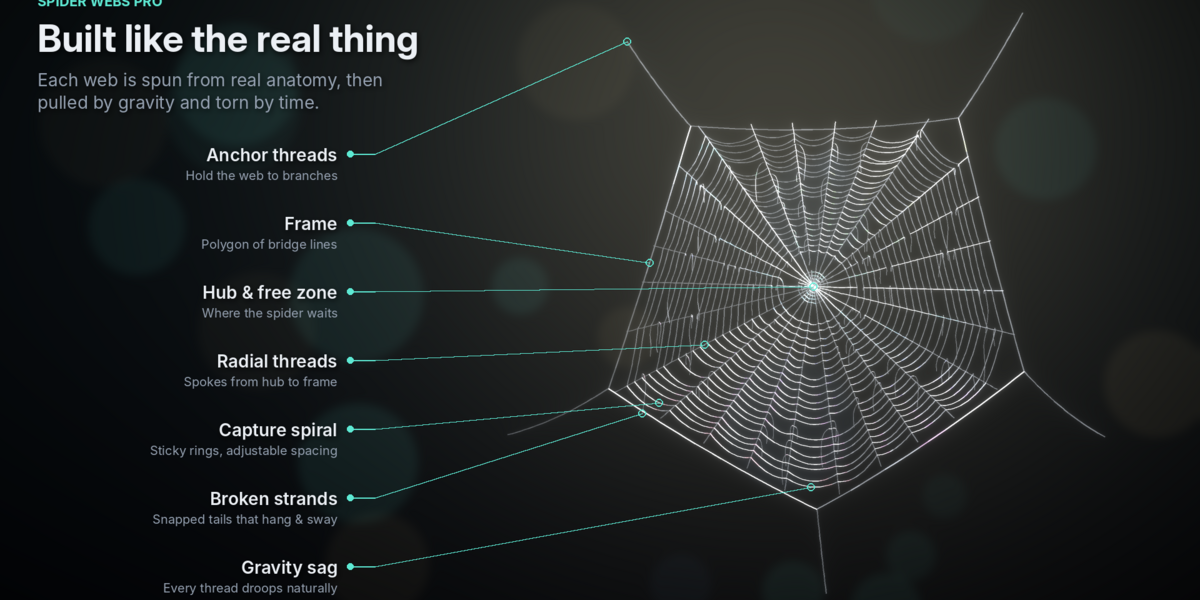
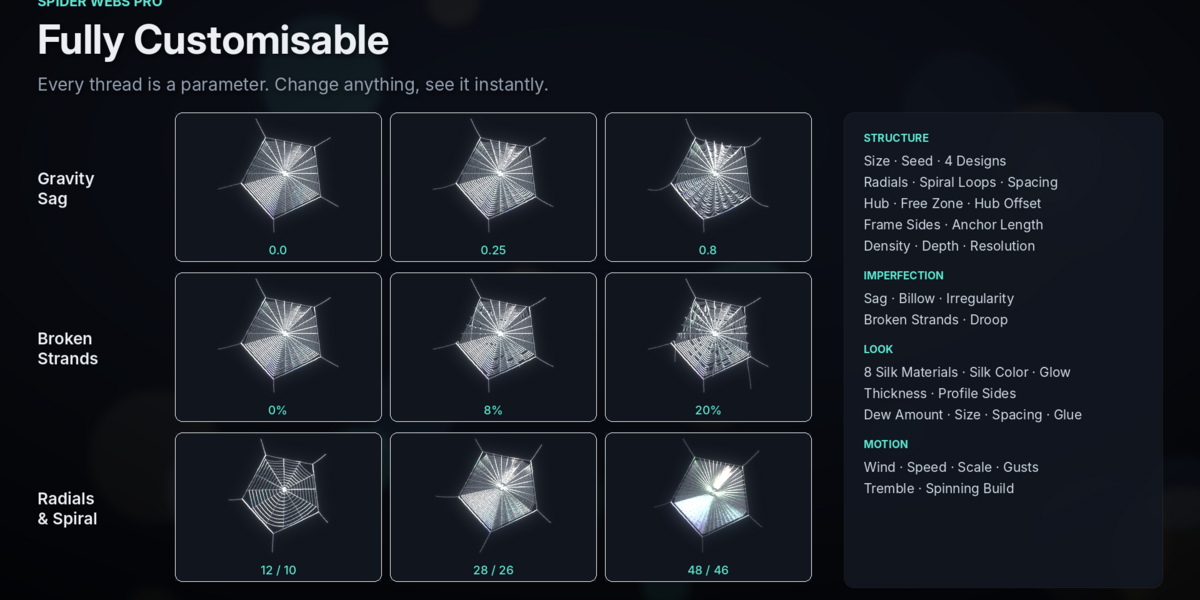
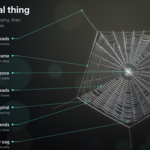
- Radial Threads: spokes from hub to frame (default 28)
- Spiral Loops: number of capture rings or turns (default 26)
- Spiral Spacing Bias: above 1 packs the rings toward the hub, below 1 toward the rim
- Hub Size, Free Zone, Hub Offset: shape of the centre; Hub Offset moves the hub up, as in real orb webs
- Frame Sides: corners of the outer frame (3–10)
- Density: amount of threads in sheet, tangle, mesh and veil webs
- Depth / Height: stretches 3D webs in their third dimension
- Anchor Length: length of the lines tying the web to its surroundings
- Curve Resolution: smoothness of sagging threads
Sag & Broken Strands
- Sag: gravity droop of each thread
- Billow: wind belly pushing flat webs out of plane
- Irregularity: random variation in spacing and angles
- Broken Strands: chance that each thread segment snaps
- Broken Droop: how far the snapped tails hang down
Materials, dew and glue
Choose a look in Web > Silk & Materials:
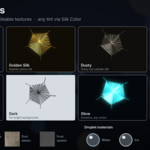
- Clear Silk: translucent, with soft iridescence
- Golden Silk: yellow silk, like a golden orb-weaver's
- Dusty: grimy old cobweb silk
- Frosted: woolly white silk with frost sparkle
- Iridescent: strong rainbow thin film
- Dark: for bright backgrounds
- Glow and Blood Glow: emissive silk for stylised looks
Silk Color tints any silk and sets the glow colour. Thread Thickness (default 0.6 mm) and Profile Sides control the thread shape. Silk detail comes from 2K tileable textures: fibre normal, roughness, dust and frost.
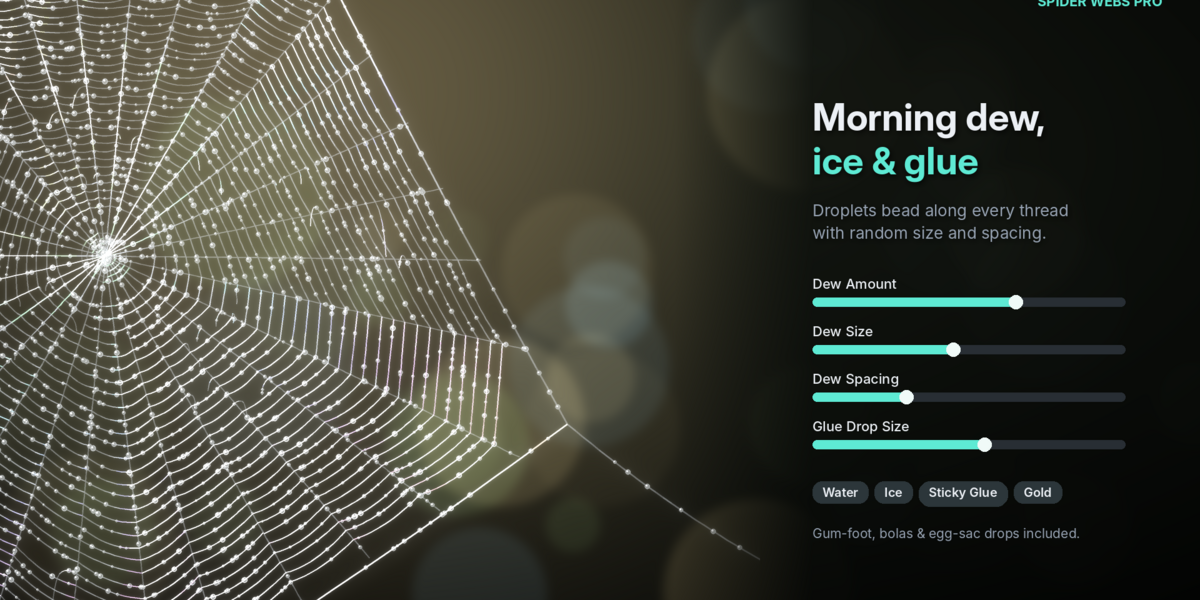
Dew Amount, Dew Size and Dew Spacing add droplets along the threads. The droplets can be Water, Ice, Sticky Glue or Gold Beads. Glue Drop Size controls the glue on gum-footed lines, bolas and egg sacs.
Animation
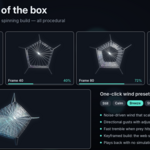
Webs move as soon as you press Play, with no simulation or baking. The centre of the web moves most, and broken tails swing freely.
- Wind presets: Still, Calm, Breeze, Storm and Prey set the motion in one click
- Wind Strength, Speed, Scale: how far, how fast and how busy the wind is
- Gust Strength and Direction: pulses that push the whole web one way
- Tremble: fast vibration, as when prey hits the web
Spinning build: set the Start and End frames and press Animate Spinning. The web then spins itself in, in the order a real spider builds: anchors, frame and radials first, then the sticky spiral from the outside in. For a still image of a half-built web, drag Build Progress instead.
Presets and asset library
The 33 built-in presets are grouped into five categories:
- Garden: dewy orbs, golden silk, sheets, funnels, domes and tents
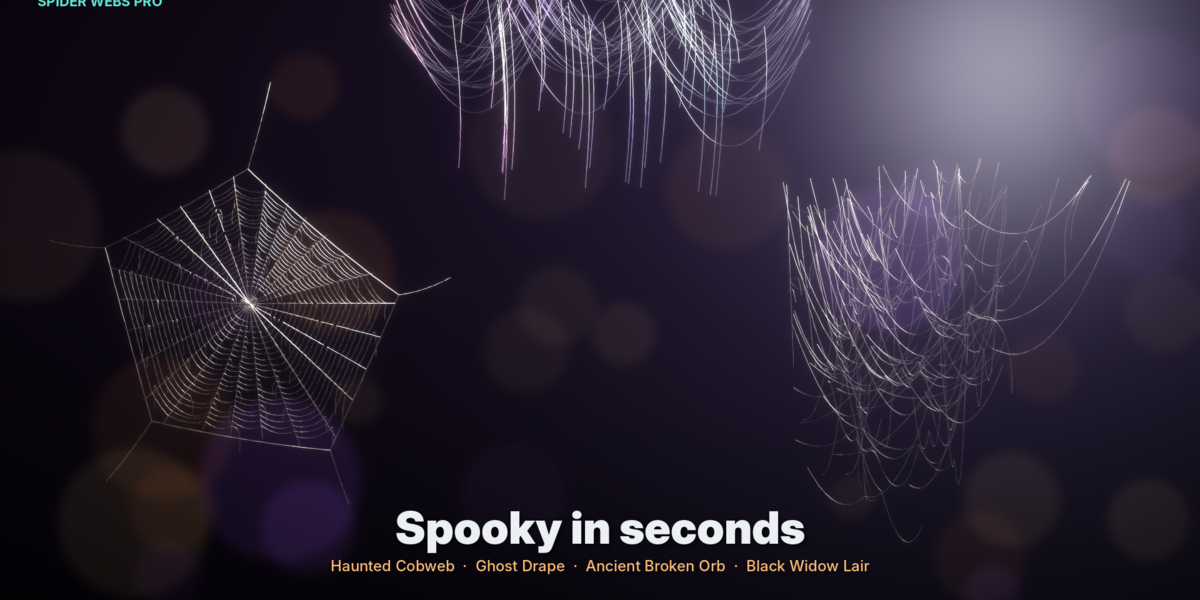
- Spooky: haunted cobwebs, ghost drapes, broken orbs, a black widow lair
- Burrow: trapdoors, tubes, purse webs and lace walls
- Hunters: bolas, net casters, bridge lines and nursery veils
- Studio: frosty, cinematic, neon and spinning-build looks
Pick a preset, then press Add to Scene for a new web or Apply to Active to restyle the selected one.
Your own presets: use the My Presets panel to save, apply or delete presets. Import and Export share them as a .json file.
Asset Browser: press Build Asset Browser Library to save all 80 designs and every preset into one library with thumbnails and catalogs. It is added to Blender as Spider Webs Pro, ready to drag into any scene. Webs dragged in this way stay fully editable.