 5 Minutes Blender
 irwin
irwin

Jeet Guha Thakurta
7 months ago
Cheers! Glad to see that it met your expectations!
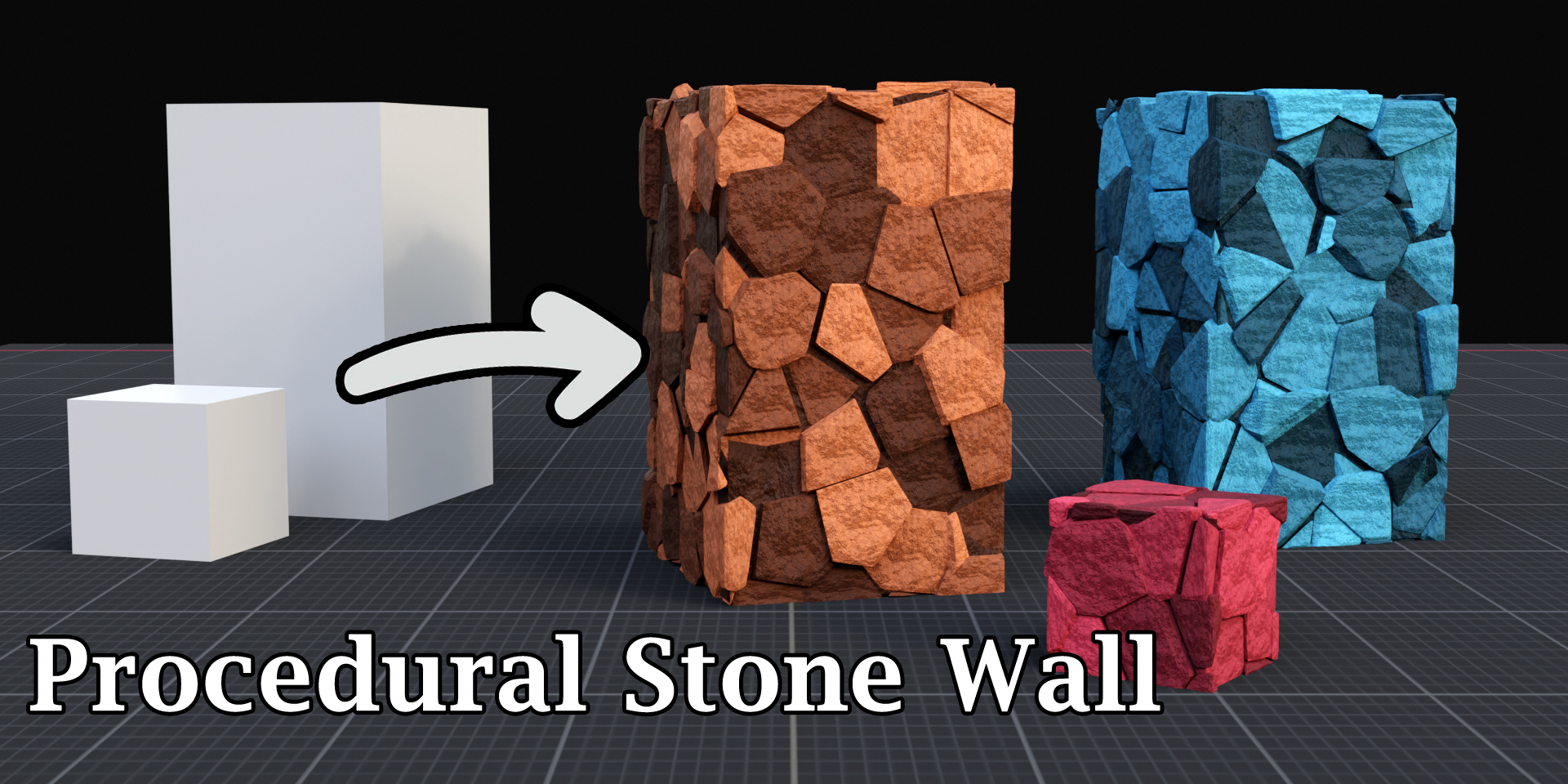
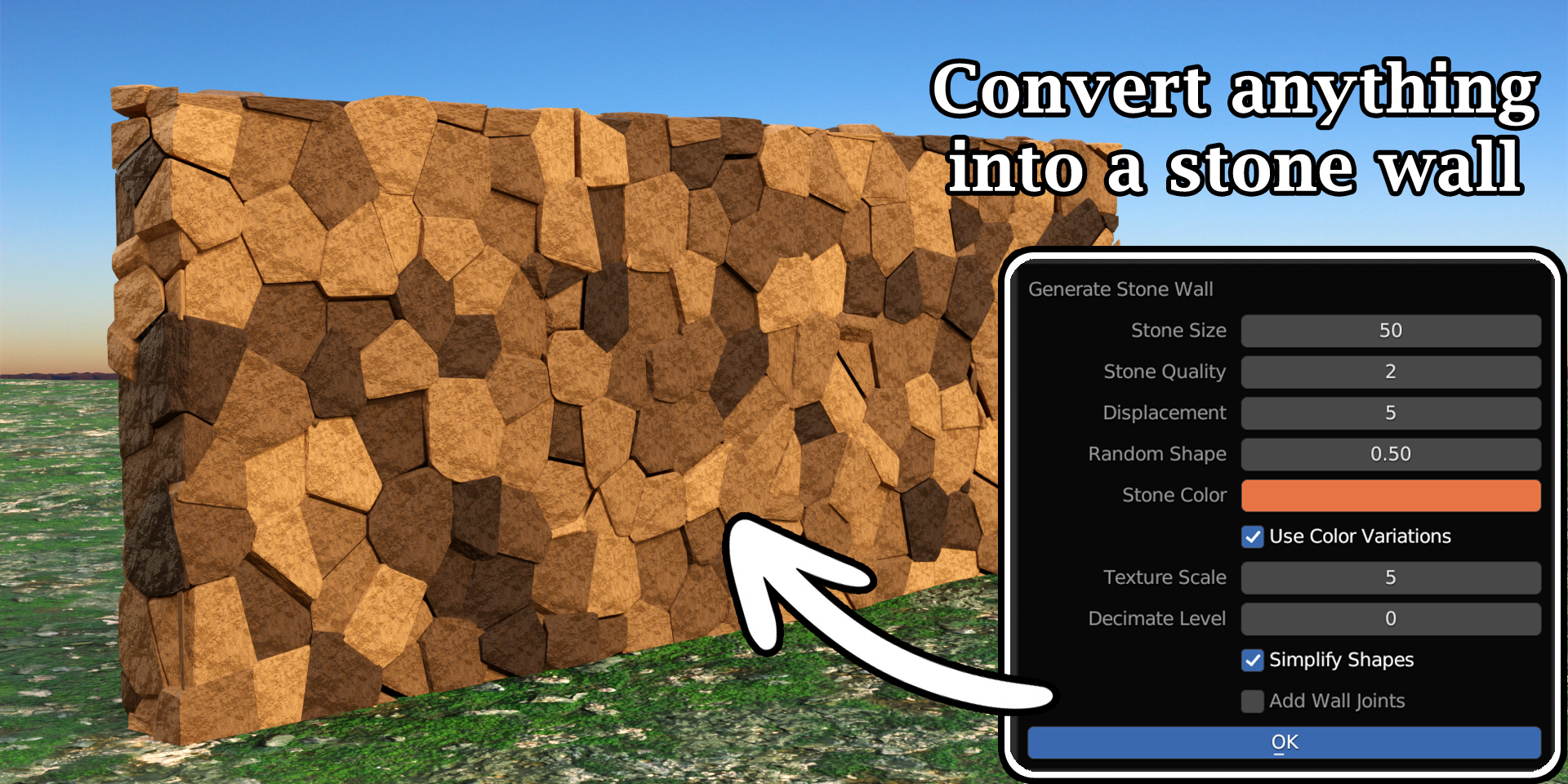
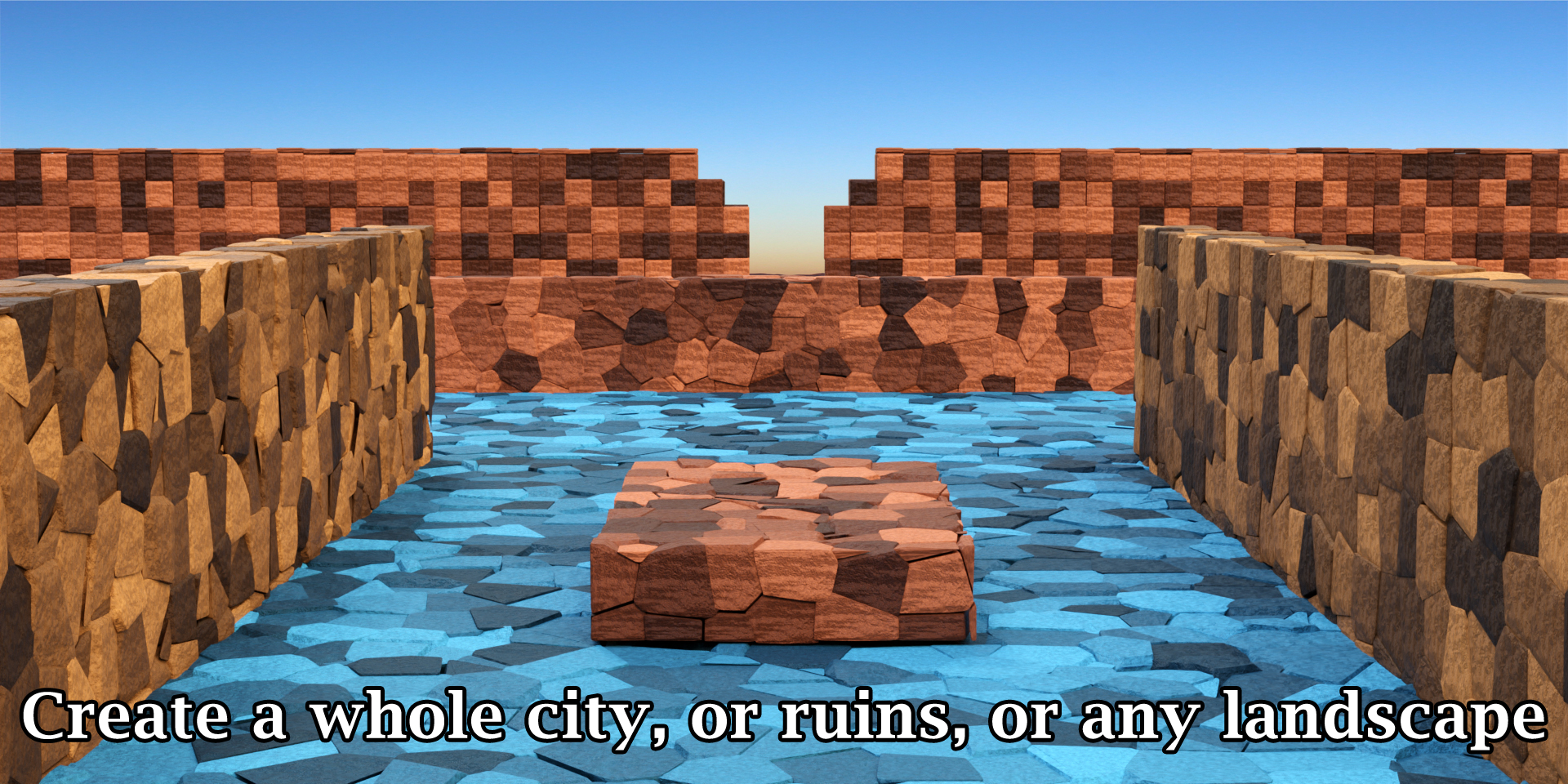
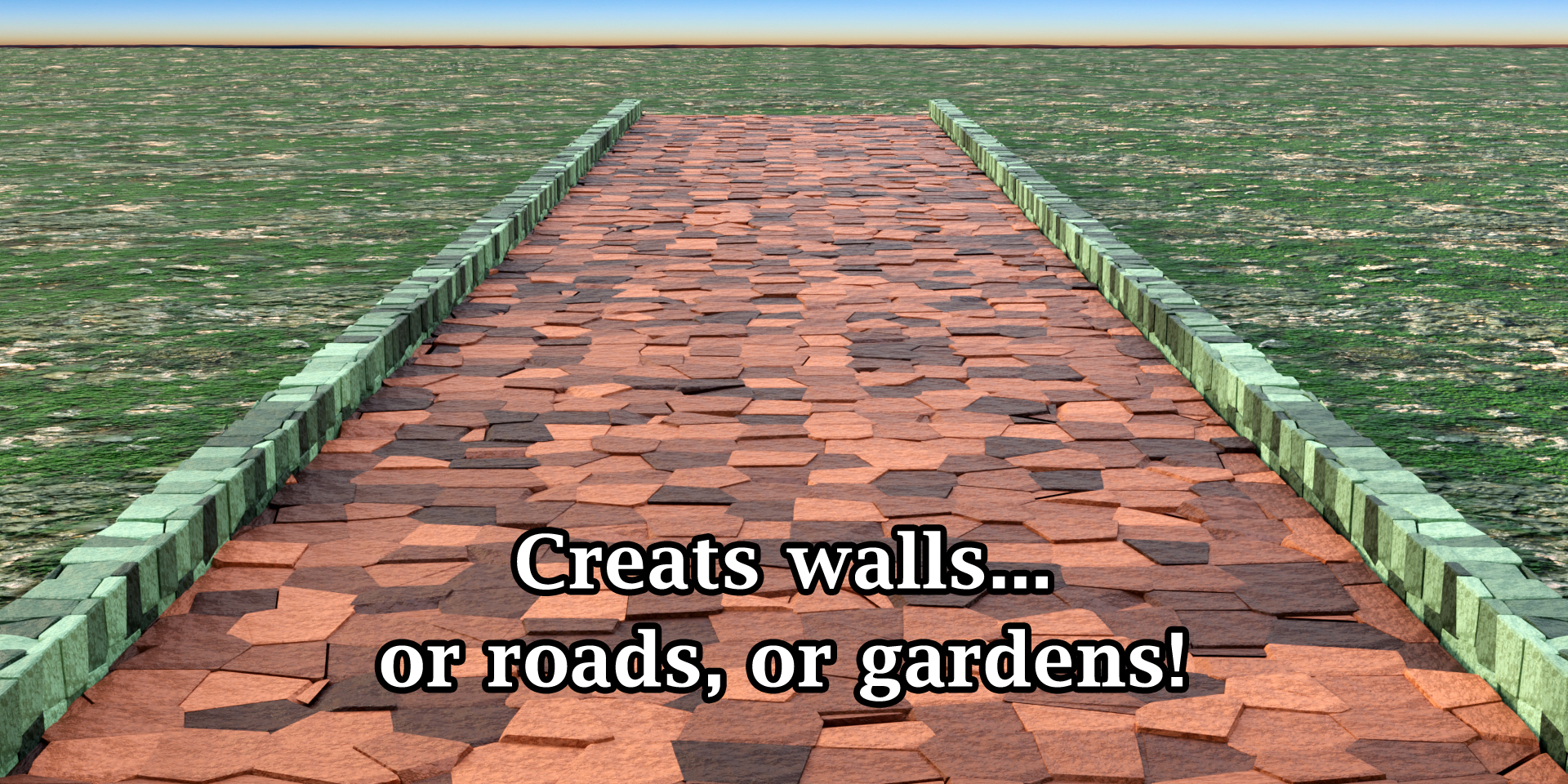
This item has an average rating of 4 from 2 ratings by the community.
Purchase this item to leave a review!
Jeet Guha Thakurta
7 months ago
Cheers! Glad to see that it met your expectations!
Jeet Guha Thakurta
7 months ago
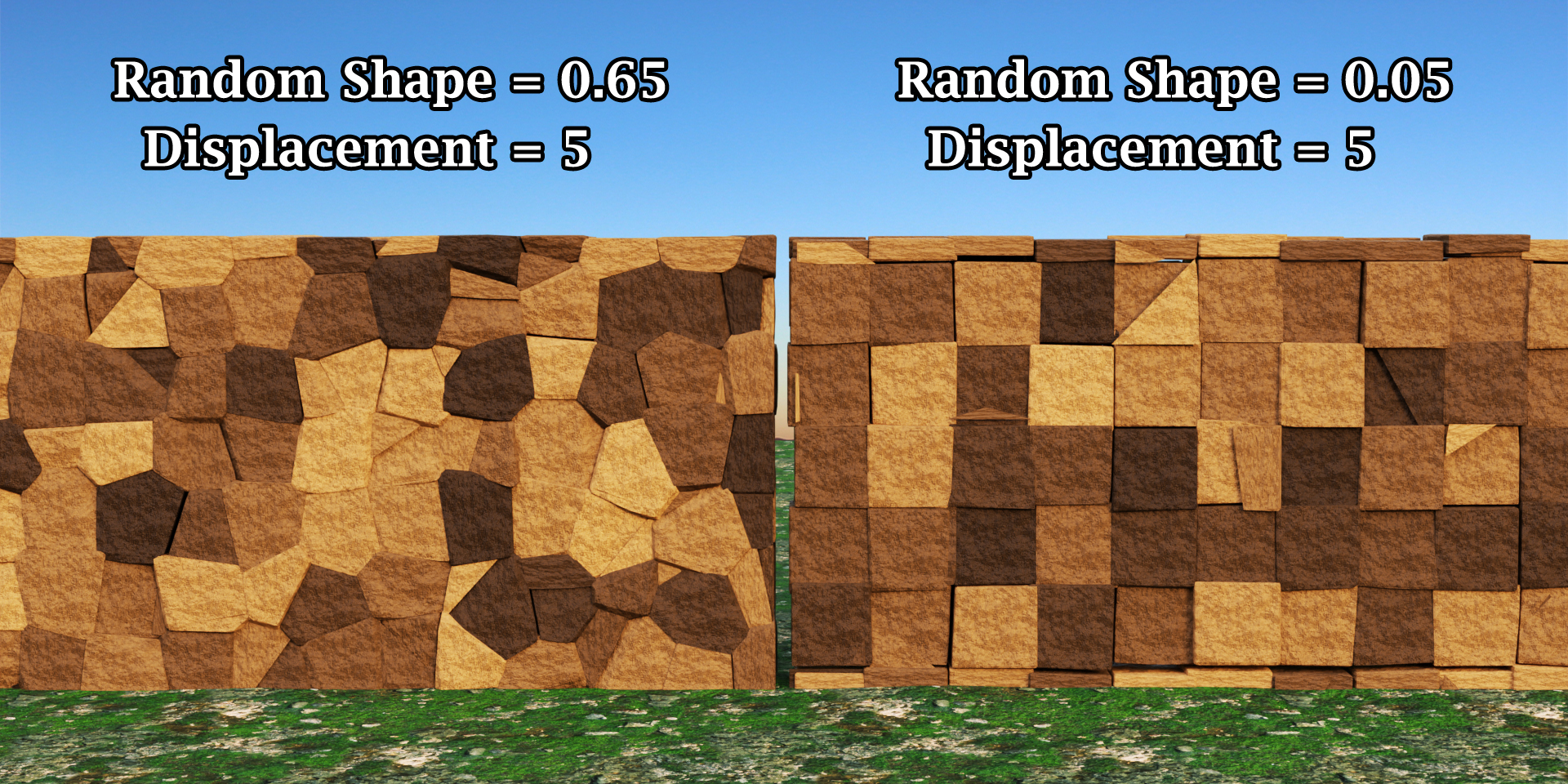
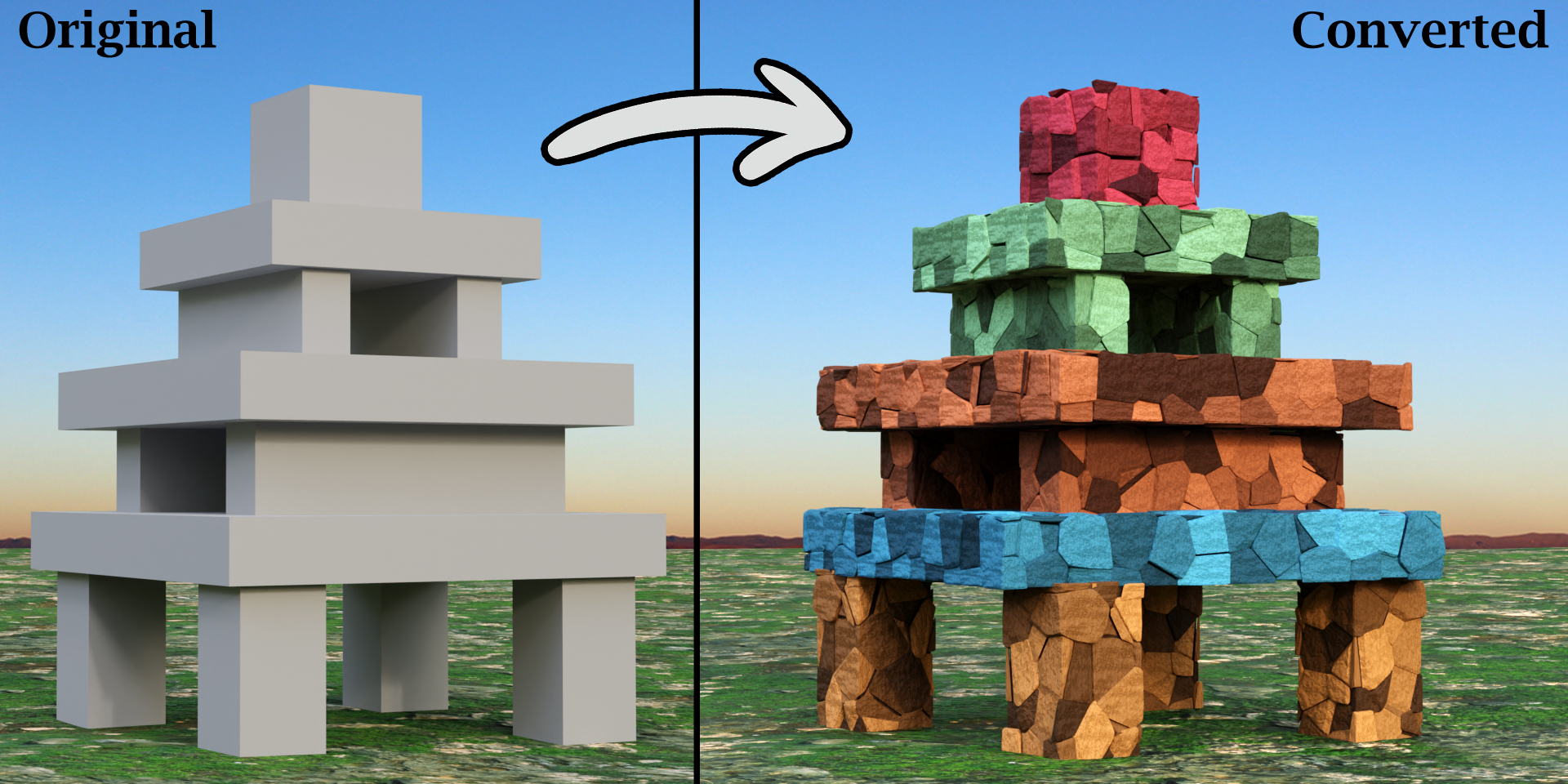
Thank you so much for your detailed and balanced feedback. One thing to clarify here: as it is rightly named as Stone "Wall" Generator, it certainly expects input objects to be rectangular to create a wall based on that object. If not, it will assume the bounding box of the given object as its domain and transform it into stone wall. If you need to convert an object of any random shape into stone you need a different add-on that works on custom shapes (we developed it as well but it's not available publicly). Other than that, we are willing to look into what clean-up work you had to do, we can improve on that if we get the details. Please feel free to contact us at [email protected] with the result you got and the clean-up you did afterwards. We can try to incorporate that in the add-on if it's useful. Thanks once again for the valuable feedback!
spring24 winter24 Pavement pavements boundary-wall procedural stone pavement road ancient city street stone-building road stone-house stone walls concrete wall concrete-walls stone-structure stone-buildings procedural-stone-wall game-arcade street-pavement procedural-wall stone summer24 random-stones stone wall bfcm24 procedural-walls procedural-stone-walls
 Vlad
Vlad
