Procedural Stone Wall
 ArtbyTymi


Known issues and quick fixes
Practical rule of thumb
If you see holes, missing pieces, or awkward alignment, the fastest solution is usually a tiny Stone Size adjustment or a Style change. After that, try Seed for quick variation without altering the overall scale.
Holes and missing parts with large stone sizes
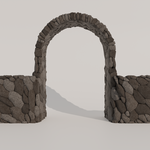
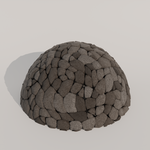
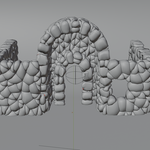
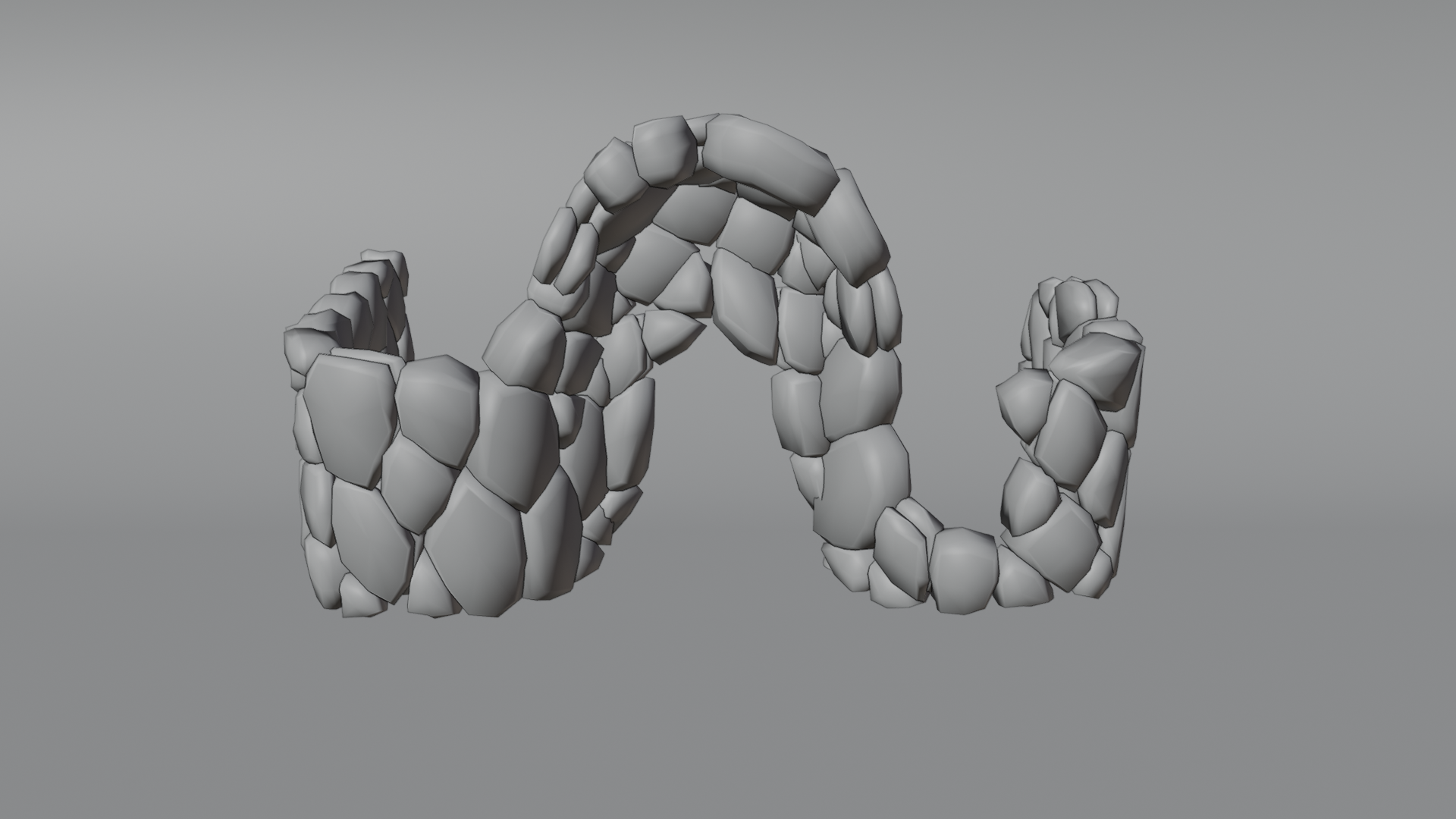
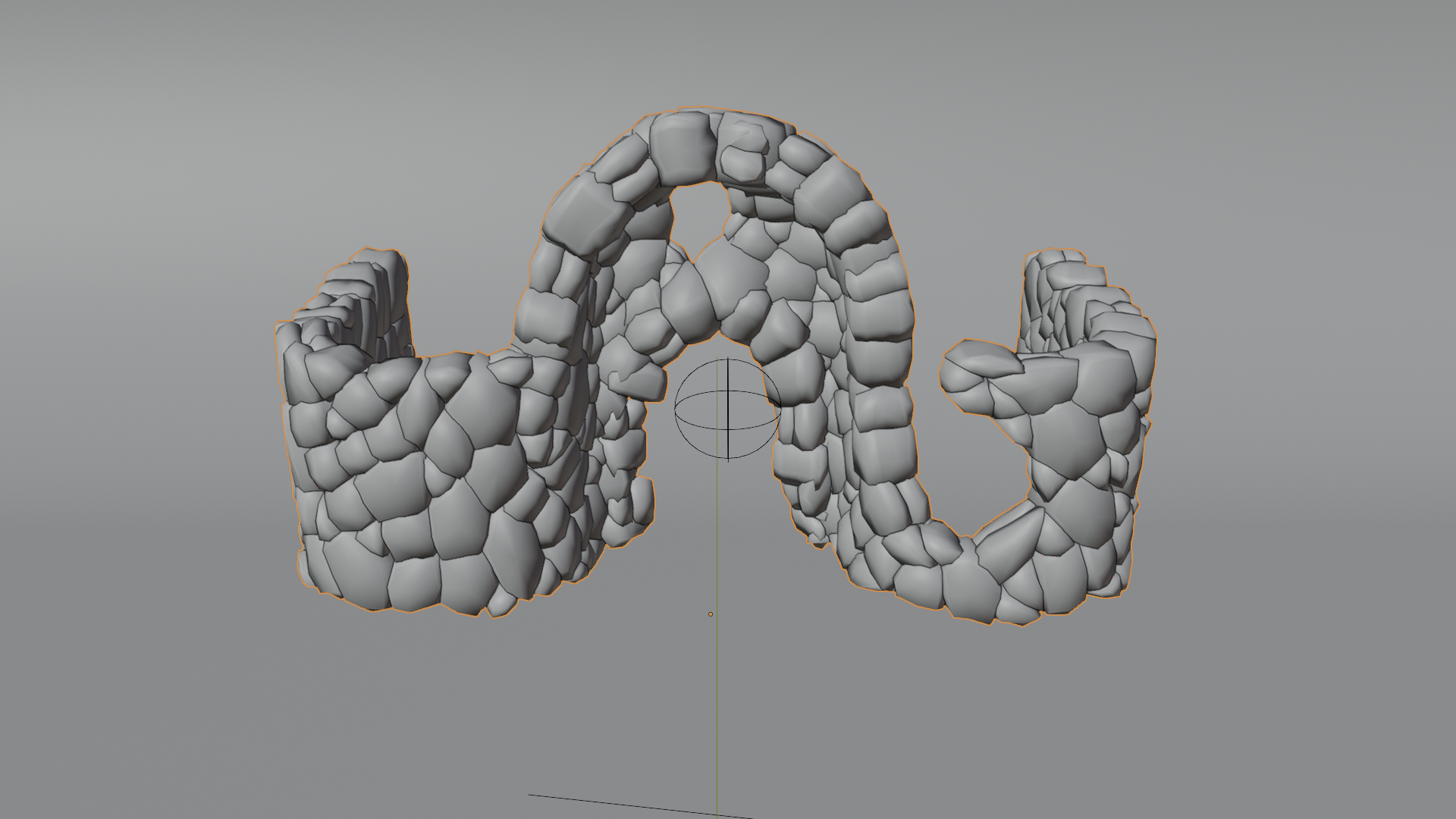
In some cases, very large stone sizes can create holes, missing chunks, or incomplete coverage, especially on tight curves, arches, thin walls, or shapes with sharp changes in direction. This happens because fewer stones have to cover more surface area, and the packing step can fail to fully fill the available space.
How to fix it
-
Reduce Stone Size slightly until the surface fills correctly. Small changes are often enough.
-
Switch to a different Style. Some styles pack more reliably on complex shapes.
-
If the issue is on an arch or a narrow section, increase Thickness a little so the generator has more volume to work with.
Stone alignment issues with Style 1
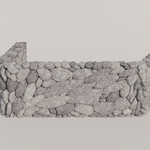
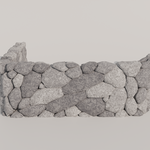
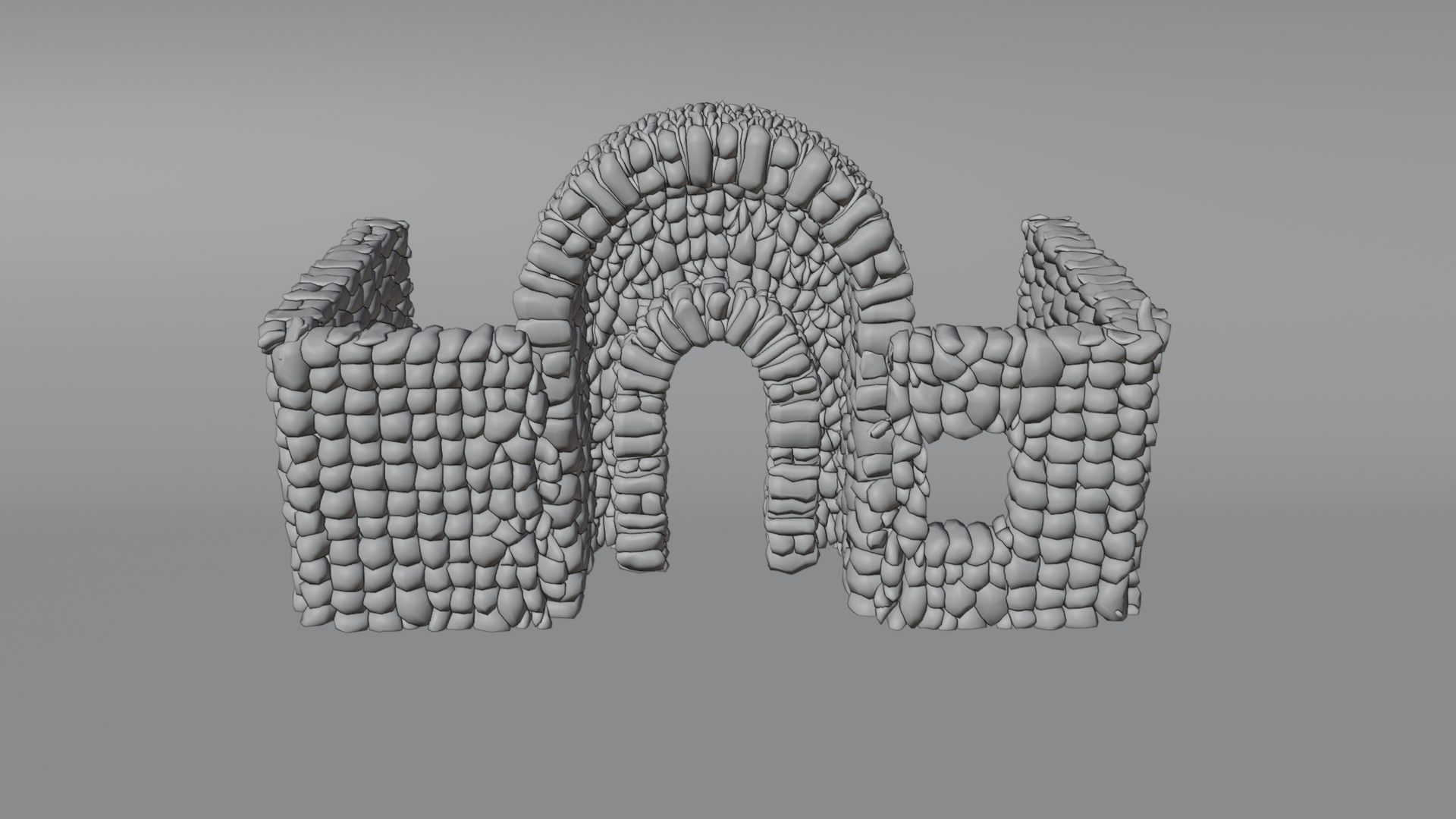
Style 1 can produce visible alignment patterns or stones that look overly “lined up” on certain shapes. This is most noticeable on long flat runs and on curved sections where the structure tries to keep a consistent orientation.
How to fix it
-
Switch to another Style if you want a more irregular, natural distribution.
-
If you want to keep Style 1, change Stone Size slightly. Even a small tweak can break the pattern.
-
Add some irregular edges with the knife tool while keeping your existing settings.
Have questions about this product?
Login to message
| Published | 8 months ago |
| Blender Version | 4.2 - 5.0 |
| Render Engine Used | Cycles, Eevee |
| License | Royalty Free |
Discover more products like this
archway masonry environment Castle stone wall geometry nodes procedural medieval Generator modular ruins dungeon