Procedural Suncatcher With Rim and AutoColors - Stained Glass in Geometry Nodes
 codesignprojects
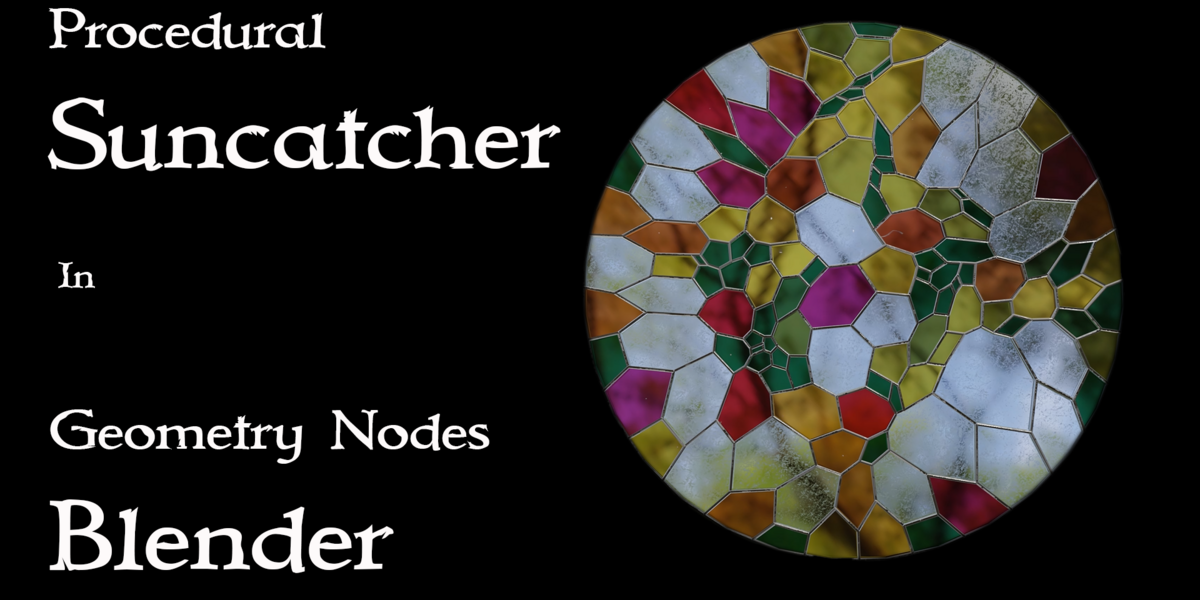
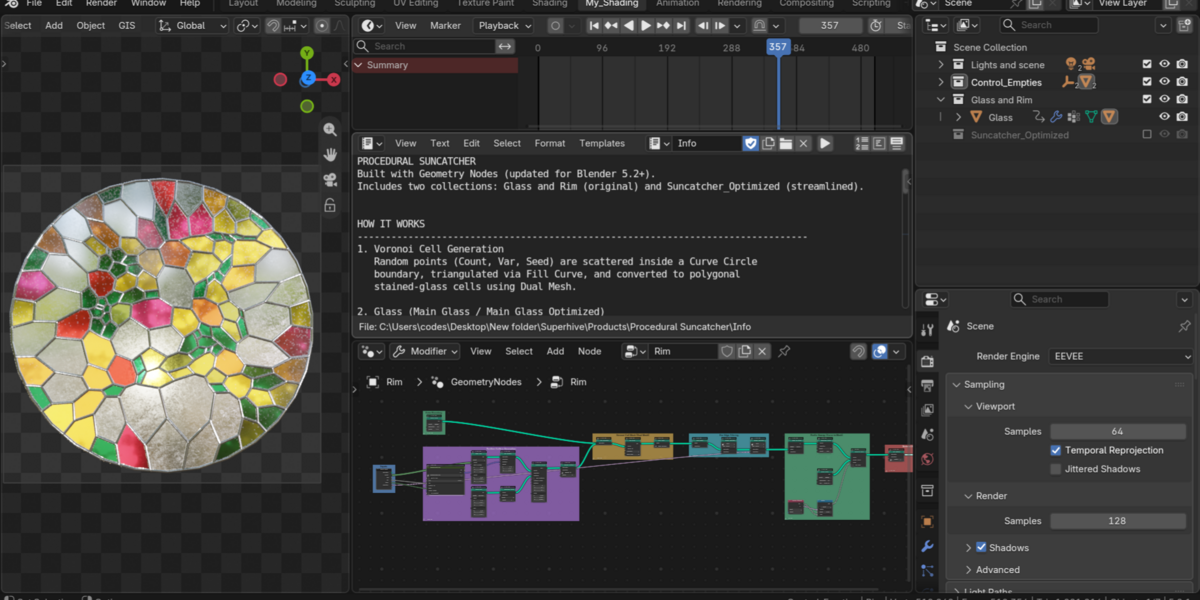
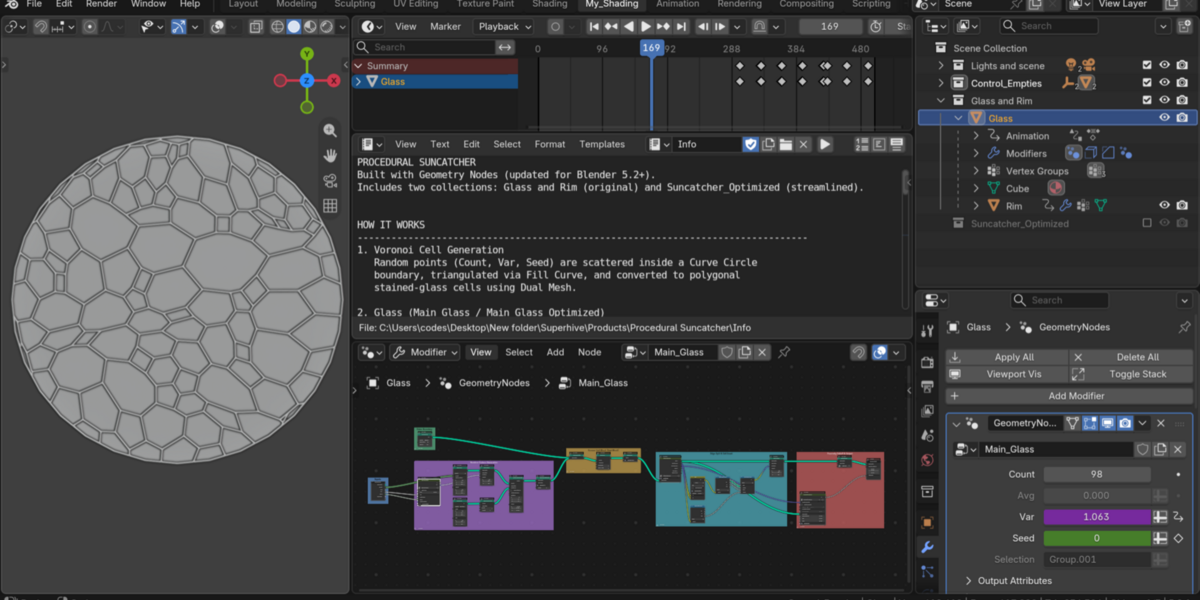
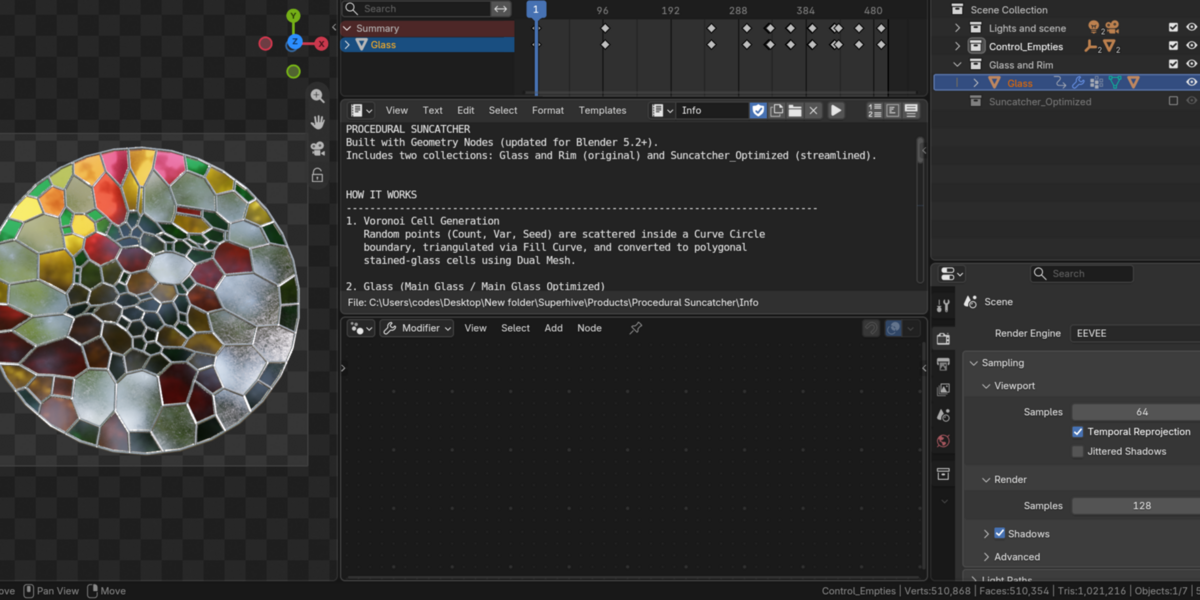
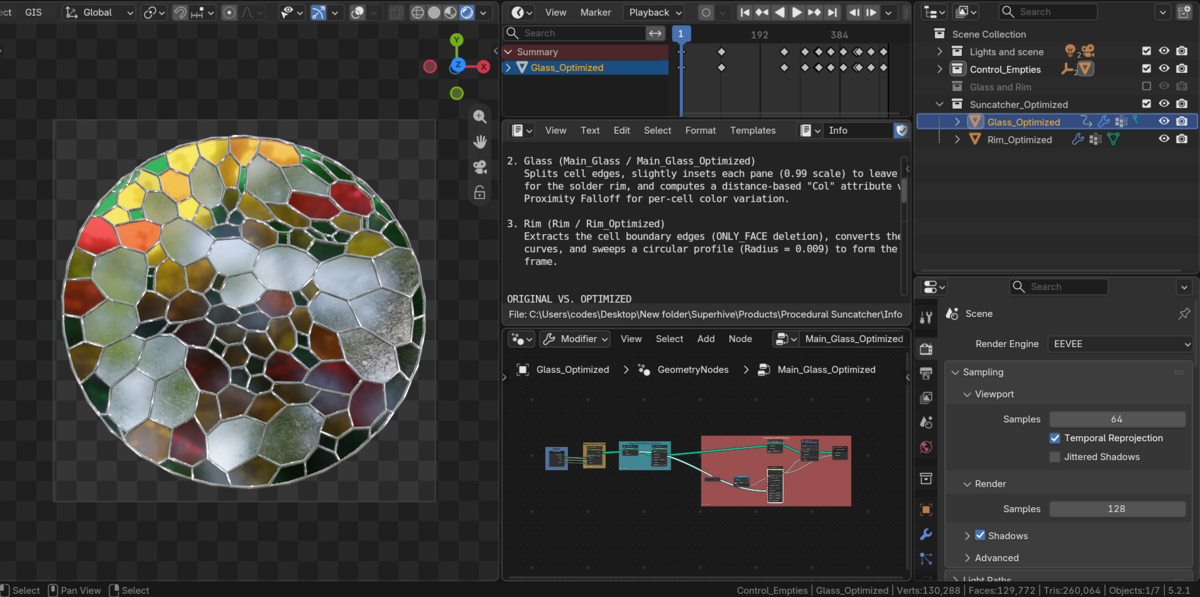
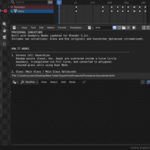
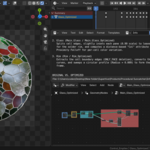
Procedural Suncatcher is a Geometry Nodes stained-glass generator updated for Blender 5.X. It procedurally fractures a circular boundary into Voronoi-style glass cells, adds a matching metal solder rim, and drives per-pane color variation through a procedural Col attribute.
The blend file includes two collections so you can compare or work at your preferred level of complexity:
-
Glass and Rim(Original setup) -
Suncatcher_Optimized(Streamlined setup, ~90% fewer rim polygons)
How It Works (Technical Breakdown)
-
Voronoi Cell Generation: Random points (
Count,Var,Seed) are scattered inside aCurve Circleboundary, triangulated withFill Curve, and converted into polygonal stained-glass cells viaDual Mesh. -
Glass Panes (
Main_Glass/Main_Glass_Optimized): Splits cell edges, slightly insets each pane (0.99scale) to leave space for the solder frame, and computes a distance-basedColattribute viaProximity Falloffso the Glass shader can assign varied colors across cells. -
Solder Rim (
Rim/Rim_Optimized): Extracts the cell boundary edges (Delete Geometry: ONLY_FACE), converts them to curves, and sweeps a circular profile (Radius = 0.009) usingCurve to Mesh.
Original vs. Optimized
-
Original (
Glass+Rim): Keeps the original node architecture (Randomness,Attribute Mesh,Resample CurveatCount = 100,ProfileatResolution = 30).Rimevaluates to 390,000 polygons, withRiminputs synced toGlassvia drivers. -
Optimized (
Glass_Optimized+Rim_Optimized):-
Shares a single
Suncatcher_Cells_Optcell-generation group using nativeRandom Value,Scale Elements, andStore Named Attribute(Col). -
Removes
Resample CurvefromRim_Optimized(keeping exact sharp corners with no corner-rounding gaps) and lowersProfile Circleresolution (30 → 12), reducing the rim from 390,000 to 9,144 polygons (90% lighter).
-
Shares a single
Controls & Customization
-
Pattern (
Count,Var,Seed): Adjust directly in the Geometry Nodes modifier panel.-
In the original
Glass and Rimcollection, changingGlassupdatesRimautomatically via drivers. -
In
Suncatcher_Optimized, matchCount,Var, andSeedonGlass_OptimizedandRim_Optimized(or link them).
-
In the original
-
Rim Thickness: Inside
Rim/Rim_Optimized, adjust theRadiuson theCurve Circle/Profile Circlenode (default:0.009). -
Glass Thickness & Edge Bevel: Controlled by the
Solidify(Thickness) andBevel(Width,Segments) modifiers onGlass/Glass_Optimized. -
Glass Colors: Open
Materialin the Shader Editor and edit theColorRampstops inside theColor & Emissionframe. -
Cycles & EEVEE Support: Both materials include dedicated
Material Outputnodes for Cycles and EEVEE (with aLight Path → Is Shadow Raytransparent shadow bypass for EEVEE).
Tips & Best Practices
-
Use
Suncatcher_Optimizedfor viewport work and animation—it produces the same cell geometry andColvariation at a fraction of the polygon count. -
Keep
Varbetween0.5and1.0for organic cell variation without creating degenerate sliver triangles. -
Tune
Proximity Falloff(Max Distance,Min,Max) if you changeCountsignificantly, so theColattribute continues to span the full0.0–1.0ColorRamprange.
Have questions about this product?
Login to message
| Sales | 30+ |
| Published | over 4 years ago |
| Blender Version | 4.2 - 5.3 |
| Render Engine Used | Cycles, Eevee |
| License | Editorial |
Discover more products like this
voronoi procedural Rim Glass 3d window stained glass window geometry_nodes tutorial suncatcher stained Material